

Amazon Product Photo Maker
Shoot your product on a kitchen table, upload it, and get a clean listing image: the product centered on pure white, filling the frame the way Amazon's main-image rules ask for.
Need more listing images? Switch to lifestyle or detail shots to show the product in use or up close, without booking a studio.
- Step 1
Upload your product
Any clear photo works, even one taken on a table at home.
- Step 2
Pick the image type
Main image on pure white, a lifestyle scene, or a close-up detail shot.
- Step 3
Download listing files
Get a 2000×2000 listing image and a 1080×1080 version for your store or social posts.
Made with the Amazon Product Photo Maker
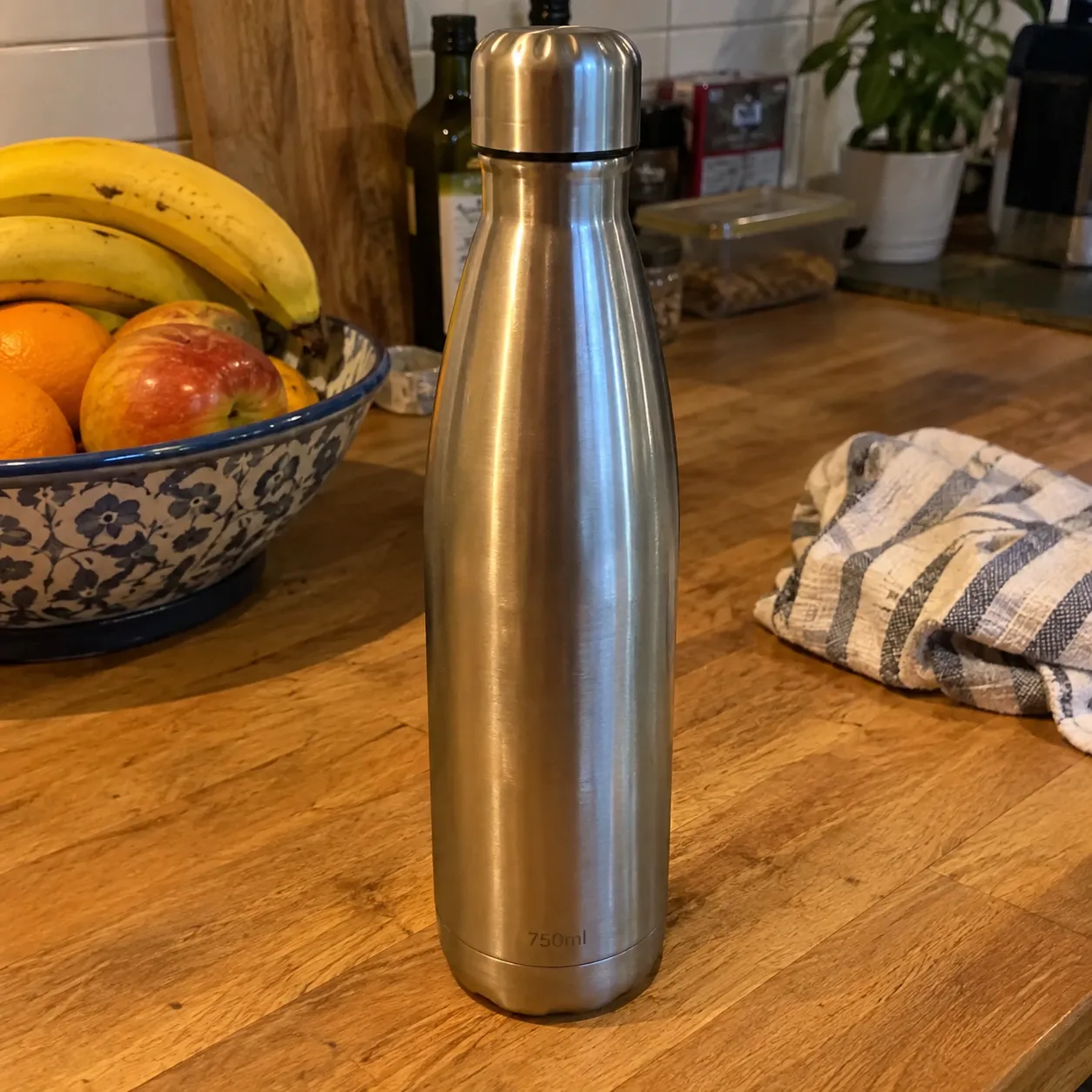
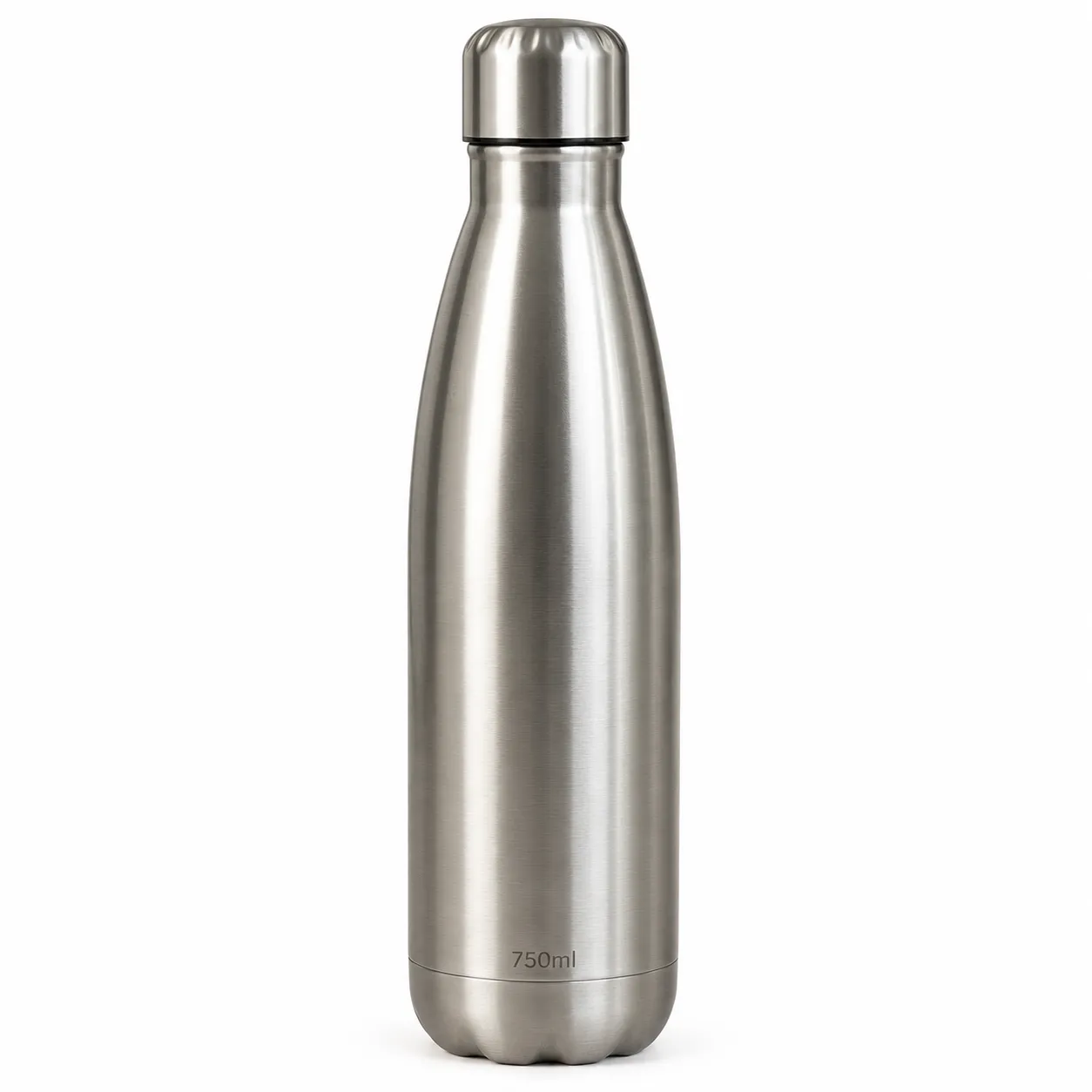
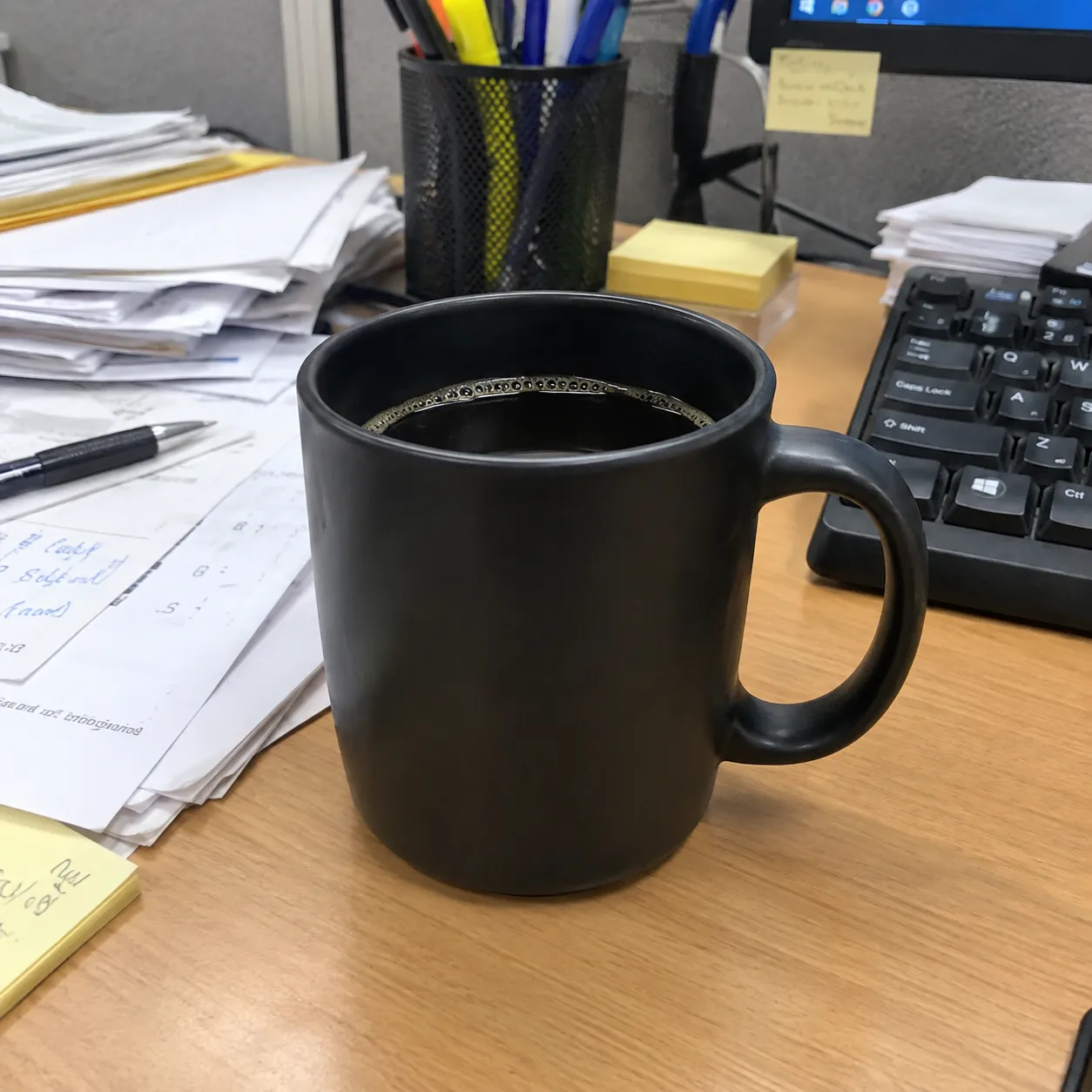
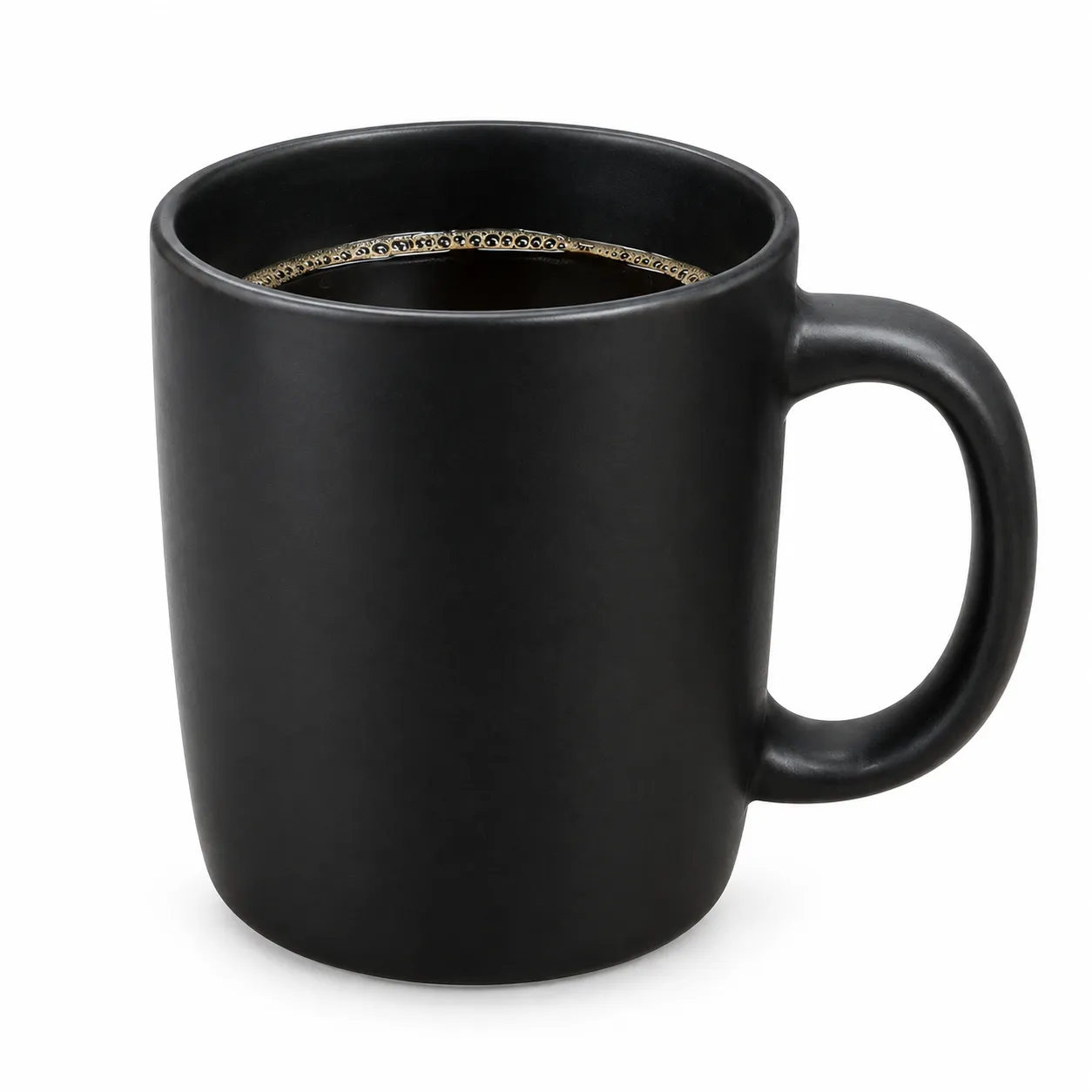
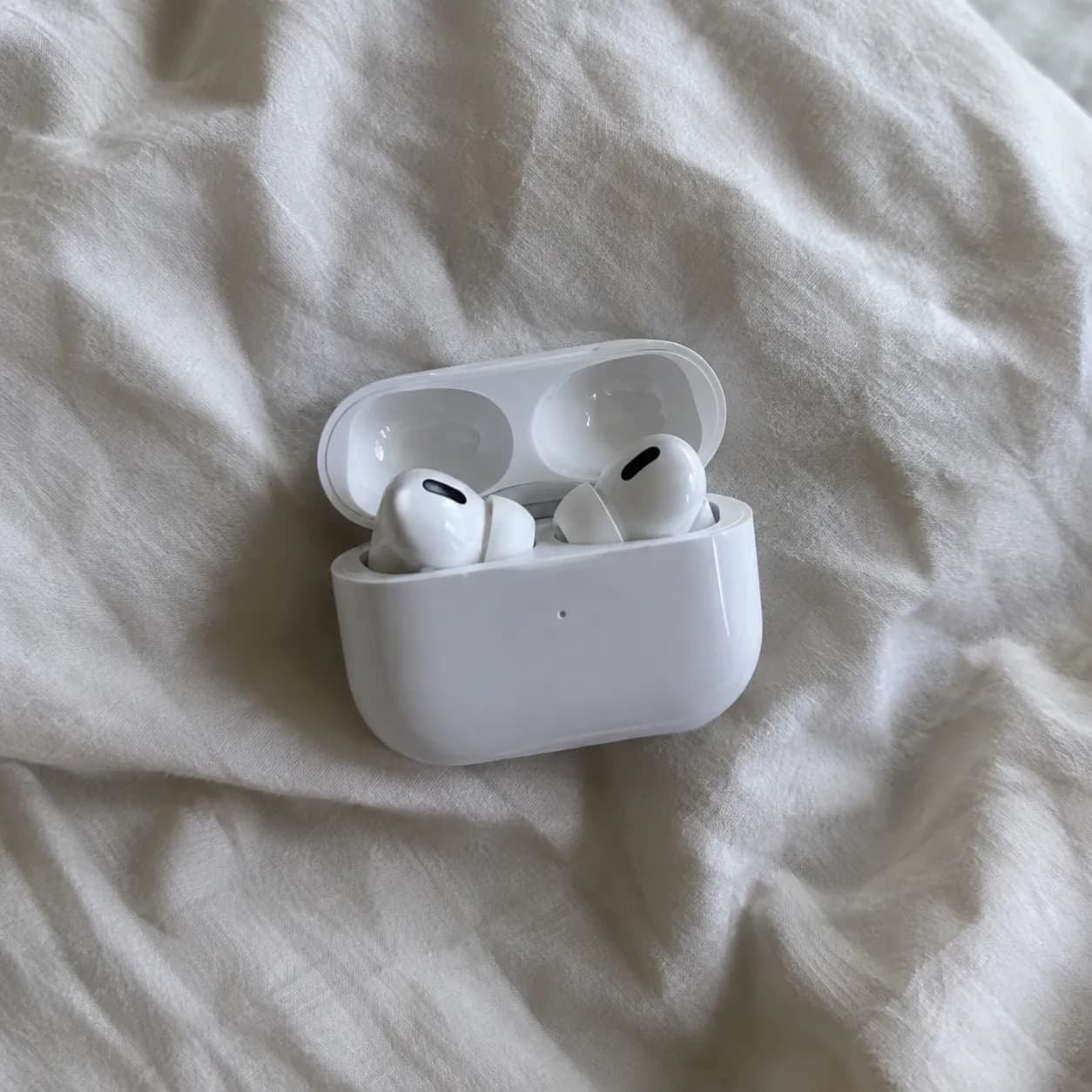
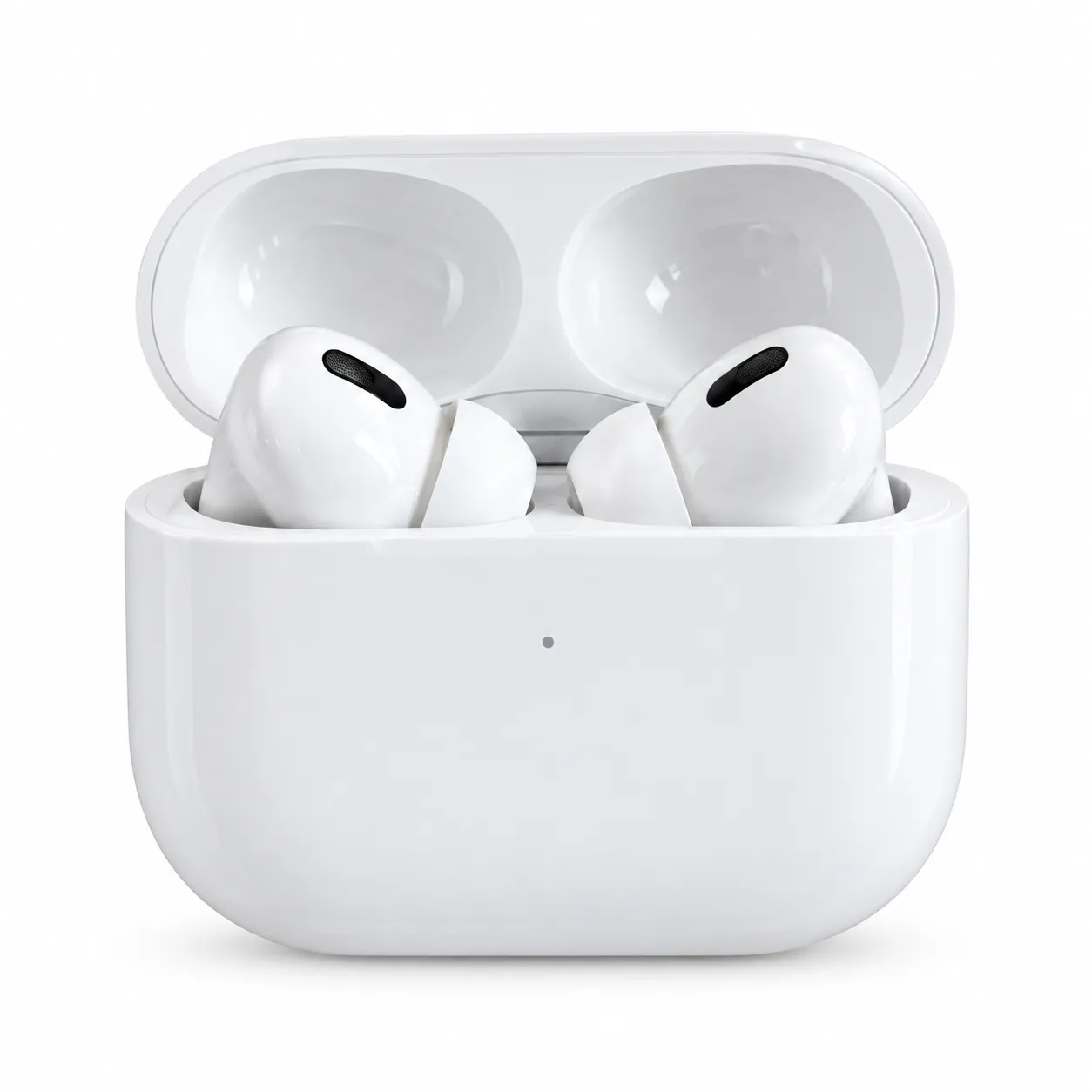
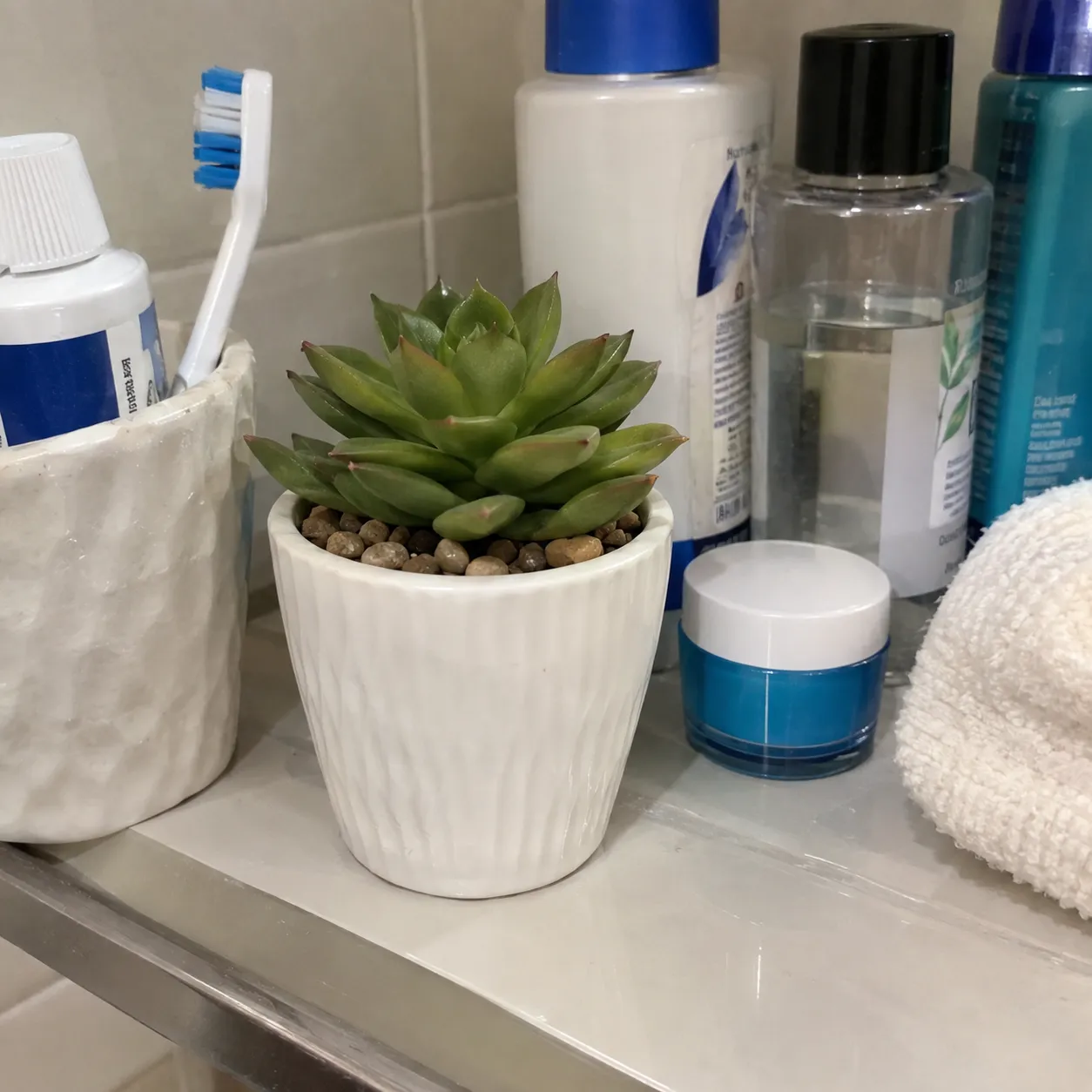
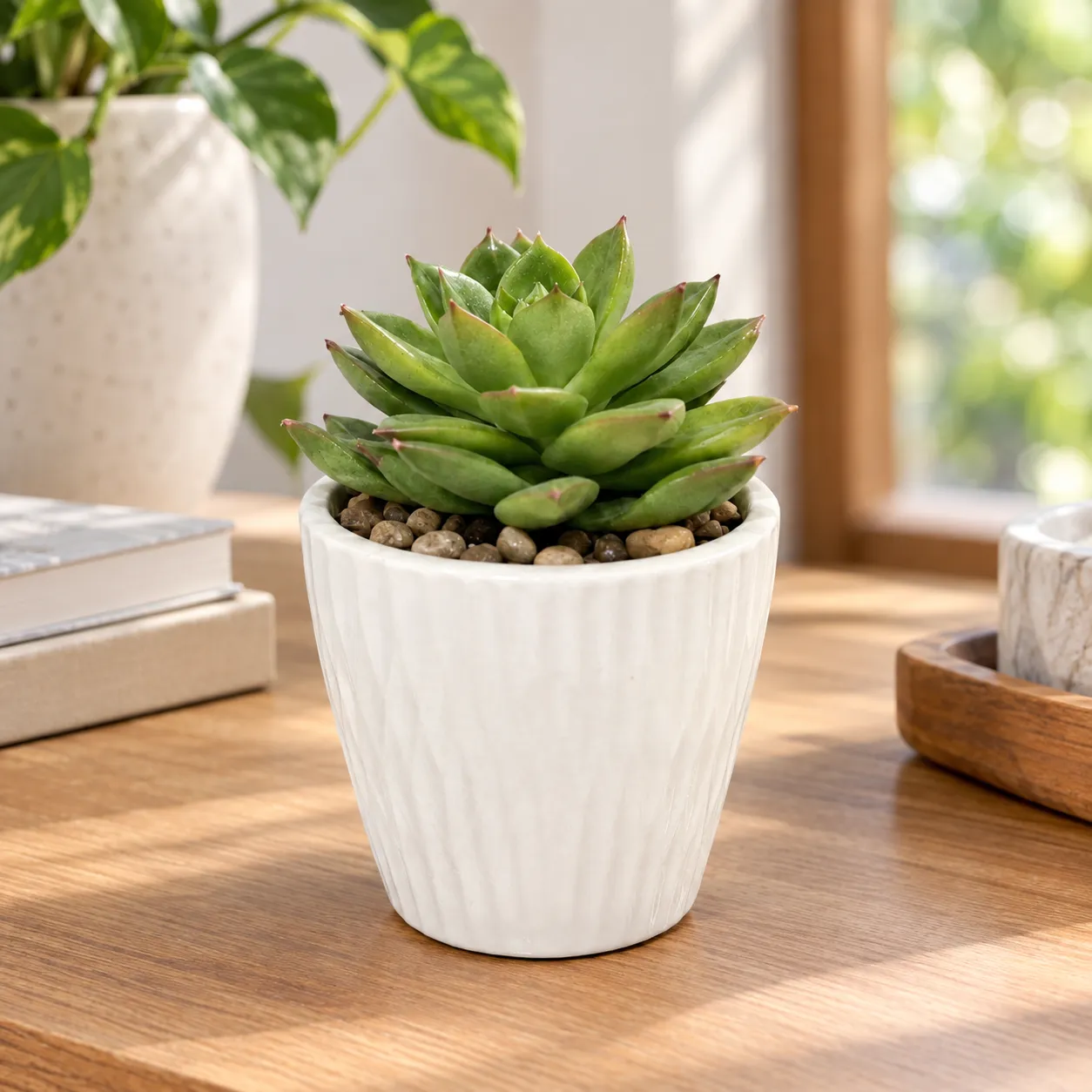
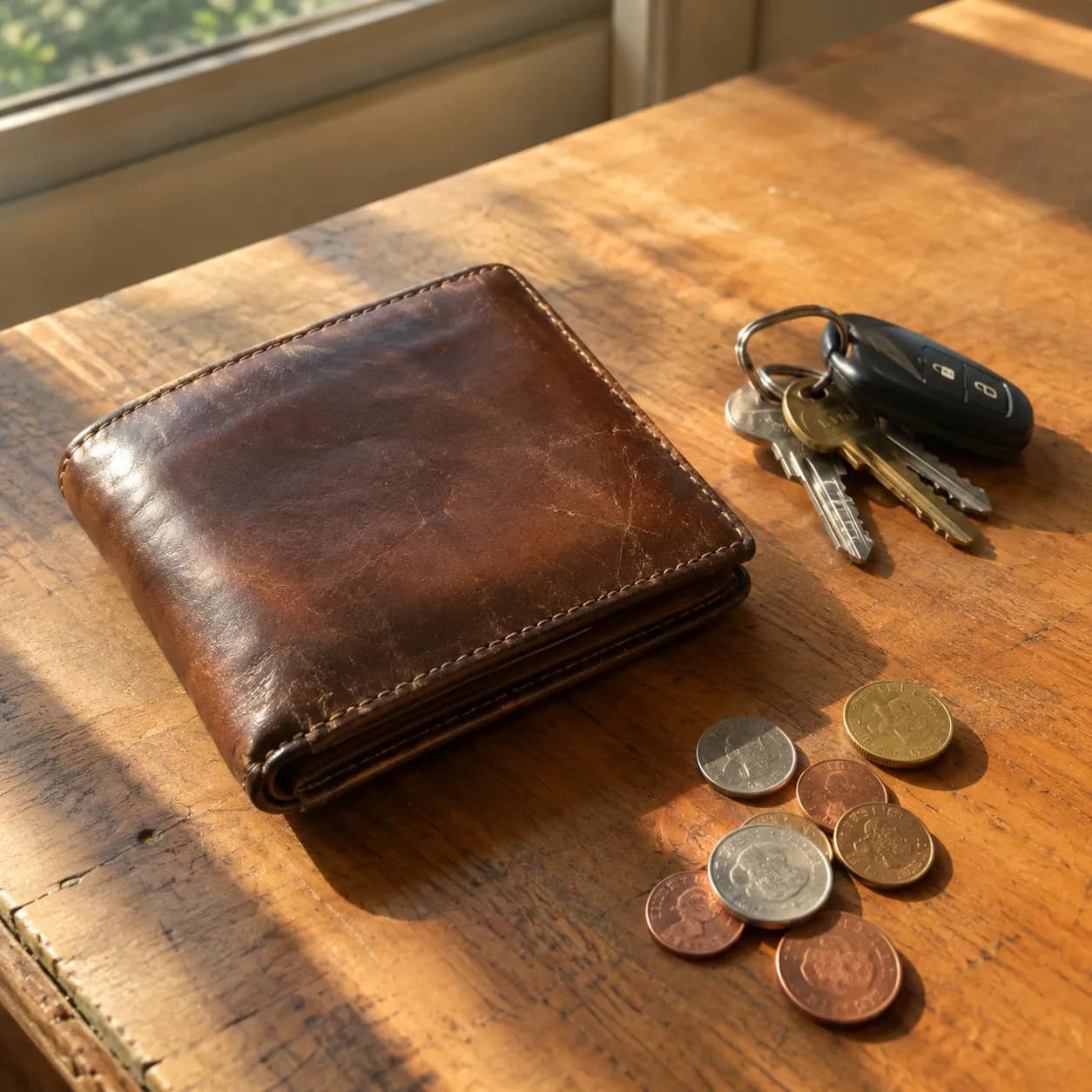
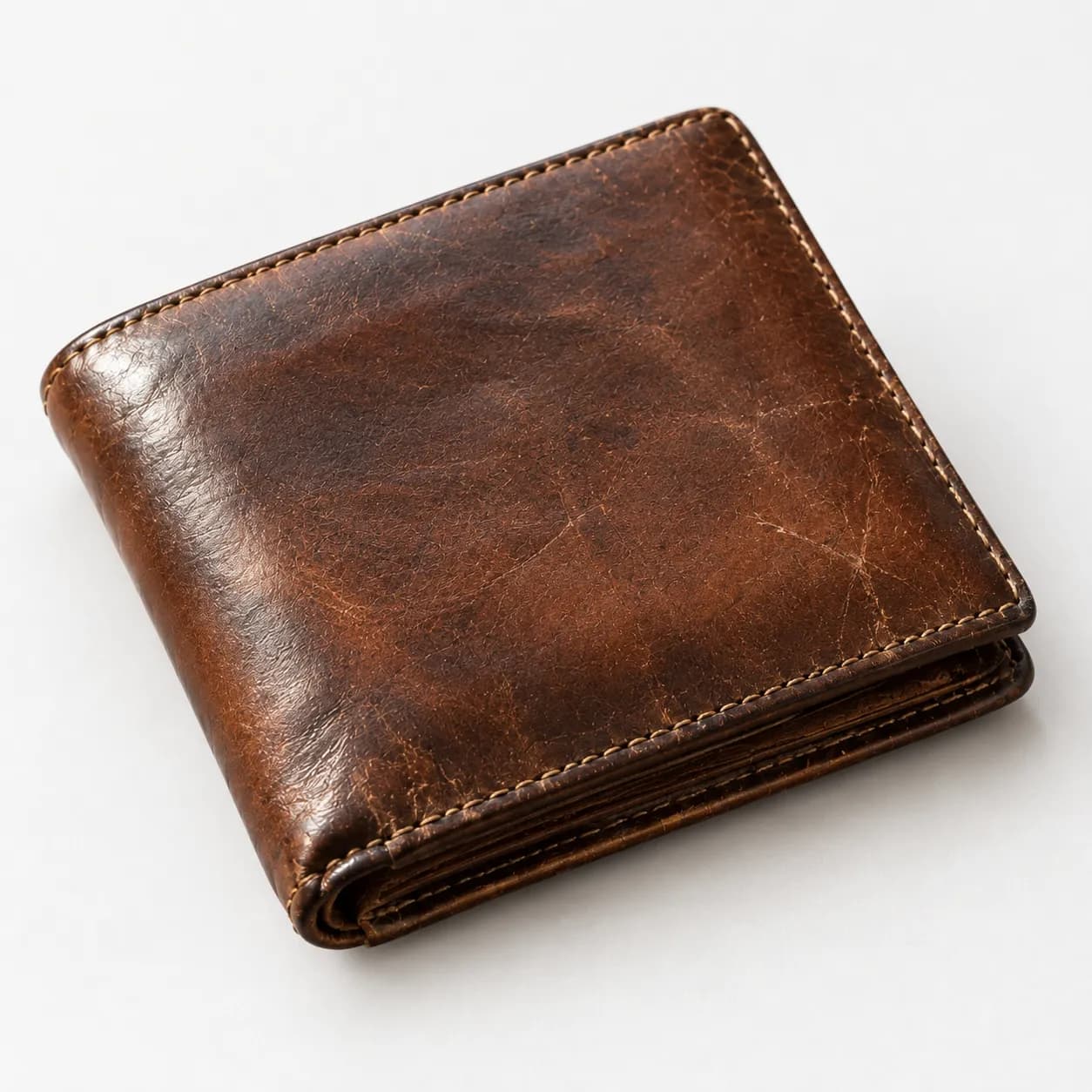
How the Amazon Product Photo Maker works
Upload a photo of the product, name it in a few words and choose the type of image you need. PiCraft rebuilds the photo as clean commercial photography, keeping the product's shape, colors, labels and printed text as they are in your photo and changing only the setting and the lighting.
For a main image the product is centered on a white background and filling the frame, and after generation PiCraft sets every near-white background pixel to exactly RGB 255, 255, 255. That last step matters because automated checks look for pure white, not almost white.
Lifestyle and detail images skip the white-background step, so you can show the product in use or up close for the secondary slots on your listing.
What you get with the Amazon Product Photo Maker
2000×2000 px listing image
A square JPG that clears Amazon's 1000 px zoom threshold and the 1600 px size sellers are advised to aim for.
Pure white main images
Background pixels near white are set to exactly RGB 255, so the file matches what Amazon's automated checks look for.
Lifestyle and detail shots
Secondary images that show the product in a realistic setting or in close-up, without a studio or a photographer.
A 1080×1080 px copy
A lighter square version for your own store, social posts and ads.
Product details preserved
The model is instructed to keep labels, logos and printed text unchanged, so your packaging stays recognizable.
Amazon main image requirements
| Requirement | Rule |
|---|---|
| Background | Pure white, RGB 255, 255, 255 |
| Product fill | Product fills 85% or more of the frame |
| Size | At least 1000 px on the longest side for zoom; 1600 px or more recommended |
| Format | JPEG preferred; TIFF, PNG and GIF also accepted |
| Content | Only the product for sale: no added text, logos, watermarks, props or borders |
- PiCraft forces near-white background pixels to exactly RGB 255 on main images, which is what Amazon's automated checks look for.
- Secondary images (lifestyle, detail) can use any background and may include props.
What people use the Amazon Product Photo Maker for
Amazon main images
Replace a messy kitchen-table photo with a clean white-background image that follows the main-image rules.
Secondary listing slots
Fill the extra image positions with lifestyle and close-up shots, which is where buyers look to understand size and use.
Etsy, Shopify and eBay
Square 2000×2000 px photos on a clean background work across the major marketplaces and storefronts.
New product testing
Build a listing from a sample before you invest in a full photo shoot, then replace it if the product sells.
Ads and social posts
Use the lifestyle shots and the 1080×1080 px copy in ads, newsletters and Instagram posts.
Tips for better results
- 1
Start with a sharp, complete photo
Fill the frame with the whole product, with nothing cut off and no hands covering it. A blurry source cannot be rescued.
- 2
Use soft daylight
Place the product near a window and avoid direct sun and harsh shadows. Even light gives the truest colors.
- 3
Shoot straight on
A front-facing, level photo gives the cleanest result. Extreme angles distort the shape the model has to preserve.
- 4
Name the product precisely
"Stainless steel insulated water bottle, 750 ml" is better than "bottle". It tells the model what the object is made of.
- 5
Use main images for slot one
Generate the main image first and make sure it is correct. Then create lifestyle and detail shots for the other slots.
- 6
Compare the result with the real product
Check shape, color, text and every small part. Marketplace rules require the image to show what the customer will receive.
- 7
Keep your original photos
Store the source photo with each generated file. It is your proof if a listing is ever questioned.
Choosing the image type
The image type decides the background, framing and purpose of the result.
- Main image (pure white background)
- The product alone on white, filling the frame. Use it for the first Amazon image and for search results.
- Lifestyle scene
- The product in a realistic setting. Use it for secondary slots to show scale and everyday use.
- Close-up detail
- A tight shot of a material, feature or texture. Use it to answer questions about quality.
Before you upload to your listing
- Compare the image with the real product: shape, color, size cues, labels and printed text.
- Confirm the main image contains only the product you sell, with no extra props, text, badges or logos that are not on the product itself.
- Zoom in to 200% and check the edges and fine print for distortion.
- Check that the product fills at least 85% of the frame on the main image.
- Use the lifestyle and detail shots for secondary slots only, not for the main image.
- Keep the unedited source photo in case you need to show how the listing image was made.
- Check the current image rules for your category, because some categories have extra requirements.
What the Amazon Product Photo Maker can't do
- AI can subtly change a product. Small parts, tiny printed text and fine textures may come out different from the real item, so review every image.
- Products with transparent or reflective surfaces, such as glass or polished metal, are harder to render faithfully.
- The maker produces one product per image. It does not combine several items into a bundle shot.
- Marketplaces can set category-specific rules, and apparel on a model is a separate case. Check the rules for your category.
- PiCraft cannot guarantee that a listing will be accepted. It produces a file that meets the published technical specs.
Official guidelines
The sizes and rules above follow these official pages. Platforms change their requirements, so check the source before you submit your file.
Frequently asked questions
Will the AI change my product?+
PiCraft instructs the model to keep the shape, colors, labels and logos of your product as they are in your photo, and the result is usually faithful. It is not guaranteed, though. Compare every image with the real product, because marketplace rules require images to show what the customer actually receives.
Is the background really pure white?+
Yes. On main images PiCraft replaces every near-white background pixel with exact RGB 255, 255, 255 after generation.
Can I use these images on Etsy, Shopify or eBay?+
Yes. 2000×2000 px square images work on all major marketplaces and storefronts.
What photo should I start with?+
A sharp photo with the whole product in frame and no hands covering it. Diffuse daylight from a window gives the most accurate colors.
What does Amazon require for a main image?+
Amazon asks for a pure white background (RGB 255, 255, 255), the product filling at least 85% of the frame, and only the product for sale, with no extra text, logos, watermarks or props. The longest side should be at least 1000 px, and 1600 px or more is recommended.
Which image type should I use for each listing slot?+
Use the main image for the first slot. Use lifestyle and detail shots for the other slots, to show scale, use and material.
Does it work for clothing on a model?+
It is designed for products photographed on their own. Apparel on a model has separate category rules, so check them before using AI-edited images.
Can I generate several images of the same product?+
Yes. Each generation uses one credit. Create the main image first, then a lifestyle shot and a close-up, and keep the best of each.
Will Amazon accept images made with AI?+
Amazon's rules focus on what the image shows: the actual product, accurately, on pure white for the main image. PiCraft produces files that match the published technical requirements, but it cannot guarantee acceptance, so check the result before you submit it.
Last updated:
More makers

Real Estate Listing Photo Editor
Brighten, declutter, virtually stage or twilight-convert property photos for MLS.

Sticker Maker
Die-cut sticker designs with a white border, exported as transparent PNGs.

T-Shirt Design Maker
Print-on-demand t-shirt graphics as transparent 4500×5400 PNGs.