

T-Shirt Design Maker
Describe the design, add a slogan if you want one, and choose whether it's going on a dark or light shirt. PiCraft creates a print graphic with bold, clean shapes and removes the background.
Download a 4500×5400 px transparent PNG, a common full-size front print area for print-on-demand platforms.
- Step 1
Describe the design
The picture you want, plus an optional slogan.
- Step 2
Choose style and shirt color
Colors are tuned so the design stands out on dark or light fabric.
- Step 3
Upload to your store
Download the 4500×5400 transparent PNG for your print-on-demand platform.
Made with the T-Shirt Design Maker
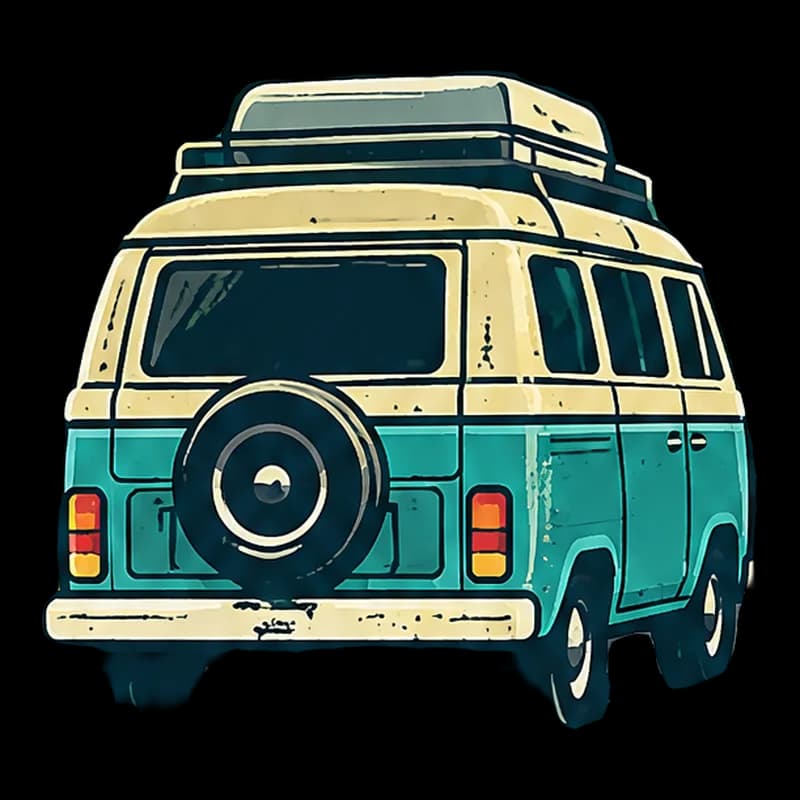
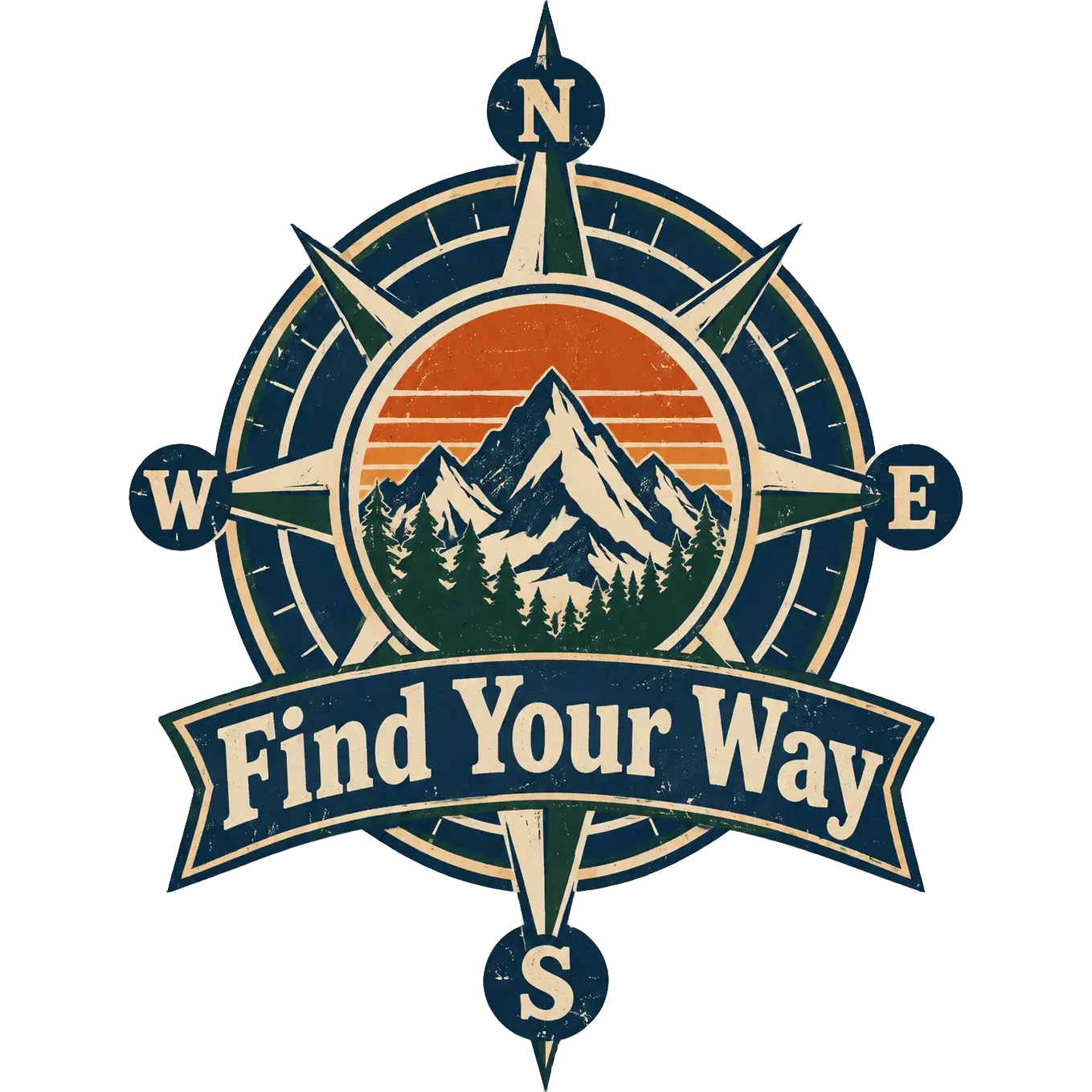
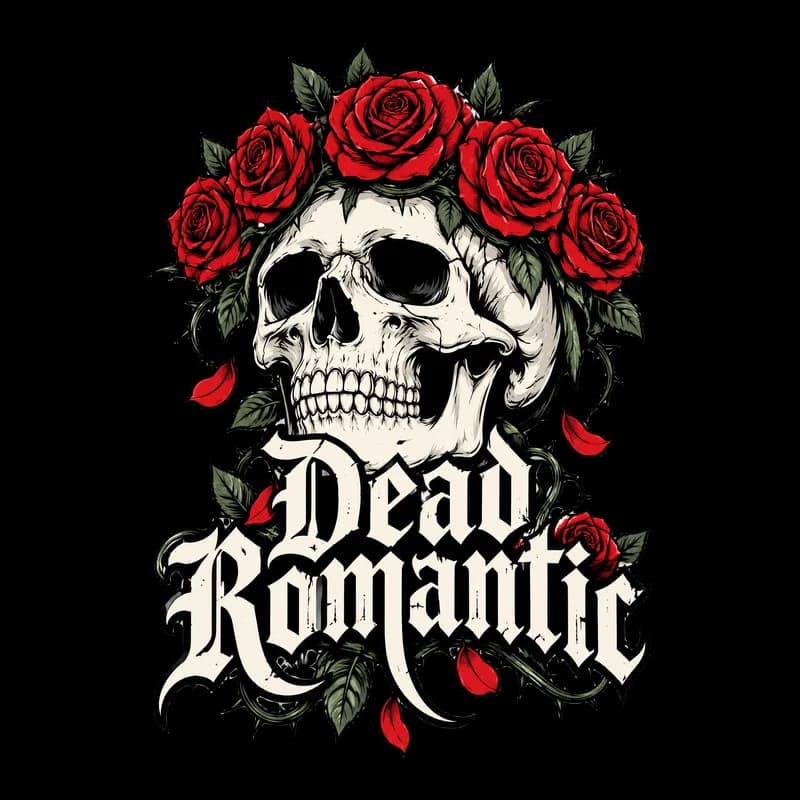
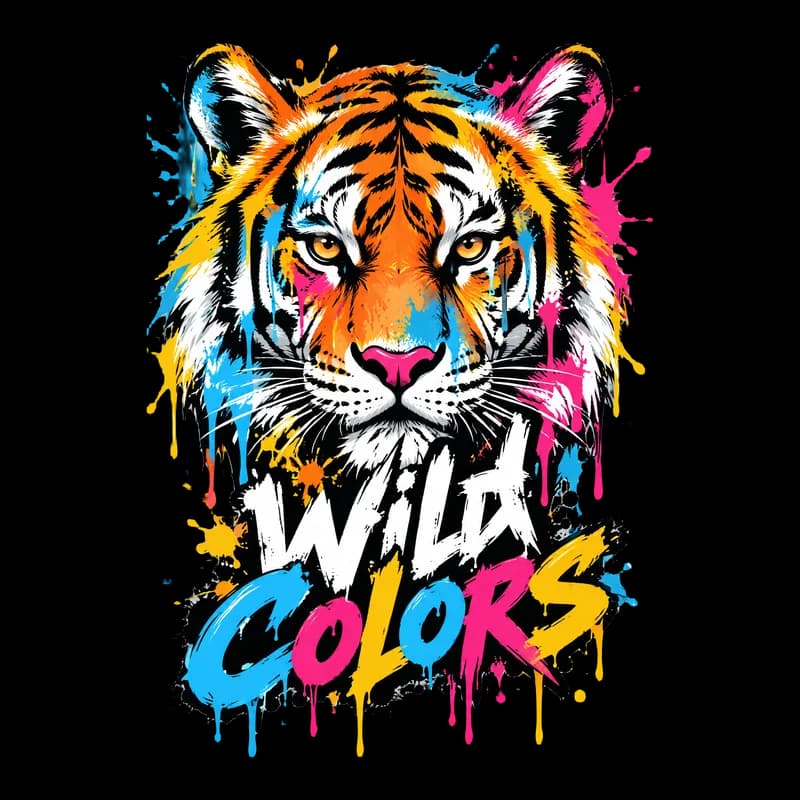
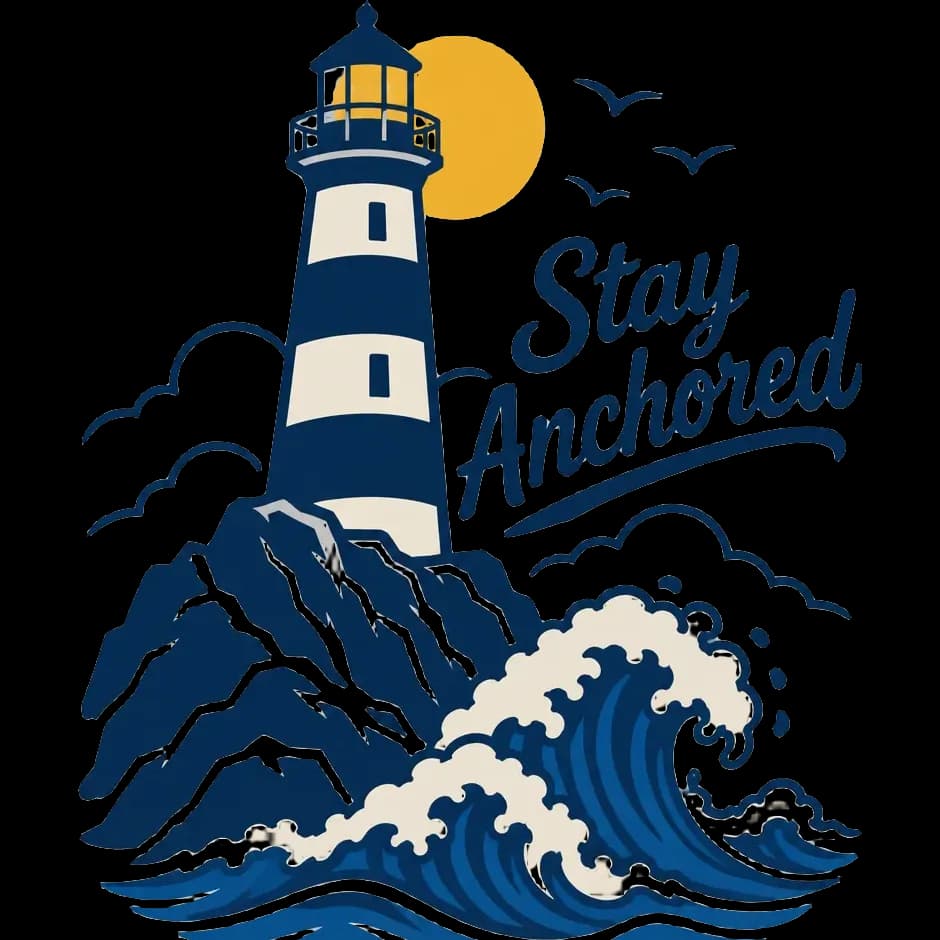
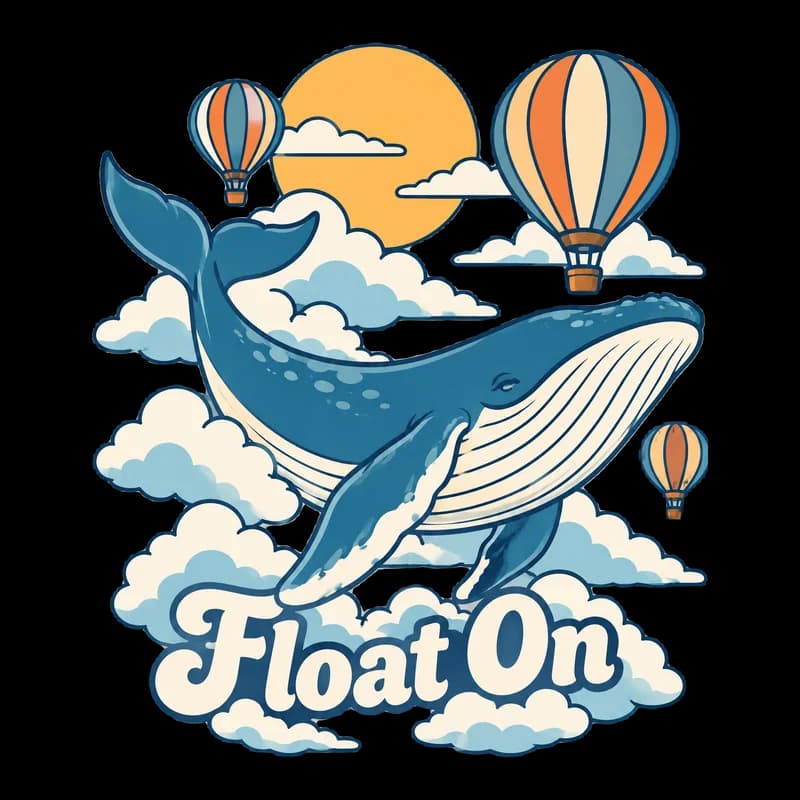

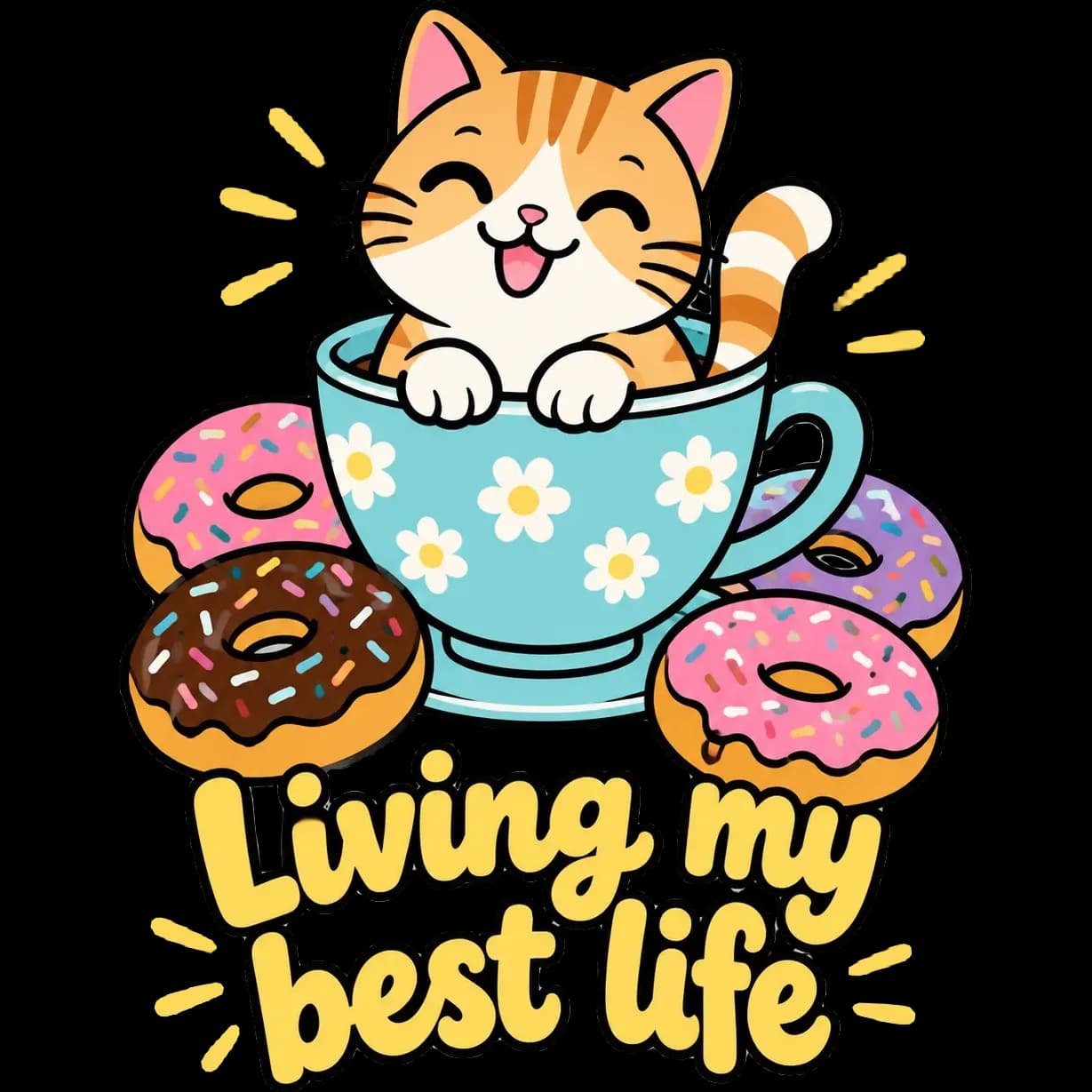
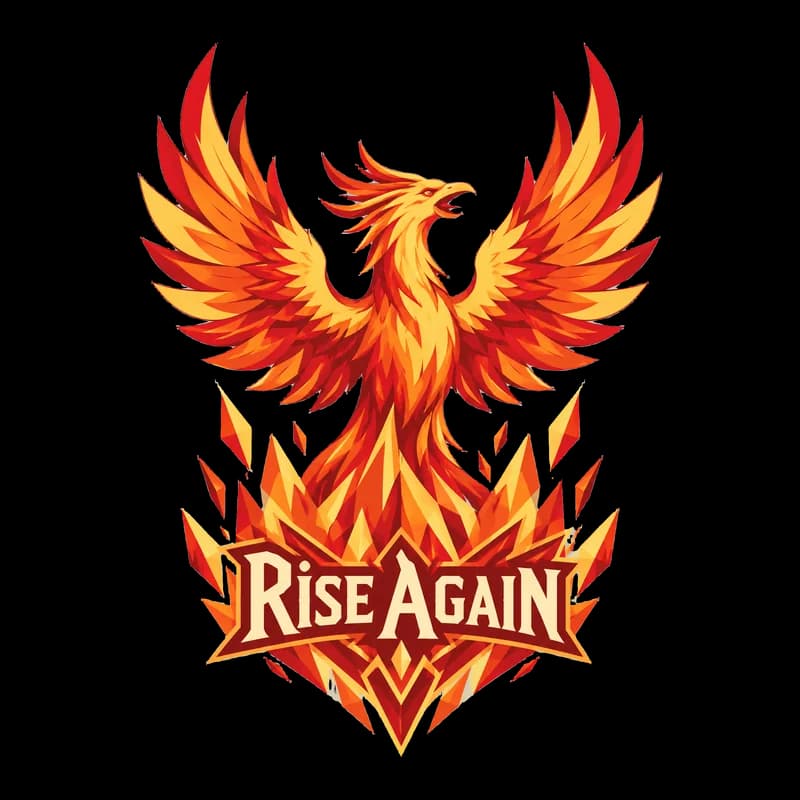
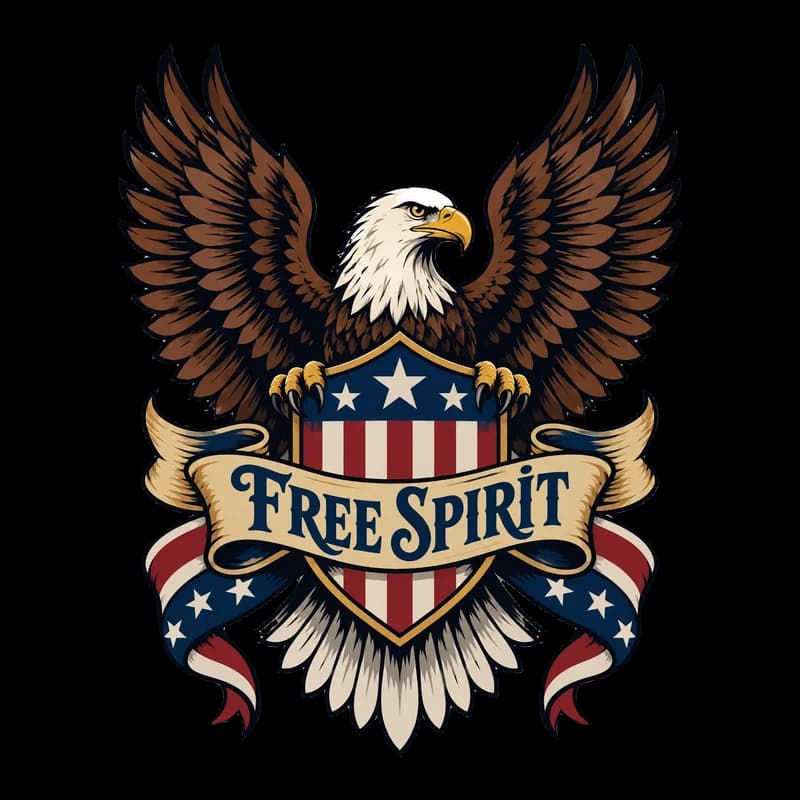
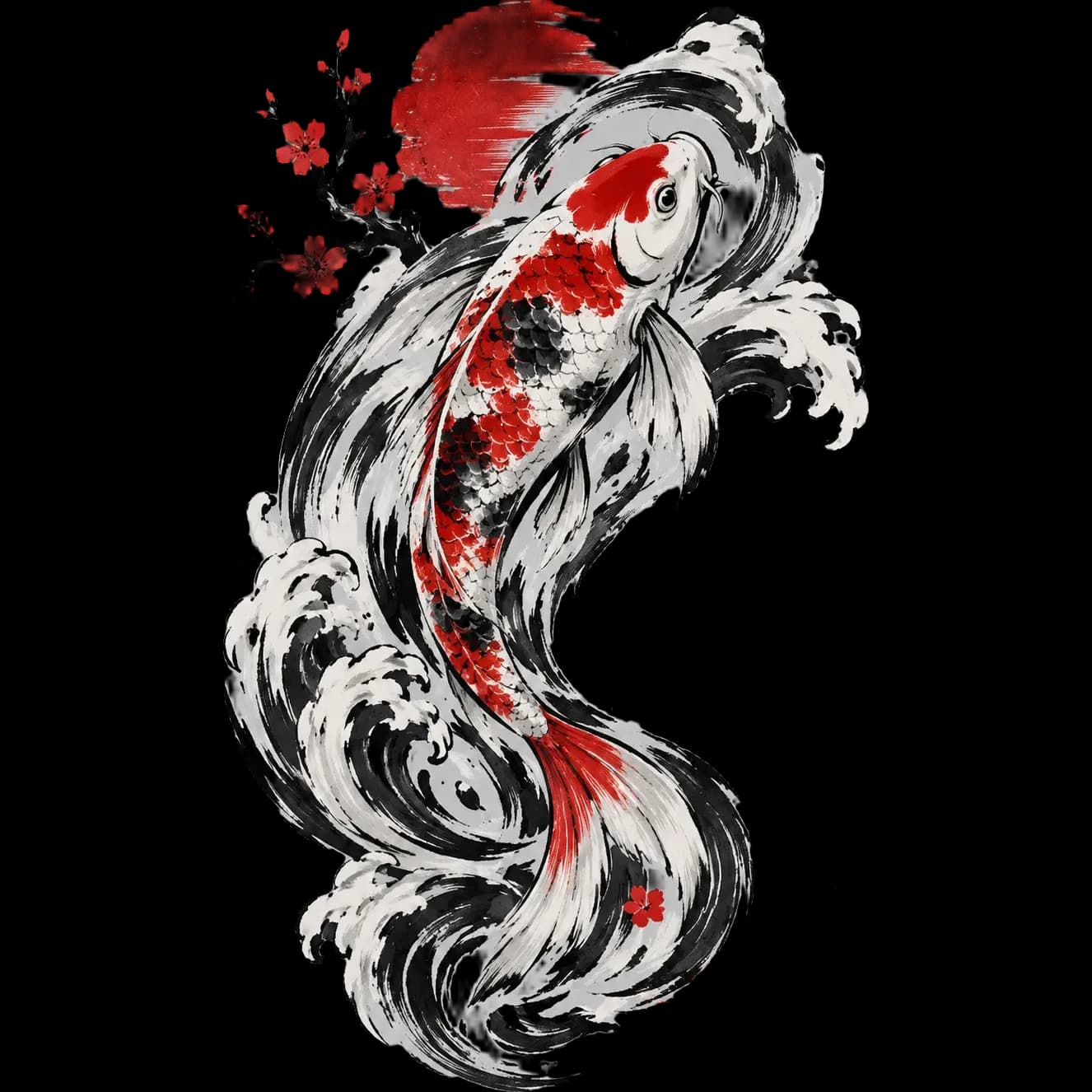
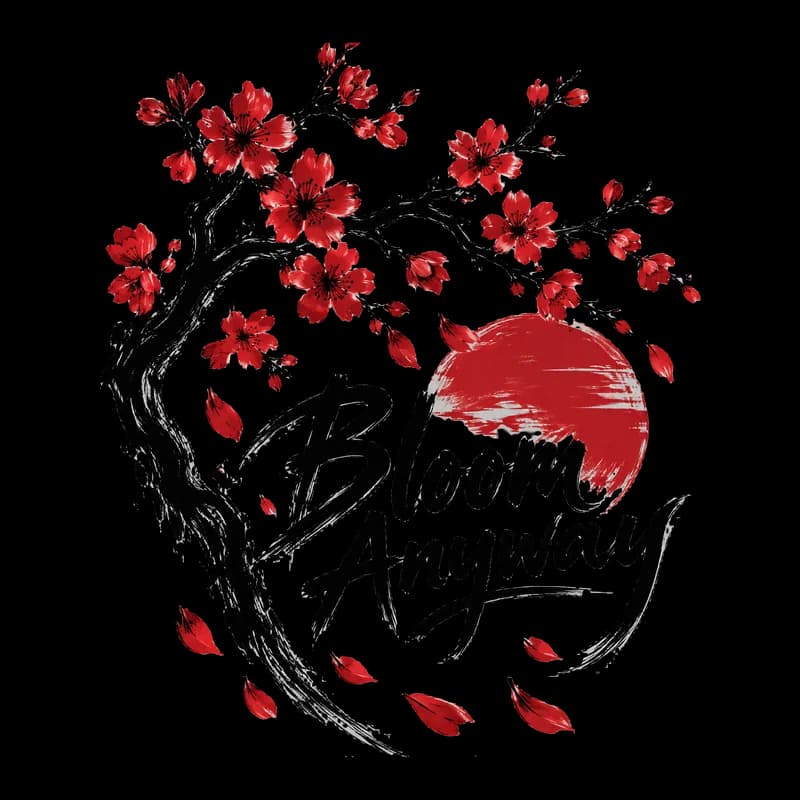
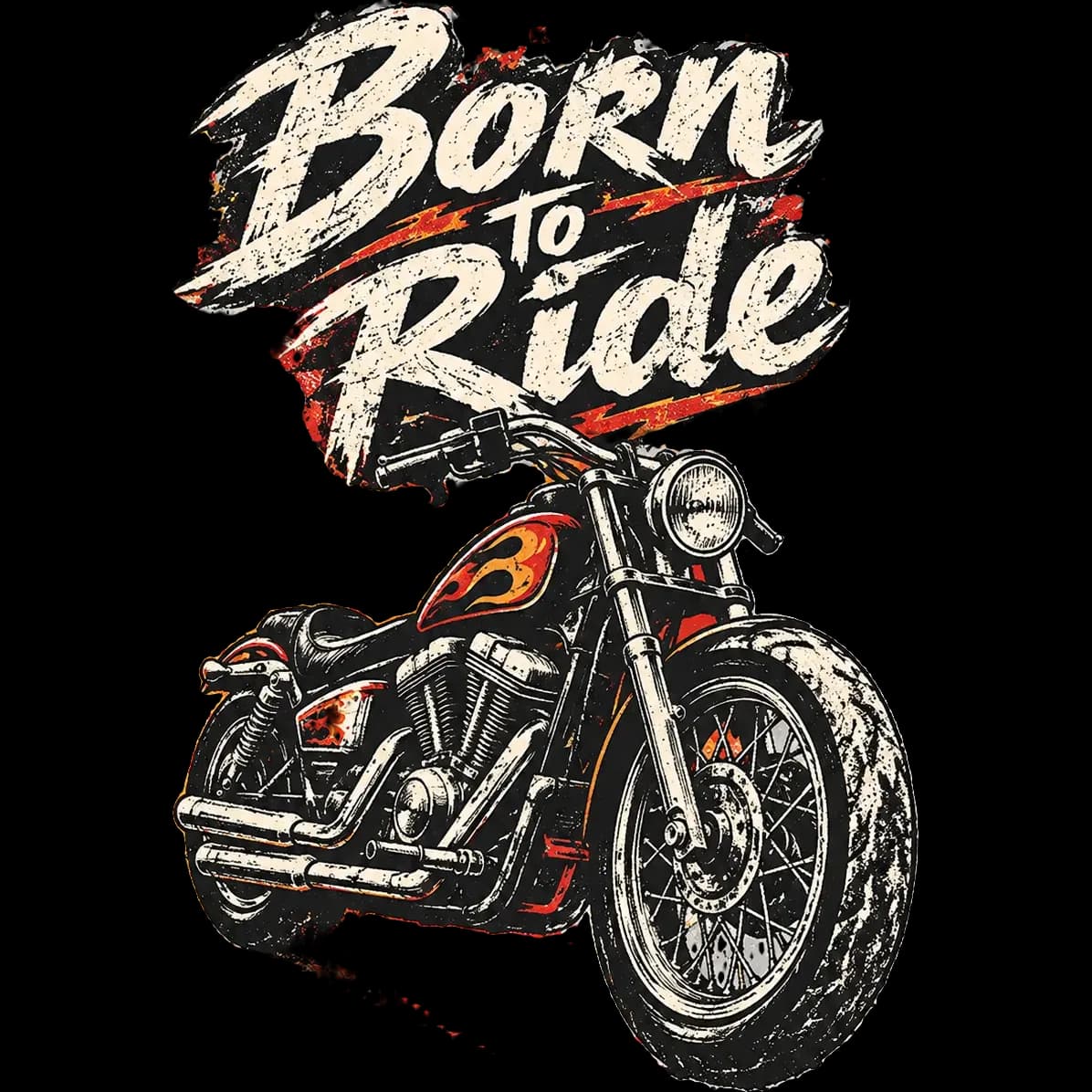
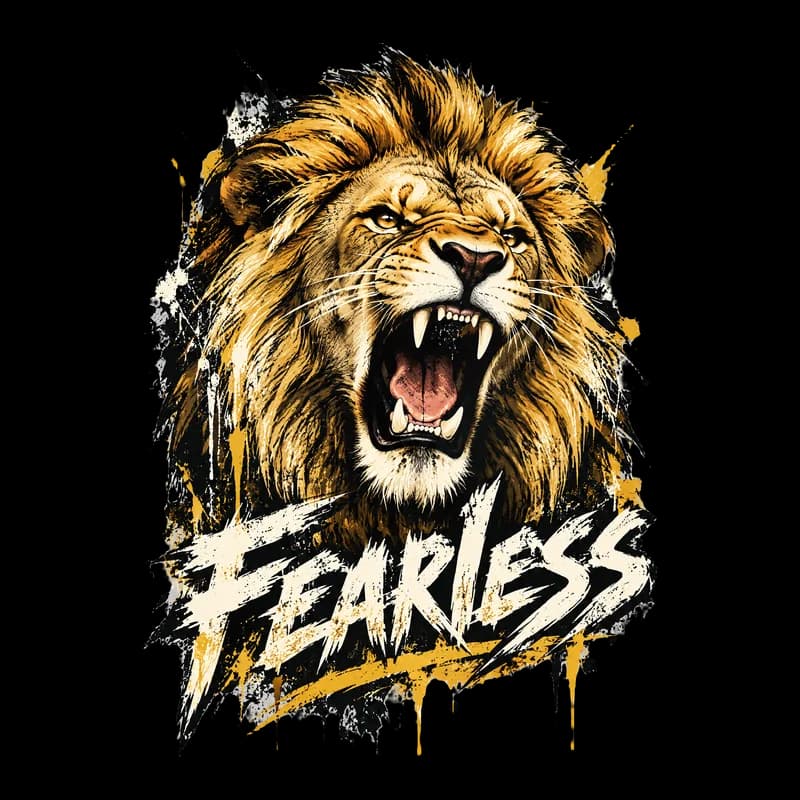
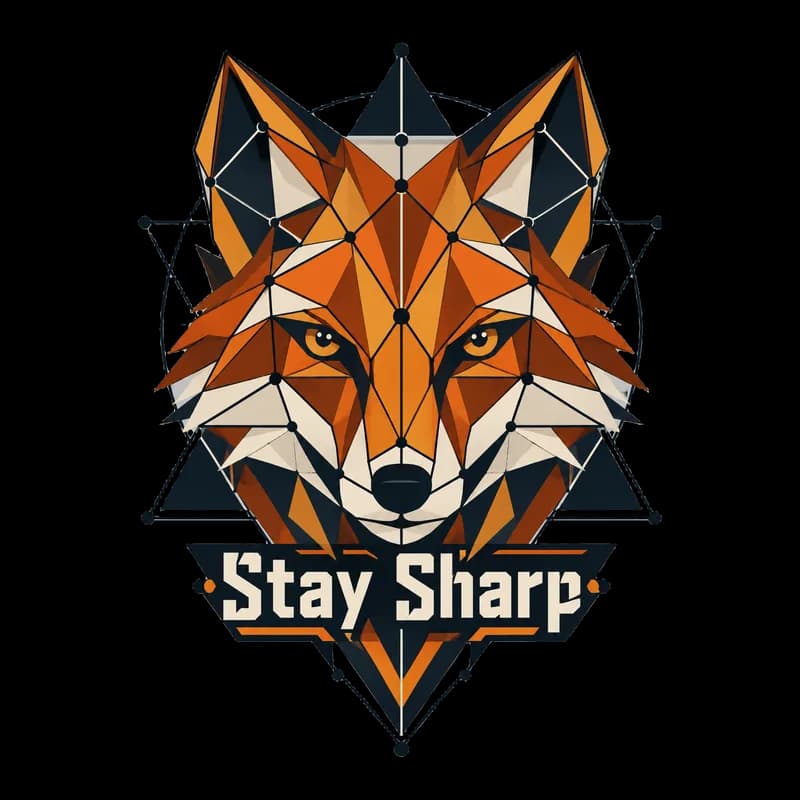
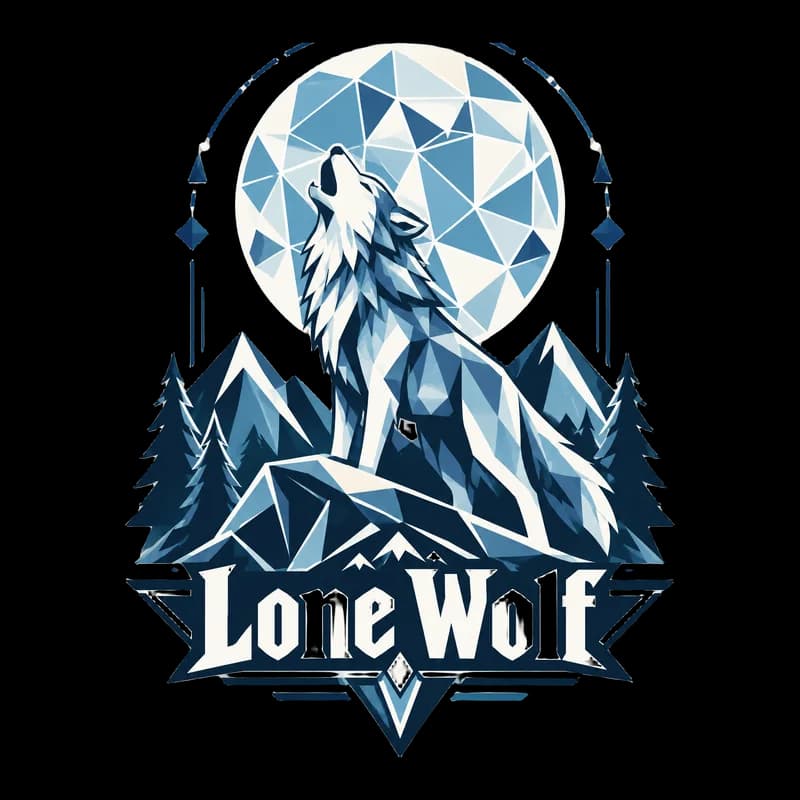

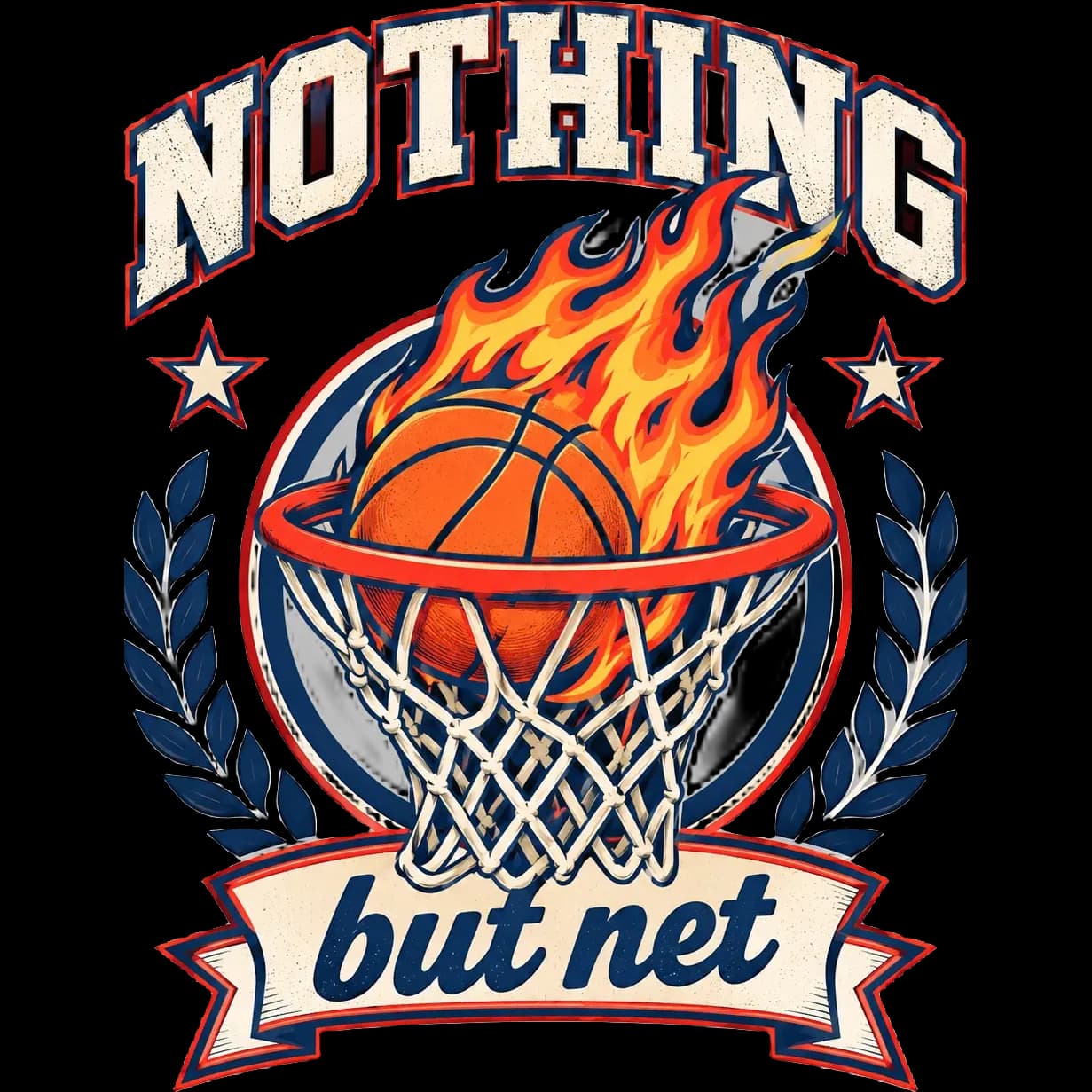
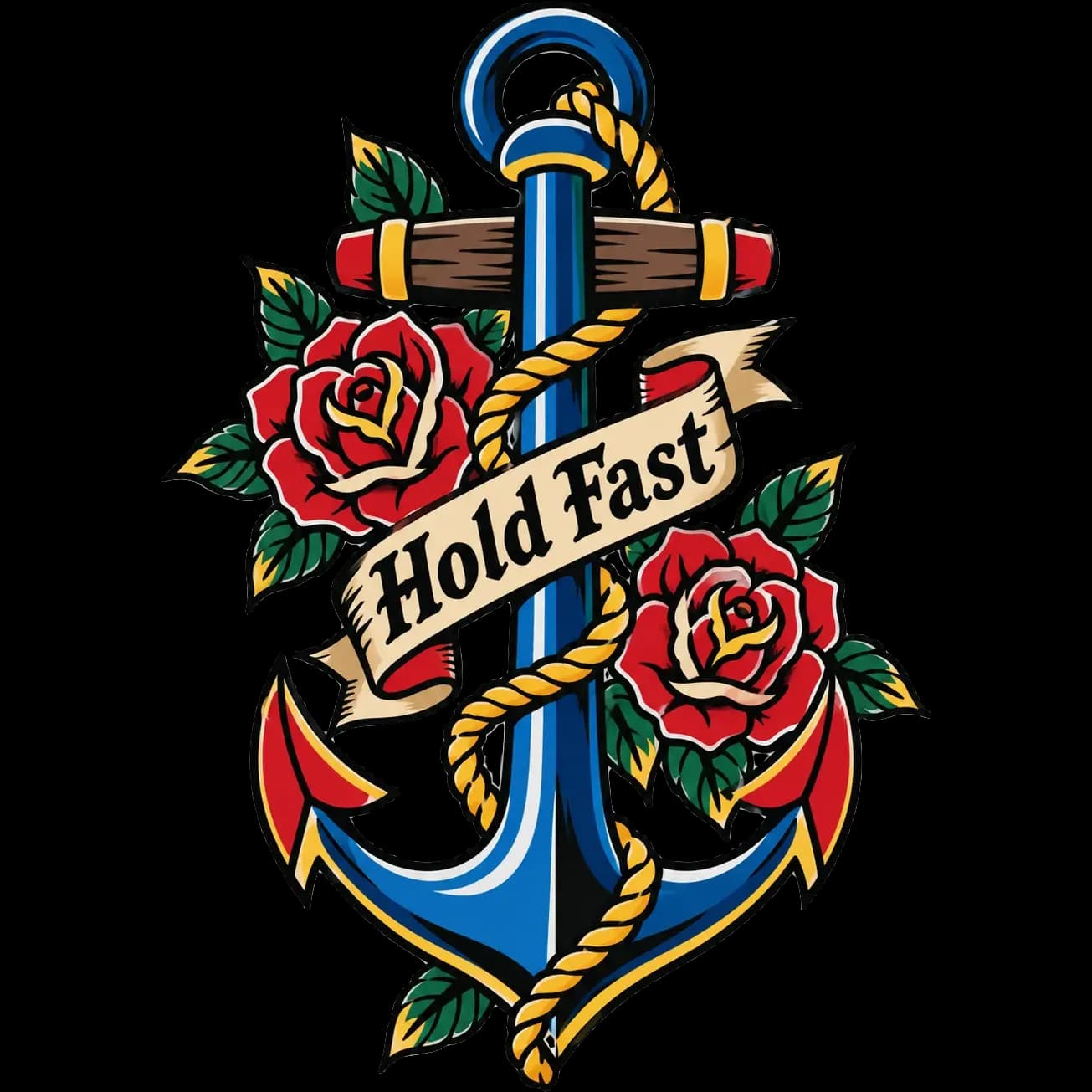
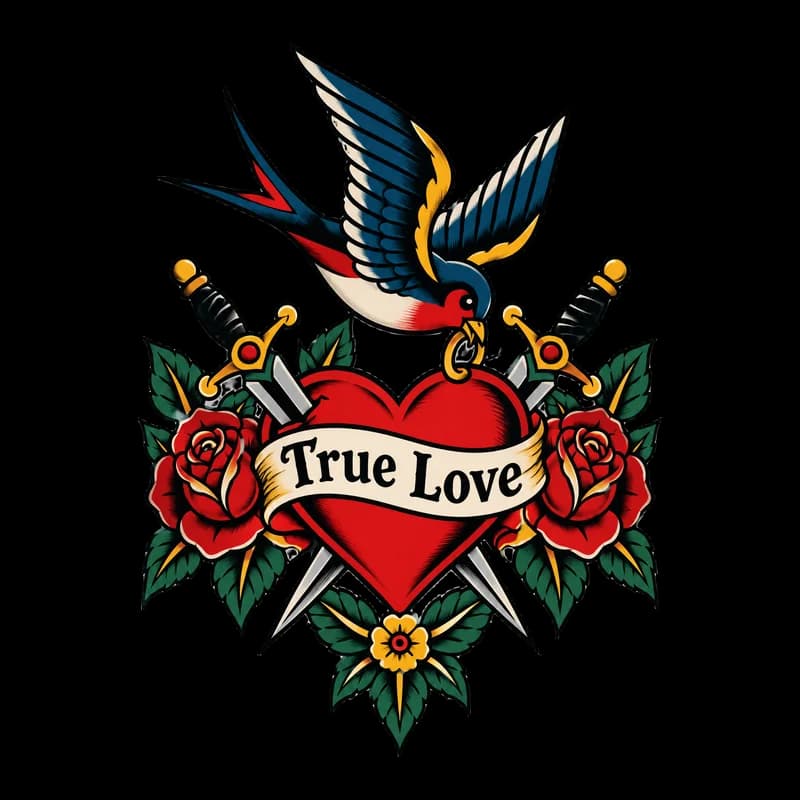
How the T-Shirt Design Maker works
You describe the artwork, add a slogan if you want one, choose one of ten styles and say whether the shirt is dark or light. PiCraft draws the graphic on its own, with bold shapes and a limited palette that suit screen printing and direct-to-garment printing, and removes the background so only the artwork remains.
The shirt color matters because it changes the palette. On a dark shirt the design leans on light and bright colors, and on a light shirt it uses darker tones, so nothing disappears into the fabric.
You download a transparent PNG at 4500×5400 px, which is 15×18 inches at 300 DPI, plus a small preview. Upload the large file to your print-on-demand store or hand it to a local printer.
What you get with the T-Shirt Design Maker
4500×5400 px transparent PNG
A full-size print file at 300 DPI covering a 15×18 inch front print area, with no background to remove.
A web preview
A 1200×1440 px transparent PNG for product mockups, social posts and shop thumbnails.
Palette matched to the shirt
Choose dark or light and the colors are adjusted so the artwork keeps its contrast on that fabric.
Ten print-friendly styles
Vintage badge, streetwear, line art, tattoo and more, all with clean edges and flat color areas that print well.
Slogan built into the design
Add up to 40 characters and the text is integrated into the artwork instead of being pasted on top.
T-shirt print file specs
| Item | Spec |
|---|---|
| Print file | 4500×5400 px PNG, transparent, 15×18 in at 300 DPI |
| Web preview | 1200×1440 px PNG, transparent |
| Print-on-demand services | Merch on Demand, Printful, Printify and Redbubble all accept transparent PNG files |
| Shirt color | Dark or light, which changes the palette so the design keeps its contrast |
- Platforms change their file rules for size, color space and file weight, so check your platform's current requirements before uploading.
- The print file is upscaled from the generated design. Flat colors and bold outlines print sharpest at large sizes.
- Only upload designs you have the rights to sell; avoid trademarked phrases and characters.
What people use the T-Shirt Design Maker for
Print-on-demand stores
Create a design, upload the PNG to Merch on Demand, Printful, Printify or Redbubble, and list it without handling inventory.
Team, club and event shirts
Make a one-off design for a sports team, a family reunion, a fun run or a school event and hand the file to a local print shop.
Niche merchandise
Test small audiences, such as hobbies, jobs and inside jokes, with several designs before committing to one.
Creators and small brands
Turn a catchphrase or a mascot idea into merch your audience can buy, without hiring an illustrator for the first draft.
Gifts
Print a single shirt with a private joke or a pet-themed design, using any service that accepts a PNG.
Tips for better results
- 1
Pick the shirt color first
Decide whether the design is for a dark or light shirt before you generate. Switching later means generating again, because the palette changes.
- 2
Think of it as a chest graphic
A single focal point, such as a badge, an animal or a landscape in a circle, looks better on fabric than a full scene.
- 3
Keep the slogan short
Two to five words print cleanly. Long sentences shrink until they are unreadable on a shirt.
- 4
Choose a style that prints well
Flat colors and thick outlines reproduce reliably. Fine textures and soft gradients can look muddy on some fabrics.
- 5
Describe the subject and the mood
"A camper van driving toward a mountain range inside a circle, calm and nostalgic" gives more direction than "camping shirt".
- 6
Look at it on a mockup
Place the PNG on a shirt photo or in your platform's mockup tool before publishing. It shows scale and contrast problems the flat file hides.
- 7
Stay original
Describe your own idea. Platforms take down listings that copy trademarks, logos, characters or other people's artwork.
Choosing a shirt style
The style decides the line work and the feeling of the graphic. These are the ten options and what each is good at.
- Vintage badge
- Circular or shield layouts with worn-in color. Best for outdoors, travel and local brands.
- Streetwear
- Bold type and graphic shapes with an urban feel. Best for slogans and limited drops.
- Minimal line art
- Thin single-color lines with lots of space. Best for subtle designs on light shirts.
- Cute illustration
- Friendly characters and soft shapes. Best for pets, kids and gifts.
- Bold graphic
- Large flat shapes and strong contrast. Best for team shirts and statements.
- Japanese ink
- Brush-stroke textures and calm composition. Best for nature and martial arts themes.
- Grunge texture
- Rough edges and a distressed finish. Best for music and rebellious slogans.
- Geometric abstract
- Clean shapes in a tight palette. Best for modern, design-minded shirts.
- Retro sports
- Varsity lettering and stripes. Best for clubs, leagues and humor with a jersey look.
- Traditional tattoo
- Heavy outlines and classic motifs such as roses, daggers and swallows. Best for bold, nostalgic art.
Before you upload to a print service
- Preview the PNG over both a dark and a light background to confirm the artwork holds up on your shirt color.
- Read the slogan letter by letter and check it against what you typed.
- Check your platform's current file rules for size, color space and file weight before uploading.
- If your platform wants artwork trimmed to the edge of the design, crop away the transparent margin in your image editor first.
- Look at the design on a mockup at real size to check scale and placement.
- Search the slogan and the idea to make sure they are not a registered trademark or someone else's artwork.
- Order one sample shirt before you promote a design to customers.
What the T-Shirt Design Maker can't do
- The 4500×5400 px print file is upscaled from the generated design. Bold shapes print sharply, but fine detail will not look like vector art.
- The PNG is flat. For a new color or a moved element, generate a new design.
- Colors on screen and on fabric differ, and fabric type changes the result. A sample print is the only reliable check.
- The maker designs front graphics. It does not produce mockups, back prints or all-over patterns.
- Long text can come out with errors, so always proofread.
Frequently asked questions
What size is the file?+
4500×5400 px at 300 DPI (15×18 inches), as a transparent PNG. That is a common full-size front print area on t-shirts and a size many print-on-demand services recommend working at. Check your platform's current rules, because some accept other sizes.
Why does shirt color matter?+
Black areas vanish on a black shirt and white areas vanish on a white one, so the palette is adjusted to the fabric.
Can I sell shirts with these designs?+
Yes, as long as your description doesn't copy trademarks, logos or existing artwork. Platforms remove infringing listings, so describe an original idea.
Is the background really transparent?+
Yes. PiCraft removes the background automatically and exports a PNG with transparency, so only the artwork is printed. Preview it over a dark and a light color to confirm.
Does it work with Merch on Demand, Printful and Redbubble?+
Yes, all of them accept transparent PNG files. Their rules change over time, so check each platform's current requirements for size, color space and file weight before you upload.
Can I use the design on other products?+
Yes, for example on tote bags, hoodies or mugs. Scale the file to the print area of the product. The shape is tuned for a shirt front, so wide products may need the design cropped or resized.
How sharp will the design print?+
The 4500×5400 px file is upscaled from the generated design. Bold shapes and flat colors print sharply, while fine texture and tiny text can look soft. Order a sample shirt to check.
What about shirts that are neither black nor white?+
The palette is tuned for dark or light fabric. For a mid-tone shirt such as red or green, choose the option closer to it and check the result on a mockup.
Why did the slogan come out wrong?+
Text inside AI images can contain mistakes. Keep slogans short, read every letter and generate again if something is off.
Last updated:
More makers
Sticker Maker
Die-cut sticker designs with a white border, exported as transparent PNGs.
Event Flyer Maker
Posters and flyers for parties, gigs and community events, for print and Instagram.
Amazon Product Photo Maker
Pure-white main images and lifestyle shots sized for Amazon, Etsy and Shopify.