

Wedding Invitation Maker
Type your names, date and venue, pick a style, and PiCraft designs a complete 5×7 inch wedding invitation with your details already typeset.
Download a print-ready PDF with bleed for your local print shop, or a phone-sized image to send by text, WhatsApp or email.
- Step 1
Enter your details
Names, date, venue and an optional RSVP line.
- Step 2
Choose a style
Watercolor, minimal, classic gold, boho or romantic garden.
- Step 3
Download and print
A 5×7 in print-ready PDF with bleed, plus a share image for phones.
Made with the Wedding Invitation Maker
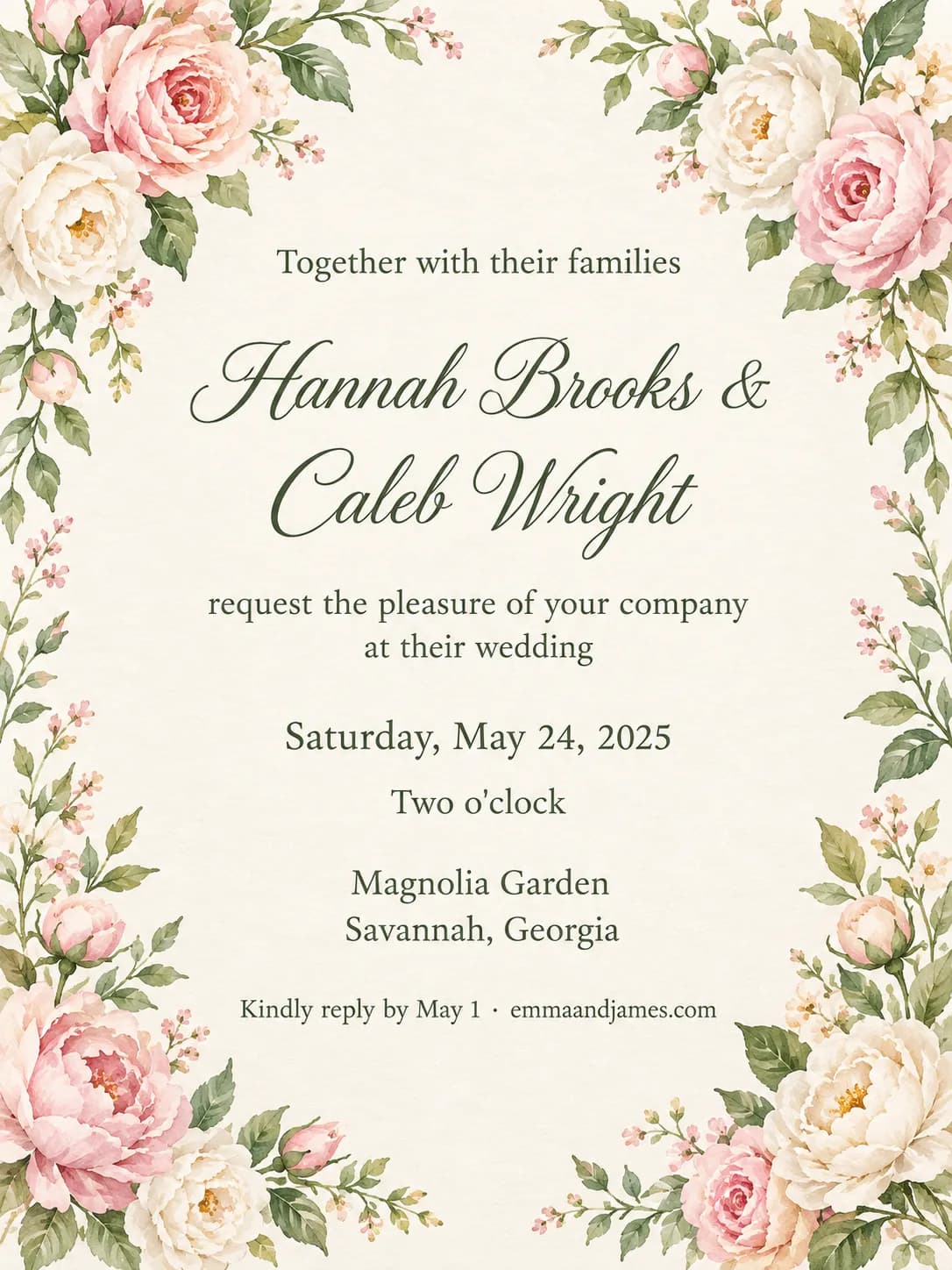
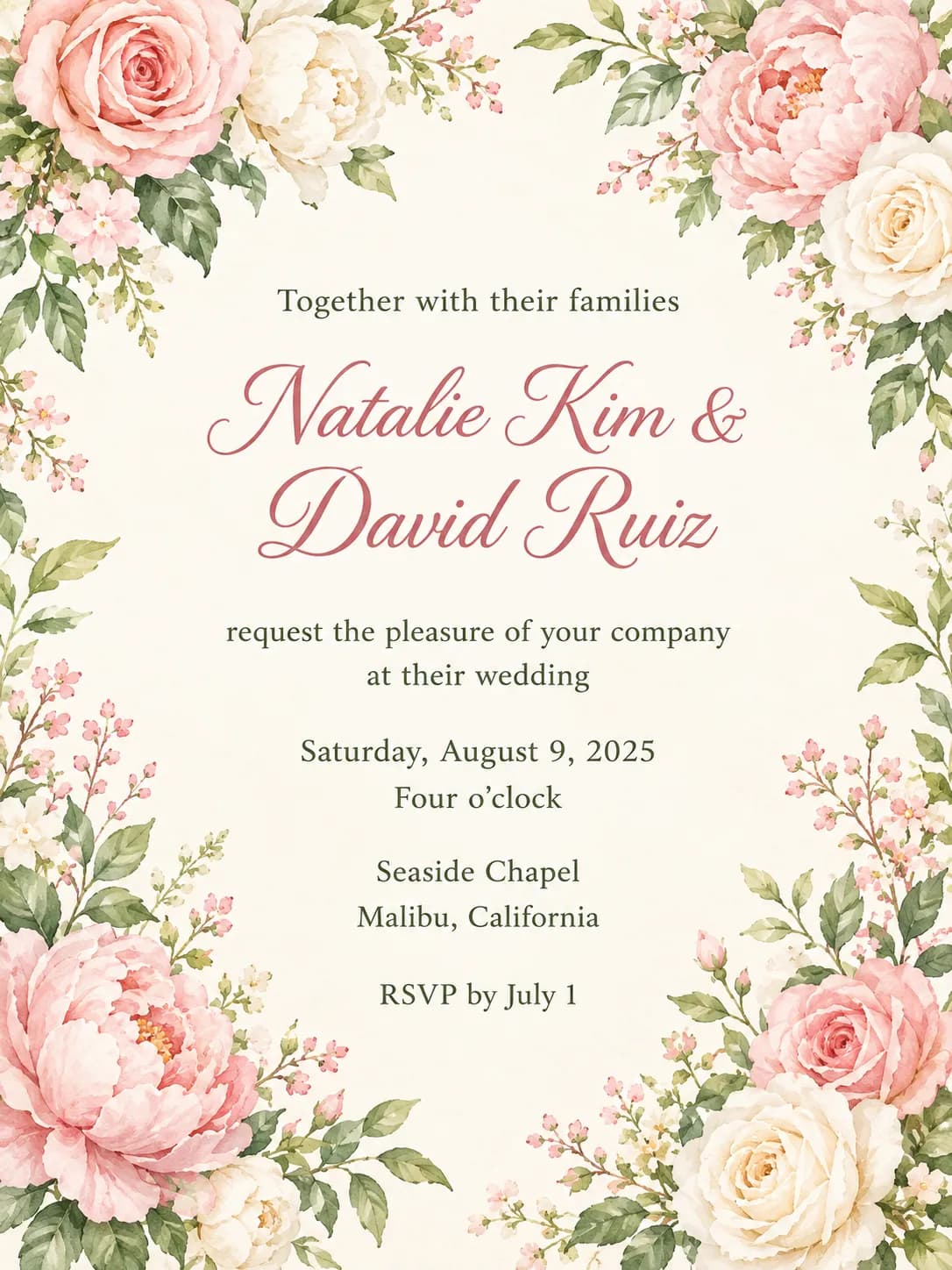
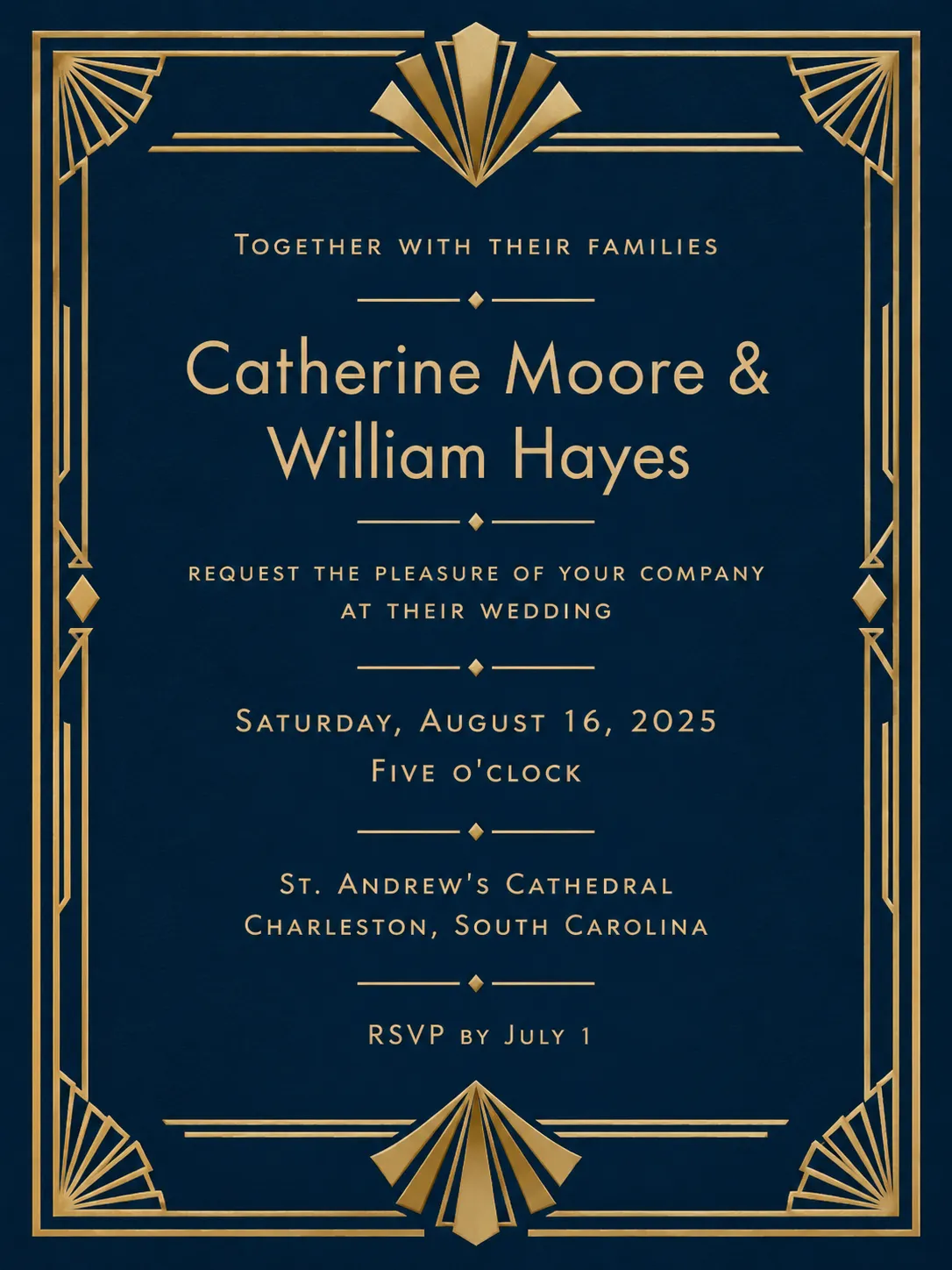
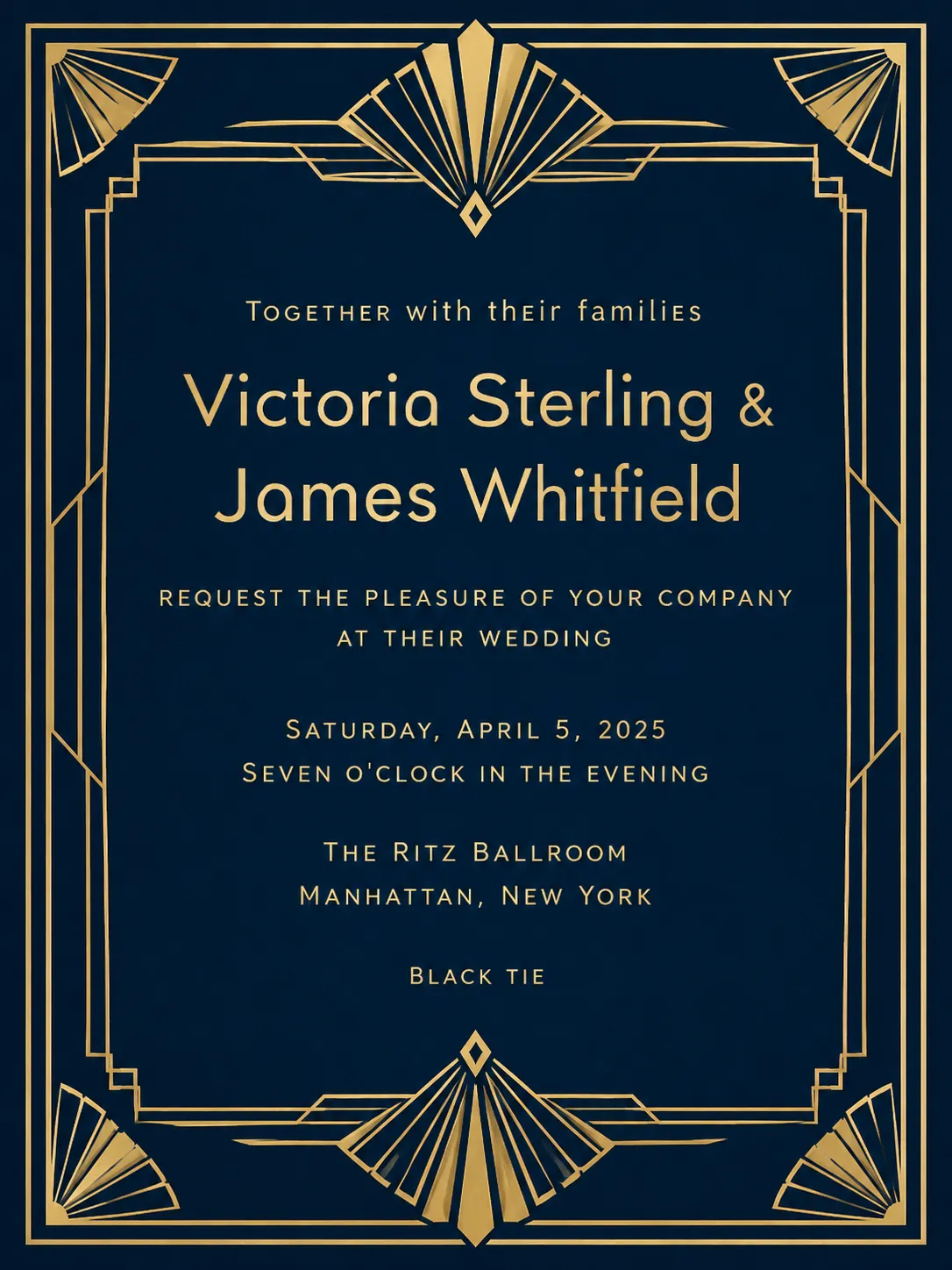
How the Wedding Invitation Maker works
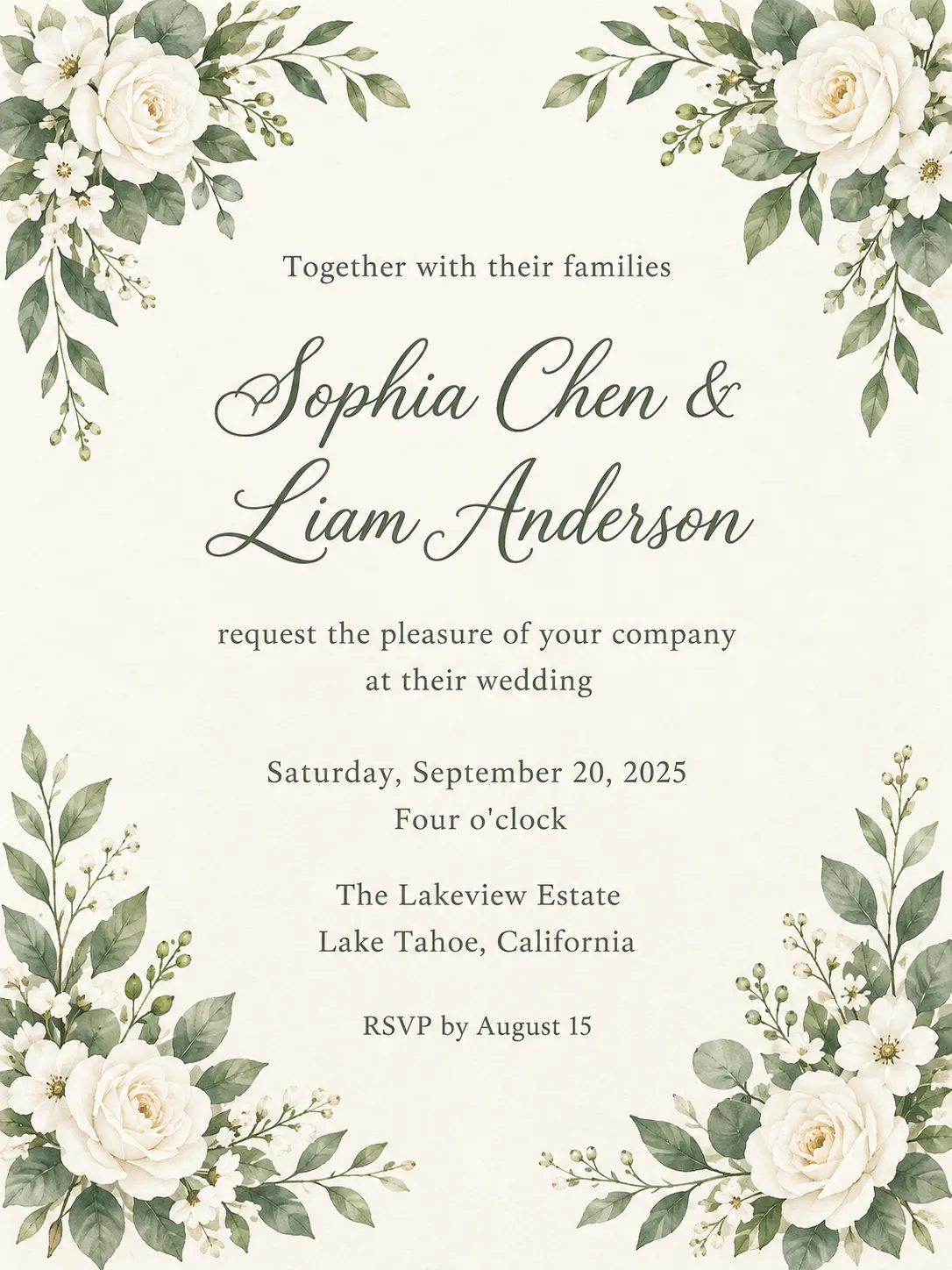
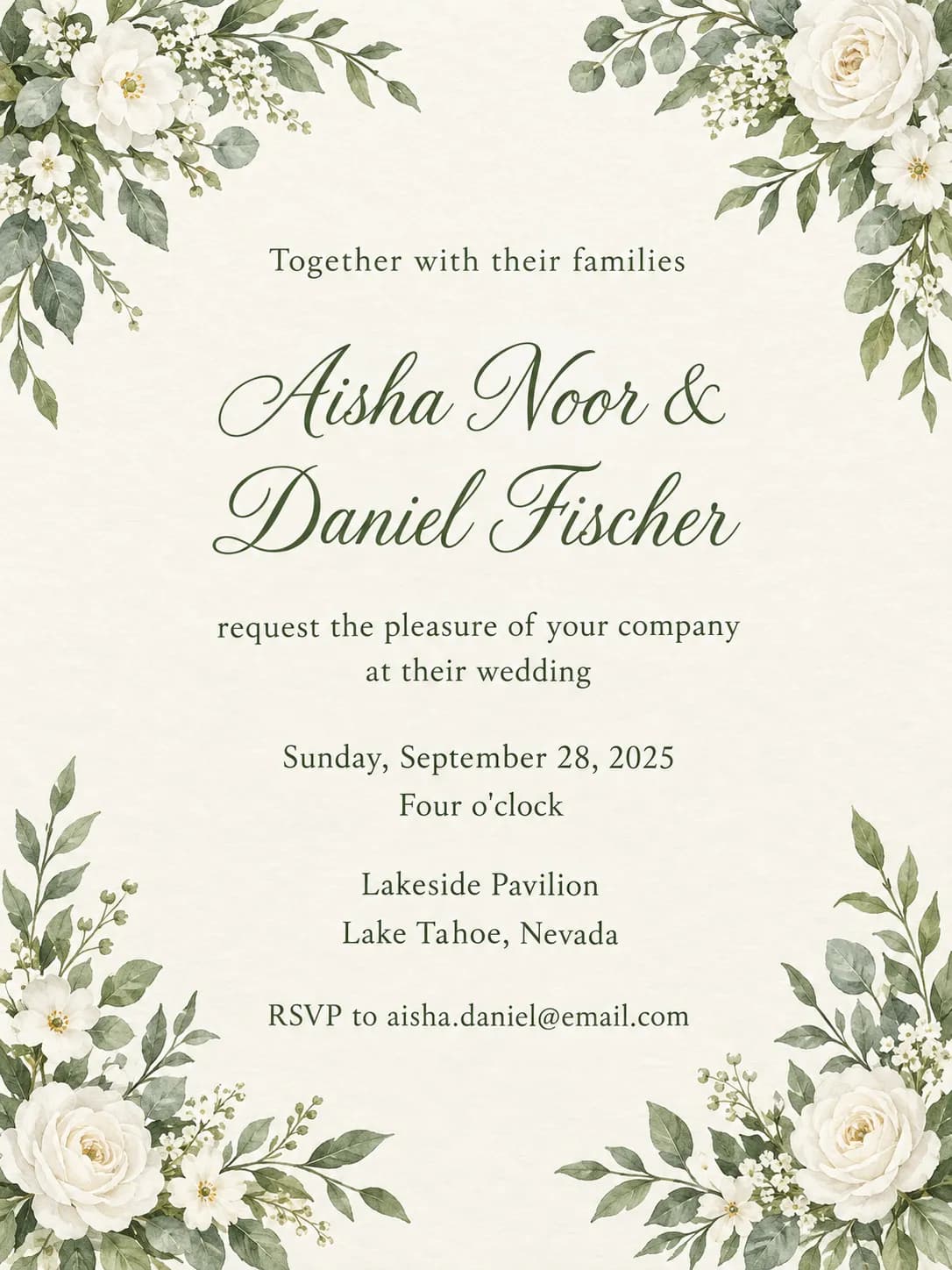
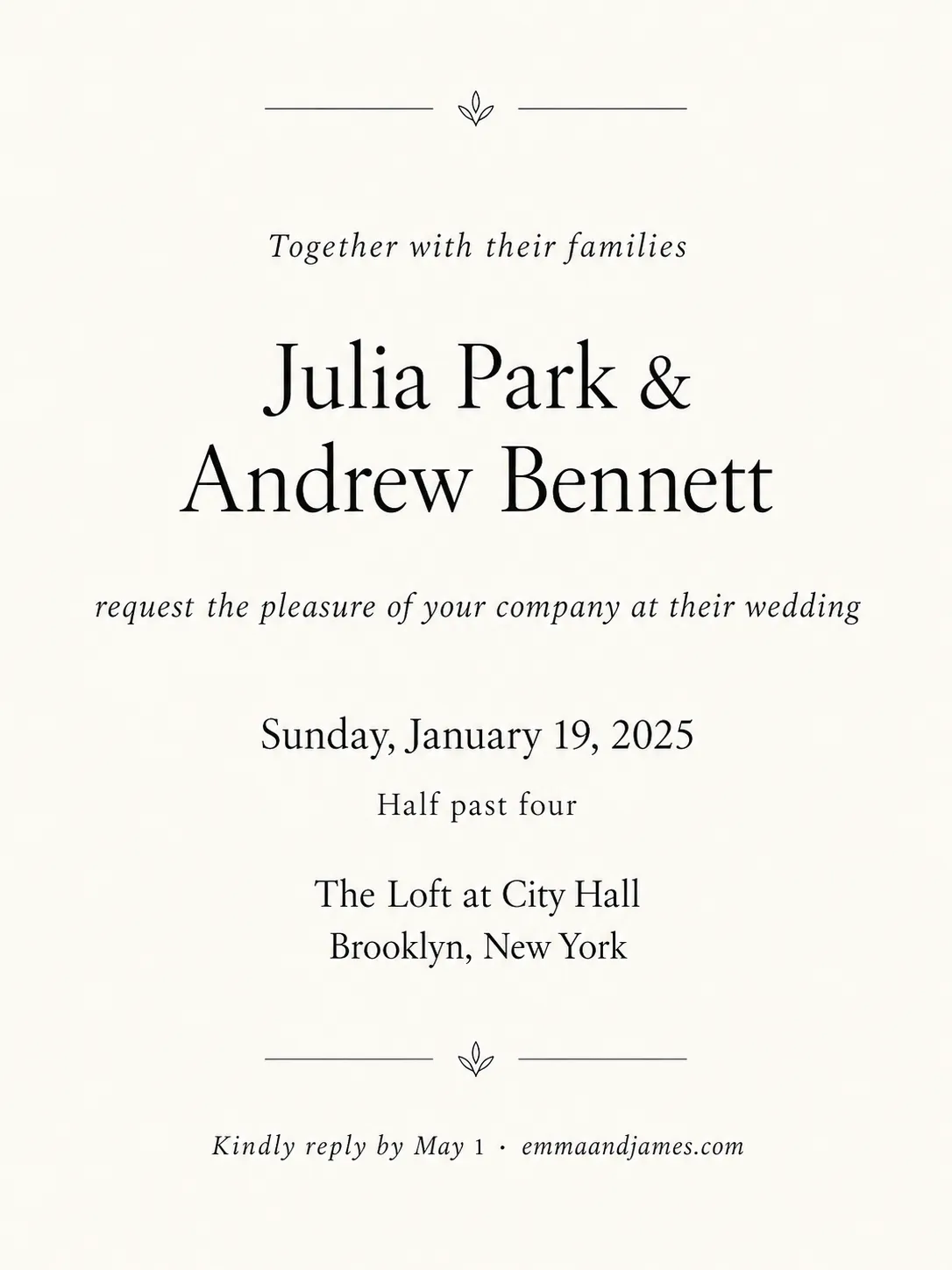
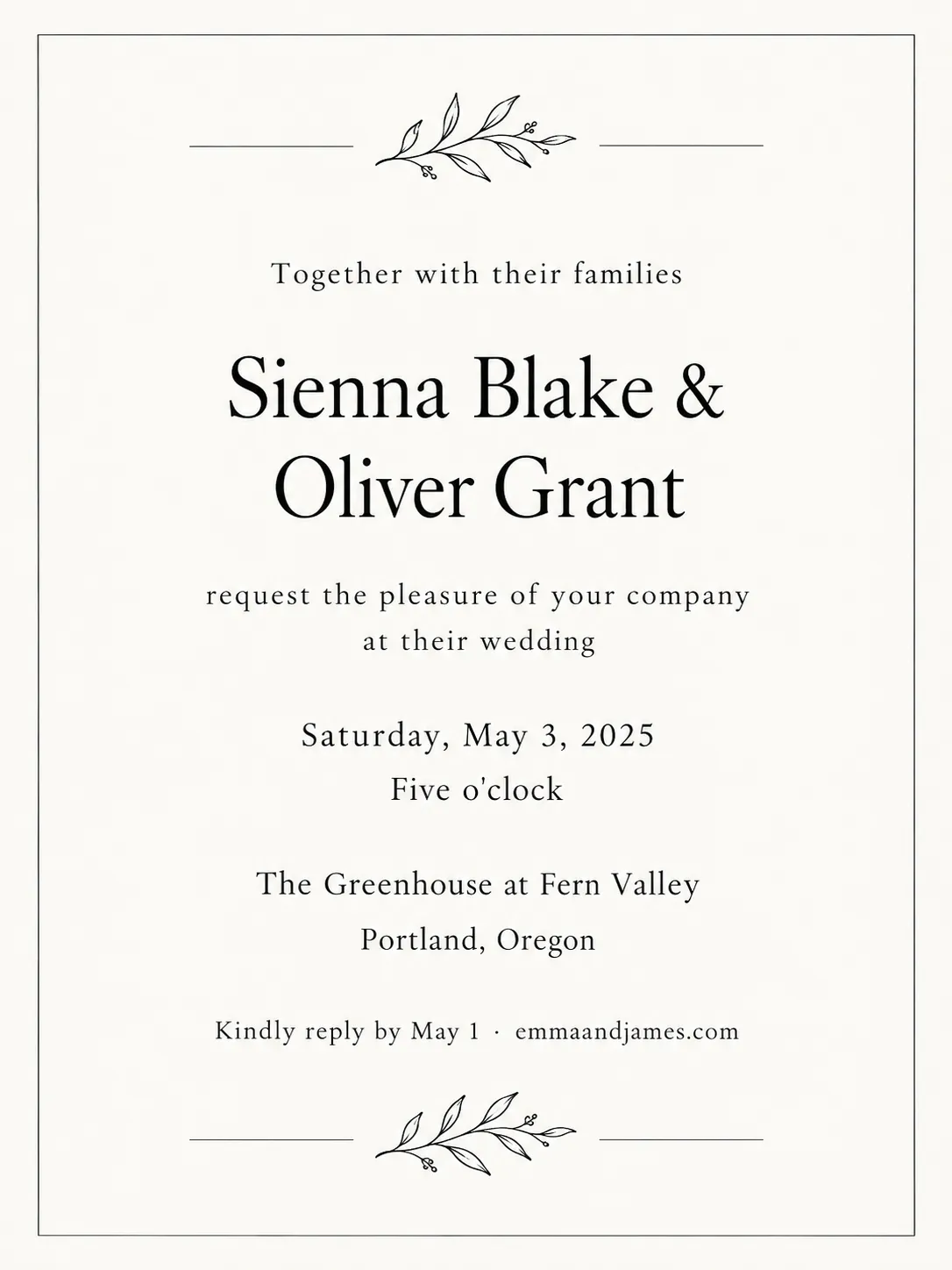
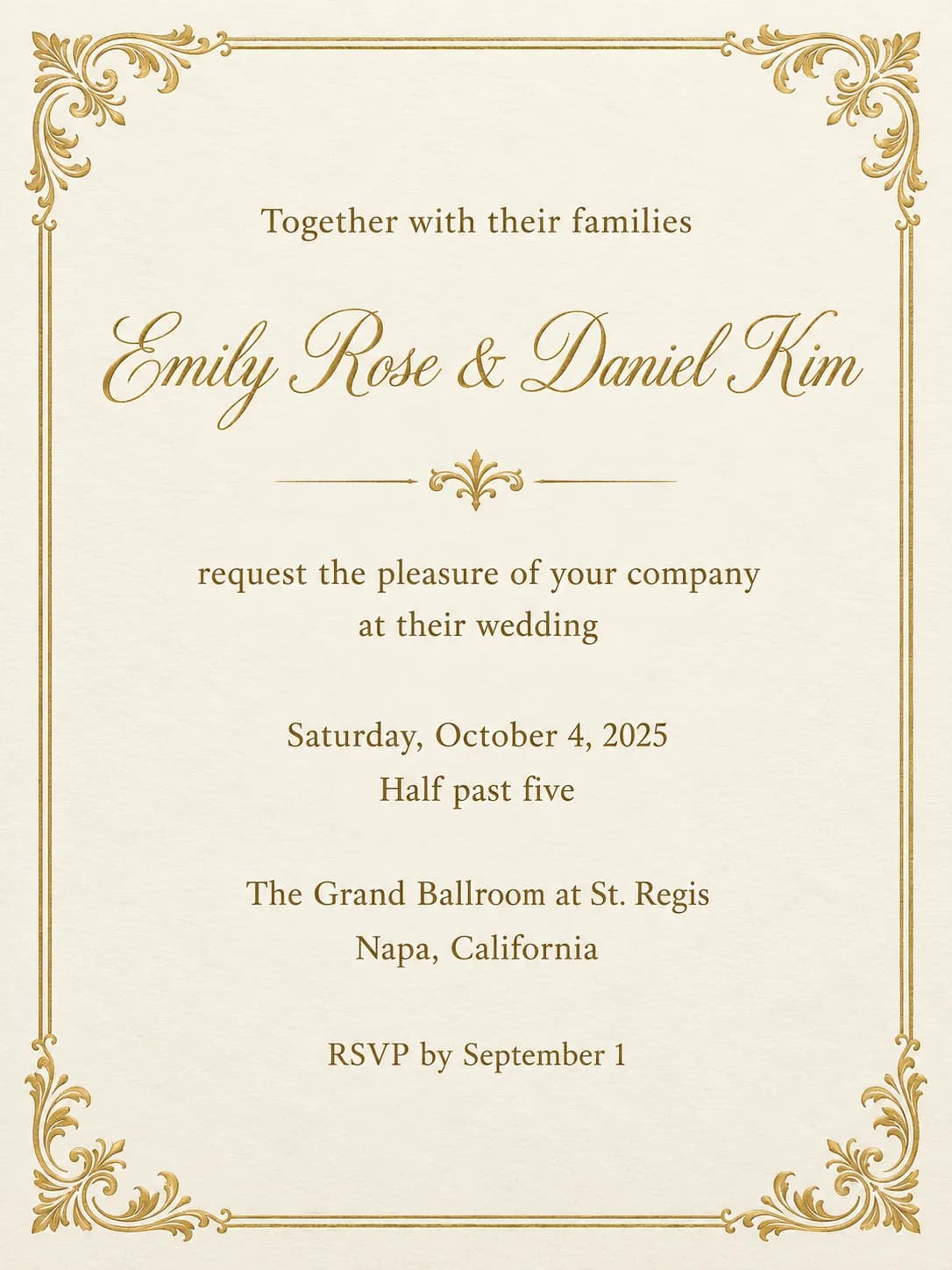
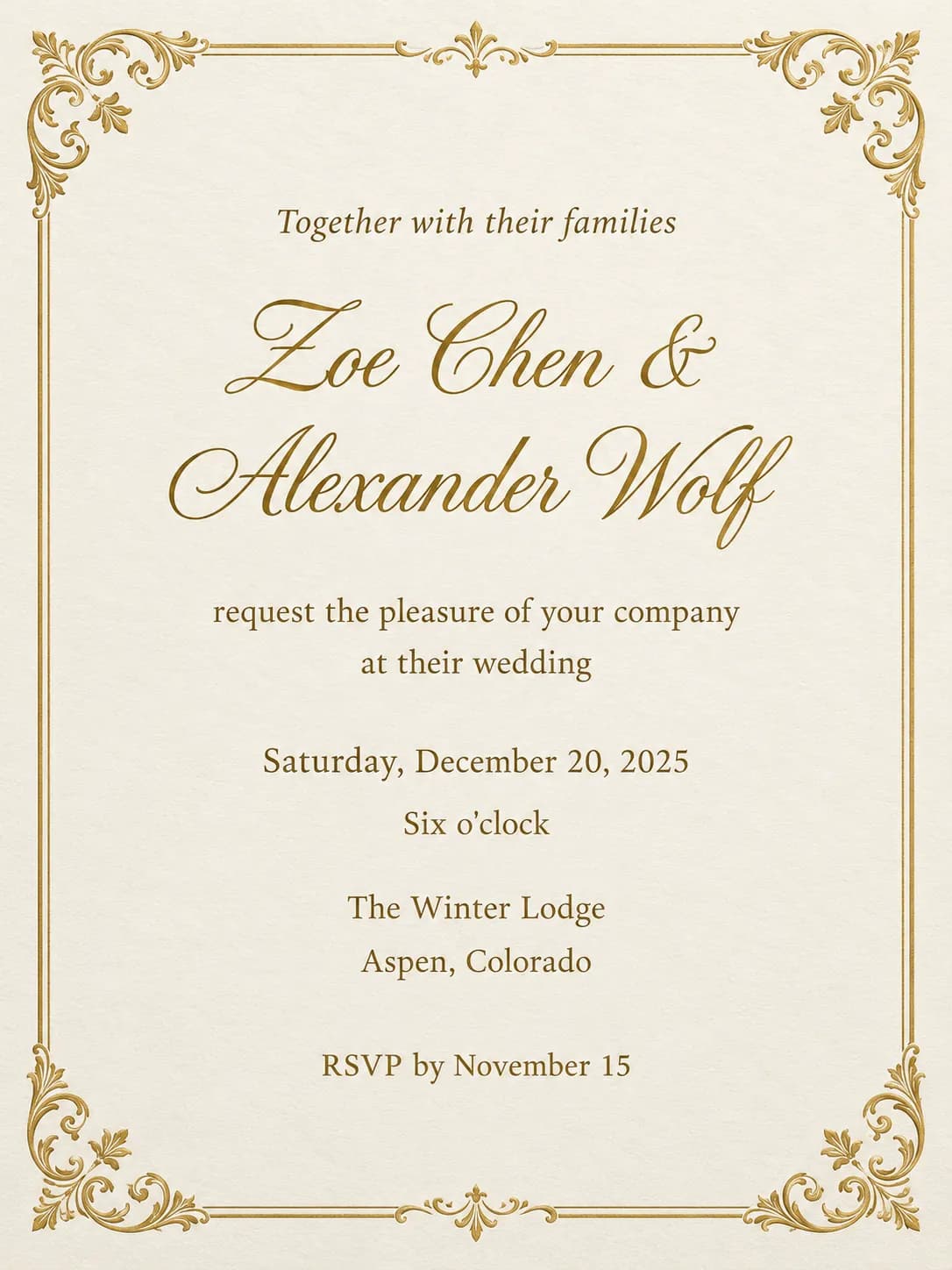
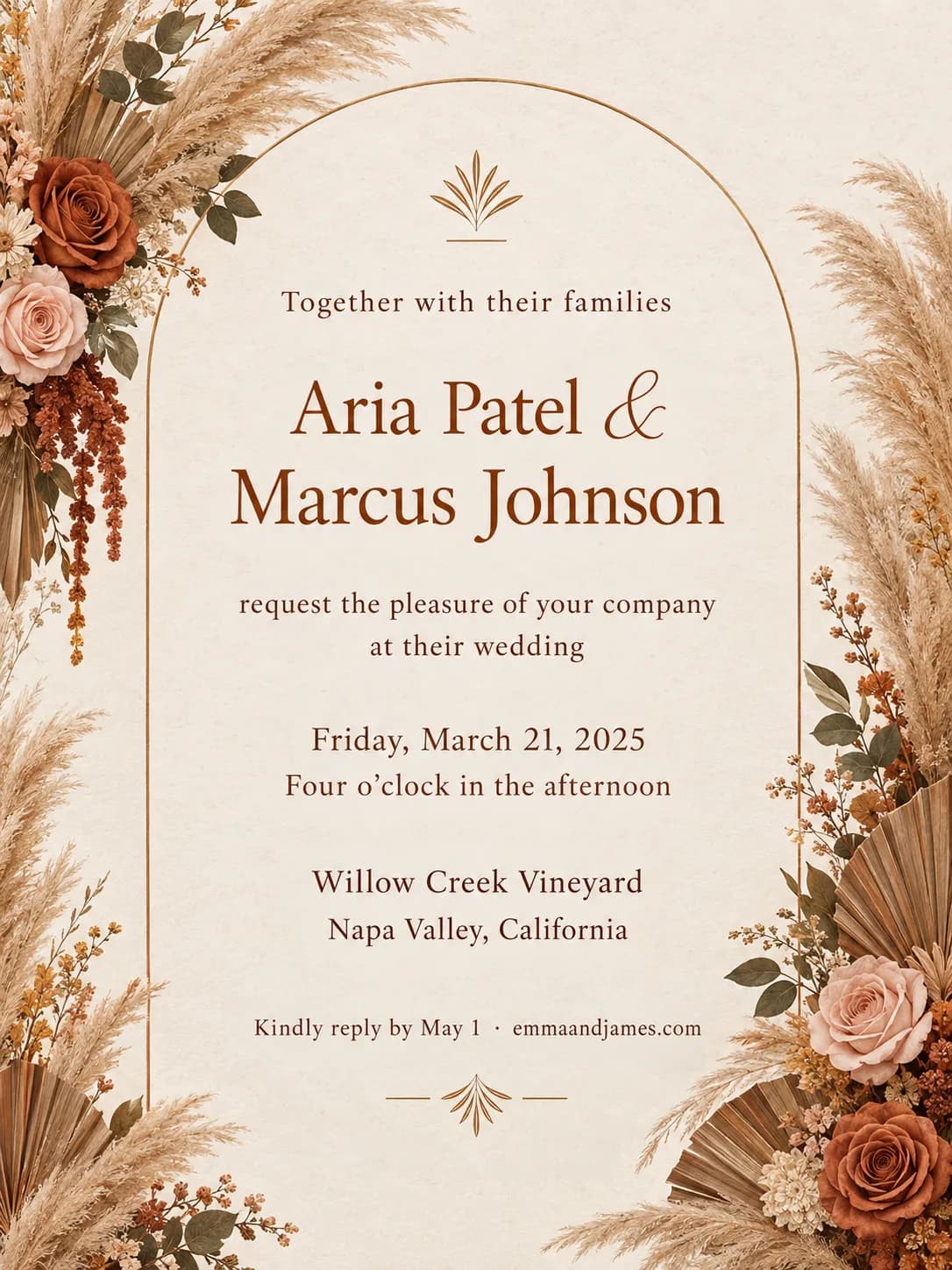
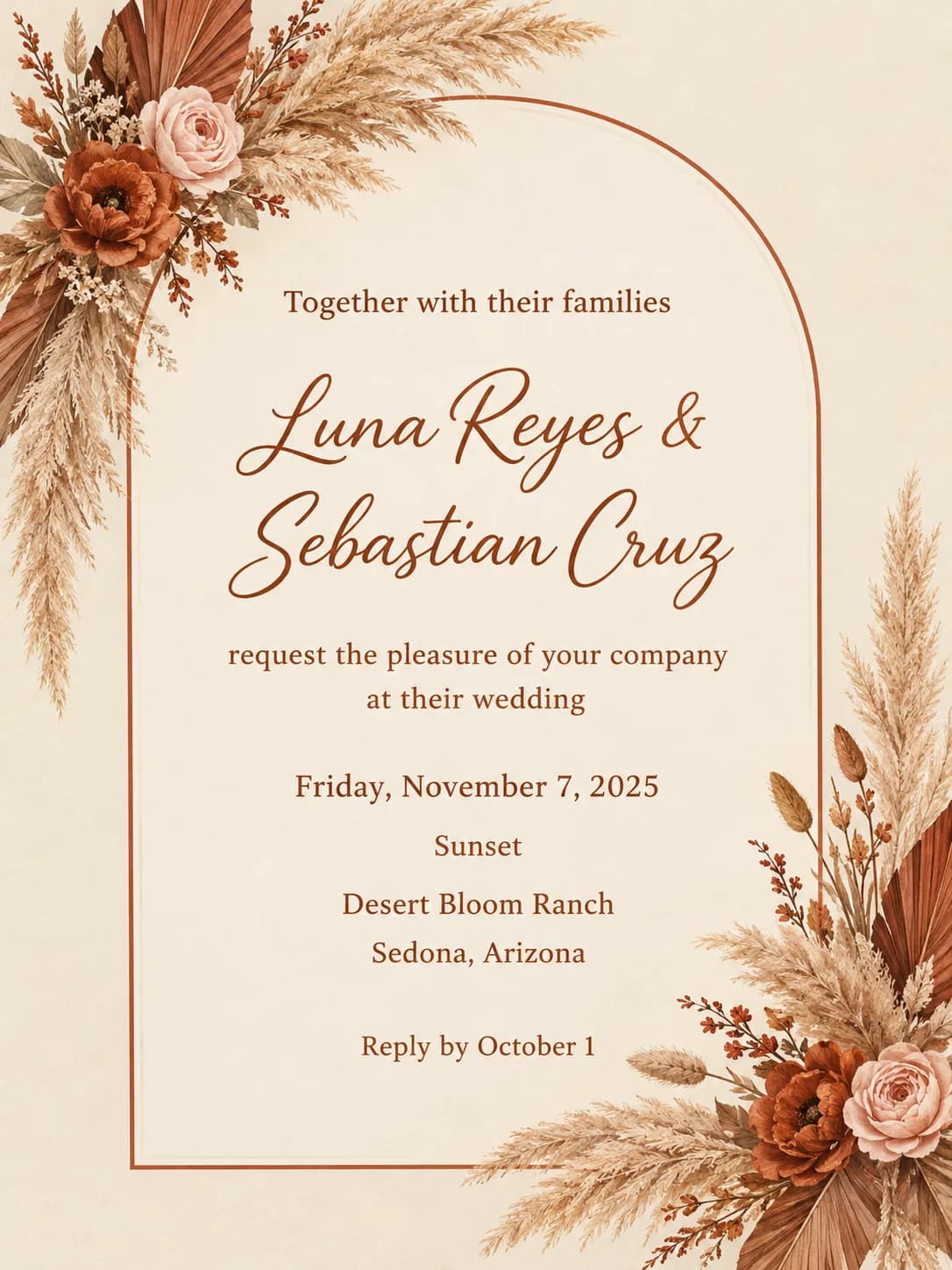
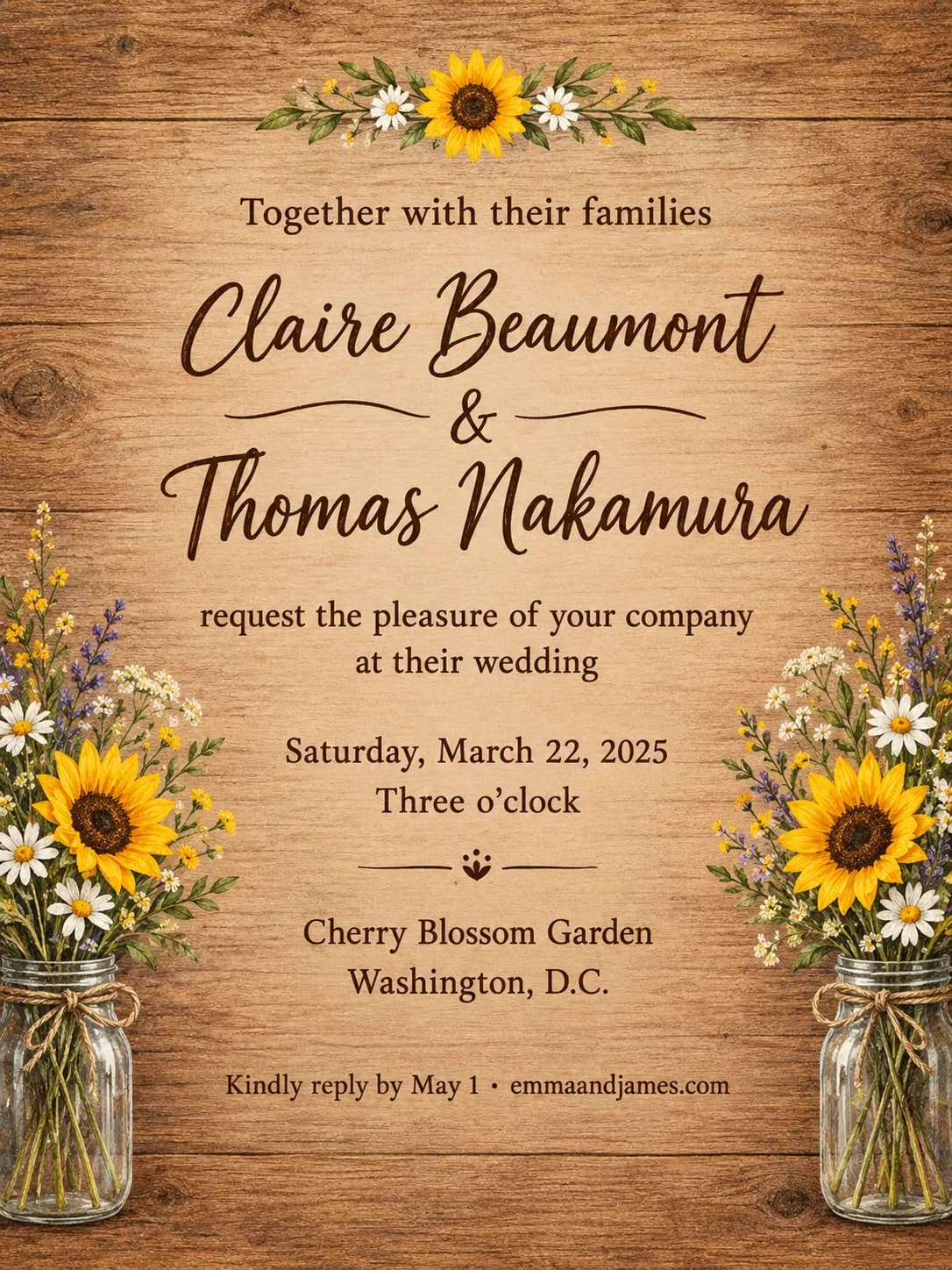
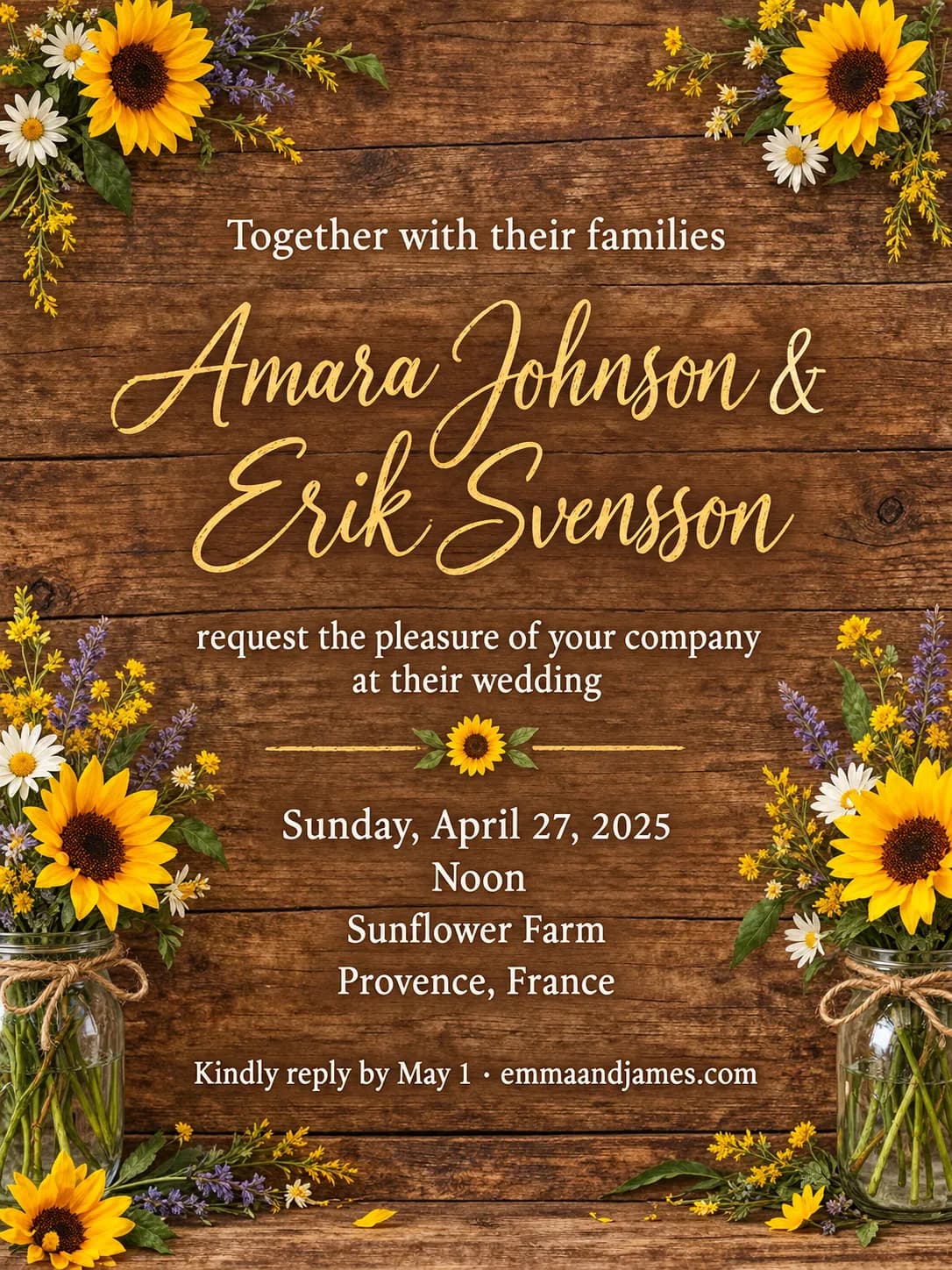
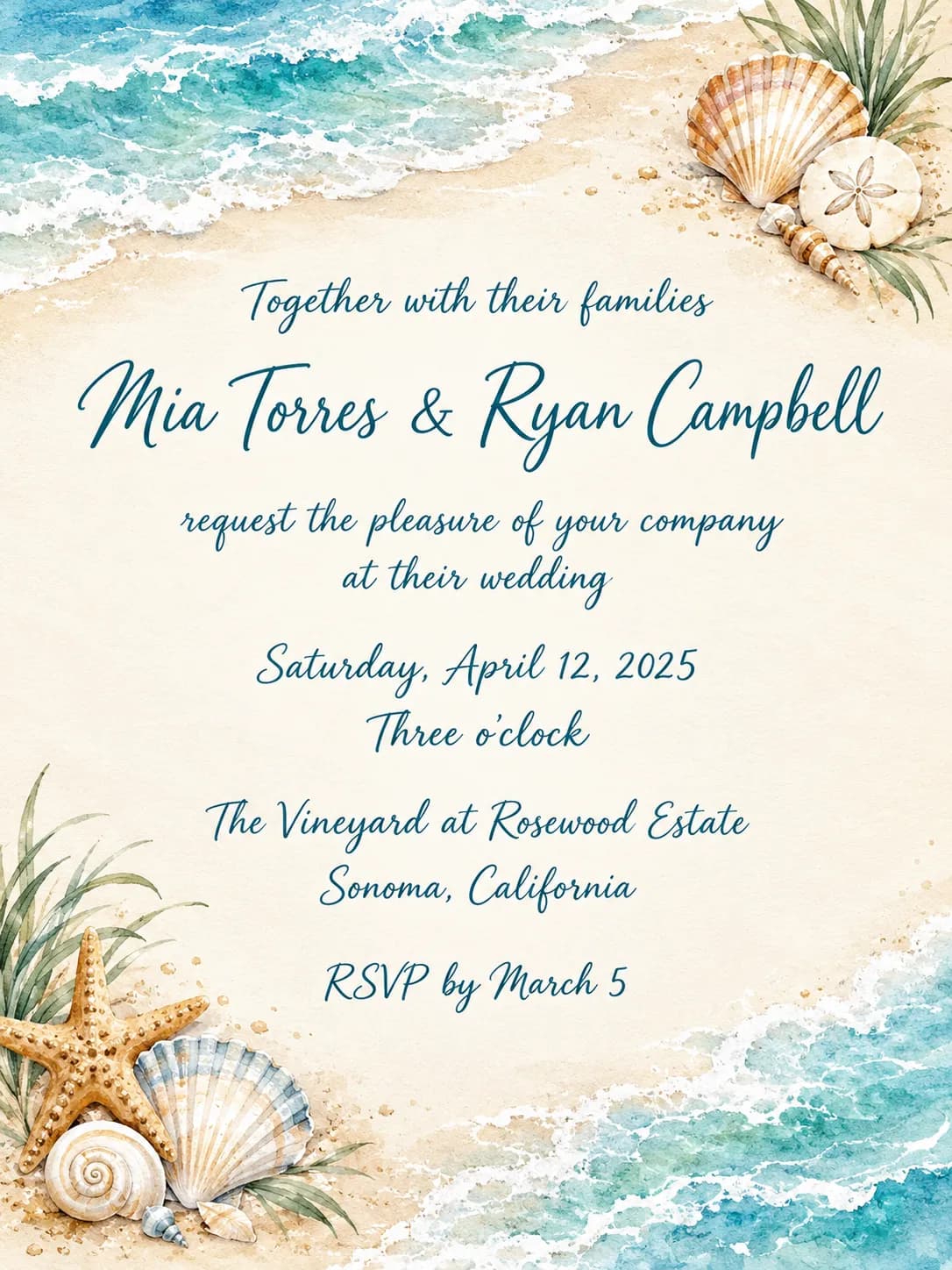
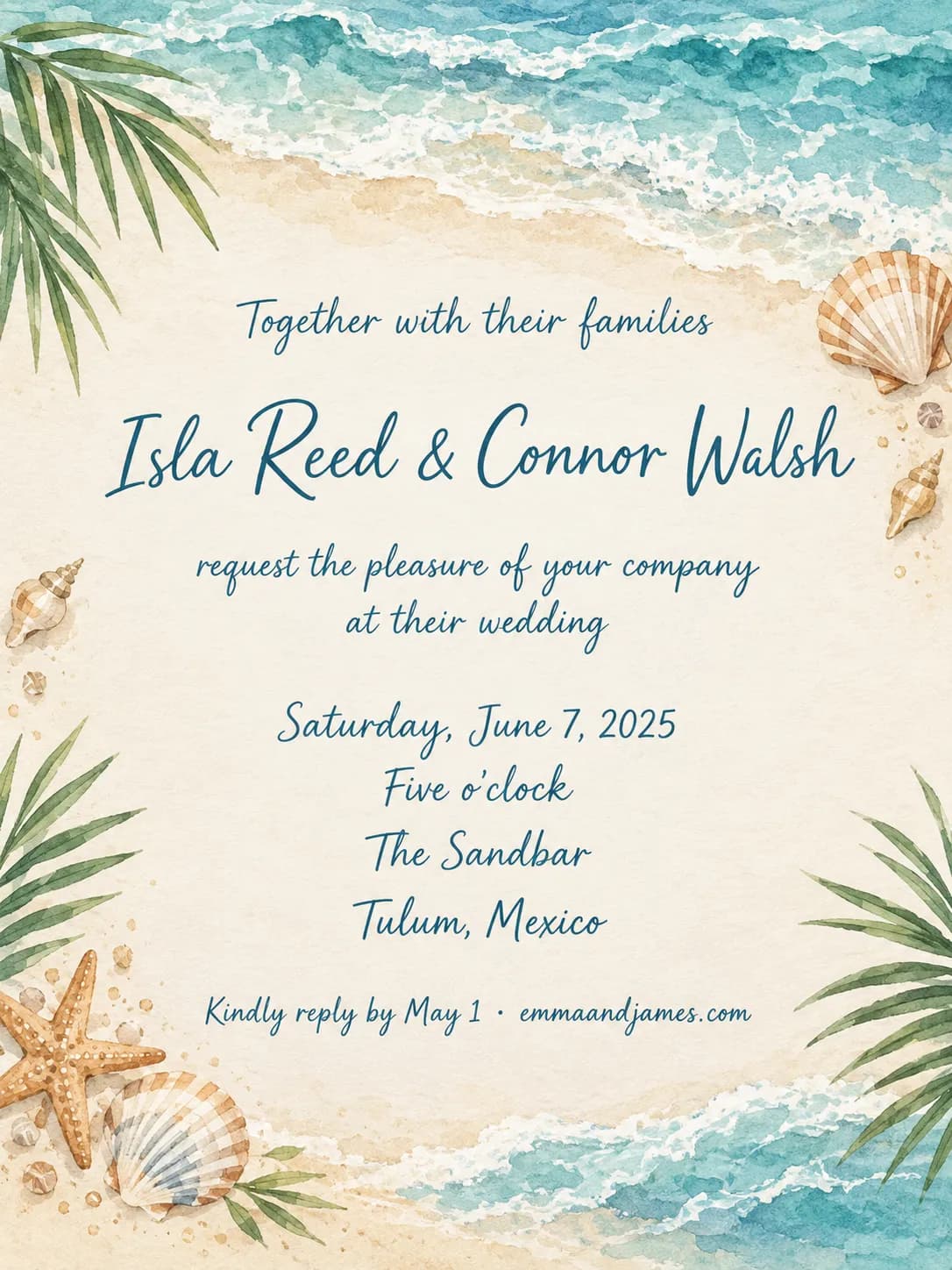
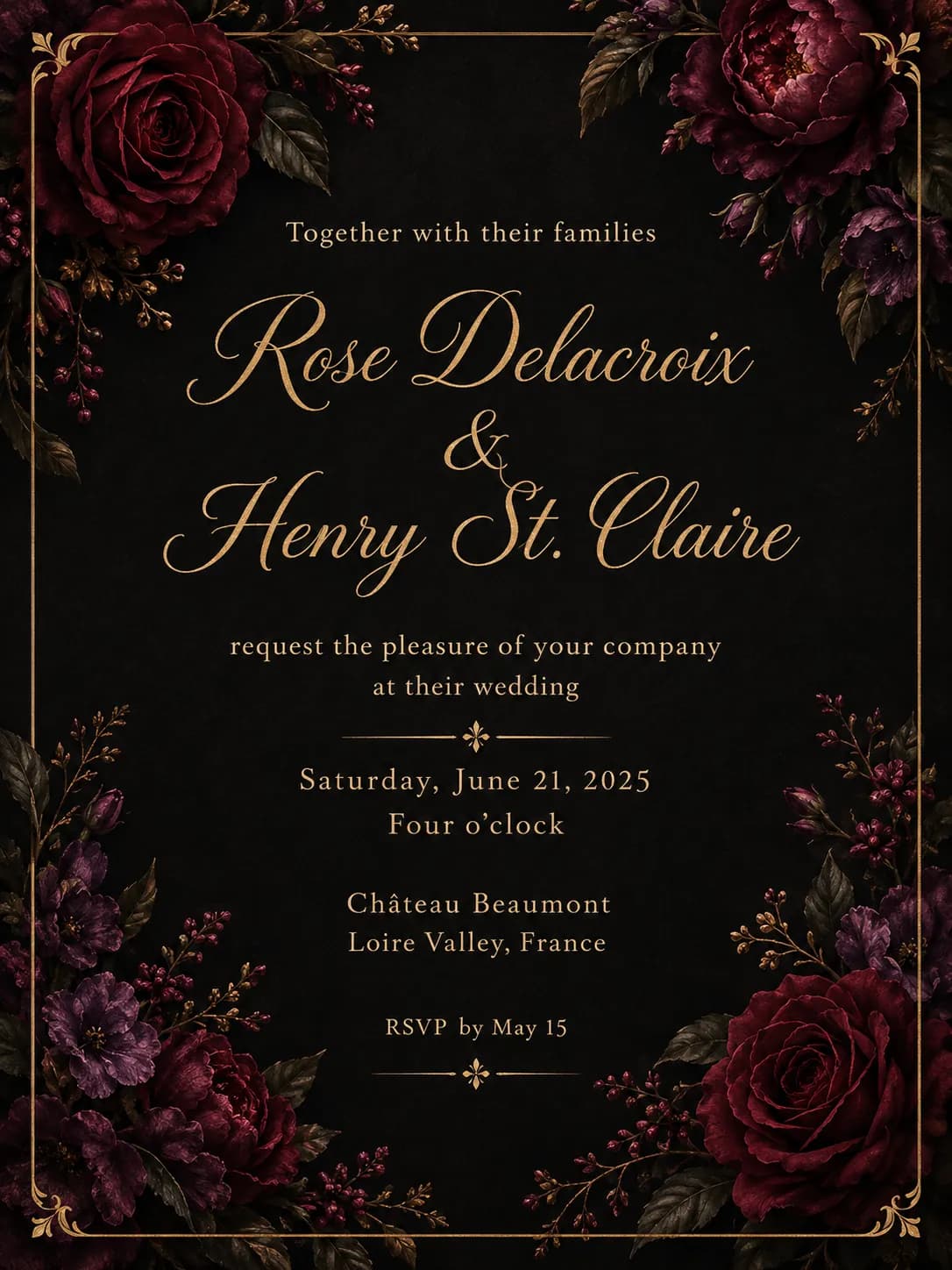
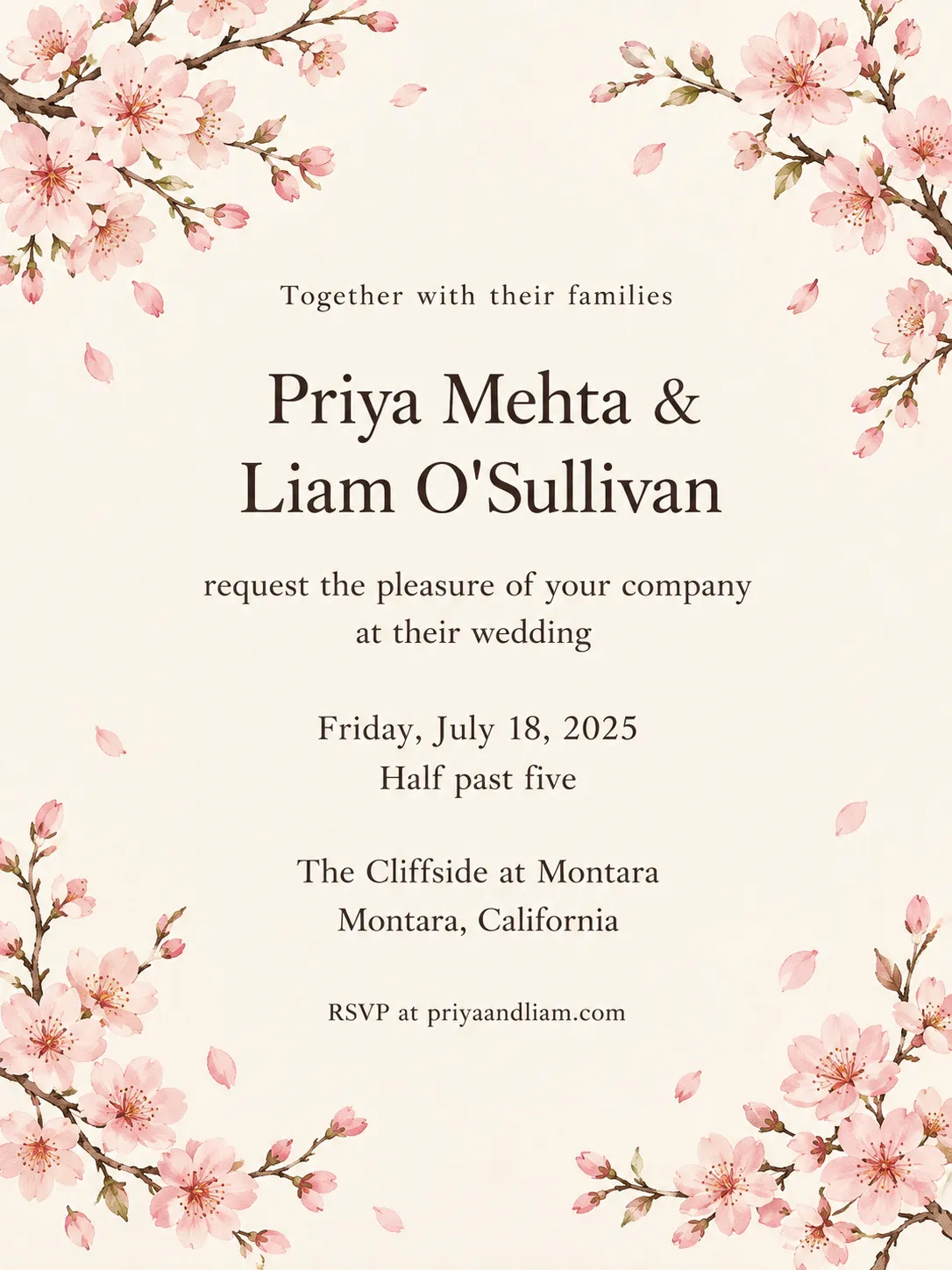
Enter the couple's names, the date, the venue and, if you wish, the time, the city and an RSVP line. Choose a style and PiCraft designs a complete portrait invitation with the wording already set, in the proportions of a 5×7 inch card.
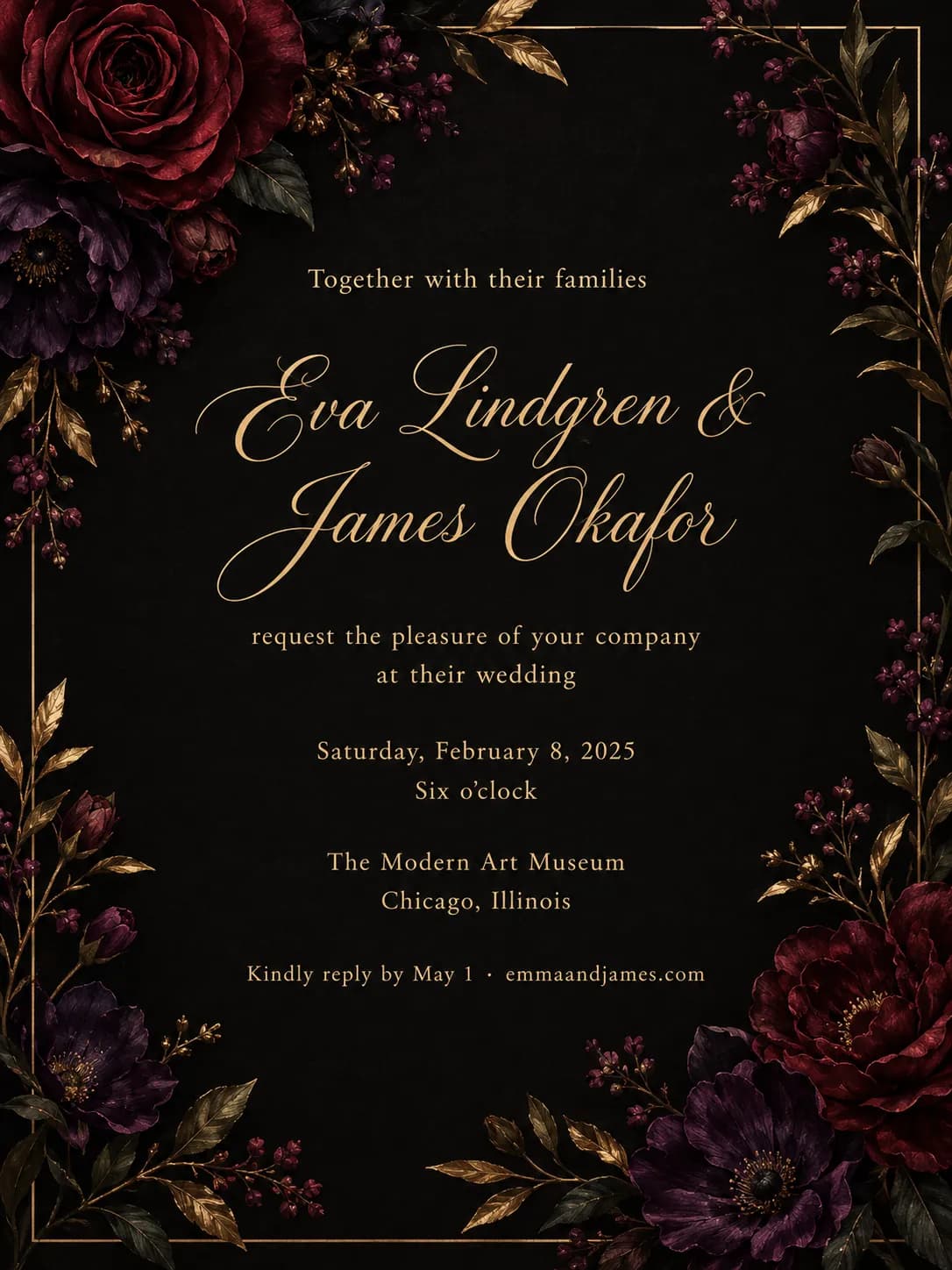
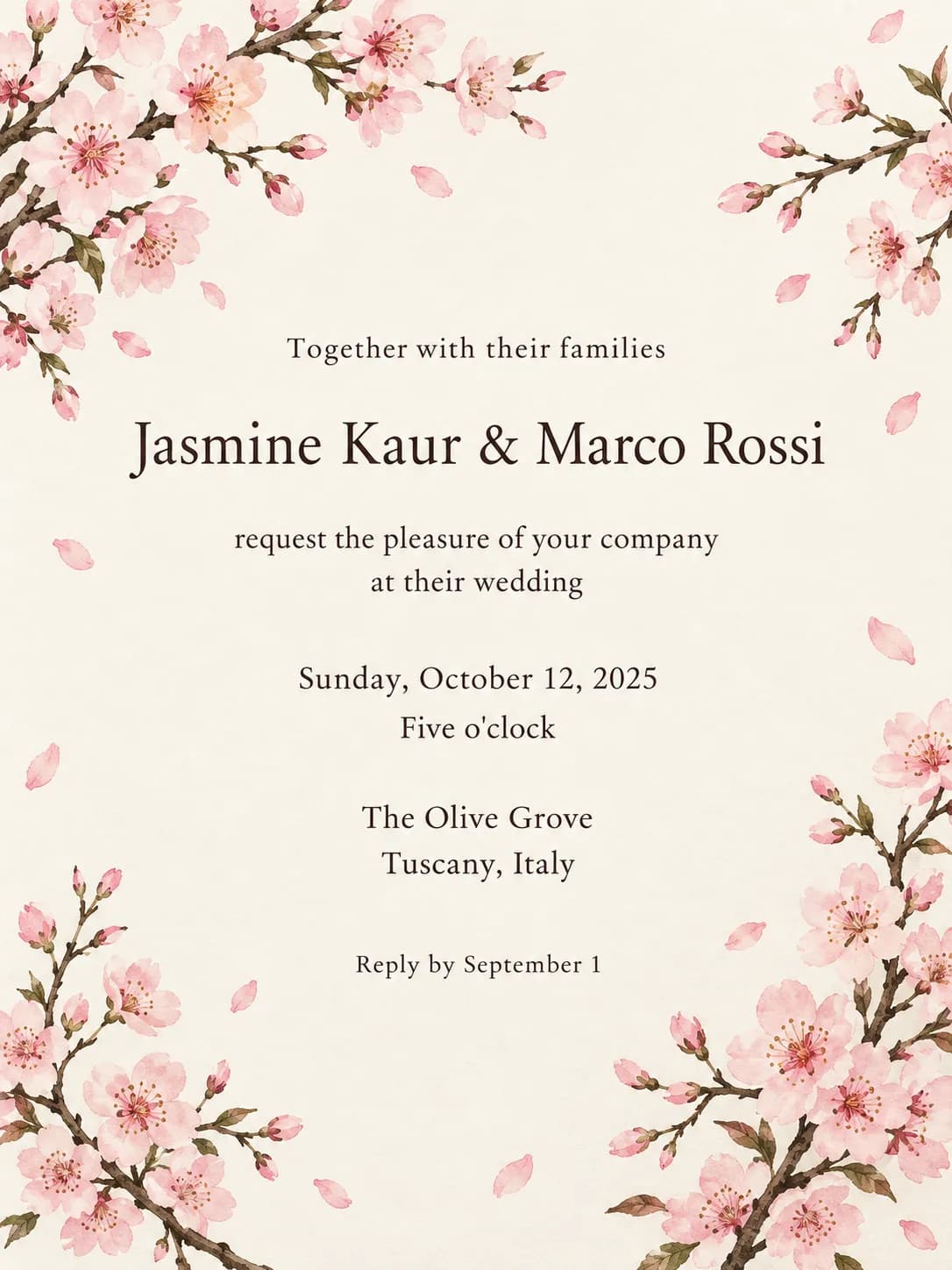
The card uses a traditional wedding wording: "Together with their families" at the top and "request the pleasure of your company at their wedding" before the date. Your names, date, time, venue, city and RSVP line are set into that wording and spelled exactly as you typed them.
You download a print PDF with 0.125 inch bleed for a printer, a 300 DPI JPG of the same file, and a phone-sized image for text messages, WhatsApp and email.
What you get with the Wedding Invitation Maker
Print PDF with bleed
A 5×7 inch invitation with 0.125 inch bleed on every side at 300 DPI, ready to send to a print shop.
Print JPG at 300 DPI
The same print file as a JPG for services and home printers that prefer images.
A 1080×1500 px share image
A version sized for phones, to send in text messages, chats, email or an Instagram story.
Ten wedding styles
Watercolor botanical, modern minimal, classic gold, boho arch, Art Deco, beach and more.
Your details already typeset
Names, date, time, venue, city and RSVP are laid out with a clear hierarchy, with no template to edit.
Wedding invitation print specs
| Item | Spec |
|---|---|
| Finished size | 5×7 in (127×178 mm) |
| With bleed | 5.25×7.25 in, 0.125 in on every side |
| Resolution | 300 DPI (1575×2175 px) |
| Safe area | Keep text 0.25 in inside the trim line |
| Envelope | A7 (5¼×7¼ in) |
- Ask your printer to trim to 5×7 in. Heavy card stock (110 lb / 300 gsm or more) gives a premium feel.
- Proofread every name, date and time on the generated card before printing.
What people use the Wedding Invitation Maker for
Formal printed invitations
Send the PDF to a local printer or an online print service and choose a heavy card stock.
Digital-first weddings
Share the phone-sized image by message or email when you want to invite people quickly.
Destination weddings
Send a digital invitation early so guests can plan travel, followed by printed cards for close family.
Engagement parties and showers
Reuse the same style with different wording for the events around the wedding.
Save-the-date style cards
Generate a simple card with the names, date and city, and use the RSVP line for your website.
Tips for better results
- 1
Write names the way you want them printed
Use first names or full names, with "&" or "and". The card copies whatever you type.
- 2
Spell out the date in full
"Saturday, June 12, 2027" is clear and formal. Add the time on its own line instead of in the date.
- 3
Keep the venue to one line
Use the venue name in the venue field and put the city in its own field. Long addresses crowd the card.
- 4
Put your website in the RSVP line
A line such as "Kindly reply by May 1 · emmaandjames.com" saves room for the details on a wedding website.
- 5
Choose a style that matches the venue
Botanical and rustic suit gardens and barns, Art Deco suits city ballrooms, beach suits the coast.
- 6
Generate more than once
Each attempt is a new design. Try a few and keep the one where the layout and the artwork feel right.
- 7
Proofread twice
Have a second person read every name, date and time. A typo in a name is the one mistake you cannot reprint around.
Choosing a wedding style
The style sets the artwork, the lettering and the feeling of the invitation.
- Watercolor botanical
- Soft painted leaves and flowers. Fits spring and summer weddings, gardens and greenhouses.
- Modern minimal
- Plenty of space, simple type and a quiet palette. Fits city weddings and contemporary venues.
- Classic gold
- Traditional layout with gold accents. Fits formal ceremonies and ballroom receptions.
- Boho arch
- Earth tones and arch shapes. Fits relaxed outdoor weddings.
- Romantic garden
- Lush florals with a soft palette. Fits garden parties and estate venues.
- Art Deco
- Geometric patterns and metallic lines. Fits glamorous evening weddings.
- Rustic wood
- Natural textures and warm tones. Fits barns, farms and woodland venues.
- Beach & coastal
- Sea colors and light patterns. Fits seaside and island weddings.
- Moody & dark
- Deep colors and rich florals. Fits autumn and winter evening weddings.
- Cherry blossom
- Pink blossoms and gentle watercolor. Fits spring weddings and garden venues.
Before you print the invitations
- Check both names, the date, the day of the week, the time and the venue against your booking.
- Have a second person read the invitation aloud.
- Confirm your RSVP deadline and website address are correct.
- Ask your printer for a paper proof, or order one test copy, before a full order.
- Tell the printer the finished size is 5×7 inches with 0.125 inch bleed, and ask for trim to 5×7.
- Choose a heavy card stock, 110 lb (300 gsm) or more, for a premium feel.
- Order A7 envelopes, which fit a 5×7 inch card.
What the Wedding Invitation Maker can't do
- The invitation wording is fixed in a traditional form and in English. For different wording, use the RSVP line or add text in an editor.
- It does not add a photo of the couple, a monogram or a map.
- Names with unusual spellings or accents should be checked closely, because AI text rendering is not perfect.
- Matching items such as RSVP cards, menus and place cards are separate designs and will not be identical in style.
- The text is part of the image. To change a word, generate again.
Frequently asked questions
Is the text always spelled correctly?+
PiCraft uses a model that renders text accurately, but always proofread names, dates and times before printing. If something is off, generate again; each attempt is a fresh design.
Where can I print it?+
Any local print shop or online printer that accepts PDF. Tell them the finished size is 5×7 in with a 0.125 in bleed.
Can I make matching RSVP cards?+
Generate an RSVP design with the same style option and your RSVP wording in the RSVP line. Styles are consistent but not identical between generations.
Can I send it digitally?+
Yes. The 1080×1500 share image is sized for text messages, WhatsApp, email and Instagram stories.
Can I change the wording of the invitation?+
The top and middle lines use a traditional wording in English. Use the RSVP field for extra words, or edit the downloaded design in an image editor.
What size are the envelopes?+
A 5×7 inch card fits an A7 envelope, which measures 5¼×7¼ inches.
Can I add a photo of the couple?+
No. The invitations are illustrated artwork, which keeps the text layout reliable.
What paper should I print on?+
Heavy card stock, 110 lb (300 gsm) or more, gives a premium feel. Ask your printer to show you samples before you order.
When should invitations go out?+
Digital invitations often go out two to three months ahead. Printed invitations commonly go out six to eight weeks before the wedding, and earlier for destination weddings.
Last updated:
More makers
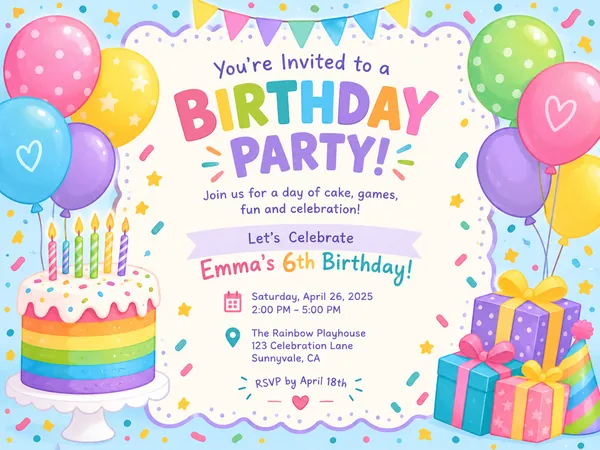
Birthday Invitation Maker
Themed birthday invitations for kids and adults, printable at 5×7 or shareable by text.
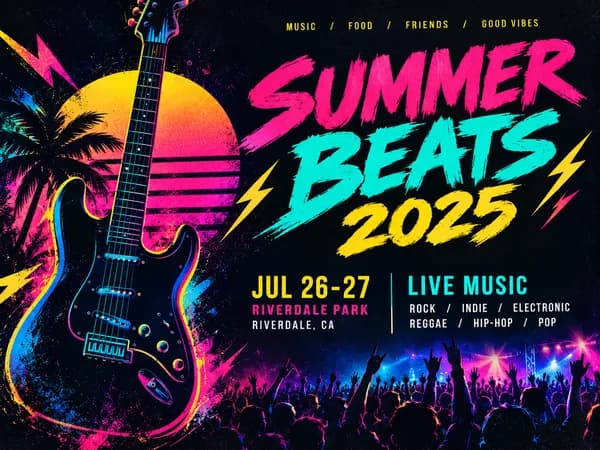
Event Flyer Maker
Posters and flyers for parties, gigs and community events, for print and Instagram.
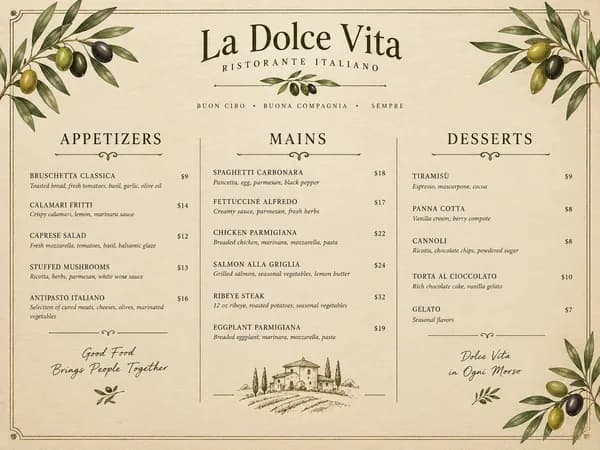
Restaurant Menu Maker
Paste your dishes and prices, get a designed one-page menu in Letter or A4.