

Event Flyer Maker
Enter the event name, date and place, add a few highlights, and PiCraft designs a complete flyer ready to pin up or post.
One design, two files: a Letter-size print PDF with bleed and a 4:5 image sized for Instagram and Facebook feeds.
- Step 1
Add event details
Name, date, venue and up to four highlights.
- Step 2
Choose a style
Community, nightlife, gig poster, professional or gala.
- Step 3
Post and print
Instagram, Stories and a Letter-size print PDF from one design.
Made with the Event Flyer Maker
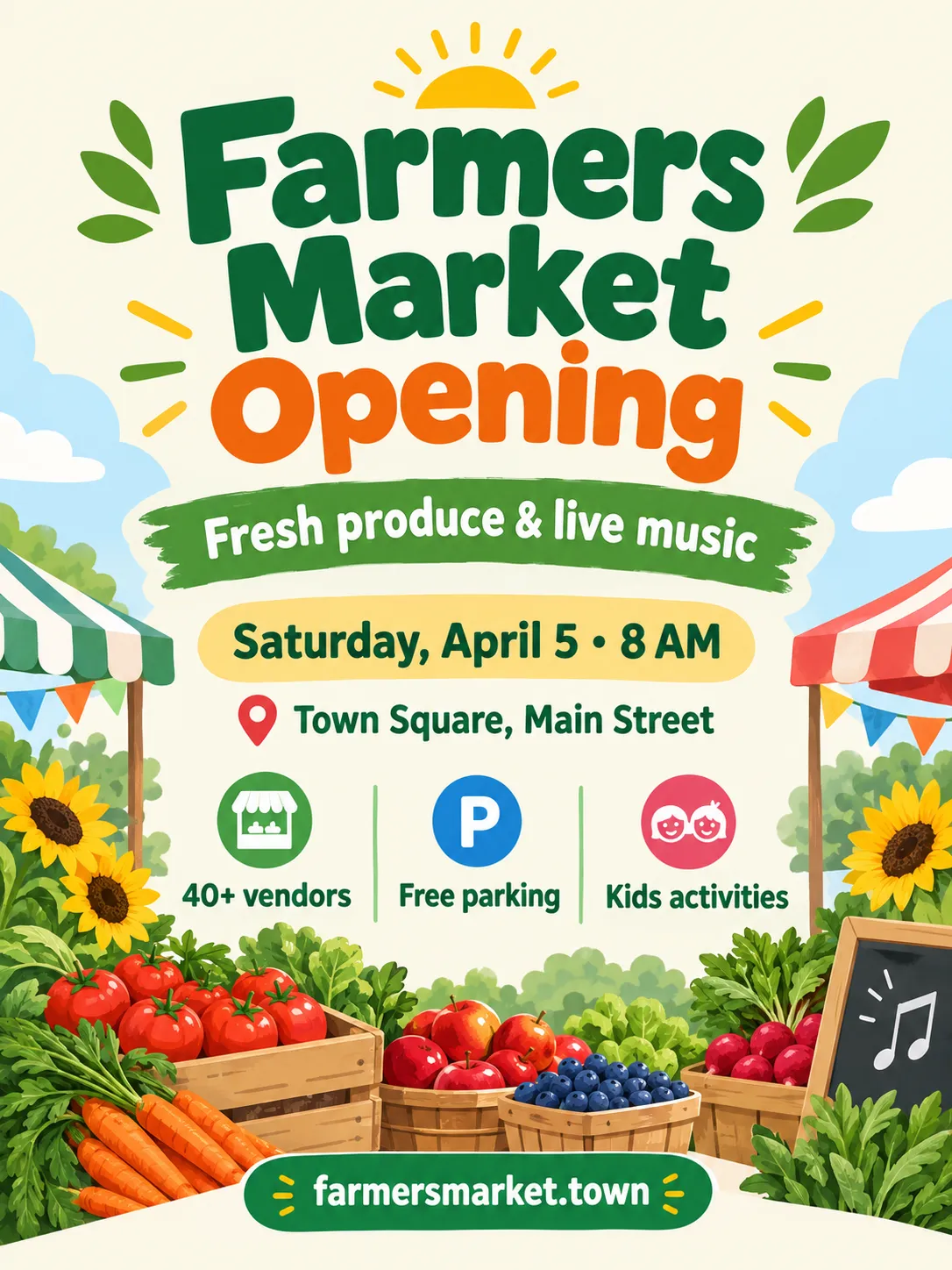
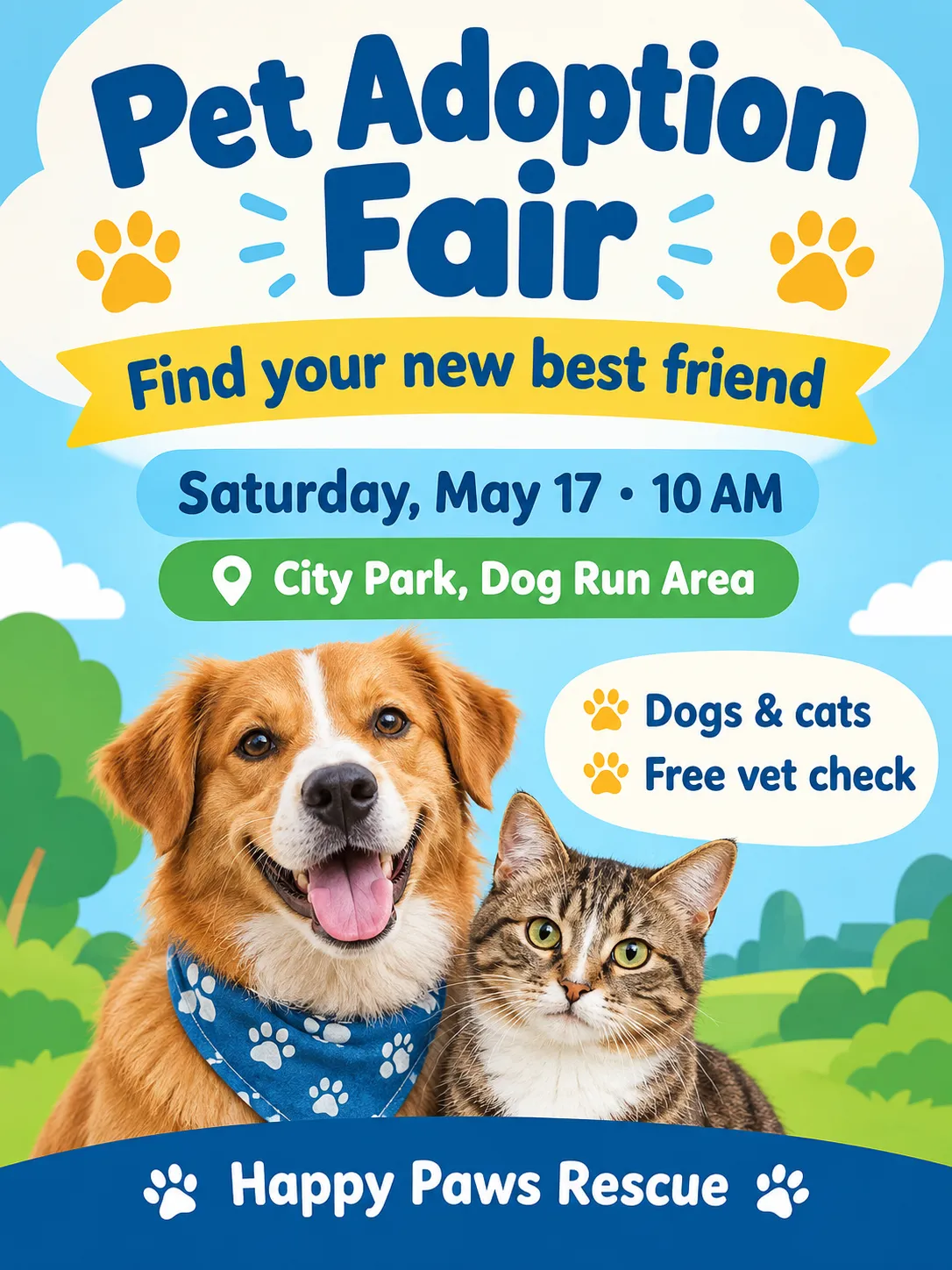
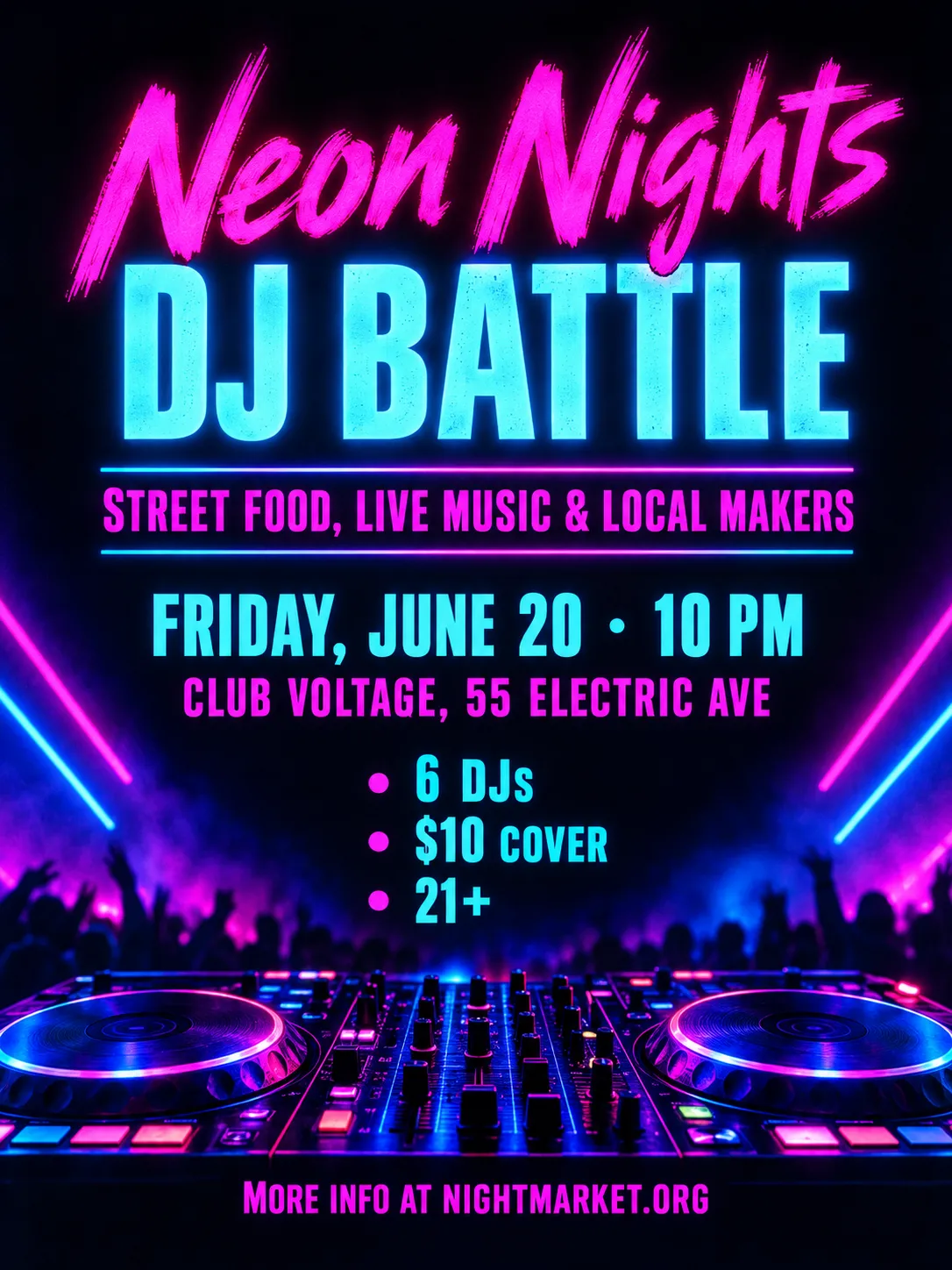
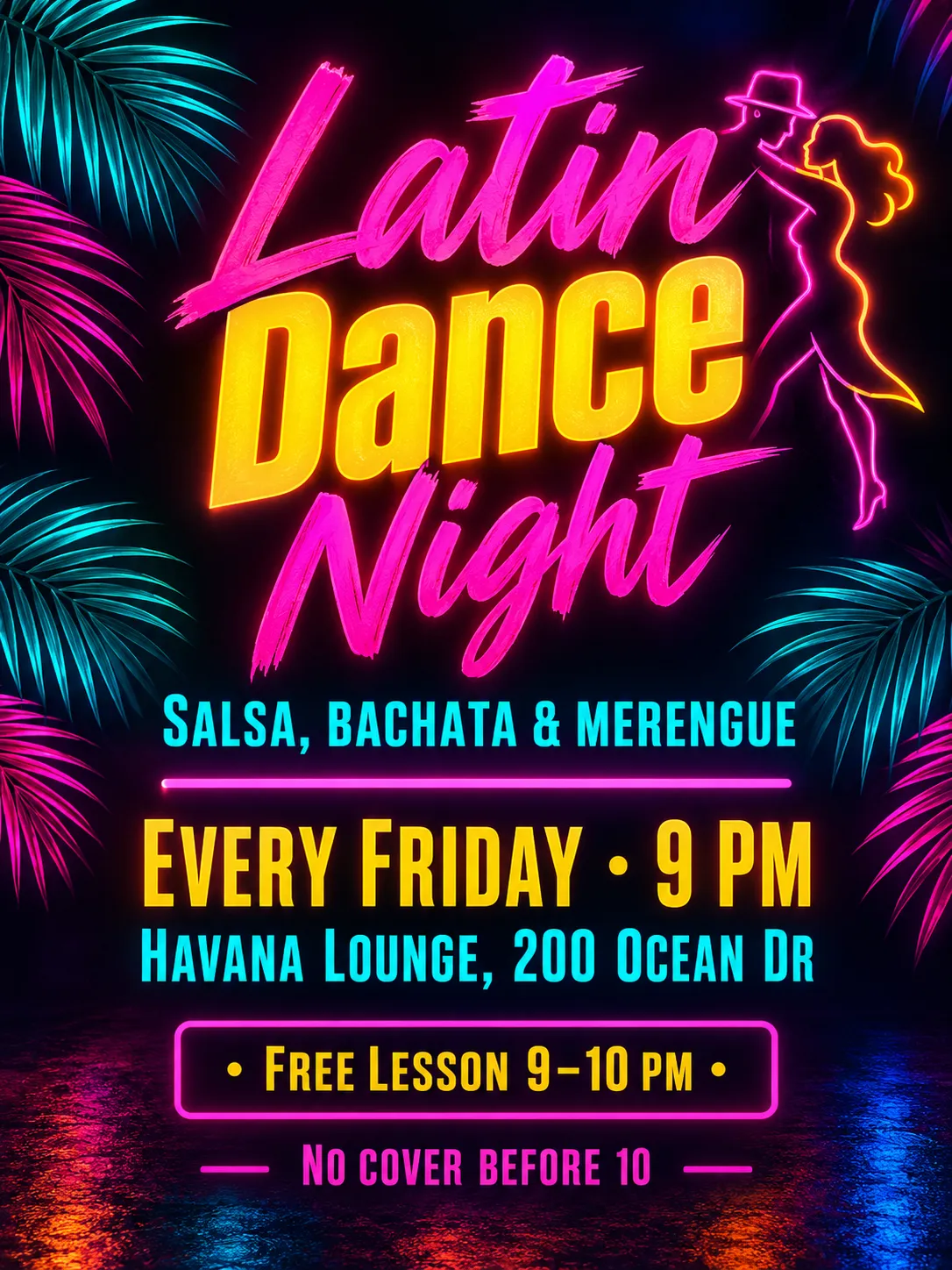
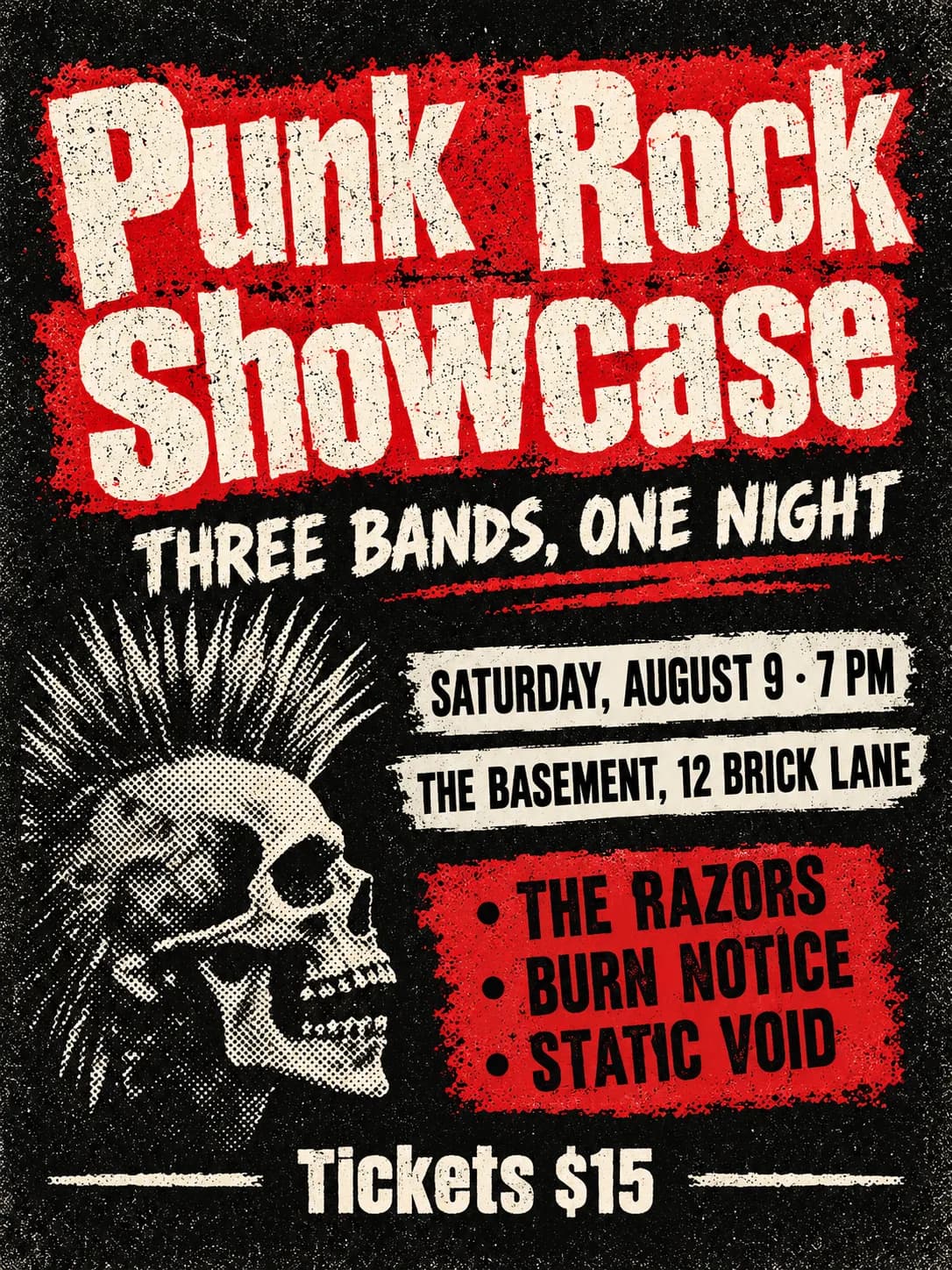
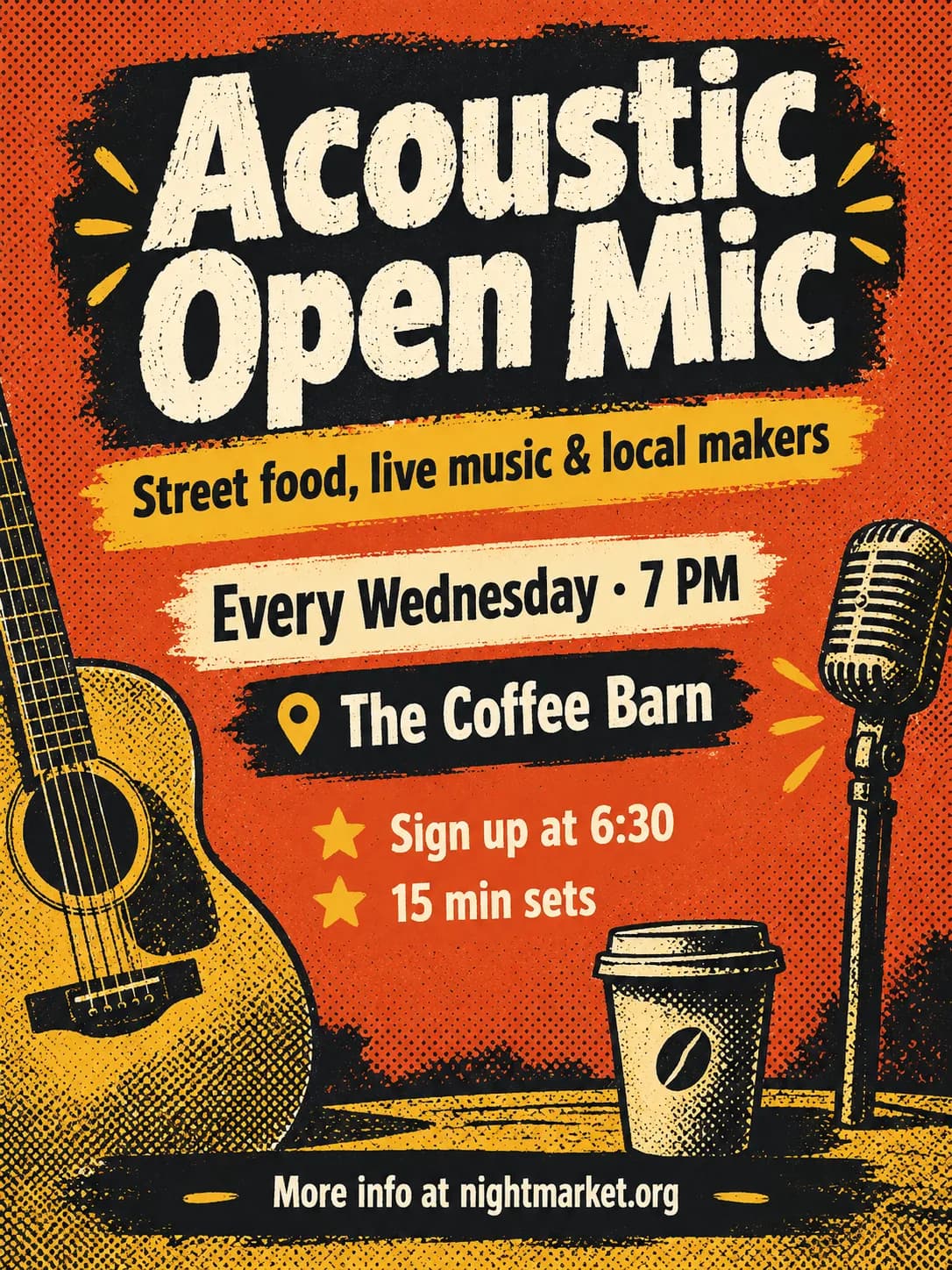
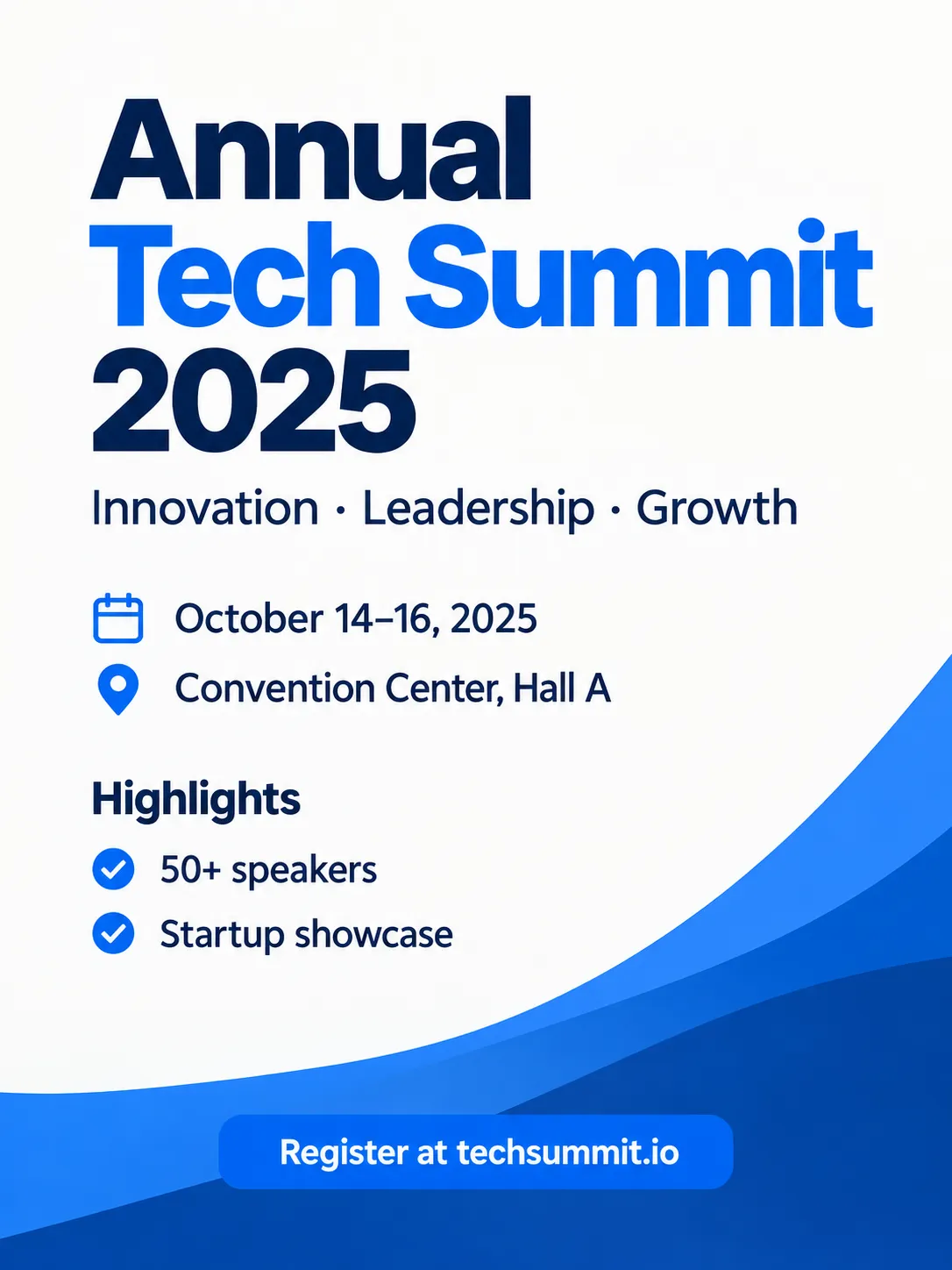
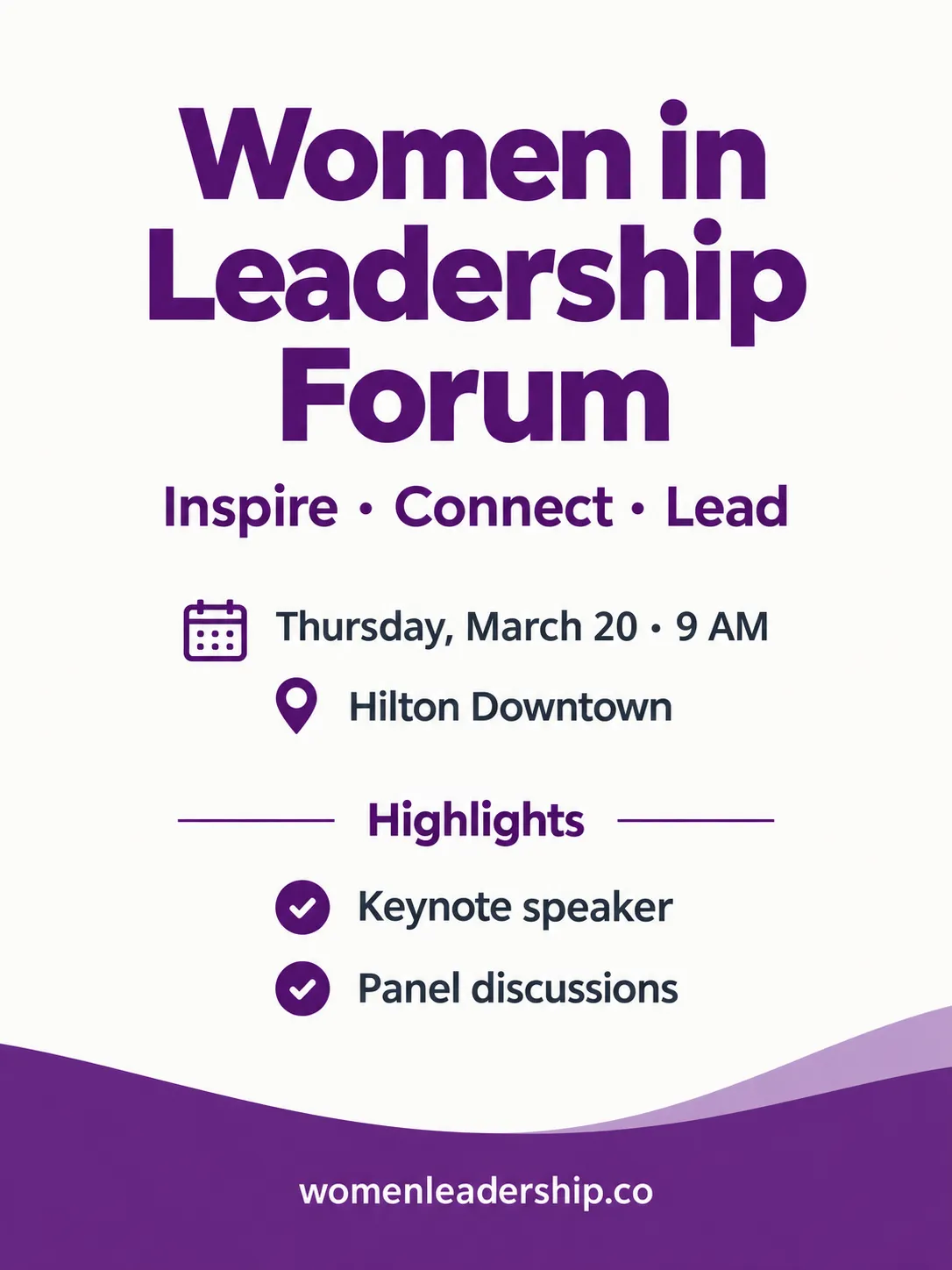
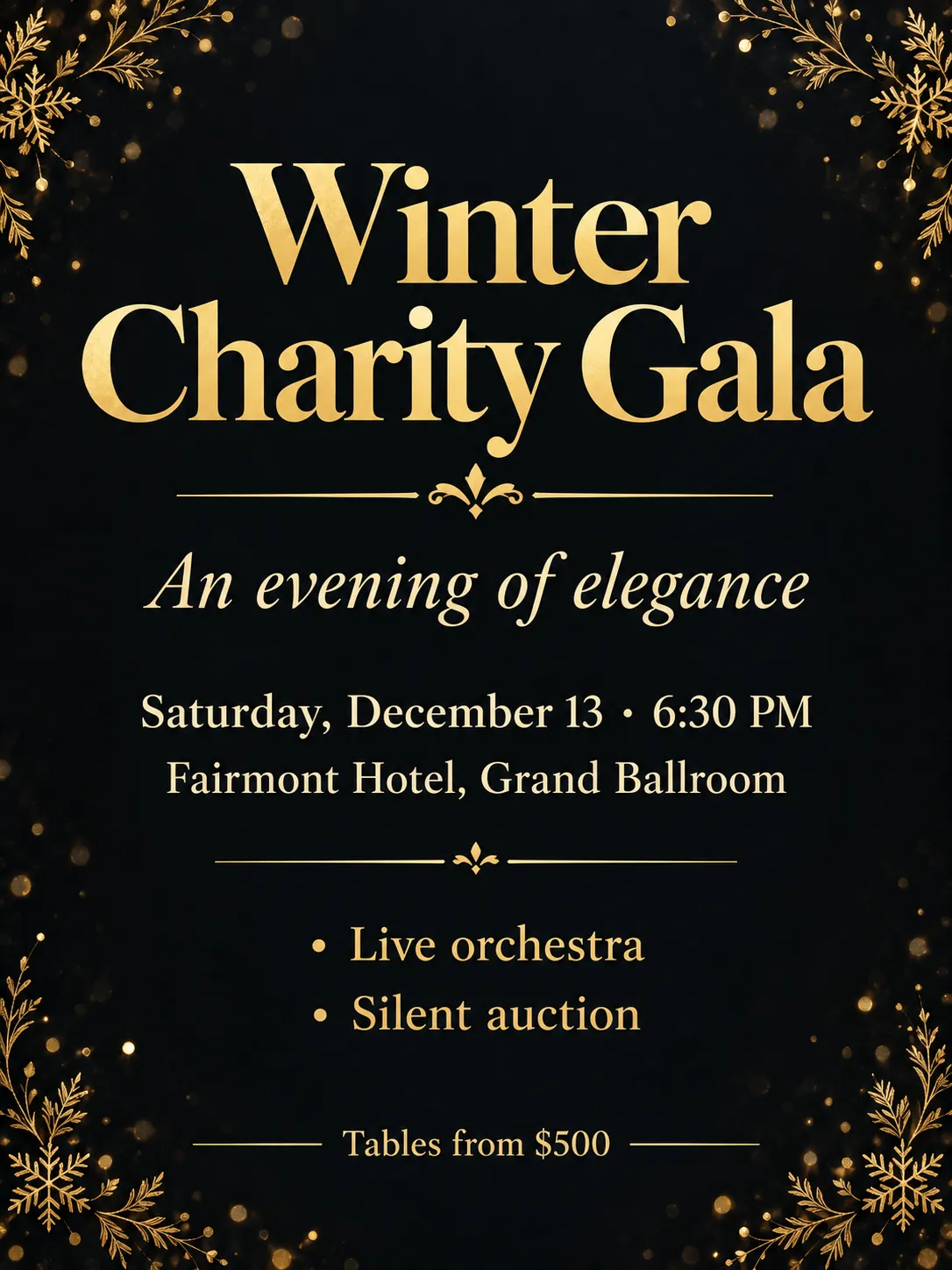
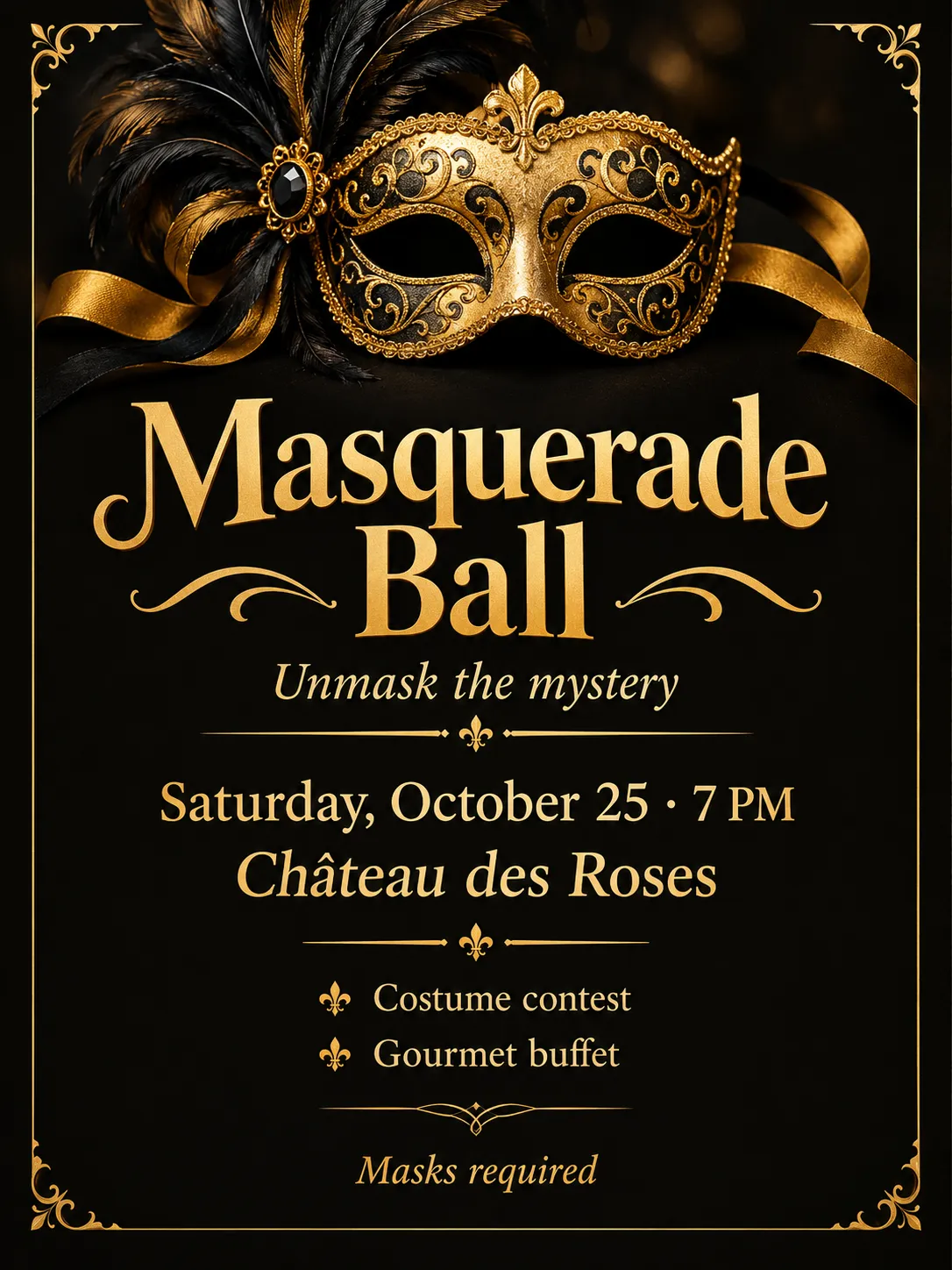
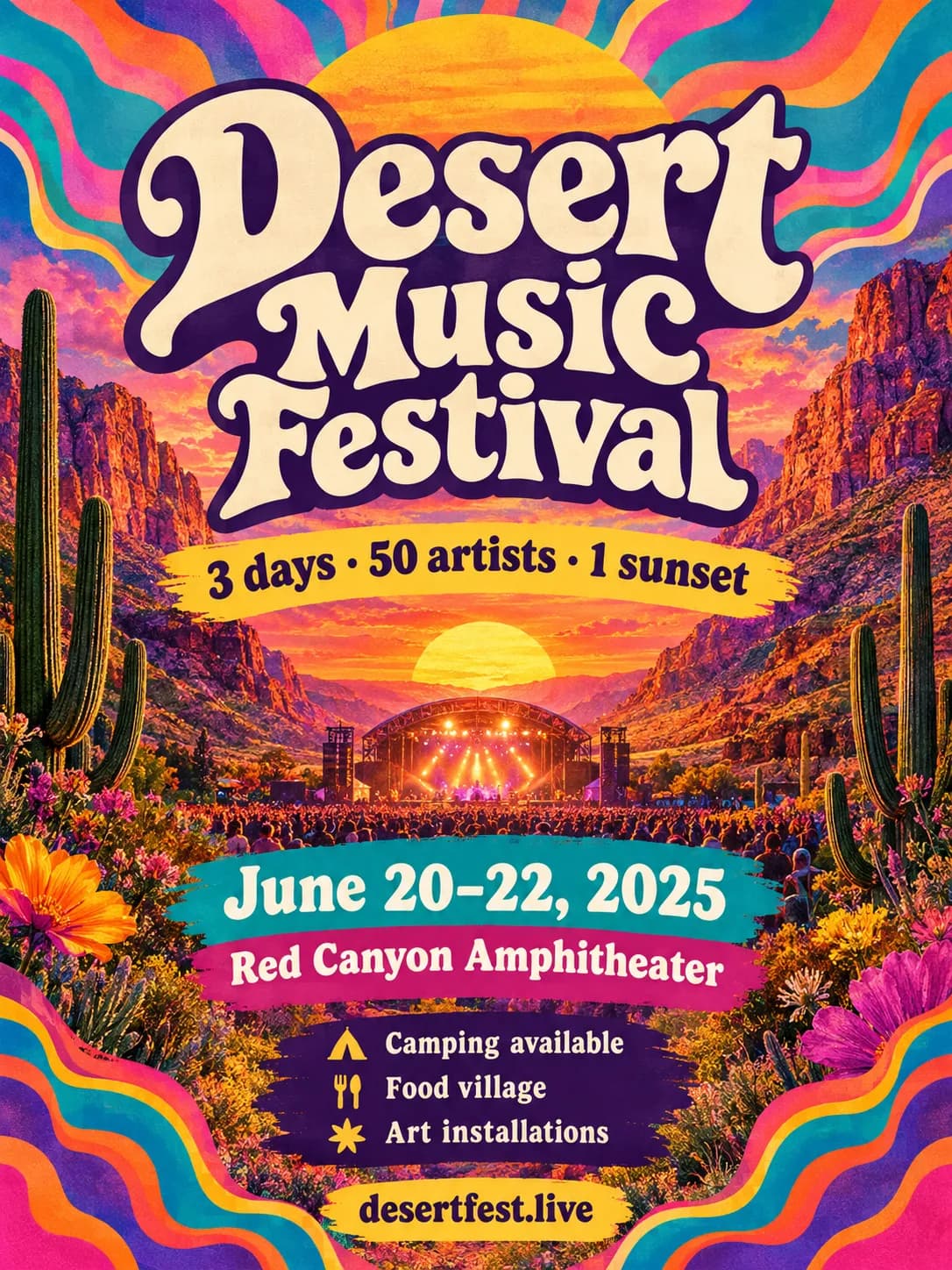
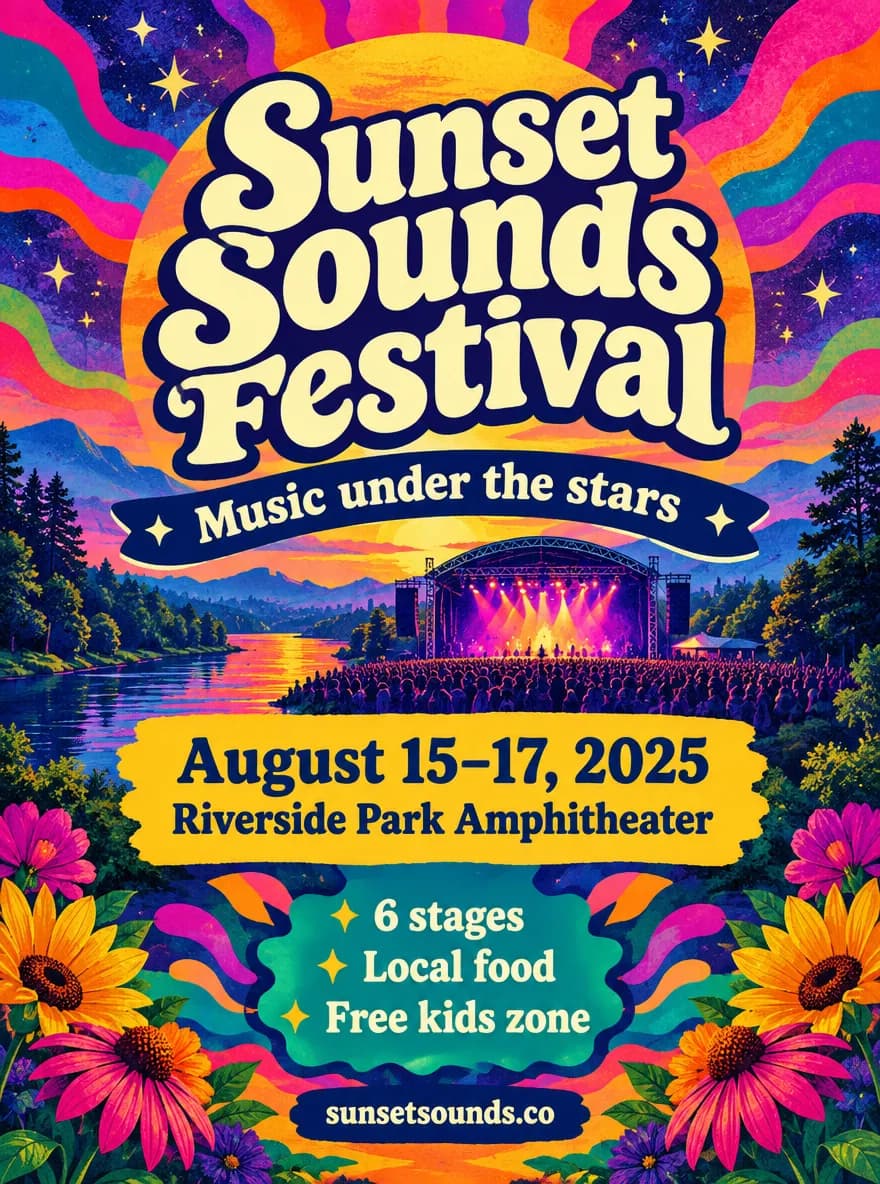
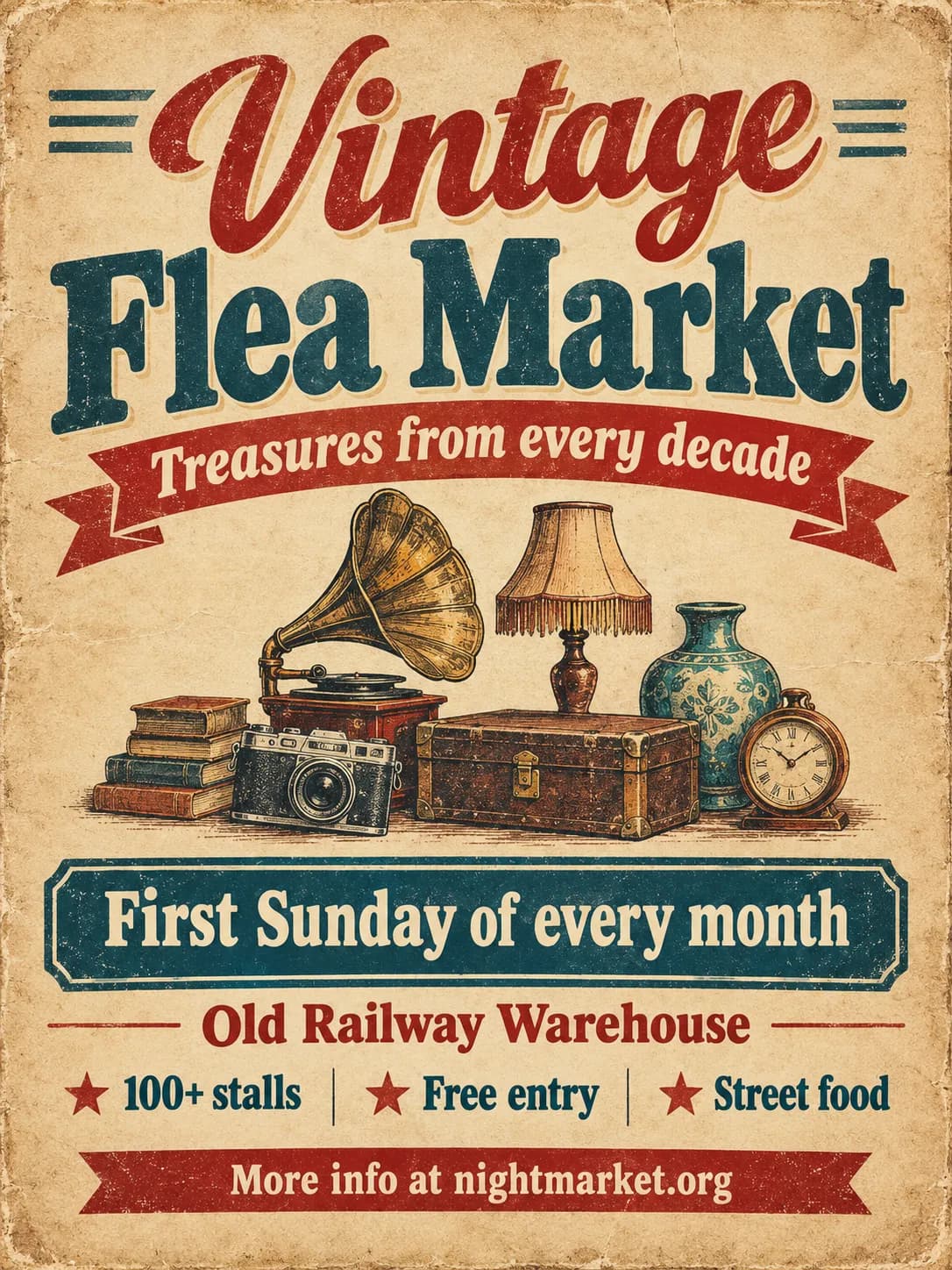
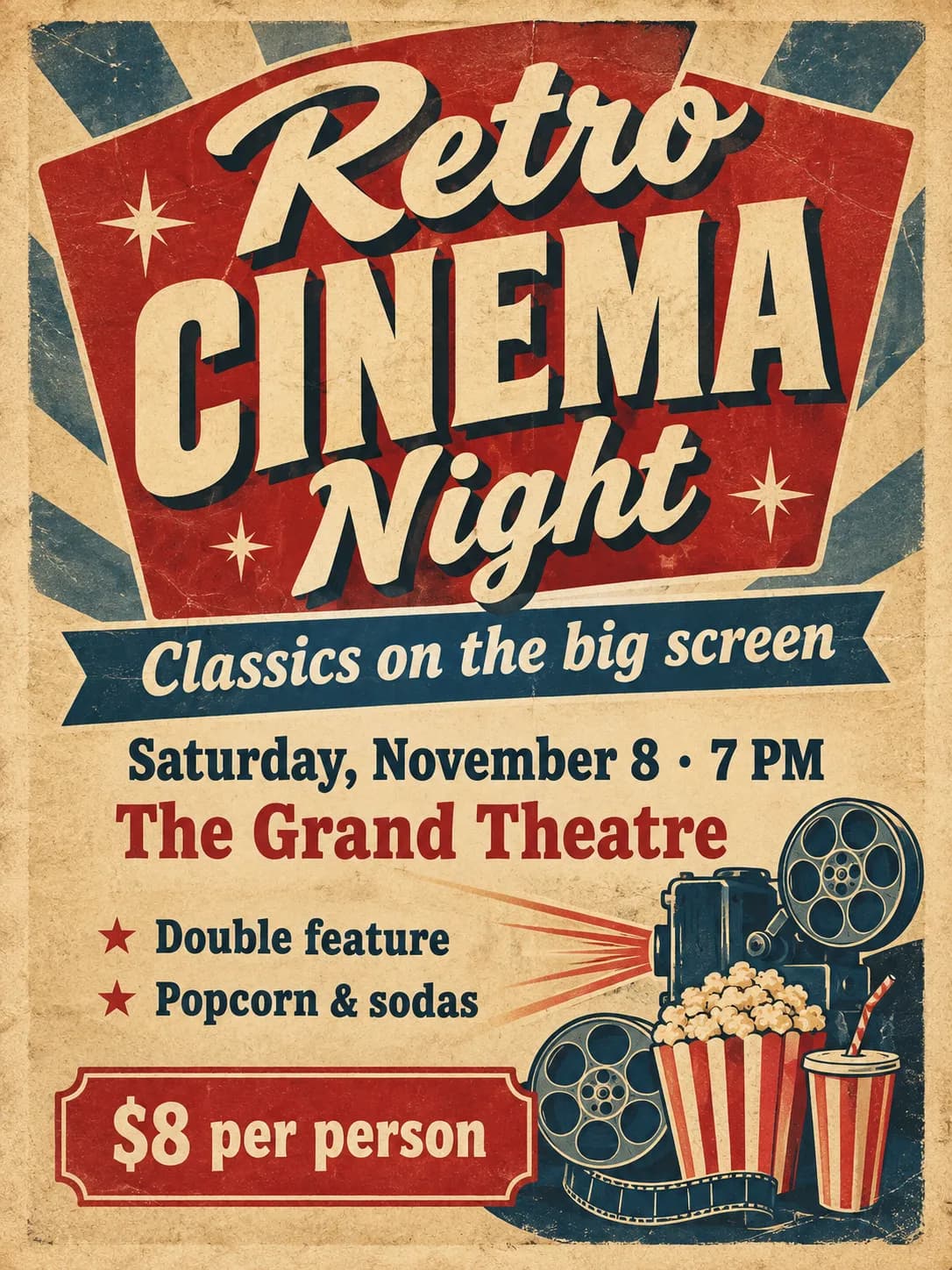
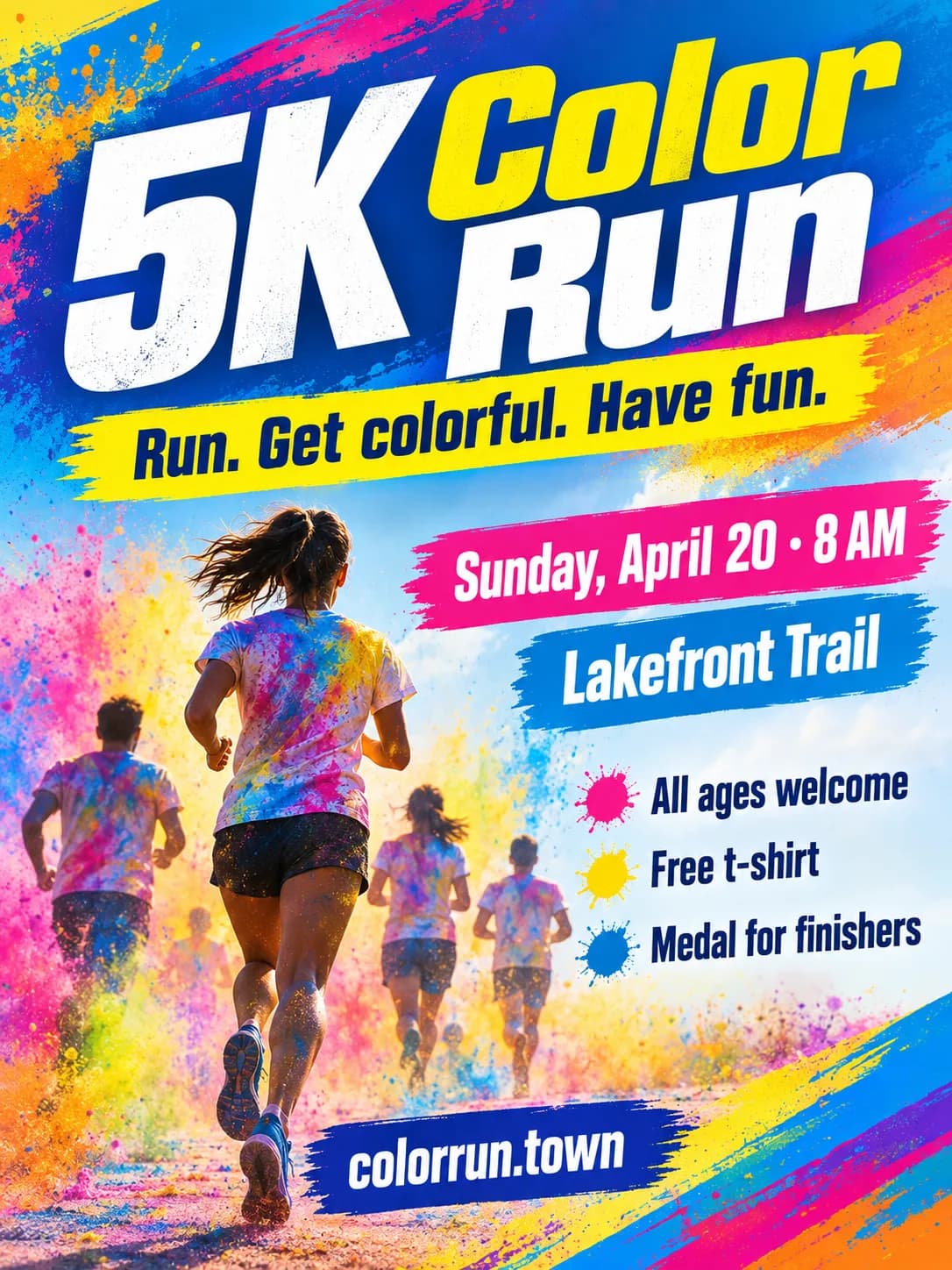
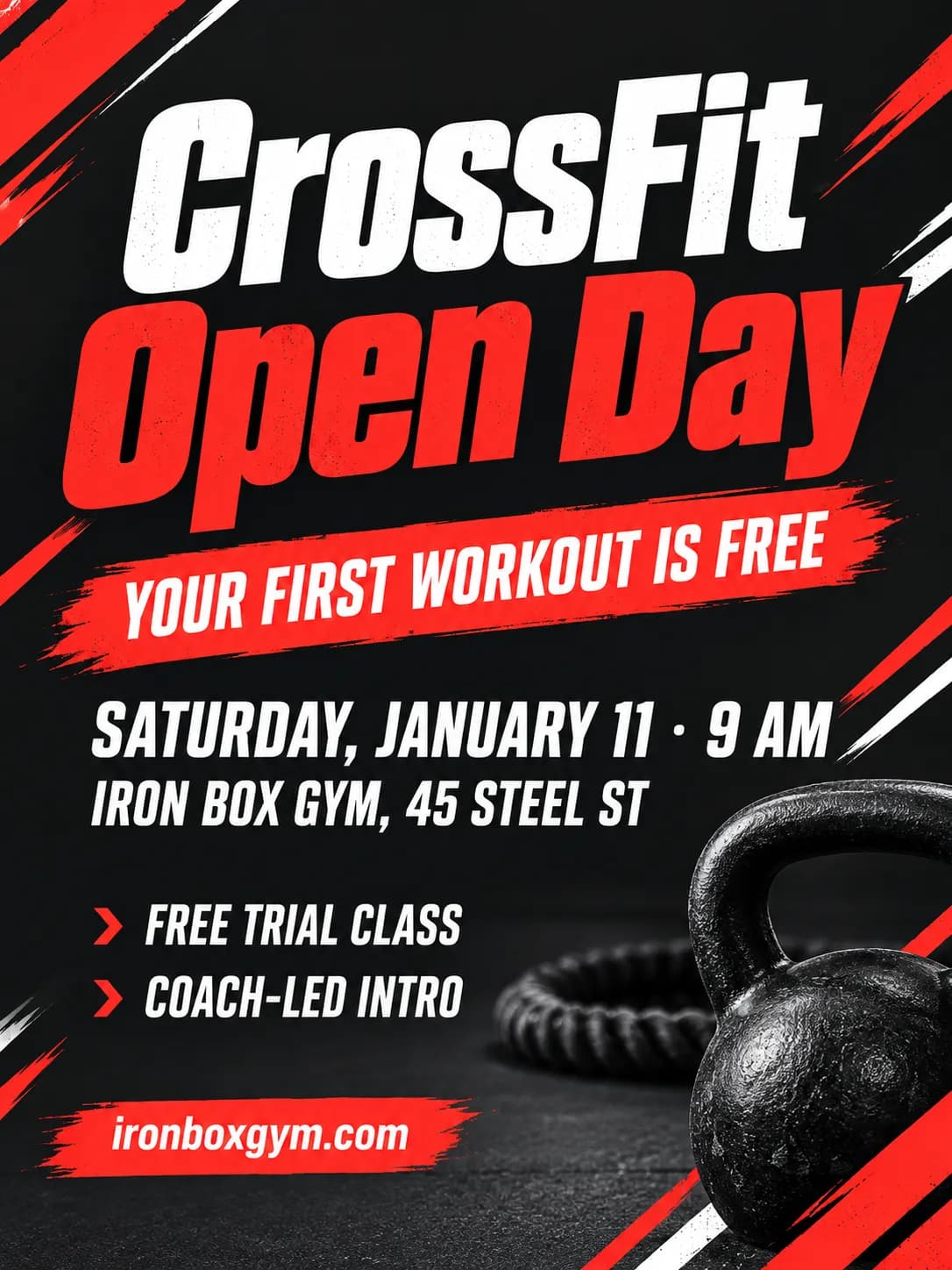
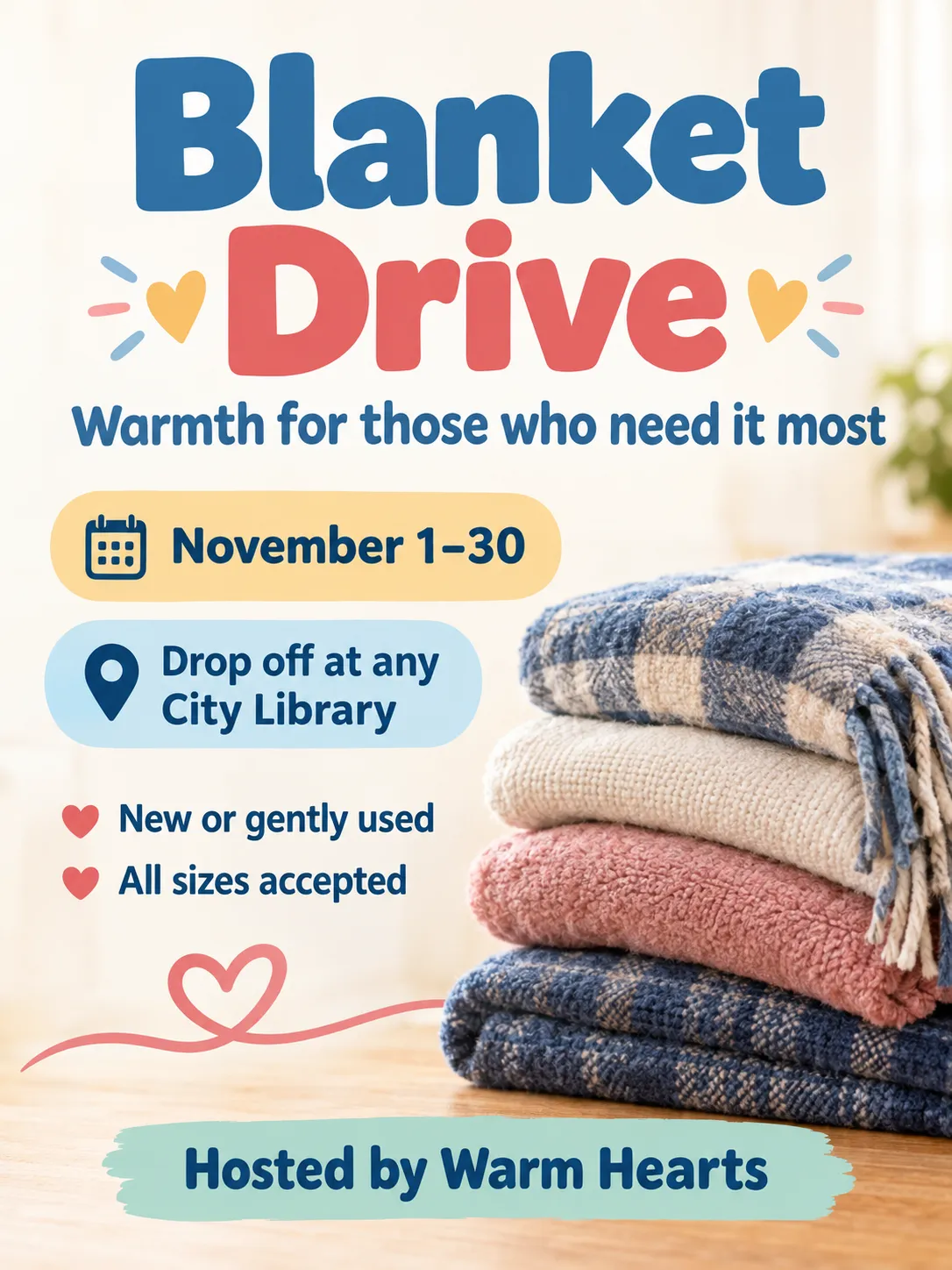
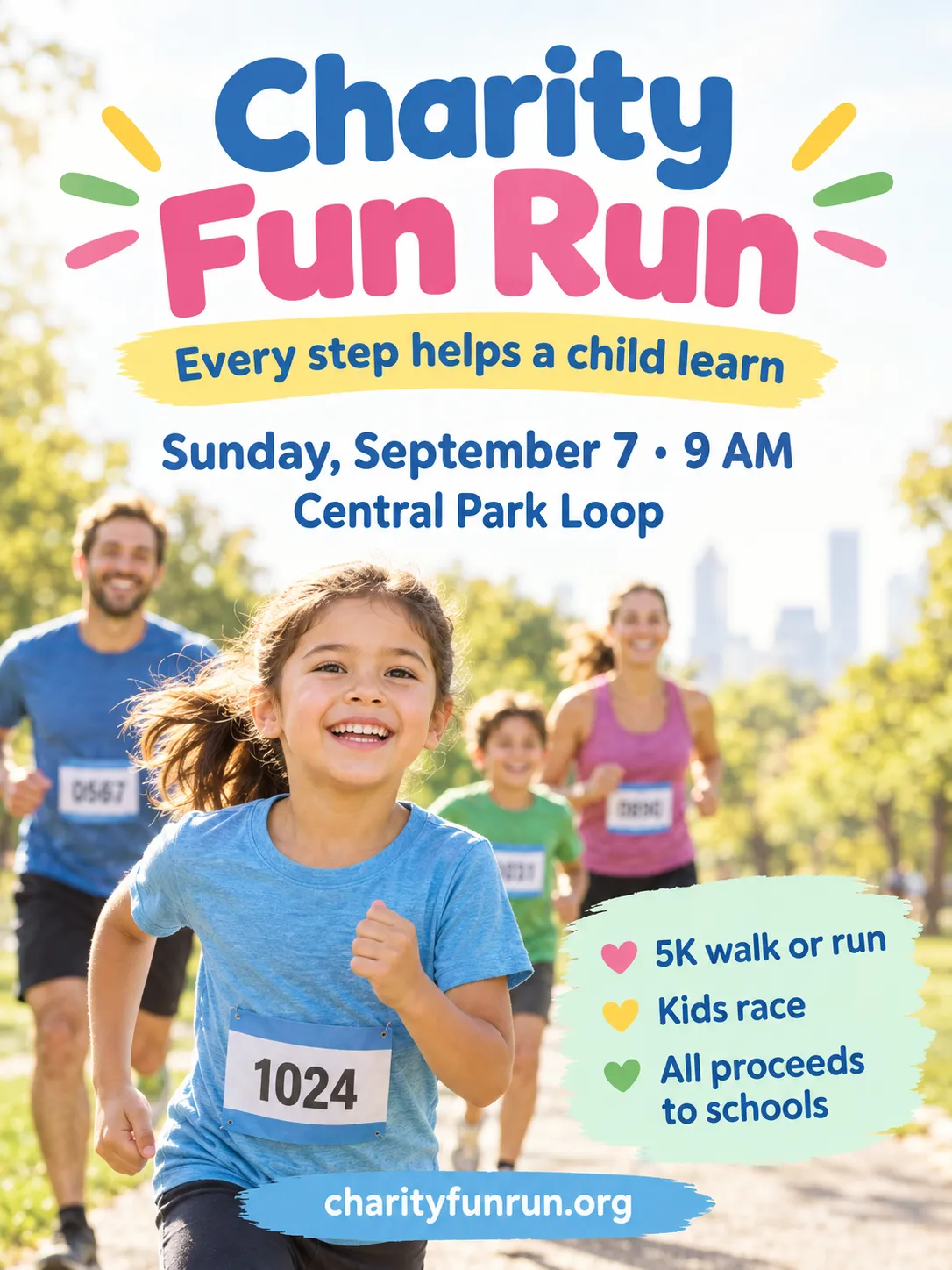
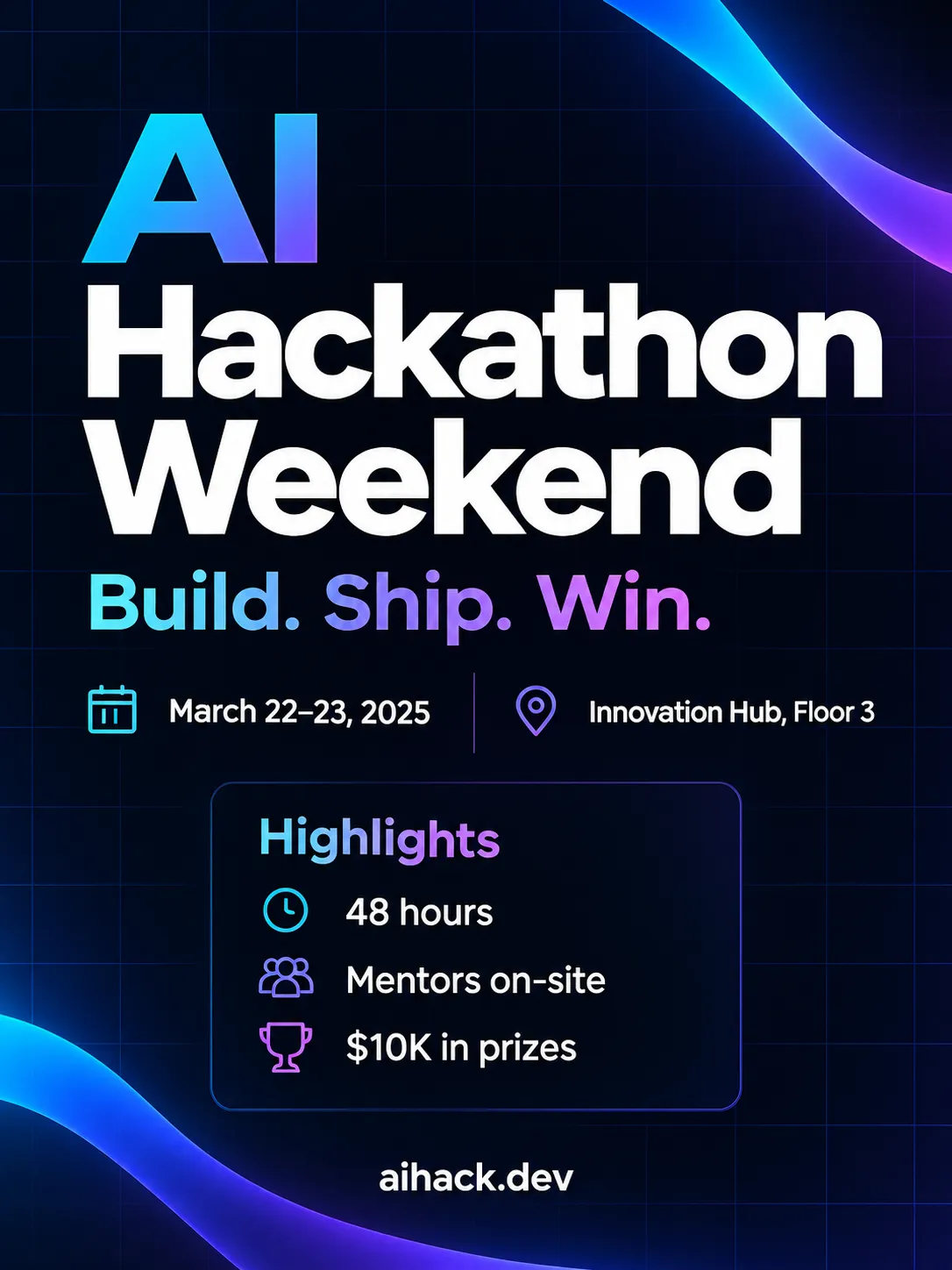
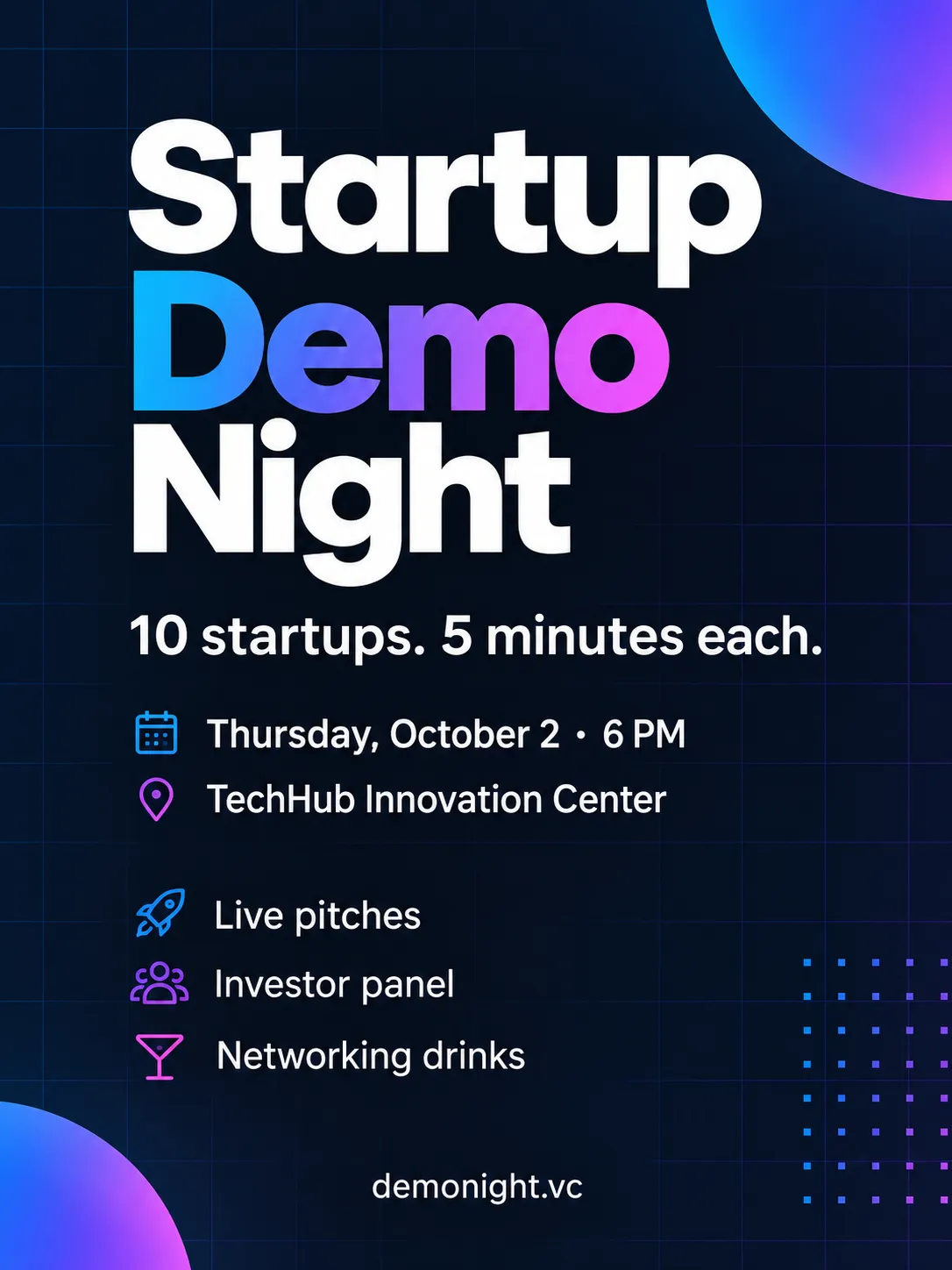
How the Event Flyer Maker works
Enter the event name, the date and time, and the venue. Add a tagline, up to four highlights and a call to action if you want them, and pick one of ten styles. PiCraft designs a complete portrait flyer with a clear hierarchy: the event name largest, then the date and venue, then the details.
Everything on the flyer comes from what you typed. The design does not invent extra text, so the only wording on it is yours.
From one design you get a US Letter print file with bleed, a 1080×1350 px image for Instagram and Facebook feeds, and a 1080×1920 px version for stories.
What you get with the Event Flyer Maker
Letter print PDF with bleed
An 8.5×11 inch flyer with 0.125 inch bleed at 300 DPI, to print at a shop or at the office.
A print JPG
The same print file as a JPG for services that prefer images.
Instagram and Facebook image
A 1080×1350 px 4:5 portrait, the shape that takes up the most room in the feed.
A Stories version
A 1080×1920 px 9:16 image, with the flyer centered on a soft blurred background.
Ten styles
Community, neon nightlife, gig poster, professional, gala, festival and more.
Flyer and social sizes
| Use | Size |
|---|---|
| Printed flyer | 8.5×11 in, 0.125 in bleed, 300 DPI |
| Instagram / Facebook feed | 1080×1350 px (4:5) |
| Stories | 1080×1920 px (9:16), flyer centered |
- Large print files are upscaled from the generated design; bold, simple layouts print sharpest.
What people use the Event Flyer Maker for
Community events
Markets, fundraisers, school fairs and neighborhood meetups, printed for noticeboards and posted online.
Music and nightlife
Gigs, club nights and open mics, with a poster look and a feed-sized version.
Small business promotions
Grand openings, sales and workshops, with a call to action pointing to your website.
Corporate and professional events
Meetups, webinars and conferences, with a clean professional style.
Charity and club events
Sports days, bake sales and charity runs, with the highlights listed clearly.
Tips for better results
- 1
Lead with a short event name
The name is the largest text on the flyer. Two to five words read best from a distance.
- 2
Put the date and time together
"Friday, July 18 · 6–11 PM" in one line keeps the key facts in one place.
- 3
Limit the highlights to four short lines
"Free entry", "30+ food vendors" and "Live DJ" read at a glance. Long lines are hard to read.
- 4
Use one clear call to action
A website or phone number is enough. Don't add several ways to reply.
- 5
Match the style to the crowd
Gala and professional suit formal events, neon and festival suit a younger crowd, community suits families.
- 6
Check readability from a distance
Hold the printed flyer at arm's length or view it at thumbnail size. The event name and date should still be clear.
- 7
Use the right version in the right place
Use the Letter file for printing, the 4:5 image for the feed and the story version for stories.
Choosing a flyer style
The style sets the colors, the lettering and the energy. Pick one that fits your audience.
- Bright community
- Cheerful colors and friendly shapes. Fits markets, fairs and family events.
- Neon nightlife
- Dark backgrounds with glowing color. Fits clubs, parties and late events.
- Gig poster
- A bold, printed-poster look. Fits concerts, open mics and bands.
- Clean professional
- A restrained layout with clear type. Fits business events and talks.
- Elegant gala
- Refined type and rich accents. Fits fundraisers, dinners and awards.
- Music festival
- Colorful and energetic. Fits outdoor festivals and multi-act events.
- Vintage retro
- A nostalgic palette and type. Fits themed nights and anniversaries.
- Sports & fitness
- Dynamic shapes and strong color. Fits races, classes and tournaments.
- Warm charity
- Friendly and welcoming. Fits bake sales, drives and charity events.
- Tech & startup
- Modern gradients and clean type. Fits hackathons, meetups and launches.
Before you print or post
- Check the event name, date, time and venue against your plans.
- Confirm the website or phone number in the call to action works.
- Print one test copy and read it from a distance before printing a batch.
- Choose the right file: the Letter PDF for printing, the 4:5 image for the feed, the story image for stories.
- If you print at home, expect a thin white margin because most home printers cannot print to the edge.
- If you print at a shop, upload the PDF with bleed and ask the shop to trim to Letter size.
- Post the digital version a few weeks ahead and again a few days before the event.
What the Event Flyer Maker can't do
- The Letter size is fixed. For A4, ask your printer to scale it or re-create the design in an editor.
- It does not add a QR code or a logo. Put your website in the call to action, or add those in an image editor.
- The print file is upscaled from the generated design, so bold and simple layouts print sharpest.
- The text is part of the image, so changing a word means generating again.
- Long highlights and small print can be hard to read. Keep the text short.
Frequently asked questions
Can I print flyers at home?+
Yes. Print the JPG or PDF at actual size on US Letter paper. Home printers can't print to the edge, so a thin white margin is normal.
What's the best size for Instagram?+
4:5 portrait (1080×1350 px) takes up the most space in the feed. PiCraft exports that size from every flyer.
Can I add a QR code?+
No. Put your website in the call to action line, or add a QR code in any image editor afterwards.
Will the details be spelled correctly?+
Usually, but always proofread before printing. Generate again if anything is off.
Can I make a poster instead of a flyer?+
The design is portrait Letter size. For a larger poster, send the PDF to a shop that can enlarge it, and keep in mind that the print file is upscaled from the generated design.
Which file should I post on Instagram?+
Use the 1080×1350 px image for the feed and the 1080×1920 px image for stories.
How many highlights can I add?+
Up to four short lines. Put each one on a new line in the highlights box.
Can I use it for an online event?+
Yes. Put the platform or link in the venue or call to action line, for example Zoom or your website.
Can I add my own logo?+
No. Add it in an image editor after you download the flyer.
Last updated:
More makers
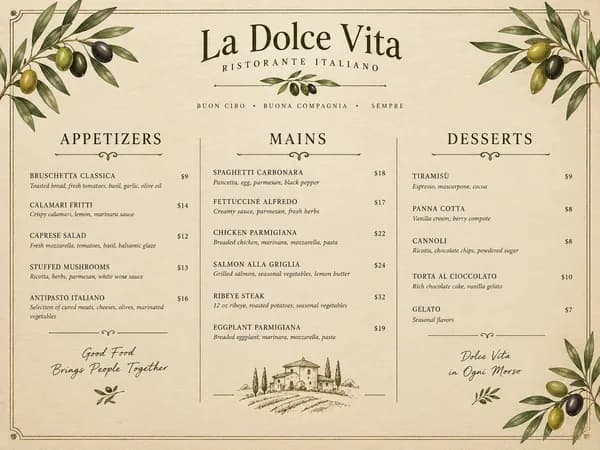
Restaurant Menu Maker
Paste your dishes and prices, get a designed one-page menu in Letter or A4.
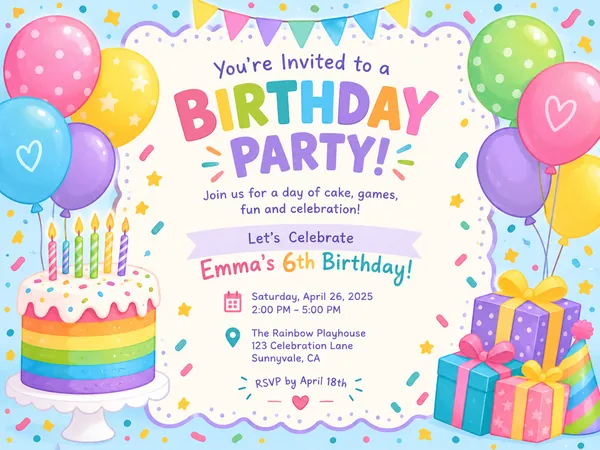
Birthday Invitation Maker
Themed birthday invitations for kids and adults, printable at 5×7 or shareable by text.

YouTube Thumbnail Maker
Click-worthy 1280×720 thumbnails with bold headline text, optionally featuring your face.