

Product and Listing Photo Makers
Some photos have to follow rules that someone else wrote. An Amazon main image needs a pure white background and a product that fills most of the frame. A property listing needs bright, straight, honest photos that fit the size limits of the MLS. The makers in this group start from a photo you took, fix the things those rules care about and export files in the sizes the platforms ask for.
Both makers keep your product or property recognizable. They do not invent a new item or a different room layout, and they are not meant to hide defects. That keeps your listing accurate, which matters for buyers and for the marketplace that hosts it.
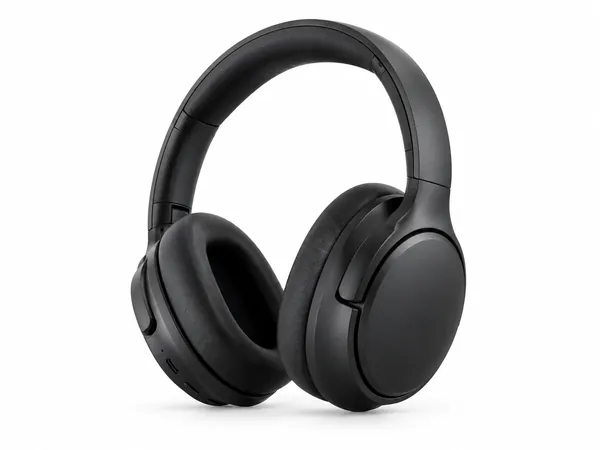
Amazon Product Photo Maker
Pure-white main images and lifestyle shots sized for Amazon, Etsy and Shopify.
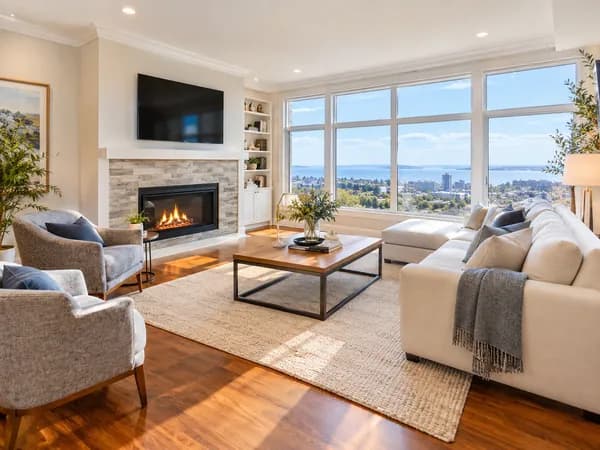
Real Estate Listing Photo Editor
Brighten, declutter, virtually stage or twilight-convert property photos for MLS.
What these makers have in common
- You upload your own photo, so the result shows the real product or property.
- Output sizes follow the platform: 2000×2000 px for marketplace images and 2048×1536 px for MLS uploads.
- The maker pages explain the rules that apply, such as the pure white background rule for main images and the labeling that many MLS systems require for edited or staged photos.
- Every design is reviewed by you before it goes live. AI can change small details, so compare the result with the real item.
Which one do you need?
Use the Amazon Product Photo Maker when you sell a physical product and need a main image, a lifestyle image or a detail shot for Amazon, Etsy or Shopify. Use the Real Estate Listing Photo Editor when you list a property and want to brighten a dark room, declutter, add virtual furniture or turn a daytime exterior into a twilight shot.
If you are not sure what size a platform expects, read the matching size guide first: Amazon product image requirements or real estate photo size and rules.
Guides for these makers
Amazon Product Image Size and Main Image Rules
Amazon main image: pure white RGB 255, 85% fill, 1000 px minimum for zoom, 1600 px+ recommended, JPEG preferred, and what secondary images allow.
Product photosProduct Photo Checklist for Online Stores
Checklist for Amazon, Etsy and Shopify listing photos: main vs secondary shots, pure white RGB 255, product fill, honest images, file sizes and alt text.
Size guideReal Estate Listing Photo Size and MLS Requirements
MLS listing photo dimensions: 2048×1536 px landscape JPG, 1024×768 minimums, file size limits, web sizes, virtual staging labels, and keeping unedited originals.
Real estateVirtual staging and disclosure for listing photos
Learn what virtual staging and common photo edits are, why MLS disclosure matters, and how to label altered listing photos without misrepresenting the property.
Questions
Do the photo makers change my product?+
They are built to keep the product as it is and change the background, light and presentation. AI can still alter small details such as printed text or tiny parts, so compare every image with the real item before you upload it.
Can I use the edited property photos on the MLS?+
Possibly, but MLS rules differ. Many require you to label virtually staged or heavily edited photos, and edits must never hide defects. Check your MLS rules and keep the unedited originals.
What do I need to start?+
One clear photo of the product or room. Sharp, well lit photos give the best results. Dark, blurry or heavily tilted photos give weaker results.
How many files do I get?+
Every design comes with the files for that job, such as a 2000×2000 px listing image and a 1080×1080 px store or social image for products, and an MLS size plus a web size for property photos.