

Size guide
Restaurant Menu Print Size and Layout Limits
Updated
Short answer
Print a one-page menu at US Letter 8.5×11 in (8.75×11.25 in with 0.125 in bleed) or A4 210×297 mm (216×303 mm with 3 mm bleed) at 300 DPI. PiCraft fits about 14 menu lines on one page; keep type large enough to read from a seated guest's distance and verify allergen rules locally.
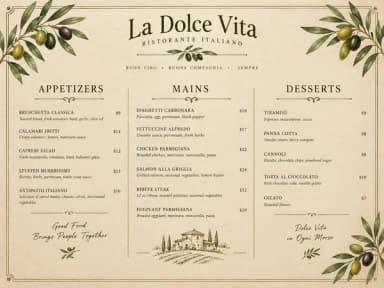
Make it with PiCraft
Restaurant Menu Maker
Paste your dishes and prices, get a designed one-page menu in Letter or A4.
Which paper size should you choose?
Choose US Letter if you print in the United States or Canada, your laminator pouches are Letter, or your existing menu sleeves expect 8.5×11 in.
Choose A4 if you operate where A4 is the default copy paper and printer tray size, including most of Europe, Australia and many other regions.
The two sizes are not interchangeable without scaling. A layout tuned for Letter may reflow if forced onto A4. Generate the size you will actually print rather than scaling later.
Bleed, trim and what the printer needs
Bleed lets background color or borders run past the final trim so you do not see white slivers after cutting. US menus use 0.125 in bleed per side; A4 workflows often use 3 mm per side, which PiCraft applies on the A4 PDF and JPG.
Send the PDF with bleed intact. Specify trim size (8.5×11 in or 210×297 mm) on the order. If you laminate, confirm the pouch matches the trimmed sheet.
For a general explanation of bleed and safe areas, see what is bleed in printing.
How many items fit on one page
The Restaurant Menu Maker accepts up to 14 lines in the form: one dish, drink or section heading per line. Section titles are lines without a price, such as "Starters" or "Desserts."
Fourteen lines is a practical cap for readable type on one sheet. Long descriptions or many sections force smaller lettering, which is harder to read under restaurant lighting and harder for the model to spell perfectly.
For longer offerings, split into two pages (food and drinks, lunch and dinner) and generate each page separately with the same style option.
Readability at the table
Guests read a menu at arm's length or slightly farther, often in dimmer light than an office. Favor fewer items per page, short descriptions and consistent price alignment over cramming every special onto one sheet.
After you download, print one proof and read it standing where customers sit. If you squint at prices, regenerate with shorter lines or fewer items.
Chalkboard-style designs look hand lettered but still need enough contrast between text and background. Dark fine-dining layouts need gold or light type large enough to pick out quickly.
Allergens, calories and legal notices
Many jurisdictions require allergen disclosures, calorie counts or other statements on menus or menu boards. Rules differ by country, state and city, and they change over time.
PiCraft copies the dish lines you paste; it does not automatically add allergen icons, "may contain" blocks or nutrition panels. Type allergens into your lines if you want them in the design, or add a separate notice in your printer's template editor. Confirm what your location requires with official guidance or a local advisor.
Do not rely on this page for compliance advice.
Frequently asked questions
What size is a standard restaurant menu?+
In the US, US Letter 8.5×11 in is common. In most other countries, A4 (210×297 mm) is standard. Both should include bleed when sent to a professional printer.
What are menu dimensions with bleed?+
US Letter: 8.75×11.25 in with 0.125 in bleed. A4: 216×303 mm with 3 mm bleed per edge in PiCraft's export.
How many menu items fit on one PiCraft page?+
Up to 14 lines, including section headings without prices. Longer menus need a second page or a slimmer item list.
What resolution should a printed menu use?+
300 DPI on the print PDF or JPG. The separate web JPG is exported at 150 DPI for screens.
Does PiCraft add allergen information?+
No. Include allergens in your pasted lines if you want them shown, and check what your jurisdiction requires on menus.
Can I add my logo to the menu?+
Not in the maker. The restaurant name is rendered as styled type. Add a logo afterward in an editor if needed.
Ready to make one?
Restaurant Menu Maker
Paste your dishes and prices, get a designed one-page menu in Letter or A4.
Related guides
Event Flyer Size for Print and Social Media
Event flyer sizes: US Letter 8.5×11 in with bleed for print, 1080×1350 px feed posts, 1080×1920 px Stories, and A4 dimensions in millimeters.
Product photosProduct Photo Checklist for Online Stores
Checklist for Amazon, Etsy and Shopify listing photos: main vs secondary shots, pure white RGB 255, product fill, honest images, file sizes and alt text.
Makers that help
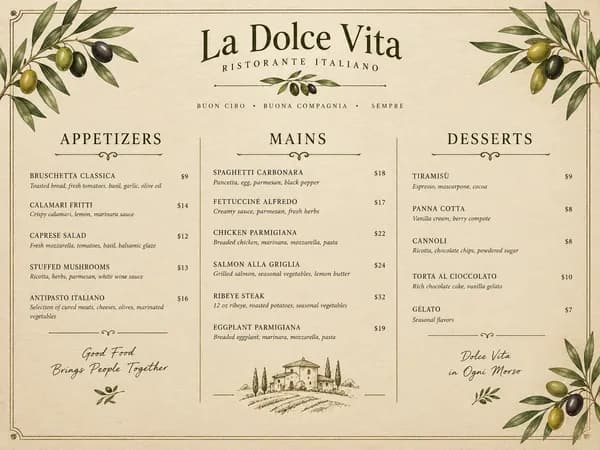
Restaurant Menu Maker
Paste your dishes and prices, get a designed one-page menu in Letter or A4.
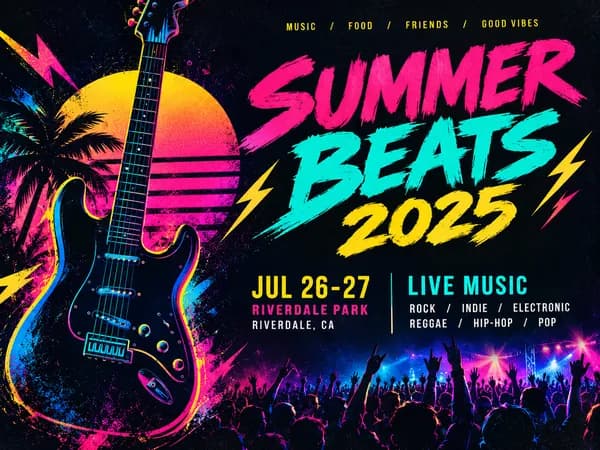
Event Flyer Maker
Posters and flyers for parties, gigs and community events, for print and Instagram.
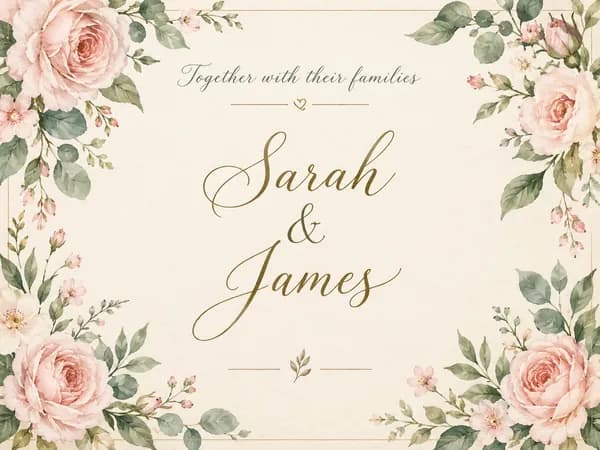
Wedding Invitation Maker
Printable 5×7 wedding invitations with your names, date and venue, plus a phone-ready version.