

Retro Arcade Birthday Invitation Maker
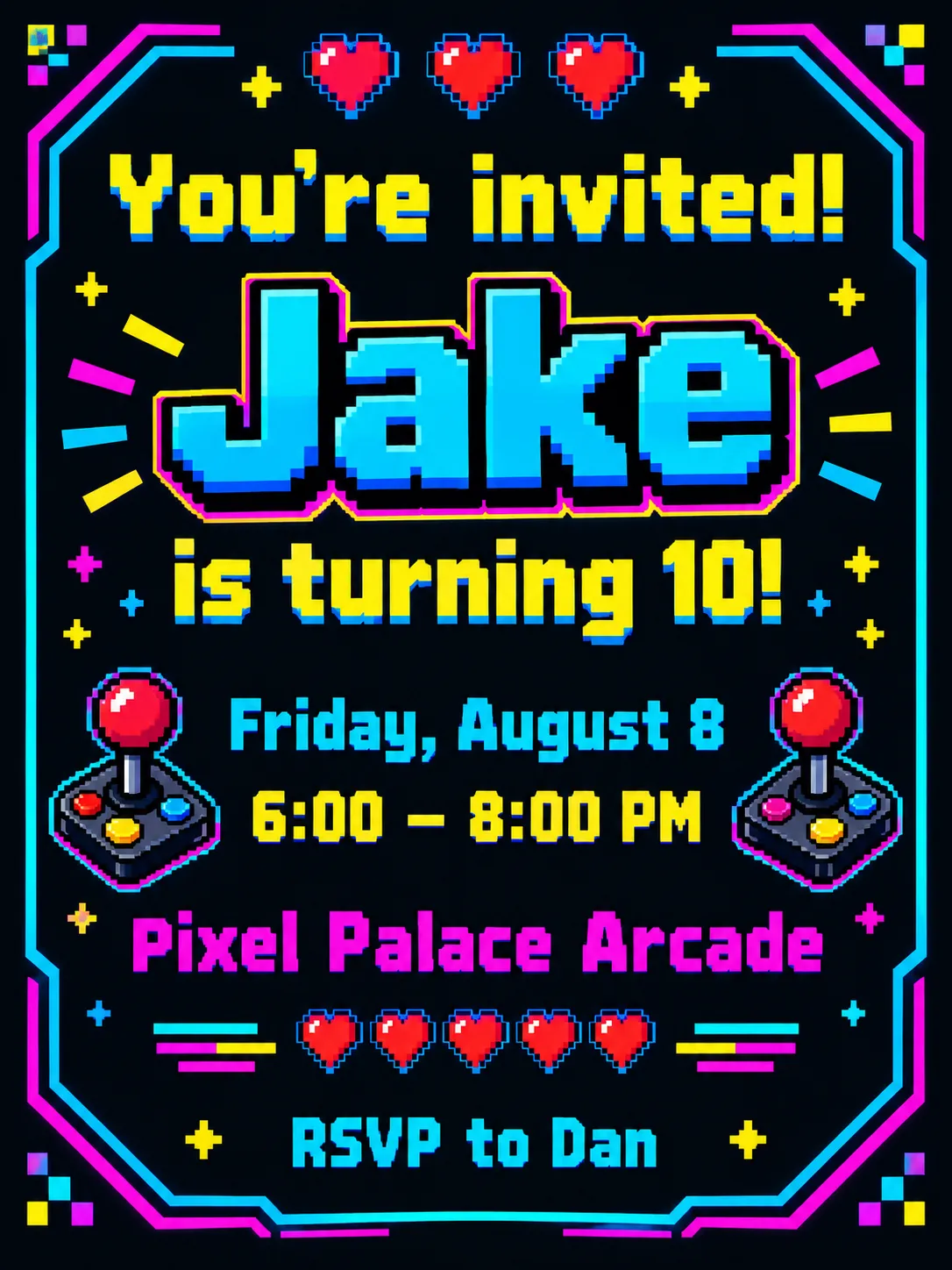
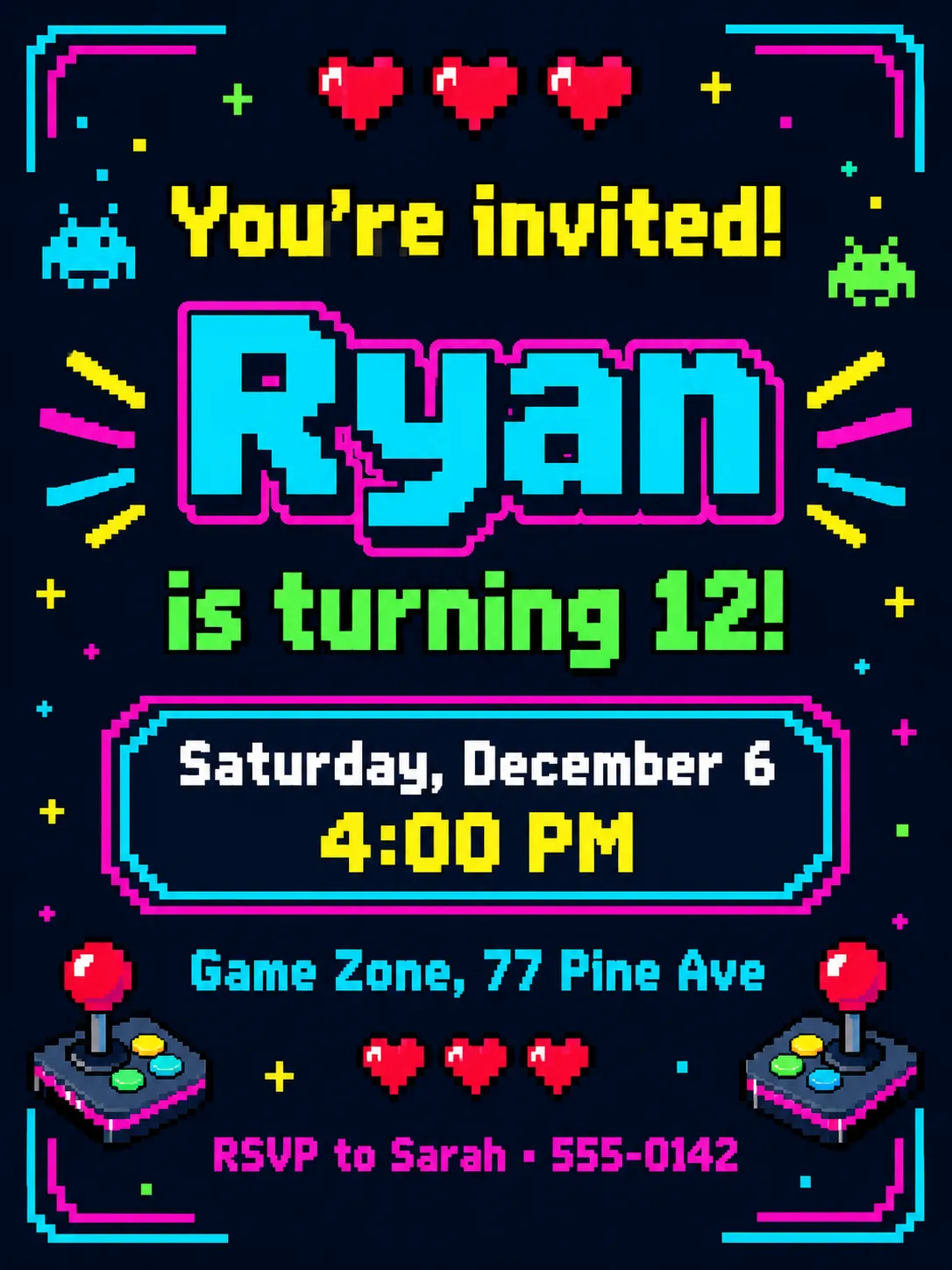
The retro arcade theme borrows from classic video games: pixel hearts, joystick icons and neon colors on a dark background, with chunky 8-bit lettering. It is loud and nostalgic in a way that appeals to teens and adults who grew up with arcades as much as to kids.
Enter the name, date and venue, and PiCraft sets them in the pixel-style layout with the name largest. Print it for a party at the arcade or send the share image straight to the group chat.
This is the Retro arcade theme of the Birthday Invitation Maker. The form on this page opens with it already selected.
Retro arcade examples
Who the Retro arcade theme suits
Gaming and arcade parties
Arcades, bowling alleys with game rooms and laser tag centers all fit the neon game-screen look.
Tweens and teens
Older children often prefer a design that looks like a game start screen over a cartoon theme.
Nostalgic adult celebrations
For an adult who loves the 1980s or 1990s arcades, the pixel look makes a fun milestone card.
Getting the best Retro arcade result
- 1
Write like a game screen
Phrases such as "Player 1 is turning 12" in the age field, or "Insert coin: RSVP to Dad" in the RSVP line, suit the pixel lettering.
- 2
Keep text short on the dark ground
Neon colors on black are bright but easy to over-read. A short venue name and a one-line time keep every line readable.
- 3
Expect a lot of dark ink
The dark background is ink-heavy on a home printer. For anything beyond a few copies, use a print shop.
- 4
Check the colors on screen and in print
Neon colors look brightest on a phone screen and duller on paper. Share the image digitally if the glow is the whole point.
Ideas to try
- Name: "Jake", age: "Player 1 is turning 10", place: "Pixel Palace Arcade, 77 Joystick Lane"
- A tween party: name "Ryan", age "is 12!", time "4:00 – 7:00 PM"
- RSVP line: "Insert coin: RSVP to Dad · 555-0116"
- An adult 40th: name "Dave", age "Level 40 unlocked", place "The Game Room"
What you download
Every design from the Birthday Invitation Maker comes with the files for the job, whichever theme you choose:
- Share image 1080×1500 JPG
- Print PDF 5×7 in with 0.125 in bleed
- Print JPG 5×7 in with bleed, 300 DPI
Questions about the Retro arcade theme
Is the lettering really pixel-style?+
The theme asks for chunky 8-bit lettering, so the text typically looks like an old game. The exact font and the pixel icons change with each generation.
Will the neon colors print as bright as on screen?+
Usually not. Paper cannot glow like a screen, so printed neon looks duller. If the invitation goes out by message, the screen version stays brightest.
Is it good for a younger child's party?+
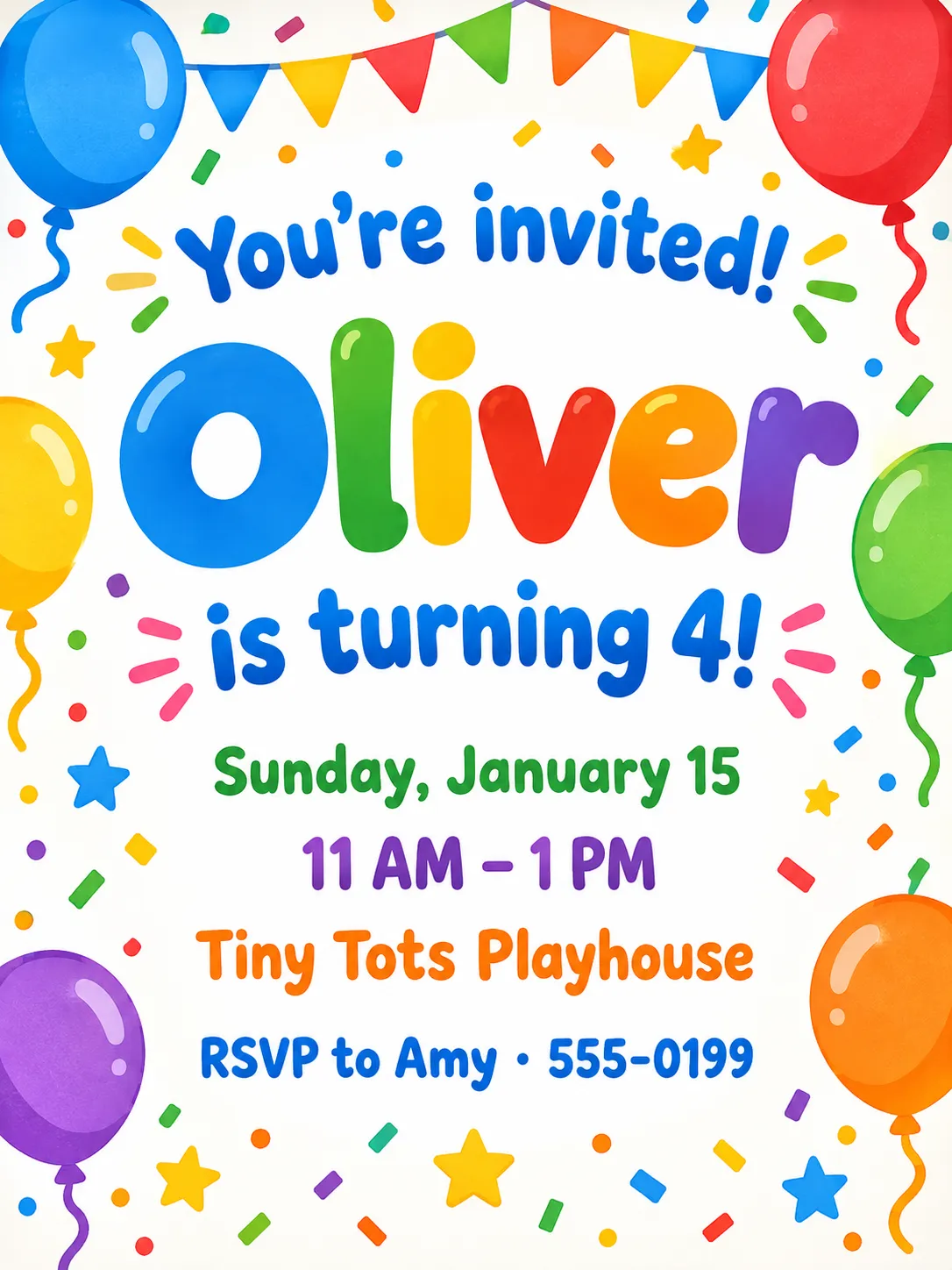
It suits school-age children and older. For little ones, a theme like balloons and confetti is more age-appropriate.
Can I add a game name or logo?+
No. The maker does not add logos or brand names, and you should avoid trademarked game characters. You can mention a venue name in the place field.
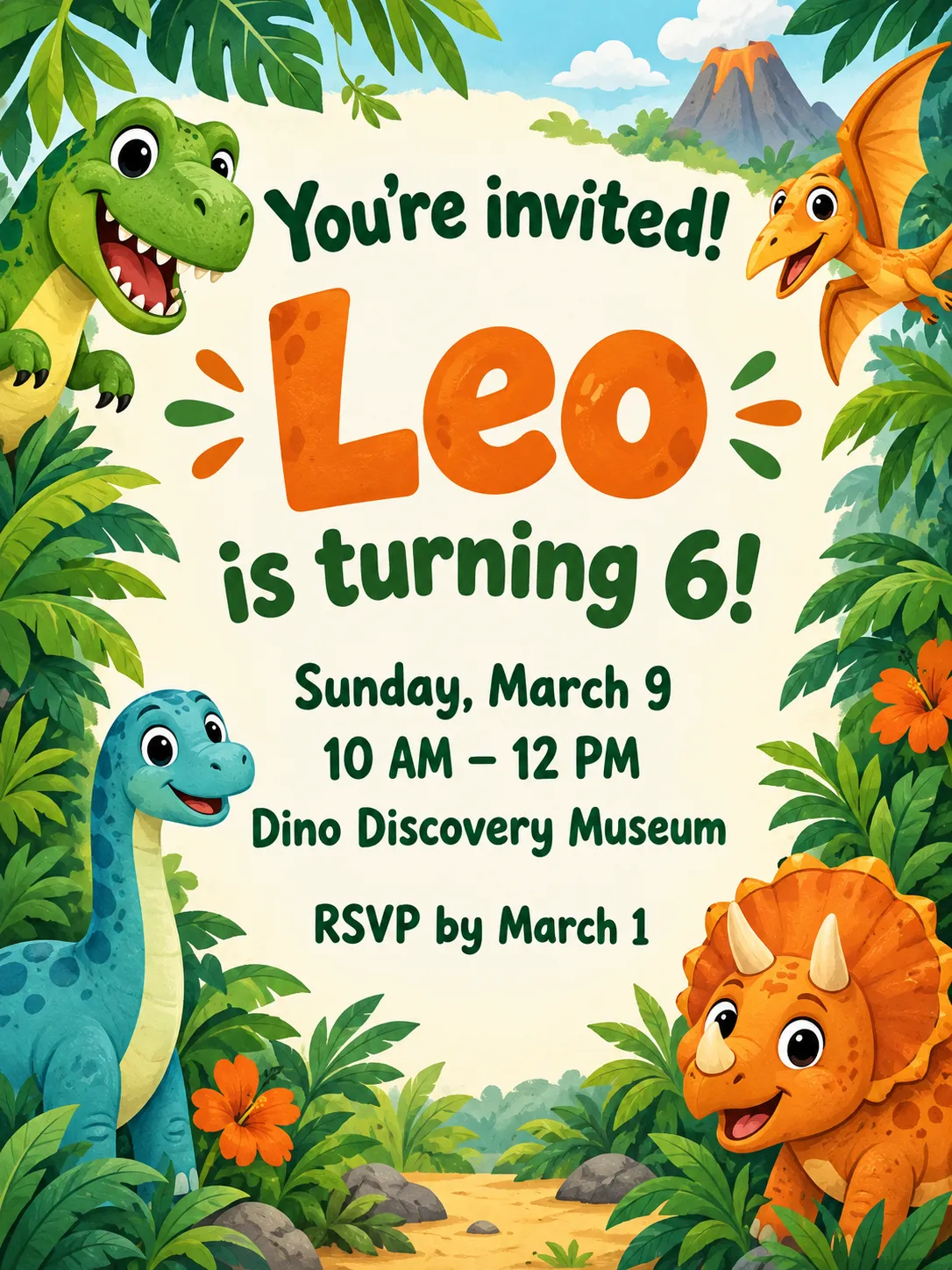
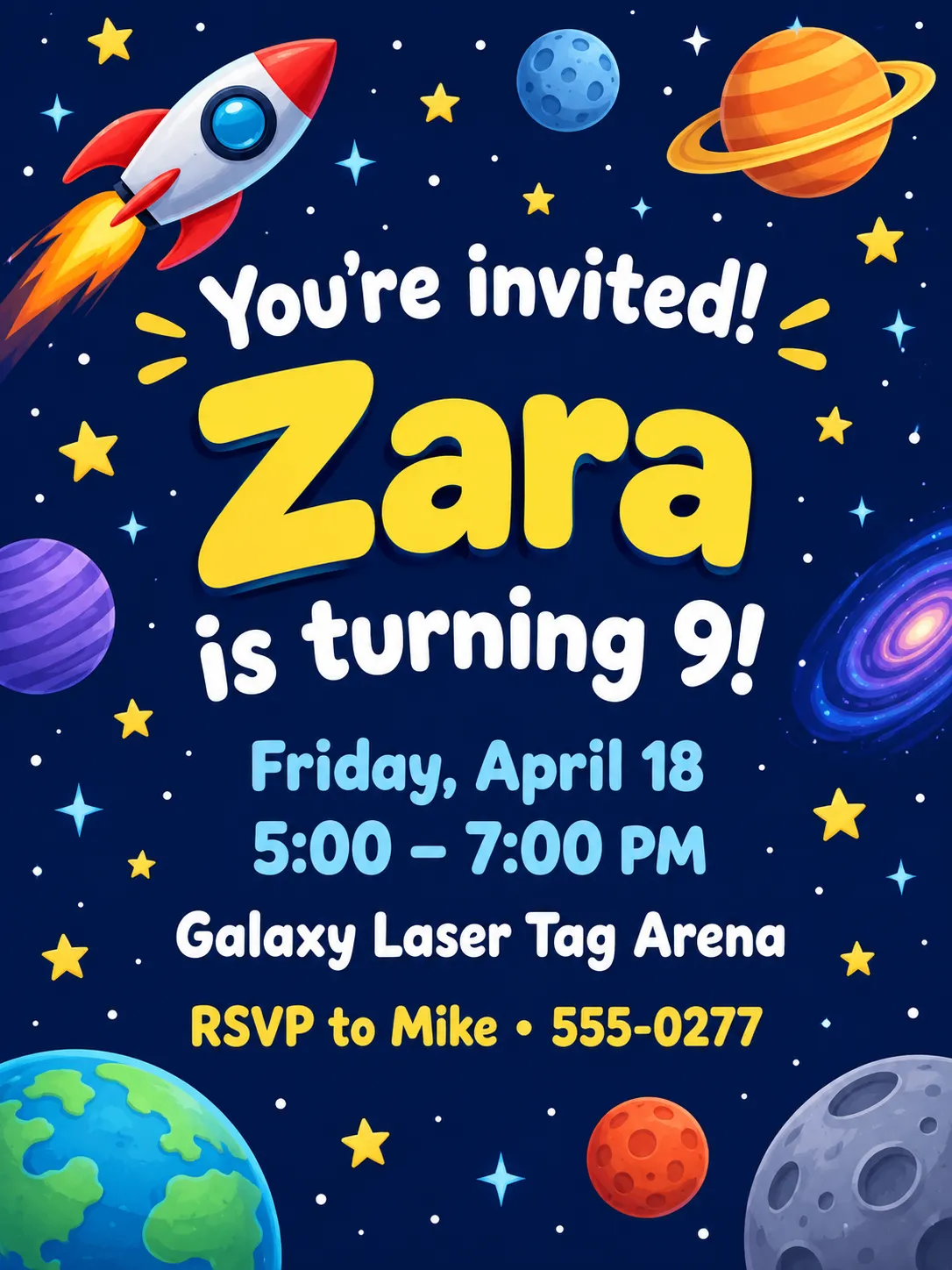
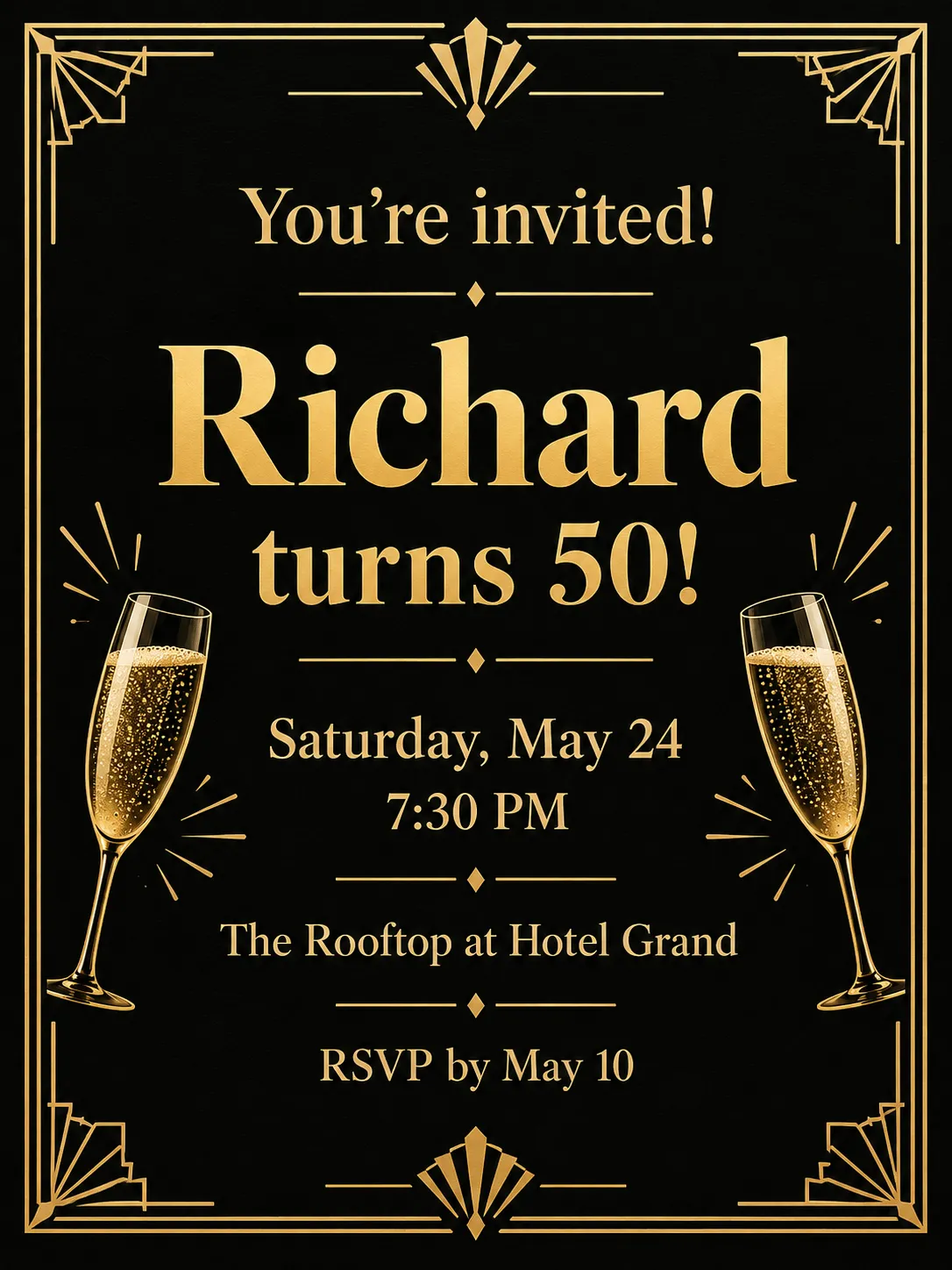
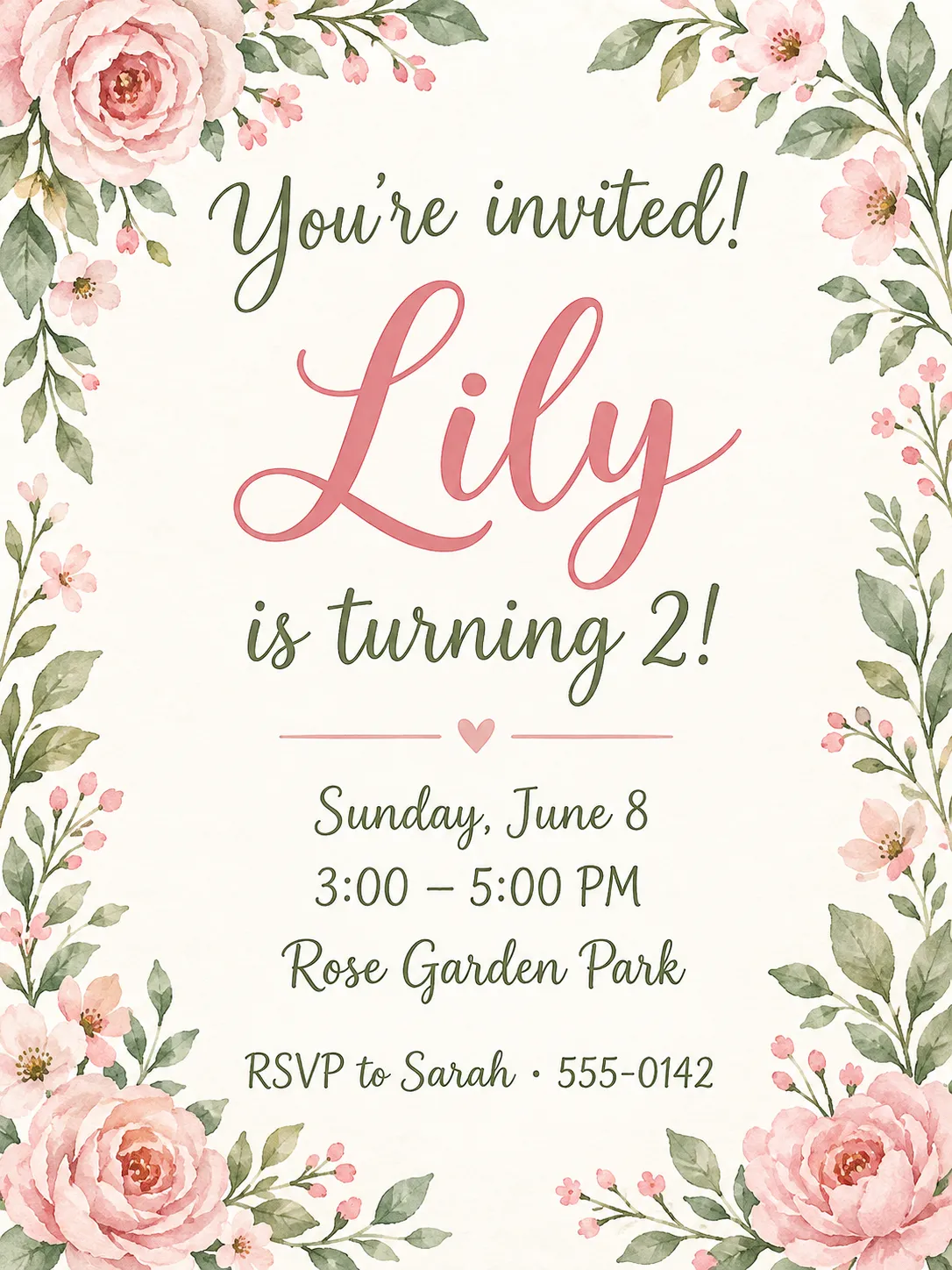
Birthday invitation themes
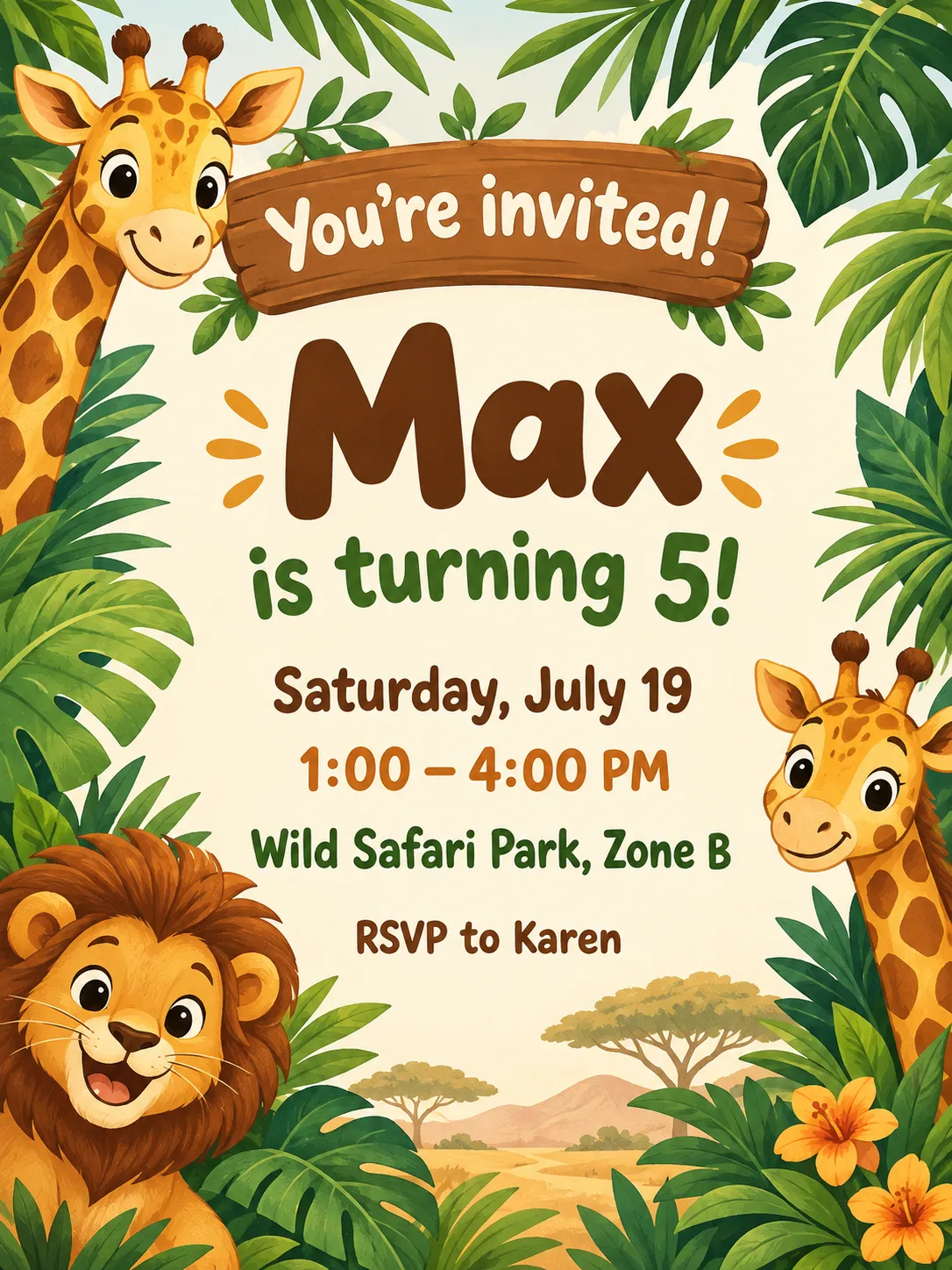
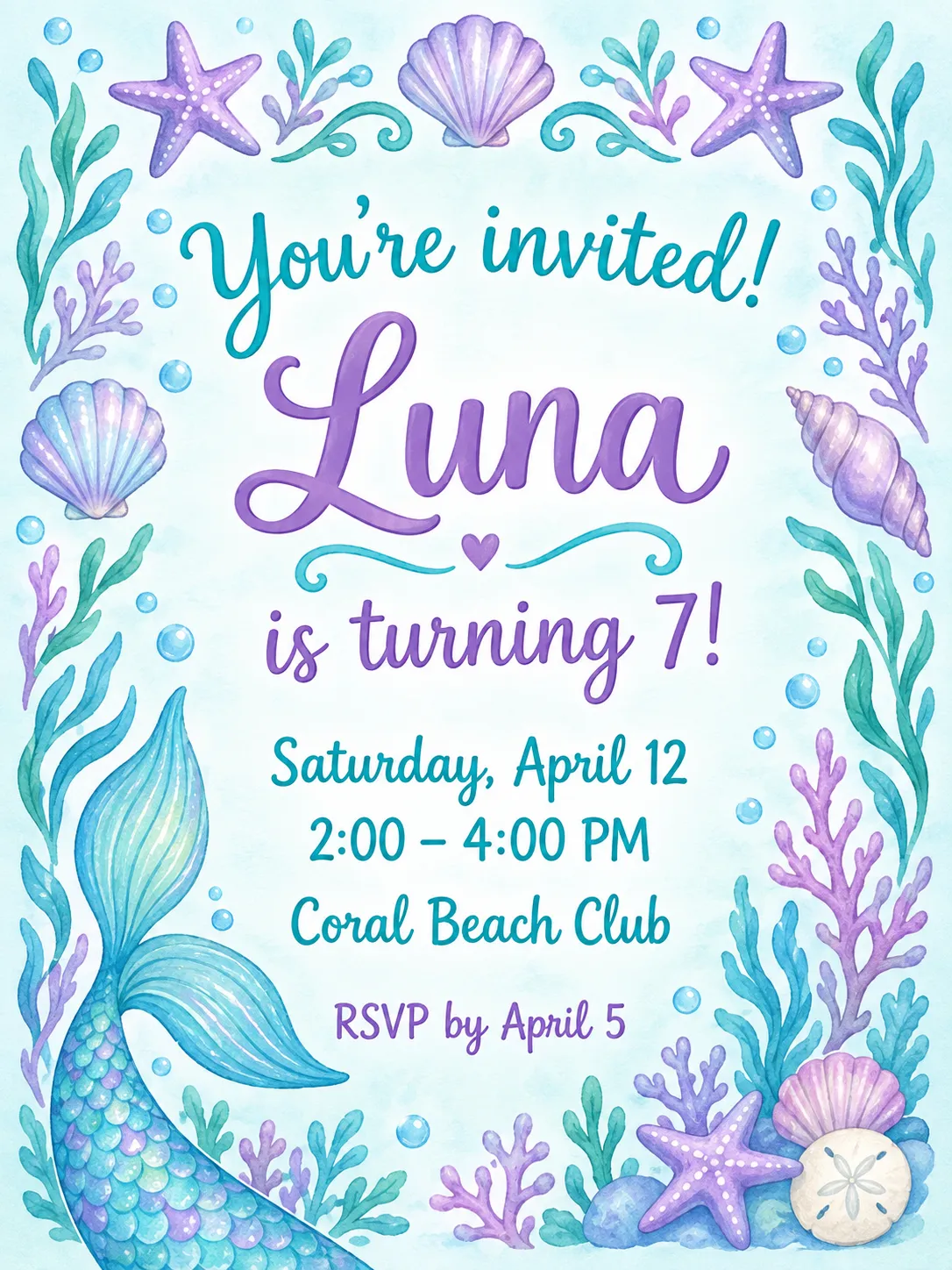
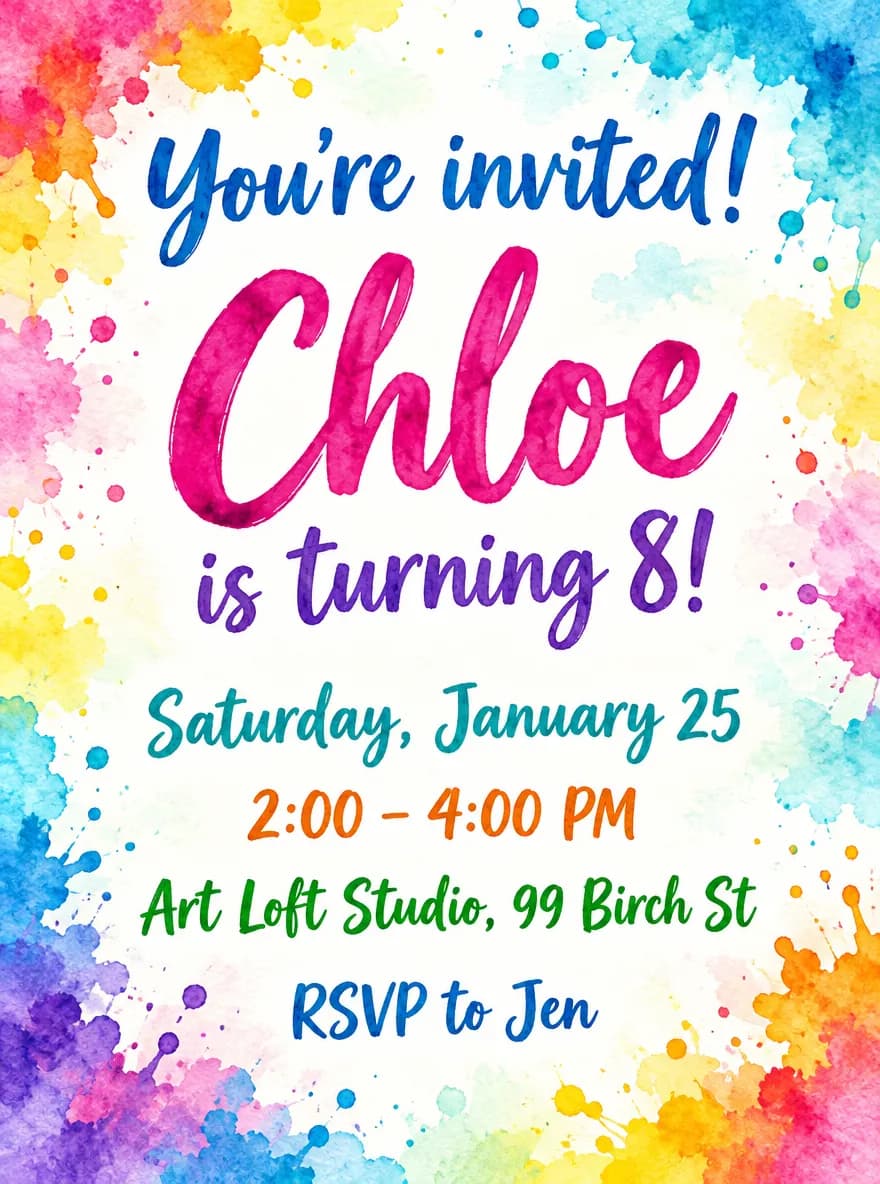
Guides
Birthday Invitation Size for Print and Group Chats
Birthday invitation size for kids' parties: 5×7 in print with bleed, A7 envelopes, home printing on 8.5×11 in stock, and 1080×1500 px for texts and chats.
Size guideEvent Flyer Size for Print and Social Media
Event flyer sizes: US Letter 8.5×11 in with bleed for print, 1080×1350 px feed posts, 1080×1920 px Stories, and A4 dimensions in millimeters.
Size guideSticker Size and File Requirements
Sticker file sizes for print and cut: 300 DPI PNGs, common 2–3 in prints, die-cut vs kiss-cut, white borders, pixel math, and Cricut Design Space upload steps.