

Unicorn Birthday Invitation Maker
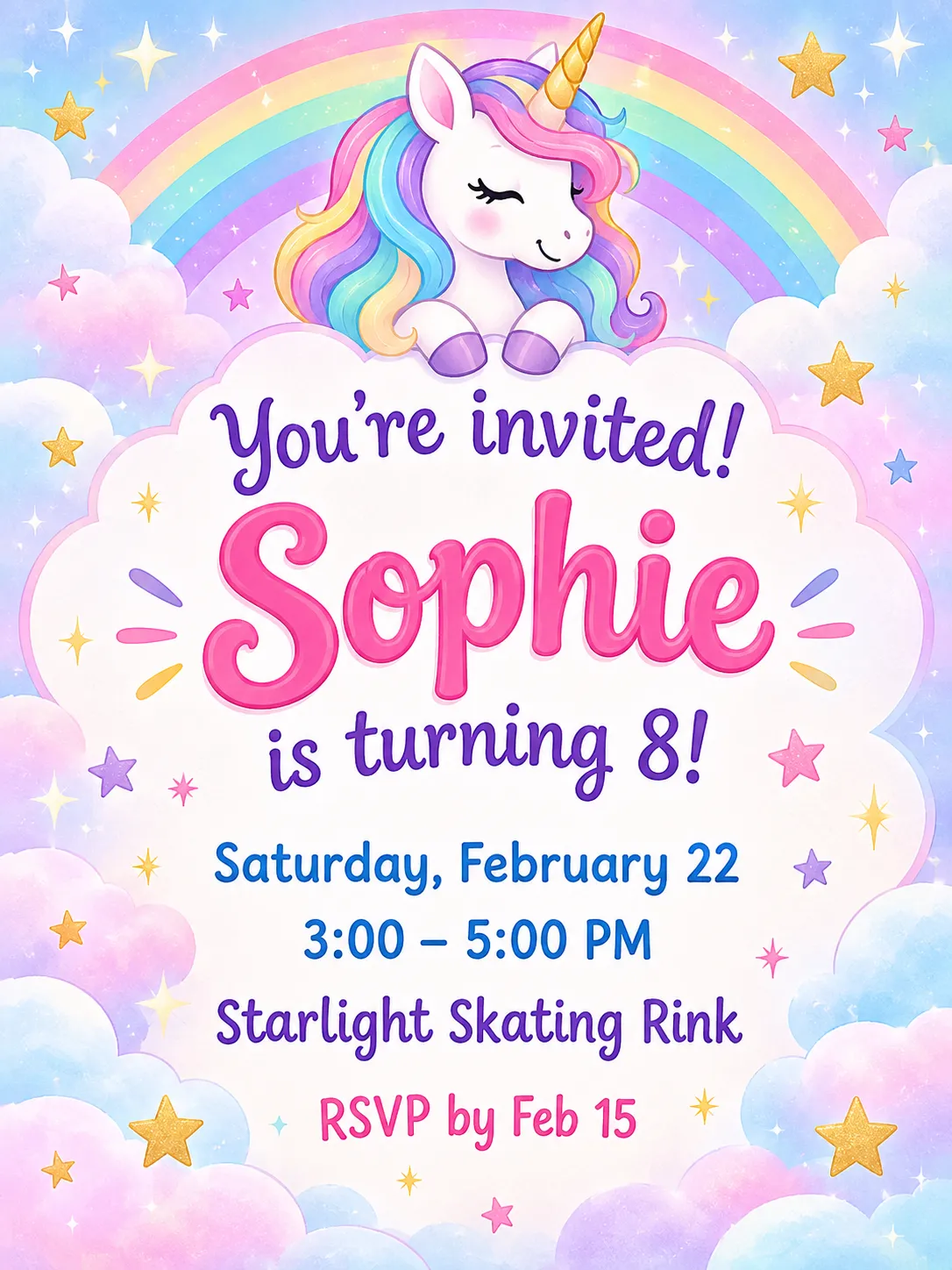
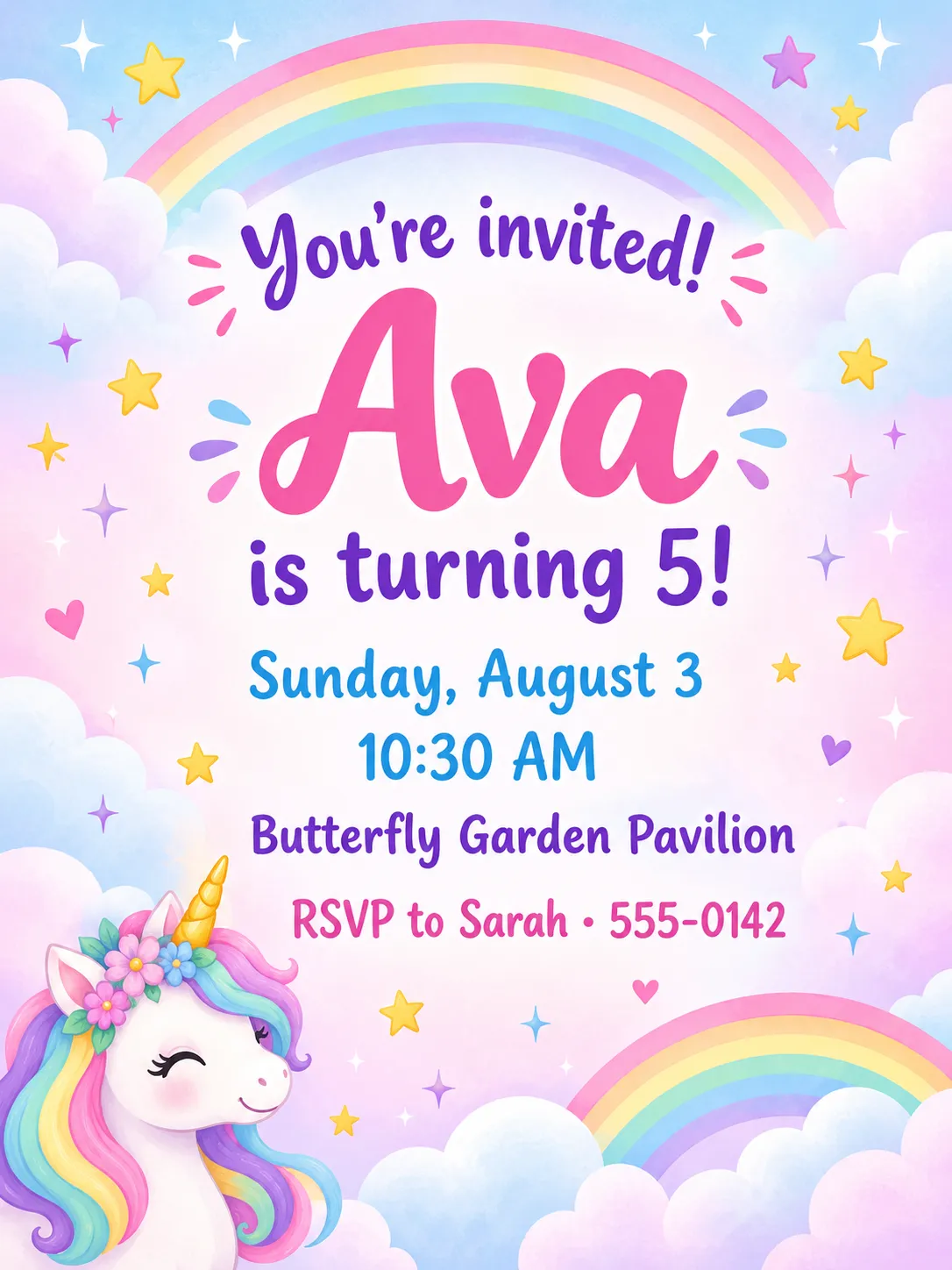
The unicorn and rainbow theme is a pastel design full of sparkles, stars and fluffy clouds. A unicorn takes the center of the card, and your details sit in soft, rounded lettering that stays easy to read.
Type the birthday child's name, the date and the place, and PiCraft sets them into the design. You can print the invitation at 5×7 inches for the classroom or send the phone-sized image to the parents' group chat.
This is the Unicorn & rainbow theme of the Birthday Invitation Maker. The form on this page opens with it already selected.
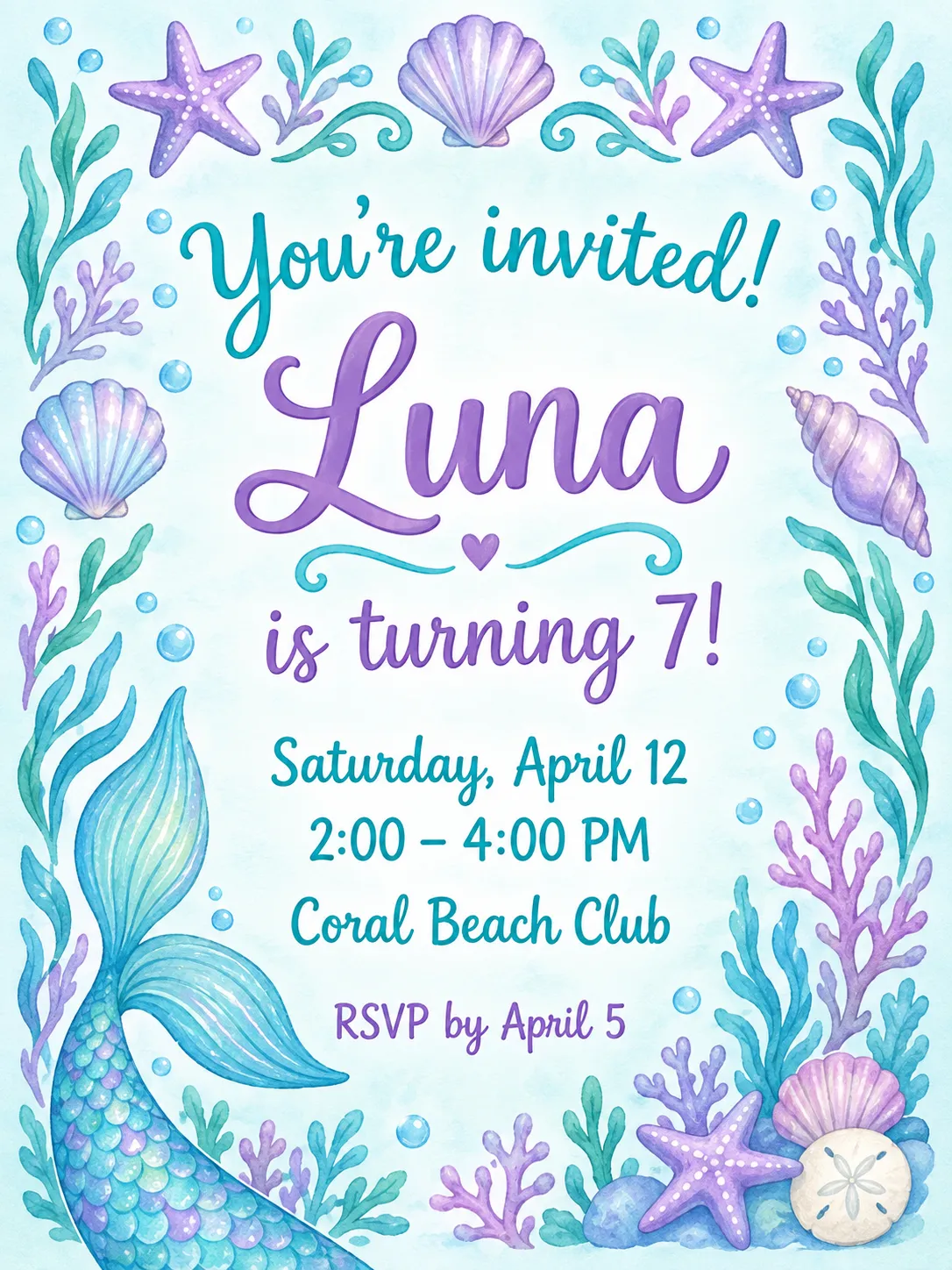
Unicorn & rainbow examples
Who the Unicorn & rainbow theme suits
Young children's parties
The soft colors and friendly characters fit parties for ages two to eight, at home, at a play center or in a park.
Rainbow and pastel party decor
If the balloons, cake and tablecloth are pastel or rainbow, the invitation matches them from the first impression.
Classroom handouts
A bright, cheerful card is easy to spot in a school bag, and the 5×7 inch size fits a standard A7 envelope.
Getting the best Unicorn & rainbow result
- 1
Let the name be the star
The birthday child's name is the largest text on the card. Use a short first name or a nickname so it stays big and readable.
- 2
Keep the place short
Put the venue name and the street on the place line and leave the postcode and parking details for your message. Pastel backgrounds leave less room than they appear to.
- 3
Write the age as a phrase
"is turning 6!" reads better than a lone number and fills the line neatly under the name.
- 4
Check the colors on your printer
Pastels can look washed out on a home printer. Print one test copy on matte card stock, or order the print PDF from a print shop if you need exact color.
Ideas to try
- Name: "Sophie", age: "is turning 8!", place: "Starlight Skating Rink, 12 Maple Street"
- A rainbow-colored party at a petting zoo, with the RSVP line set to a parent's name and number
- A joint party for two siblings: put both names in the name field, such as "Mia & Lily"
- A sleepover invitation with the time set to "6:00 PM – 9:00 AM"
What you download
Every design from the Birthday Invitation Maker comes with the files for the job, whichever theme you choose:
- Share image 1080×1500 JPG
- Print PDF 5×7 in with 0.125 in bleed
- Print JPG 5×7 in with bleed, 300 DPI
Questions about the Unicorn & rainbow theme
Can I use the unicorn invitation for an adult party?+
Yes. Many adults enjoy a playful unicorn party, and the theme works just as well for a teen birthday. For a more refined look, try the elegant black and gold theme.
What size is the unicorn invitation?+
The printed card is 5×7 inches, and the print PDF adds a 0.125 inch bleed. The share image is 1080×1500 px for phones.
Can I change the unicorn or the colors?+
The artwork is created for each design, so every generation gives a different unicorn and palette. If you do not like the first result, generate again.
Can I add a photo of the birthday child?+
No. This maker designs illustrated invitations without photos, which keeps the text layout reliable.
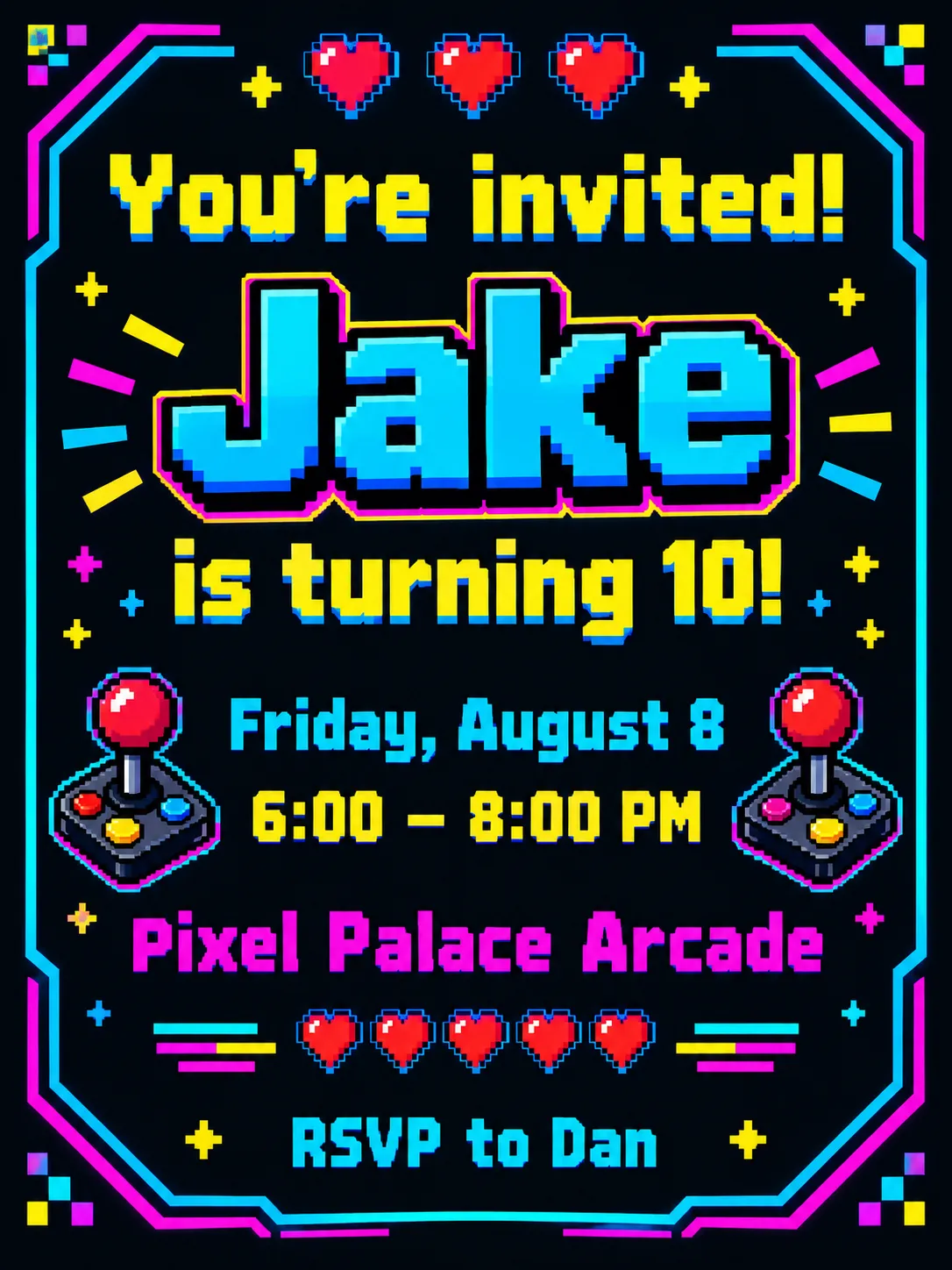
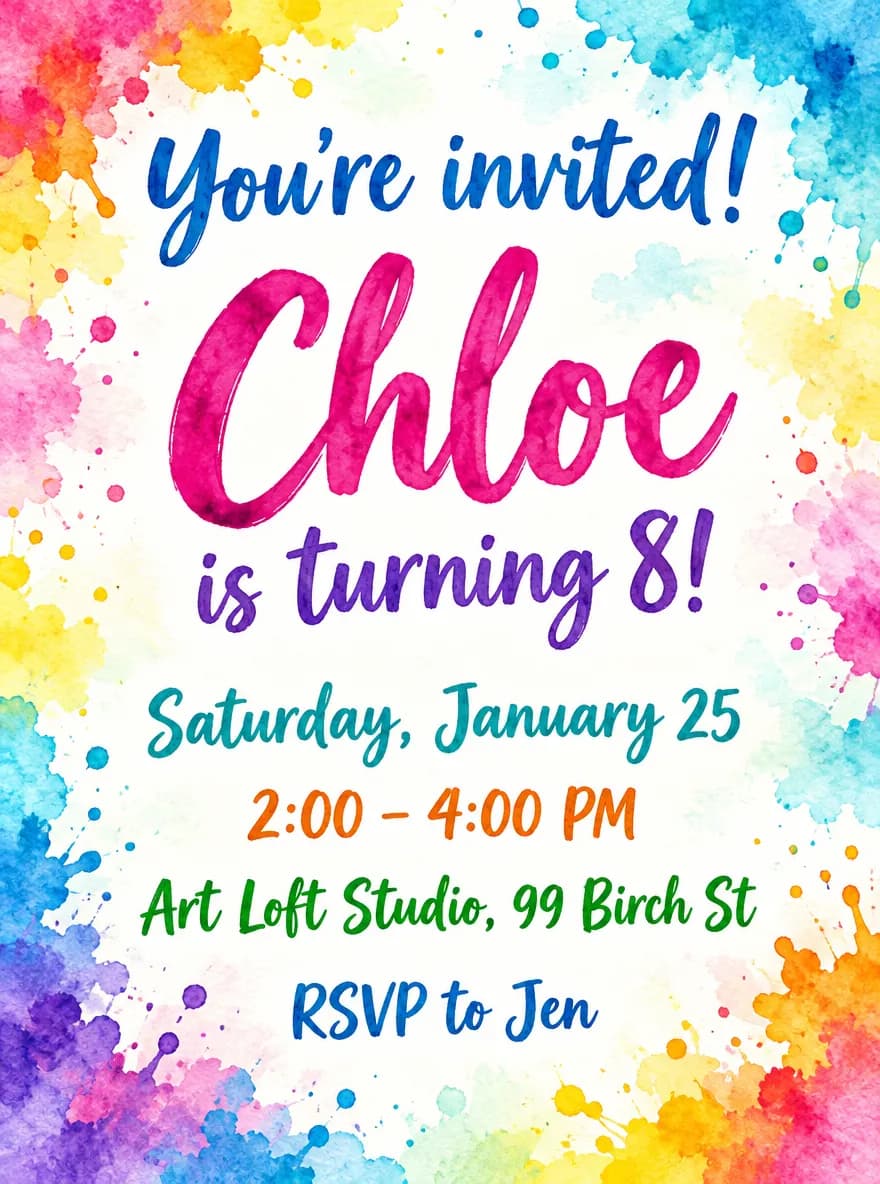
Birthday invitation themes
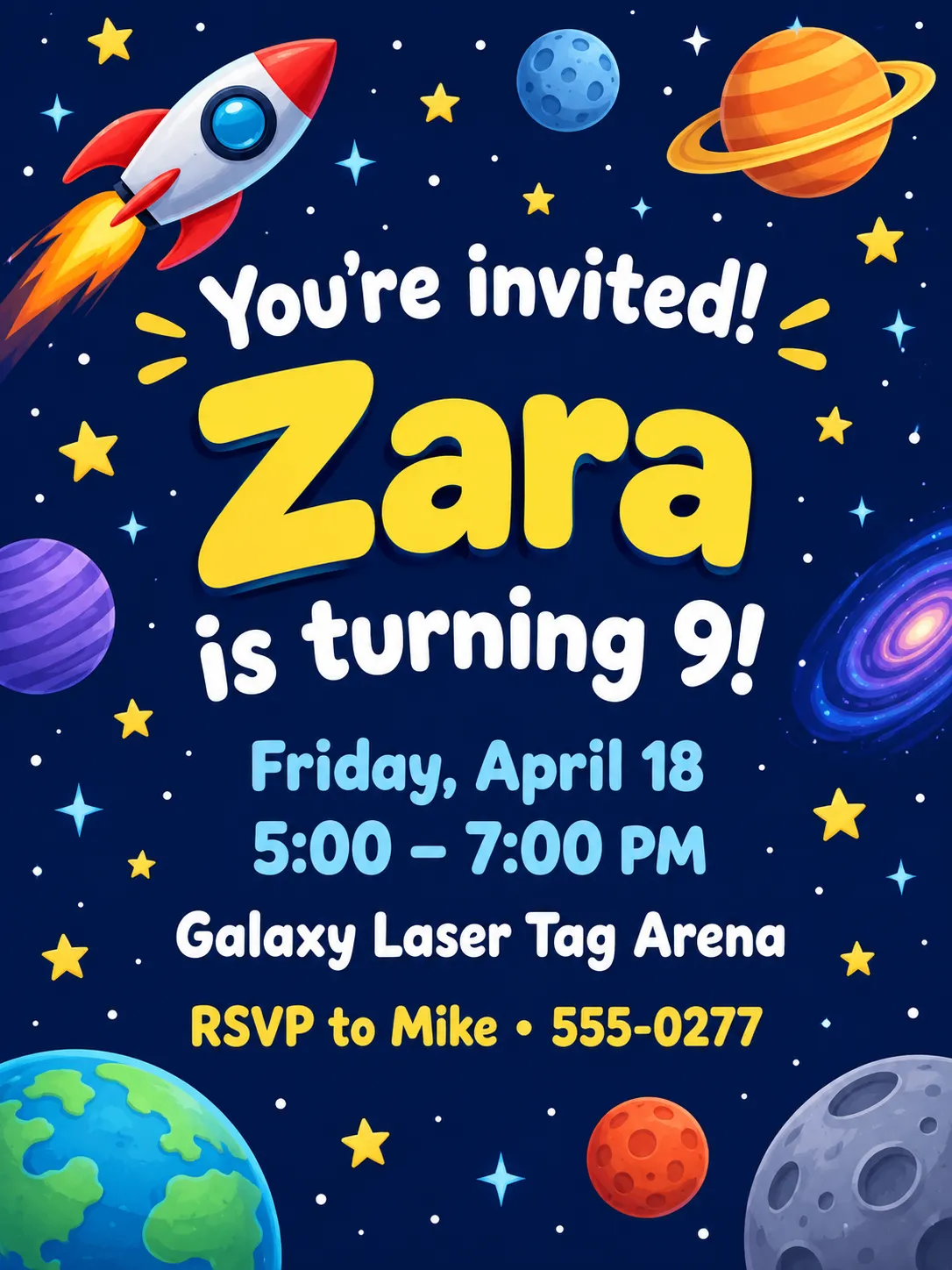
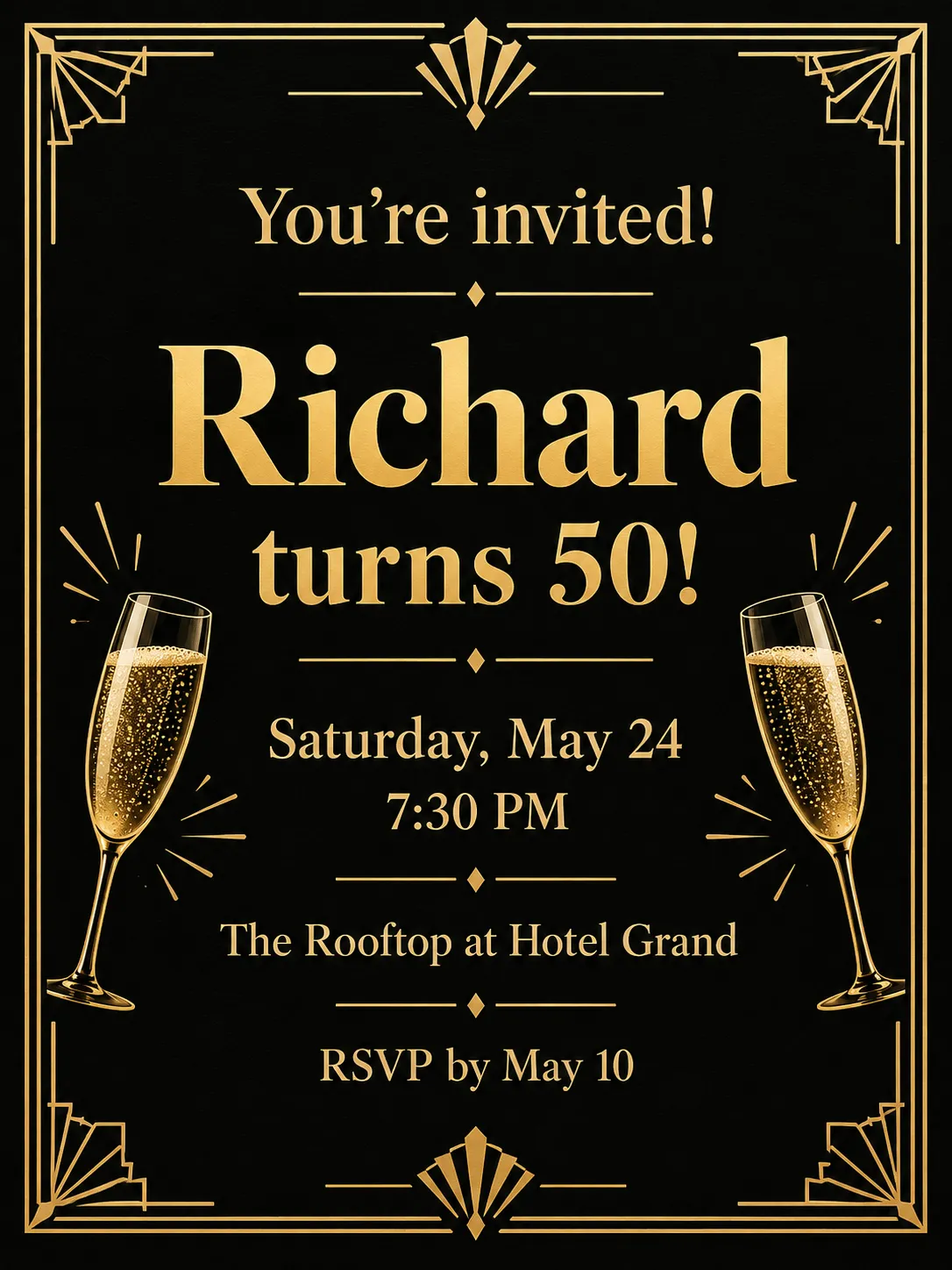
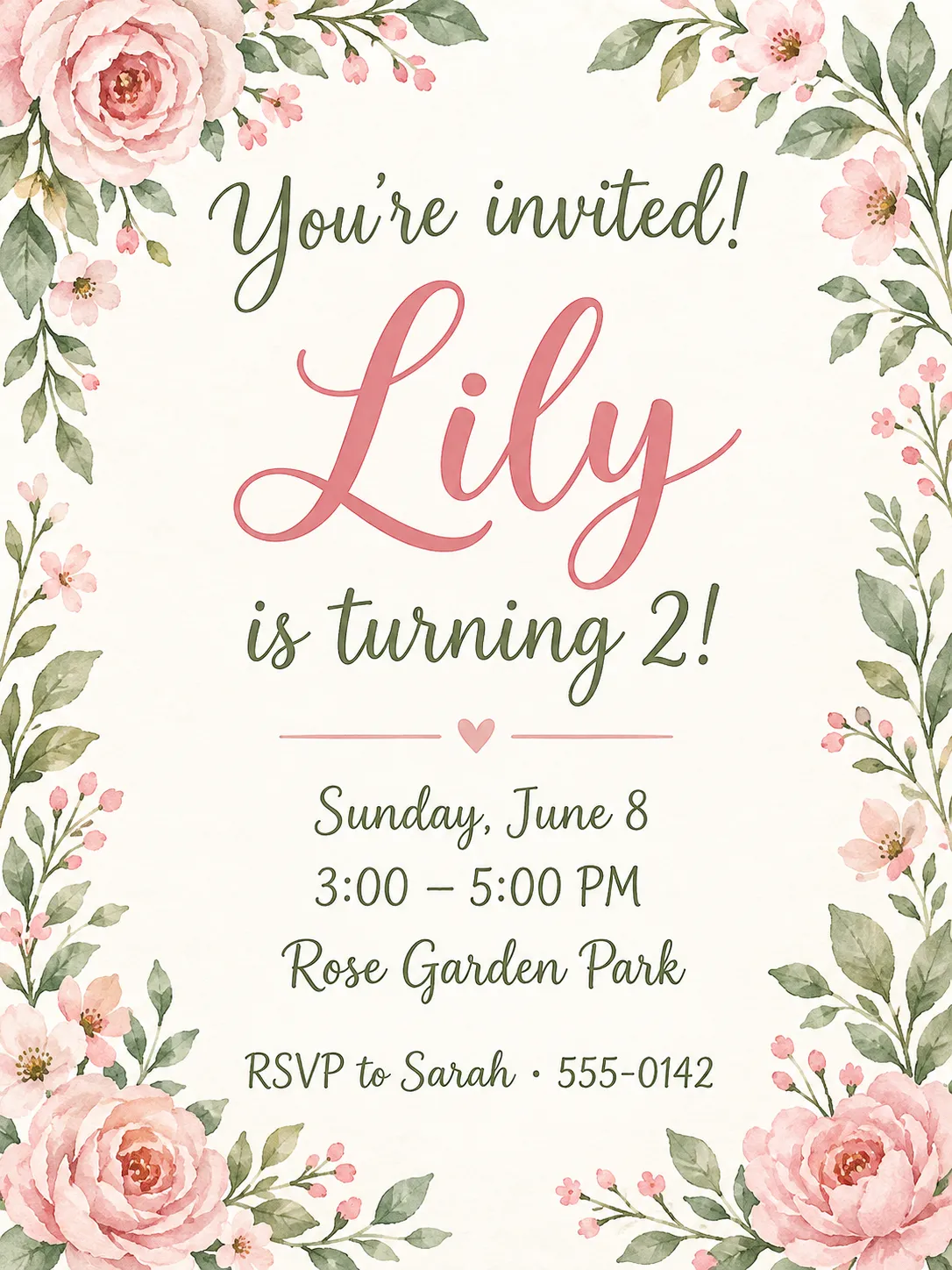
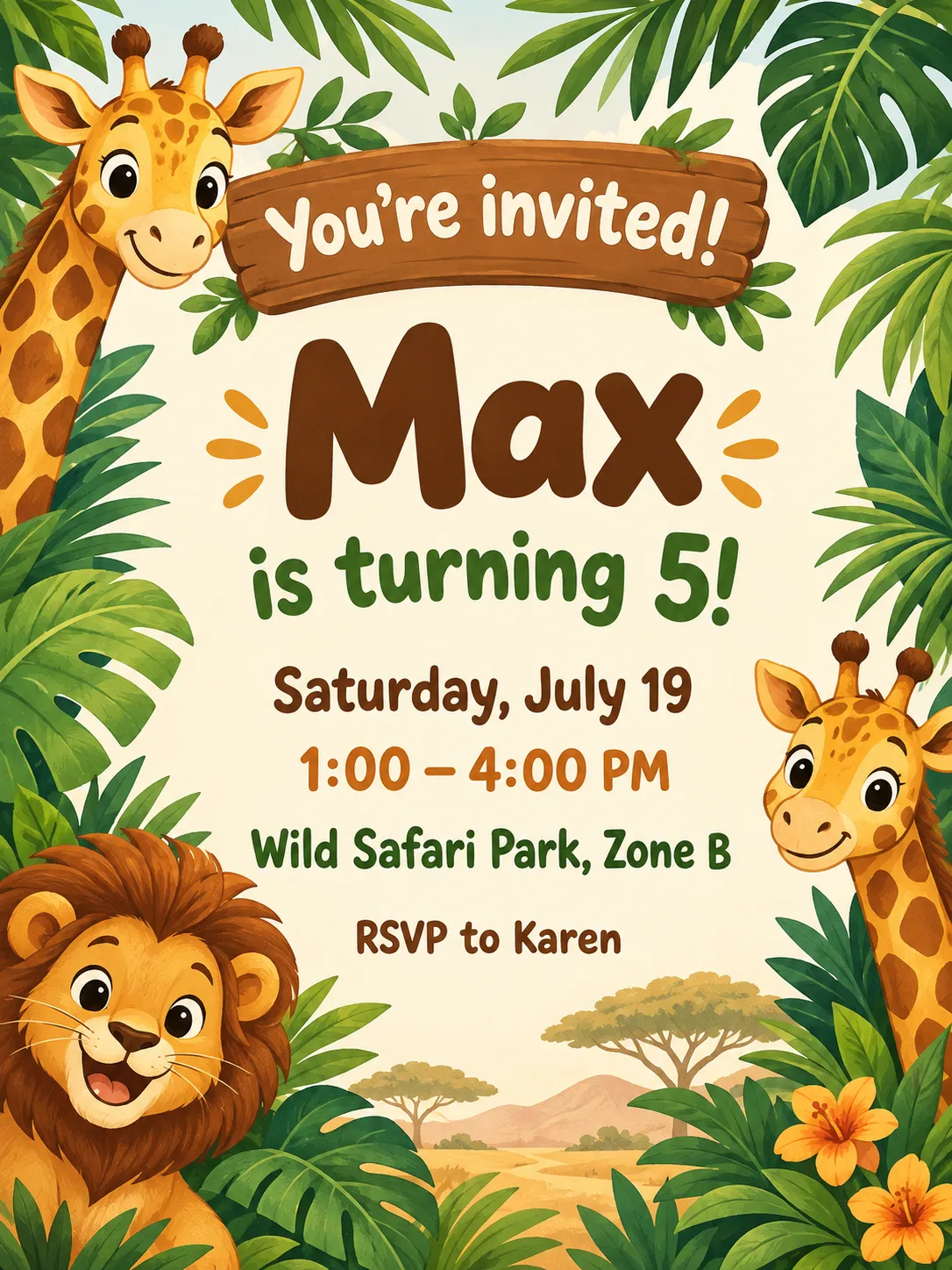
Guides
Birthday Invitation Size for Print and Group Chats
Birthday invitation size for kids' parties: 5×7 in print with bleed, A7 envelopes, home printing on 8.5×11 in stock, and 1080×1500 px for texts and chats.
Size guideEvent Flyer Size for Print and Social Media
Event flyer sizes: US Letter 8.5×11 in with bleed for print, 1080×1350 px feed posts, 1080×1920 px Stories, and A4 dimensions in millimeters.
Size guideSticker Size and File Requirements
Sticker file sizes for print and cut: 300 DPI PNGs, common 2–3 in prints, die-cut vs kiss-cut, white borders, pixel math, and Cricut Design Space upload steps.