

Size guide
Wedding Invitation Size and Print Specs
Updated
Short answer
A finished wedding invitation is usually 5×7 in (127×178 mm). Send printers a file with 0.125 in bleed on every side (5.25×7.25 in at 300 DPI, or 1575×2175 px), keep text at least 0.25 in inside the trim line, and mail the card in an A7 envelope (5¼×7¼ in).
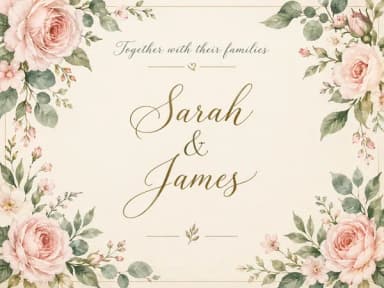
Make it with PiCraft
Wedding Invitation Maker
Printable 5×7 wedding invitations with your names, date and venue, plus a phone-ready version.
Wedding invitation sizes at a glance
In the US, the invitation card itself is most often trimmed to 5×7 in. Printers work from a slightly larger file so color and artwork can extend past the cut line. These numbers match what most print shops expect for a single card front.
| Setting | Value |
|---|---|
| Finished (trim) size | 5×7 in (127×178 mm) |
| Bleed | 0.125 in on every side |
| File size with bleed | 5.25×7.25 in |
| Resolution | 300 DPI |
| Pixels with bleed at 300 DPI | 1575×2175 px |
| Safe area for text | 0.25 in inside the trim line on all sides |
| Matching envelope | A7, 5¼×7¼ in (133×184 mm) |
Heavy card stock, often around 110 lb cover (about 300 gsm), is typical. Ask your printer for swatches.
Why bleed and safe area matter
Bleed is extra artwork beyond the final 5×7 in edge. When the shop trims the stack, the blade can shift by a fraction of an inch. Without bleed, you may see a thin white strip on one side. With 0.125 in bleed, background color and borders still reach the edge after trimming.
The safe area is the opposite idea: keep names, dates and venue lines at least 0.25 in away from the trim line so nothing important is cut off. Decorative borders can sit closer to the edge than text, but critical wording should stay inside the safe zone.
For a plain-language explanation of bleed and trim, read what is bleed in printing.
Pixels, DPI and what to send the printer
At 300 DPI, a 5.25×7.25 in bleed file is 1575×2175 px. A trim-only 5×7 in file is 1500×2100 px. PiCraft exports a print PDF and 300 DPI JPG with 0.125 in bleed.
Do not print the 1080×1500 px share JPG. It is for text and email at screen resolution, not for a press run.
Envelopes and other common invitation sizes
Order A7 envelopes for a 5×7 in card. The envelope measures 5¼×7¼ in, roughly a quarter inch larger than the card on each side so the card slides in without bending.
Save-the-dates are often smaller; suppliers commonly use an A6 envelope (about 4.75×6.5 in) with cards near 4.5×6.25 in. Larger suites may use an A9 envelope (about 5.75×8.75 in). Match the envelope to the card you print.
Weigh a sealed sample with all inserts before you buy stamps; postage rules depend on weight and destination.
Common sizing mistakes
- Designing only to 5×7 in with no bleed, then seeing white edges after trim.
- Placing names or the date closer than 0.25 in to the trim line.
- Uploading the 1080×1500 share JPG to a print shop instead of the 300 DPI print file.
- Buying A6 envelopes for a 5×7 in invitation card (use A7).
- Assuming 72 DPI screen exports will look sharp when enlarged to print resolution.
If your printer sends a template, compare its bleed and safe-area guides to the table above before you upload.
Make a 5×7 in wedding invitation at the right size
The Wedding Invitation Maker builds a portrait invitation with your names, date and venue already typeset. You get a print PDF and 300 DPI JPG at 5×7 in with 0.125 in bleed, plus a 1080×1500 px share image. It does not add couple photos, maps or QR codes; wording follows a traditional English form.
For birthday parties and classroom handouts, see birthday invitation size. More printable designs live under invitations and print.
Frequently asked questions
What is the standard wedding invitation size?+
In the US, the finished card is usually 5×7 in. Printers often ask for 0.125 in bleed on each side, for a 5.25×7.25 in file at 300 DPI.
What envelope fits a 5×7 in invitation?+
An A7 envelope, 5¼×7¼ in (133×184 mm). It is sized for flat 5×7 in cards with a small clearance on each side.
How many pixels is a 5×7 in invitation at 300 DPI with bleed?+
1575×2175 px for a 5.25×7.25 in bleed file. Without bleed, a 5×7 in trim area is 1500×2100 px at 300 DPI.
How far from the edge should text be?+
Keep important text at least 0.25 in inside the trim line. Background art can extend into the bleed, but names and dates should stay in the safe area.
Can I print the share image PiCraft sends for phones?+
It is not meant for print. The share JPG is 1080×1500 px at screen resolution. Use the print PDF or 300 DPI JPG for paper.
What paper weight should wedding invitations use?+
Heavy card stock is typical; many couples choose around 110 lb cover (about 300 gsm) or heavier. Your printer can recommend a weight that fits your envelope and postage.
Sources
Platforms change their requirements, so check the official page before you submit a file.
Ready to make one?
Wedding Invitation Maker
Printable 5×7 wedding invitations with your names, date and venue, plus a phone-ready version.
Related guides
Birthday Invitation Size for Print and Group Chats
Birthday invitation size for kids' parties: 5×7 in print with bleed, A7 envelopes, home printing on 8.5×11 in stock, and 1080×1500 px for texts and chats.
WeddingHow to Print Wedding Invitations
Print 5×7 wedding invitations: guest count, proofreading, heavy card stock, print shop vs home, A7 envelopes, when to mail, and ordering a test proof.
PrintWhat Is Bleed in Printing?
Bleed, trim line and safe area for PiCraft print files: 0.125 in or 3 mm bleed, invitation safe margins, 300 DPI, PDF vs JPG, home printing and pre-flight checks.
Makers that help
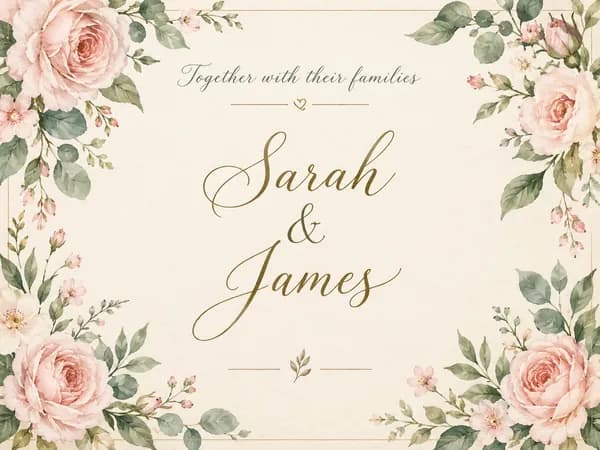
Wedding Invitation Maker
Printable 5×7 wedding invitations with your names, date and venue, plus a phone-ready version.
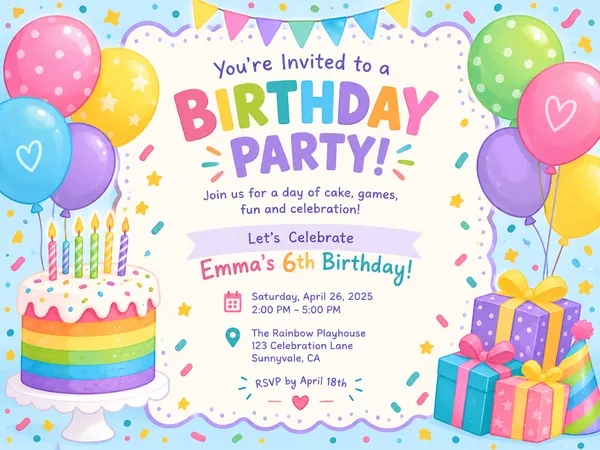
Birthday Invitation Maker
Themed birthday invitations for kids and adults, printable at 5×7 or shareable by text.
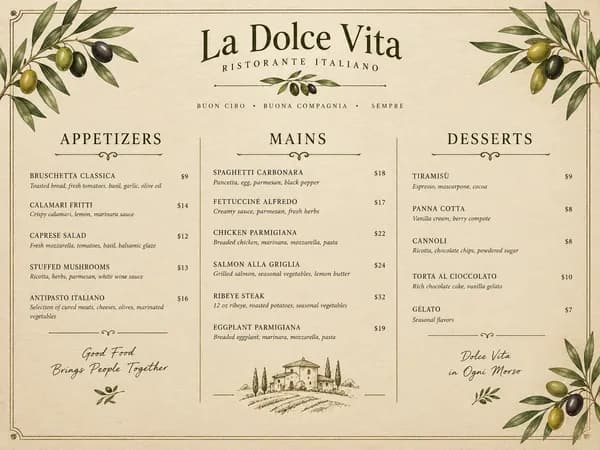
Restaurant Menu Maker
Paste your dishes and prices, get a designed one-page menu in Letter or A4.