

Bold YouTube Thumbnail Maker
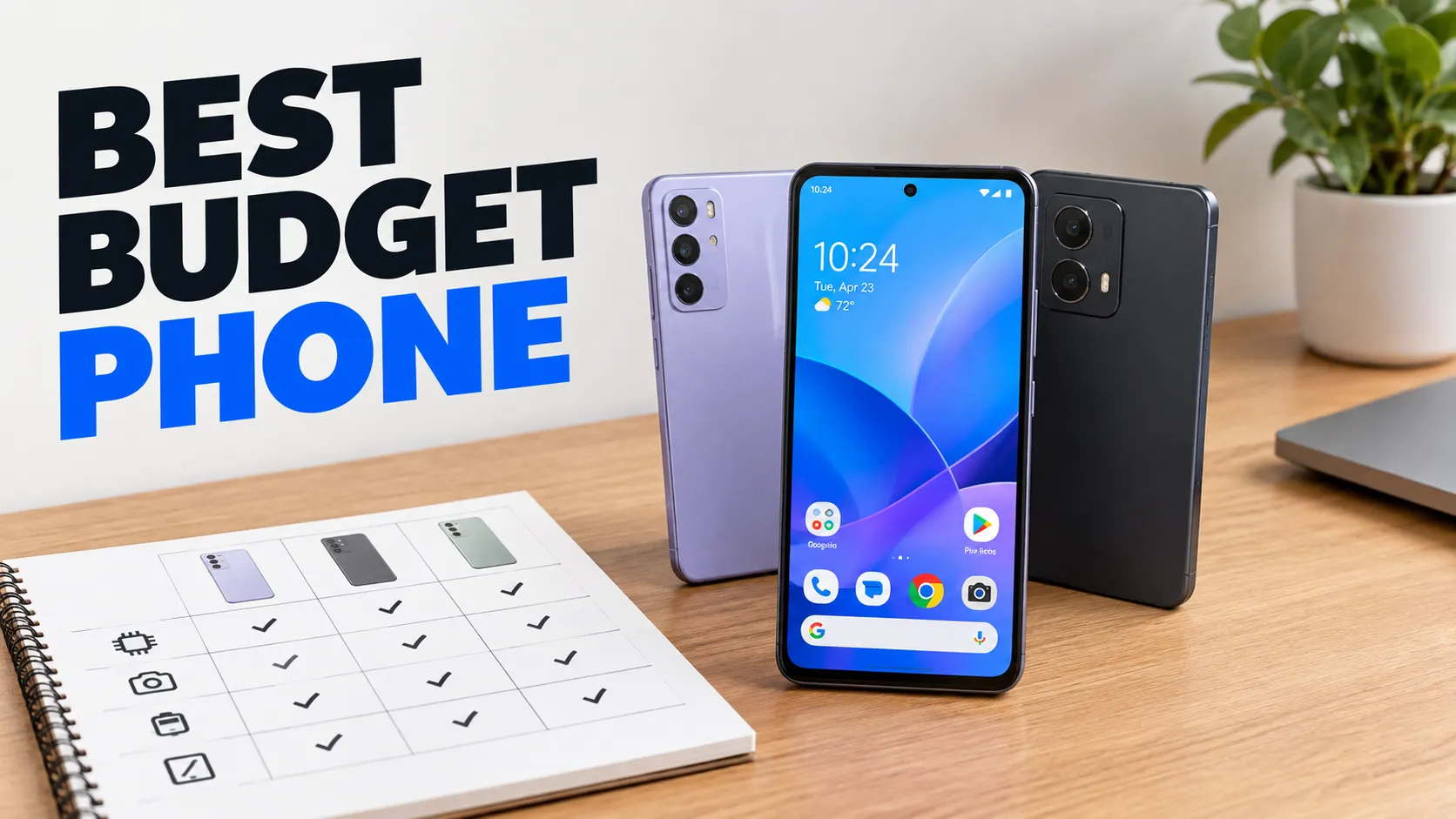
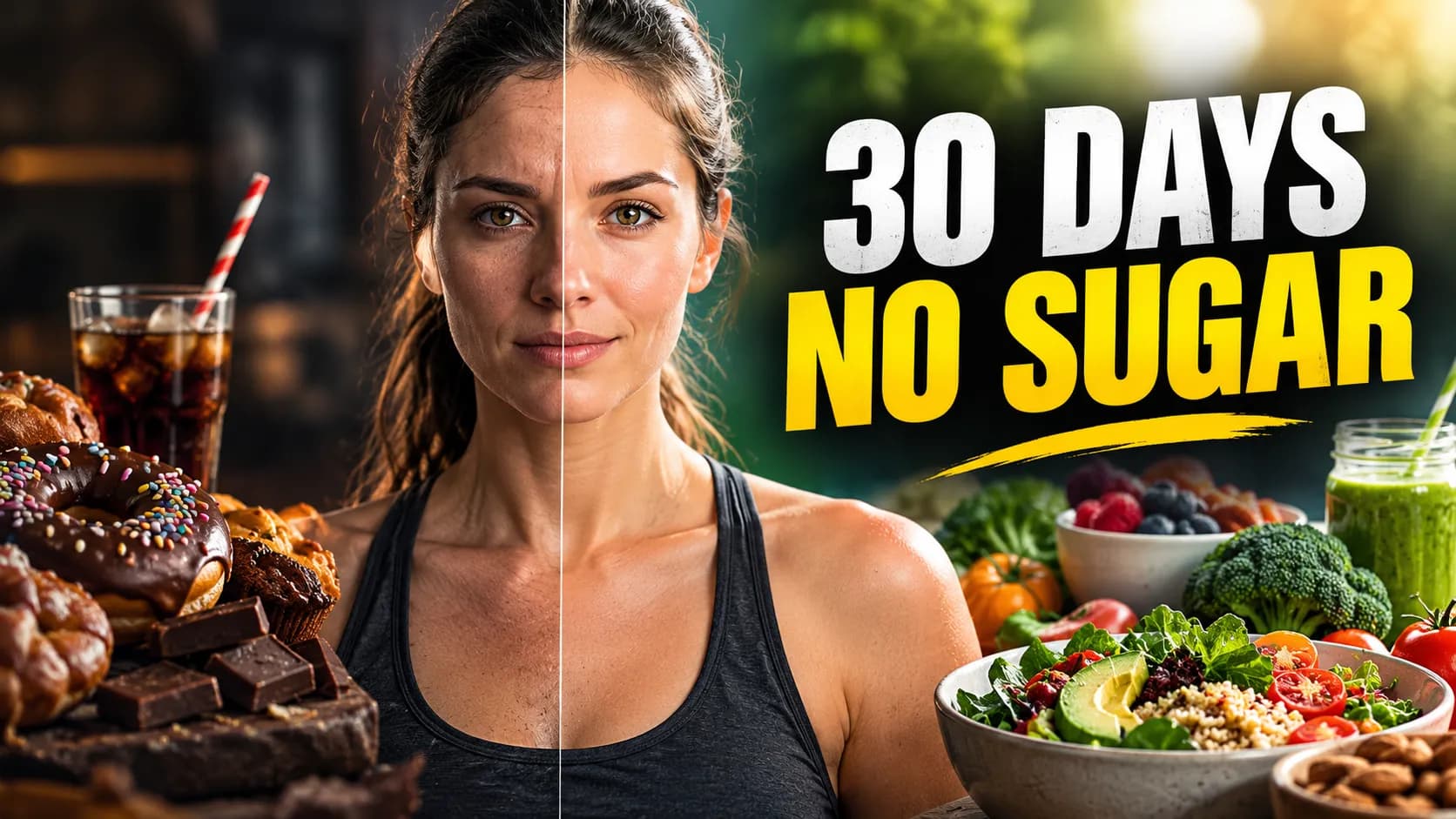
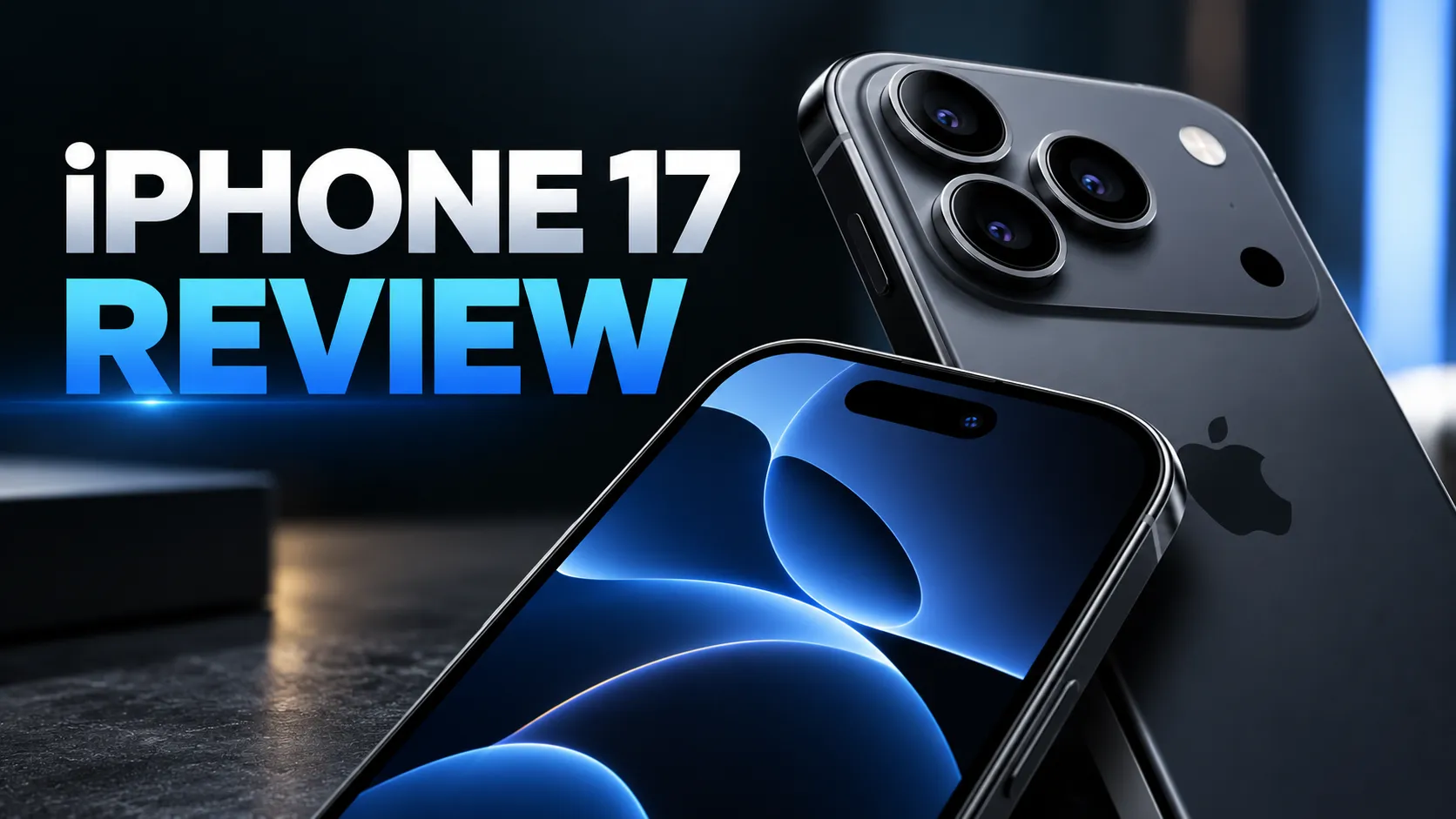
The bold and high contrast style is the classic YouTube look: saturated colors, dramatic lighting, a subtle outline around the subject and one clear focal point. It is built to be understood in a fraction of a second, in a crowded feed, on a small phone screen.
Type a short headline, describe what the video is about, and add your own photo if you want to be in the thumbnail. PiCraft keeps the headline large and away from the bottom-right corner where YouTube shows the video length.
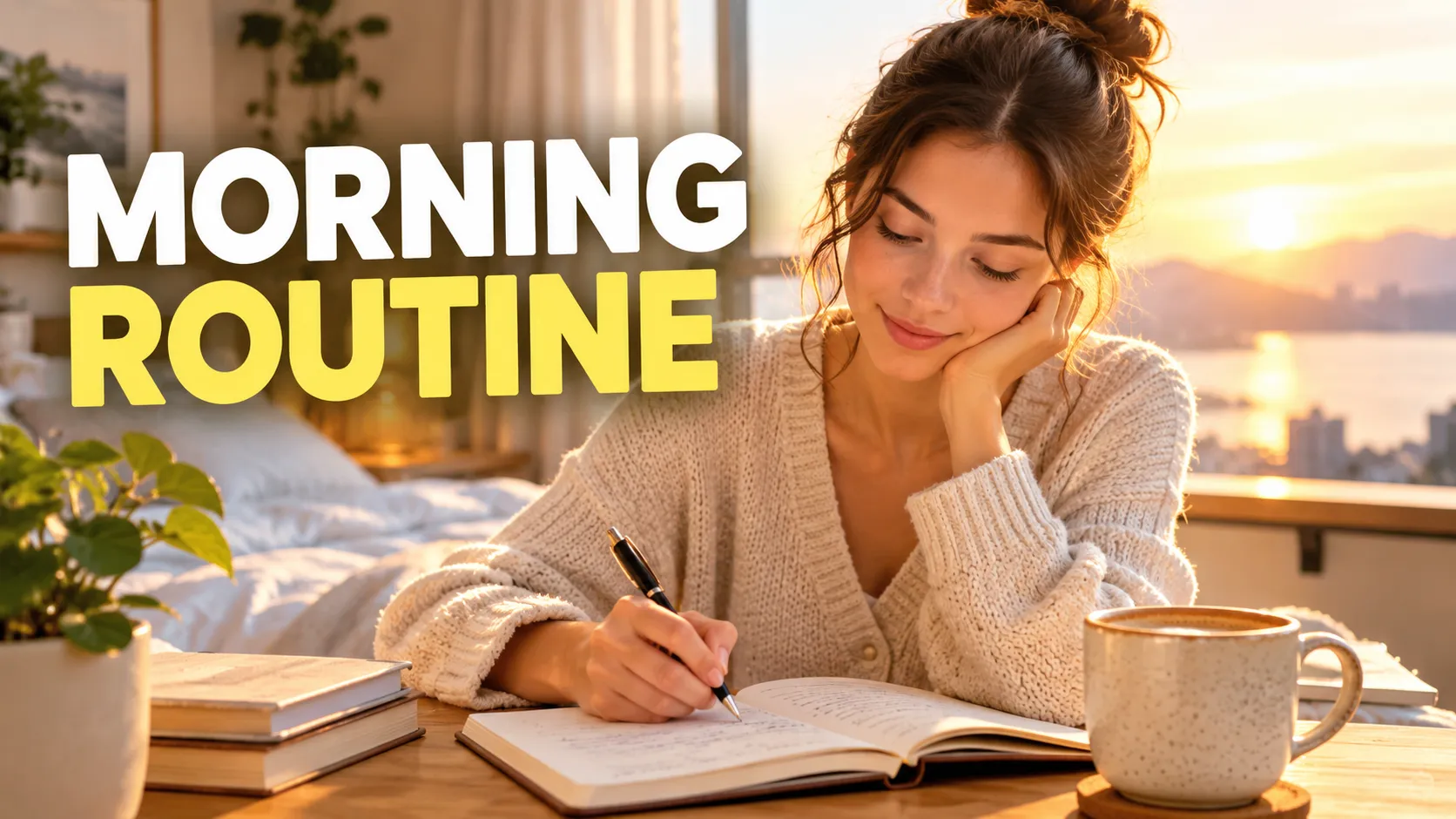
This is the Bold & high contrast style of the YouTube Thumbnail Maker. The form on this page opens with it already selected.
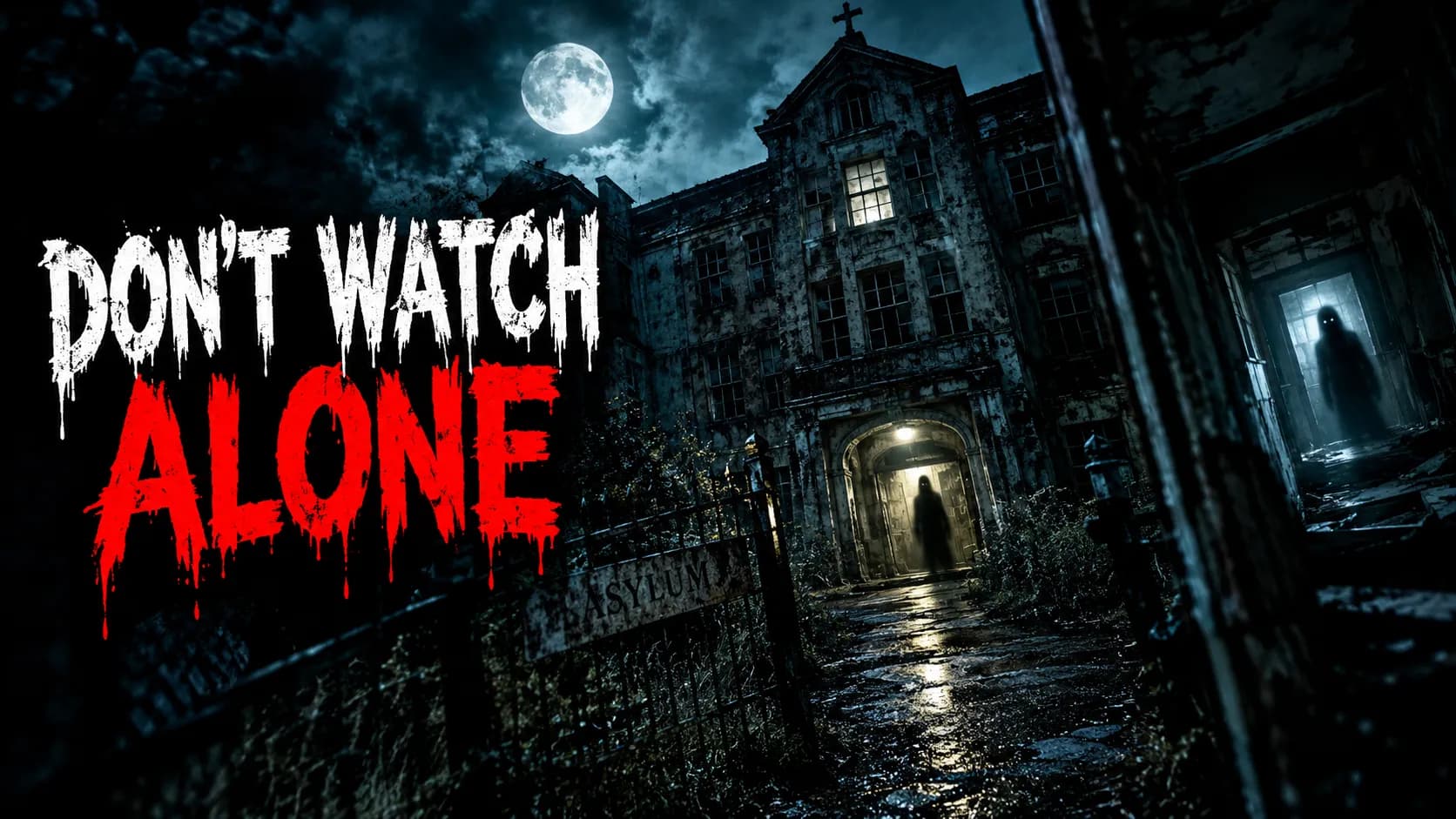
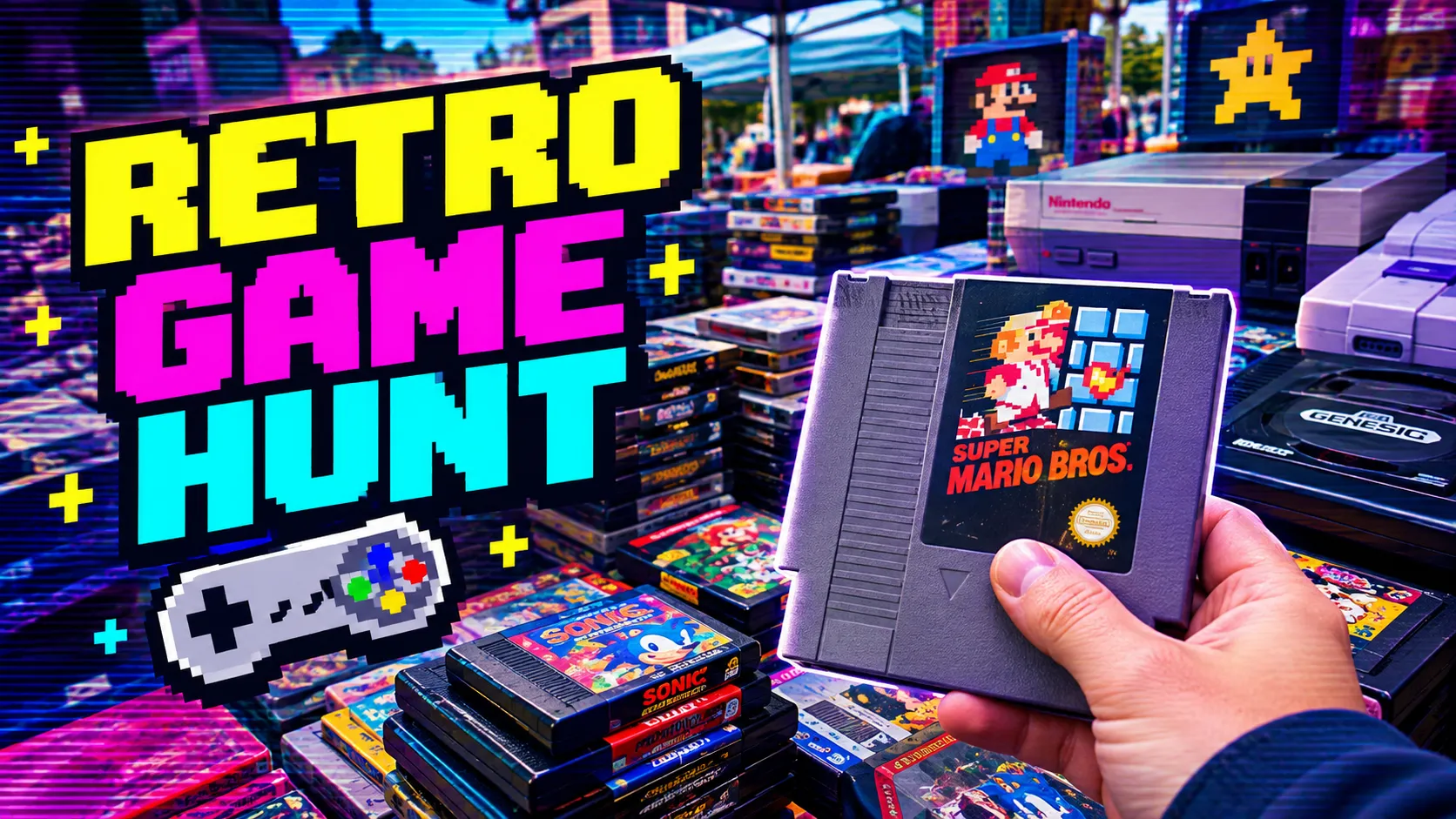
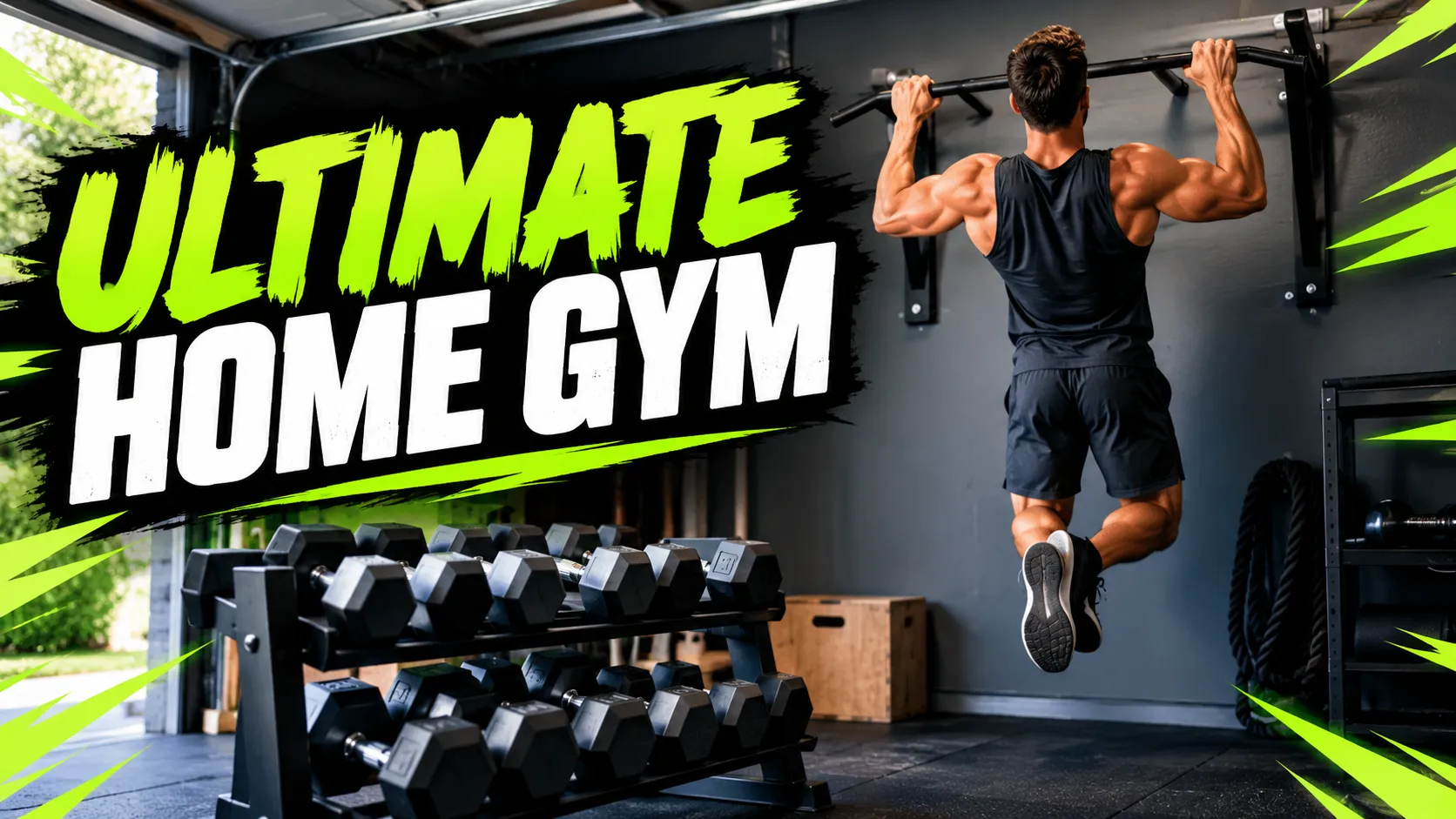
Bold & high contrast examples


Who the Bold & high contrast style suits
Challenge and story videos
Titles such as "I quit my job" or "30 days of cold plunges" need an emotional face and a punchy headline, which this style supplies.
Explainers with a hook
A single strong object, such as glowing cubes for a crypto explainer, gives a complex topic a visual anchor.
Channels that compete on first impression
When many similar videos appear next to each other, a high-contrast thumbnail is the quickest way to stand out.
Getting the best Bold & high contrast result
- 1
Keep the headline to two to five words
The form suggests short text for a reason: at phone size, long lines turn into gray bars. Three strong words beat a sentence.
- 2
Pick one subject
Describe a single clear scene in the topic field: one person, one object, one action. A busy scene weakens the focal point that this style depends on.
- 3
Use an expressive photo
If you upload your face, choose a clear, well-lit photo with a strong expression. The maker keeps your likeness as is, so a flat expression stays flat.
- 4
Review it at stamp size
Shrink the result to a small image next to other thumbnails. If the headline and subject still read, the contrast is working.
Ideas to try
- Headline: "I QUIT MY JOB", topic: a woman working on a laptop in an airport at sunset
- Headline: "CRYPTO EXPLAINED", topic: a smiling man pointing at glowing blockchain cubes
- Headline: "30 DAYS NO SUGAR", topic: a split view of sweets on one side and a healthy meal on the other
- Headline: "DON'T BUY THIS", topic: a shocked man holding a gadget with a red cross over it
What you download
Every design from the YouTube Thumbnail Maker comes with the files for the job, whichever style you choose:
- YouTube thumbnail 1280×720 JPG (under 2 MB)
- Full HD 1920×1080 JPG
Questions about the Bold & high contrast style
Is a bold style the same as clickbait?+
No. Bold describes the look: strong color and contrast. The content of the thumbnail should still match the video, and YouTube's Community Guidelines apply to every custom thumbnail.
What size is the file?+
You get a 1280×720 px JPG under 2 MB and a 1920×1080 px JPG. See the YouTube thumbnail size guide for the full requirements.
Can I add my channel logo?+
No. The maker does not add logos, so add one in an image editor if you need it, away from the bottom-right corner.
Will this get more views?+
No maker can promise that. A clear thumbnail helps viewers understand the video, but the title and the video itself still decide whether they watch.
YouTube thumbnail styles


Guides
YouTube Thumbnail Size and Requirements
The right YouTube thumbnail size: 1280×720 px works for most uploads, 3840×2160 px is the maximum recommended. Aspect ratio, file limits, Shorts and safe area.
YouTubeYouTube thumbnail best practices
Make YouTube thumbnails that stay readable on phones, leave the bottom-right clear for the duration badge, and match your video without misleading viewers.
Size guideBook Cover Size for eBooks and Paperbacks
Kindle cover size 1600×2560 px per KDP, plus paperback full-wrap PDF rules, 0.125 in bleed, spine width, and why print needs back cover and spine.