

Clean & Minimal YouTube Thumbnail Maker
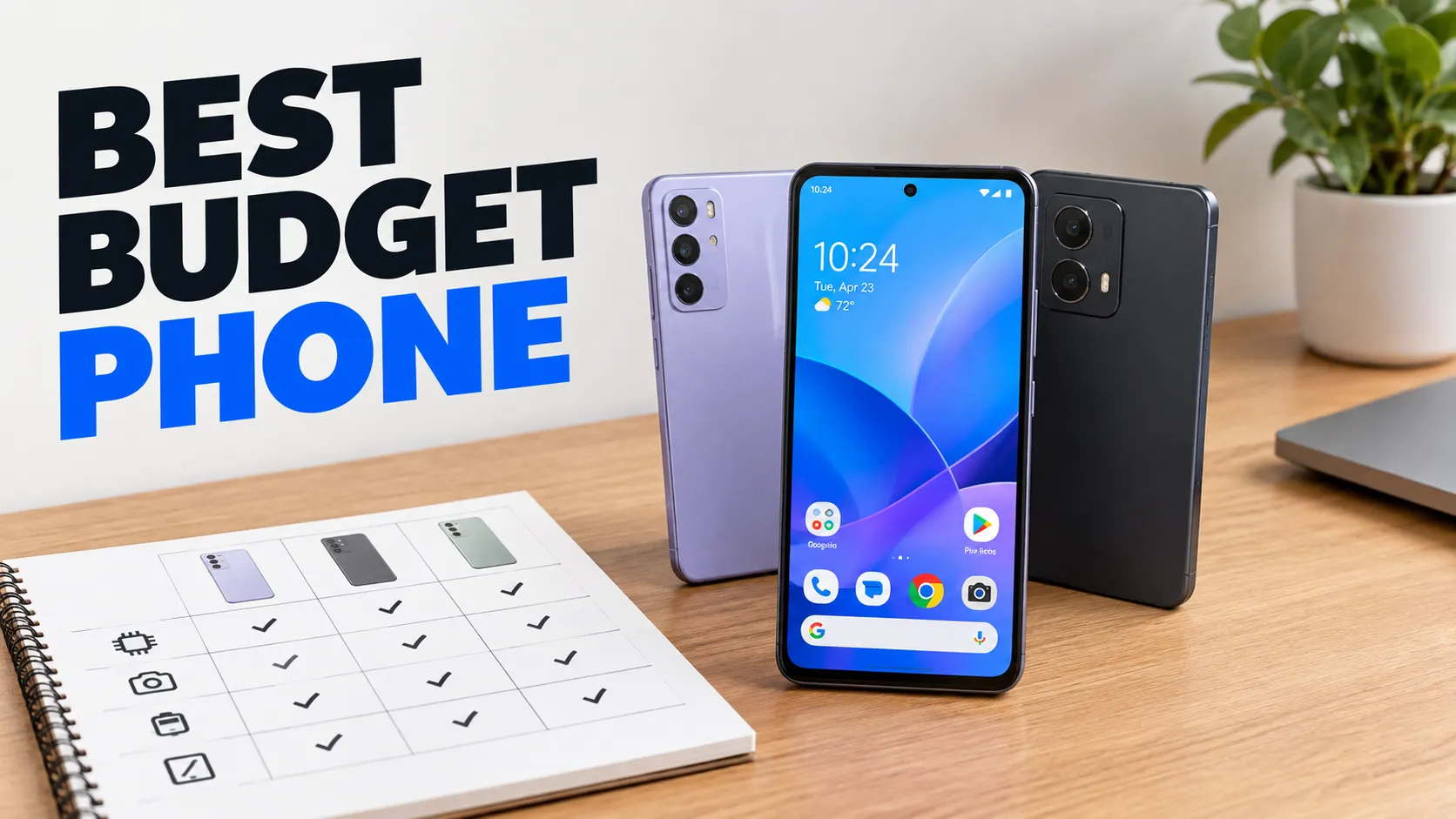
The clean and minimal style trades noise for space: generous negative space, soft studio light and a modern heavy sans-serif headline. The subject is shown on its own, with nothing around it competing for attention.
Enter a short headline and a one-sentence description of the video. PiCraft composes a calm thumbnail that still reads at small sizes, because the text is large and the background stays quiet.
This is the Clean & minimal style of the YouTube Thumbnail Maker. The form on this page opens with it already selected.
Clean & minimal examples

Who the Clean & minimal style suits
Reviews and comparisons
Products on a desk, such as phones or notebooks, look sharp against an uncluttered background.
Craft, art and process videos
A drawing timelapse or a woodworking build is best shown with a clean view of the work itself.
Educational and professional channels
A calm look signals clarity and trust, which suits tutorials, business advice and productivity content.
Getting the best Clean & minimal result
- 1
Let the negative space do work
Keep the topic description simple, with one subject and one setting. If you list five objects, the space disappears.
- 2
Make the headline carry the message
With little else on the image, the words matter. Pick a specific phrase such as "BEST BUDGET PHONE" rather than a vague one.
- 3
Choose a product photo with clean edges
If you upload a product or your face, use a photo with an even background and good light, so it blends with the studio look.
- 4
Check legibility on a small screen
Minimal does not mean tiny. Preview the thumbnail at phone size and make sure the headline is still easy to read.
Ideas to try
- Headline: "BEST BUDGET PHONE", topic: several smartphones lined up on a clean desk
- Headline: "DRAWING TIMELAPSE", topic: a hand sketching a pencil portrait on white paper
- Headline: "MY DESK SETUP", topic: a tidy wooden desk with a laptop and a small plant
- Headline: "LEARN SQL FAST", topic: a laptop showing a simple table, with soft studio light
What you download
Every design from the YouTube Thumbnail Maker comes with the files for the job, whichever style you choose:
- YouTube thumbnail 1280×720 JPG (under 2 MB)
- Full HD 1920×1080 JPG
Questions about the Clean & minimal style
Is minimal too quiet for YouTube?+
It can be, in a feed full of loud thumbnails, but a calm design stands out in its own way. For more punch, try the bold style.
Does the style work with a photo of me?+
Yes. Upload a clear photo and the maker keeps your likeness in a studio-lit, uncluttered composition. Check the face closely before you publish.
What font is used?+
The style asks for a modern heavy sans-serif headline. The exact letterforms vary with each generation, and the text is part of the image.
What if the text has a typo?+
Generate again. Text is part of the image, so a fix means a new design. Read every word before you upload.
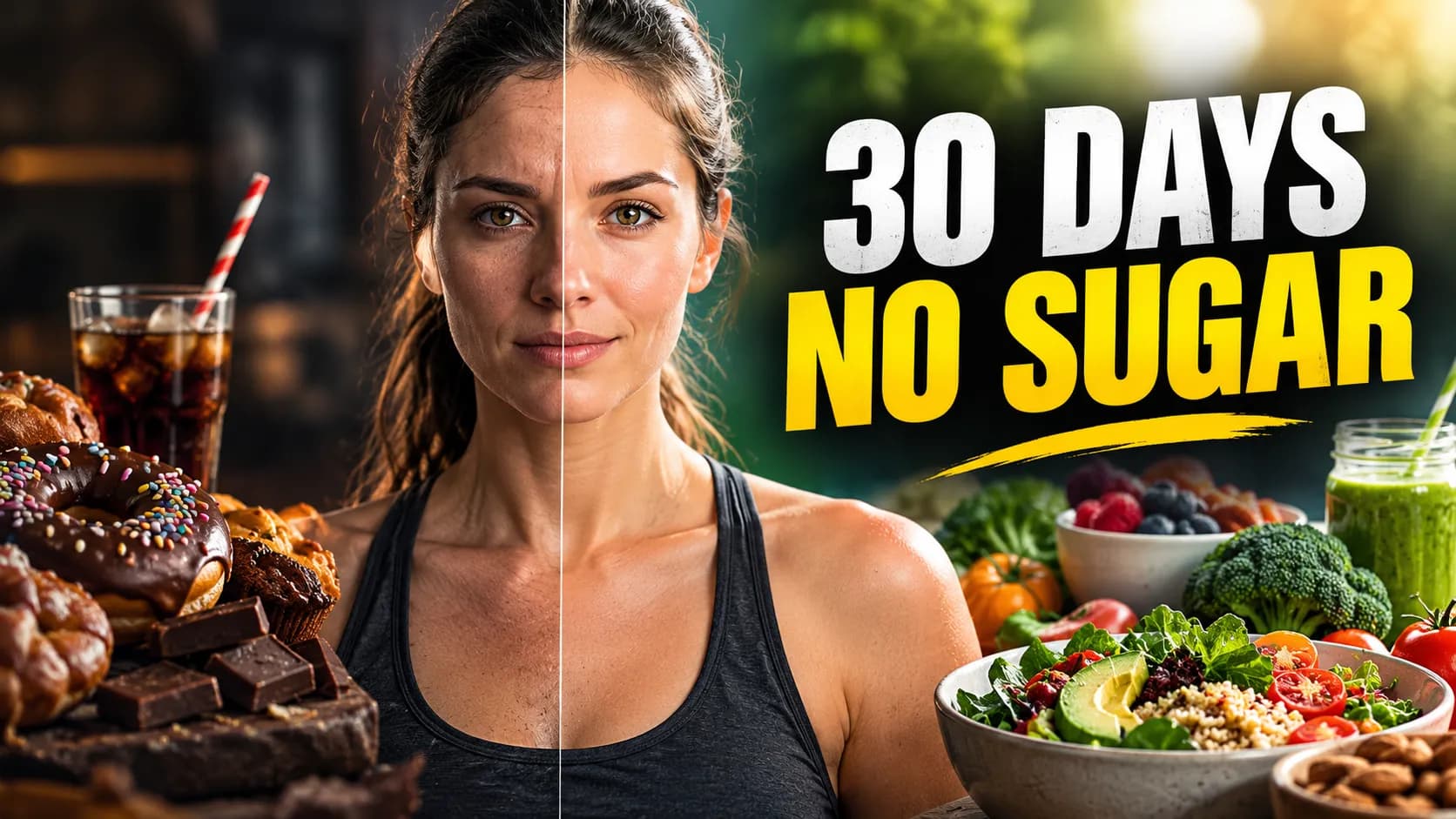
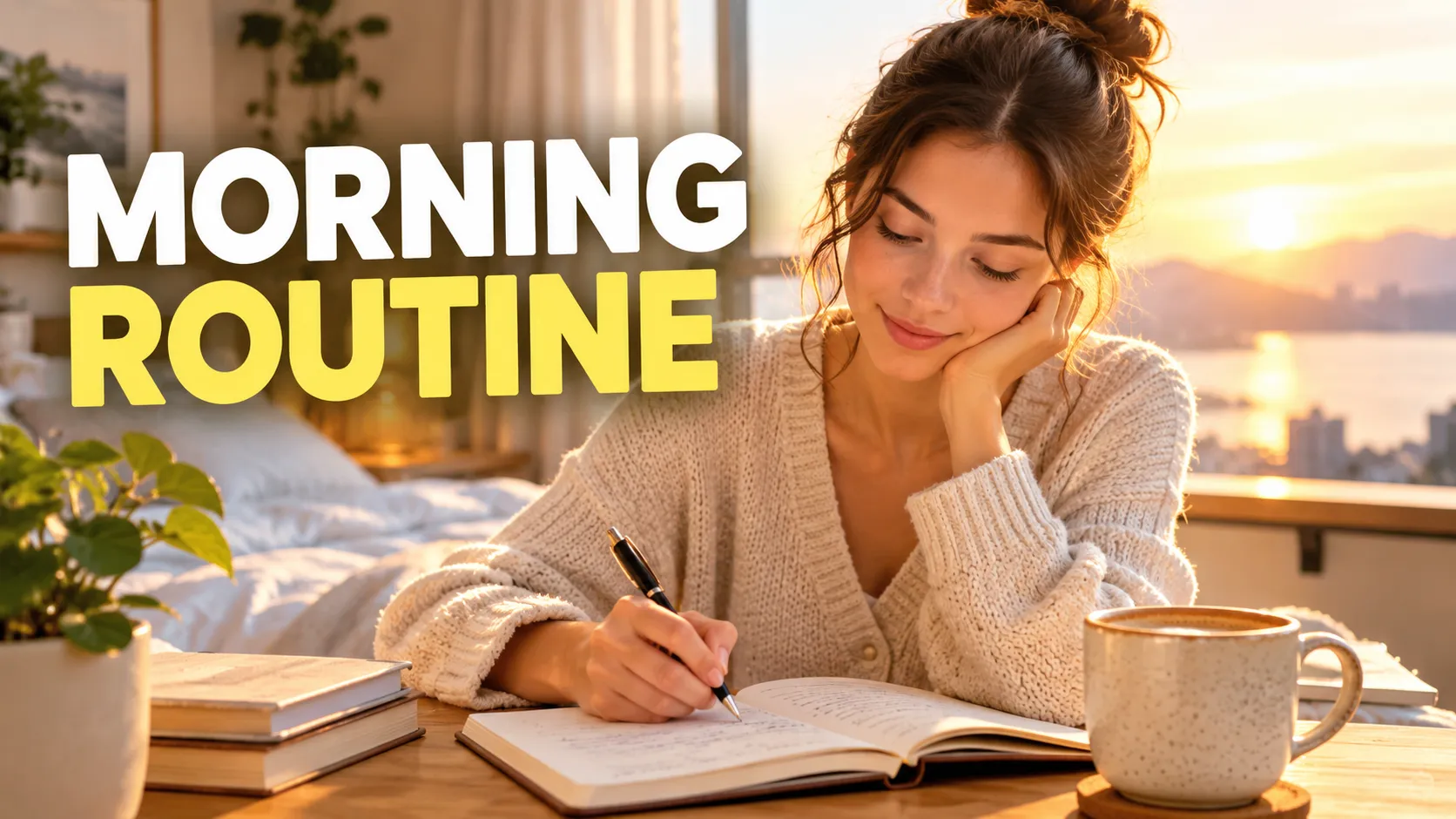
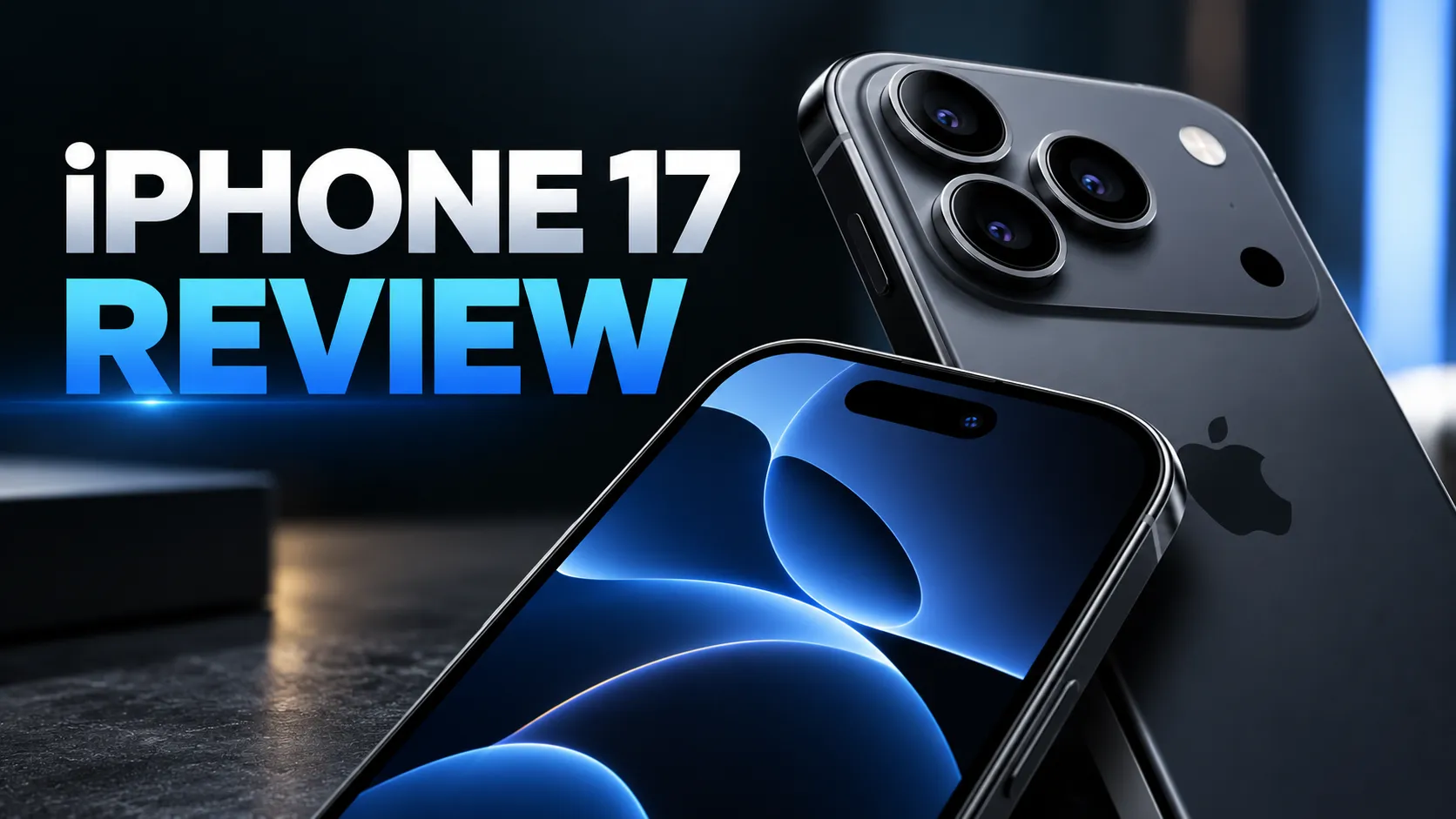
YouTube thumbnail styles




Guides
YouTube Thumbnail Size and Requirements
The right YouTube thumbnail size: 1280×720 px works for most uploads, 3840×2160 px is the maximum recommended. Aspect ratio, file limits, Shorts and safe area.
YouTubeYouTube thumbnail best practices
Make YouTube thumbnails that stay readable on phones, leave the bottom-right clear for the duration badge, and match your video without misleading viewers.
Size guideBook Cover Size for eBooks and Paperbacks
Kindle cover size 1600×2560 px per KDP, plus paperback full-wrap PDF rules, 0.125 in bleed, spine width, and why print needs back cover and spine.