

Tech Review YouTube Thumbnail Maker
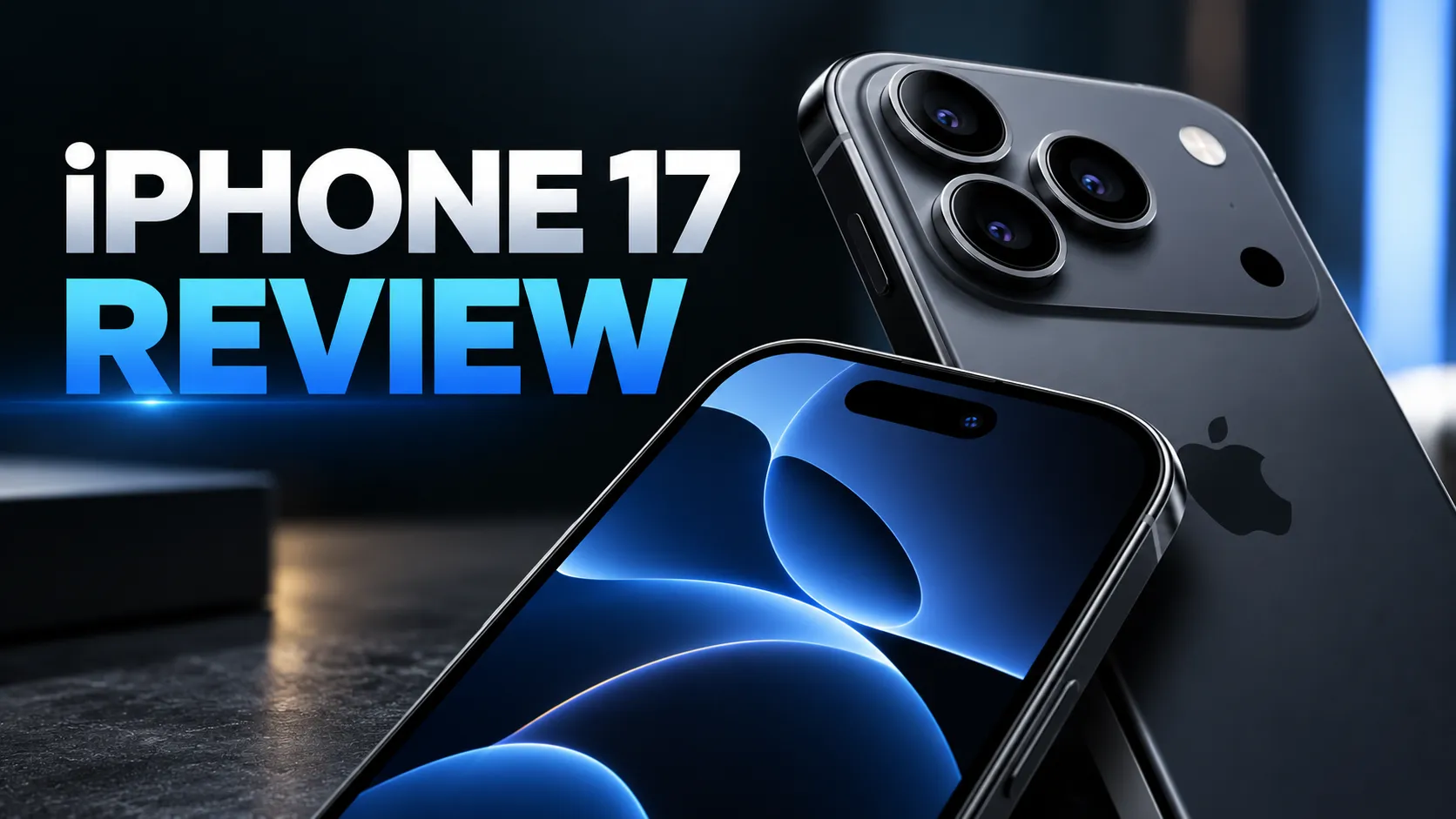
The tech review style uses a dark gradient background, spotlight lighting on the product and a futuristic sans-serif headline. The product looks like it is on a showroom stand, which is what viewers expect from a gadget review.
Enter a short headline such as the product name and year, describe what is in the shot and upload a product photo if you have one. The thumbnail follows the conventions of the tech channels viewers already know.
This is the Tech review style of the YouTube Thumbnail Maker. The form on this page opens with it already selected.
Tech review examples

Who the Tech review style suits
Phone, laptop and gadget reviews
A close-up of a camera module or a row of laptops suits the spotlight look.
Comparison and buyer's guide videos
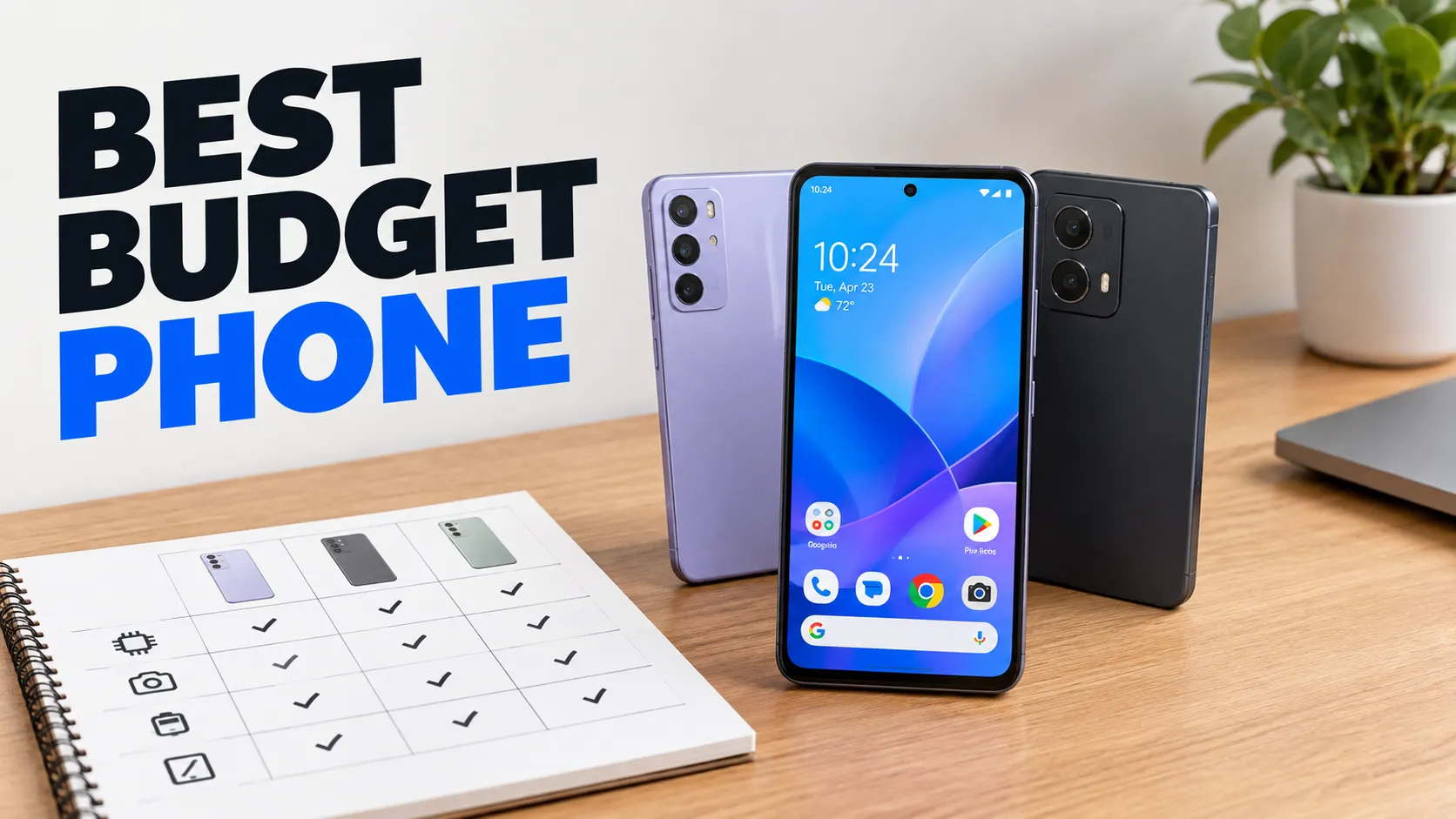
"BEST LAPTOP" style titles benefit from several products shown clearly against a dark ground.
Software and AI channels
The dark, futuristic palette also fits videos about apps, coding and new technology.
Getting the best Tech review result
- 1
Upload a clean product photo
Use the optional photo field for the real product. Compare the result with the real item, since small details such as buttons or logos can change.
- 2
Keep model names exact
A wrong digit in a product name looks careless. Proofread names like "iPHONE 17 REVIEW" letter by letter before you upload.
- 3
Avoid brand logos in the description
The maker does not add logos, and asking for them can lead to messy results. Name the product in the headline instead.
- 4
Leave room in the bottom-right
YouTube shows the video length in that corner. The maker keeps text and faces out of it, so do not place small badges there in an editor either.
Ideas to try
- Headline: "iPHONE 17 REVIEW", topic: a close-up of a dark blue phone's camera module under spotlight
- Headline: "BEST LAPTOP 2025", topic: a row of thin laptops on a dark desk with glowing edges
- Headline: "DON'T BUY THIS", topic: a gadget with a red X, dark background and a shocked reviewer
- Headline: "AI TOOLS I USE", topic: a glowing laptop screen with abstract circuit lines
What you download
Every design from the YouTube Thumbnail Maker comes with the files for the job, whichever style you choose:
- YouTube thumbnail 1280×720 JPG (under 2 MB)
- Full HD 1920×1080 JPG
Questions about the Tech review style
Can the maker show a real product accurately?+
If you upload a photo it keeps the product recognizable, but AI can alter small details. Always compare the result with the real item.
Why a dark background?+
Dark gradients make glowing screens and metal edges stand out. If your product is dark, a lighter style such as clean and minimal can be easier to read.
Can I add a rating or a price?+
Only as part of the headline text, within 40 characters. Short claims such as "TOP PICK" are easier to read than long phrases.
Does the thumbnail follow YouTube's rules?+
The size and the layout follow YouTube's published guidance. You are responsible for making sure the content is accurate and follows the Community Guidelines.
YouTube thumbnail styles








Guides
YouTube Thumbnail Size and Requirements
The right YouTube thumbnail size: 1280×720 px works for most uploads, 3840×2160 px is the maximum recommended. Aspect ratio, file limits, Shorts and safe area.
YouTubeYouTube thumbnail best practices
Make YouTube thumbnails that stay readable on phones, leave the bottom-right clear for the duration badge, and match your video without misleading viewers.
Size guideBook Cover Size for eBooks and Paperbacks
Kindle cover size 1600×2560 px per KDP, plus paperback full-wrap PDF rules, 0.125 in bleed, spine width, and why print needs back cover and spine.