

Cinematic YouTube Thumbnail Maker
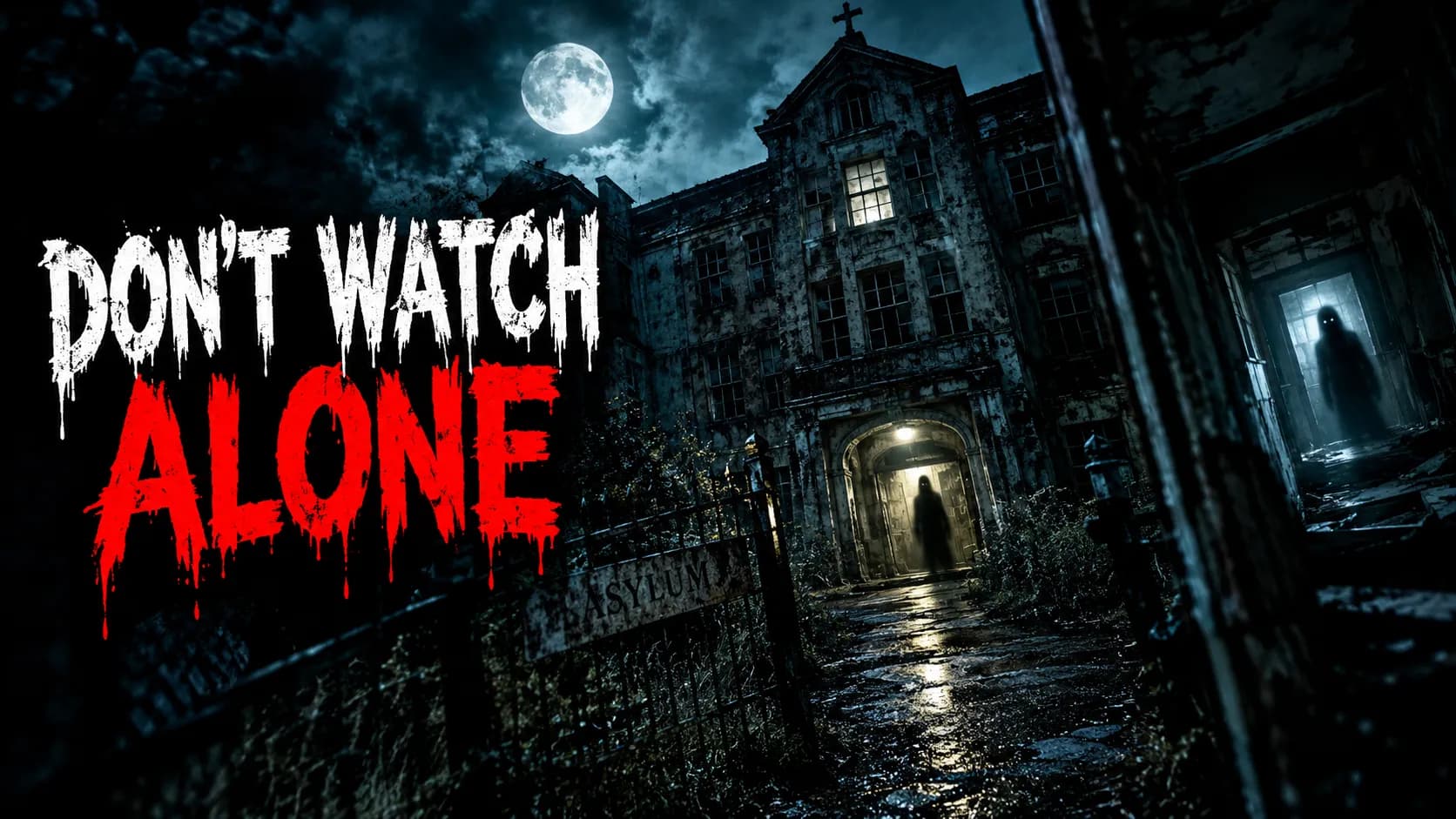
The cinematic style borrows the look of a movie poster: moody color grading, shallow depth of field and atmospheric light. The subject sits in a scene that feels like a still from a film rather than a snapshot.
Add a short headline, describe the scene in a sentence or two, and PiCraft builds the frame. It suits stories, documentaries and anything that benefits from a sense of mood.
This is the Cinematic style of the YouTube Thumbnail Maker. The form on this page opens with it already selected.
Cinematic examples


Who the Cinematic style suits
Documentaries and mini-series
A film-like frame signals that the video is crafted, which suits story-driven, researched content.
Mystery and exploration
A flashlight in a dark corridor or a lone figure on a ridge turns a simple topic into a scene.
Short films and trailers
If your video is itself cinematic, the thumbnail should look like its poster.
Getting the best Cinematic result
- 1
Describe light and place
In the topic field, name the setting and the light: "a corridor lit by a flashlight beam". Cinematic frames depend on these details.
- 2
Keep the title short
Movie posters use few words. A headline such as "HAUNTED HOTEL" fits the style better than a long sentence.
- 3
Watch the dark shadows
Deep shadows can swallow detail on a phone with the brightness turned down. Preview the result at a low brightness setting.
- 4
Use a photo of yourself with care
If you upload your face, ask for a scene where you are lit from the side. The maker keeps your likeness, but the grading can change the skin tone slightly.
Ideas to try
- Headline: "HAUNTED HOTEL", topic: a flashlight beam in a dark abandoned corridor
- Headline: "THE LAST FLIGHT", topic: a pilot silhouetted against an orange sunset on a runway
- Headline: "LOST IN ICELAND", topic: a lone hiker facing a misty black-sand beach
- Headline: "THE TRUTH ABOUT SLEEP", topic: a person lying awake in a dark bedroom with city lights through the blinds
What you download
Every design from the YouTube Thumbnail Maker comes with the files for the job, whichever style you choose:
- YouTube thumbnail 1280×720 JPG (under 2 MB)
- Full HD 1920×1080 JPG
Questions about the Cinematic style
How is cinematic different from dark and eerie?+
Cinematic is about mood and film color, and covers any genre. Dark and eerie specifically aims for fear and suspense.
Will the text look like a movie title?+
The headline is large and bold so it reads at thumbnail size, rather than the thin titles of real film posters.
Can I use a real person's face?+
Only yours or someone who has given permission. The photo field is meant for your own face or your own product.
Is the 1920×1080 file included?+
Yes. Every design comes with a 1280×720 px JPG under 2 MB and a 1920×1080 px JPG.
YouTube thumbnail styles







Guides
YouTube Thumbnail Size and Requirements
The right YouTube thumbnail size: 1280×720 px works for most uploads, 3840×2160 px is the maximum recommended. Aspect ratio, file limits, Shorts and safe area.
YouTubeYouTube thumbnail best practices
Make YouTube thumbnails that stay readable on phones, leave the bottom-right clear for the duration badge, and match your video without misleading viewers.
Size guideBook Cover Size for eBooks and Paperbacks
Kindle cover size 1600×2560 px per KDP, plus paperback full-wrap PDF rules, 0.125 in bleed, spine width, and why print needs back cover and spine.