

Romance Book Cover Maker
Romance covers sell a feeling: warm light, a couple or one evocative scene, bright inviting colors and a flowing script title. Contemporary romance in particular leans on a lighter, illustrated look with a playful title, the opposite of the dark tones a thriller uses.
Enter the title and author name, add a tagline in the subtitle field, and describe the setting or the moment you want. PiCraft designs a front cover in this style with the title set large. You download a 1600×2560 px eBook JPG and a 6.125×9.25 inch front panel with bleed for a 6×9 inch paperback.
This is the Romance genre of the Book Cover Maker. The form on this page opens with it already selected.
Romance examples

Who the Romance genre suits
Contemporary and small-town romance
Coastal towns, bookshops and autumn parks fit a bright, illustrated cover with a couple or a cozy setting at its center.
Rom-coms and seasonal reads
A beach in summer or a snowy street at Christmas tells shoppers the mood and the season before they read the blurb.
Series where each book has a new setting
Keep the genre and the tagline style, then change the place or the season in the cover idea so every book looks related but not identical.
Getting the best Romance result
- 1
Name the place and the mood
"A couple silhouetted against a sunset over white-washed buildings" gives the cover a setting, a time of day and a feeling in one line. A season and a location do most of the work.
- 2
Keep the title short enough for script
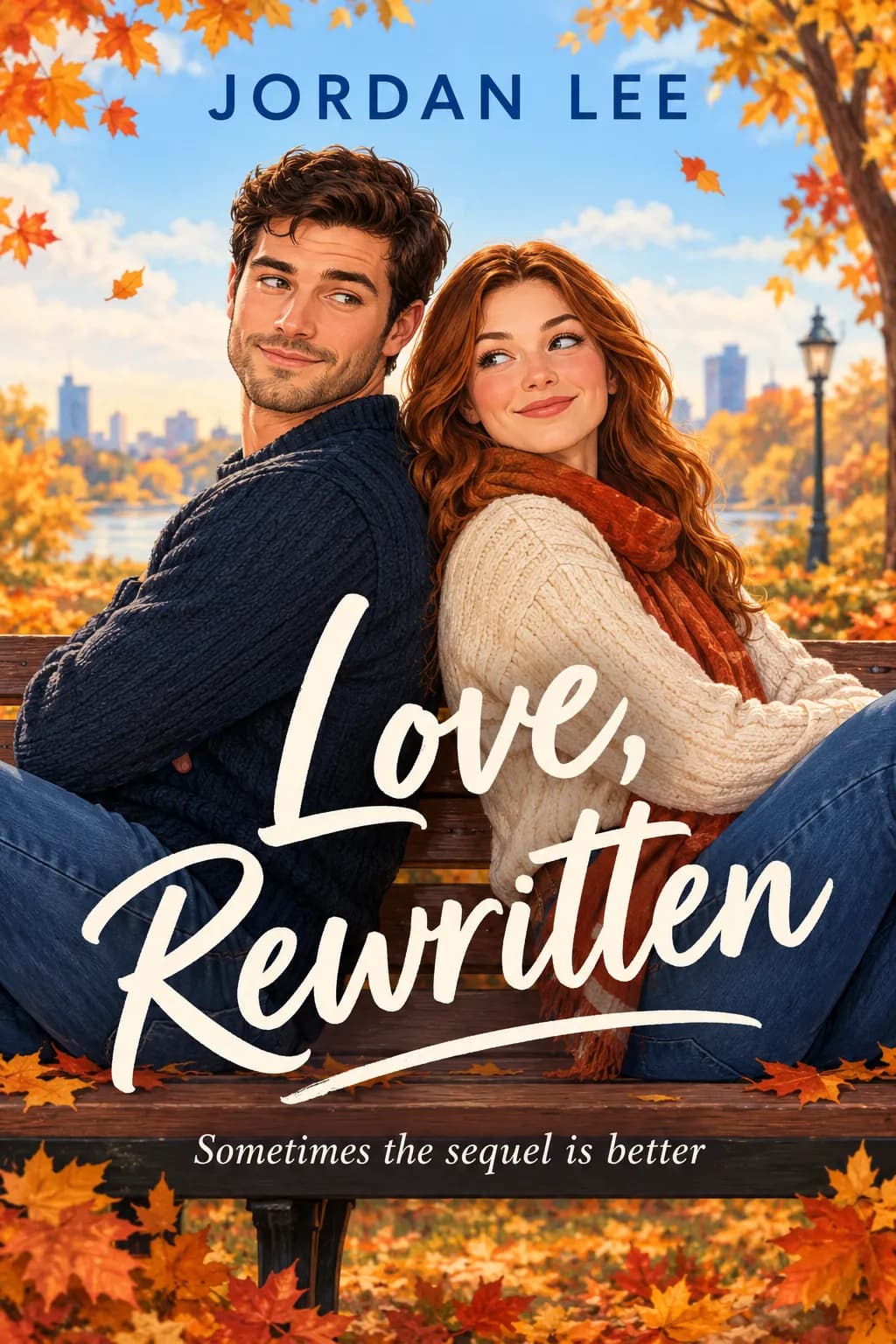
Script lettering is the signature of the genre, but thin script gets lost when the cover shrinks. Titles like Love, Rewritten or Summer in Santorini give it room to be large.
- 3
Write the tagline as a hook
A short line such as "A love story in the sun" or "Sometimes the sequel is better" sets the tone. One line of about eight words or fewer stays readable under the title.
- 4
Look closely at faces, hands and posture
When a cover shows people, they are invented by the model and do not depict anyone real. Check faces and hands before you publish, and generate again if something looks off.
Ideas to try
- Title: "Summer in Santorini", subtitle: "A love story in the sun", author: "Nadia Blake", cover idea: "A couple silhouetted against a sunset over white-washed buildings"
- Title: "Love, Rewritten", subtitle: "Sometimes the sequel is better", author: "Jordan Lee", cover idea: "Two people back-to-back on a park bench surrounded by autumn leaves"
- Title: "The Bookshop on Maple Lane", author: "Priscilla Hart", cover idea: "A corner bookshop with a string-lit window on a snowy evening, two coffee cups on the sill"
- Title: "Second Chance Cove", subtitle: "A Pine Harbor romance", author: "Lena Marsh", cover idea: "A lighthouse and a rowboat at sunrise, two sets of footprints on the sand"
What you download
Every design from the Book Cover Maker comes with the files for the job, whichever genre you choose:
- eBook cover 1600×2560 JPG
- Paperback front 6.125×9.25 in (6×9 trim + bleed), 300 DPI
Questions about the Romance genre
Does the romance option work for dark romance or romantasy?+
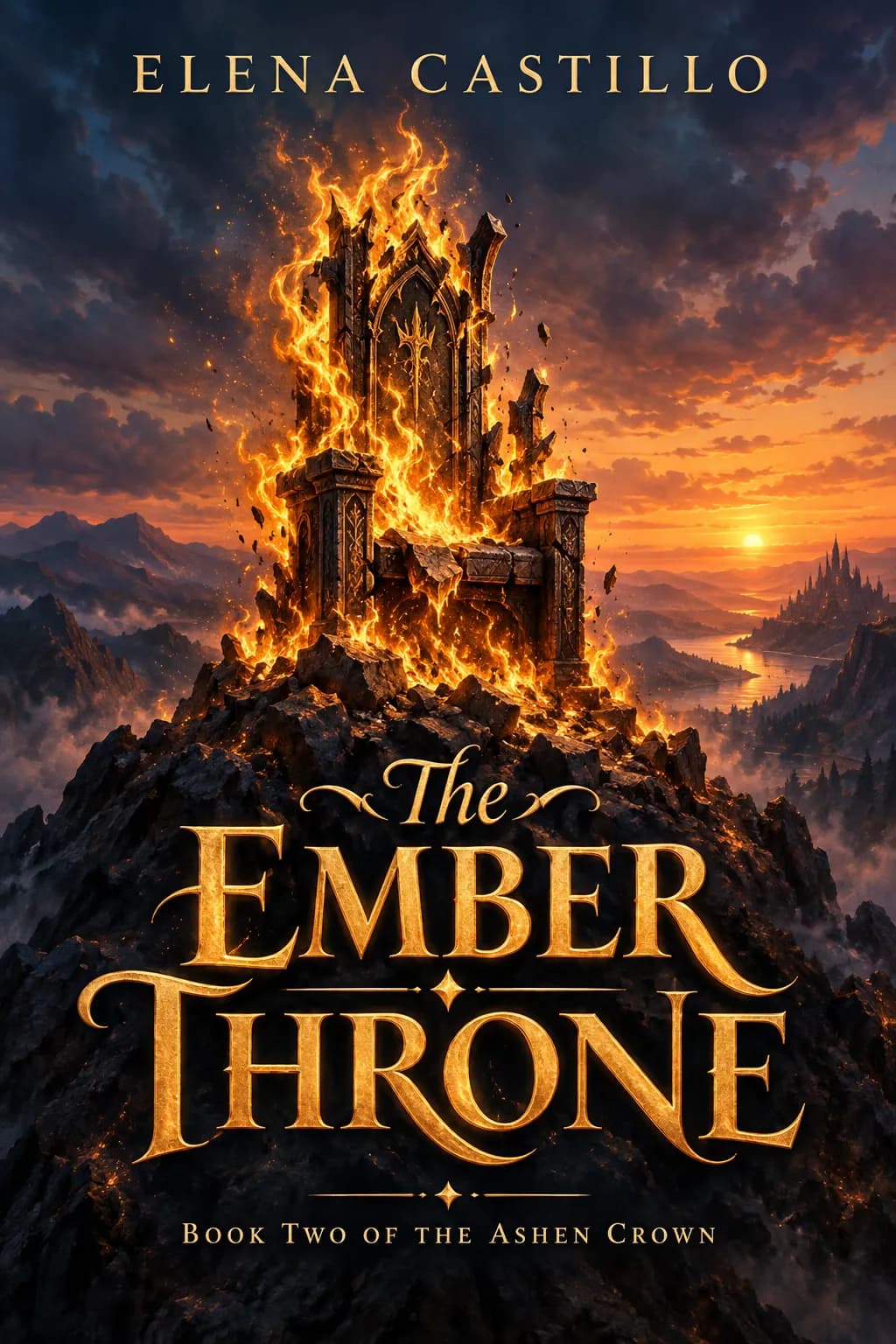
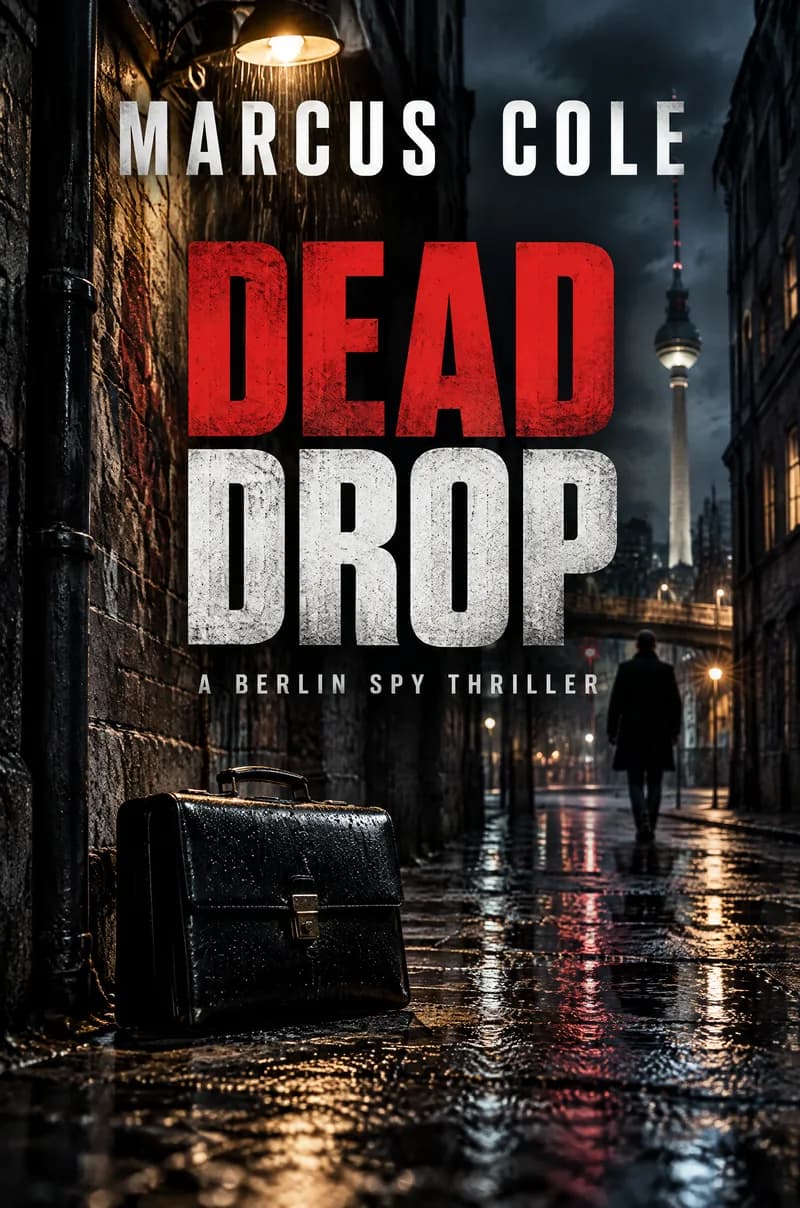
Not well. This option is warm and bright. A book that mixes romance with magic is easier to place with the fantasy option, and a dark, suspenseful romance fits the thriller look better. Choose the genre your readers shop in.
Does the cover have to show a couple?+
No. Describe a setting, an object or a scene instead, such as a lighthouse at sunrise. If you leave the cover idea empty, PiCraft picks an image that fits the genre.
Can I describe what the characters look like?+
Briefly, yes. A few words such as red hair or a navy sweater can steer the picture. Results vary, so check each cover against your characters, and do not describe a real person.
Is the romance cover ready for Kindle?+
Yes. The eBook cover is a 1600×2560 px JPG in RGB, the ideal size KDP lists. If the cover is light, add a thin gray border so it does not disappear on Amazon's white page; the book cover size guide explains how.
Can I make a back cover and spine too?+
The maker produces the front only. For a paperback wrap, use your printer's template and the KDP paperback cover size guide to place the front panel.
Book cover genres
Guides
Book Cover Size for eBooks and Paperbacks
Kindle cover size 1600×2560 px per KDP, plus paperback full-wrap PDF rules, 0.125 in bleed, spine width, and why print needs back cover and spine.
Size guideKDP Paperback Cover Size, Spine Width and Bleed
KDP paperback cover size for any trim: width = 2 × trim + spine + 0.25 in, height = trim + 0.25 in. Spine width by paper type, bleed, barcode and file rules.
Size guideYouTube Thumbnail Size and Requirements
The right YouTube thumbnail size: 1280×720 px works for most uploads, 3840×2160 px is the maximum recommended. Aspect ratio, file limits, Shorts and safe area.