

Thriller Book Cover Maker
A thriller cover has to feel tense at a glance. The common formula is dark, high-contrast photographic imagery, a lone figure or an ominous place, and a heavy condensed sans-serif title, often with one hot color such as red against black and white type. The cover works as a warning before anyone reads the blurb.
Enter the title and author name, add a subtitle if you want one, and describe the single image that carries the menace. PiCraft builds a front cover in this style and sets the type large. You get a 1600×2560 px eBook JPG and a 6.125×9.25 inch front with bleed for a 6×9 inch paperback.
This is the Thriller / crime genre of the Book Cover Maker. The form on this page opens with it already selected.
Thriller / crime examples
Who the Thriller / crime genre suits
Crime, spy and suspense novels
Detective stories, espionage and domestic suspense share the same dark palette. The setting and the object in your cover idea decide which of them the cover looks like.
Authors with a name that sells
In this style the author name gets nearly as much room as the title, so a byline you repeat across a series becomes part of the design.
Writers comparing moods before print
Generate a rain-soaked street, a closed door and an empty room, then see which one makes you want to open the book.
Getting the best Thriller / crime result
- 1
Pick one disturbing detail
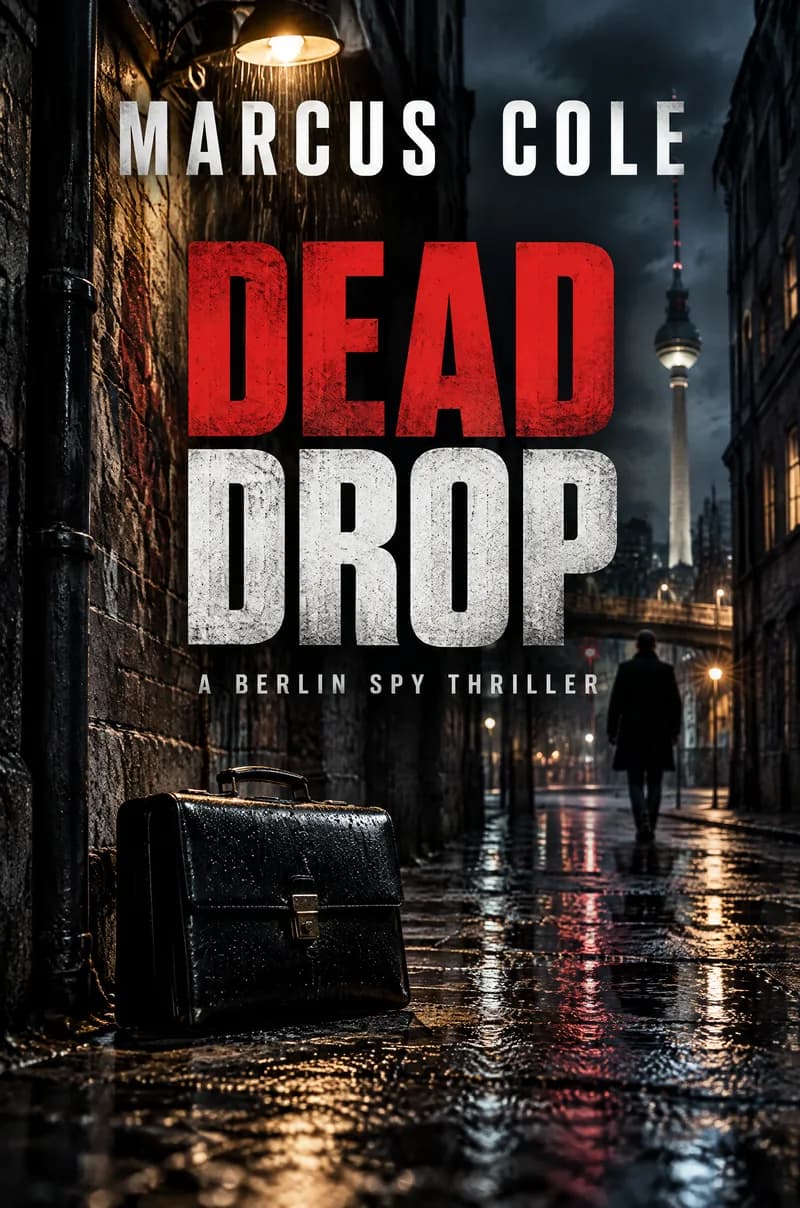
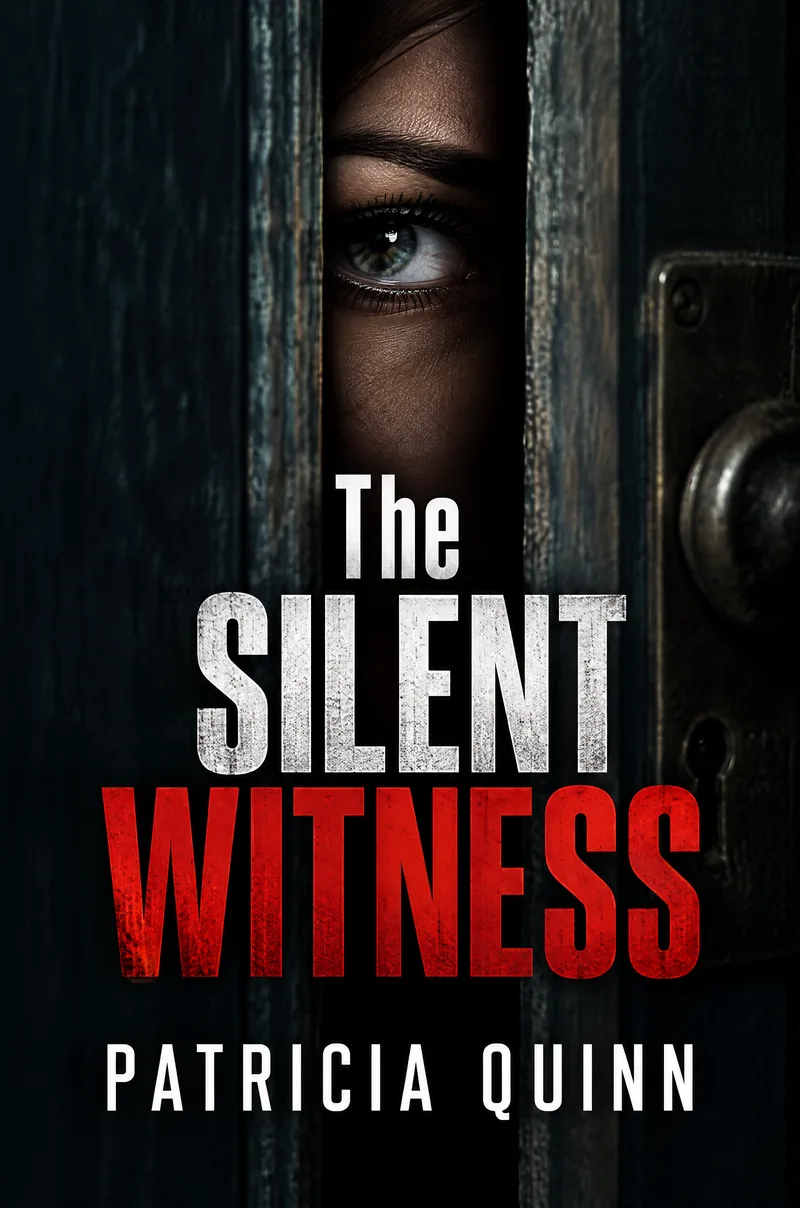
A briefcase in a wet alley, or an eye behind a crack in a door, carries a whole story in one glance. Several threats in one picture dilute the tension and leave the title less room.
- 2
Keep the title short and heavy
Condensed capitals work best with one to three words. Dead Drop and The Silent Witness stack into two or three lines that stay legible when the cover is small. Longer titles go into smaller type.
- 3
Check for lines you did not ask for
The text is drawn into the image, and now and then a small extra tagline appears even when you left the subtitle empty. If one shows up, generate again; each generation is a new design.
- 4
Test the dark corners at thumbnail size
Shrink the cover to about 160 px tall. Red on black is easy to read, but a dark lower edge can swallow the author name, so make sure both lines are still clear.
Ideas to try
- Title: "Dead Drop", author: "Marcus Cole", cover idea: "A rain-slicked alley in Berlin at night, a briefcase under a streetlight"
- Title: "The Silent Witness", author: "Patricia Quinn", cover idea: "A single eye peering through a crack in a door"
- Title: "Cold Harbor", author: "Ellis Grant", cover idea: "A lone figure on a fog-covered pier at 3 a.m., one harbor light in the distance"
- Title: "Nine Missed Calls", subtitle: "A Detective Rhodes thriller", author: "Carla Mendes", cover idea: "A cracked phone face-down on a wet kitchen floor, its screen glowing red"
What you download
Every design from the Book Cover Maker comes with the files for the job, whichever genre you choose:
- eBook cover 1600×2560 JPG
- Paperback front 6.125×9.25 in (6×9 trim + bleed), 300 DPI
Questions about the Thriller / crime genre
Does the thriller option cover crime and mystery too?+
Yes, the option is called thriller / crime and suits detective, spy and suspense stories. A light village mystery is usually illustrated in warm colors, so the dark look may feel too heavy for it.
What type does a thriller cover use?+
The option asks for a bold condensed sans-serif title, often in white or red on a dark picture. You cannot pick a font, but you can shorten the title to make the lettering larger.
Why did my cover show a line of text I did not enter?+
The text is part of the generated image, and occasionally the model adds a small tagline of its own. Generate again, and check every line against your book details before you publish.
How is it different from the fantasy option?+
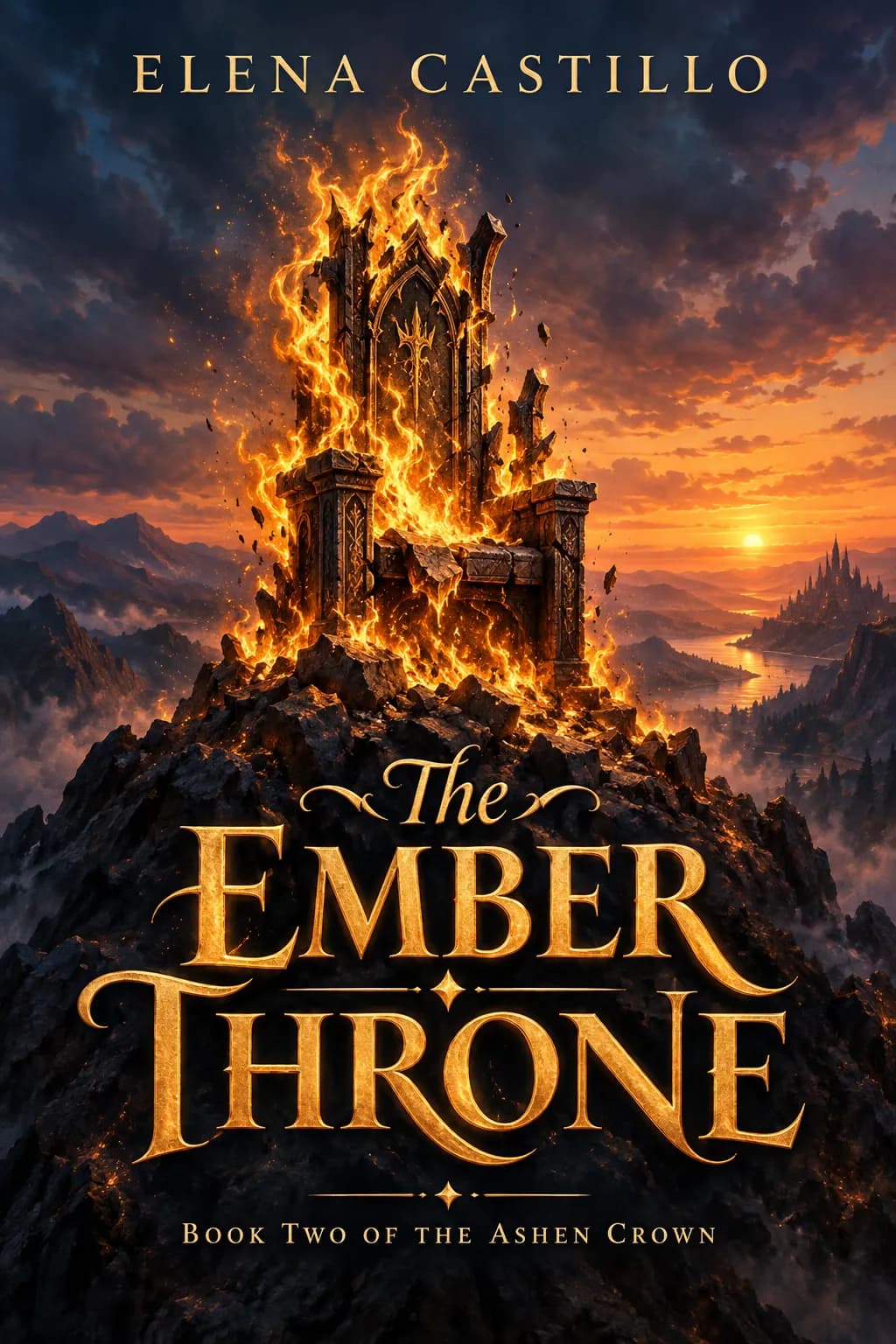
Thrillers use dark photographic scenes and plain heavy type. A fantasy cover uses painted scenes and ornate lettering. Mixing the two signals confuses shoppers who browse by genre.
Is the thriller cover ready for Kindle and print?+
The eBook file is 1600×2560 px in RGB. For paperbacks you get a 6.125×9.25 inch front with bleed, and you add the spine and back in a printer template. See the KDP paperback cover size guide for the formula.
Book cover genres

Guides
Book Cover Size for eBooks and Paperbacks
Kindle cover size 1600×2560 px per KDP, plus paperback full-wrap PDF rules, 0.125 in bleed, spine width, and why print needs back cover and spine.
Size guideKDP Paperback Cover Size, Spine Width and Bleed
KDP paperback cover size for any trim: width = 2 × trim + spine + 0.25 in, height = trim + 0.25 in. Spine width by paper type, bleed, barcode and file rules.
Size guideYouTube Thumbnail Size and Requirements
The right YouTube thumbnail size: 1280×720 px works for most uploads, 3840×2160 px is the maximum recommended. Aspect ratio, file limits, Shorts and safe area.