

Bold Cartoon Sticker Maker
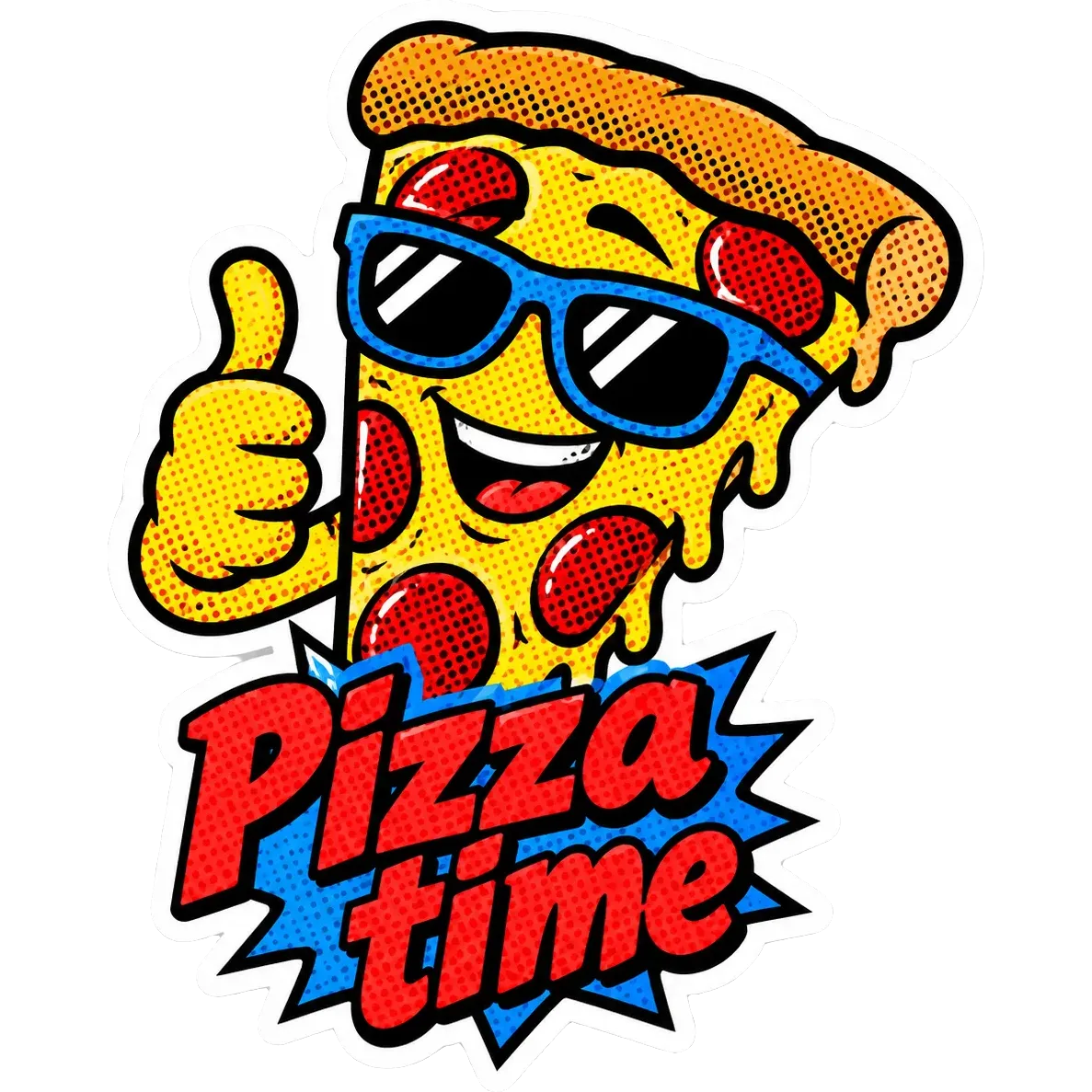
The bold cartoon style uses thick black outlines and flat, vibrant colors, like the artwork on a comic cover or a kids' show. The shapes are strong and simple, so the sticker stays clear even when it is small.
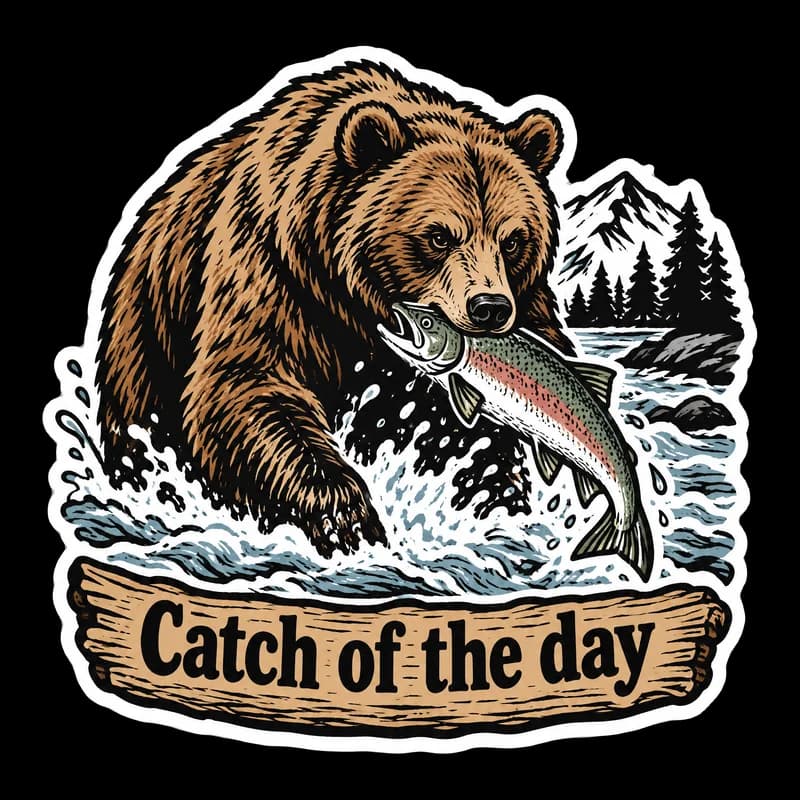
Describe the idea, add a short caption if you want one, and PiCraft makes a single die-cut sticker with a white border. The design exports as a transparent PNG and a 3×3 inch print file.
This is the Bold cartoon style of the Sticker Maker. The form on this page opens with it already selected.
Bold cartoon examples
Who the Bold cartoon style suits
Laptop and water bottle stickers
Thick outlines survive the scuffs of everyday use and stay readable from a distance.
Mascots and brand characters
A friendly animal or object with a clear outline works as a simple mascot for a club, a team or a small business.
Humor and slogan stickers
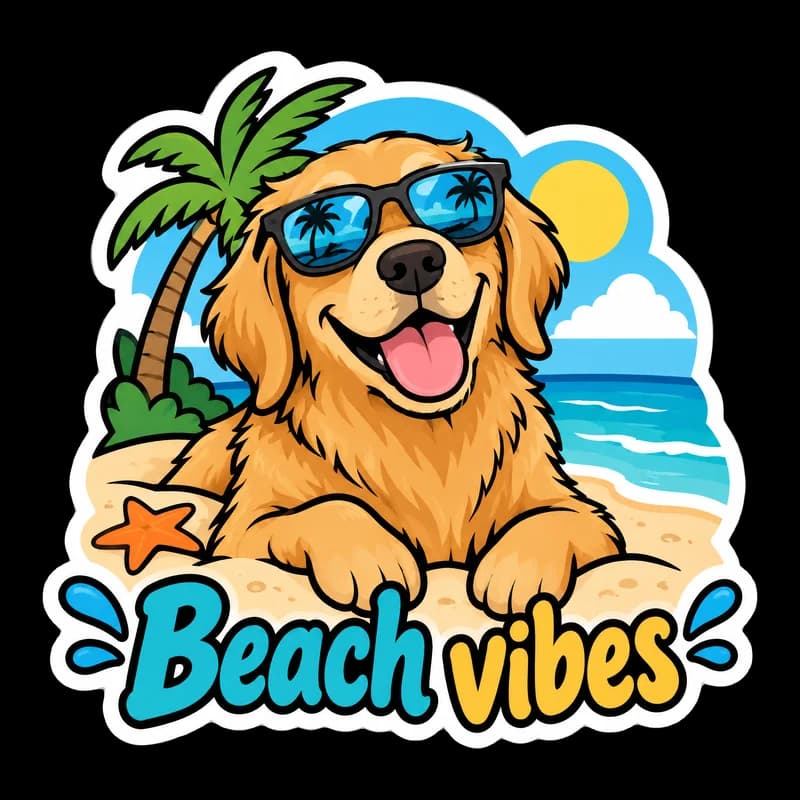
A dog in sunglasses with a short caption such as "Beach vibes" gets its joke across in a glance.
Getting the best Bold cartoon result
- 1
Describe an expression and a pose
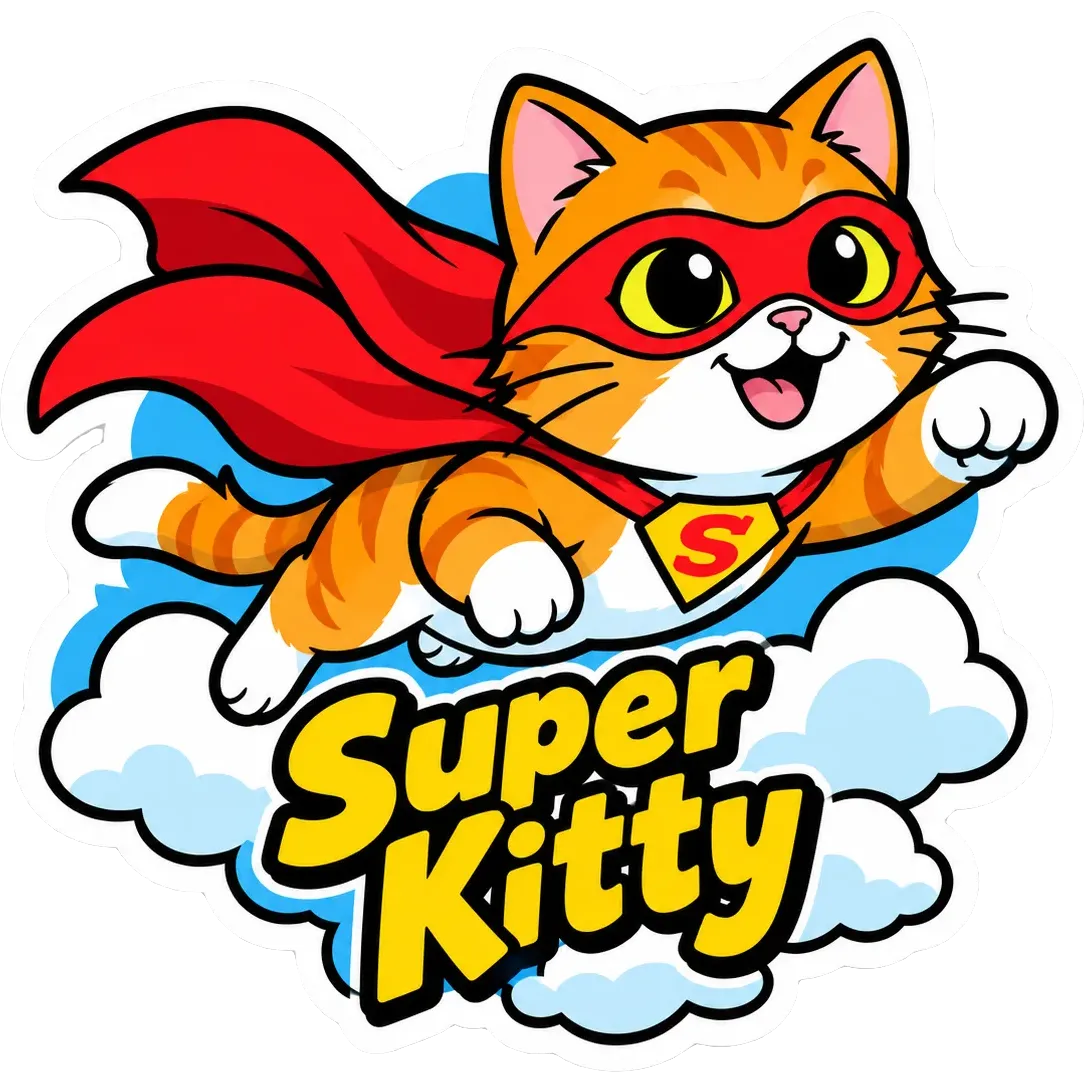
Cartoons live on attitude. "A superhero cat in a red cape flying through clouds" gives the style something to exaggerate.
- 2
Pick a short, punchy caption
Two or three words, such as "Super Kitty", match the weight of the outlines. Longer text may come out garbled.
- 3
Think about the shape
A compact silhouette creates a smooth die-cut edge. Long thin arms or tails make the cut path complicated.
- 4
Use bright colors against the white border
Strong colors pop against the white border and look good on dark laptops.
Ideas to try
- Subject: "A golden retriever in sunglasses lying on a beach towel", text: "Beach vibes"
- Subject: "A superhero cat in a red cape flying through clouds", text: "Super Kitty"
- Subject: "A grumpy coffee cup with tiny arms and legs", text: "Not yet"
- Subject: "A smiling taco giving a thumbs up"
What you download
Every design from the Sticker Maker comes with the files for the job, whichever style you choose:
- Transparent PNG 2048×2048
- Print PNG 3×3 in, 300 DPI
Questions about the Bold cartoon style
Which style is best for a logo-like sticker?+
Bold cartoon is the clearest of the ten, because outlines and flat colors survive small sizes. PiCraft does not take a logo upload, so add your exact logo in an editor if you need it.
Can I choose the outline thickness?+
There is no setting for it. The style uses thick black outlines, and each generation differs slightly.
How big is the print file?+
3×3 inches at 300 DPI, which is 900×900 px, plus a 2048×2048 px transparent PNG. See the sticker size guide for other sizes.
Can I make vinyl stickers with it?+
Yes. The PNG is transparent outside the white border, so a cutter can cut just outside it. A print shop can also print it as a die-cut sticker. Check your shop's file requirements first.
Sticker styles


Guides
Sticker Size and File Requirements
Sticker file sizes for print and cut: 300 DPI PNGs, common 2–3 in prints, die-cut vs kiss-cut, white borders, pixel math, and Cricut Design Space upload steps.
StickersHow to prepare sticker artwork for print and cutting
Prepare transparent PNG sticker art at print size, upload Flat Graphic files to Cricut Design Space, and test one sticker before a full Print Then Cut run.
Size guideAmazon Product Image Size and Main Image Rules
Amazon main image: pure white RGB 255, 85% fill, 1000 px minimum for zoom, 1600 px+ recommended, JPEG preferred, and what secondary images allow.