

Kawaii Sticker Maker
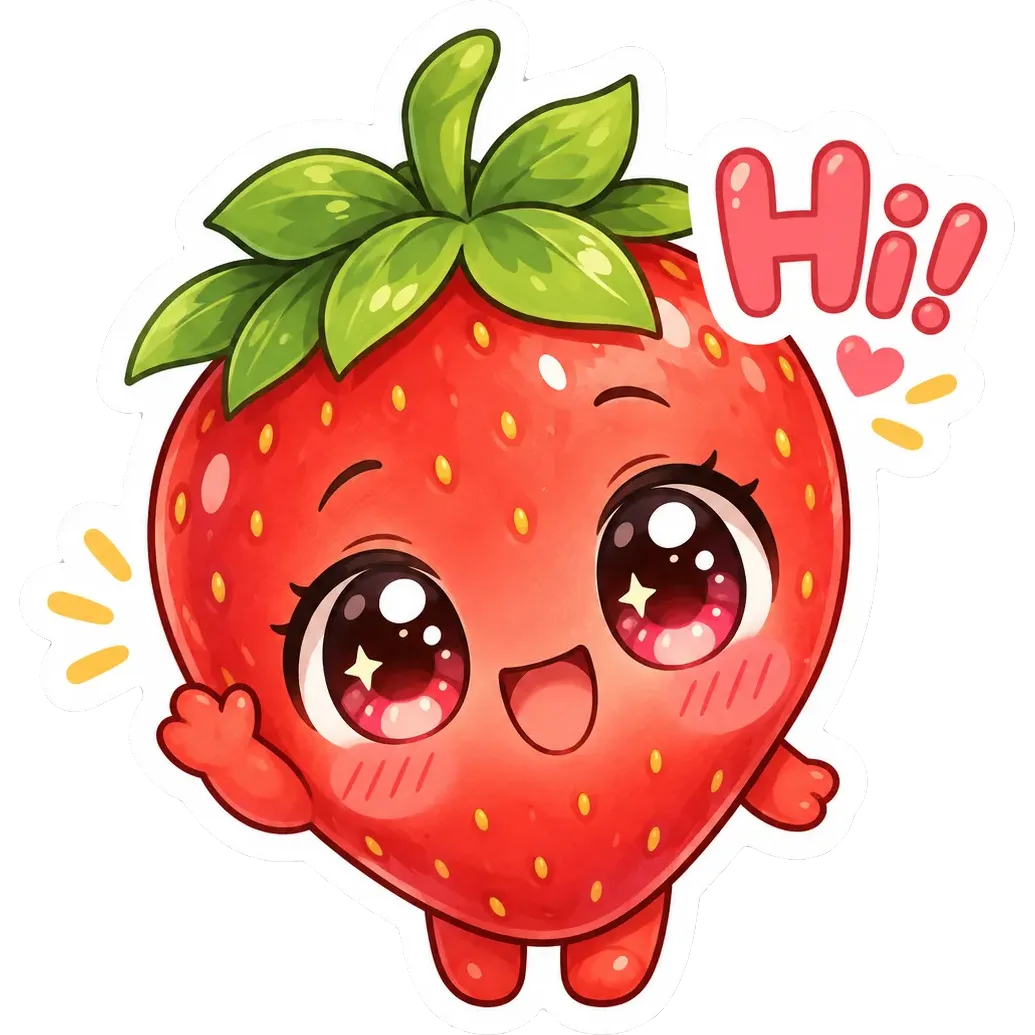
The kawaii style is Japanese-inspired cute: soft pastel colors, rounded shapes and simple happy faces. Animals, food and everyday objects all get big eyes and gentle smiles, so a plain idea turns into something you want to stick on a laptop.
Describe what is on the sticker, add a short word or phrase if you like, and PiCraft makes a die-cut design with a white border. You download a transparent PNG at 2048×2048 px and a 3×3 inch print file at 300 DPI.
This is the Cute kawaii style of the Sticker Maker. The form on this page opens with it already selected.
Cute kawaii examples

Who the Cute kawaii style suits
Planner and journal stickers
Soft colors and tiny characters suit bullet journals, notebooks and weekly planners.
Gifts and party favors
A small kawaii animal with a kind message is easy to hand out at a birthday, a class event or a bake sale.
Small shops selling cute goods
Kawaii pairs naturally with stationery, snacks and pet products, where cheerfulness is part of the brand.
Getting the best Cute kawaii result
- 1
Describe one character doing one thing
"A tiny fox reading a book under a mushroom" gives the style a clear story. A crowd of characters shrinks each one.
- 2
Keep any text short
A single word such as "Bookworm" or a short phrase of two or three words stays legible. Long text can come out garbled, so proofread it.
- 3
Add food and plants for charm
Mushrooms, donuts, clouds and leaves are classic kawaii companions that make the sticker feel complete.
- 4
Check pale pastels at the edge
Very pale areas that touch the outer edge can be lost when the background is removed. The white border helps, and you can generate again if something fades.
Ideas to try
- Subject: "A tiny fox reading a book under a mushroom", text: "Bookworm"
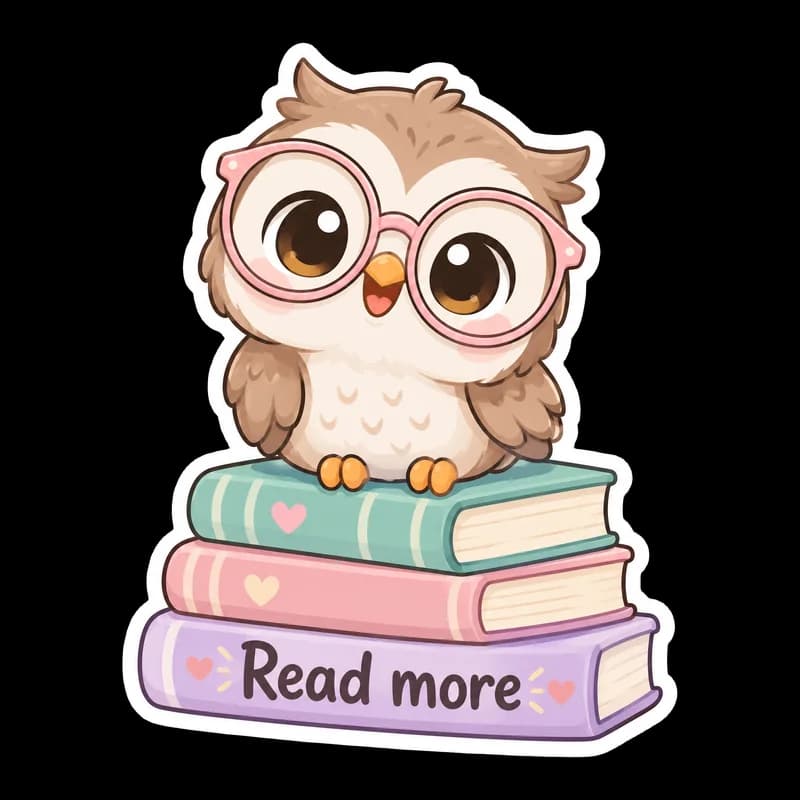
- Subject: "A baby owl in oversized pink glasses on a stack of pastel books", text: "Read more"
- Subject: "A smiling dumpling with rosy cheeks holding chopsticks"
- Subject: "A sleepy cloud wearing a night cap, with a small moon", text: "Nap time"
What you download
Every design from the Sticker Maker comes with the files for the job, whichever style you choose:
- Transparent PNG 2048×2048
- Print PNG 3×3 in, 300 DPI
Questions about the Cute kawaii style
Is kawaii the same as chibi?+
Not quite. Kawaii is a general cute look with soft colors and simple faces. Chibi anime draws characters with oversized heads and tiny bodies.
Will it cut cleanly on a Cricut?+
Yes. Upload the PNG to Design Space as a Print Then Cut image, print it on printable sticker paper and let the machine cut around the white border. Cut lines are not included in the file. See how to prepare sticker artwork.
Can I make a whole sheet?+
Each generation is one sticker. Place several PNGs on a page in your print software.
Can I sell kawaii stickers?+
You can use your designs commercially if your input does not infringe anyone else's rights. Avoid trademarked characters, such as well-known cartoon mascots.
Sticker styles


Guides
Sticker Size and File Requirements
Sticker file sizes for print and cut: 300 DPI PNGs, common 2–3 in prints, die-cut vs kiss-cut, white borders, pixel math, and Cricut Design Space upload steps.
StickersHow to prepare sticker artwork for print and cutting
Prepare transparent PNG sticker art at print size, upload Flat Graphic files to Cricut Design Space, and test one sticker before a full Print Then Cut run.
Size guideAmazon Product Image Size and Main Image Rules
Amazon main image: pure white RGB 255, 85% fill, 1000 px minimum for zoom, 1600 px+ recommended, JPEG preferred, and what secondary images allow.