

Watercolor Sticker Maker
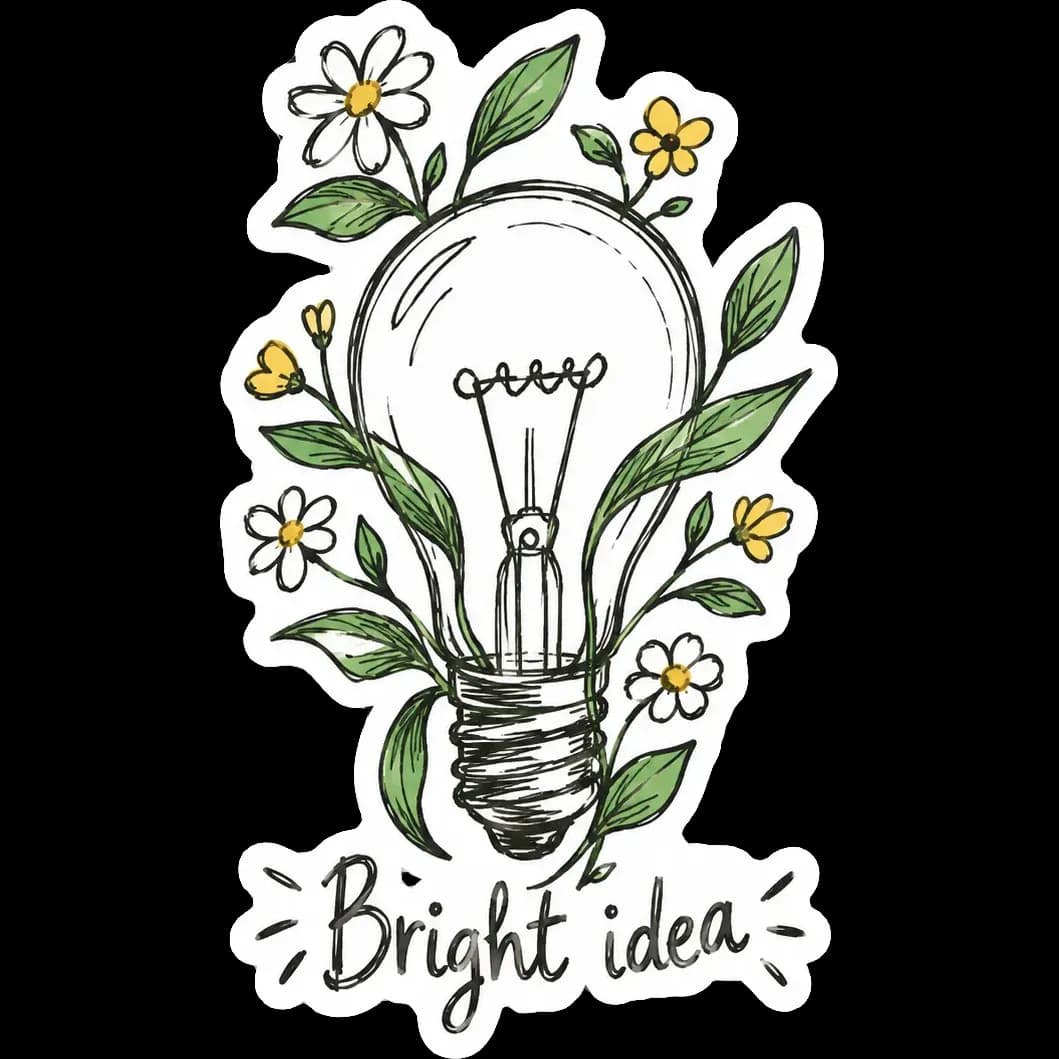
The watercolor style gives stickers the soft washes and fine ink details of a hand-painted illustration. Edges bleed gently into each other, and colors have the depth of real pigment on paper.
Describe the subject, such as a flower bouquet or a sea creature, and PiCraft paints it and surrounds it with a clean white die-cut border. You download a transparent PNG and a 3×3 inch print file.
This is the Watercolor style of the Sticker Maker. The form on this page opens with it already selected.
Watercolor examples
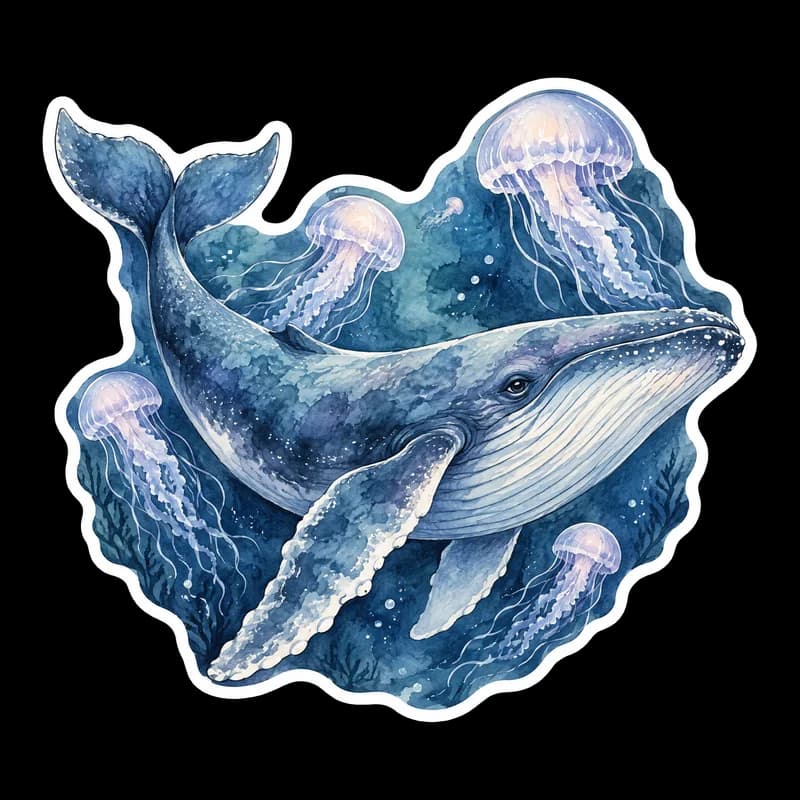
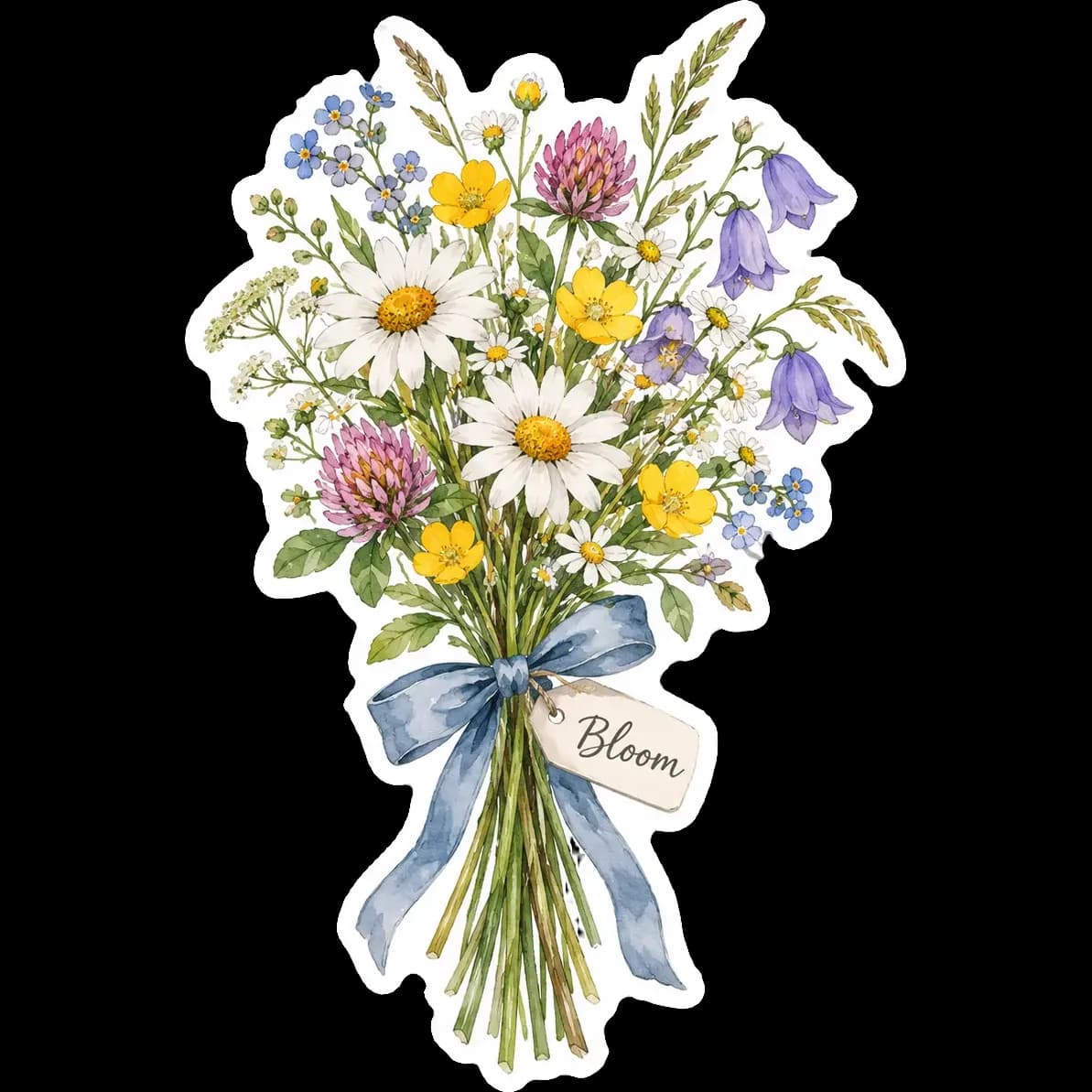
Who the Watercolor style suits
Nature and floral themes
Wildflowers, leaves, birds and sea life are the natural home of this look.
Wedding and event stationery
Small painted stickers can seal an envelope or decorate a favor bag.
Journals and gift wrapping
A painted flower or whale adds a handmade touch to a notebook or a present.
Getting the best Watercolor result
- 1
Pick a subject with a soft outline
Whales, bouquets and moths have flowing shapes that suit watercolor. Hard-edged logos look out of place.
- 2
Watch for faded edges
Pale washes near the outside of the image can be lost when the background is removed. If a part of the painting fades, generate again.
- 3
Use few words or none
Painted lettering looks best as a single short word. Many designs work better with no text at all.
- 4
Print on matte material
Matte vinyl or paper keeps the soft painted look. Glossy finishes can make colors feel harsher.
Ideas to try
- Subject: "A blue whale swimming among jellyfish"
- Subject: "A wildflower bouquet tied with a ribbon"
- Subject: "A hummingbird beside a pink hibiscus flower"
- Subject: "A cup of tea with steam and a sprig of lavender", text: "Breathe"
What you download
Every design from the Sticker Maker comes with the files for the job, whichever style you choose:
- Transparent PNG 2048×2048
- Print PNG 3×3 in, 300 DPI
Questions about the Watercolor style
Is the sticker really made of paint?+
No. It is a digital illustration in a watercolor style. It prints as ordinary ink and looks like paint.
Why does a part of my painting look faded?+
Watercolor uses gentle washes, and very pale areas touching the edge of the image can be lost when the background is removed. If that happens, generate the sticker again.
Can I use the sticker for a wedding?+
Yes, for envelope seals, favor tags and small details. For a full invitation, use the wedding invitation maker.
What file formats do I get?+
A 2048×2048 px transparent PNG and a 3×3 inch PNG at 300 DPI.
Do I need to remove the background myself?+
No. PiCraft removes the background for you and exports a PNG that is transparent outside the white border. If you notice a grey fringe or a missing edge, generate the sticker again. Soft, pale washes are the most likely place for this to happen.
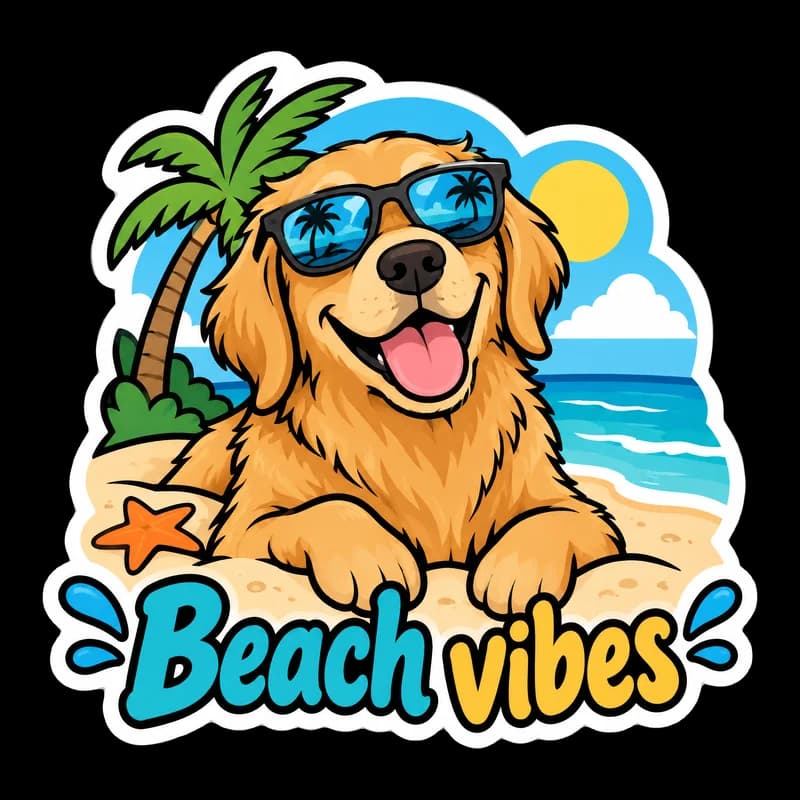
Sticker styles



Guides
Sticker Size and File Requirements
Sticker file sizes for print and cut: 300 DPI PNGs, common 2–3 in prints, die-cut vs kiss-cut, white borders, pixel math, and Cricut Design Space upload steps.
StickersHow to prepare sticker artwork for print and cutting
Prepare transparent PNG sticker art at print size, upload Flat Graphic files to Cricut Design Space, and test one sticker before a full Print Then Cut run.
Size guideAmazon Product Image Size and Main Image Rules
Amazon main image: pure white RGB 255, 85% fill, 1000 px minimum for zoom, 1600 px+ recommended, JPEG preferred, and what secondary images allow.