

Neon Glow Sticker Maker
The neon glow style paints bright electric colors on a dark base, with glowing edges and soft light bloom, like a sign in a night-time window. The effect is vivid, high contrast and made for night-life themes.
Describe the subject and add a short phrase for the neon sign effect, and PiCraft makes a die-cut sticker with a white border. The download is a transparent PNG and a 3×3 inch print file.
This is the Neon glow style of the Sticker Maker. The form on this page opens with it already selected.
Neon glow examples
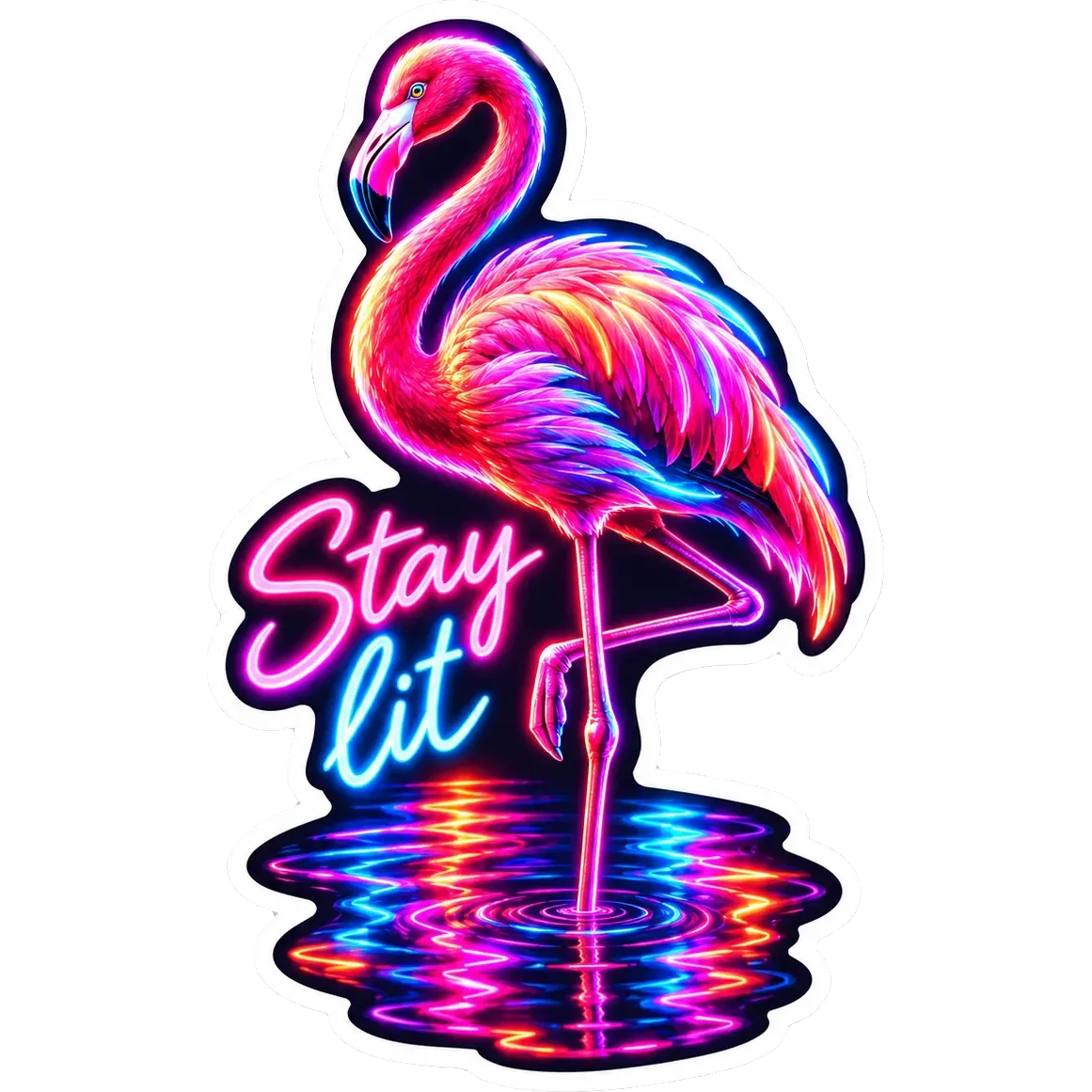
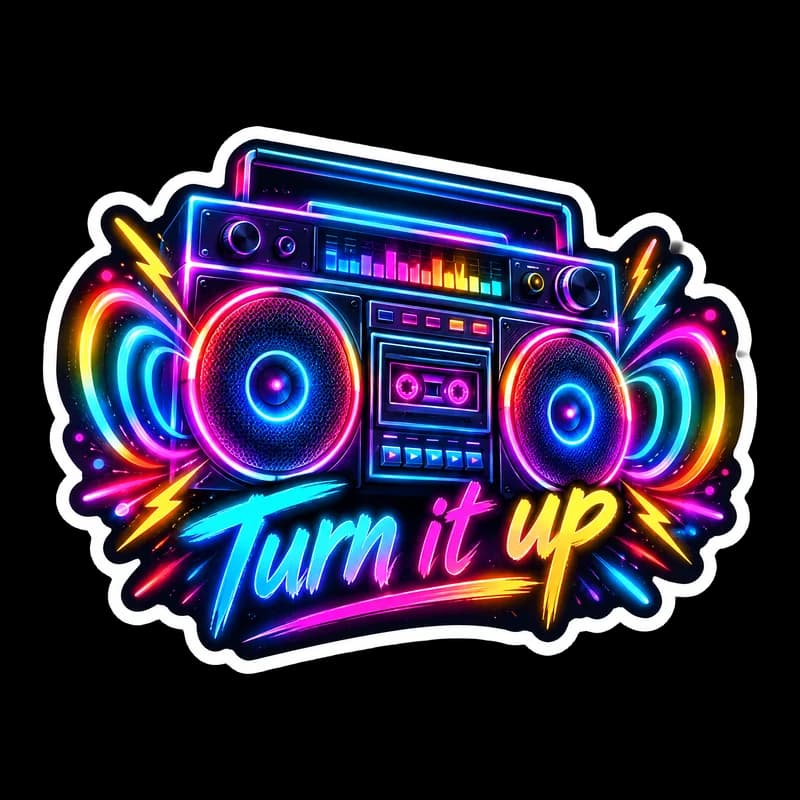
Who the Neon glow style suits
Nightlife and music themes
Boomboxes, cocktails and flamingos suit a design that looks like a neon sign.
Dark laptops and gaming gear
Neon colors stand out on black and dark surfaces.
Event and club merch
A small neon sticker is a bright giveaway for parties, bars and festivals.
Getting the best Neon glow result
- 1
Glow and background removal
Soft light bloom around the edge can look like a grey fringe once the background is removed. If you see one, generate the sticker again.
- 2
Pick a short neon-sign phrase
"Stay lit" or "Turn it up" matches the style. One to three words is best.
- 3
Keep the subject simple
A flamingo or a boombox shape has a clean silhouette for neon outlines. Busy scenes dilute the glow.
- 4
Test the colors on your printer
Electric pinks, greens and blues are the hardest colors for a printer to match. Compare a test print with the screen.
Ideas to try
- Subject: "A pink flamingo standing in glowing reflections", text: "Stay lit"
- Subject: "A boombox with colorful light rings", text: "Turn it up"
- Subject: "A neon cocktail glass with a lime slice"
- Subject: "A lightning bolt over a city skyline at night"
What you download
Every design from the Sticker Maker comes with the files for the job, whichever style you choose:
- Transparent PNG 2048×2048
- Print PNG 3×3 in, 300 DPI
Questions about the Neon glow style
Will the sticker glow in the dark?+
No. It is a printed design that looks like neon. Glow-in-the-dark needs a special material, which a print shop can quote.
Why does the glow look softer on paper?+
Screens emit light and paper reflects it, so printed neon looks quieter than it does on a display. The sticker shows the effect best on screens.
Does it suit a white laptop?+
The white die-cut border helps, but neon colors are most striking on dark surfaces.
Do I need to remove the background myself?+
No. PiCraft removes the background for you and exports a PNG that is transparent outside the white border. Glow effects are the most likely thing to leave a grey fringe or a missing edge, so check the edges and generate again if you notice either.
Sticker styles



Guides
Sticker Size and File Requirements
Sticker file sizes for print and cut: 300 DPI PNGs, common 2–3 in prints, die-cut vs kiss-cut, white borders, pixel math, and Cricut Design Space upload steps.
StickersHow to prepare sticker artwork for print and cutting
Prepare transparent PNG sticker art at print size, upload Flat Graphic files to Cricut Design Space, and test one sticker before a full Print Then Cut run.
Size guideAmazon Product Image Size and Main Image Rules
Amazon main image: pure white RGB 255, 85% fill, 1000 px minimum for zoom, 1600 px+ recommended, JPEG preferred, and what secondary images allow.