

Woodcut Print Sticker Maker
The woodcut style imitates a block print: bold black carved lines and a few flat color fills. The marks are rough and deliberate, with a handmade, slightly rugged character that feels like an old label or a national-park poster.
Describe the subject, add a short phrase if you want one, and PiCraft makes the sticker with a white die-cut border and a transparent background.
This is the Woodcut print style of the Sticker Maker. The form on this page opens with it already selected.
Woodcut print examples
Who the Woodcut print style suits
Outdoor and nature brands
Bears, rivers, mountains and anchors suit the rugged, handmade look.
Coffee, craft beer and workshop labels
Block-print sticker artwork is a staple for small producers who want an old-fashioned label.
Maritime and adventure themes
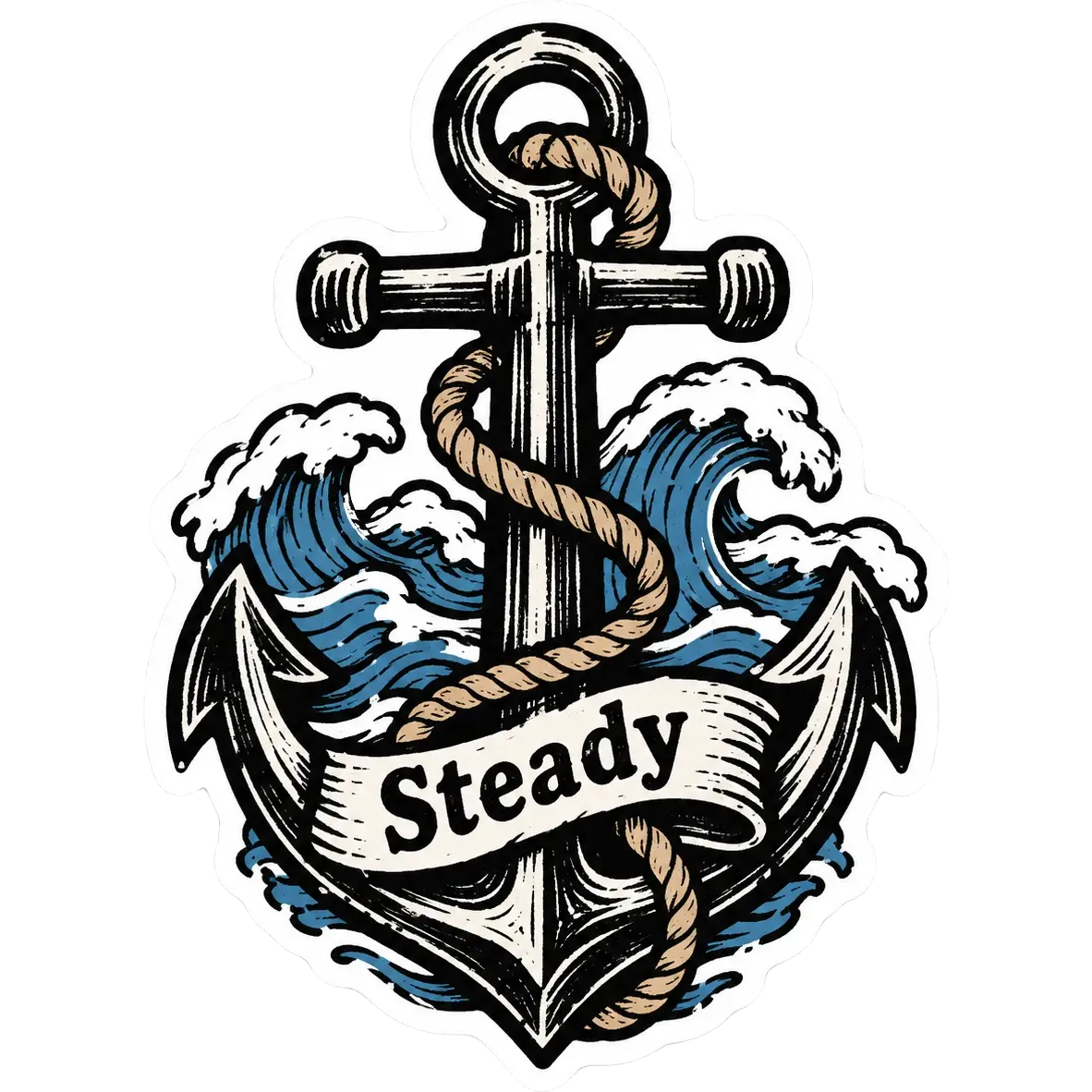
An anchor wrapped in rope above waves is a classic woodcut subject.
Getting the best Woodcut print result
- 1
Choose subjects with strong silhouettes
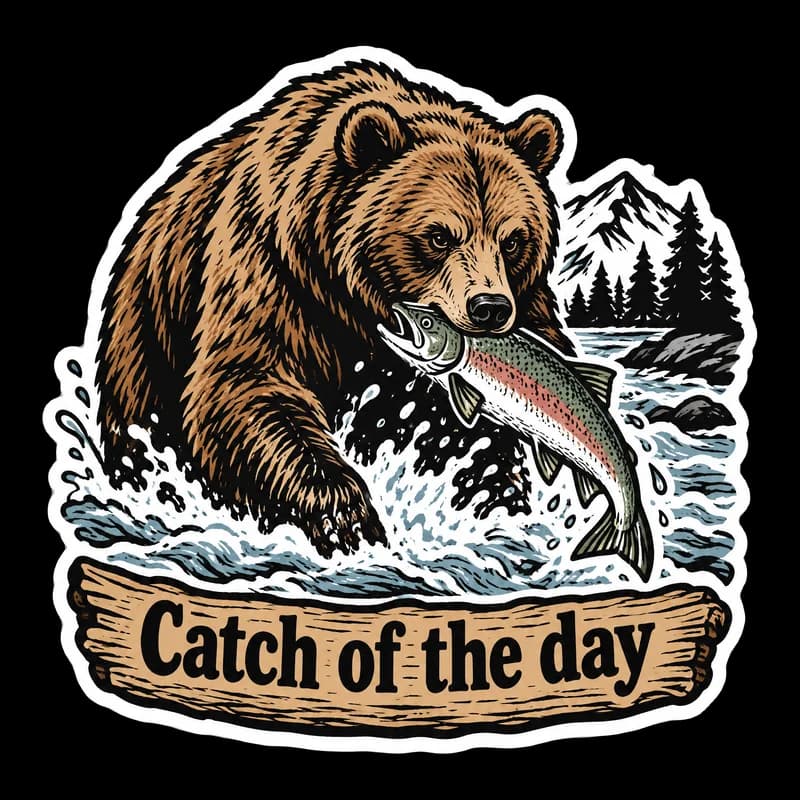
Woodcut is made of heavy shapes and lines. A bear catching a salmon or an anchor over waves work well.
- 2
Use a banner phrase
"Catch of the day" or "Steady" fits in a banner or a ribbon. Keep it to a few words.
- 3
Limit your colors
The style uses black lines and a few flat fills. Do not ask for many colors, and the print will look authentic.
- 4
Consider matte or kraft stock
Matte or kraft-paper stock suits the print-made look. Ask your sticker printer what material options it offers.
Ideas to try
- Subject: "A grizzly bear catching a salmon in a river", text: "Catch of the day"
- Subject: "An anchor wrapped in rope above ocean waves", text: "Steady"
- Subject: "A mountain range with a rising sun and pine trees"
- Subject: "A lantern with a moth, framed by leaves", text: "Stay curious"
What you download
Every design from the Sticker Maker comes with the files for the job, whichever style you choose:
- Transparent PNG 2048×2048
- Print PNG 3×3 in, 300 DPI
Questions about the Woodcut print style
Is woodcut a good style for branding?+
It suits rugged, outdoorsy and craft brands. PiCraft does not take a logo upload, so combine the artwork with your logo in an editor.
Do the lines look cut by hand?+
The artwork imitates carved lines, so they appear slightly rough. Each generation will vary.
Is it a good fit for vinyl cutting?+
Yes. The bold shapes cut well, and the white border gives a clean outline. See the sticker size guide for sizes.
What other styles look hand-made?+
Try hand-drawn doodle for light pen sketches, or watercolor for soft paint.
Can I print a sheet of different stickers?+
Each generation is one design. Place several PNGs on one page in your print software or in Cricut Design Space, then print the sheet on sticker paper. A set of woodcut stickers with the same heavy black lines makes a neat matching pack.
Sticker styles



Guides
Sticker Size and File Requirements
Sticker file sizes for print and cut: 300 DPI PNGs, common 2–3 in prints, die-cut vs kiss-cut, white borders, pixel math, and Cricut Design Space upload steps.
StickersHow to prepare sticker artwork for print and cutting
Prepare transparent PNG sticker art at print size, upload Flat Graphic files to Cricut Design Space, and test one sticker before a full Print Then Cut run.
Size guideAmazon Product Image Size and Main Image Rules
Amazon main image: pure white RGB 255, 85% fill, 1000 px minimum for zoom, 1600 px+ recommended, JPEG preferred, and what secondary images allow.