

Pop Art Sticker Maker
The pop art style takes its look from 1960s comics and advertising: halftone dots, bold primary colors and thick outlines. Images are flat, loud and graphic, with a sense of humor about everyday objects.
Describe the subject, add a short caption such as an exclamation, and PiCraft makes the artwork with a white die-cut border on a transparent background.
This is the Pop art style of the Sticker Maker. The form on this page opens with it already selected.
Pop art examples
Who the Pop art style suits
Food and everyday-object stickers
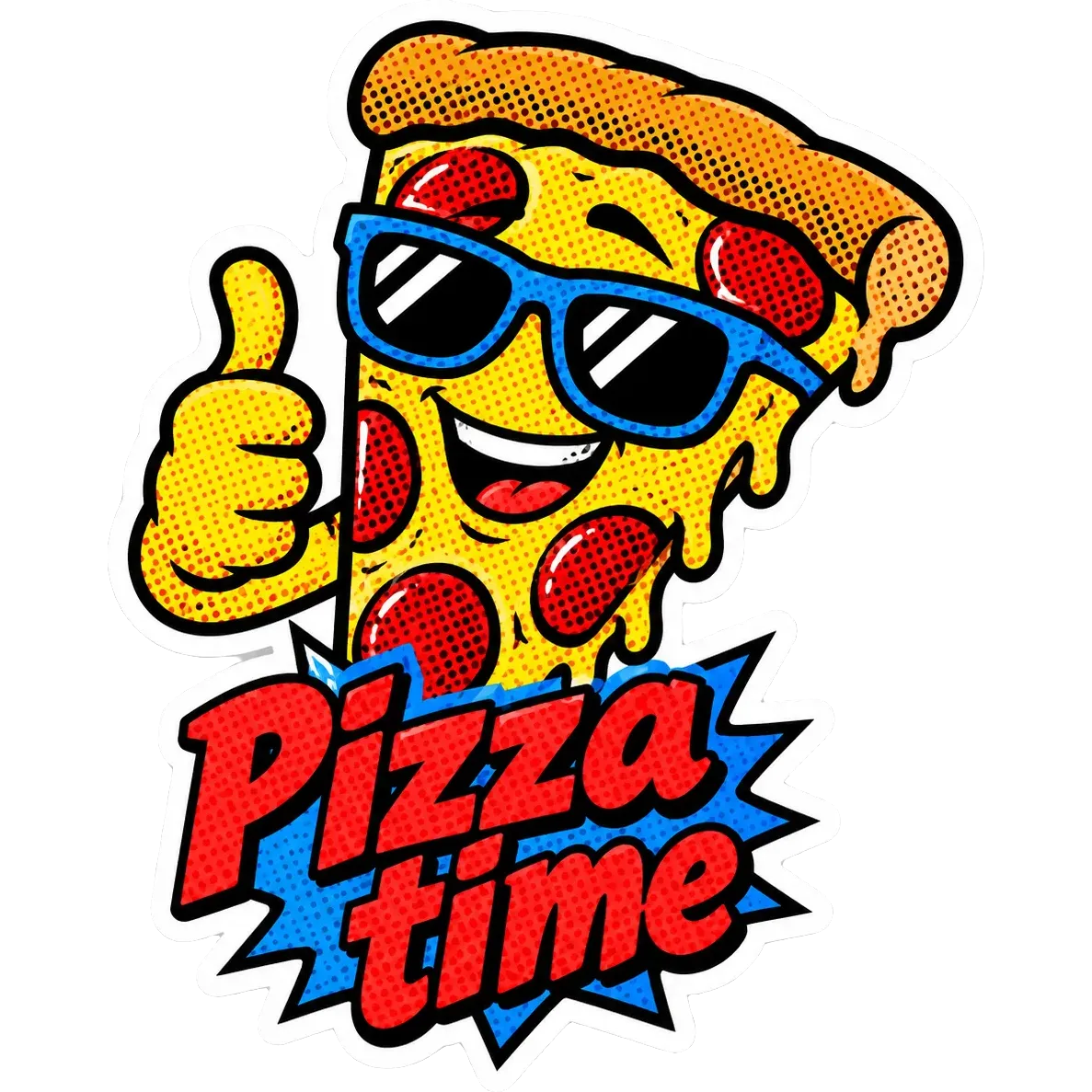
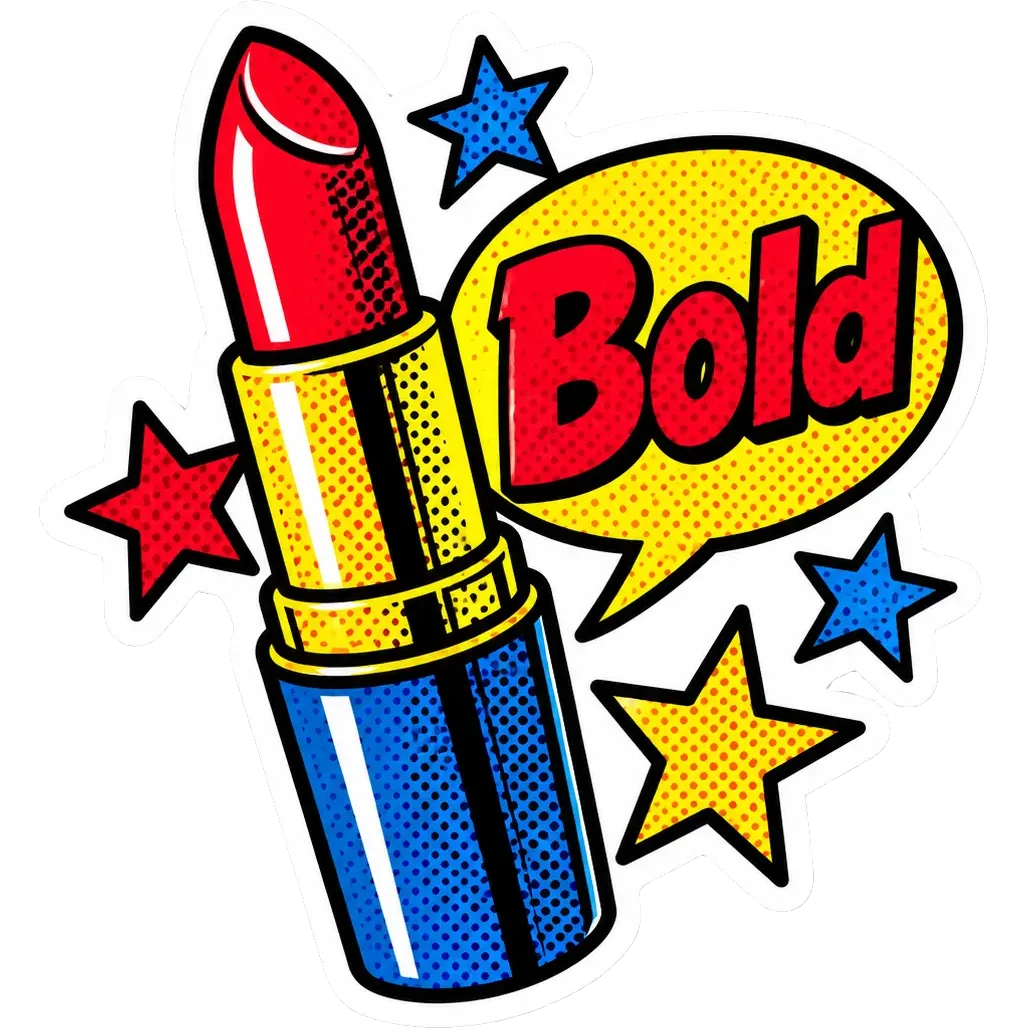
A pizza slice in sunglasses or a lipstick with stars turn ordinary things into icons.
Bold slogans and speech bubbles
The comic look pairs well with a short word in a speech bubble.
Cafés, shops and zines
The graphic style prints well in few colors, which suits small-run merchandise.
Getting the best Pop art result
- 1
Choose a single hero object
Pop art works through simplification. One pizza slice or one lipstick reads better than a full table of food.
- 2
Use an exclamation
"Pizza time" or "Bold" suits the comic voice. Keep the text to a few words.
- 3
Expect strong colors
Primary reds, blues and yellows carry the style. Print one test, because saturated colors can shift between printers.
- 4
Do not copy specific artworks
The style is inspired by the pop art era. Do not ask for a specific famous painting, because you cannot reuse protected artwork.
Ideas to try
- Subject: "A pizza slice wearing sunglasses and giving a thumbs up", text: "Pizza time"
- Subject: "A red lipstick with stars and a speech bubble", text: "Bold"
- Subject: "A cartoon sneaker with halftone dots and speed lines"
- Subject: "A wide-eyed cat with a speech bubble", text: "Meow!"
What you download
Every design from the Sticker Maker comes with the files for the job, whichever style you choose:
- Transparent PNG 2048×2048
- Print PNG 3×3 in, 300 DPI
Questions about the Pop art style
Are the halftone dots always visible?+
Usually, since they are part of the style. At very small print sizes, dots may blend together.
Is pop art good for T-shirts too?+
Yes, the graphic look suits shirts. The T-shirt design maker has its own set of styles and exports a large 15×18 in print file.
Can I use brand names in the subject?+
Avoid brand names and trademarked characters, since you are responsible for what you sell.
How do I get a vinyl cut?+
The transparent edge acts as a cut path in a cutting machine. Read how to prepare sticker artwork for the steps.
What size should I print?+
2–3 inch stickers are the most common. The 3×3 in file is ready at 300 DPI, and you can scale it down in your print software for smaller stickers. Print one test to check that the halftone dots stay distinct at the size you choose.
Sticker styles


Guides
Sticker Size and File Requirements
Sticker file sizes for print and cut: 300 DPI PNGs, common 2–3 in prints, die-cut vs kiss-cut, white borders, pixel math, and Cricut Design Space upload steps.
StickersHow to prepare sticker artwork for print and cutting
Prepare transparent PNG sticker art at print size, upload Flat Graphic files to Cricut Design Space, and test one sticker before a full Print Then Cut run.
Size guideAmazon Product Image Size and Main Image Rules
Amazon main image: pure white RGB 255, 85% fill, 1000 px minimum for zoom, 1600 px+ recommended, JPEG preferred, and what secondary images allow.