70s Slide Portrait Maker
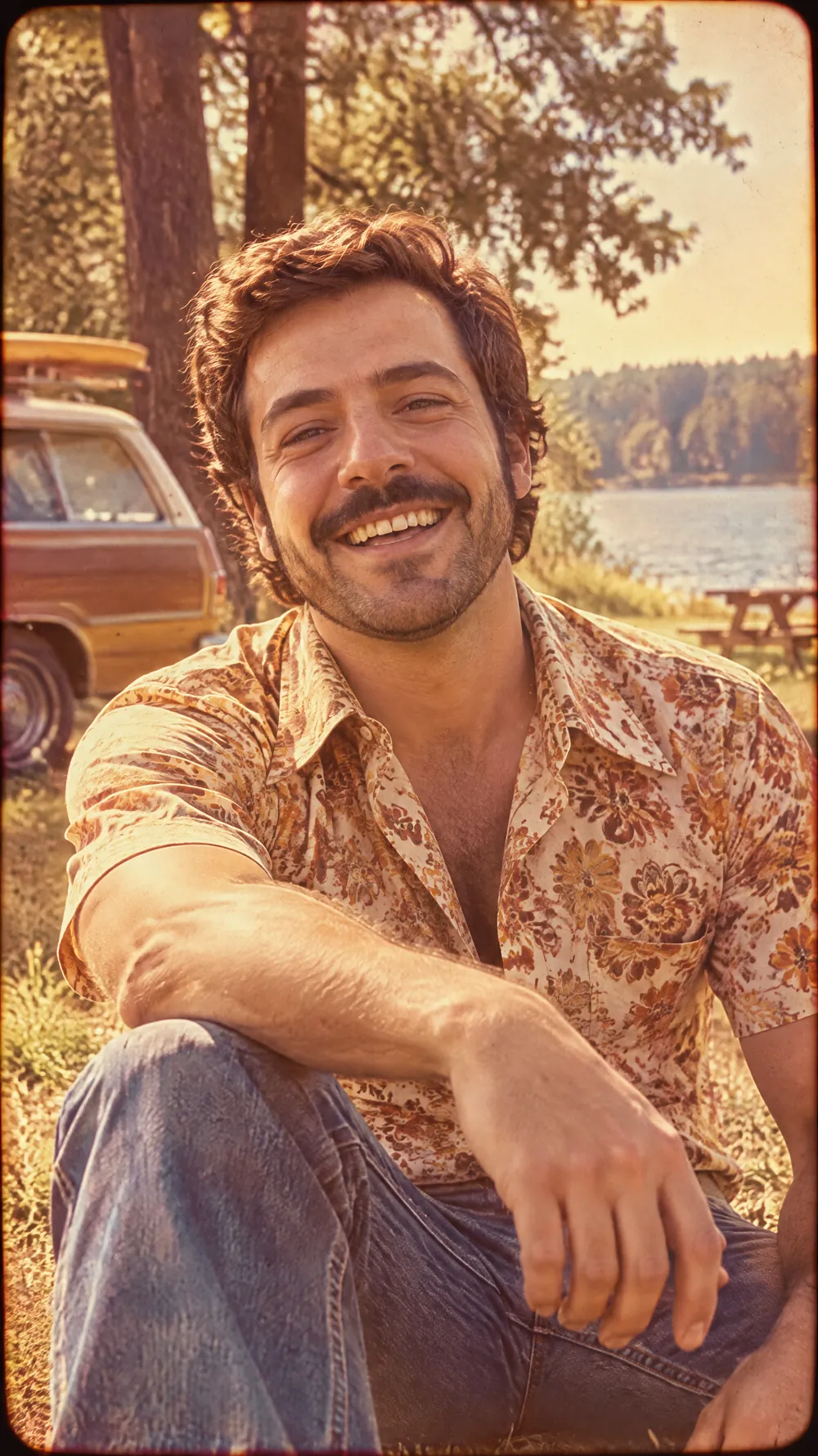
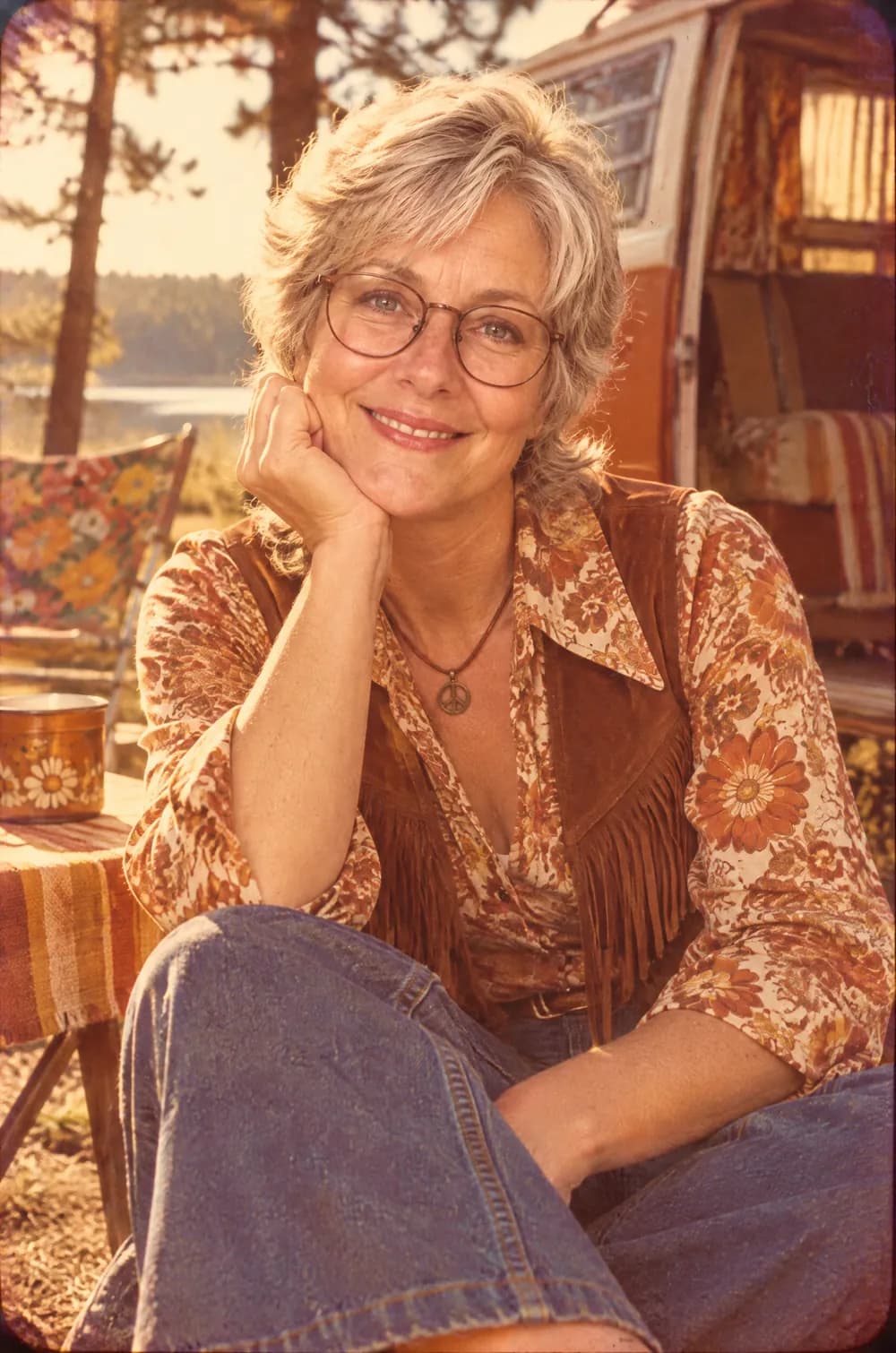
A 1970s slide portrait has a look that is hard to fake: warm red-yellow color, slightly lifted blacks, soft grain and a gentle vignette, as if the picture were projected onto a wall from a family slide tray. This look restyles your photo to match, including the hairstyle, the clothes and the room or landscape behind you.
It is gentler than the loud flash look of the 80s. Faces stay relaxed, the light feels natural and the color fades toward orange. Upload a portrait, choose a size and download a JPG. The person stays recognizable, and the color does most of the time travel.
This is the 70s Slide Portrait style of the Photo Trend Maker. The form on this page opens with it already selected.
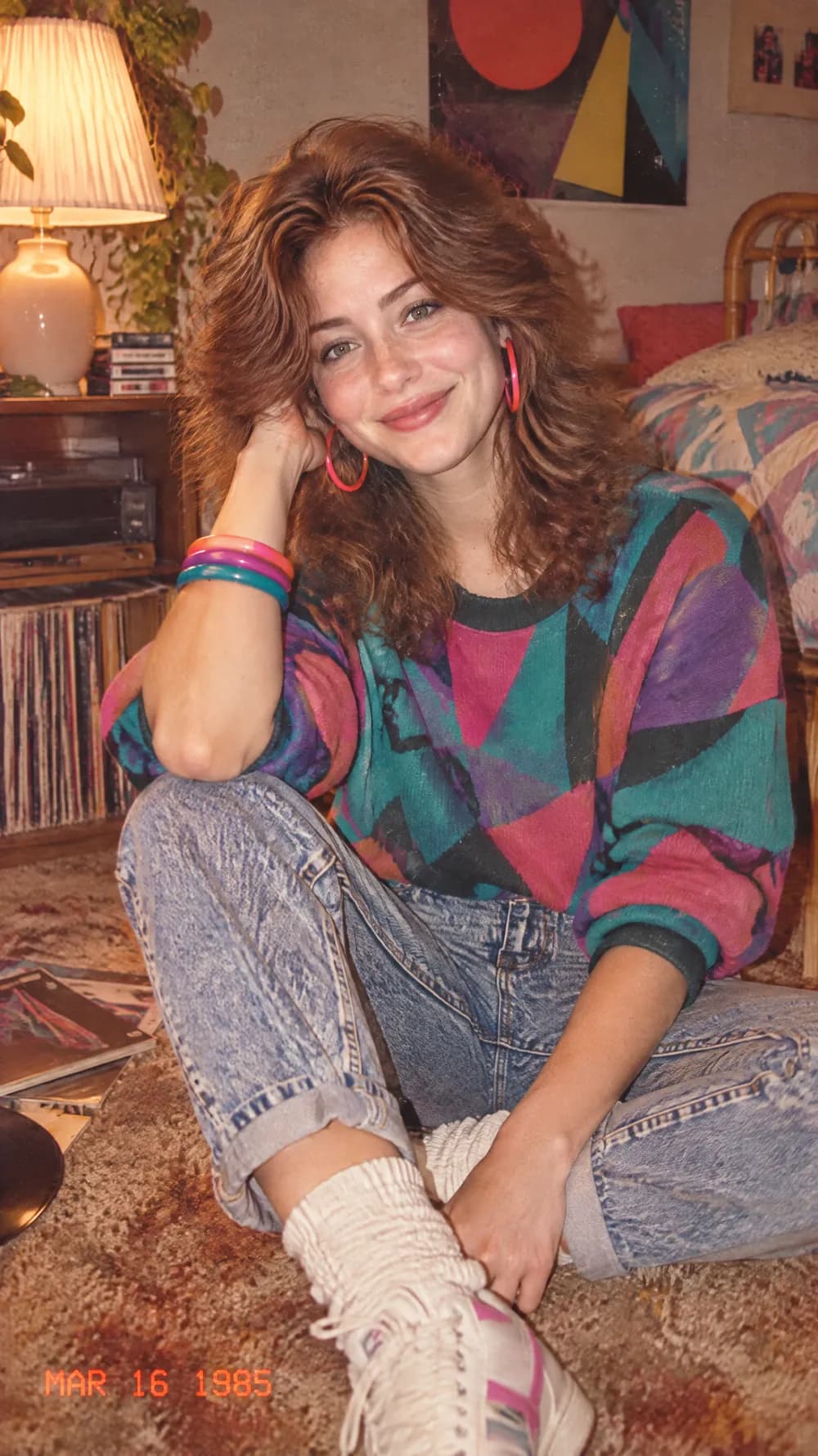
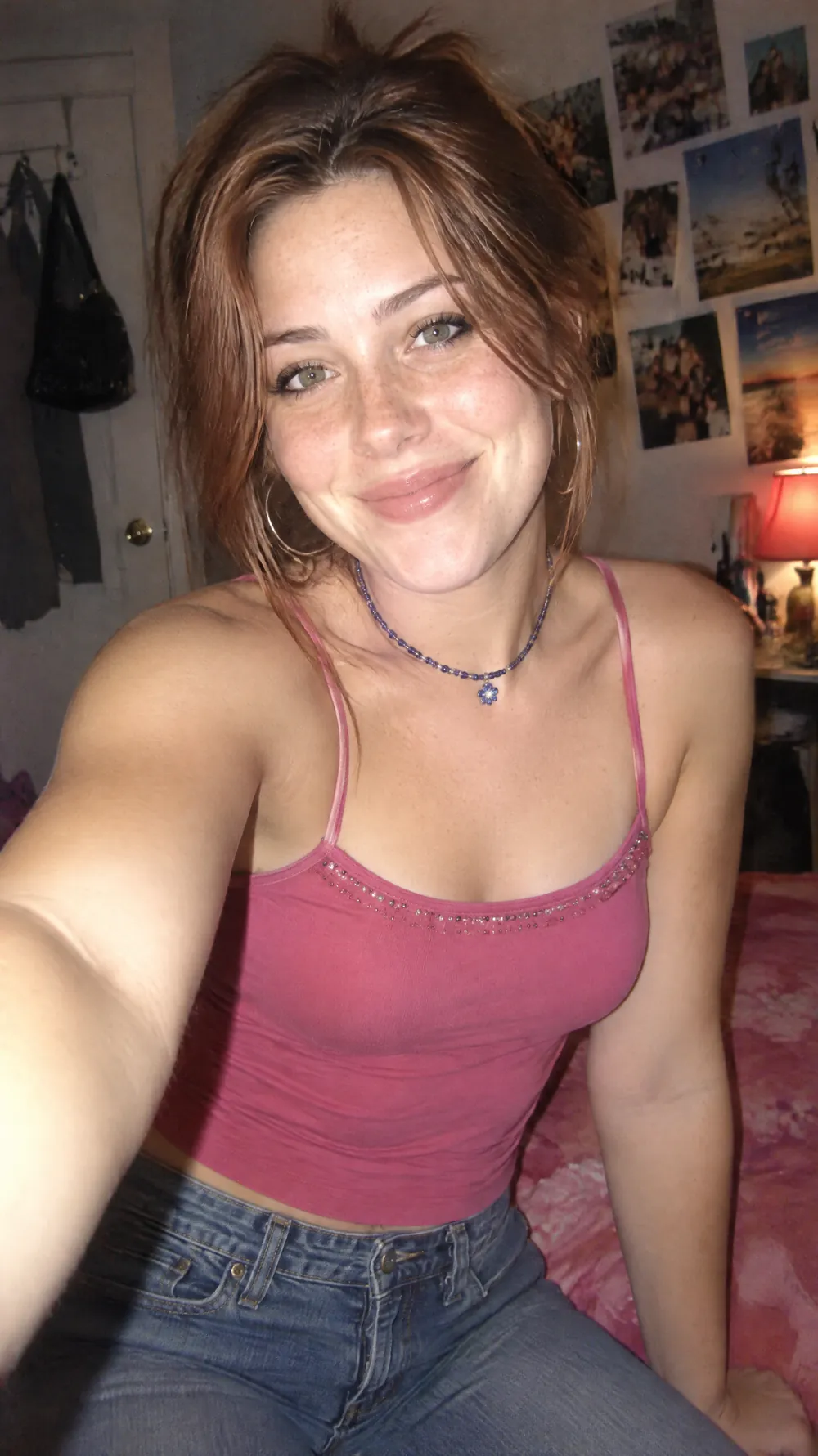
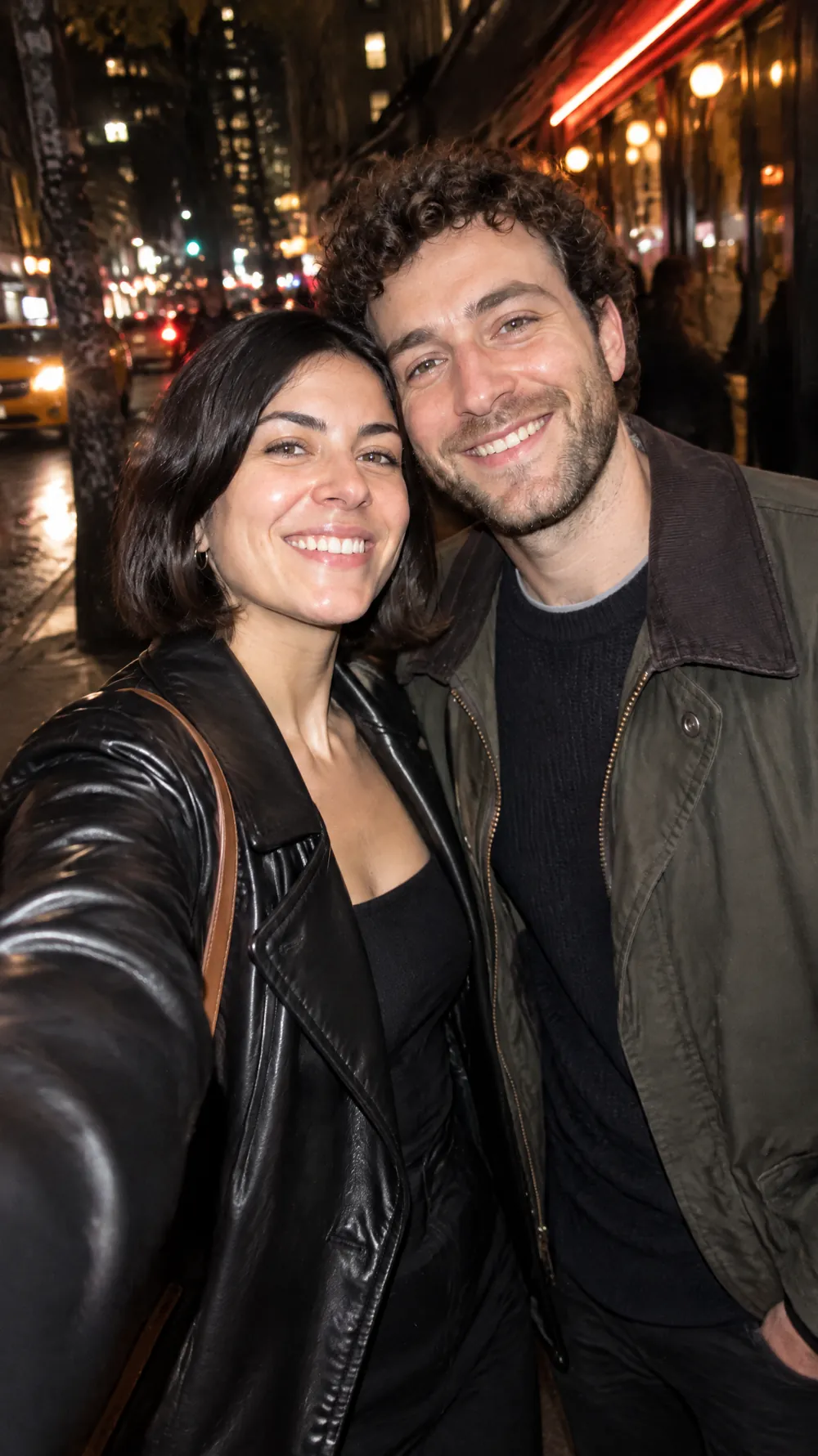
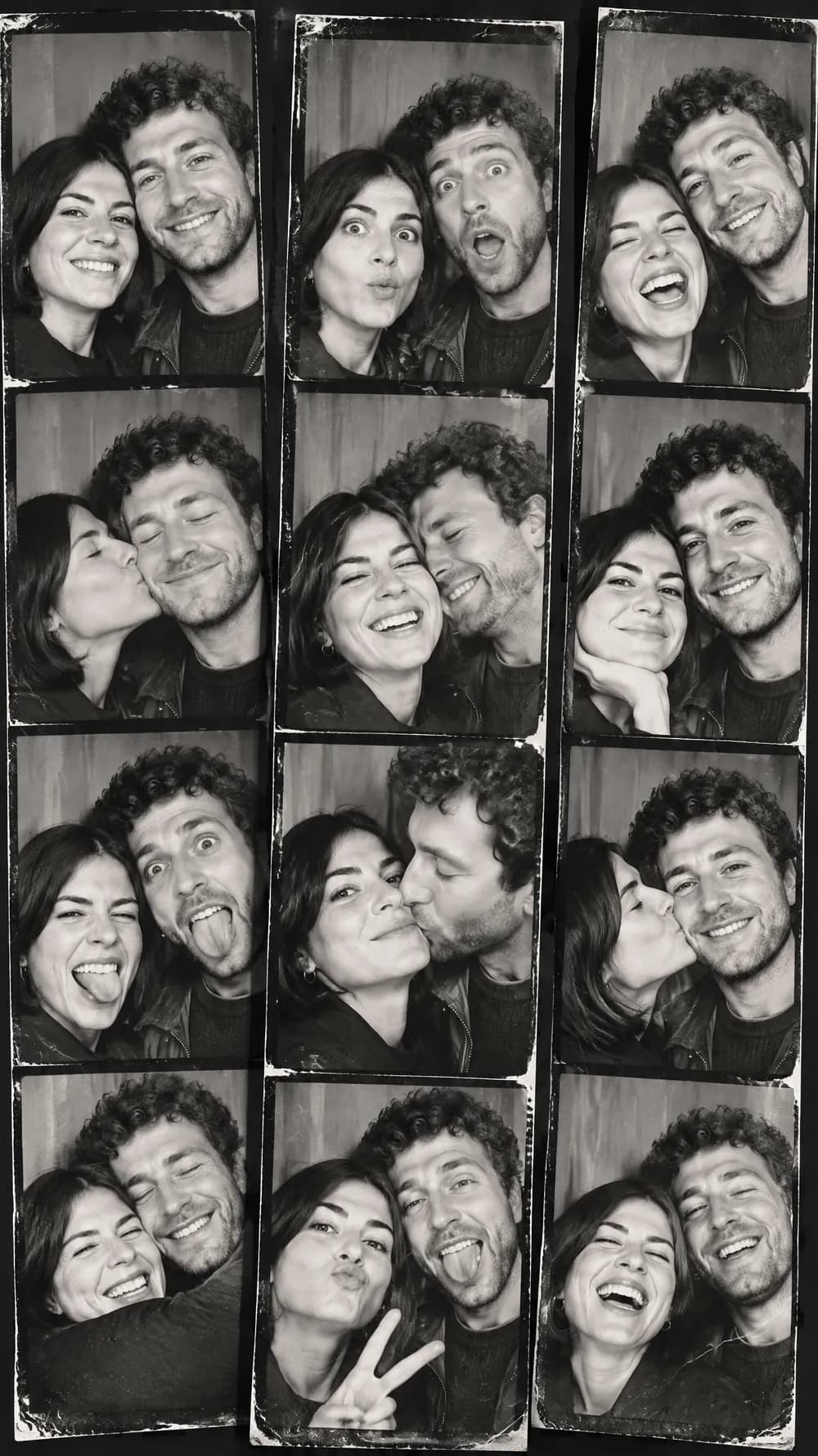
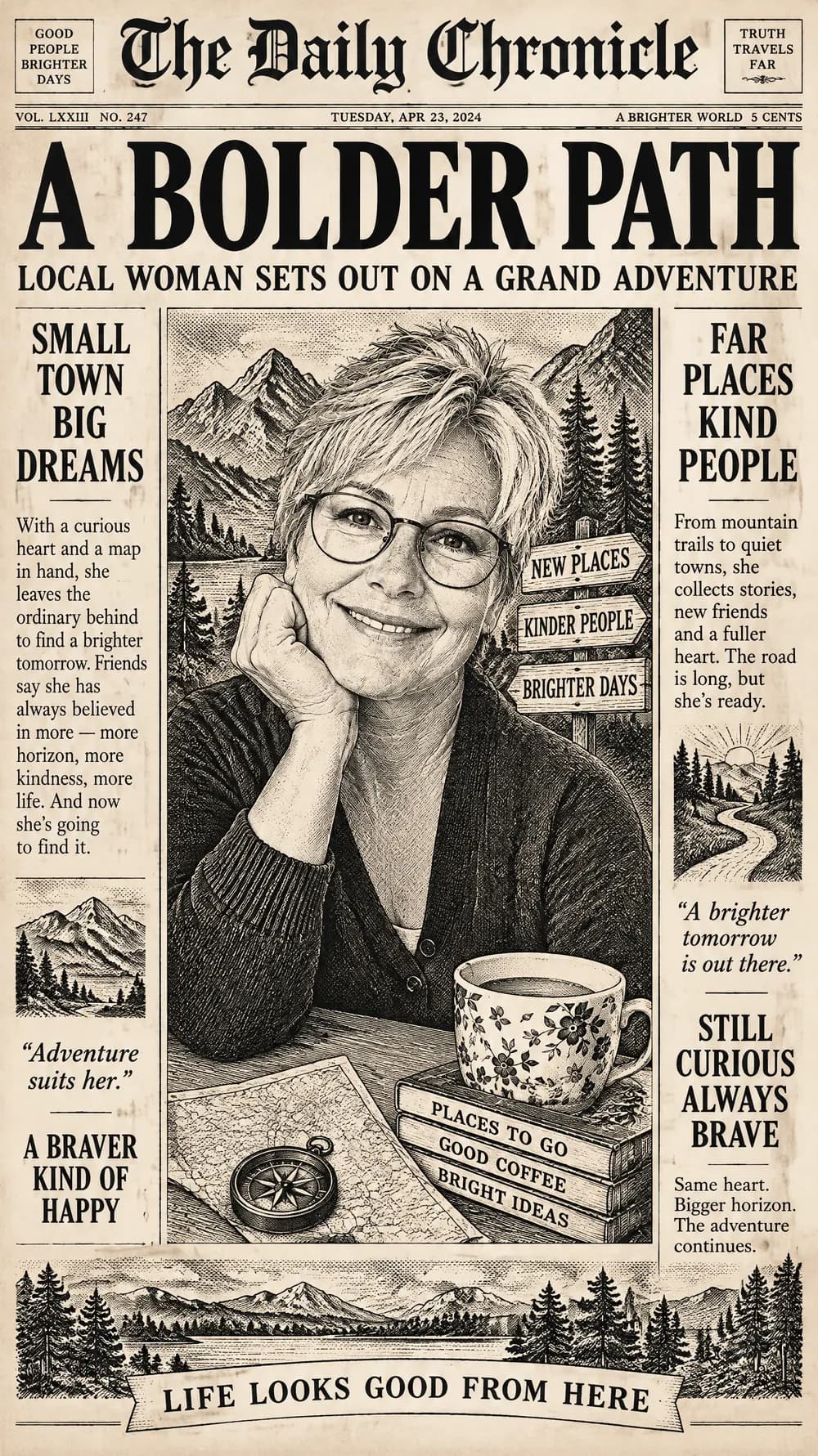
70s Slide Portrait examples
Who the 70s Slide Portrait style suits
Outdoor and window-light portraits
Soft daylight already suits the style, so a photo taken on a walk or by a window gives the most natural result.
Couples and relaxed family photos
Warm color and faded shadows give pairs and small groups a candid, album-page feel.
Retro covers and flyers
The 3:4 and 1:1 sizes work as the picture on a retro playlist cover, a vintage-themed invitation or a seventies-night flyer.
Getting the best 70s Slide Portrait result
- 1
Pick a relaxed expression
A natural smile or a glance to the side fits the era better than a posed grin. Slides were usually candid family moments, not studio portraits.
- 2
Use daylight photos
Evening and flash photos give the AI hard shadows to work around. A daylight shot is easier to turn into a warm, faded slide.
- 3
Expect new clothes and hair
The look changes the hairstyle and the outfit to early-1970s fashion, so the person looks like themselves in another decade rather than like a stranger.
- 4
Try the portrait sizes first
A 3:4 or 2:3 frame feels like a slide mounted vertically. Choose 9:16 when the picture is headed for a phone story.
Ideas to try
- Photo: a person laughing in a park, size 3:4
- Photo: a couple walking along a beach, size 2:3
- Photo: a close portrait by a window, size 1:1
- Photo: a friend leaning on a car in daylight, size 9:16
What you download
Every design from the Photo Trend Maker comes with the files for the job, whichever style you choose:
- Vertical 1080×1920 JPG (9:16)
- Pinterest Pin 1000×1500 JPG (2:3)
- Portrait post 1080×1440 JPG (3:4)
- Square 1080×1080 JPG (1:1)
Questions about the 70s Slide Portrait style
How is it different from the 80s flashback?+
The 80s flashback uses direct flash, bright accessories and an orange date stamp. The 70s slide look is softer, warmer and has no stamp.
Will the colors be the same every time?+
The warm red-yellow cast and faded shadows are always requested, but the exact tone changes with each generation and with the colors in your photo.
Can I upload a black-and-white photo?+
You can, but results are more predictable from a color photo, because the look adds its own warm tones. If you want a monochrome result, the photo booth strip is built for it.
Is this a real slide scan?+
No. It is an AI image made to look like one, with the grain, the fading and the vignette drawn in. Nothing is scanned from film.
Which photos give the best result?+
Portraits taken in daylight, with the person's face large in the frame. Outdoor shots, window-lit portraits and relaxed candid photos suit the look better than dark indoor pictures or crowded scenes, because the slide look depends on soft natural light and a simple background.
Can I try the same photo in other looks?+
Yes. Each generation is a separate design that costs one credit, so you can compare the 70s slide with the Y2K digital camera and the 80s flashback using one photo.