80s Flashback Photo Maker
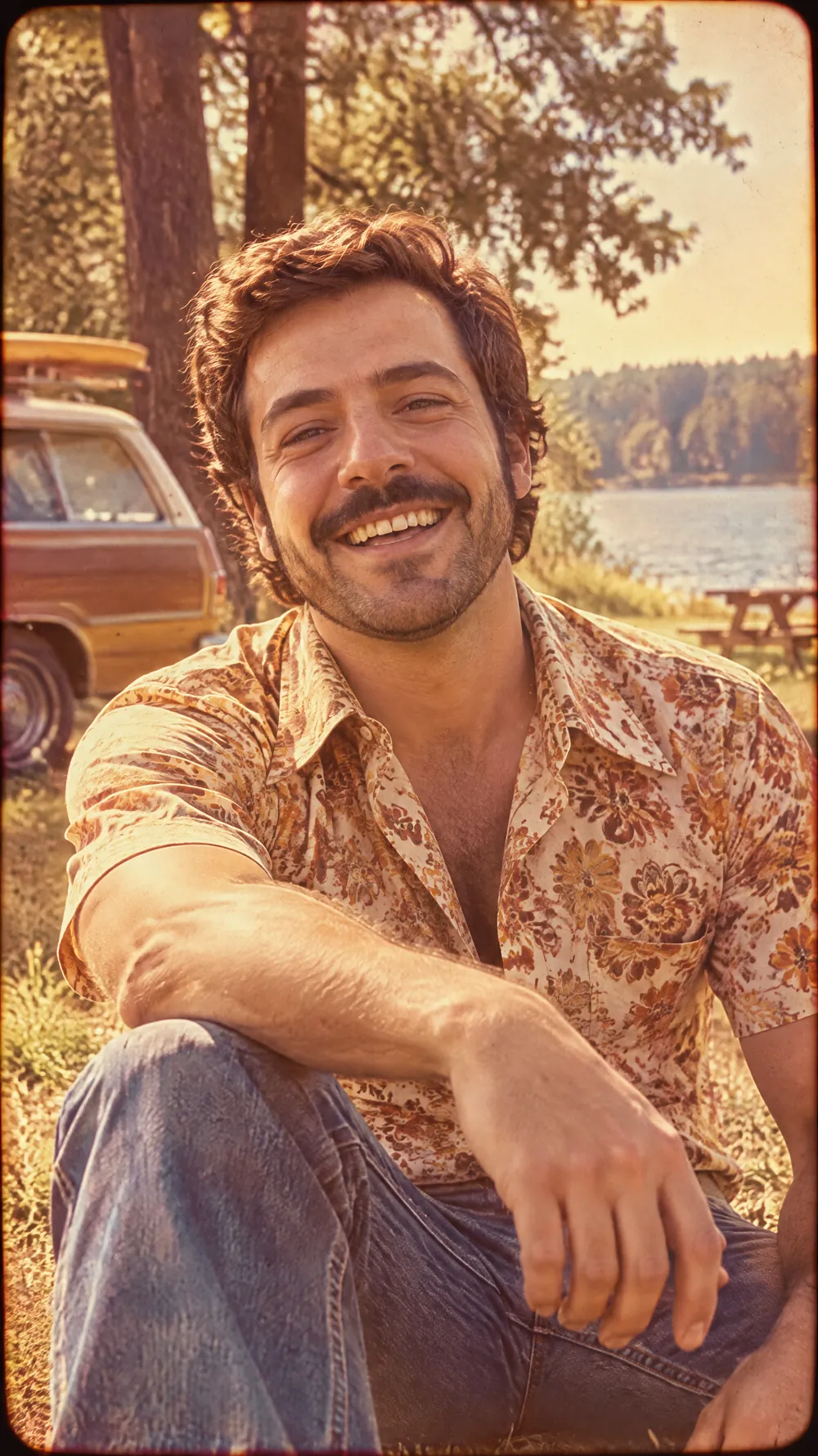
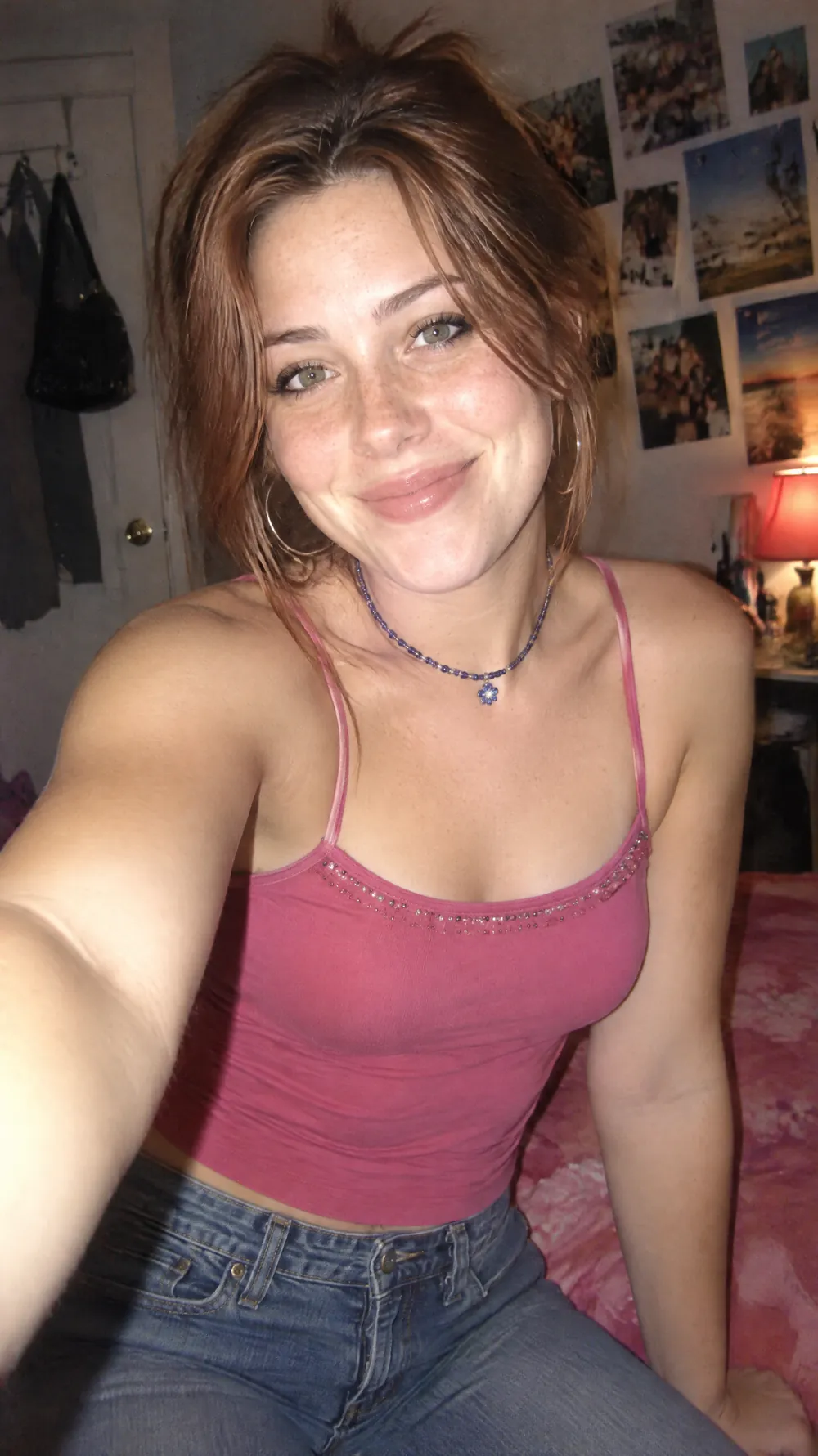
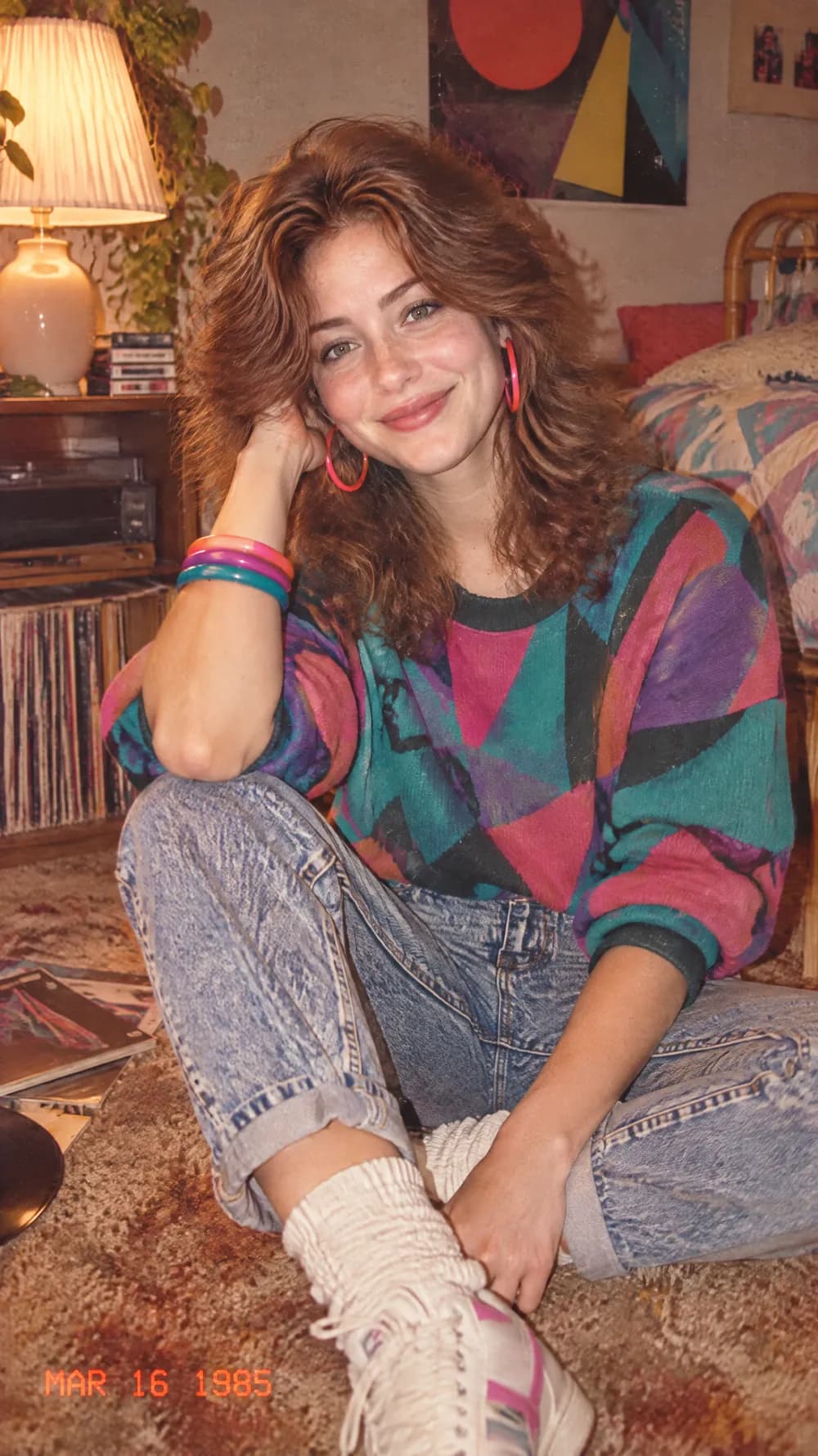
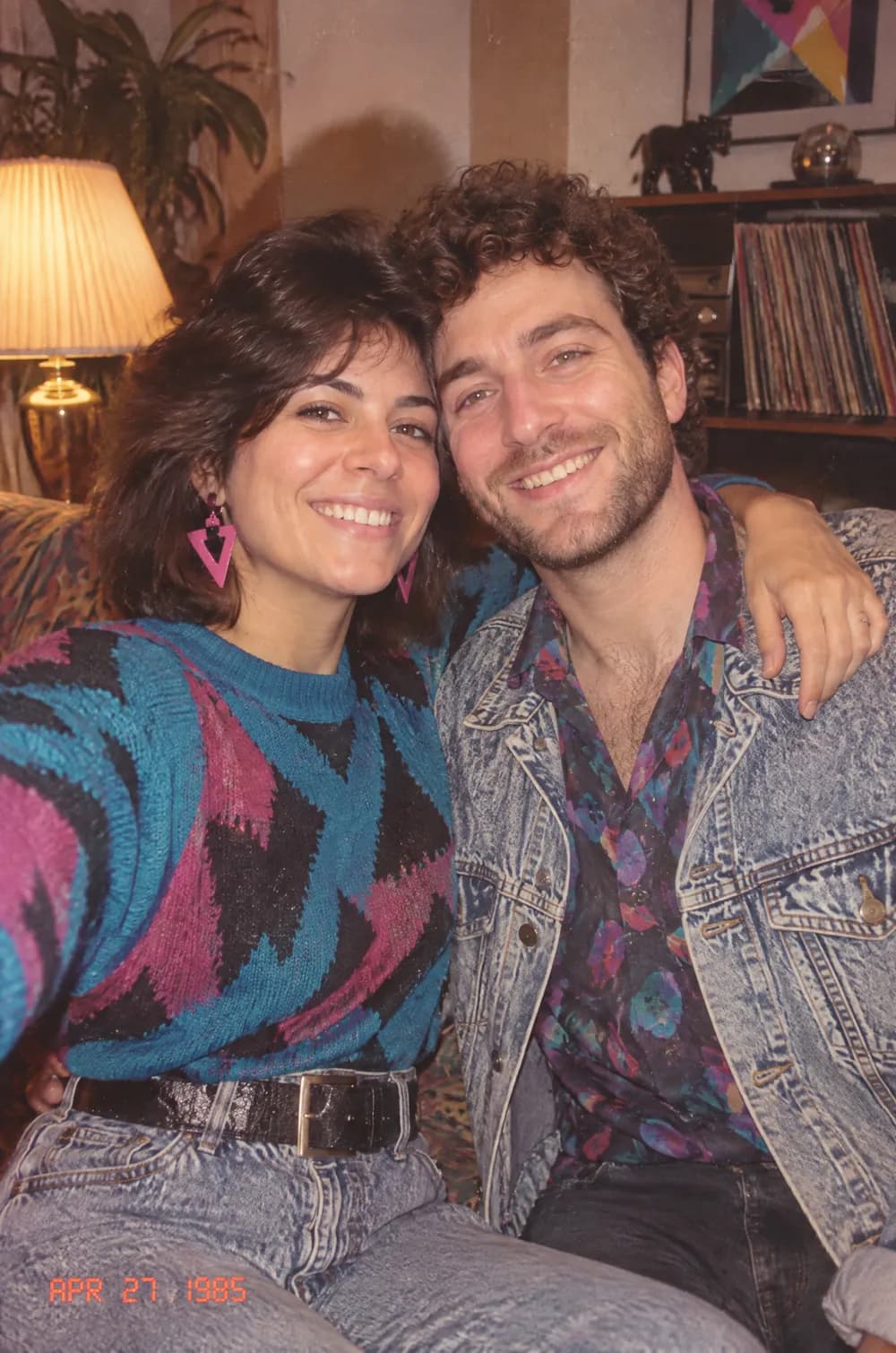
The 80s flashback look turns a modern photo into something that could have come out of a family album in 1985. Hair gets bigger, clothes get bolder, the room fills with period details, and the whole picture takes on the warm, faded color and soft grain of consumer film shot with a direct flash.
Upload a photo of yourself, a friend or a couple, pick a size and create. PiCraft keeps the faces recognizable while it restyles the outfits and the surroundings, and it adds a small orange date stamp in a lower corner, the way many printed photos from that decade carried one. You download a finished JPG at the exact pixel size.
This is the 80s Flashback style of the Photo Trend Maker. The form on this page opens with it already selected.
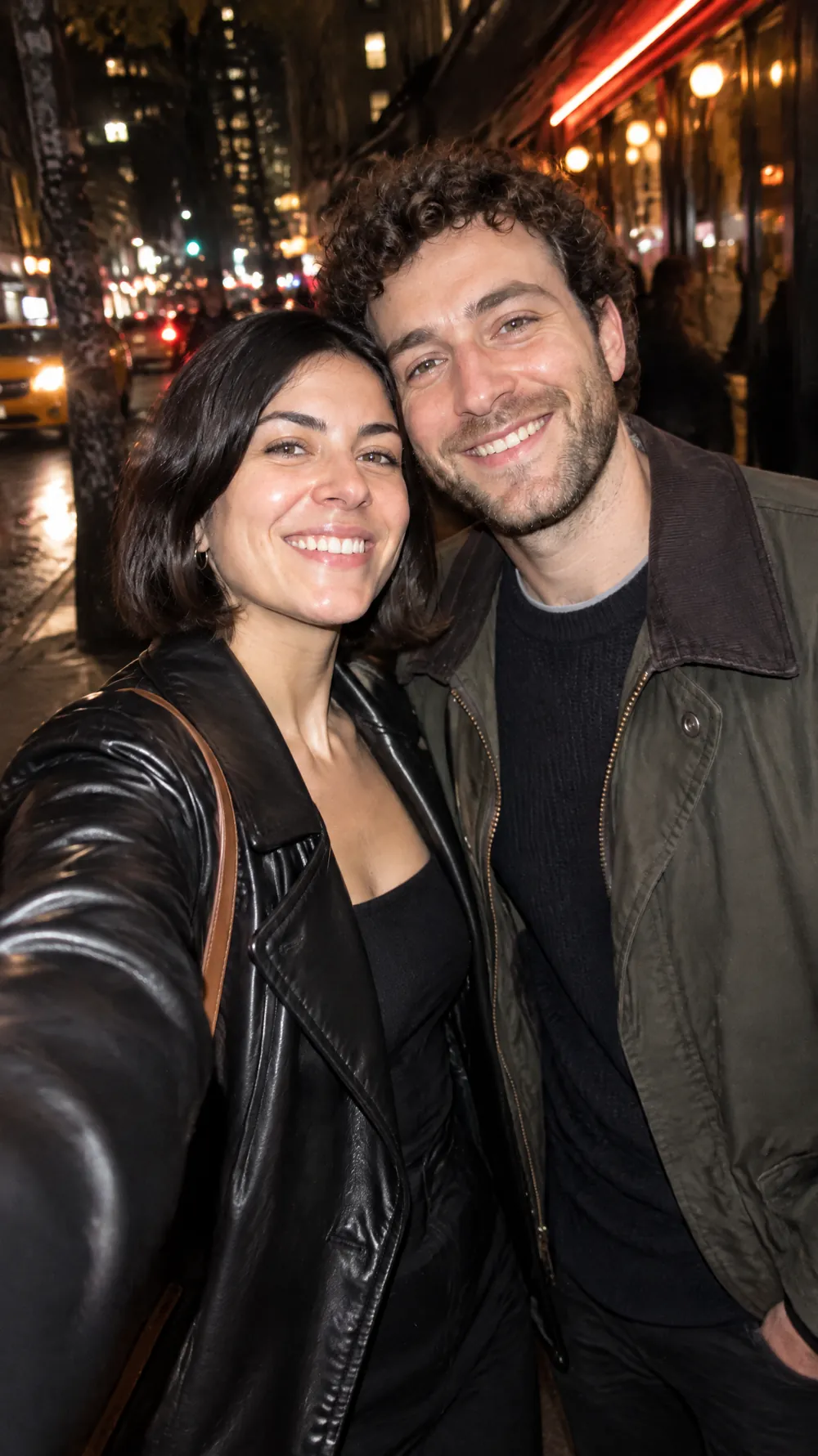
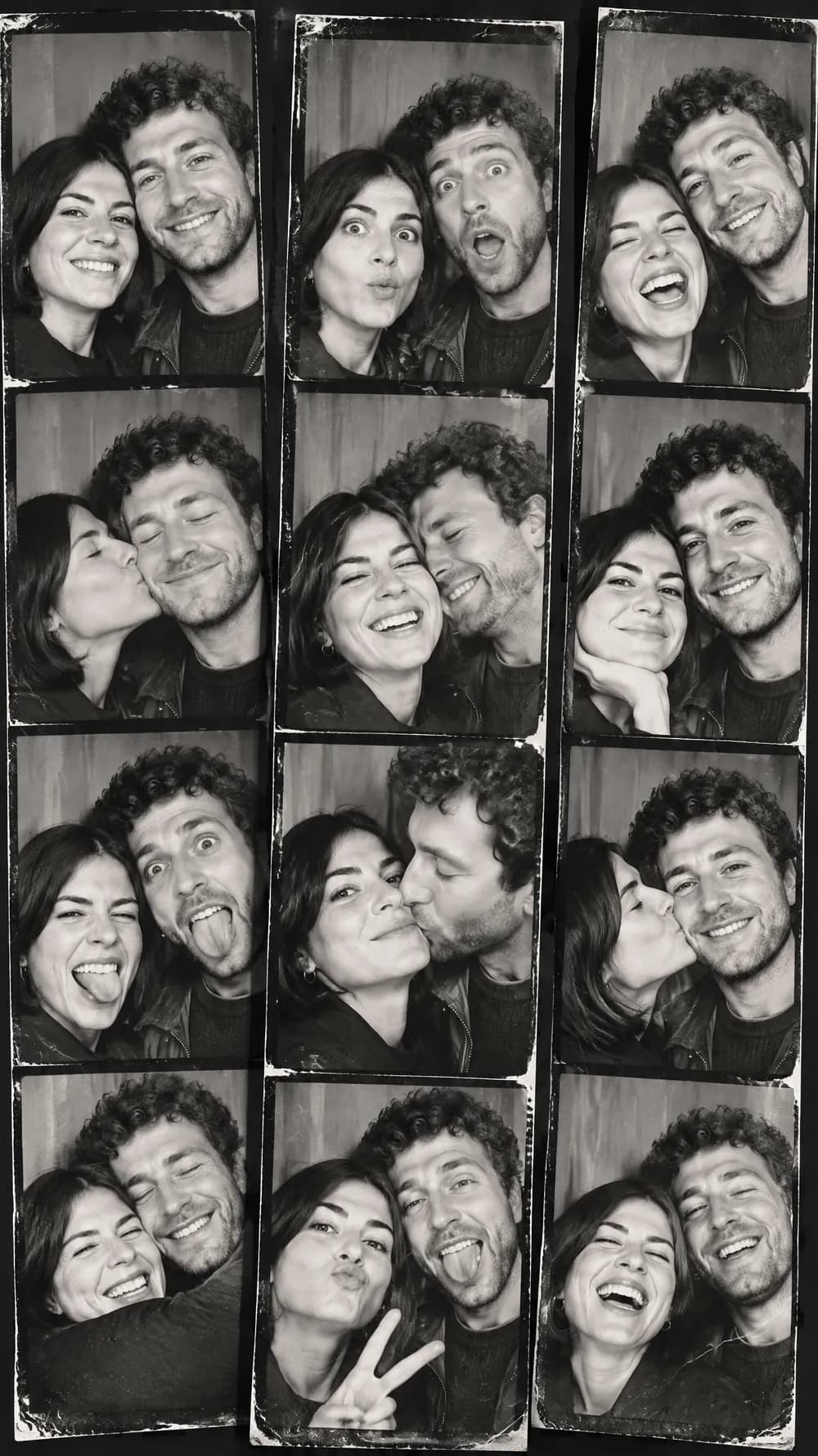
80s Flashback examples
Who the 80s Flashback style suits
Selfies and single portraits
One well-lit face gives the look the most to work with. The hair, clothes and room change, while the expression stays yours.
Friends and couples
Two people standing close together suit the flash-and-grain feel of a party or a holiday snapshot taped into an album.
Throwback posts and themed parties
It fits a throwback caption, a birthday post or a decade-night invitation where the joke is that the photo looks decades old.
Getting the best 80s Flashback result
- 1
Start with a casual photo
A relaxed pose in ordinary clothes beats a posed studio portrait here. The more everyday the original, the more convincing the snapshot feels.
- 2
Let the clothes change
The look restyles hair, outfits and the room to match the era. If you want to keep one particular outfit, choose a different look, because this one is built to replace it.
- 3
Choose 3:4 or 2:3 for a print feel
Printed snapshots were closer to a 3:4 frame than a tall phone screen. The 3:4 and 2:3 sizes keep that proportion, while 9:16 gives you a full-screen story.
- 4
Check the date stamp
The stamp is drawn by the AI and set in 1985, but digits can come out wrong or the stamp can move to another corner. Read it before you post, and generate again if a number looks odd.
Ideas to try
- Photo: a selfie by a window in daylight, size 3:4
- Photo: two friends laughing at a table, size 2:3
- Photo: a person standing in a hallway, full length, size 9:16
- Photo: a couple on a sofa, size 3:4
What you download
Every design from the Photo Trend Maker comes with the files for the job, whichever style you choose:
- Vertical 1080×1920 JPG (9:16)
- Pinterest Pin 1000×1500 JPG (2:3)
- Portrait post 1080×1440 JPG (3:4)
- Square 1080×1080 JPG (1:1)
Questions about the 80s Flashback style
Will it add a date stamp every time?+
The instructions ask for a small orange-red stamp in a lower corner, dated 1985, but the AI sometimes places it differently or leaves it out. The stamp is part of the image, so you cannot edit it afterwards. Generate again if you need it.
How is it different from the 70s slide look?+
The 80s look uses direct flash, bright period accessories and stronger contrast. The 70s slide portrait is warmer, softer and closer to an old projected family slide.
Does it work on group photos?+
It can, but a single face or two people keep the likeness best. Large groups tend to drift, so crop the photo to the people who matter before you upload it.
Can I make it vertical for stories?+
Yes. Choose 9:16 before you create and the picture is composed for a tall frame, so nobody is cut off. For a more print-like shape, choose 3:4. All sizes are on the Photo Trend Maker page.