Photo Booth Strip Maker
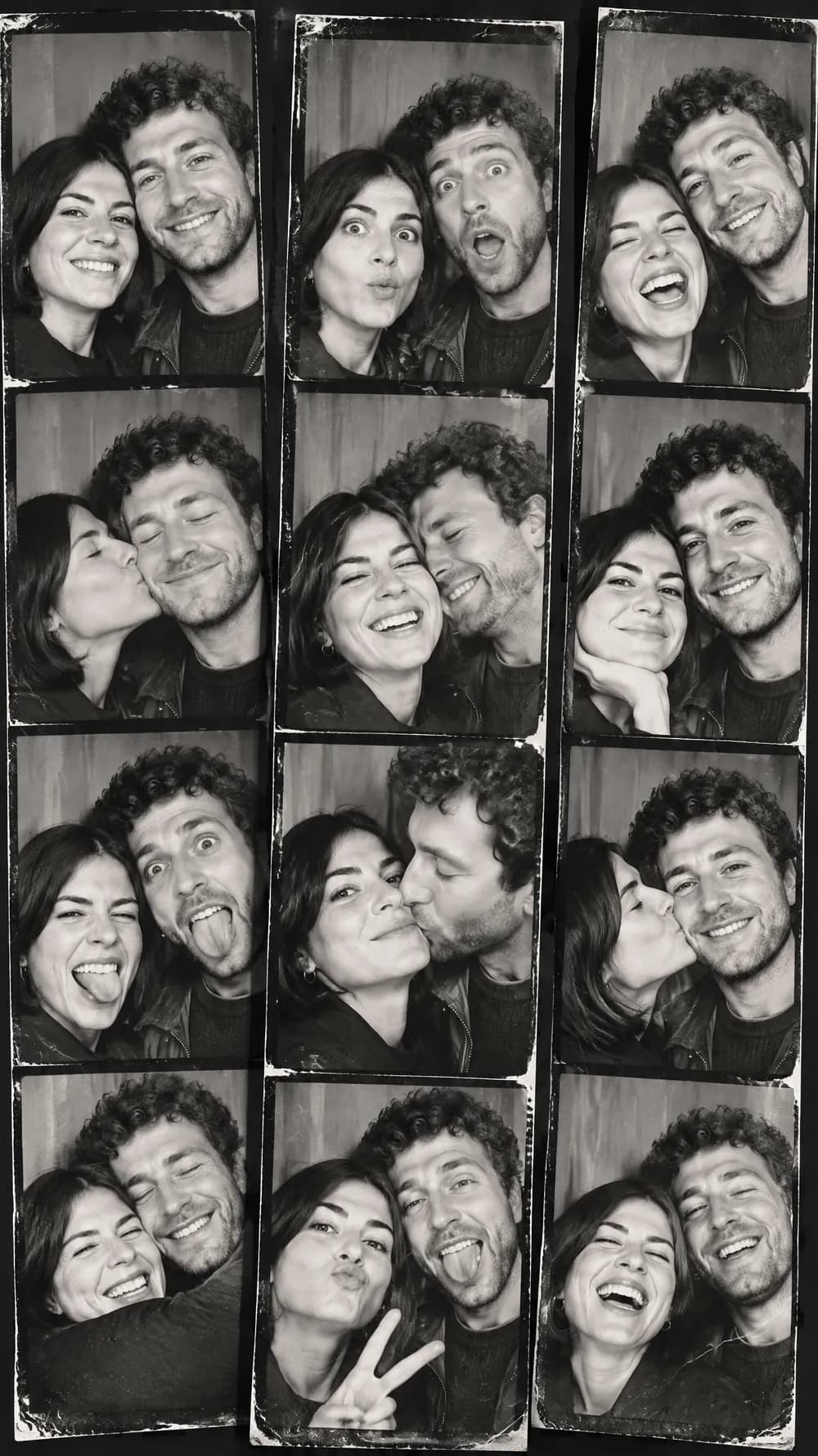
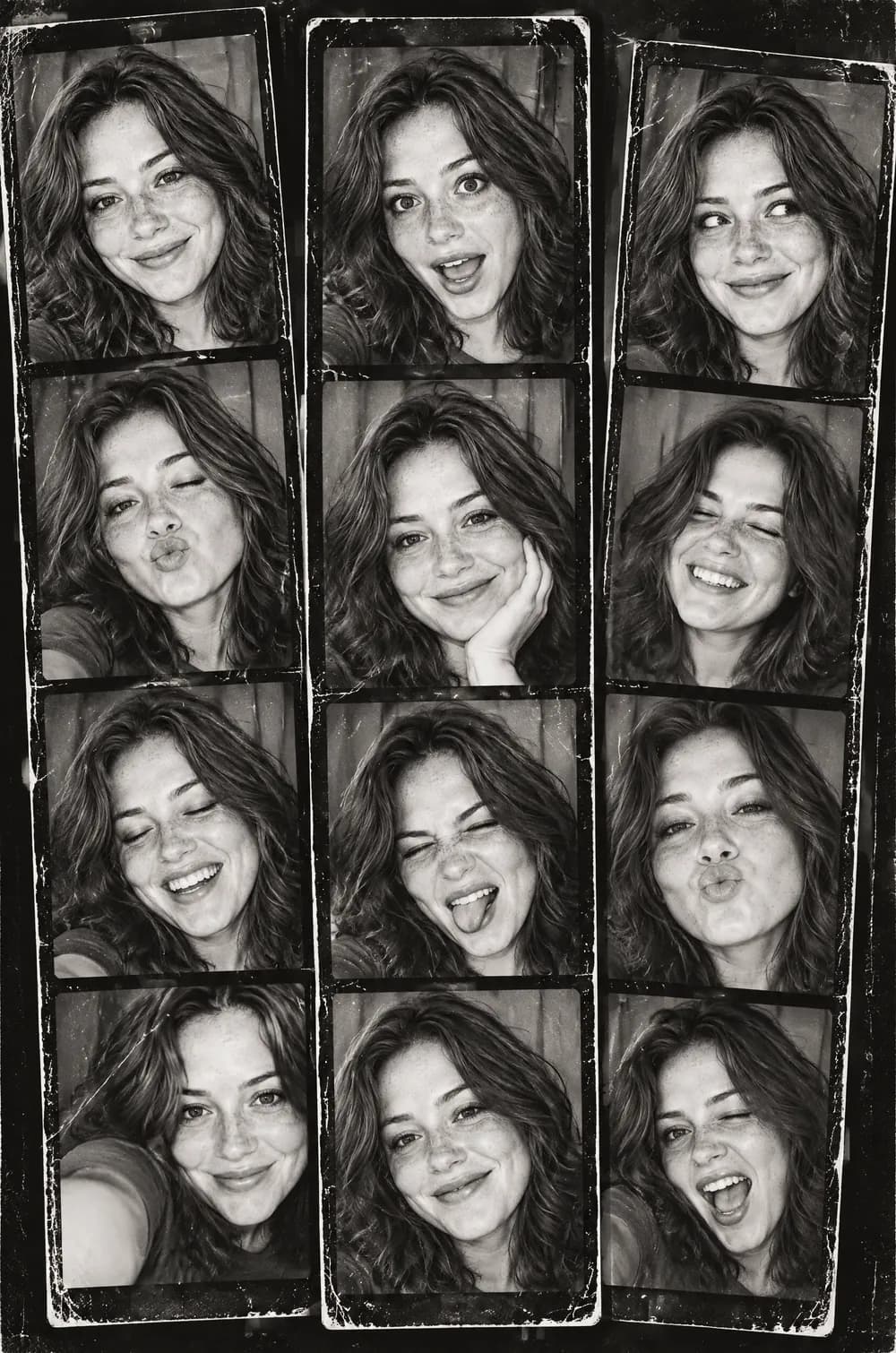
A photo booth print is a small story told in a few frames: a straight face, a surprised face, a laugh, a lean toward the camera. This look turns one photo into a collage of vertical black-and-white strips with exactly that rhythm, finished with harsh flash, very high contrast, heavy grain, thick black borders and light wear.
The same person, or the same two people, appears in every frame with a consistent face, outfit and hairstyle, while the poses change from frame to frame. Upload a portrait or a photo of a pair, pick a size and download one finished JPG that looks like three strips dropped on a table.
This is the Photo Booth Strip style of the Photo Trend Maker. The form on this page opens with it already selected.
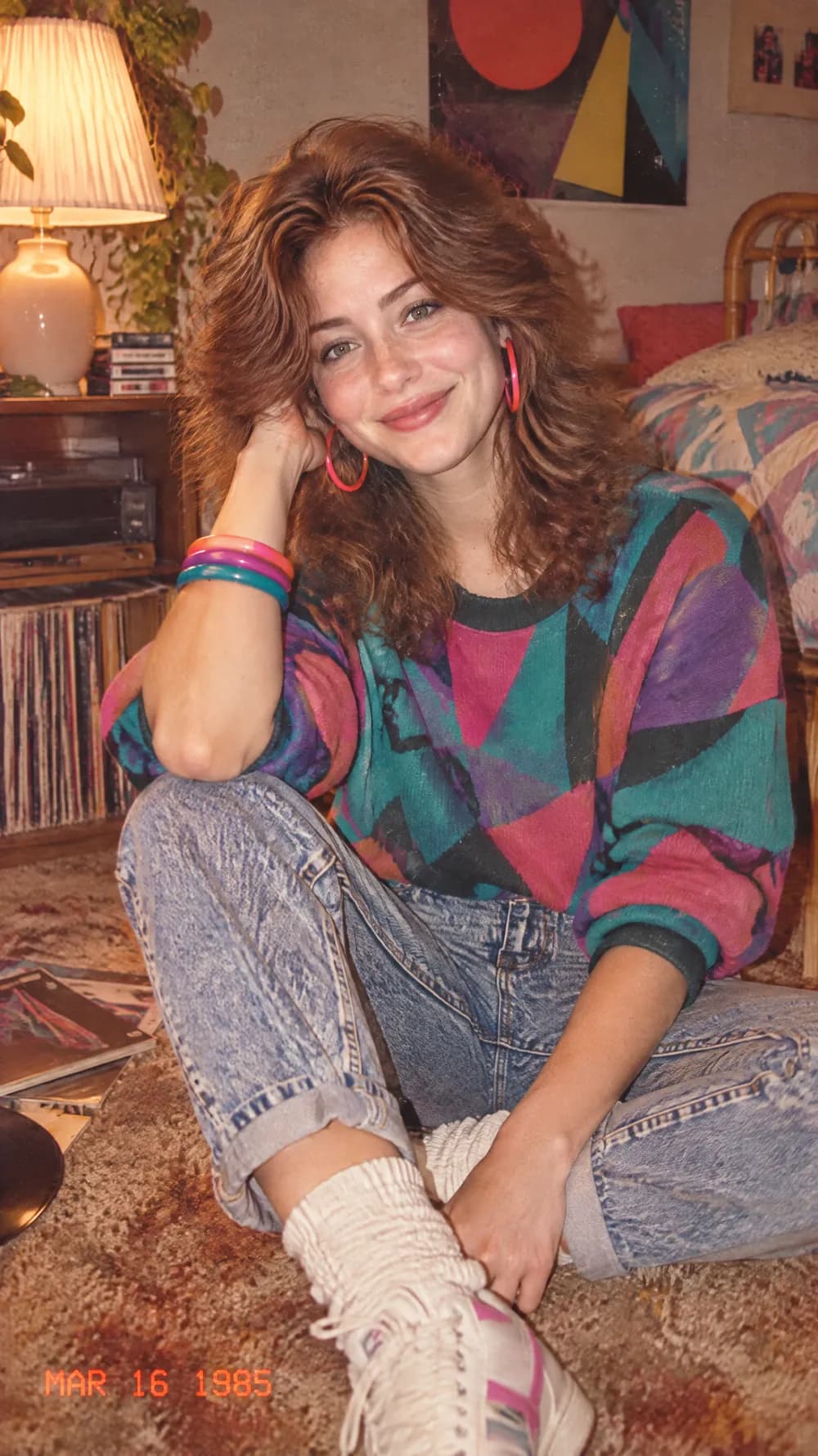
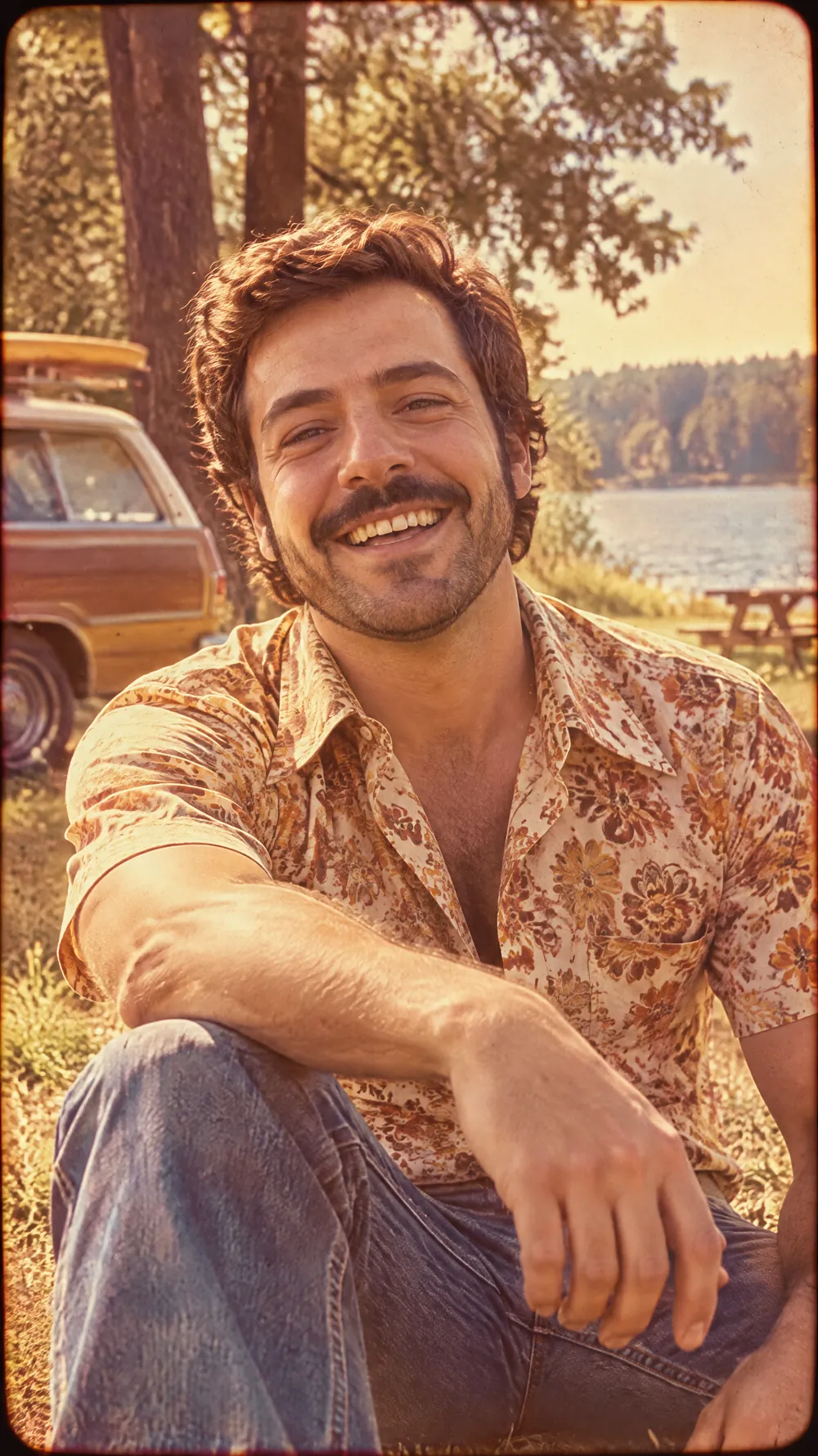
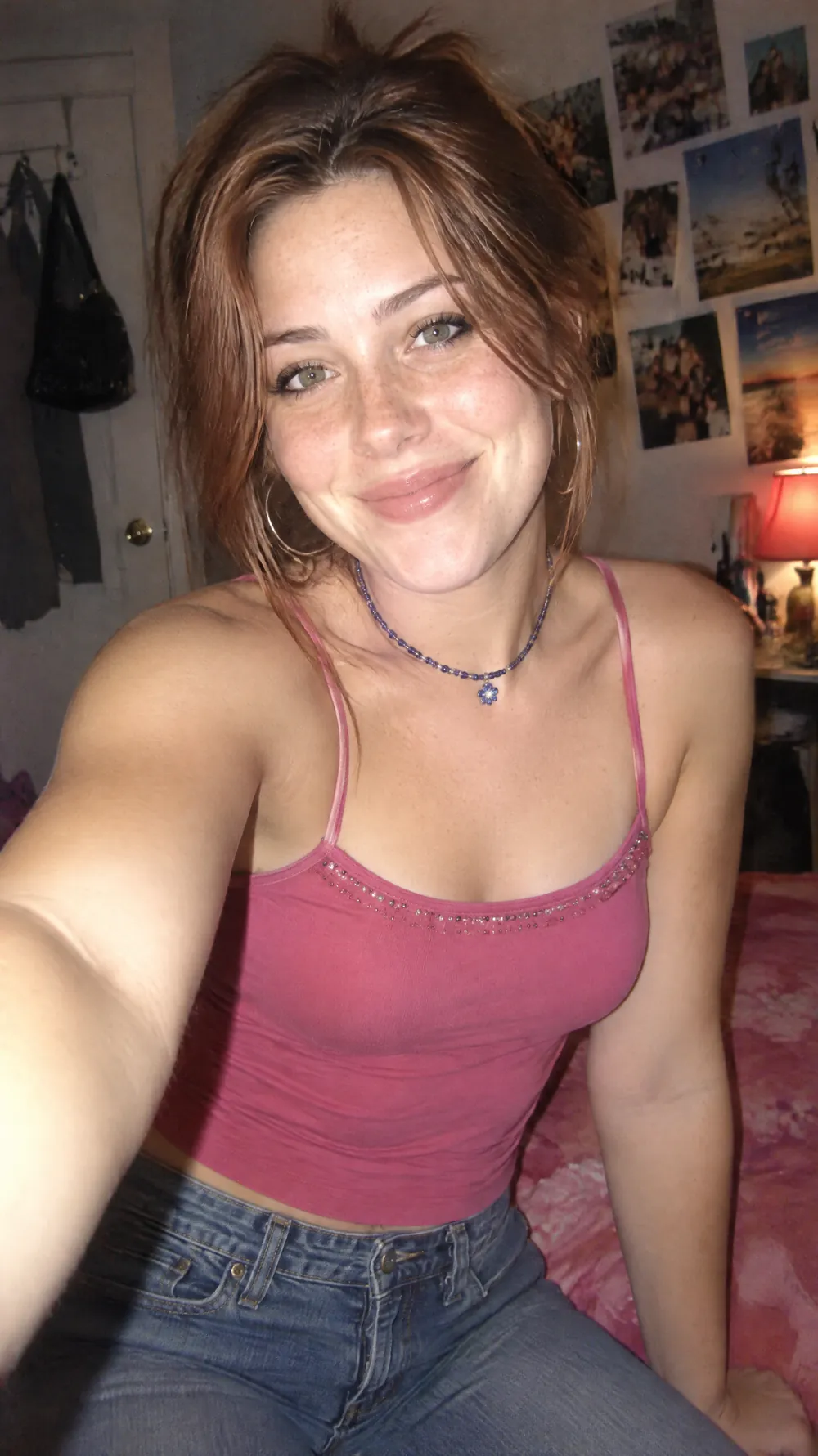
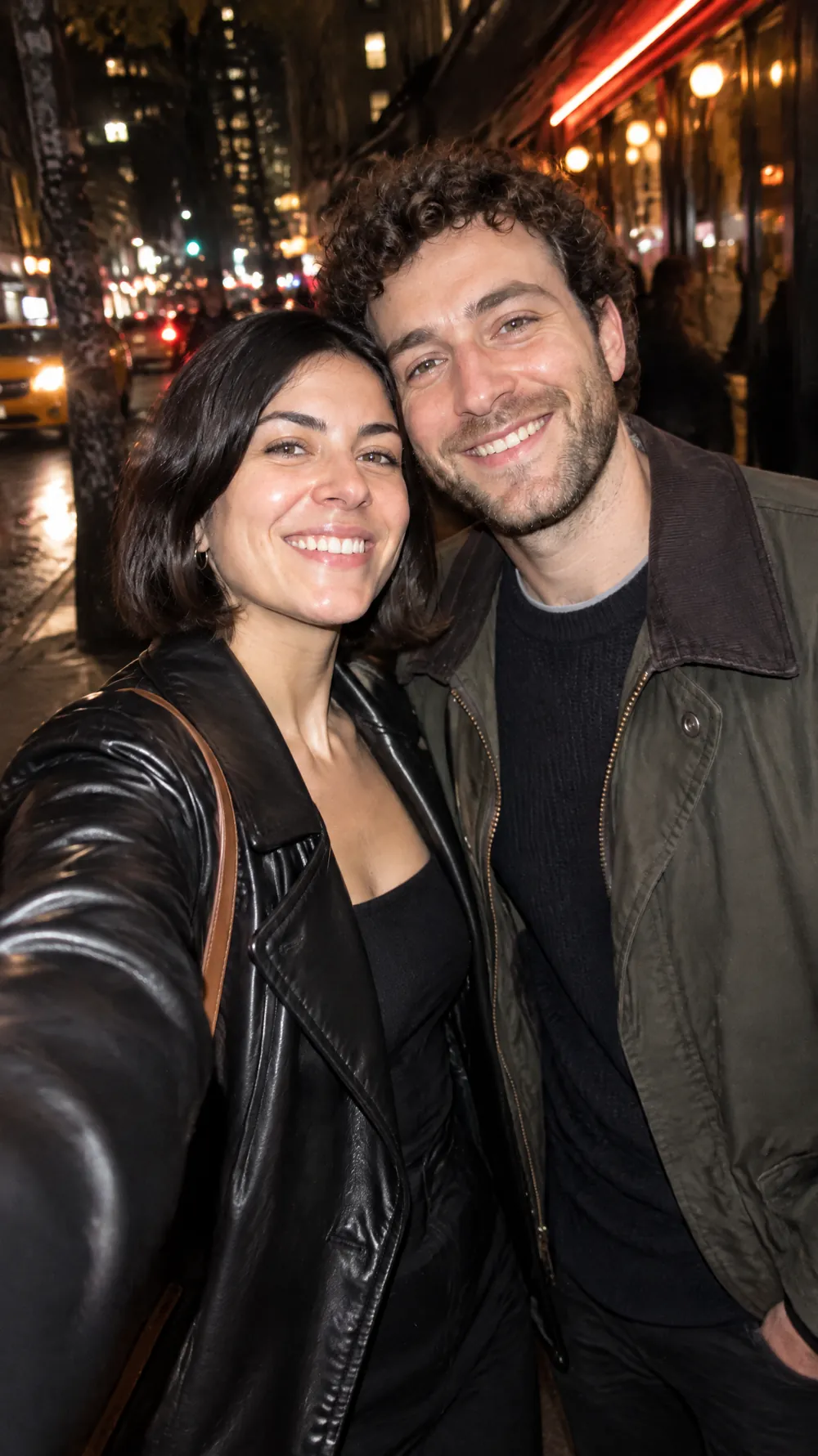
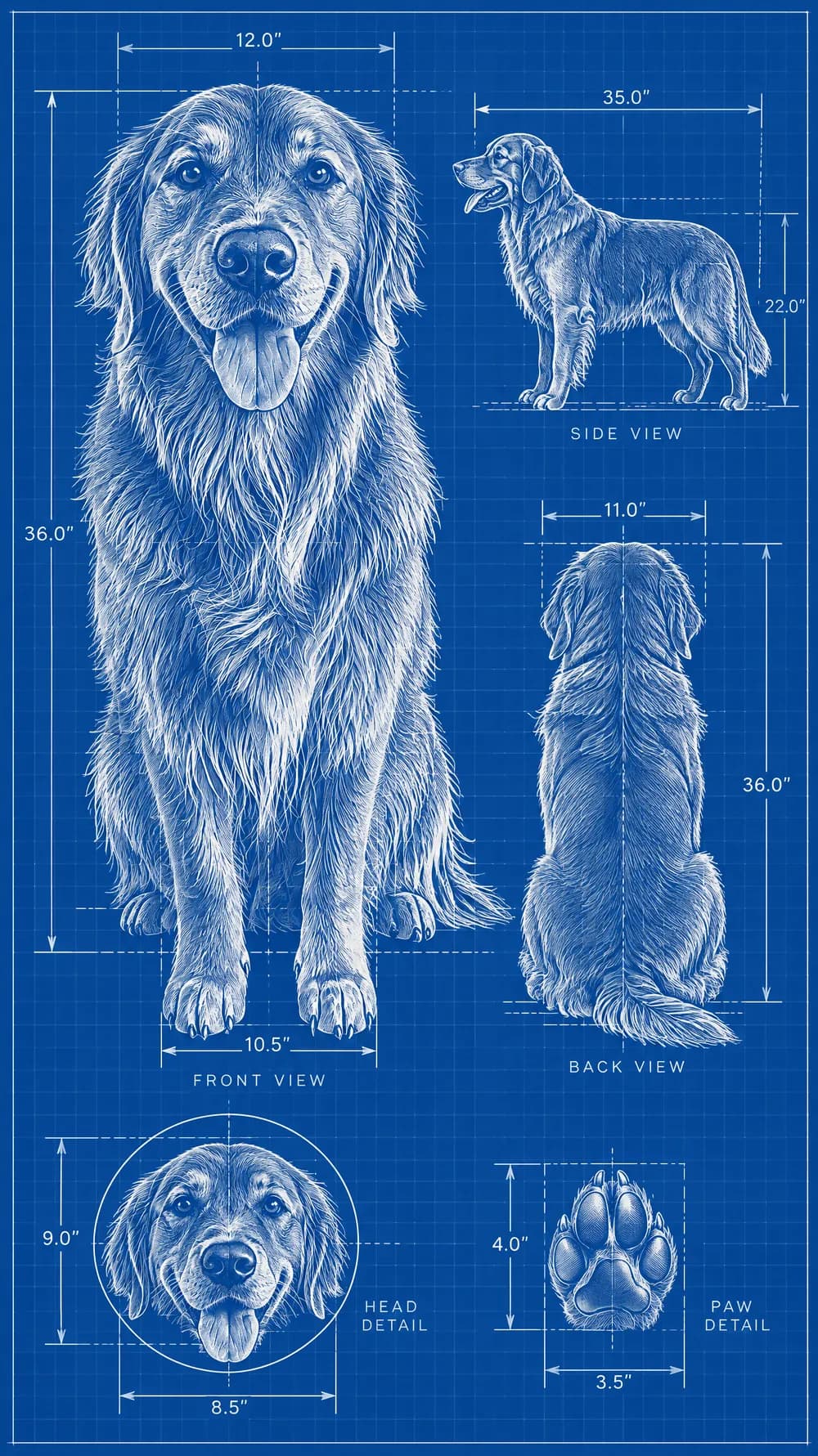
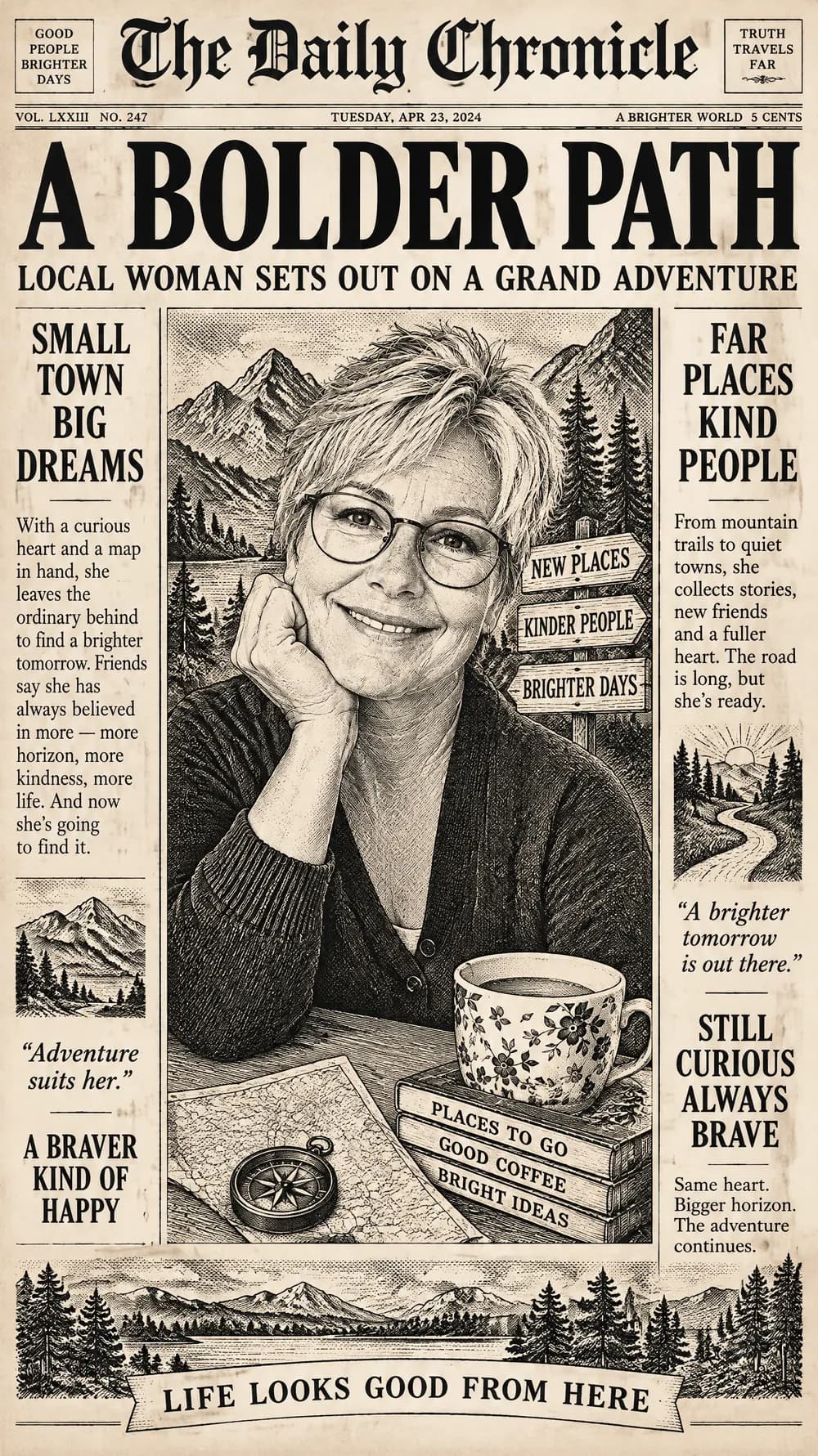
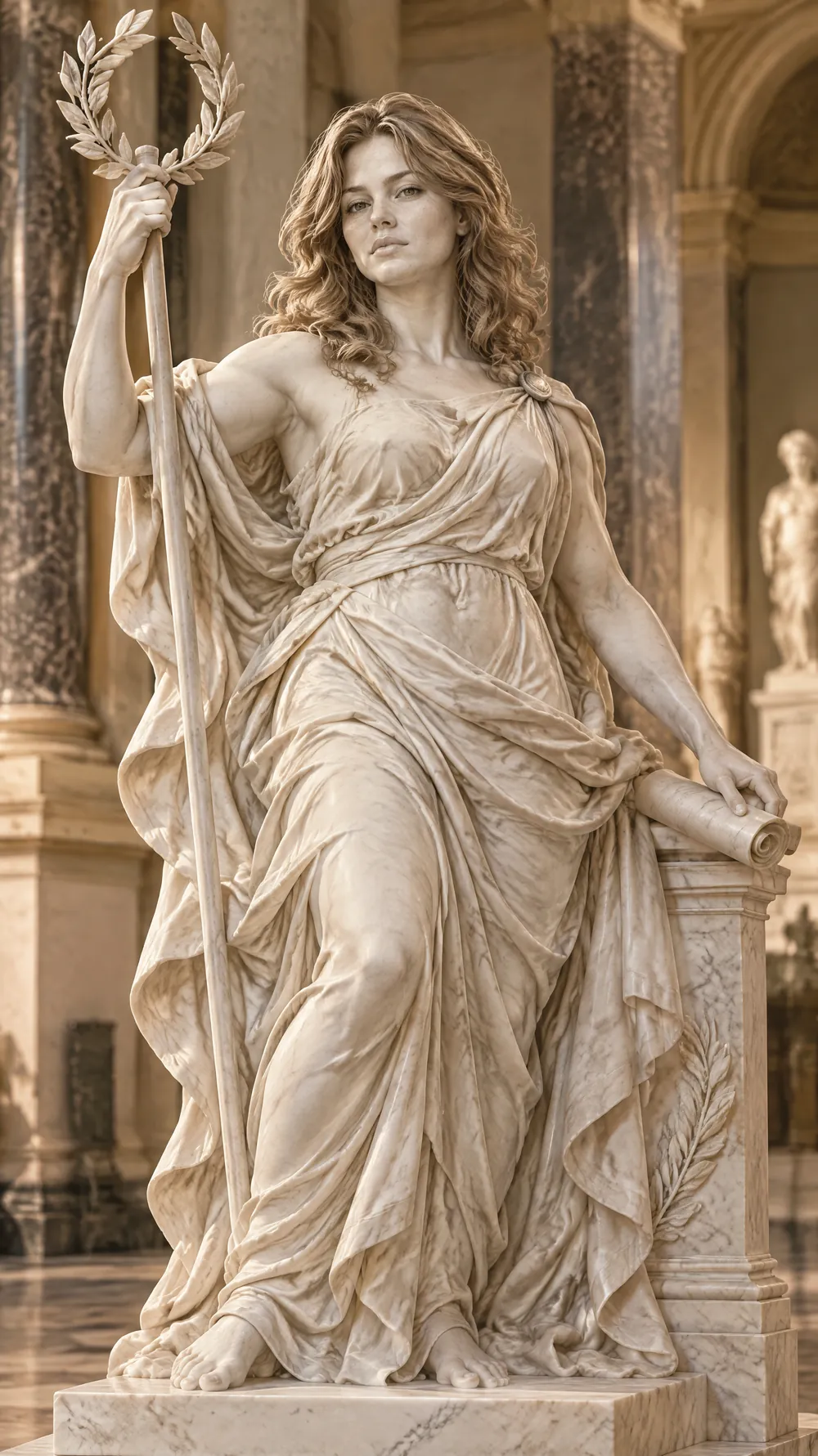
Photo Booth Strip examples
Who the Photo Booth Strip style suits
Couples and best friends
When there are two people in the photo, they swap places between frames, which gives the strip the playful back-and-forth of a real booth session.
Birthday and party mementos
A strip works as a funny gift for a group chat, a card insert or a decoration for a party where a booth was the plan.
Wedding and event announcements
The black-and-white strip is a quick, charming picture for a save-the-date idea, a shared album cover or a thank-you message.
Getting the best Photo Booth Strip result
- 1
Use a clear face and a simple background
The AI repeats the face across many frames, so a sharp, front-facing photo helps it stay consistent. A busy background just adds noise to the grain.
- 2
Two people work especially well
A photo of a pair gives the look something to play with: kisses, laughs and surprised faces from both sides. A single person gets a series of expressions instead.
- 3
Let the AI choose the poses
There is no pose control, so each generation brings different faces and gestures. If the strip feels flat, generate again for new expressions.
- 4
Choose a tall size
Booth strips are tall and narrow. The 9:16 and 2:3 sizes give them the most height, while 1:1 packs the strips closer together.
Ideas to try
- Photo: a couple leaning together, size 9:16
- Photo: two best friends smiling at the camera, size 2:3
- Photo: a single portrait with a playful grin, size 3:4
- Photo: a pair of siblings side by side, size 1:1
What you download
Every design from the Photo Trend Maker comes with the files for the job, whichever style you choose:
- Vertical 1080×1920 JPG (9:16)
- Pinterest Pin 1000×1500 JPG (2:3)
- Portrait post 1080×1440 JPG (3:4)
- Square 1080×1080 JPG (1:1)
Questions about the Photo Booth Strip style
Is the image always black and white?+
Yes. The look asks for black-and-white photos with high contrast, heavy grain and a harsh flash, like a classic booth print. If you want color with a vintage feel, try the 80s flashback.
Will every frame show the same person?+
That is the aim: the face, clothes and hairstyle stay consistent while the poses change. Likeness can still drift in a few frames, so look closely before you post, and generate again if one face is off.
Can I choose the poses?+
Not in this form. The maker chooses playful, surprised and laughing poses for you, and each generation is different.
Is this made with a real photo booth?+
No. It is an AI image that imitates the look of a booth print, with the borders, the contrast and the wear drawn in. Real booth prints are made with a camera and a printer.
How many strips will I get?+
The look builds a collage of three vertical strips with four frames each, slightly overlapping and tilted. The exact layout varies from picture to picture.