Claymation Photo Maker
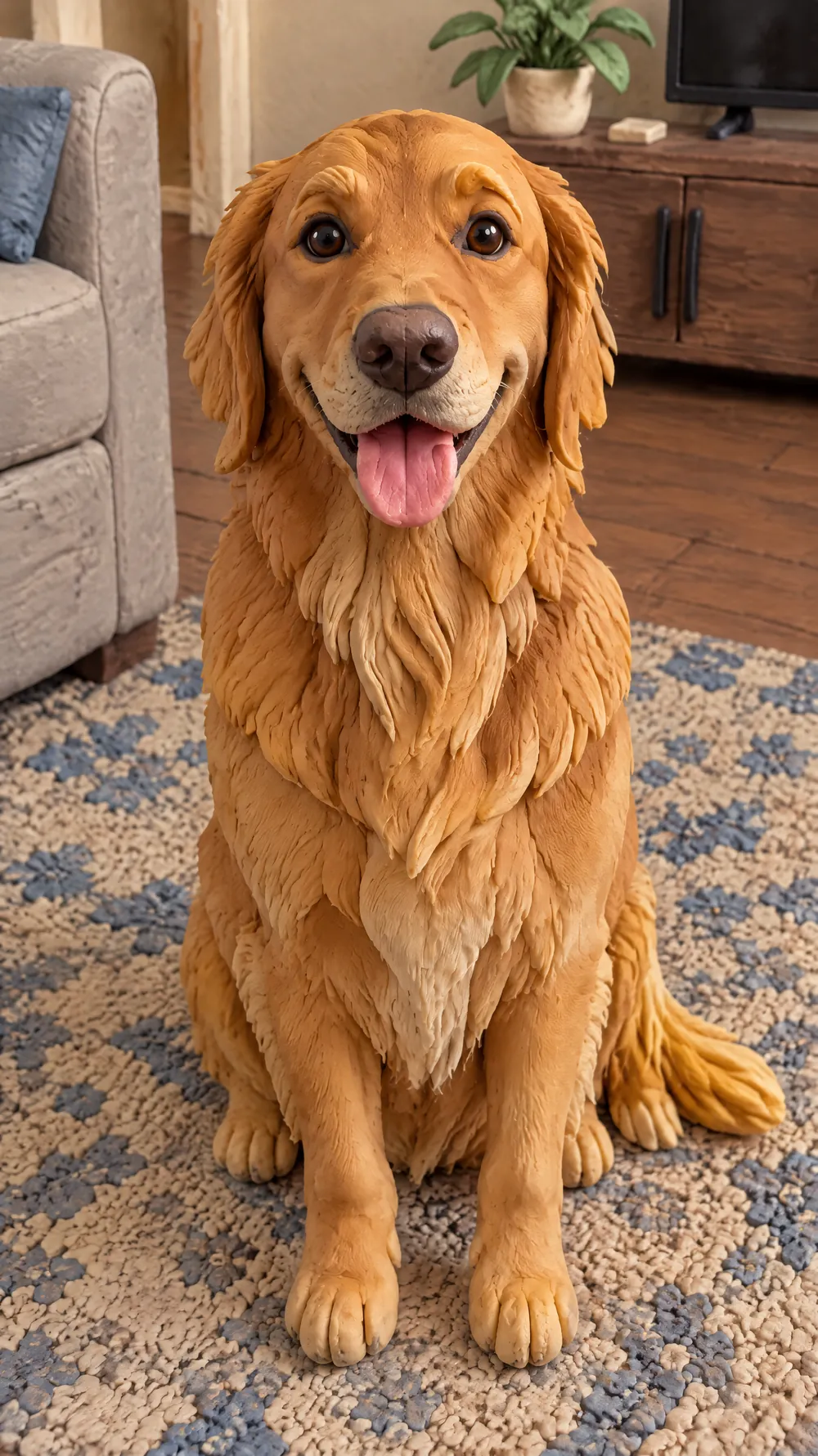
Clay stop-motion has a look you can almost feel: chunky shapes, fingerprints in the surface, slightly uneven edges and small flaws left by hand. This look rebuilds your photo as a scene made of matte modelling clay. The subject, the pose, the clothes and the composition stay, and the whole world turns into a miniature set.
Faces get a lively, expressive look instead of a neutral photo expression, the way animated characters do. The scene is lit like a small studio set with real depth, so it reads as a photographed physical model rather than smooth computer graphics. Upload a portrait or a pet, choose a size and download a JPG.
This is the Claymation World style of the Photo Trend Maker. The form on this page opens with it already selected.
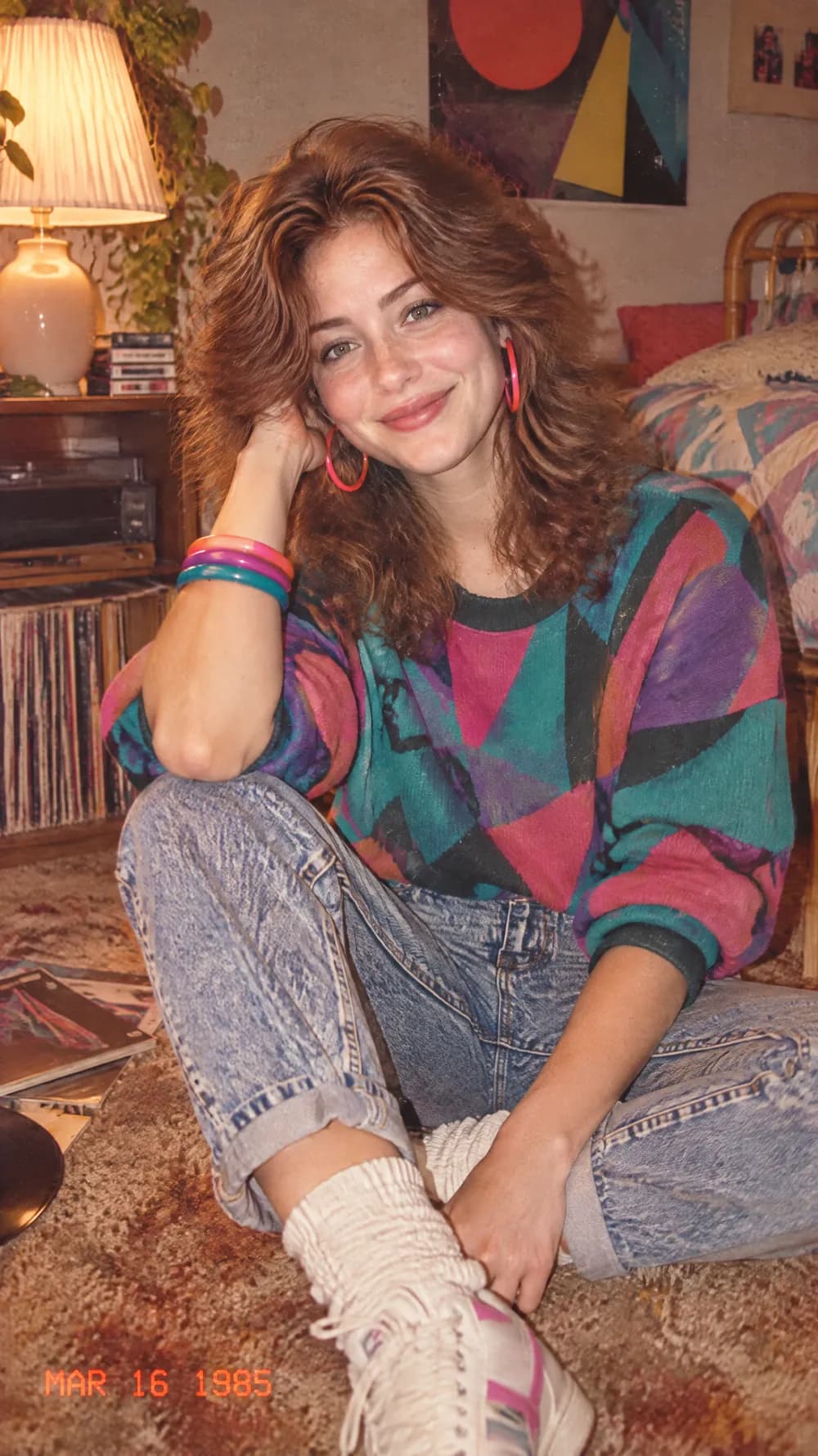
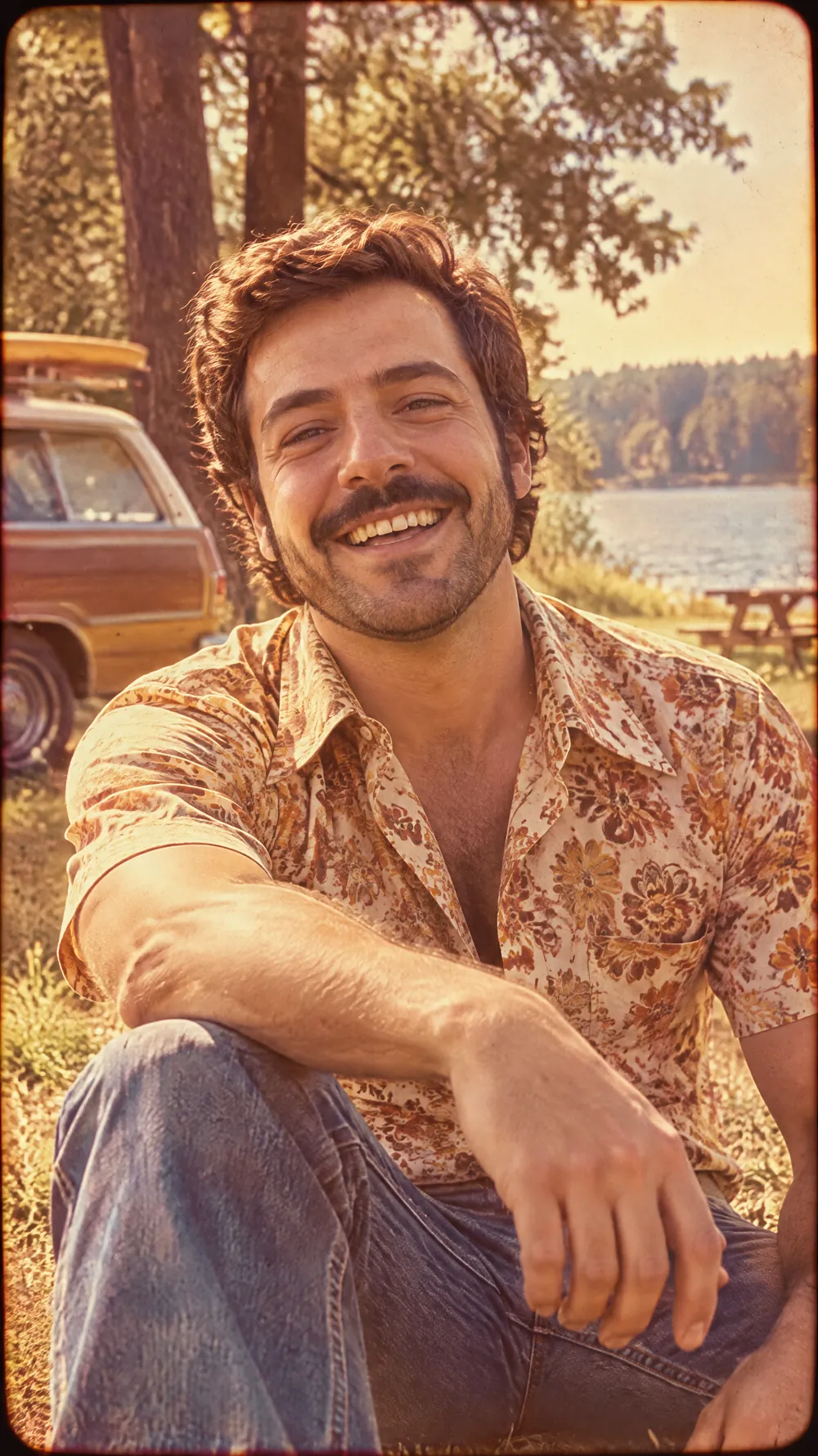
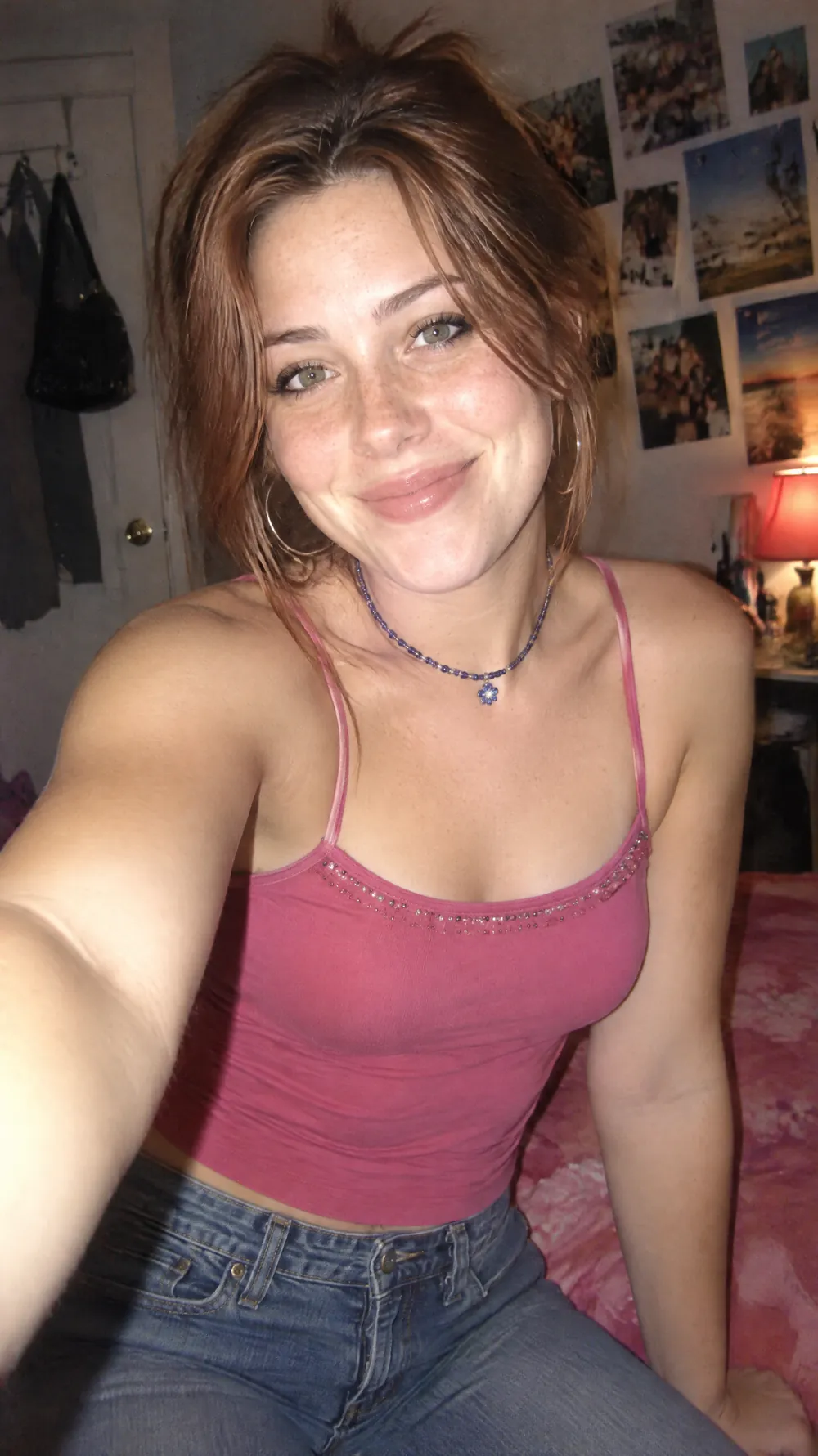
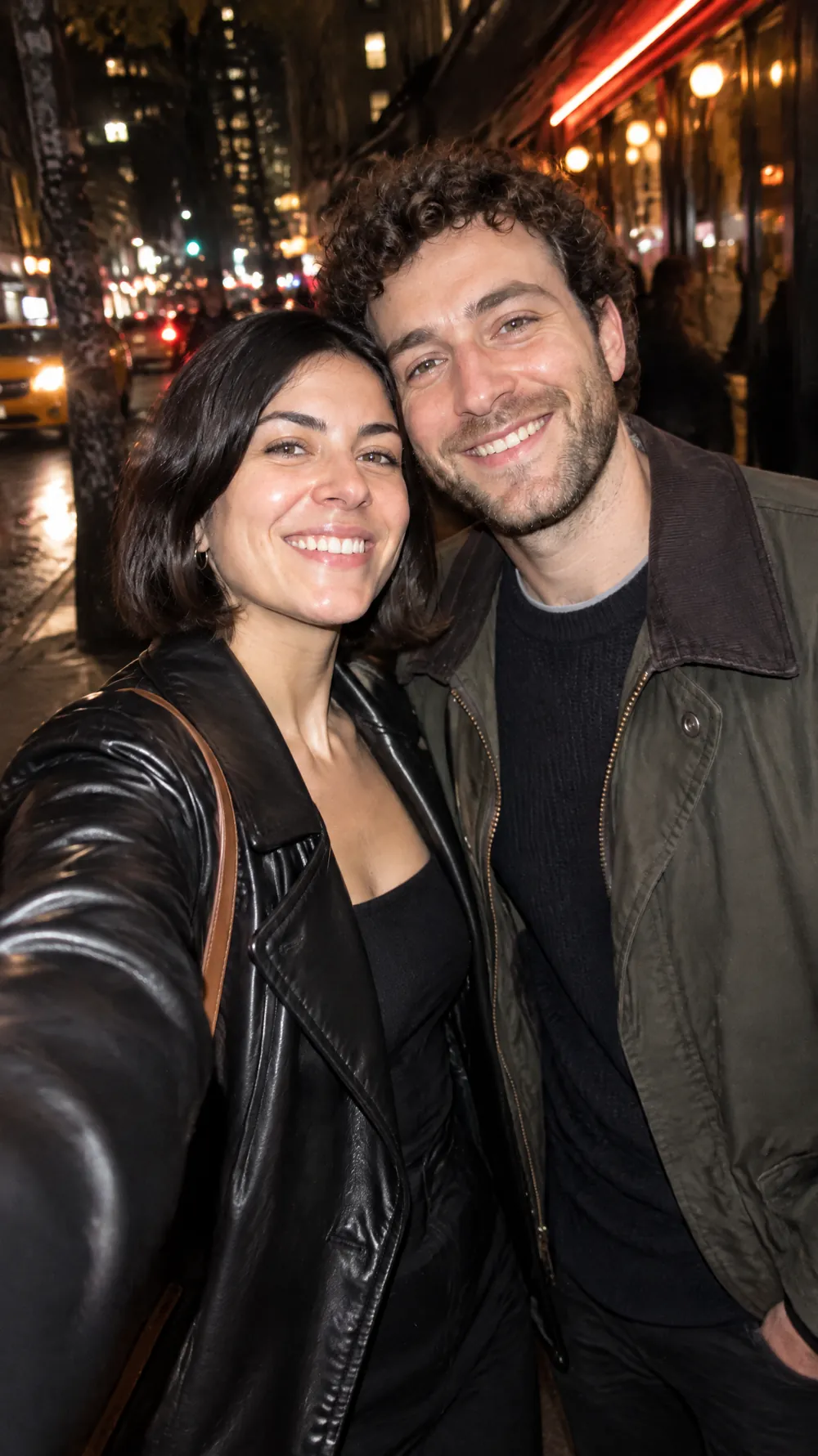
Claymation World examples
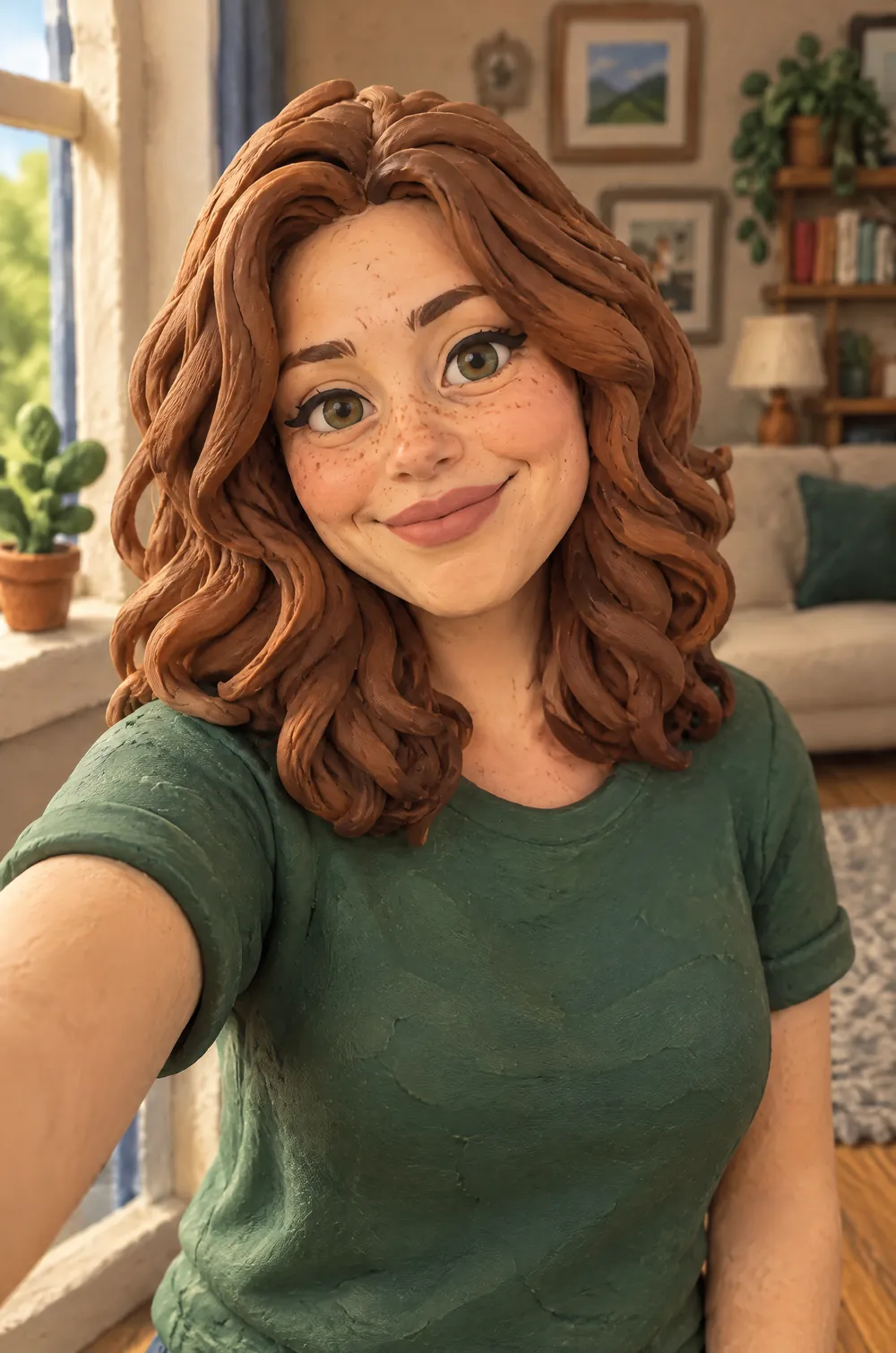
Who the Claymation World style suits
Portraits and profile pictures
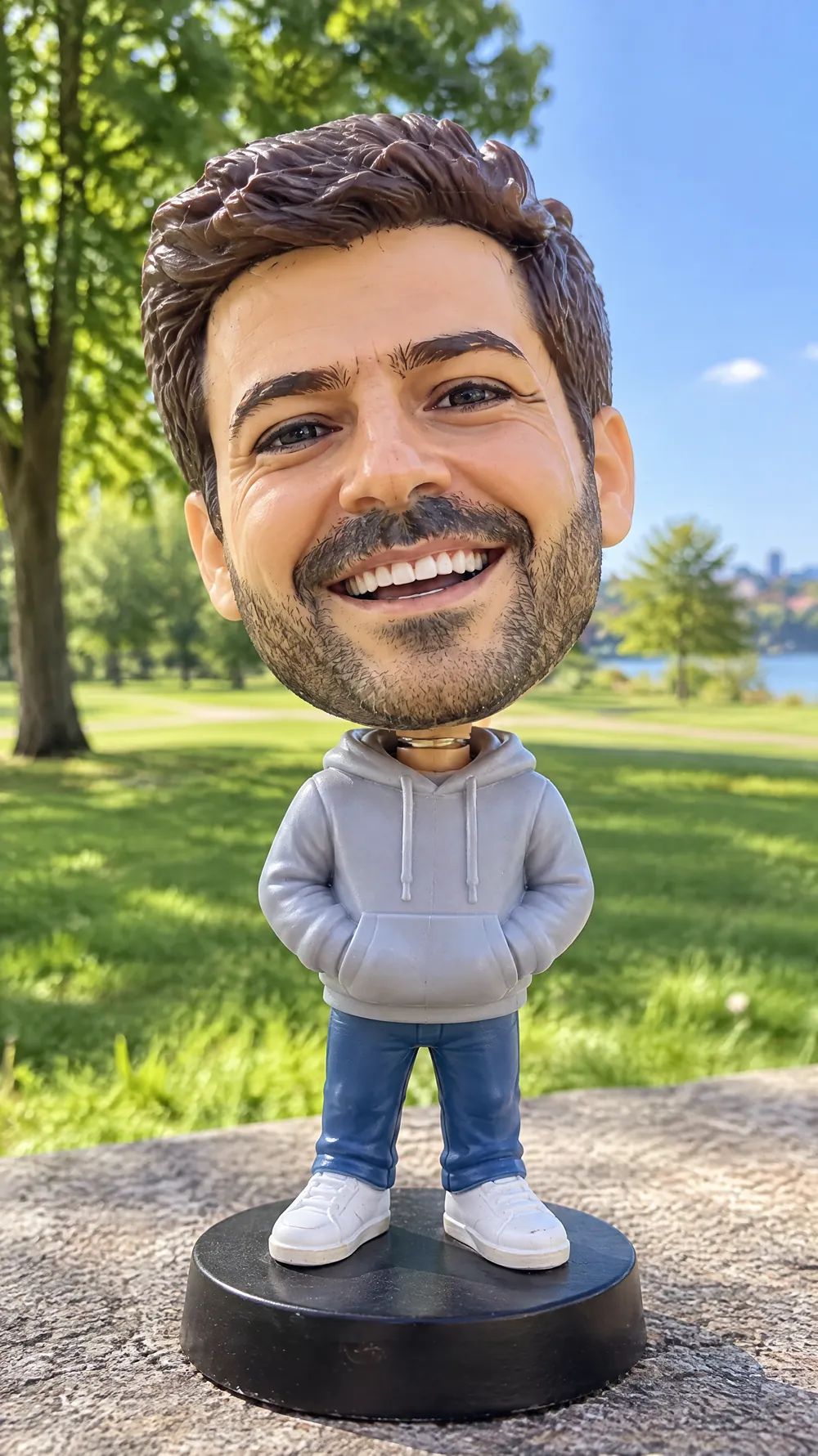
A clay version of a face is friendly and memorable, which makes it a good avatar for a creative page or a team profile.
Pets
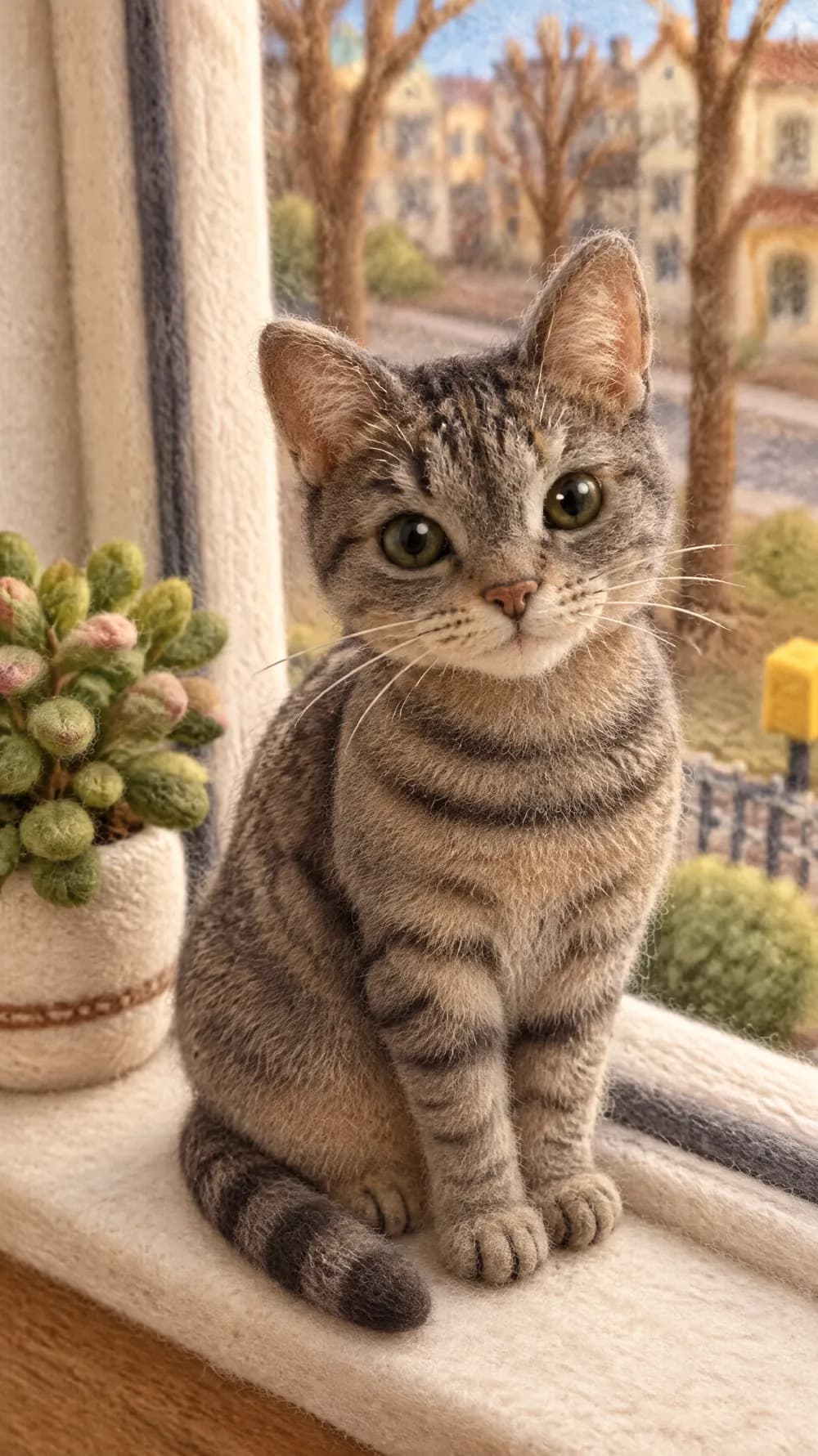
Dogs and cats have clear shapes and colors that translate well into modelling clay, and the result makes a funny card or a social post.
Couples and small families
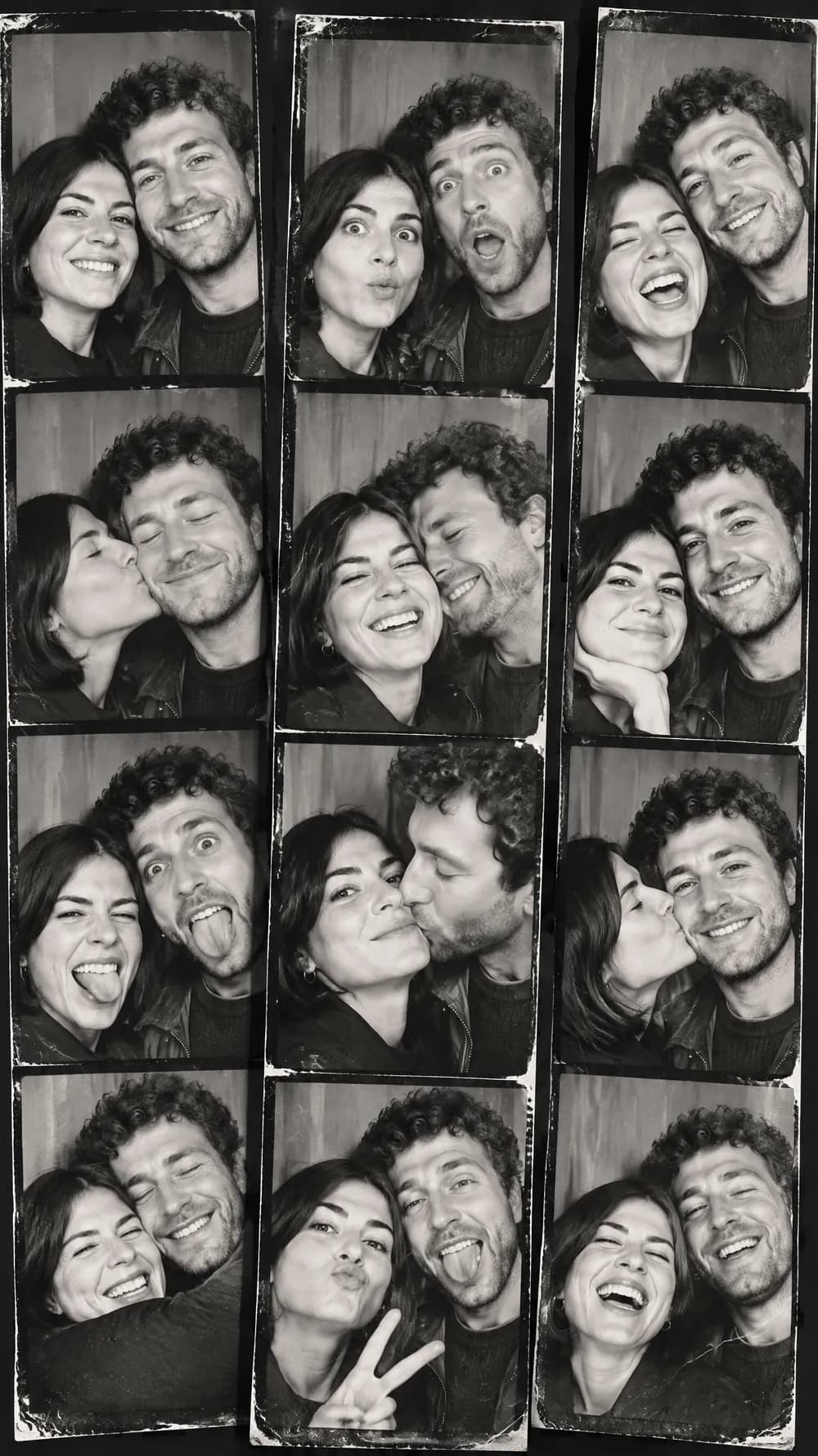
Two or three people in a simple setting become a tiny handmade scene, a gift idea for anniversaries and birthdays.
Getting the best Claymation World result
- 1
Choose a clear outline
Clay figures are built from simple forms, so a photo where the subject stands out from the background converts more cleanly than a crowded one.
- 2
Keep some surroundings in the photo
The look rebuilds the background too. A kitchen, a park bench or a sofa gives the AI something to turn into a set instead of an empty void.
- 3
Expect a more expressive face
The look gives the character a lively expression, so the clay version can look happier or more surprised than the photo. Generate again if the mood is off.
- 4
Compare with the felt look
Clay is smooth and chunky with fingerprints. For fuzzy wool and a softer mood, try the felt miniature with the same photo.
Ideas to try
- Photo: a dog sitting on a rug, size 2:3
- Photo: a person smiling in a kitchen, size 9:16
- Photo: a couple on a park bench, size 3:4
- Photo: a cat on a windowsill, size 1:1
What you download
Every design from the Photo Trend Maker comes with the files for the job, whichever style you choose:
- Vertical 1080×1920 JPG (9:16)
- Pinterest Pin 1000×1500 JPG (2:3)
- Portrait post 1080×1440 JPG (3:4)
- Square 1080×1080 JPG (1:1)
Questions about the Claymation World style
Is the result real stop-motion animation?+
No. It is a still image made to look like a frame from a clay animation. There is no animation or video, and no real clay was used.
Can I turn my pet into clay?+
Yes. Pets work well because their shape and color are easy to rebuild from modelling clay. Make sure the animal is clearly visible and not hidden behind furniture.
Why does the face look different from my photo?+
The look gives characters a lively, exaggerated expression and simplifies the face into chunky clay forms. The identity should stay recognizable, but small details such as freckles are usually lost.
Which size is best?+
Choose 9:16 for a full-screen story, 2:3 for a Pinterest Pin, and 1:1 for an avatar. The set is composed for the shape you pick, so decide before you create.
Does it work on a group photo?+
It works best on one to three subjects. In bigger groups the clay figures lose their individual faces, so crop to the people or pets who matter.