Blueprint Poster Maker
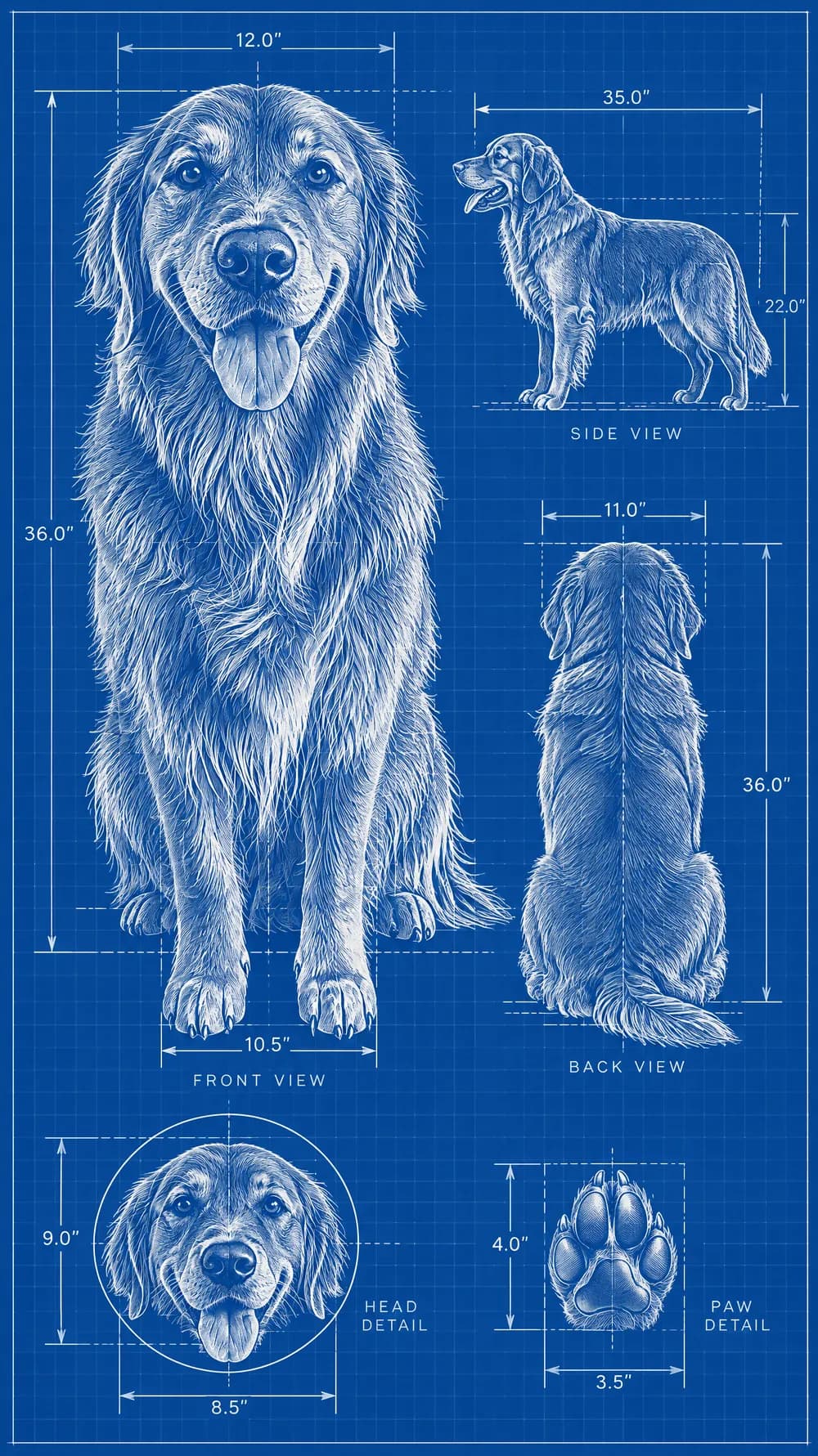
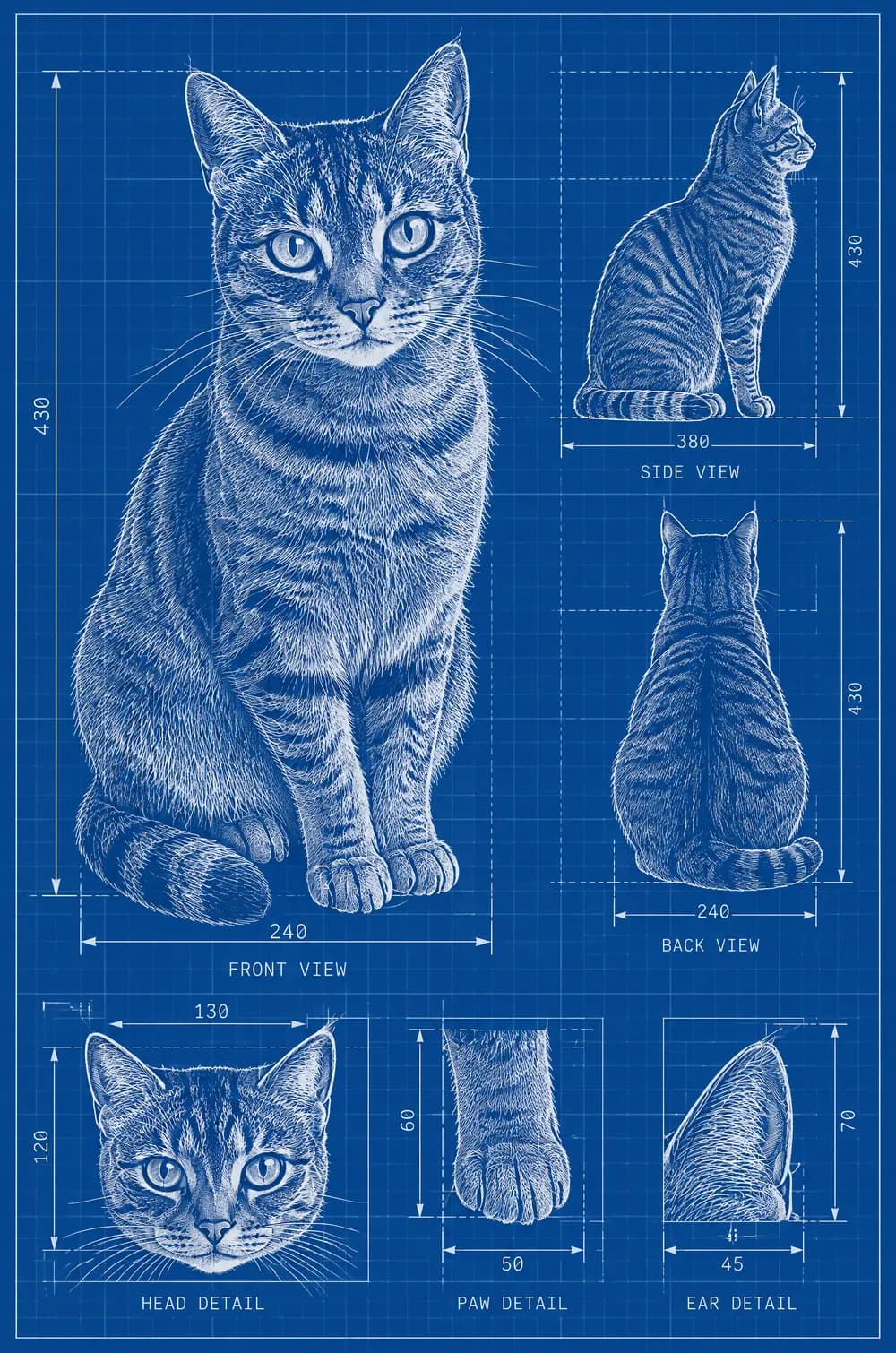
A blueprint poster treats an everyday subject like an engineering project. This look redraws the main subject of your photo as clean white technical lines on a deep cobalt-blue background with a subtle grid, adding construction guides, dimension ticks, arrows and a few minimal labels, plus two or three smaller detail views of the subject from other angles.
The style is flat and uncluttered: no shadows, no 3D shading and no extra objects. If the photo shows a person, they are drawn as a technical figure. Upload a clear photo of one subject, pick a size and download a JPG that works as wall art, a gift picture or a funny social post.
This is the Blueprint Poster style of the Photo Trend Maker. The form on this page opens with it already selected.
Blueprint Poster examples
Who the Blueprint Poster style suits
Pets drawn like machines
A dog or a cat in blueprint form is a popular gift idea, with its parts and angles shown like a prototype.
Favorite objects
A bike, a guitar or a chair becomes a poster for a workshop wall, a desk or a hobby page.
Portraits with a nerdy twist
A person as a technical figure makes a witty birthday card, a team announcement or a profile picture for an engineer.
Getting the best Blueprint Poster result
- 1
Use one clear subject on a plain background
The look draws only the main subject. A photo with one pet, one object or one person standing alone gives the cleanest drawing.
- 2
Expect decorative labels
The labels, arrows and measurements are for the look, not real specifications. Read any words and numbers before you share the picture.
- 3
Show the whole subject
A full view of the subject gives the AI enough shape to draw the outline and the detail views. A tight crop leaves out parts of the drawing.
- 4
Pick a poster shape
The 2:3 and 3:4 sizes match common poster frame shapes, such as 24×36 in and 18×24 in. The files are best for screens and small prints, so do not expect a large wall poster.
Ideas to try
- Photo: a dog standing on grass, size 2:3
- Photo: a vintage bicycle against a wall, size 3:4
- Photo: a person standing in a doorway, size 9:16
- Photo: a cat sitting upright, size 1:1
What you download
Every design from the Photo Trend Maker comes with the files for the job, whichever style you choose:
- Vertical 1080×1920 JPG (9:16)
- Pinterest Pin 1000×1500 JPG (2:3)
- Portrait post 1080×1440 JPG (3:4)
- Square 1080×1080 JPG (1:1)
Questions about the Blueprint Poster style
Is it a real technical blueprint?+
No. It is a stylized illustration. The dimensions and labels are decorative, so never use the picture for building, repairing or manufacturing anything.
Why are some labels hard to read?+
AI draws small text imperfectly, so labels can look like gibberish or contain wrong letters. Keep the picture as a design, and generate again if a label sits in an awkward place.
Does it work on people?+
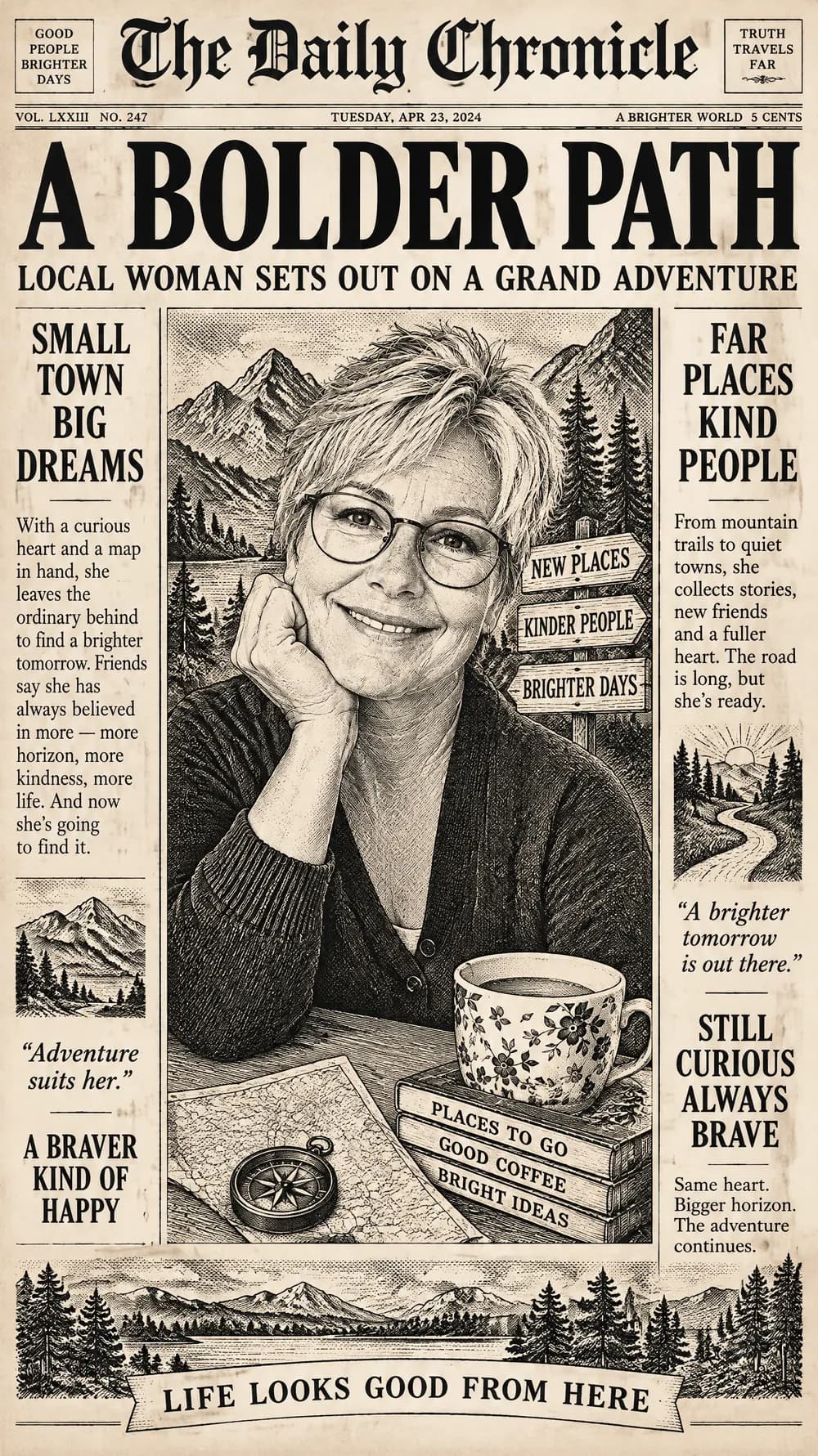
Yes. A person is drawn as a technical figure in white lines, with several views. For a more realistic portrait in a graphic style, try the fantasy newspaper look.
Can I print it as a poster?+
You can print it at a small or medium size. The 2:3 file is 1000×1500 pixels, which suits screens and prints up to about postcard or A4 size, but it is not sharp enough for a very large poster.
Why is the background always blue?+
The look is built around the classic cobalt-blue blueprint with white lines and a grid. If you want another color scheme, another look will fit better.