Night Out Flash Photo Maker
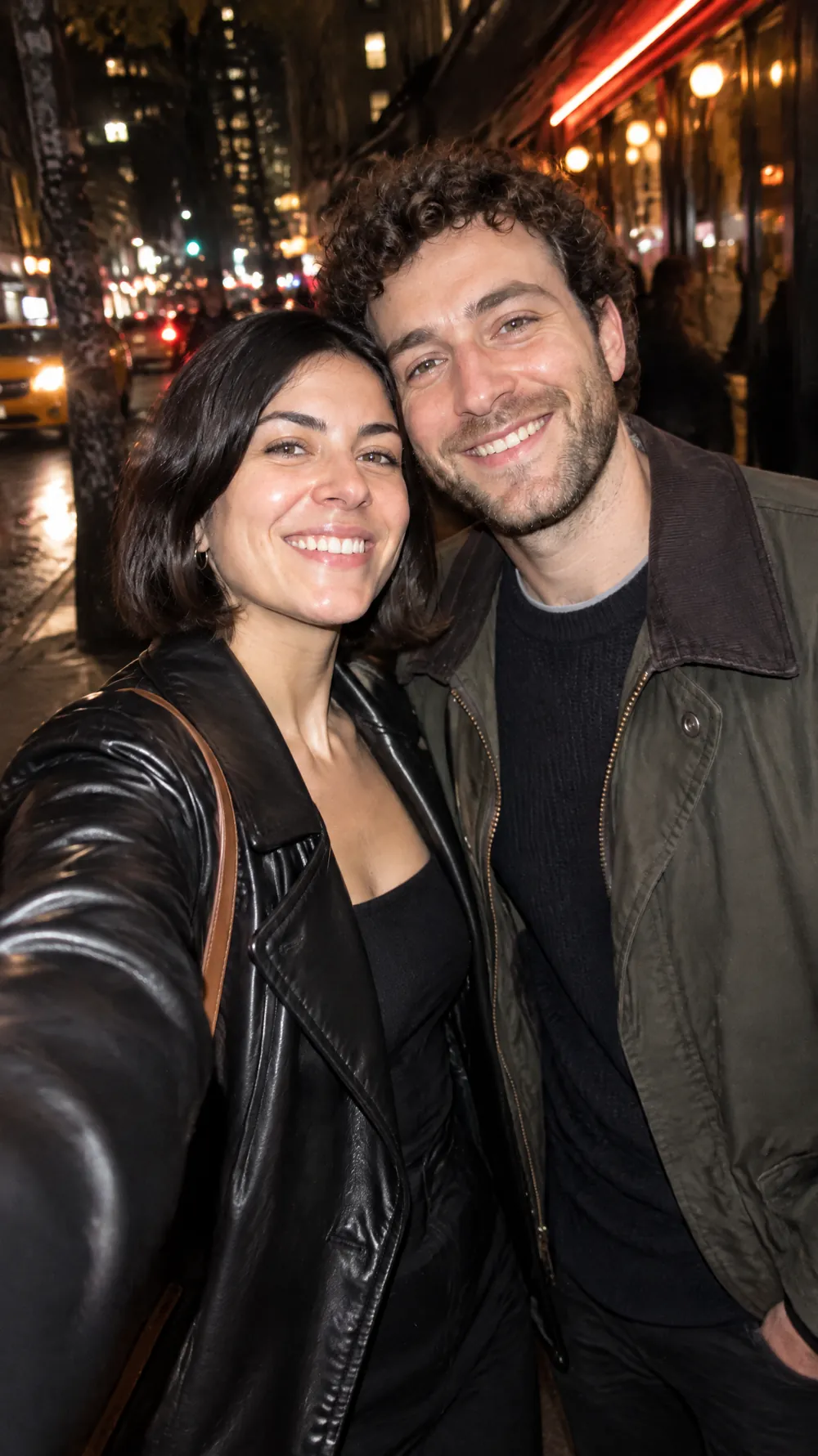
A direct flash at night does something daylight never does: it freezes the subject, bleaches the skin a little and throws the background into deep shadow. This look recreates that candid, magazine-style night-out photo, with glossy highlights, fine grain, slightly imperfect framing and a hint of motion.
Unlike the retro looks, it keeps real colors and modern clothes, so it works as an up-to-date party picture rather than a costume. Upload a portrait or a photo of friends, pick a size and download a JPG that looks like it was caught on the dance floor.
This is the Night Out Flash style of the Photo Trend Maker. The form on this page opens with it already selected.
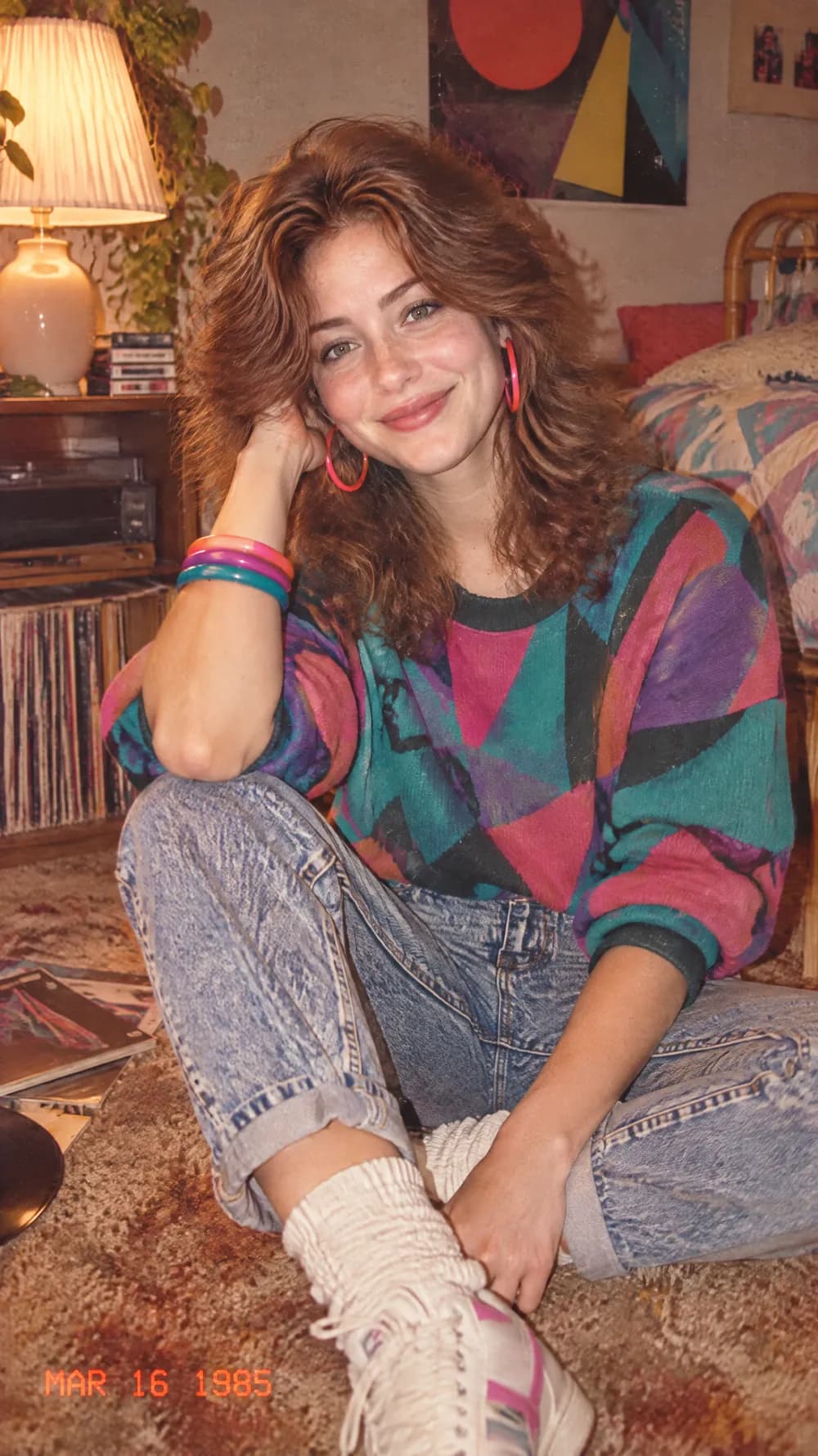
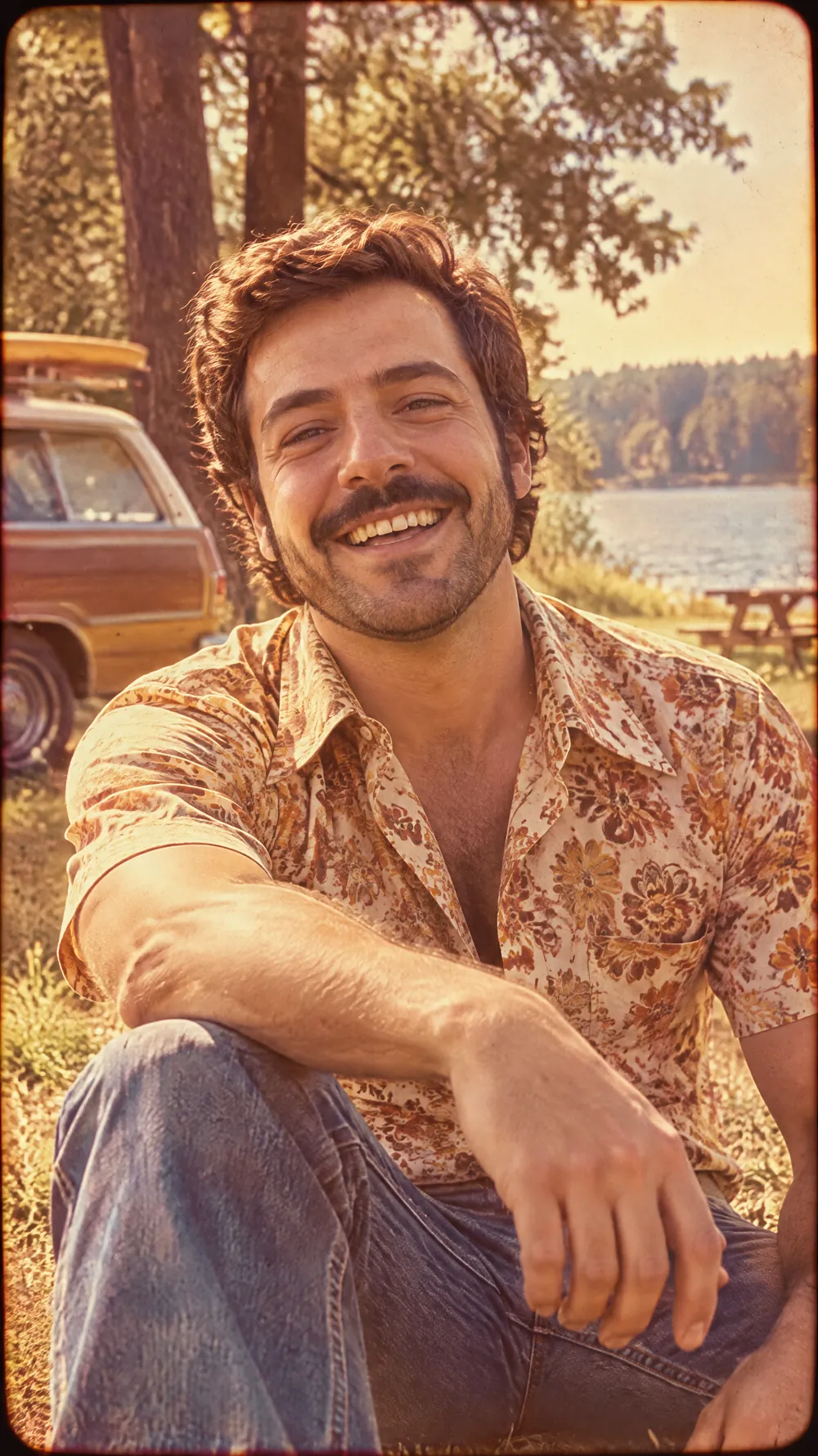
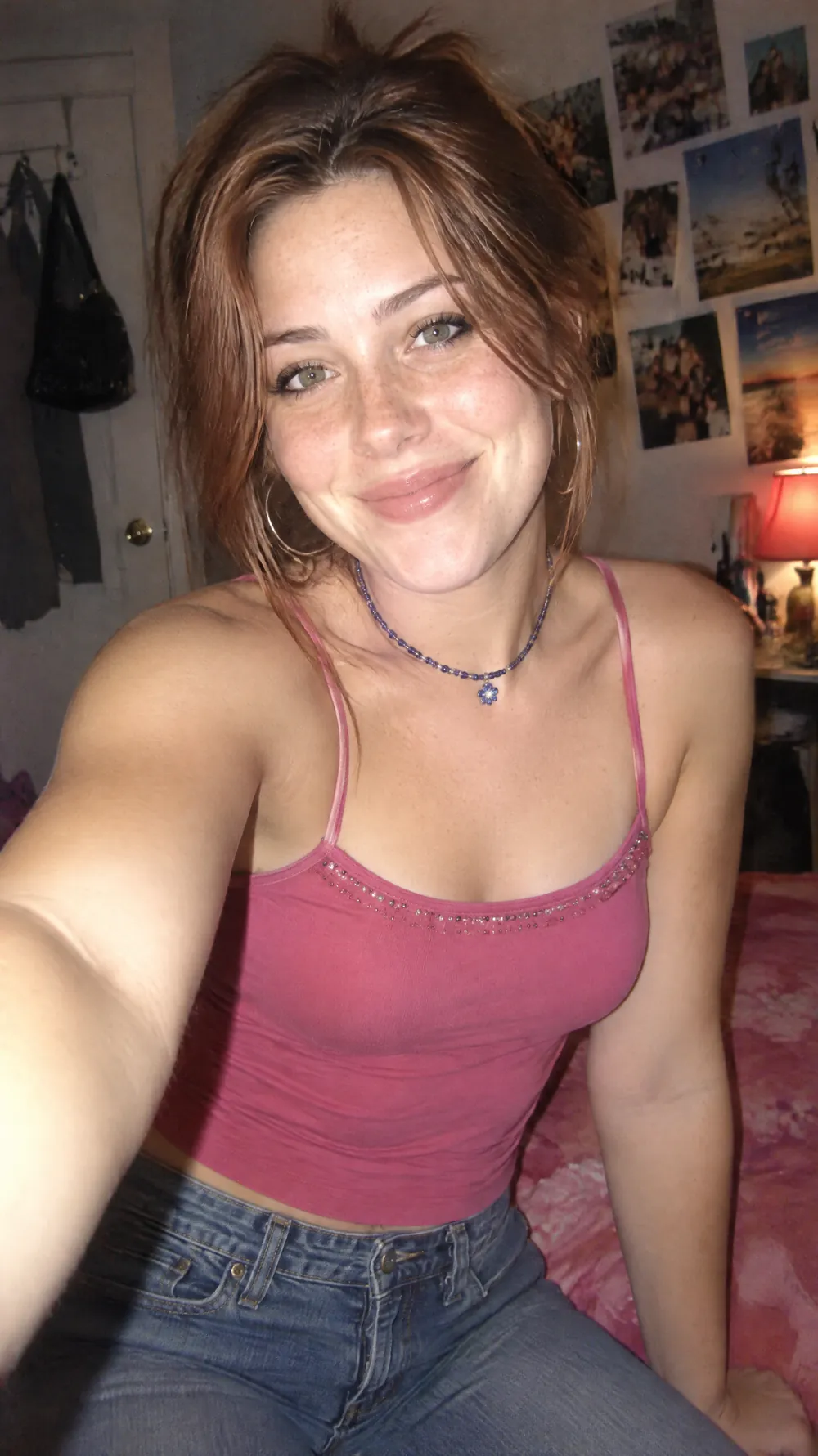
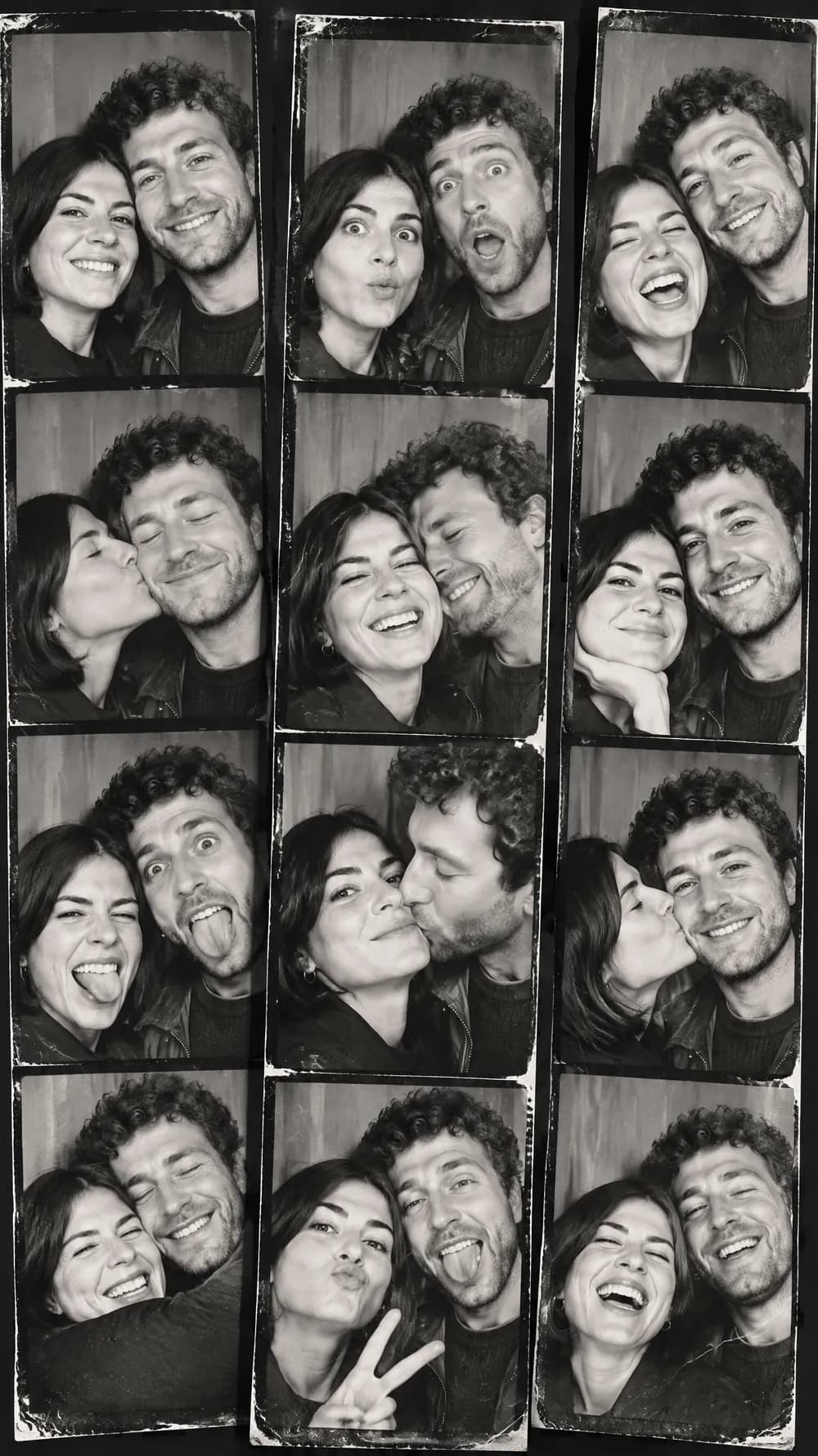
Night Out Flash examples
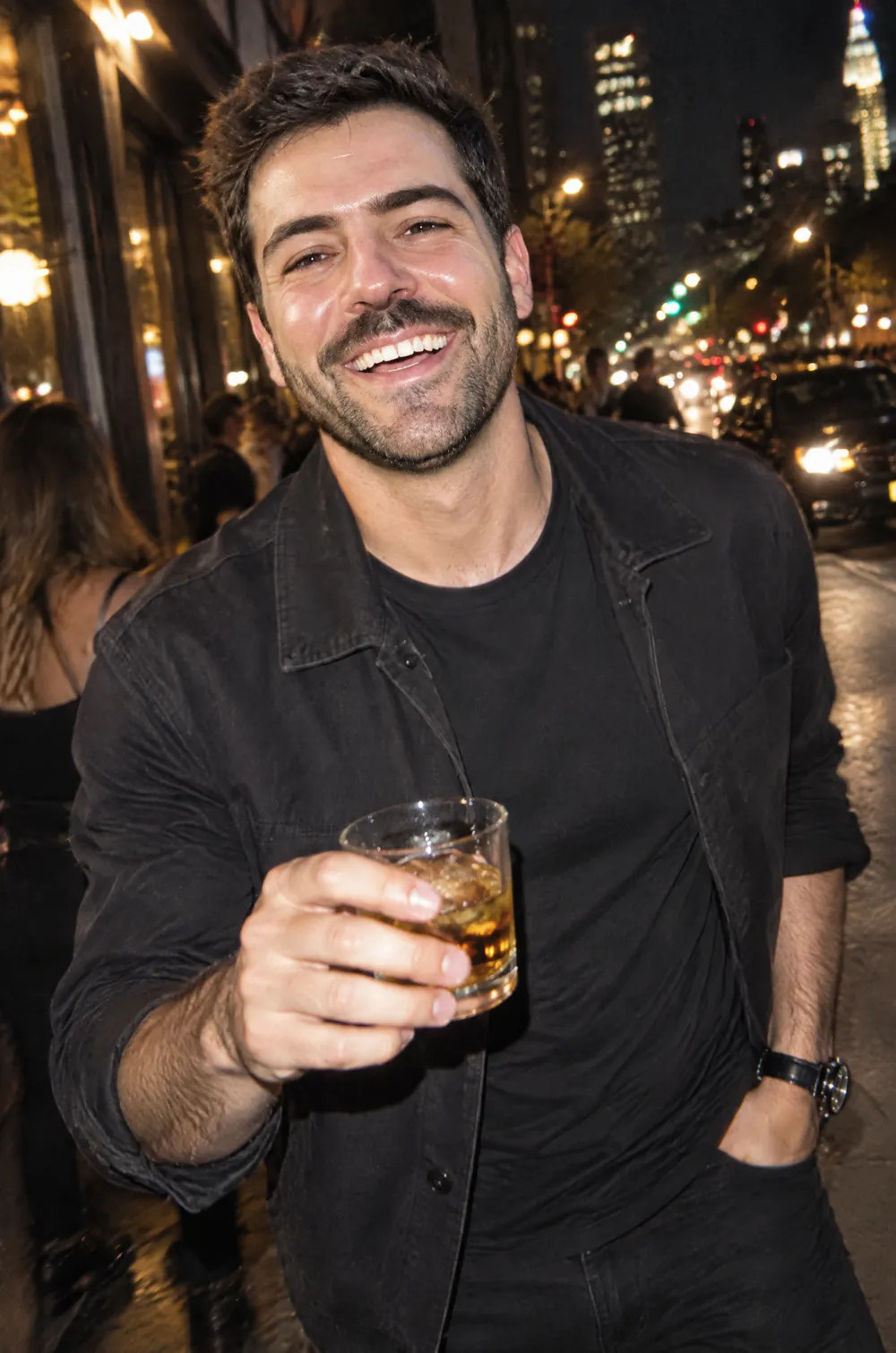
Who the Night Out Flash style suits
Birthday and party posts
A flash-lit portrait gives an ordinary evening the energy of a night out, even if the original photo was taken at a quiet table.
Outfit and fashion shots
The look keeps real colors and textures, so clothes, jewelry and makeup stay visible under the strong highlights.
Profile pictures with attitude
High contrast and deep shadows stand out in a crowded feed, and the candid framing keeps it from looking stiff.
Getting the best Night Out Flash result
- 1
Start with a clear face
A sharp photo with the face large in the frame holds up best. Strong flash removes subtle detail, so a blurry original gets even softer.
- 2
Expect the background to go dark
The look pushes the surroundings toward a dim, moody city night. A daytime photo can turn into an evening one, while the subject stays the same.
- 3
Keep your own outfit
This look changes the lighting, not the era, so your clothes stay recognizable. For an outfit swap, try the Y2K digital camera look.
- 4
Use 9:16 for stories and 3:4 for posts
Candid night photos usually fill a phone screen. The tall size composes the subject for a full-screen story, while 3:4 suits a feed post.
Ideas to try
- Photo: a person in a jacket on a city street, size 9:16
- Photo: two friends laughing together, size 3:4
- Photo: a dressed-up portrait at a restaurant, size 2:3
- Photo: a close selfie with a bright smile, size 1:1
What you download
Every design from the Photo Trend Maker comes with the files for the job, whichever style you choose:
- Vertical 1080×1920 JPG (9:16)
- Pinterest Pin 1000×1500 JPG (2:3)
- Portrait post 1080×1440 JPG (3:4)
- Square 1080×1080 JPG (1:1)
Questions about the Night Out Flash style
Will my daytime photo turn into a night scene?+
Often, yes. The look asks for a dim, moody city-night background, so the setting around you can change while you stay the same. Pick a different look if you want the original location to stay recognizable.
Does it change my clothes?+
No. Real colors and textures are kept. The look changes the lighting and the mood, not the decade of the outfit.
Why does the skin look shiny?+
Glossy skin highlights are a signature of direct flash, so the look includes them on purpose. Results vary, and you can generate again if the glare is too strong for your taste.
Can I use it for a couple or two friends?+
Yes. Two people standing close together work well, and the flash gives them a candid look. Larger groups are more likely to drift, so crop to the people you want.
Can I use the same photo with several looks?+
Yes. Every generation is a separate design and costs one credit, so you can run one photo through the night flash, the Y2K digital camera and the 80s flashback and compare. The faces stay recognizable in all of them, while the lighting and the era change.
What if the flash looks too harsh?+
Generate again. Every attempt gives different glare, shadows and framing, and one of them is usually closer to what you imagined. A photo that already has soft, even light tends to give a gentler result than one that is dark to begin with.