3D Toy Avatar Maker
This look turns a selfie into a premium collectible: a single floating head in soft vinyl, cut cleanly under the jaw, with ultra-smooth rounded forms, strong glossy highlights and sculpted, shiny hair finished with a playful accessory. Oversized retro wrap-around sunglasses in bold, coordinated colors complete the designer-toy look.
The head floats against a blue sky with soft clouds, lit like a studio render with clear highlights. Upload a straight-on selfie, choose a size and download a JPG. It is made for avatars, so the 1:1 square is the natural choice, and the head always sits fully inside the frame with comfortable margins.
This is the 3D Toy Avatar style of the Photo Trend Maker. The form on this page opens with it already selected.
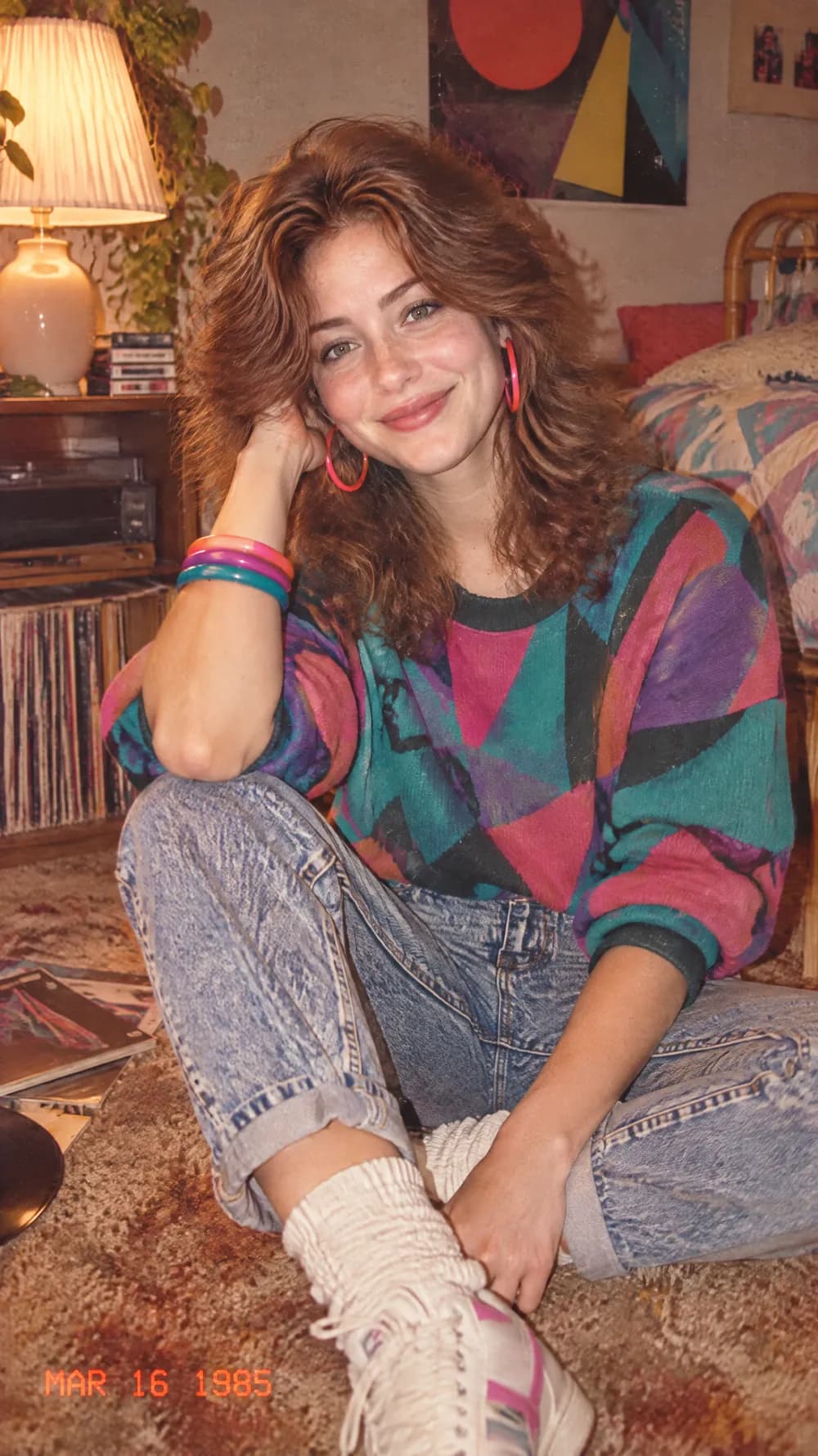
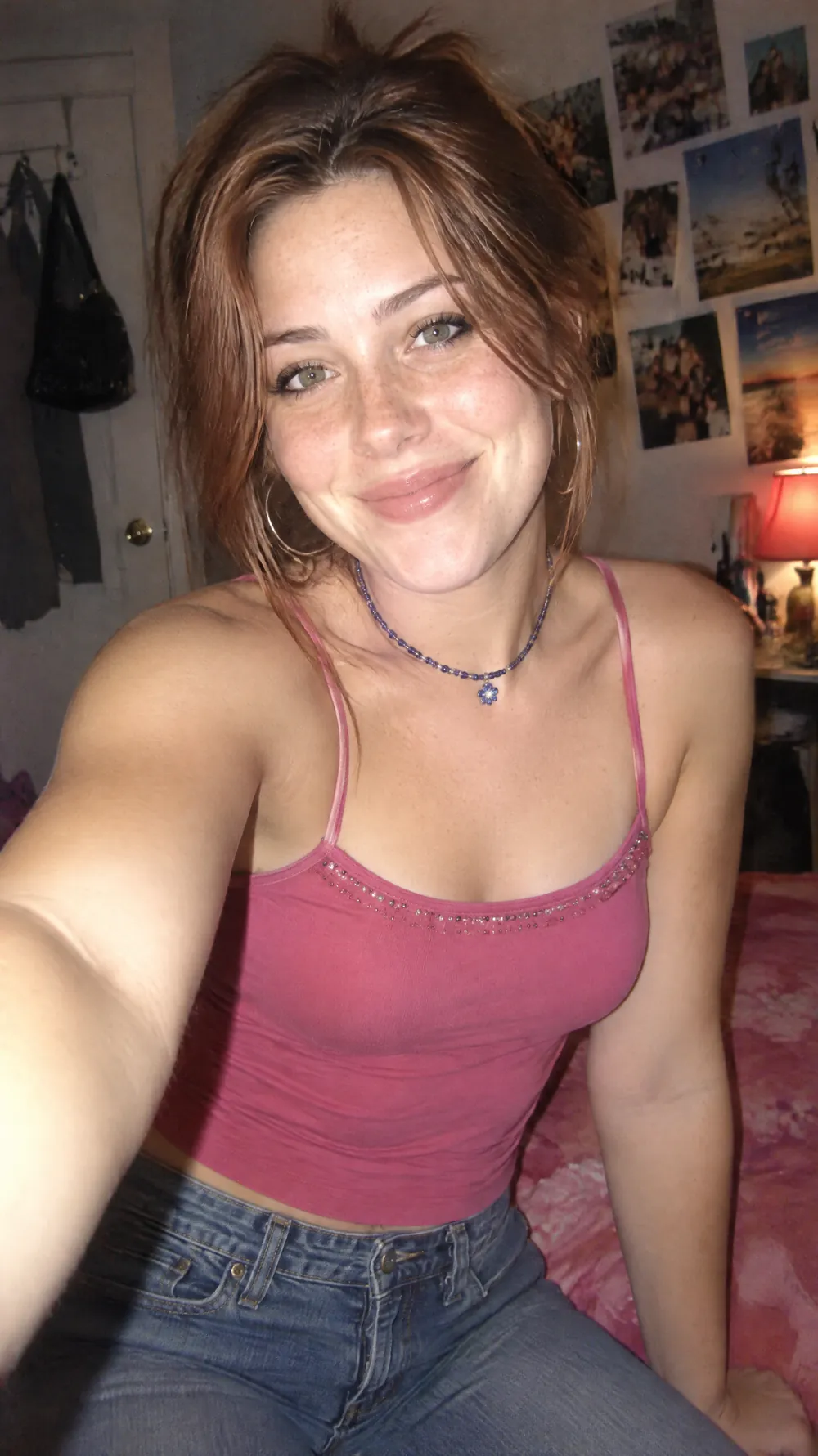
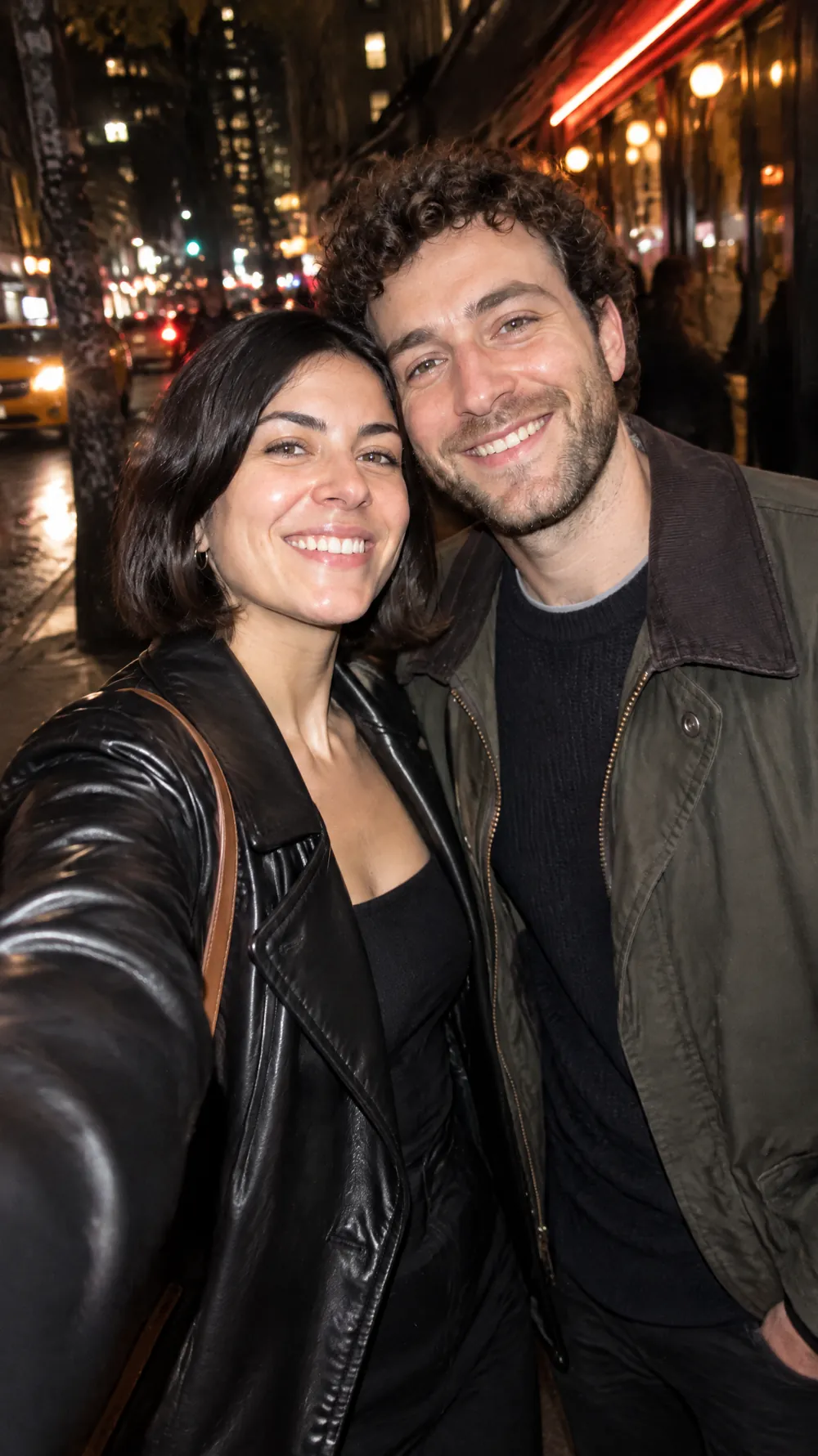
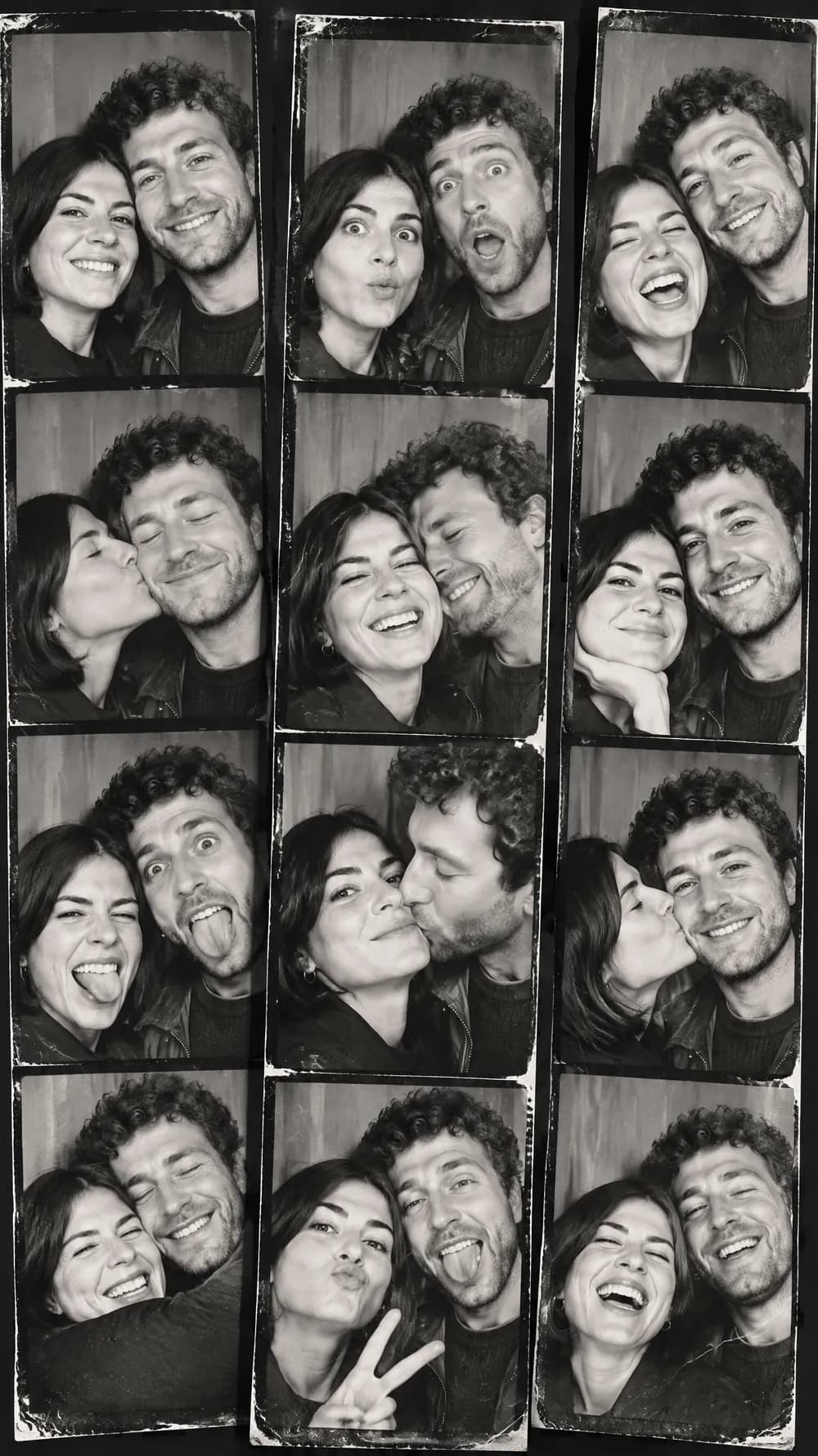
3D Toy Avatar examples


Who the 3D Toy Avatar style suits
Profile pictures
A glossy toy head looks like you but stands out in a feed full of standard headshots, so it works for personal and creator accounts.
Creators and community pages
Streamers, writers and community managers can use a toy avatar as a recognizable face for a channel, a newsletter or a chat server.
Team pages and fun profiles
A row of toy heads makes a friendly alternative to staff photos on an about page, while keeping each person recognizable.
Getting the best 3D Toy Avatar result
- 1
Use a straight-on photo with visible hair
The look sculpts your hair into shiny vinyl, so a clear view of the hairstyle and the face shape matters more than the background.
- 2
Accept the sunglasses
Oversized sunglasses are part of the style. If your own glasses or your eyes are a key part of your likeness, pick a different look.
- 3
Choose the square for avatars
Most profile pictures are shown in a circle or a square. The 1:1 size keeps the head centered, while 9:16 adds more sky above and below.
- 4
Check the crop under the jaw
The head should be cut cleanly under the jaw with the neck visible and nothing duplicated. If it looks wrong, generate again.
Ideas to try
- Photo: a smiling selfie with short hair, size 1:1
- Photo: a portrait with long curly hair, size 1:1
- Photo: a front-facing headshot in daylight, size 3:4
- Photo: a close selfie with a beard, size 9:16
What you download
Every design from the Photo Trend Maker comes with the files for the job, whichever style you choose:
- Vertical 1080×1920 JPG (9:16)
- Pinterest Pin 1000×1500 JPG (2:3)
- Portrait post 1080×1440 JPG (3:4)
- Square 1080×1080 JPG (1:1)
Questions about the 3D Toy Avatar style
Will it keep my glasses?+
Not reliably. The look adds oversized retro sunglasses as part of the design, so your own glasses are usually replaced. If they are essential to how you look, choose another style.
Can I get a transparent background?+
No. The blue sky with soft clouds is part of the picture, and the file is a JPG. If you need a cutout, remove the background in an image editor afterwards.
Is it a 3D model file?+
No. It is a flat image that looks like a 3D render. You cannot rotate it or 3D-print it. If you want a physical keepsake, use the picture as a reference for an illustrator or a toy maker instead.
How is it different from the bobblehead?+
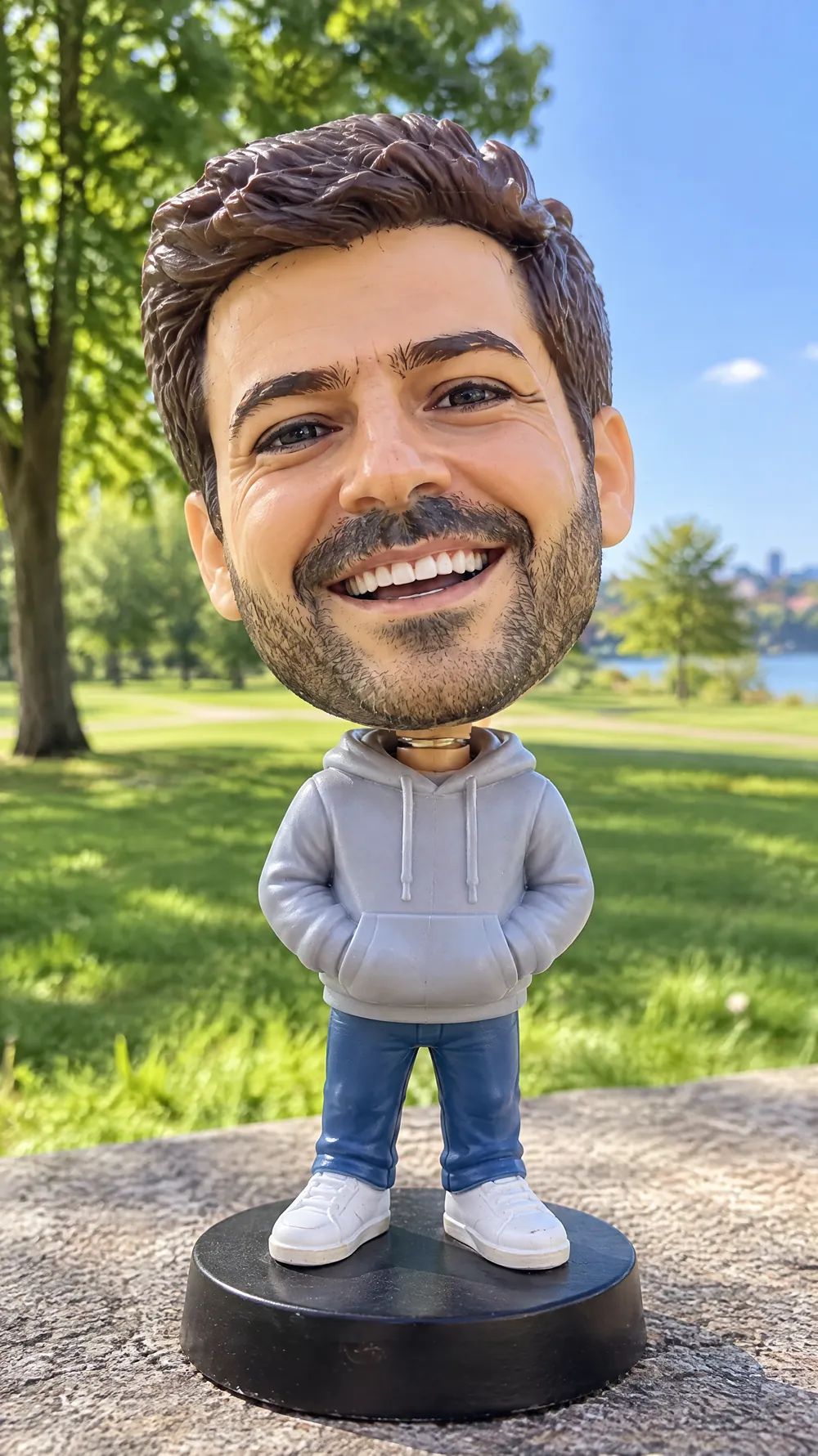
The toy avatar is a glossy head only, with sunglasses and a sky background. The bobblehead is a full plastic figure on a base, photographed like a product.
Does it work with a pet?+
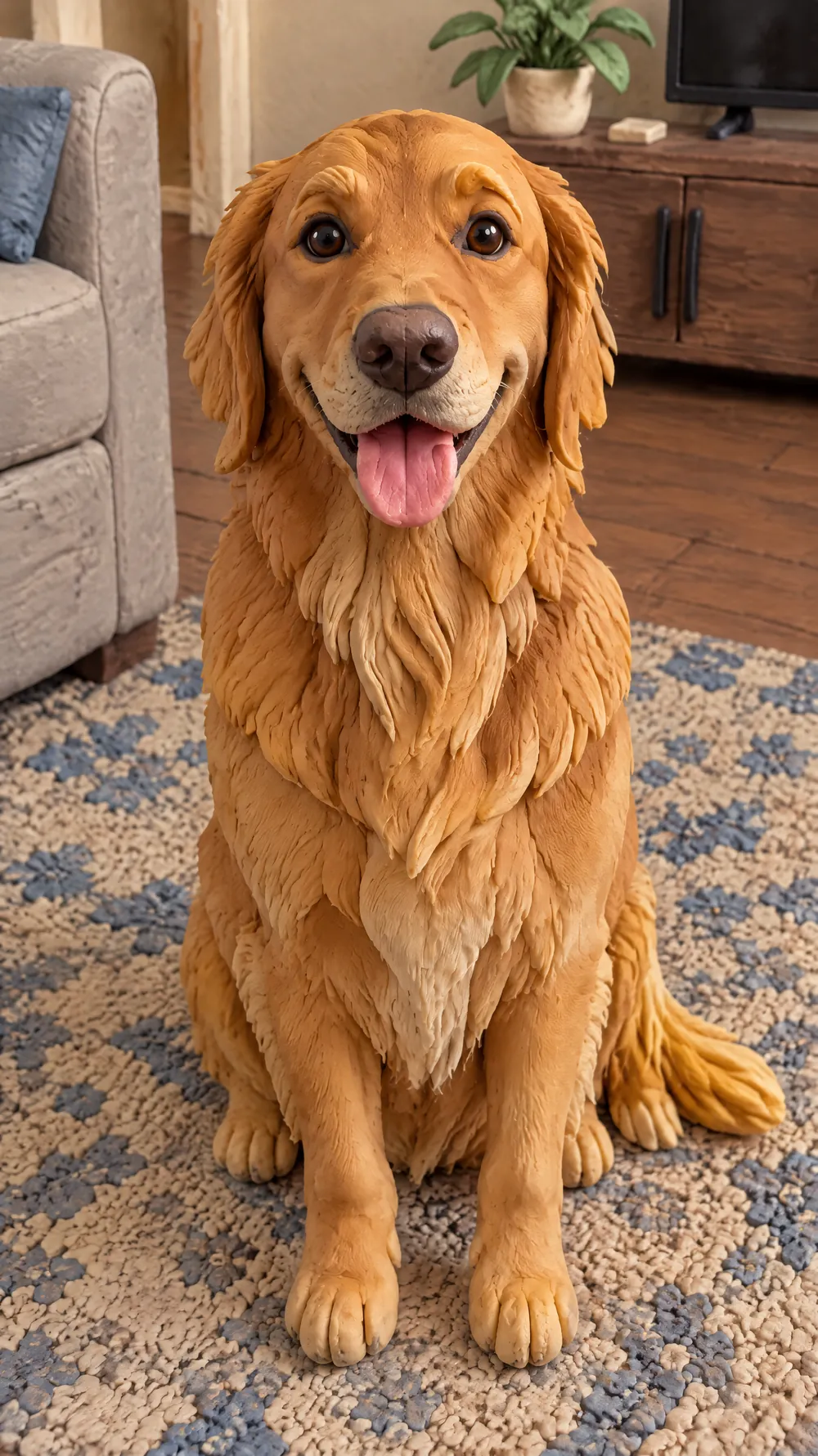
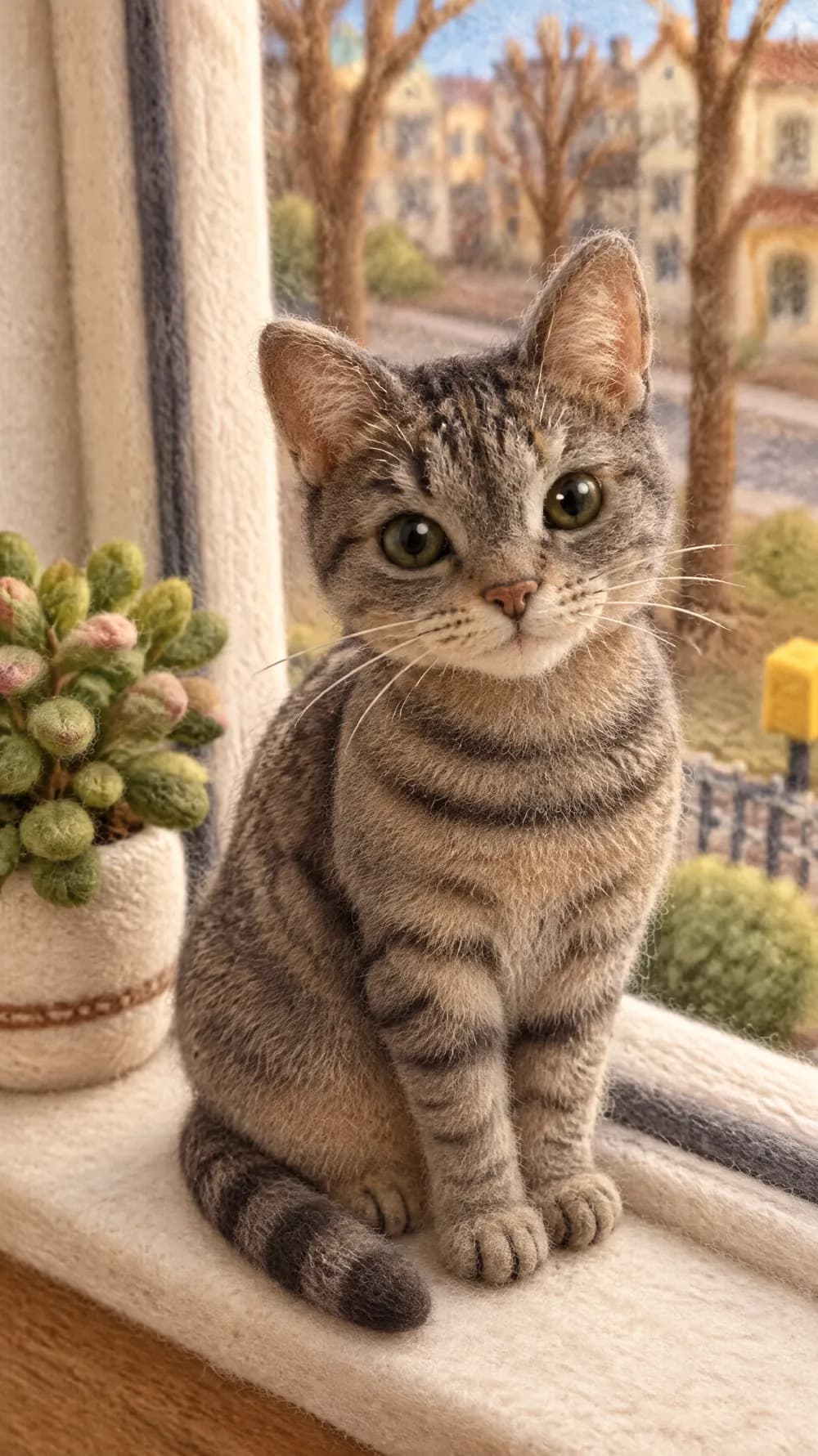
The look is written for people, so pet photos are less predictable. For pets, the claymation and felt miniature looks are a safer choice.