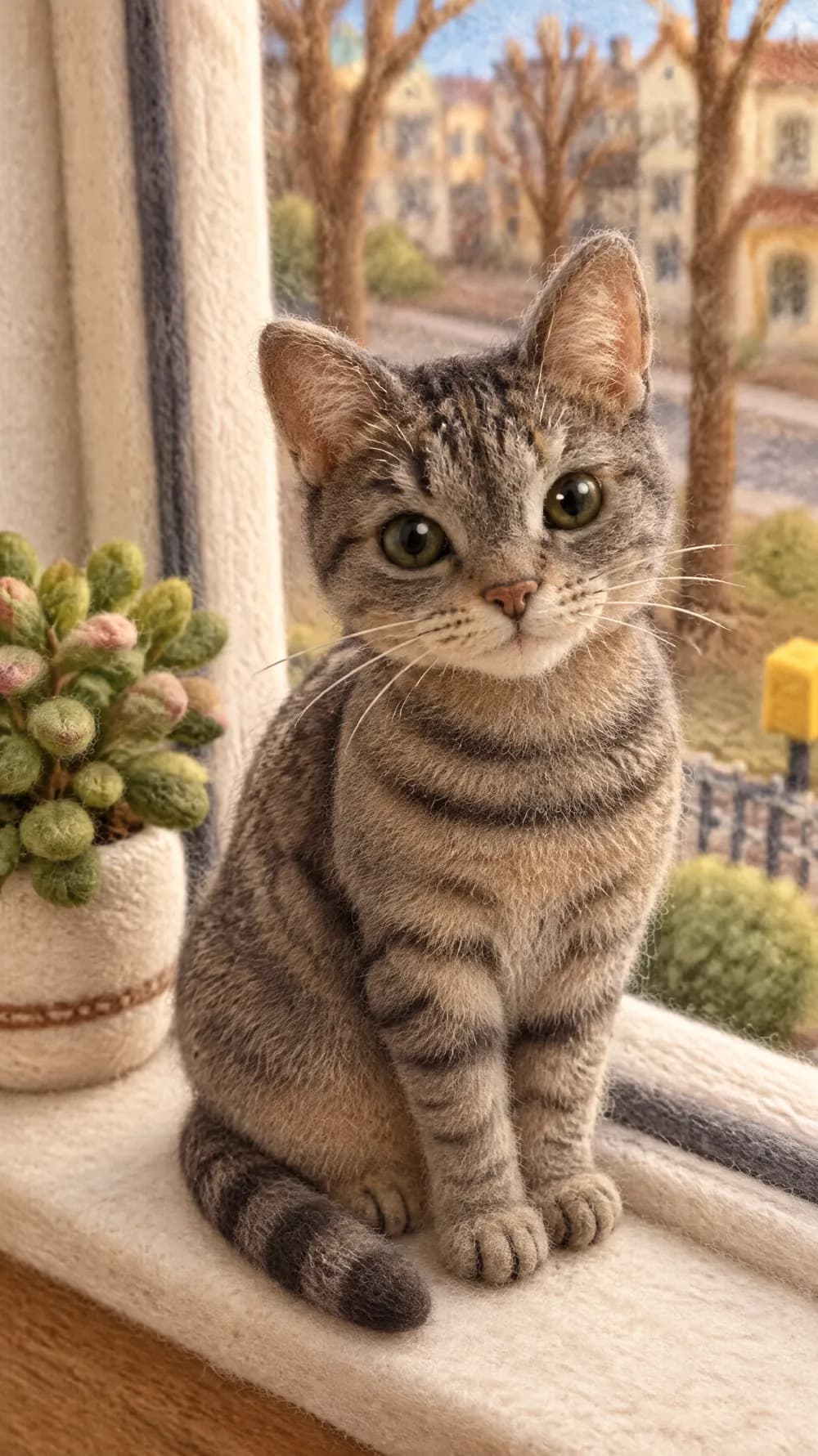
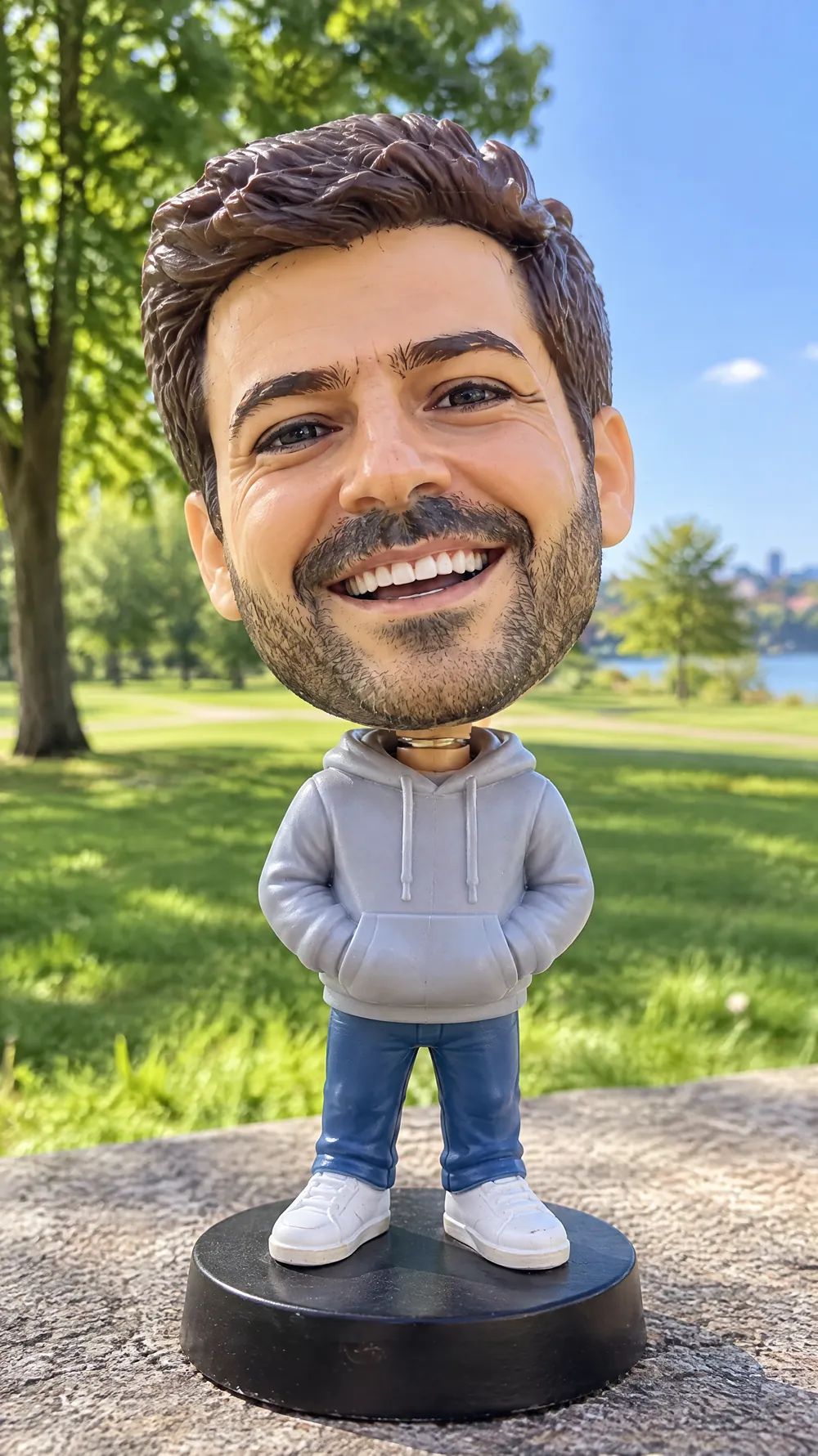
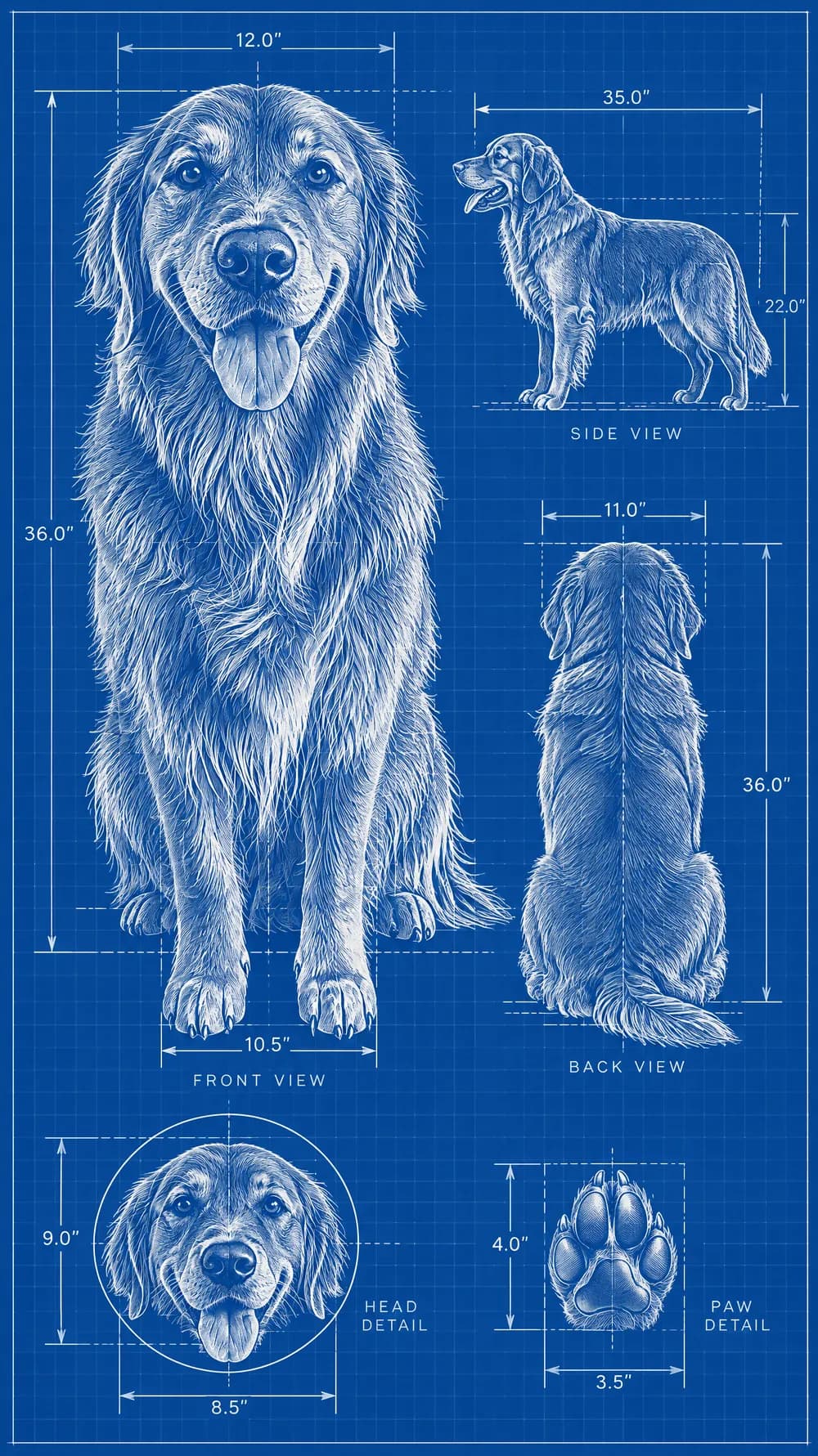
Marble Statue Photo Maker
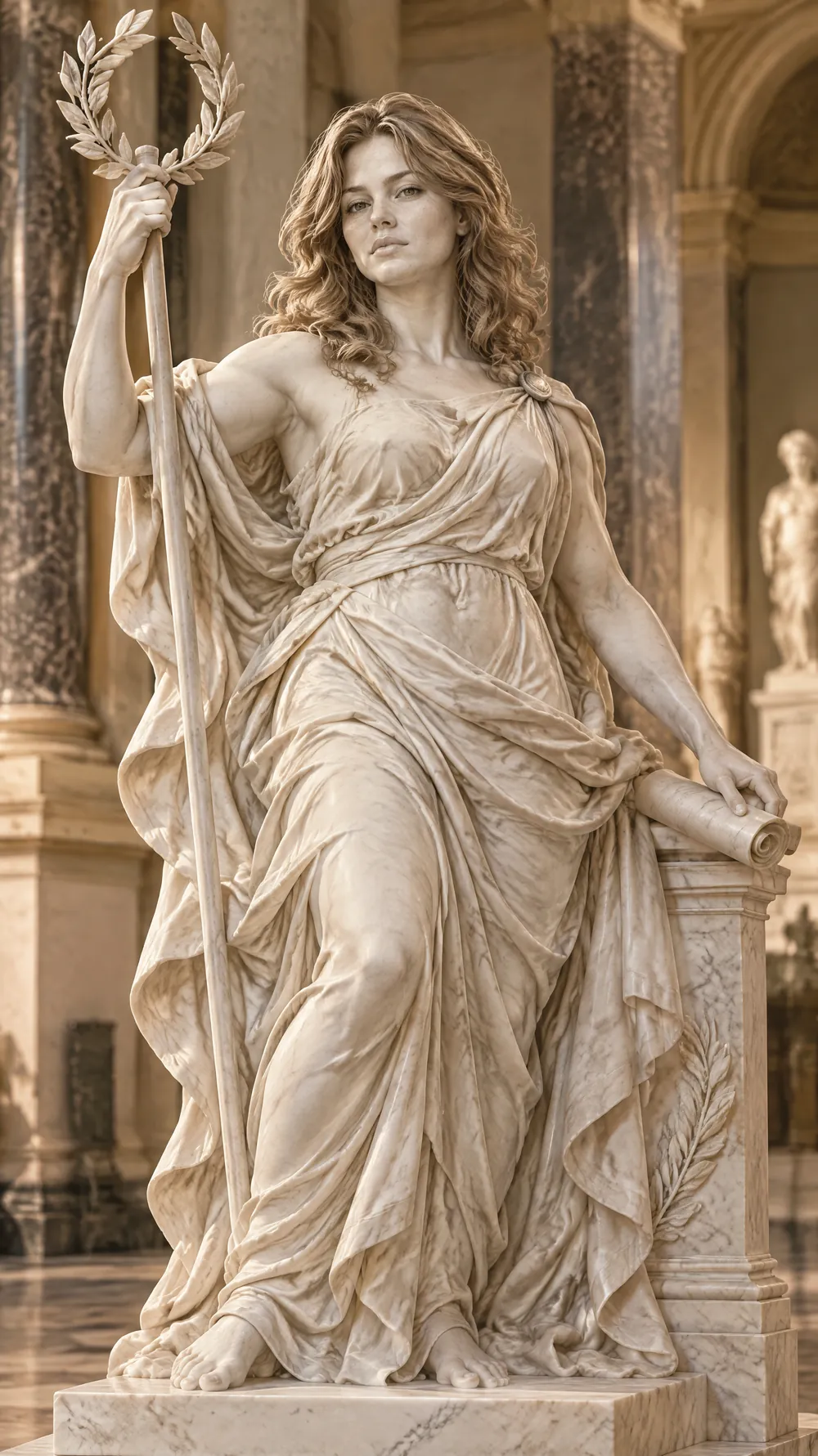
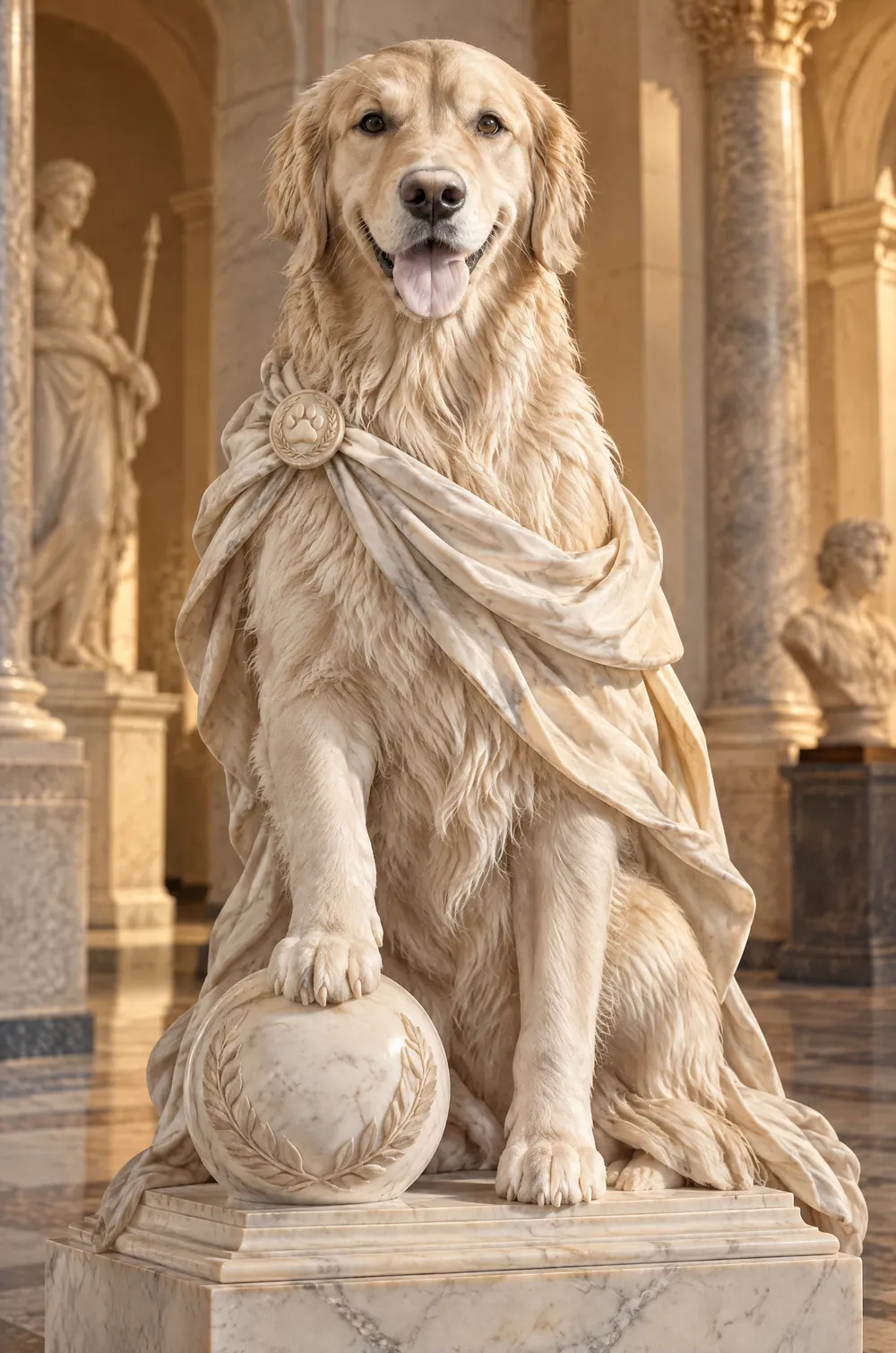
This look carves your photo into a Greek-style statue in white Carrara marble. If the photo shows a person, they become a heroic allegorical figure in a dynamic pose, with flowing drapery, a confident stance and a serious expression, while the structure of their face stays recognizable. The statue stands in a museum hall under warm gallery light with dramatic, realistic shadows.
The result is photorealistic, with natural perspective and a medium depth of field. Elements from your photo, such as a pet or an object, can be echoed in the sculpture. If the photo does not show a person, the look does not add one. Upload a portrait or a pet, choose a size and download a JPG.
This is the Marble Statue style of the Photo Trend Maker. The form on this page opens with it already selected.
Marble Statue examples
Who the Marble Statue style suits
Dramatic profile pictures
A marble version of yourself has a serious, timeless feel that stands apart from ordinary selfies.
Pets and objects
A dog or a cat as a classical sculpture is a funny gift picture, and the effect works without a person in the frame.
Birthday jokes and cards
Immortalize the birthday person or a retiring colleague in marble for a card, a toast slide or a group message.
Getting the best Marble Statue result
- 1
Start with a strong, clear face
Marble sculptures are about structure. A sharp photo that shows the shape of the face, the brow and the jaw gives the AI something to carve.
- 2
Expect drapery instead of your clothes
The look turns outfits into flowing classical drapery and changes the pose. Your clothes will not survive, but your features should.
- 3
Try it with a pet photo
Without a person in the picture, the look sculpts the animal itself, which often gives the most charming results.
- 4
Choose a tall size for the full statue
The 9:16 and 2:3 sizes leave room for the pedestal and the museum hall. The 1:1 size frames the figure more tightly.
Ideas to try
- Photo: a serious portrait looking off to the side, size 2:3
- Photo: a golden retriever sitting upright, size 9:16
- Photo: a person in daylight with a calm expression, size 3:4
- Photo: a cat sitting on a windowsill, size 1:1
What you download
Every design from the Photo Trend Maker comes with the files for the job, whichever style you choose:
- Vertical 1080×1920 JPG (9:16)
- Pinterest Pin 1000×1500 JPG (2:3)
- Portrait post 1080×1440 JPG (3:4)
- Square 1080×1080 JPG (1:1)
Questions about the Marble Statue style
Does it copy a real museum statue?+
No. It creates a new neoclassical figure in a Greek-inspired style, so the result is not a copy of any named sculpture or museum piece. Real museum statues are usually the work of named artists, so the look invents a fresh figure instead.
Will my pose change?+
Yes. The look places a person in a dynamic, heroic pose with flowing drapery. If you want to keep your pose and clothes, choose a different look.
How accurate is the face?+
The instructions keep the structure of the face recognizable, but sculpture simplifies details. Skin texture, small freckles and expressions soften into smooth marble.
Can my pet become a statue?+
Yes. If the photo shows only an animal, the look sculpts the animal and does not add a person. The result is usually a charming and funny picture.
Is the color always white?+
The statue is white Carrara-style marble, with warm light and shadows from the museum setting. For a color-rich handmade look, try the claymation look.