16-bit Arcade Fighter Maker
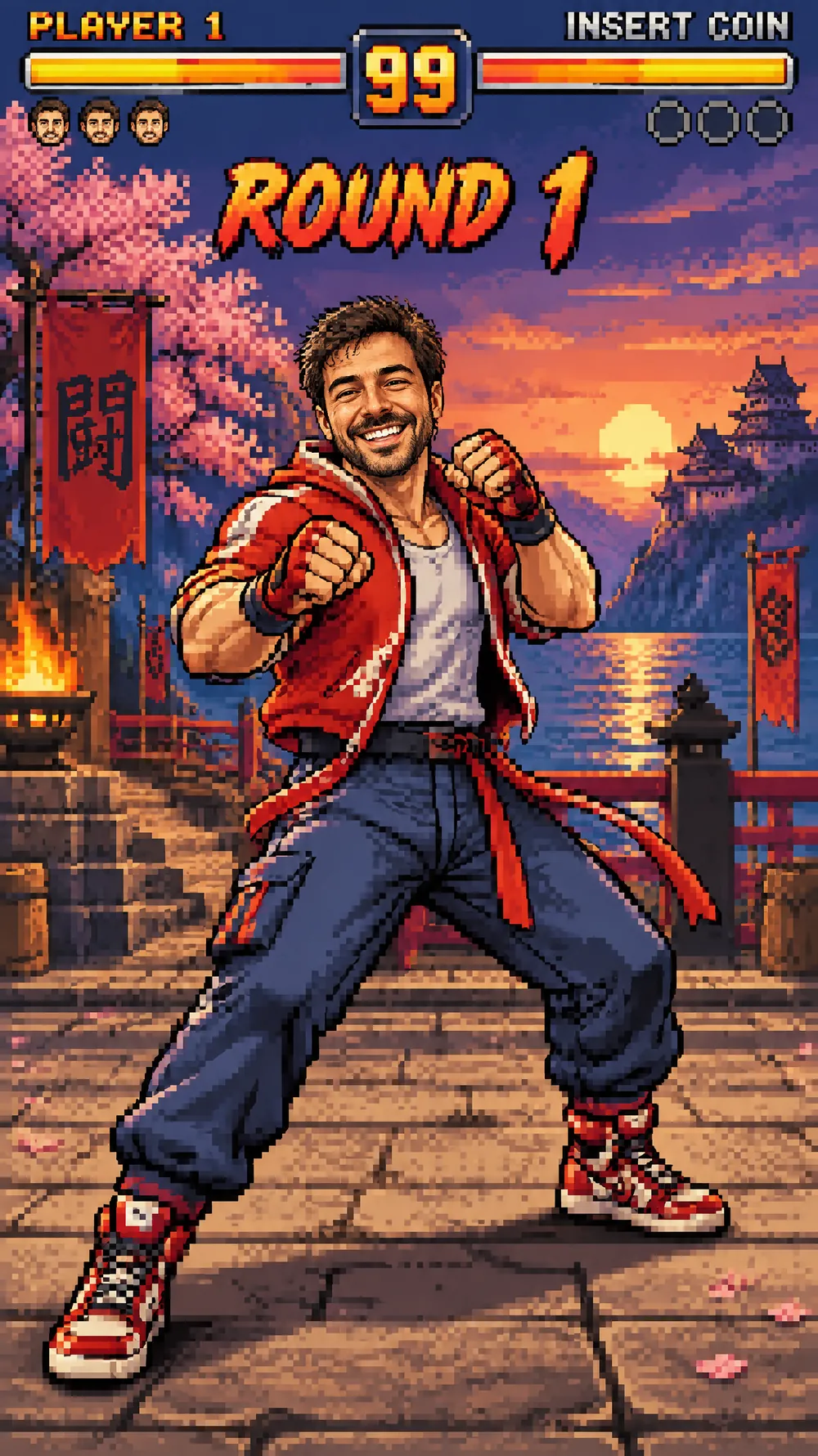
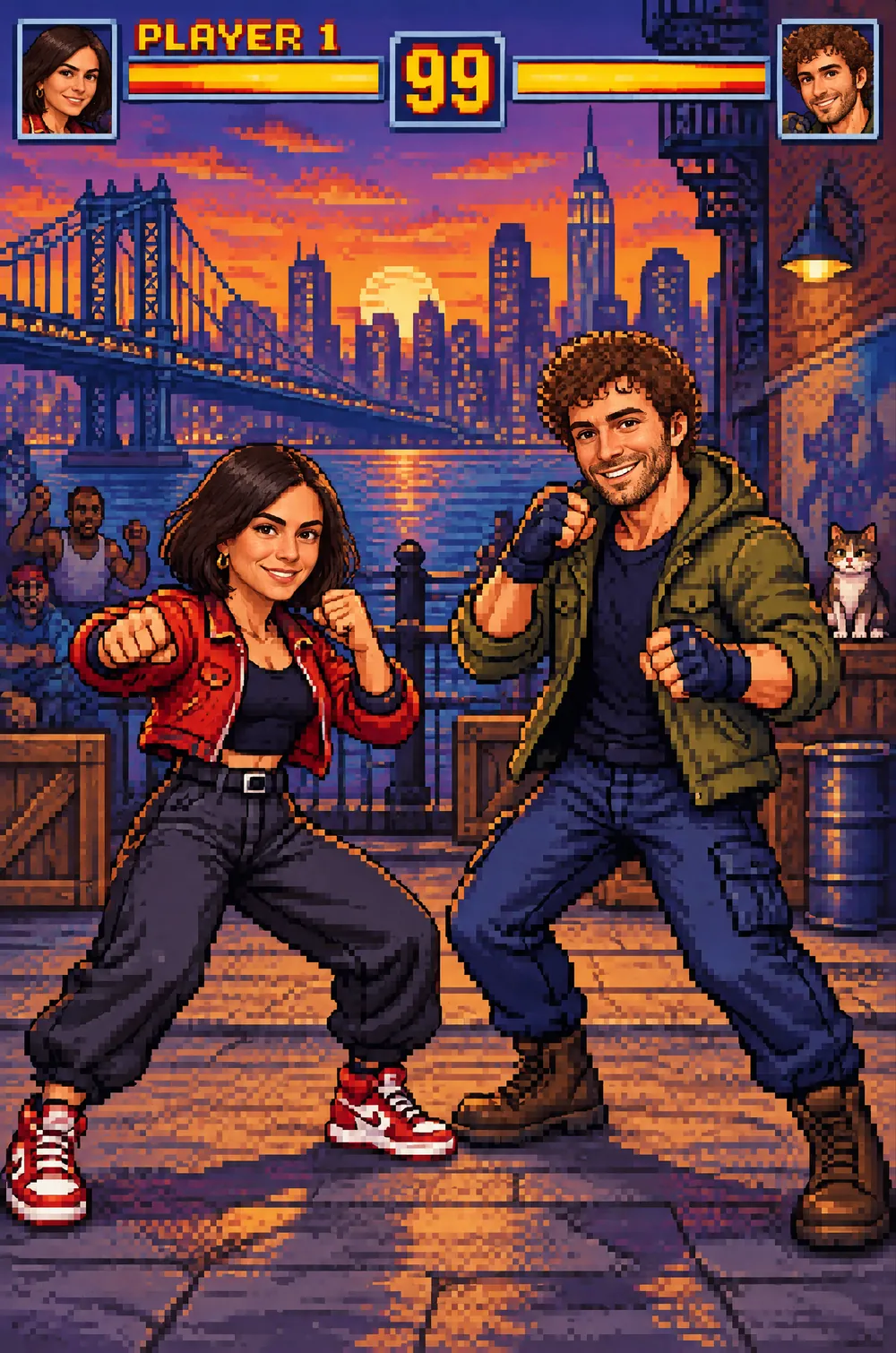
This look redraws you as a full-body pixel-art fighter in an expressive pose, standing on a detailed side-view stage built from layered pixel scenery. Your hair, skin tone and outfit colors carry over, while the outfit itself is redesigned into a bold, readable arcade character, with PLAYER 1 above a health bar and other period-style interface elements.
The style is authentic limited-palette pixel art with hard edges and no smooth vector polish. Upload a photo that shows your body, pick a size and download a JPG. It is an original character in a generic arcade style, not a copy of any existing game.
This is the 16-bit Arcade Fighter style of the Photo Trend Maker. The form on this page opens with it already selected.
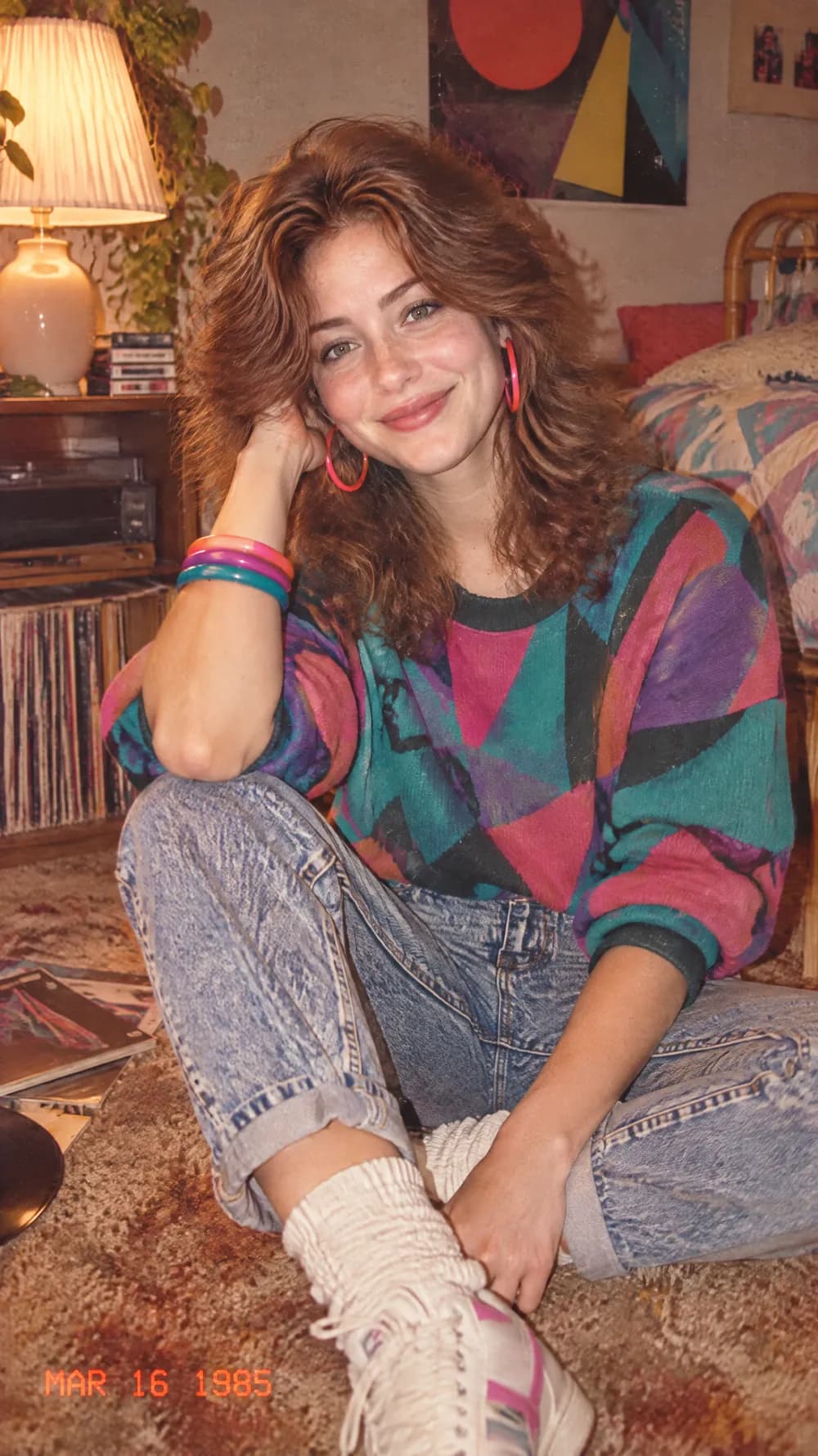
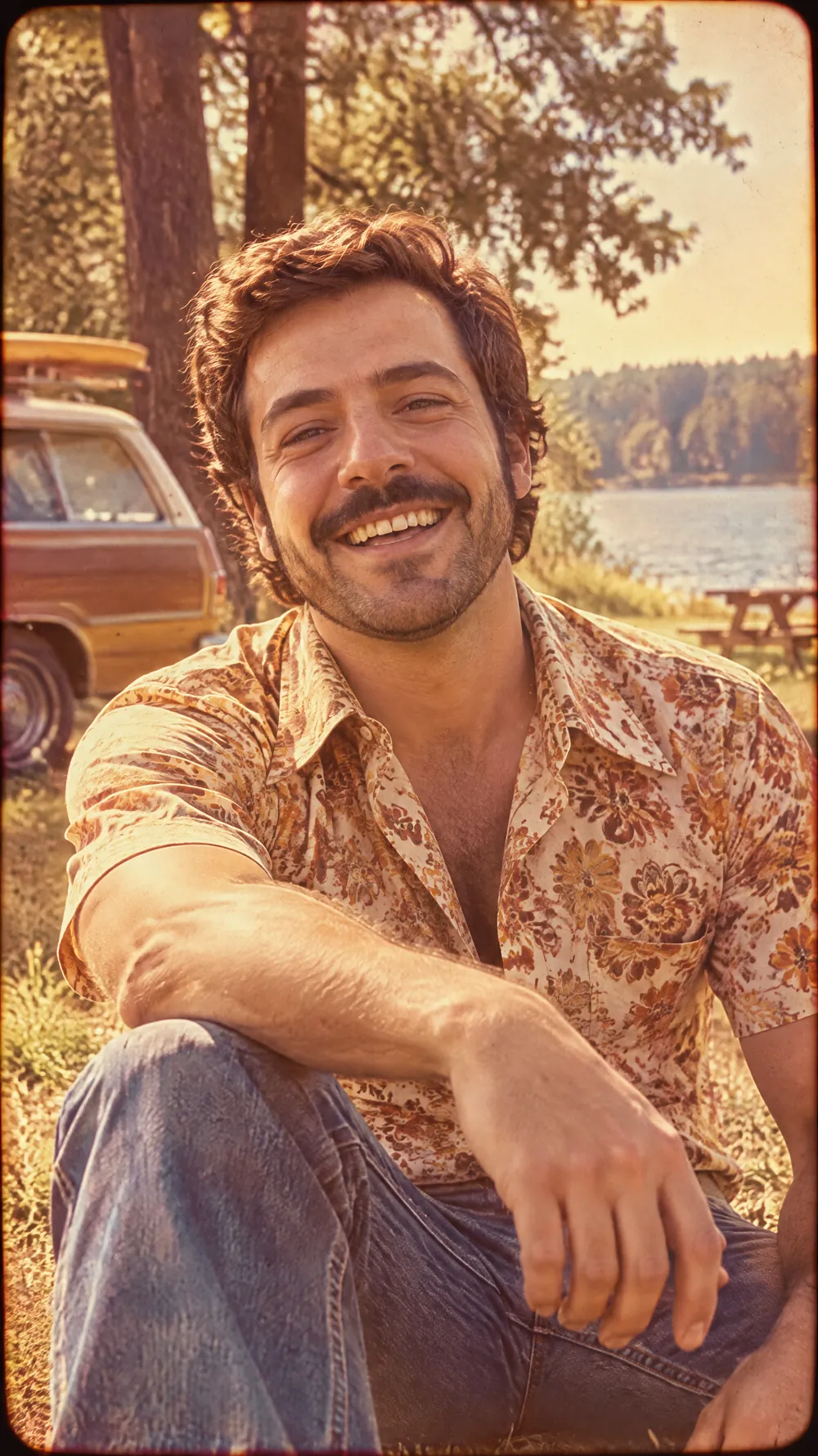
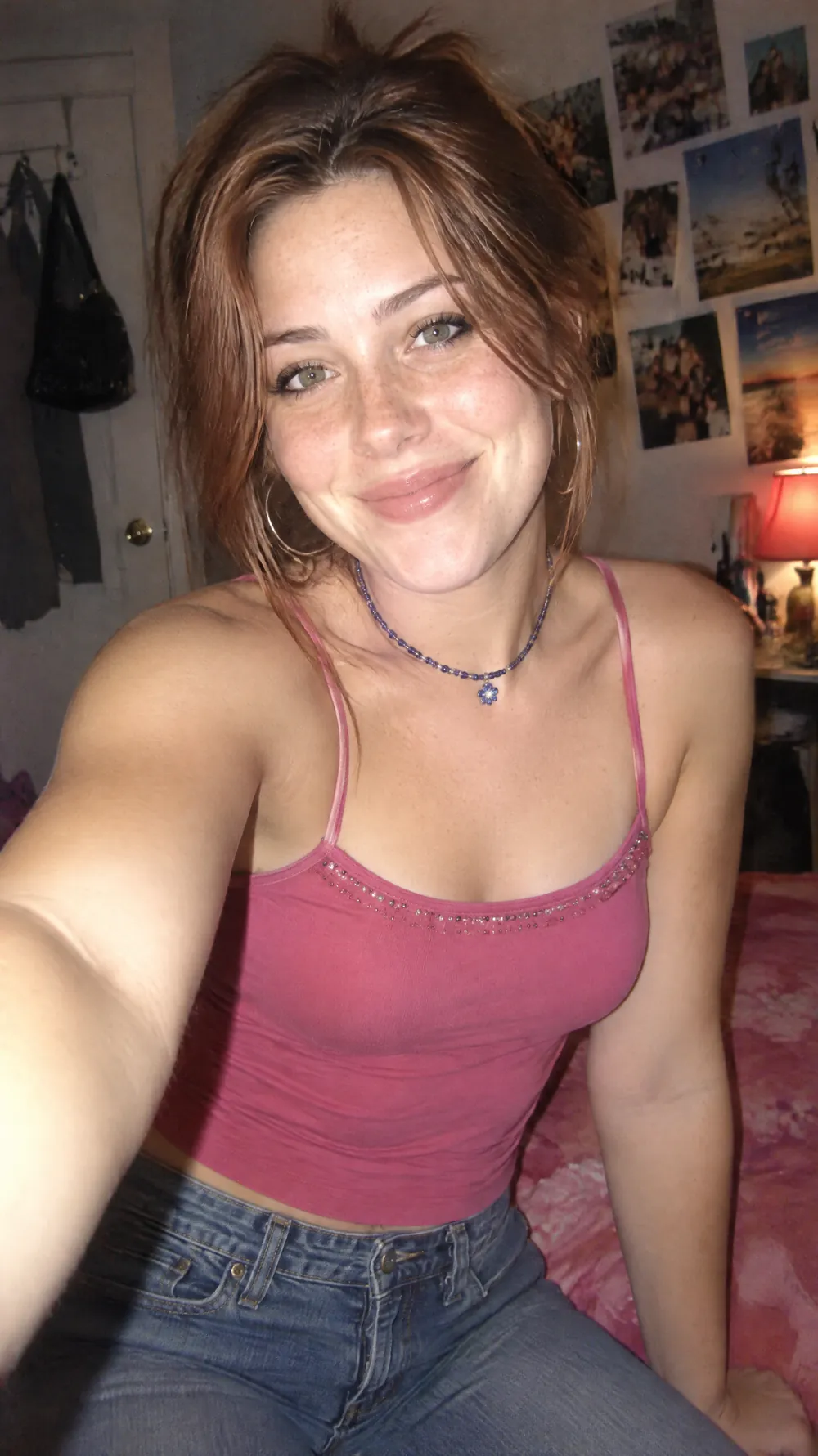
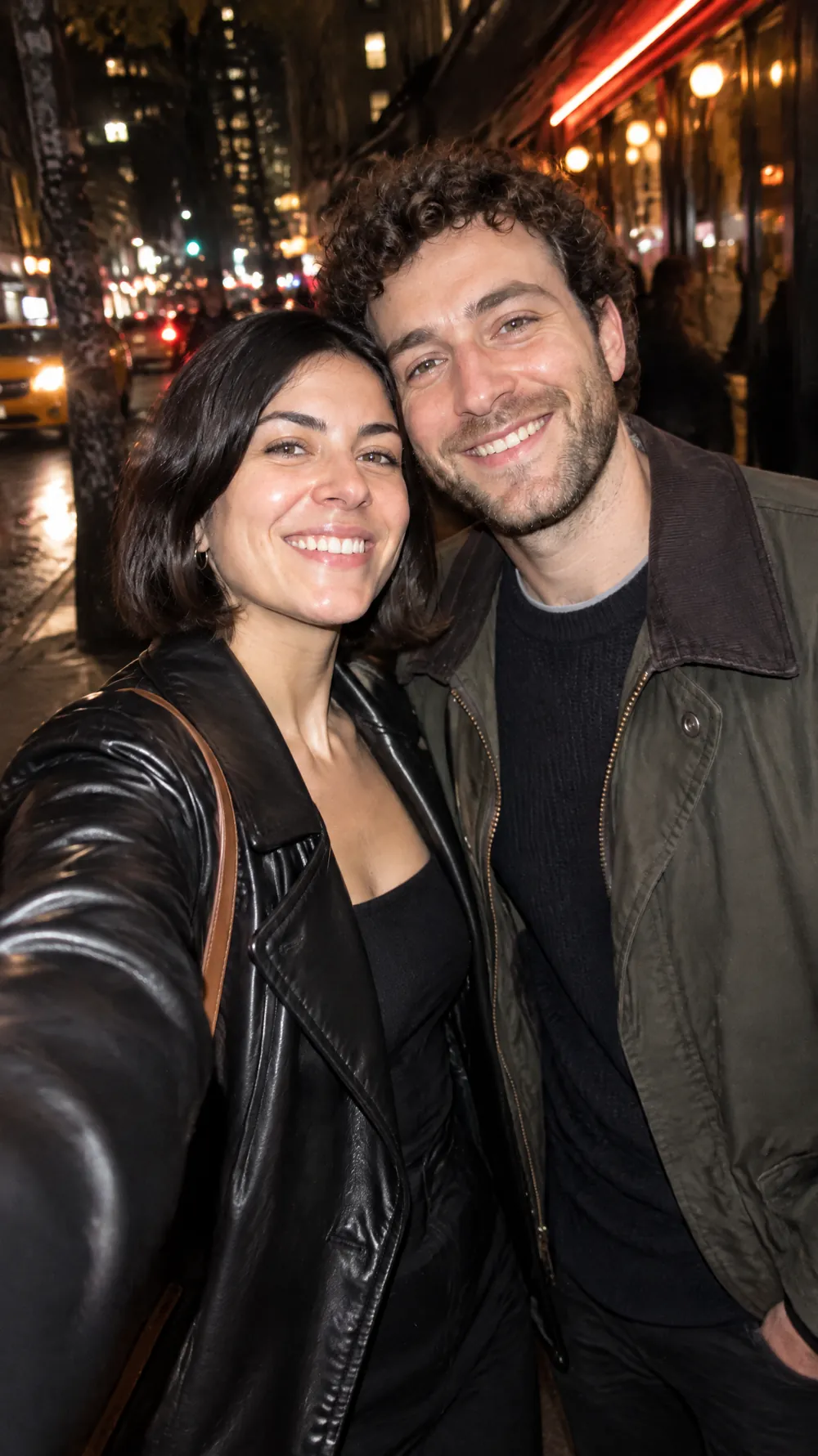
16-bit Arcade Fighter examples
Who the 16-bit Arcade Fighter style suits
Gamers and streamers
A fighter version of yourself works as a channel picture, a banner idea or a fun intro image for a stream.
Game-night and party invitations
Send friends a versus-screen style picture for a game night, a birthday with a gaming theme or a tournament at home.
Humorous posts and team intros
Turn a colleague or a friend into a fighter for a joke announcement, a leaderboard post or a team welcome.
Getting the best 16-bit Arcade Fighter result
- 1
Show more than the face
A waist-up or full-body photo gives the AI an outfit and a stance to redesign. A tight face crop leaves it guessing the rest.
- 2
Hair and skin tone carry the likeness
Pixel art removes fine detail, so the character recognizes you through hair color and style, skin tone and the colors of your clothes.
- 3
Proofread the interface text
The screen shows PLAYER 1 and other short interface labels. AI can misspell small text, so read it and generate again if a letter is wrong.
- 4
Square gives the most balanced stage
The 1:1 size keeps the fighter centered with room for the scenery. Tall sizes turn the stage into a vertical version with more sky and ground.
Ideas to try
- Photo: a full-length photo of a person standing, size 1:1
- Photo: a waist-up photo with a bold jacket, size 9:16
- Photo: a friend with colorful hair, size 3:4
- Photo: a person in sportswear, size 2:3
What you download
Every design from the Photo Trend Maker comes with the files for the job, whichever style you choose:
- Vertical 1080×1920 JPG (9:16)
- Pinterest Pin 1000×1500 JPG (2:3)
- Portrait post 1080×1440 JPG (3:4)
- Square 1080×1080 JPG (1:1)
Questions about the 16-bit Arcade Fighter style
Does it always say PLAYER 1?+
The instructions ask for PLAYER 1 above a health bar, but the AI sometimes changes the label or misplaces it. Read it before you post, since you cannot edit the text afterwards.
Will it copy a famous game?+
No. The look asks for an original character in a generic arcade style and does not use names, characters or logos from existing games.
Is it real pixel art?+
It imitates the look, with limited colors and hard edges, but the AI does not always keep a perfect pixel grid. It is a picture to enjoy, not a sprite sheet for game development.
Can I use it as a game character sprite?+
Not directly. The result is a flat, single image with a background and no animation frames, so you would need to redraw it by hand to use it in a game.
Why did my outfit change?+
The look redesigns the outfit as a readable arcade costume while keeping its colors. If you want to keep your real clothes, the night out flash look keeps them.