

Christmas Card Photo Maker
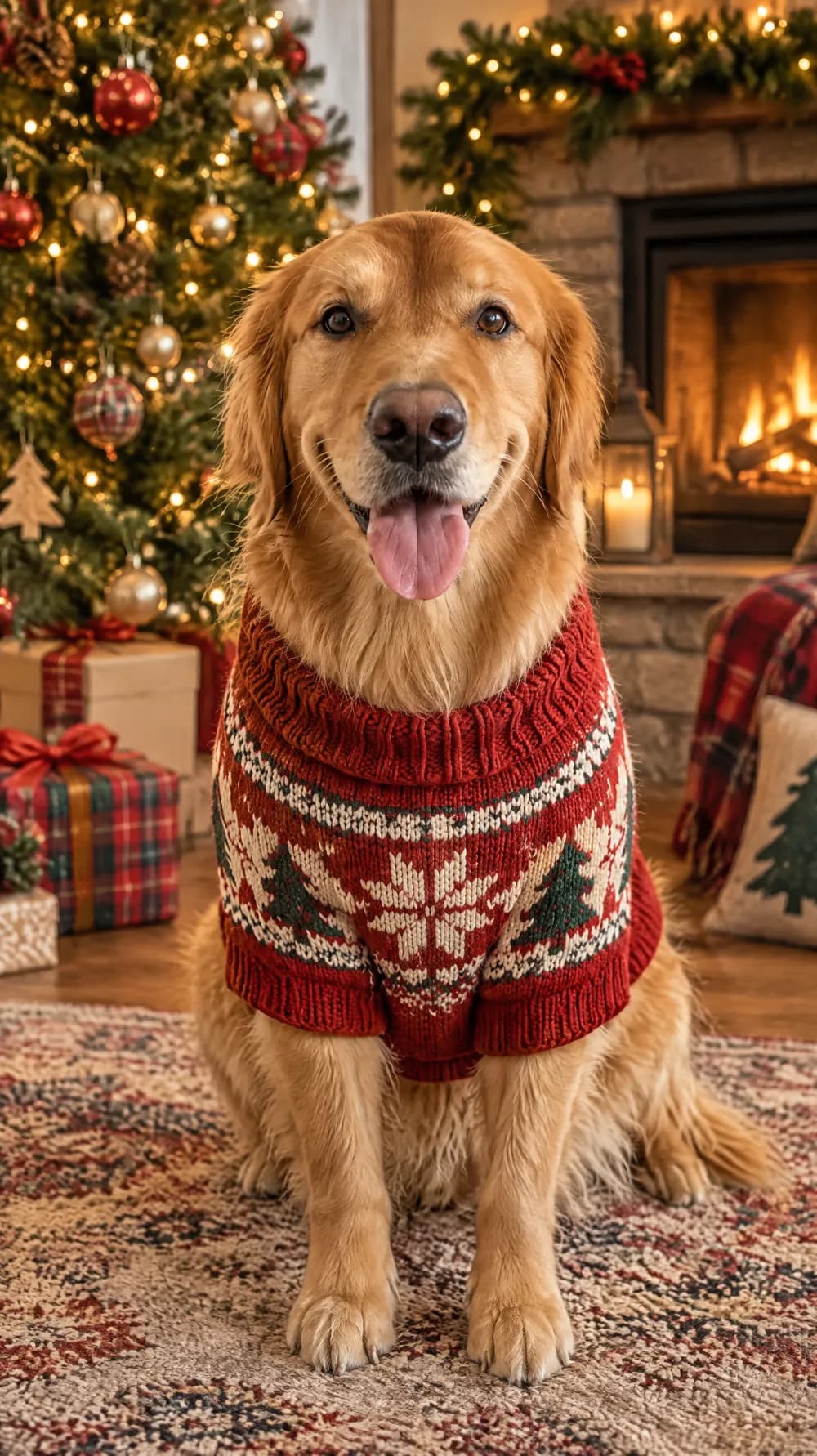
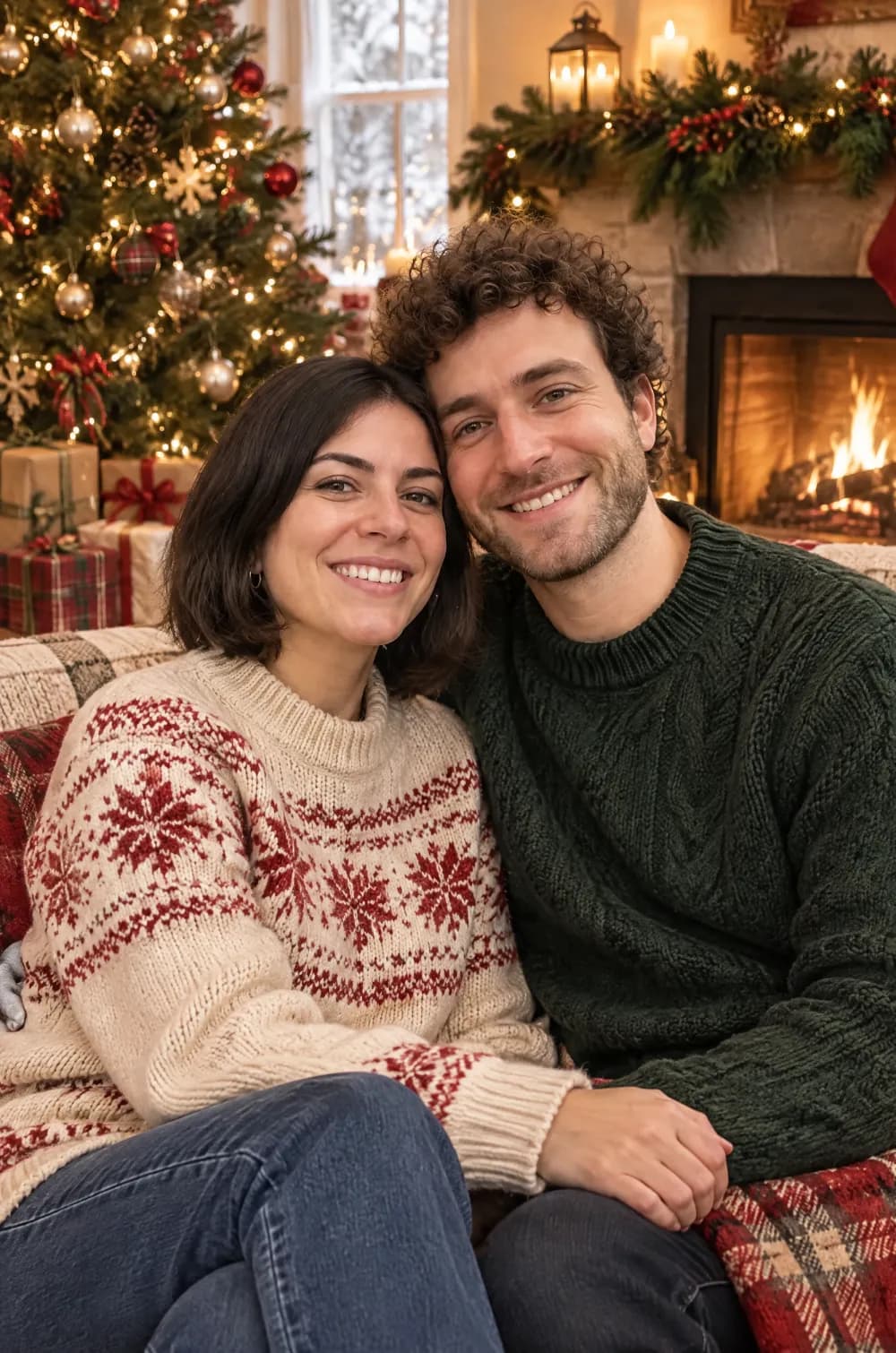
The Christmas card portrait puts the people or pets in your photo into a cozy living room set up for the holidays. They wear chunky knit sweaters or soft winter clothes in festive reds, creams and forest greens, with a decorated tree, string lights, wrapped gifts, pine garland and a glowing fireplace behind them.
The picture is composed like a professional family card, with warm window and firelight and a shallow depth of field. Upload one photo, pick a size and create. The faces stay recognizable, and the look asks for no text, so you can add your own greeting in another app.
This is the Christmas Card Portrait style of the Photo Trend Maker. The form on this page opens with it already selected.
Christmas Card Portrait examples
Who the Christmas Card Portrait style suits
Couples and families on a card
One to three people close together suit the look best. Keep the face large in the original photo so it stays recognizable.
Pets in a holiday scarf
If your photo shows a dog or a cat, it gets a small ribbon or a tiny knitted scarf. The look is told not to add an animal that is not in your photo.
Pins, stories and group chats
Choose 2:3 for a Pinterest Pin, 9:16 for a story and 3:4 for a portrait post. The warm, tidy composition also works as a greeting in a family chat.
Getting the best Christmas Card Portrait result
- 1
Start with a bright, close photo
Window light and a face that fills a good part of the frame keep the likeness best. A dark photo gives the AI less to hold on to.
- 2
Expect a new outfit and a new room
The clothes and the background are replaced with winter knits and a decorated living room. If you want to keep your own outfit, choose another look.
- 3
Leave the greeting for later
The look draws no text, so add your own words in a card or messaging app. The tree and the garland fill the top of the frame, so place a greeting over a calm area, or use a card layout with its own text panel.
- 4
Mind the file size for prints
The 2:3 shape matches a 4×6 inch print, but the file is 1000×1500 px, so it suits screens and small prints better than large ones.
Ideas to try
- Photo: a couple sitting close together, size 2:3
- Photo: a dog looking at the camera, size 9:16
- Photo: a selfie in window light, size 3:4
- Photo: two friends side by side, size 1:1
What you download
Every design from the Photo Trend Maker comes with the files for the job, whichever style you choose:
- Vertical 1080×1920 JPG (9:16)
- Pinterest Pin 1000×1500 JPG (2:3)
- Portrait post 1080×1440 JPG (3:4)
- Square 1080×1080 JPG (1:1)
Questions about the Christmas Card Portrait style
Can I use it as a Christmas card?+
Yes. Download the JPG and use it in a message, a digital card or a small print. The look asks for no text, so you add your own greeting in another app. For print, remember that a 2:3 file is 1000×1500 px.
Will it add my pet?+
Only if the photo shows one. If it does, the pet gets a small ribbon or a tiny knitted scarf. The look is told not to add a person or an animal that is not in your photo.
Does it look like a real photo?+
That is the goal: it is composed like a professional holiday portrait. It is still an AI image, so zoom in on hands, faces and small decorations, and generate again if something is off.
How is it different from the 80s flashback?+
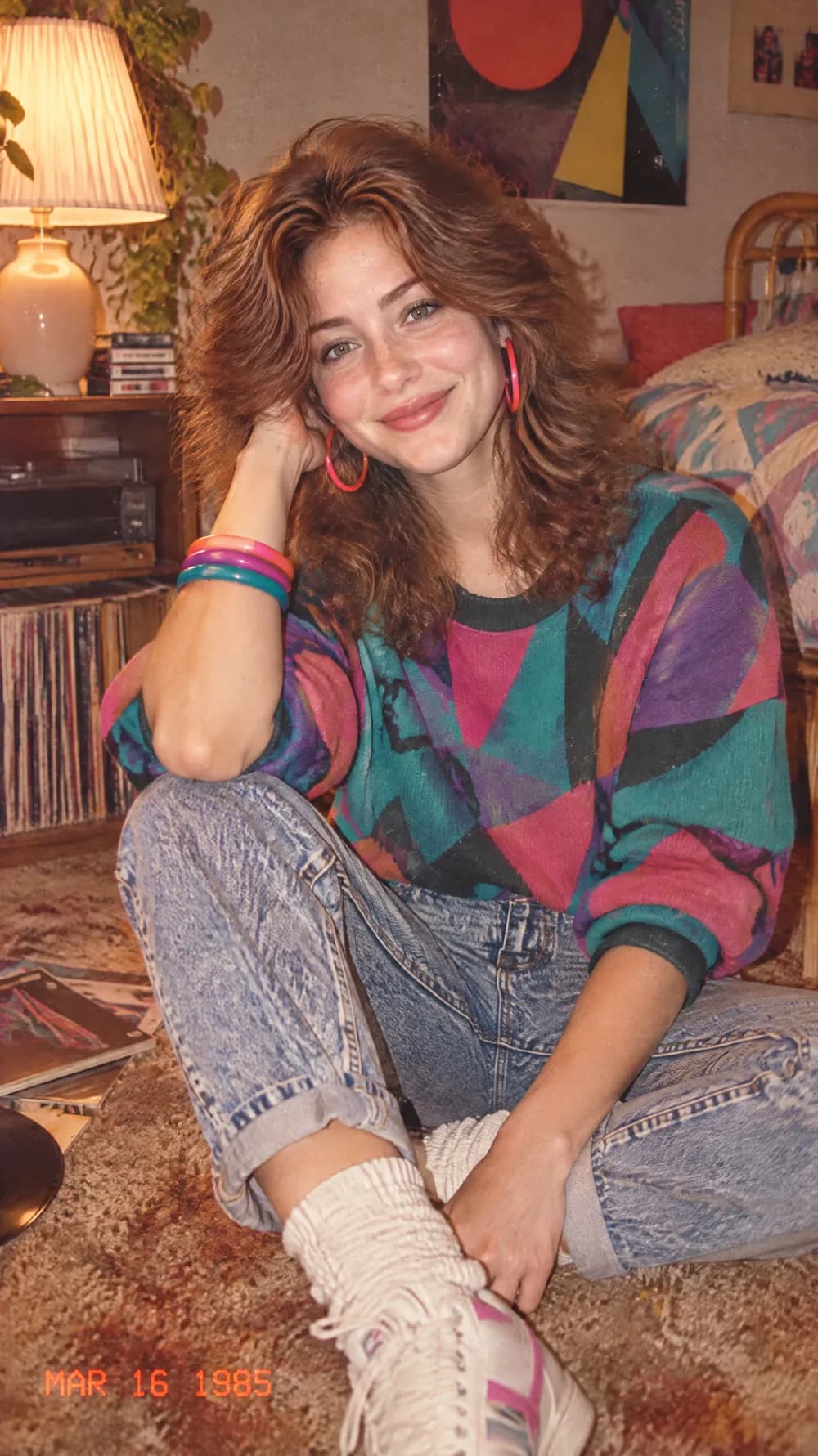
The 80s flashback is a faded, grainy snapshot with period clothes. The Christmas card is a clean, warm and polished portrait in a decorated room.
Photo trend looks
80s Flashback

70s Slide Portrait

Y2K Digital Camera
Night Out Flash
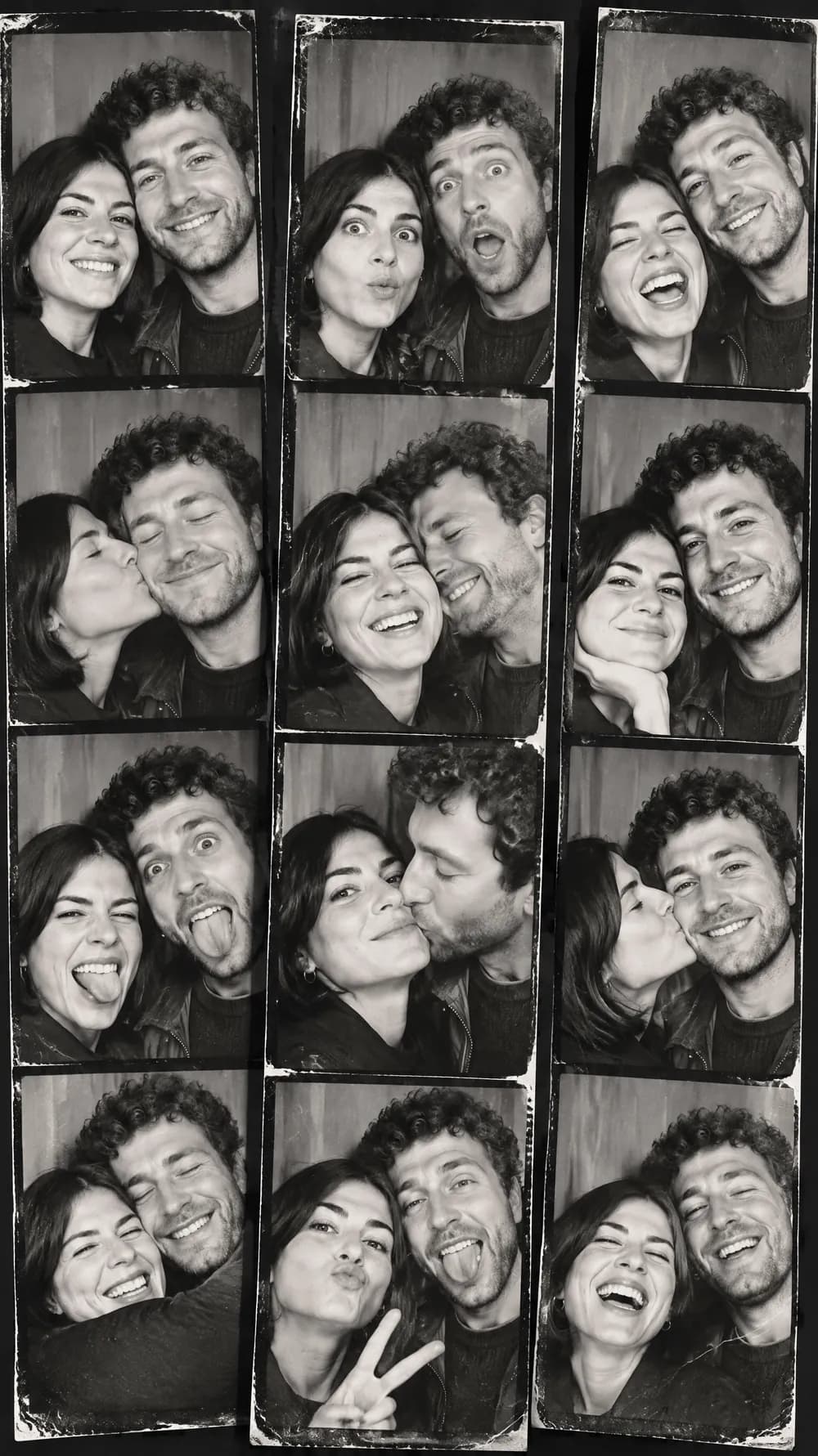
Photo Booth Strip
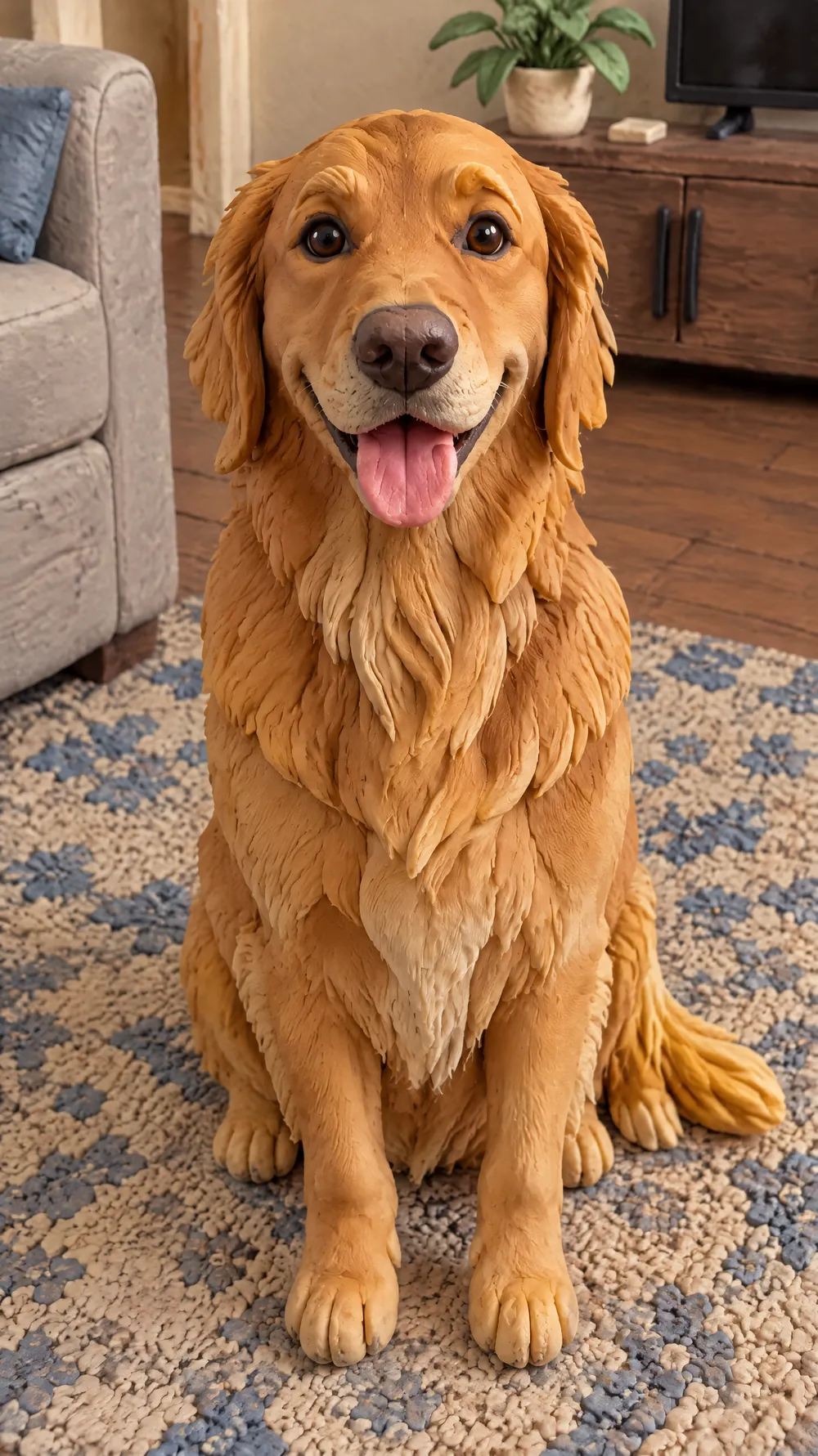
Claymation World
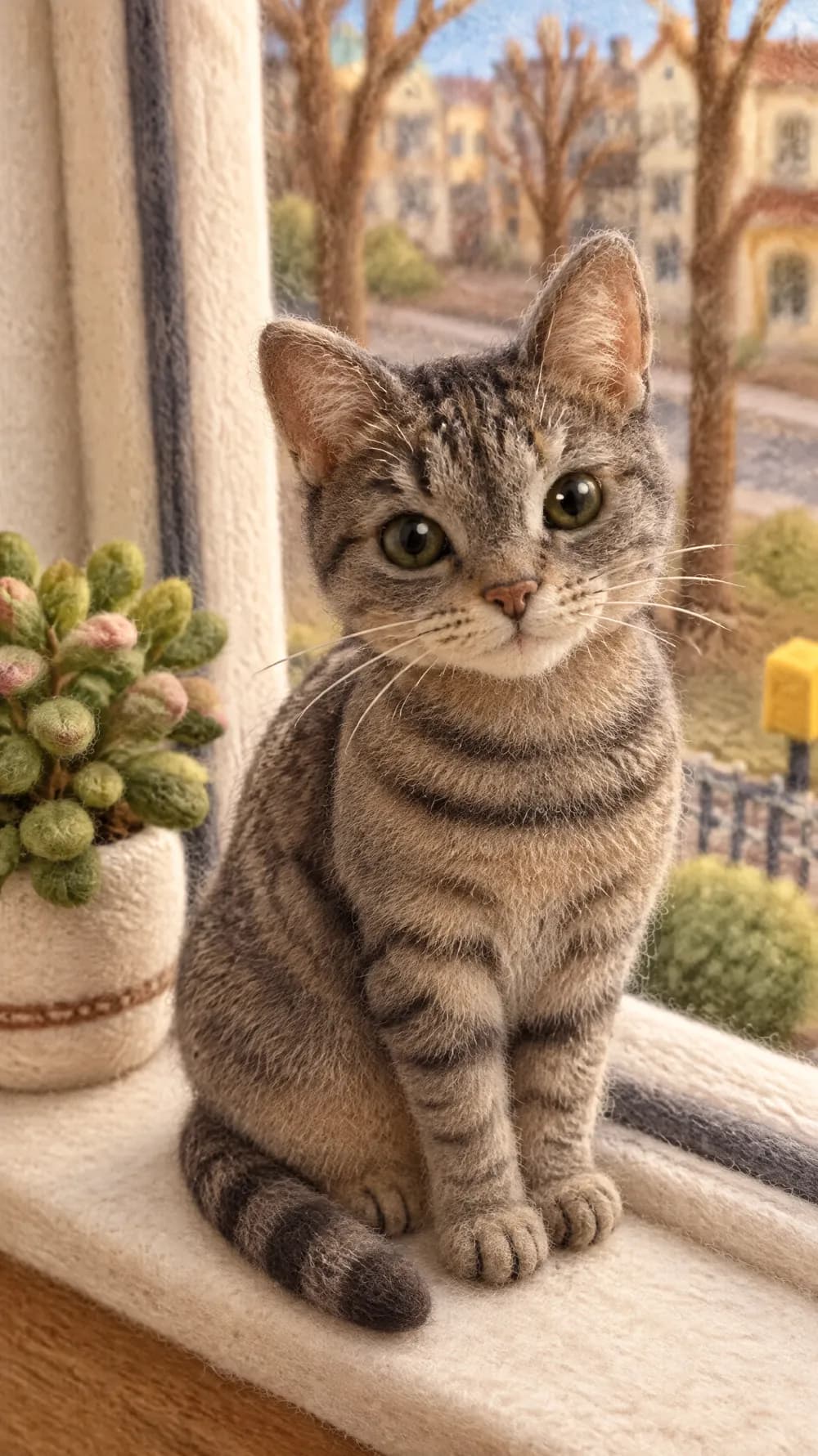
Felt Miniature

Bobblehead
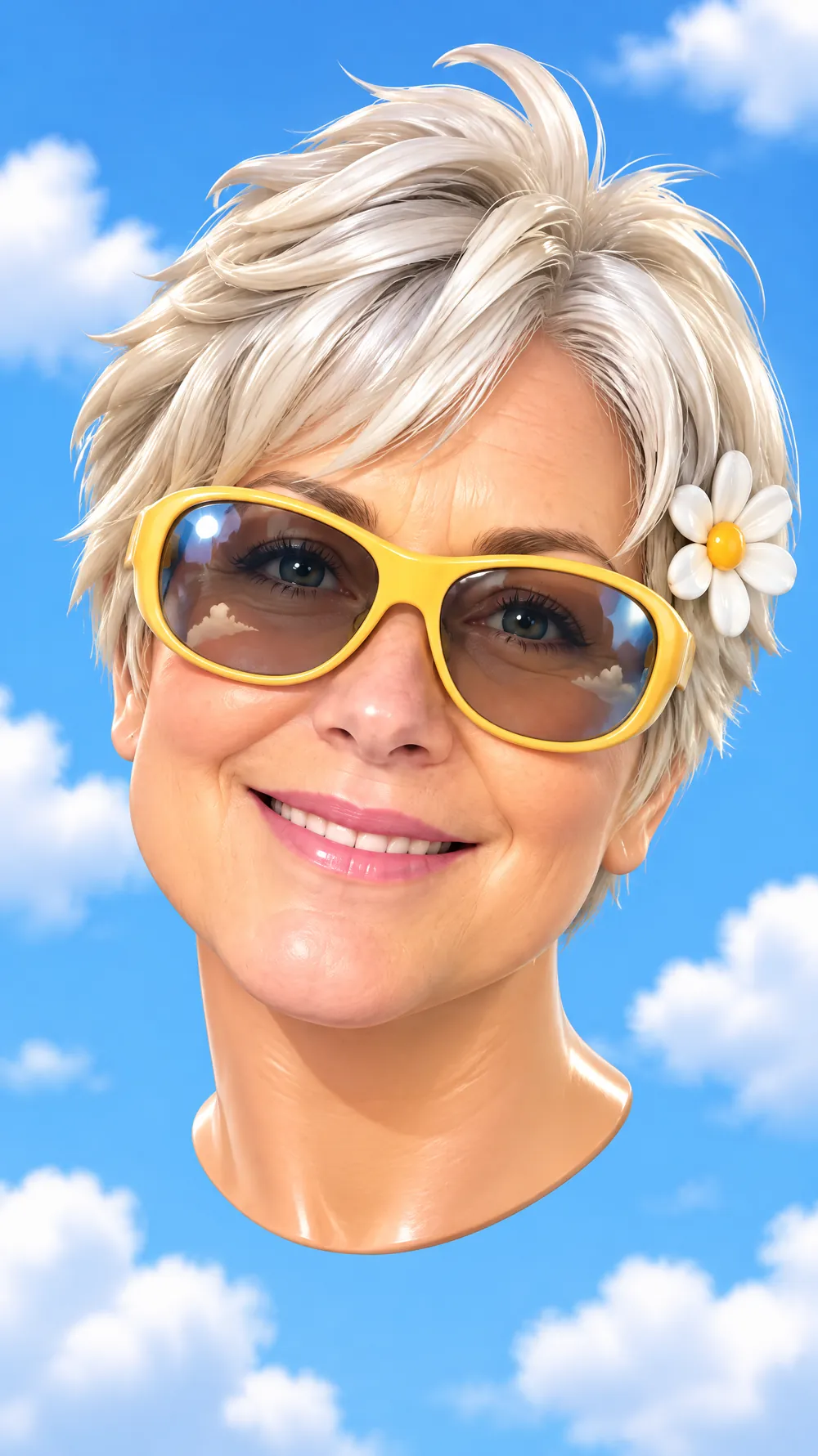
3D Toy Avatar

16-bit Arcade Fighter
Blueprint Poster
Fantasy Newspaper
Marble Statue
Halloween Costume Portrait
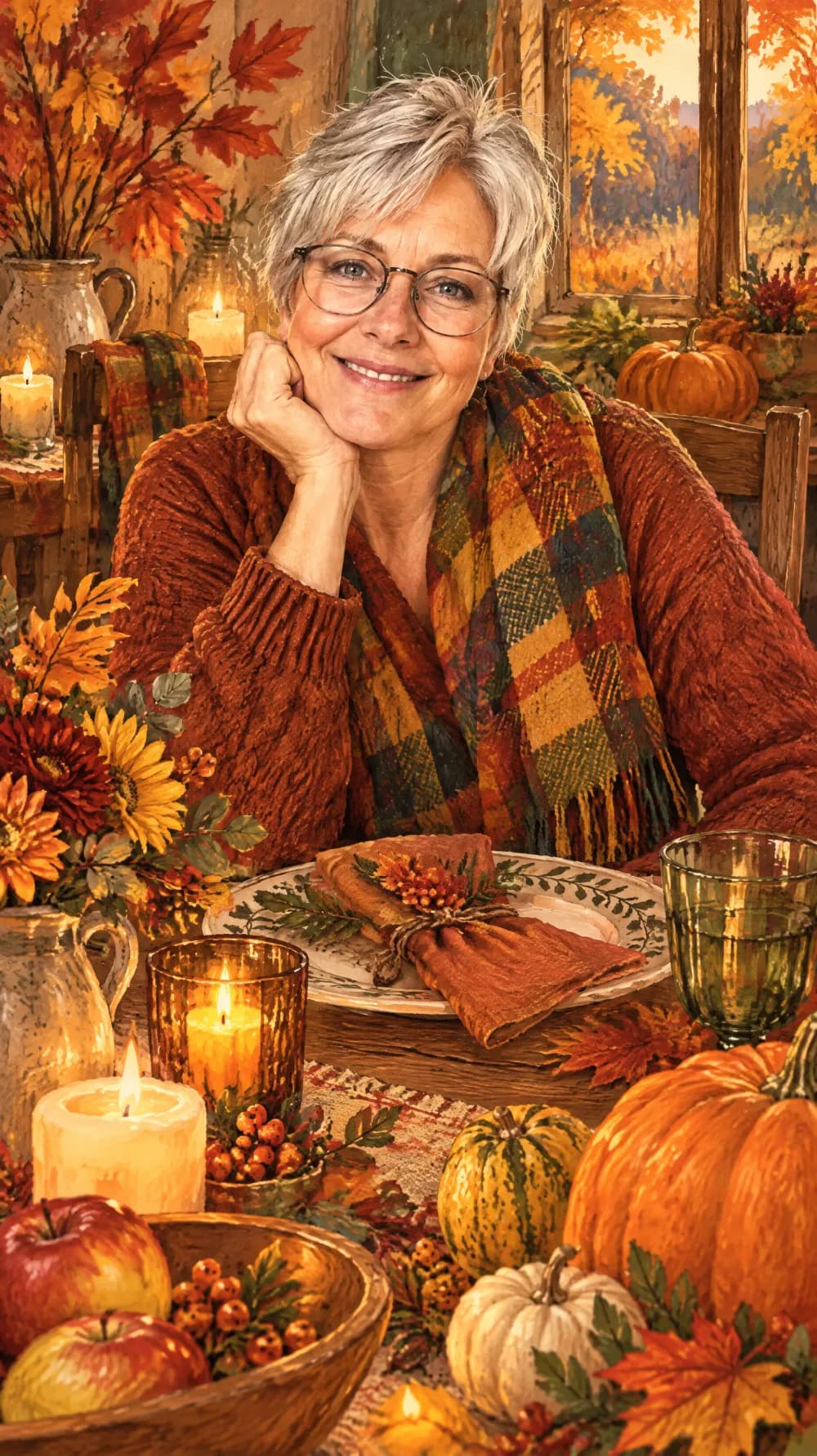
Thanksgiving Harvest Portrait
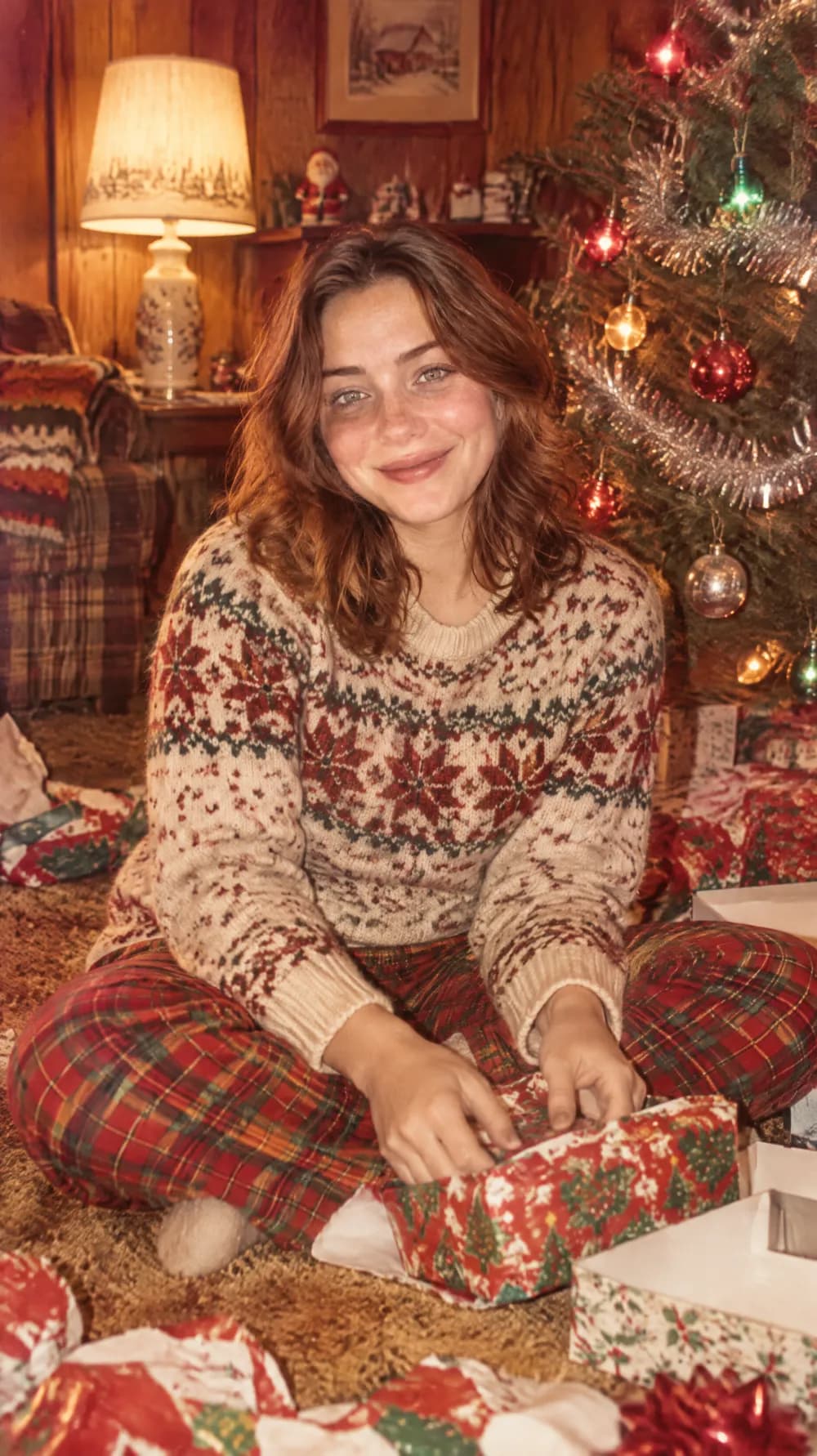
Vintage Christmas Snapshot
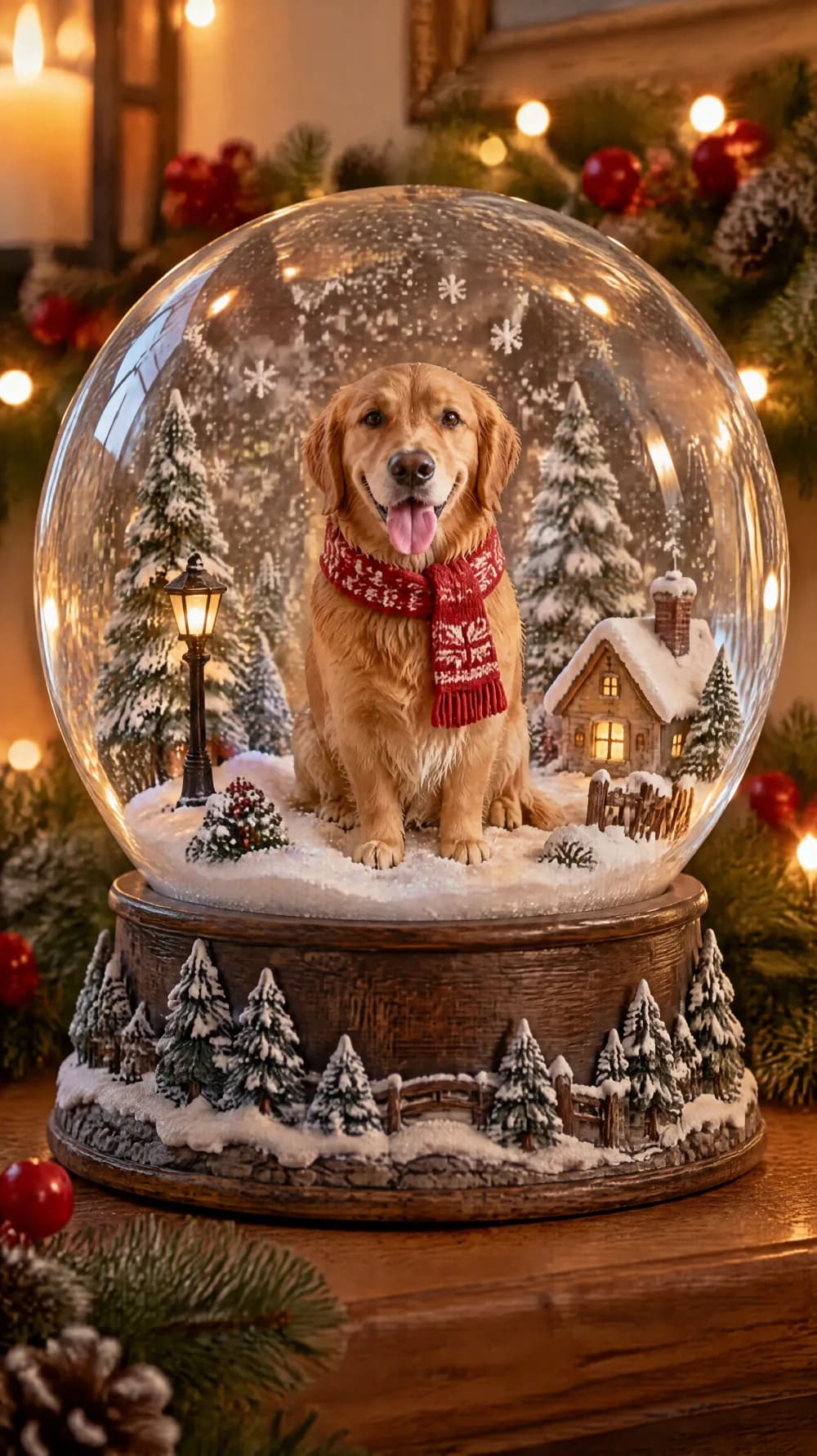
Snow Globe

New Year's Eve Party Flash
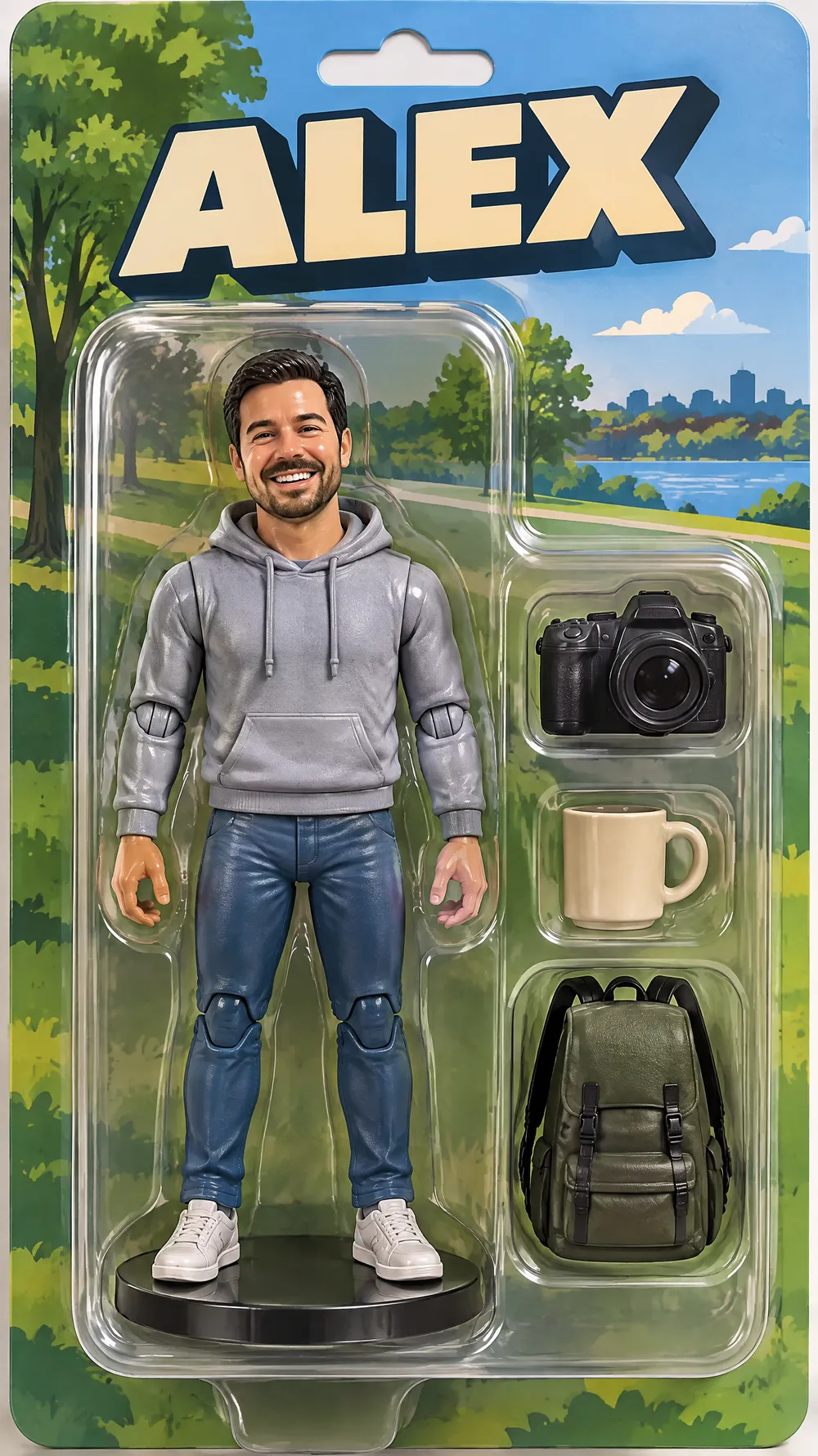
Collectible Figure Box
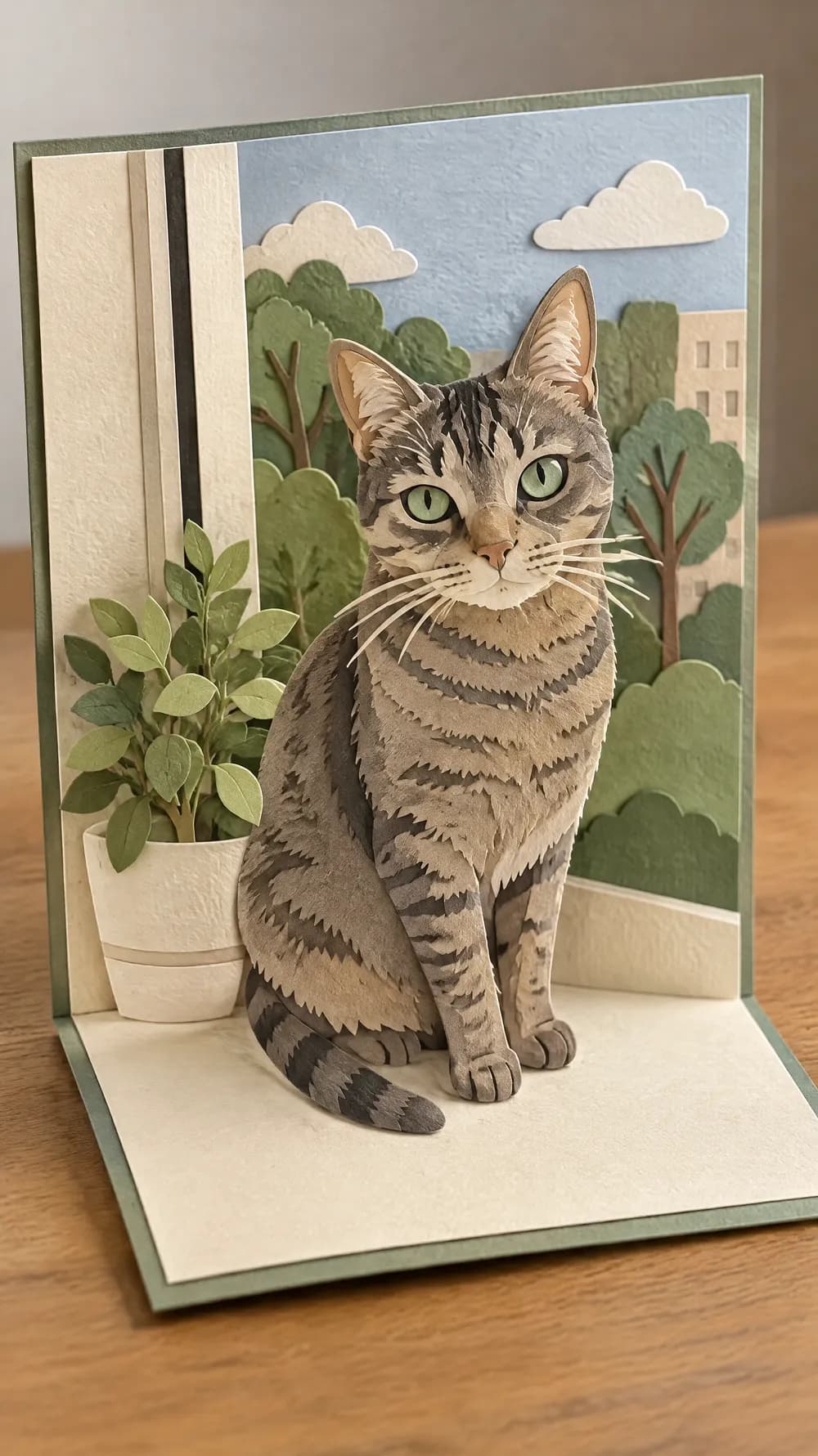
Pop-up Paper Card
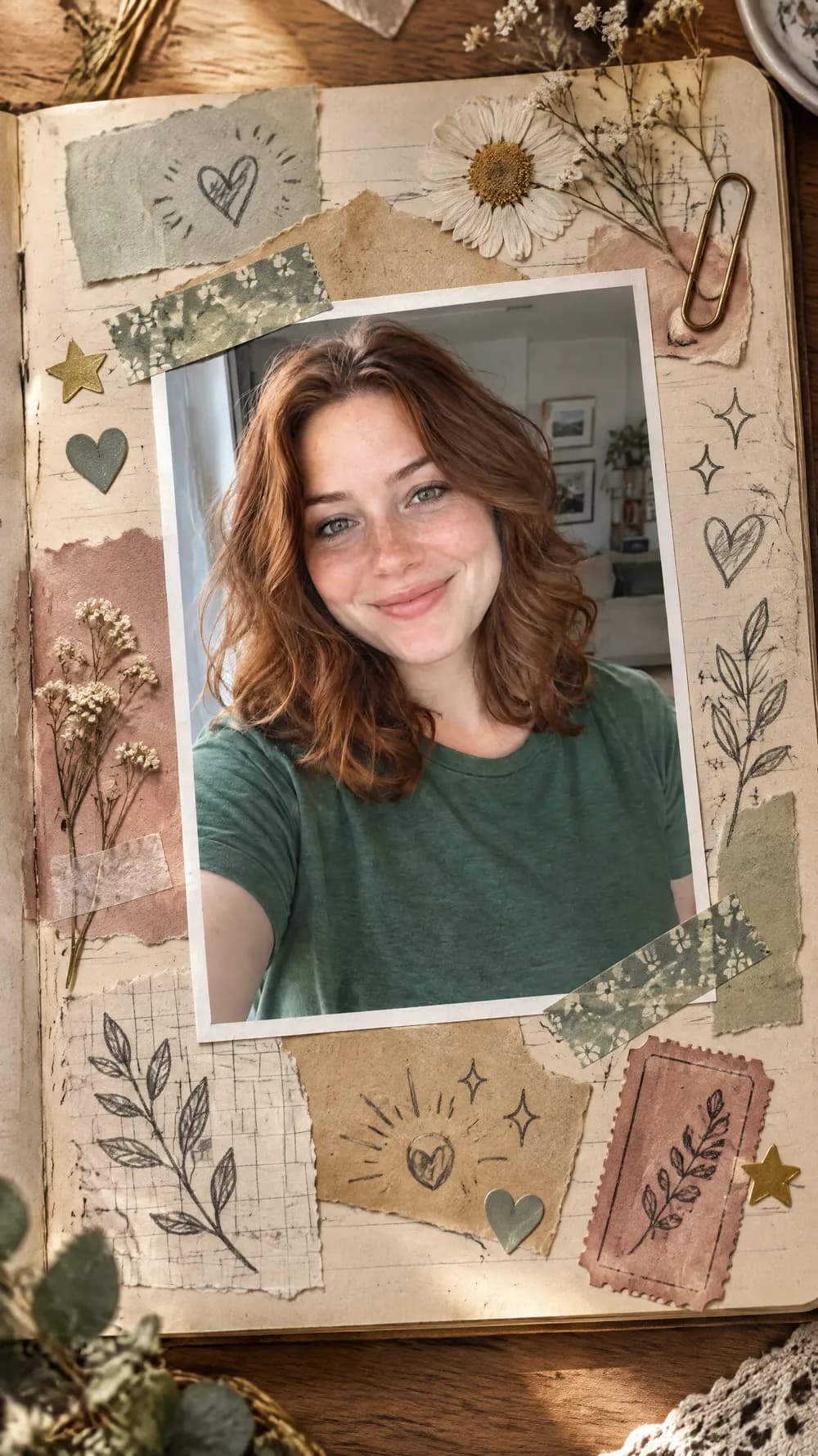
Scrapbook Journal Page
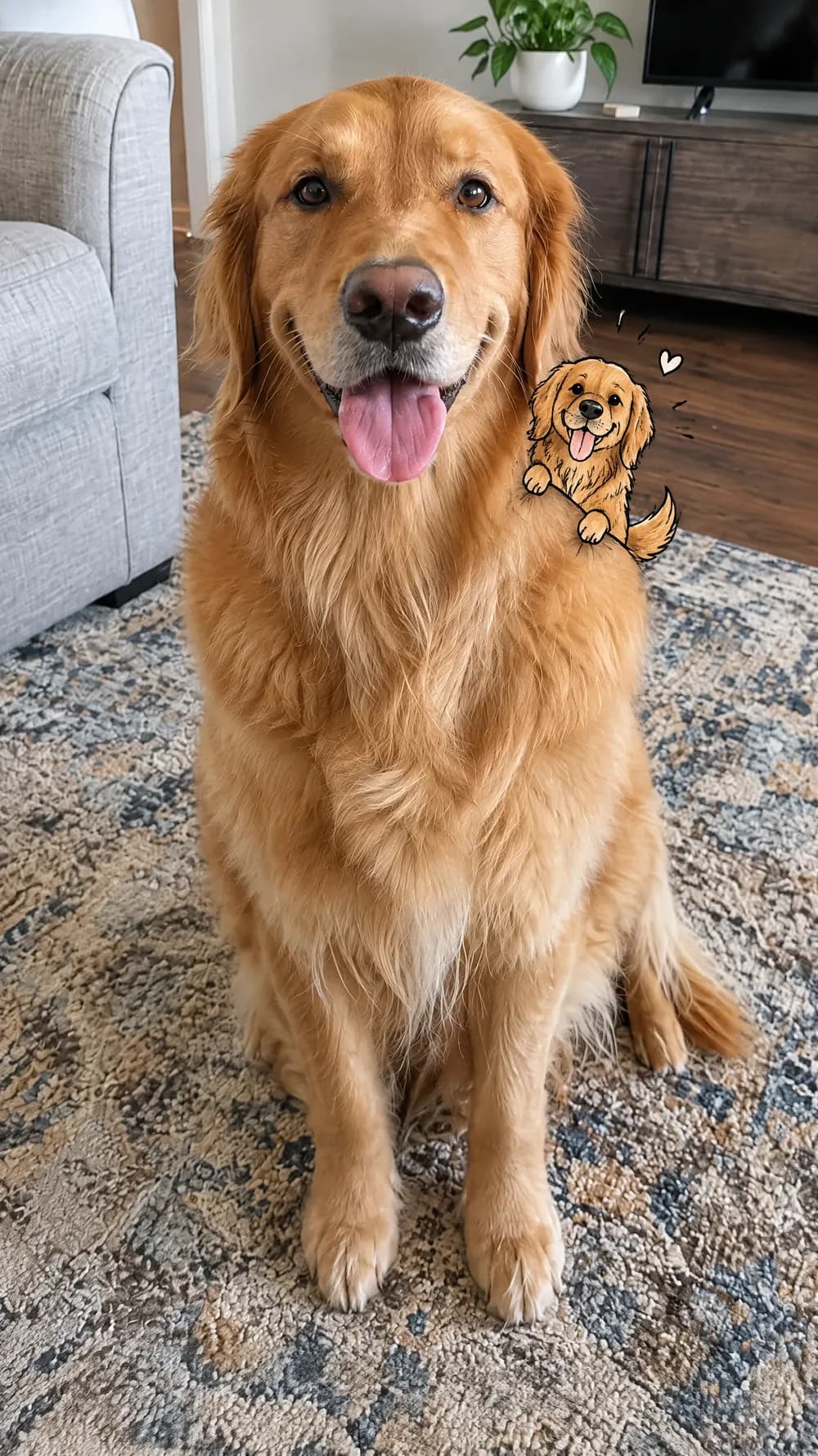
Mini Doodle Twin
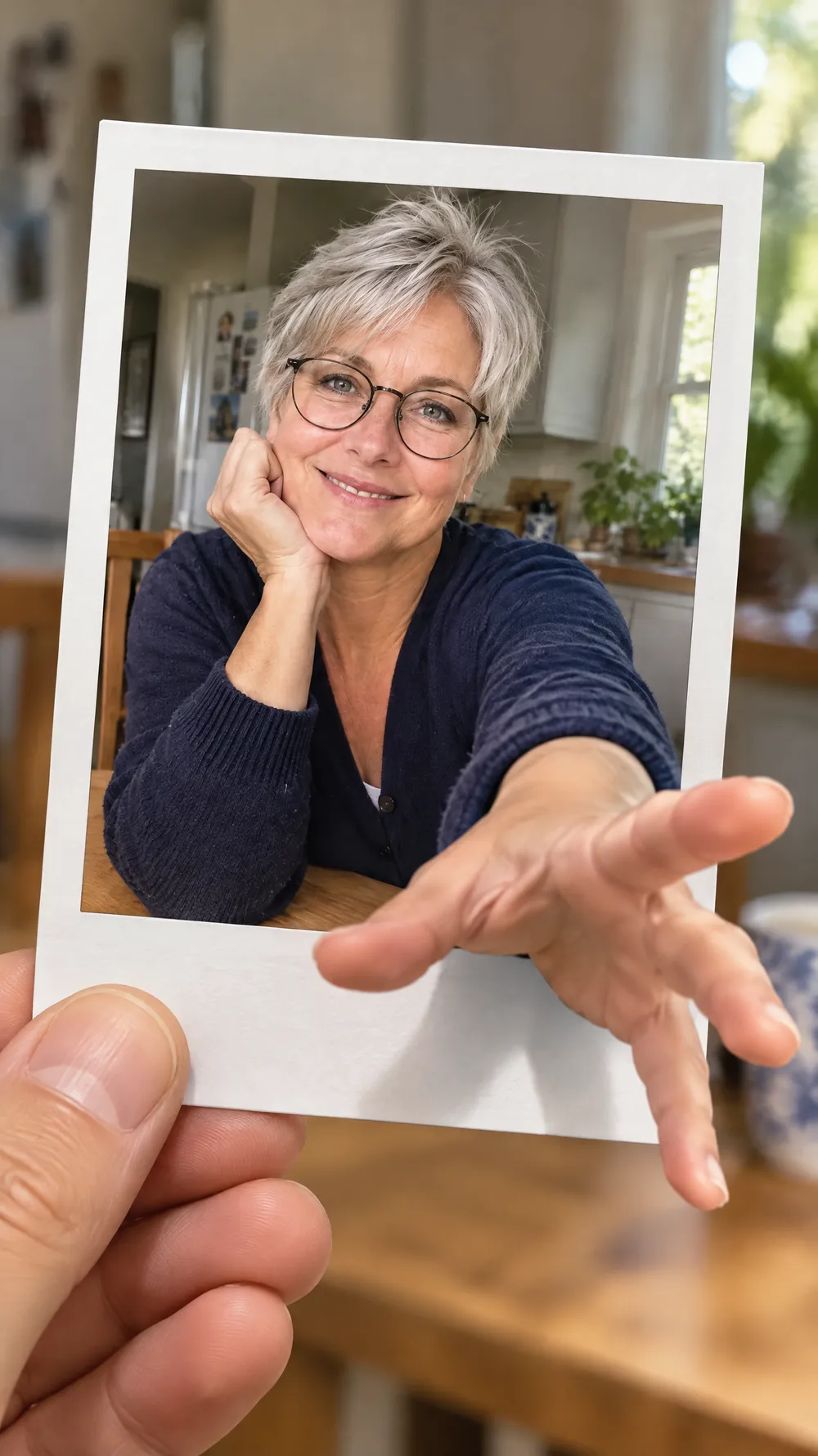
Instant Photo Pop-Out
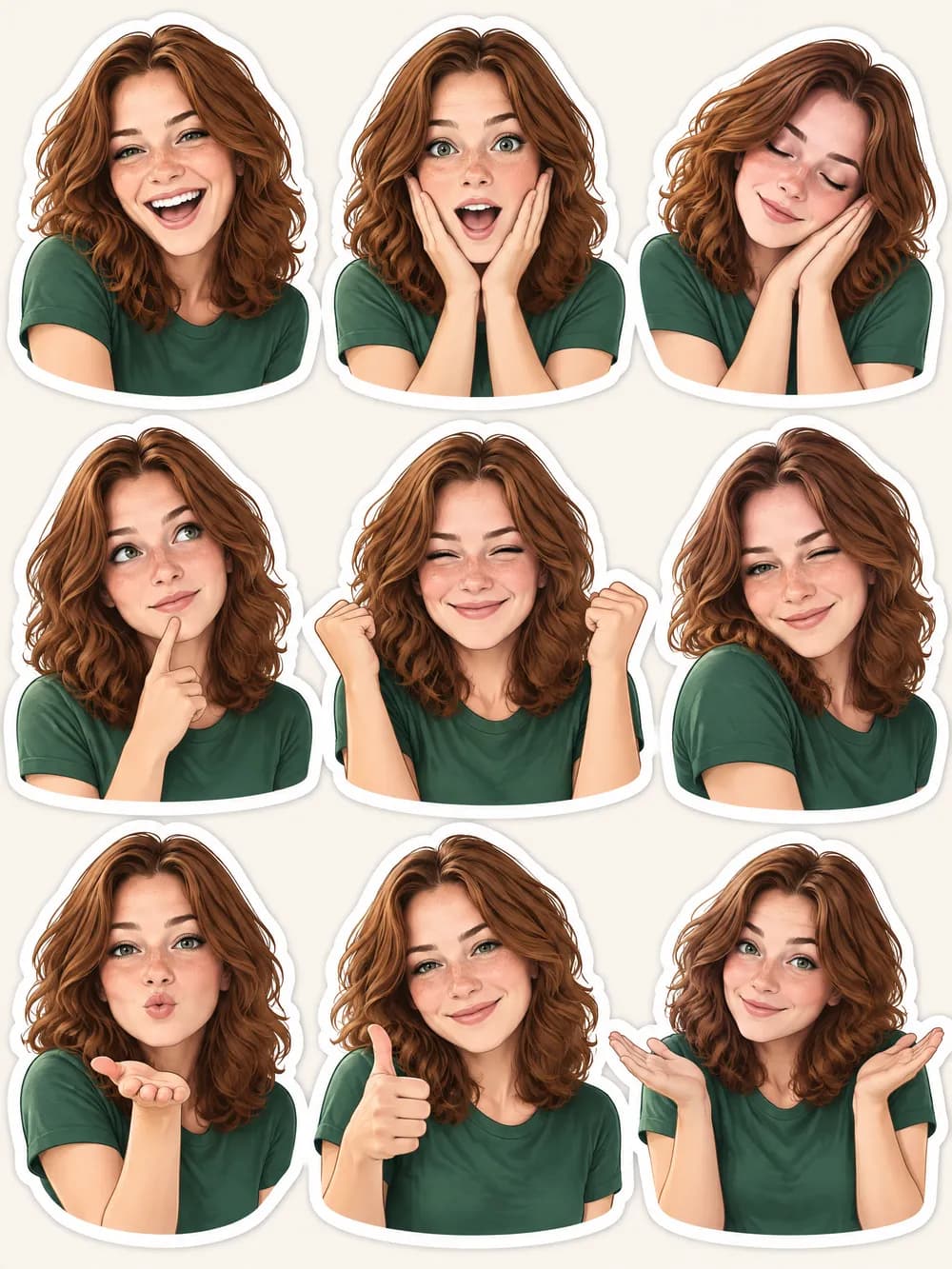
Photo Sticker Sheet