

Scrapbook Journal Page Maker
The scrapbook journal page look places your photo on a handmade journal spread. Your picture is printed with a thin white border, taped at a slight tilt onto cream, kraft or lined paper with strips of washi tape, and surrounded by torn paper scraps, a pressed flower or leaf, small star and heart stickers, a ticket stub, a paper clip and pencil doodles.
The photo is the hero and the decoration picks up its colors in a soft, faded palette, with warm window light and small shadows under the tape. The doodles are wordless, so the page carries no text to misspell. Upload a photo, choose a size and download a JPG that looks like a page photographed from above on a desk.
This is the Scrapbook Journal Page style of the Photo Trend Maker. The form on this page opens with it already selected.
Scrapbook Journal Page examples
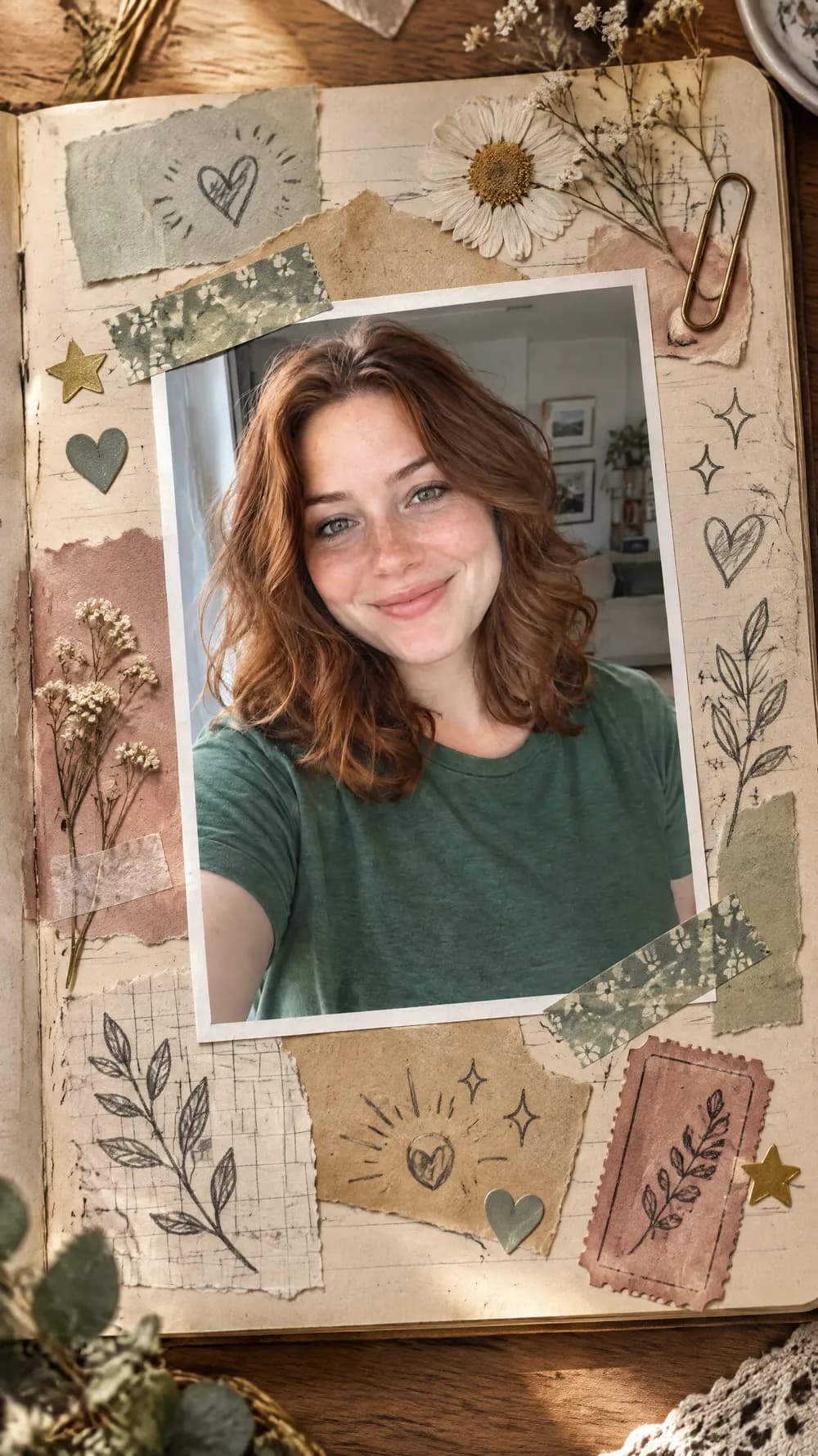
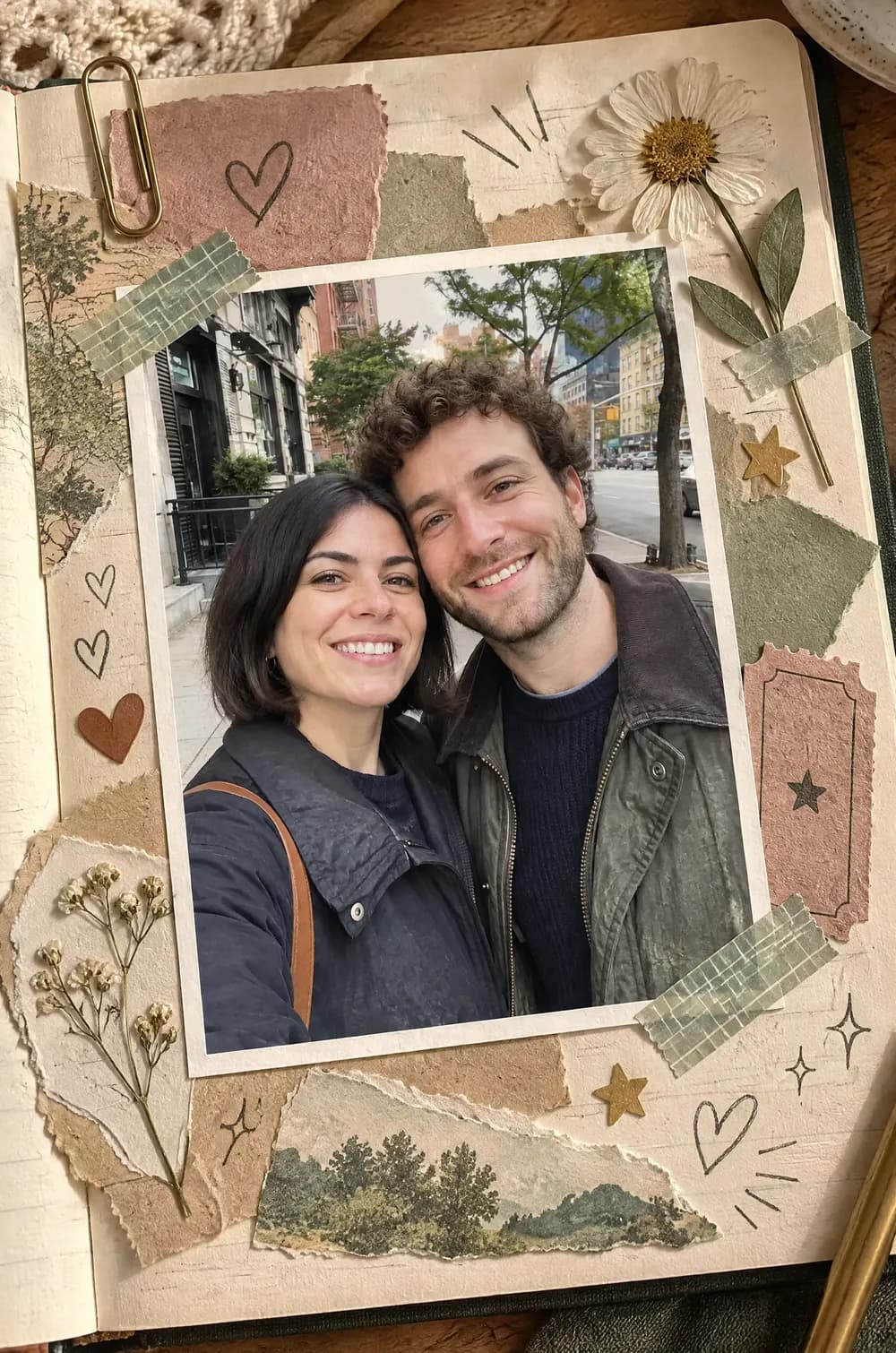
Who the Scrapbook Journal Page style suits
Trips and days out
A photo from a walk, a trip or a weekend becomes the centerpiece of a memory page. The page has no dates or captions, so add the place and the day yourself.
Couples and friends
A photo of two people sits well inside the tape and paper frame, and the decoration stays around the picture instead of covering faces. It suits an anniversary post or a message to a friend.
Journaling and scrapbook boards
The picture works as a page idea for a journaling or scrapbook board. It shows a layout, a color palette and a mix of paper, tape and stickers before you make a real page.
Getting the best Scrapbook Journal Page result
- 1
Choose a photo with a clear focus
Because the photo is printed and taped onto the page, a sharp picture with a clear subject reads best. A tiny subject in a wide scene becomes a tiny figure on a small print.
- 2
Look at the faces on the print
The look asks for the picture itself to stay unchanged, but the AI redraws the whole page, so a face can still shift slightly. Compare the print with your original and generate again if it drifted.
- 3
Expect wordless decoration
Scribbles, hearts, arrows and sparkles are drawn without letters, numbers or dates. If you want a caption, a date or a title, add it in another app after you download the JPG.
- 4
Pick a size for the page shape
The image is composed for the size you choose, so start with 2:3 or 3:4 for a page-like shape and try 9:16 for a longer strip. The pop-up paper card is another handmade paper look if you want depth instead of a flat page.
Ideas to try
- Photo: a couple smiling together on a city sidewalk, size 2:3
- Photo: a woman with wavy auburn hair taking a selfie by a window, size 9:16
- Photo: a bearded man laughing in a sunny park, size 3:4
- Photo: a golden retriever sitting on a living room rug, size 1:1
What you download
Every design from the Photo Trend Maker comes with the files for the job, whichever style you choose:
- Vertical 1080×1920 JPG (9:16)
- Pinterest Pin 1000×1500 JPG (2:3)
- Portrait post 1080×1440 JPG (3:4)
- Square 1080×1080 JPG (1:1)
Questions about the Scrapbook Journal Page style
Does the page include a date or a caption?+
No. The look asks for no text, no numbers and no dates, so the page has only wordless doodles and decoration. Add words in another app after you download the JPG.
Will my photo stay exactly the same?+
It is built to keep the picture unchanged, but the whole page is redrawn by an AI, so small changes in a face or the background can happen. Compare it with your original and generate again if something drifted.
Can I use more than one photo?+
No. The maker takes one photo and puts it on the page once. For several frames of the same person, try the photo booth strip.
Is it a printable template?+
No. It is a flat JPG at the size you chose, such as 1000×1500 px for 2:3, made to post or share. It has no layers, cutting guides or print marks.
Which photos suit it best?+
Clear, well-lit photos of one person, a couple or a pet with a calm background. The print is smaller than the full frame, so a photo where the subject is tiny gives a weak result.
Photo trend looks
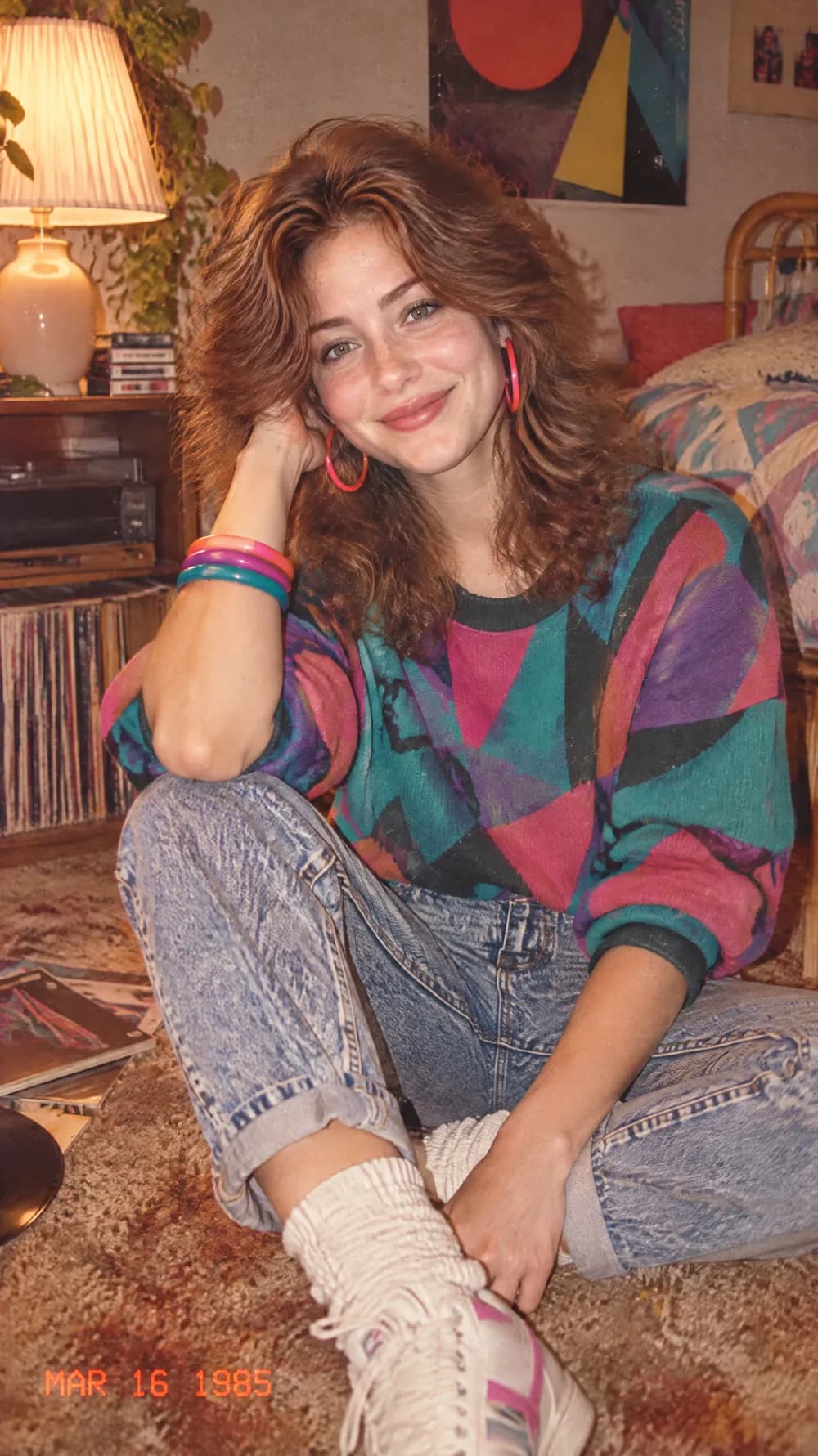
80s Flashback

70s Slide Portrait

Y2K Digital Camera
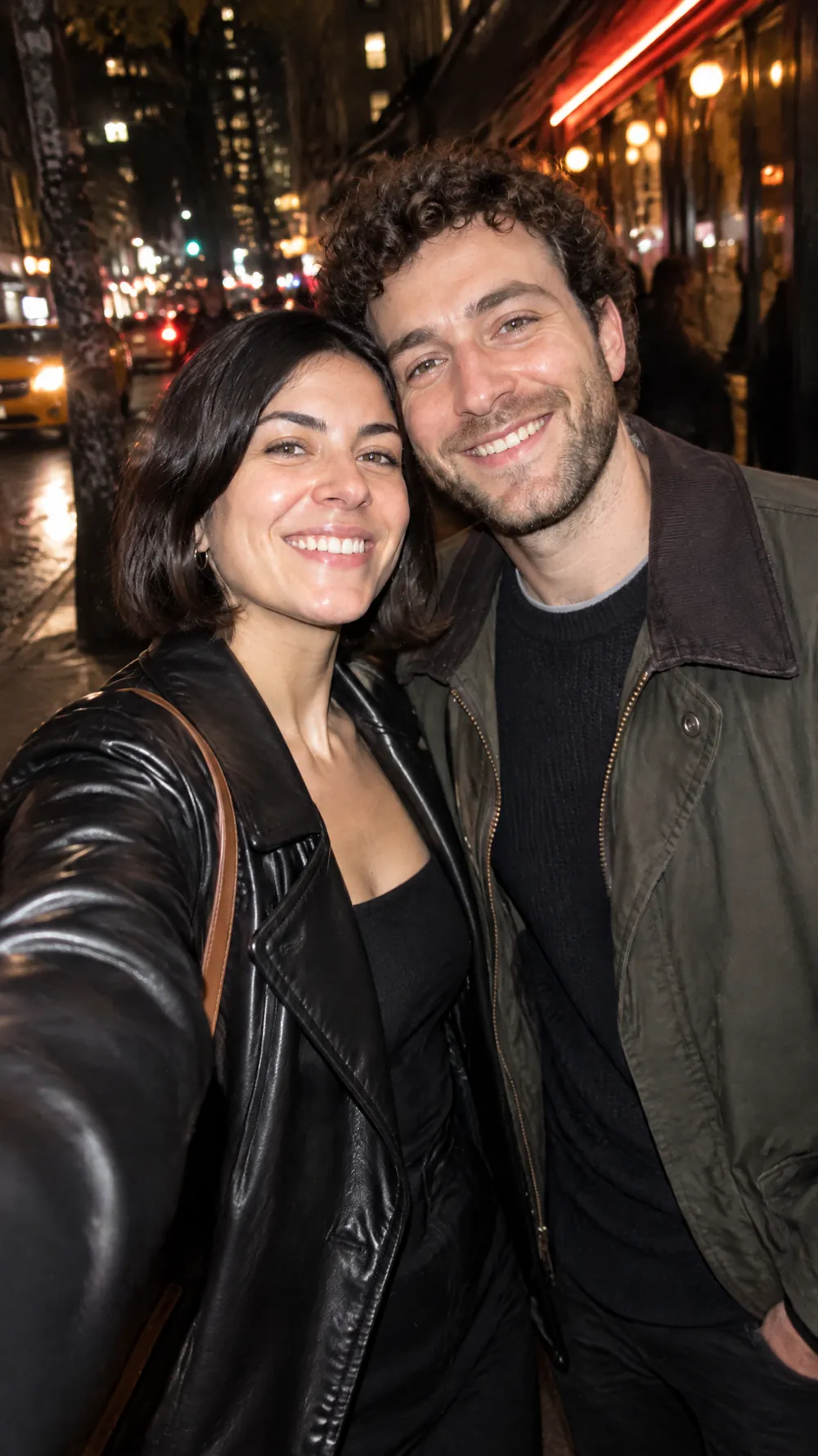
Night Out Flash
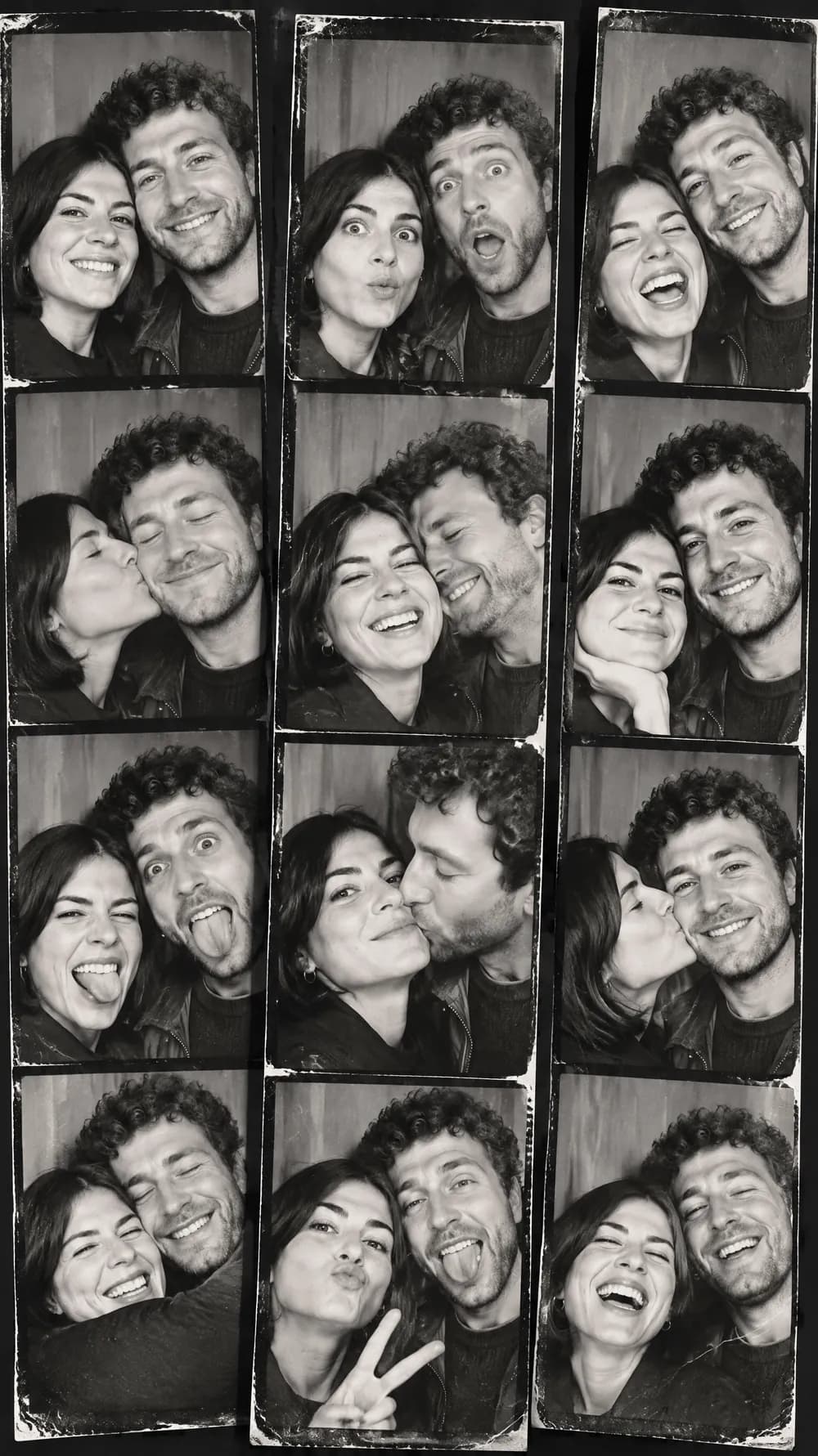
Photo Booth Strip
Claymation World
Felt Miniature

Bobblehead
3D Toy Avatar
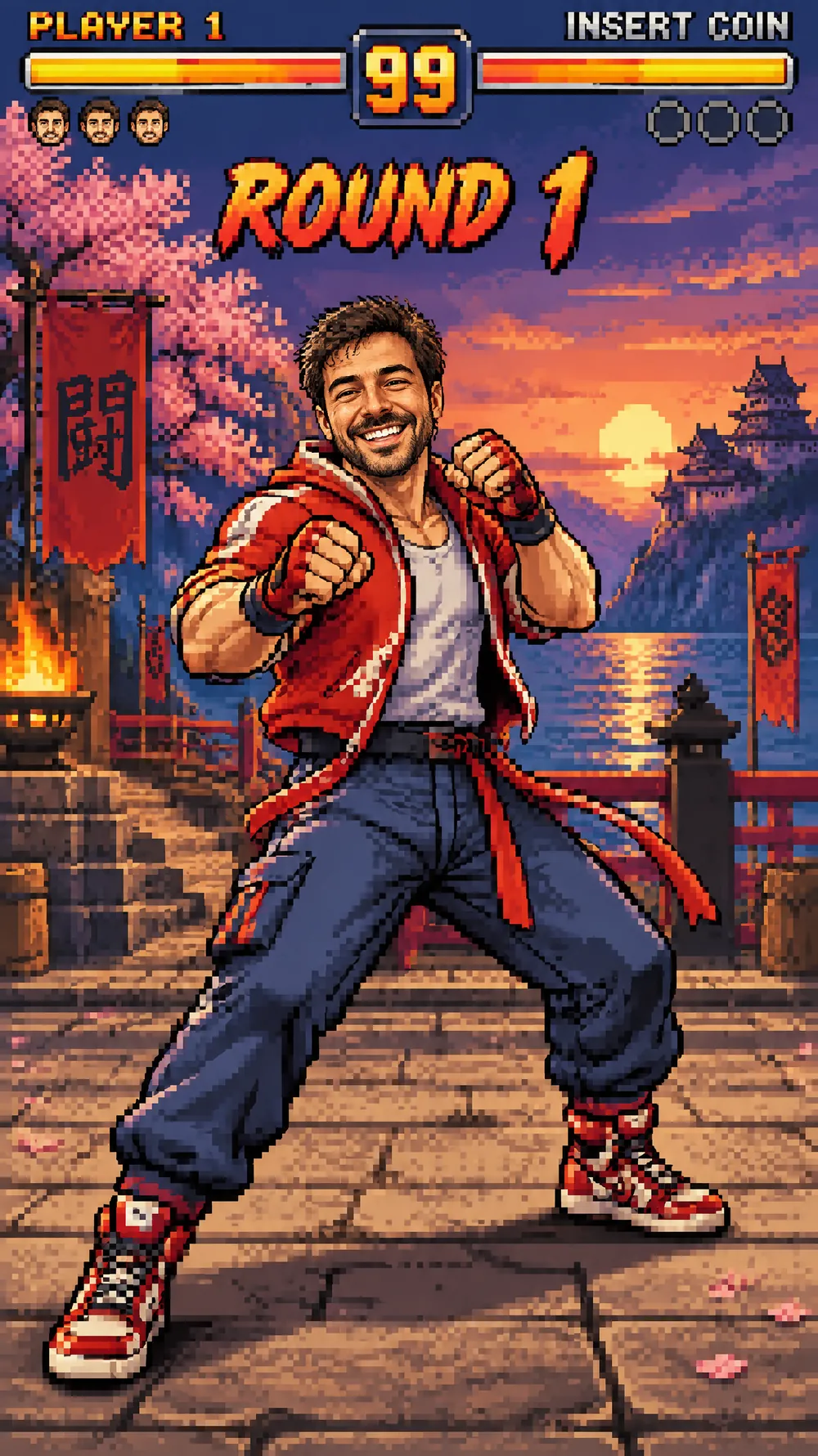
16-bit Arcade Fighter
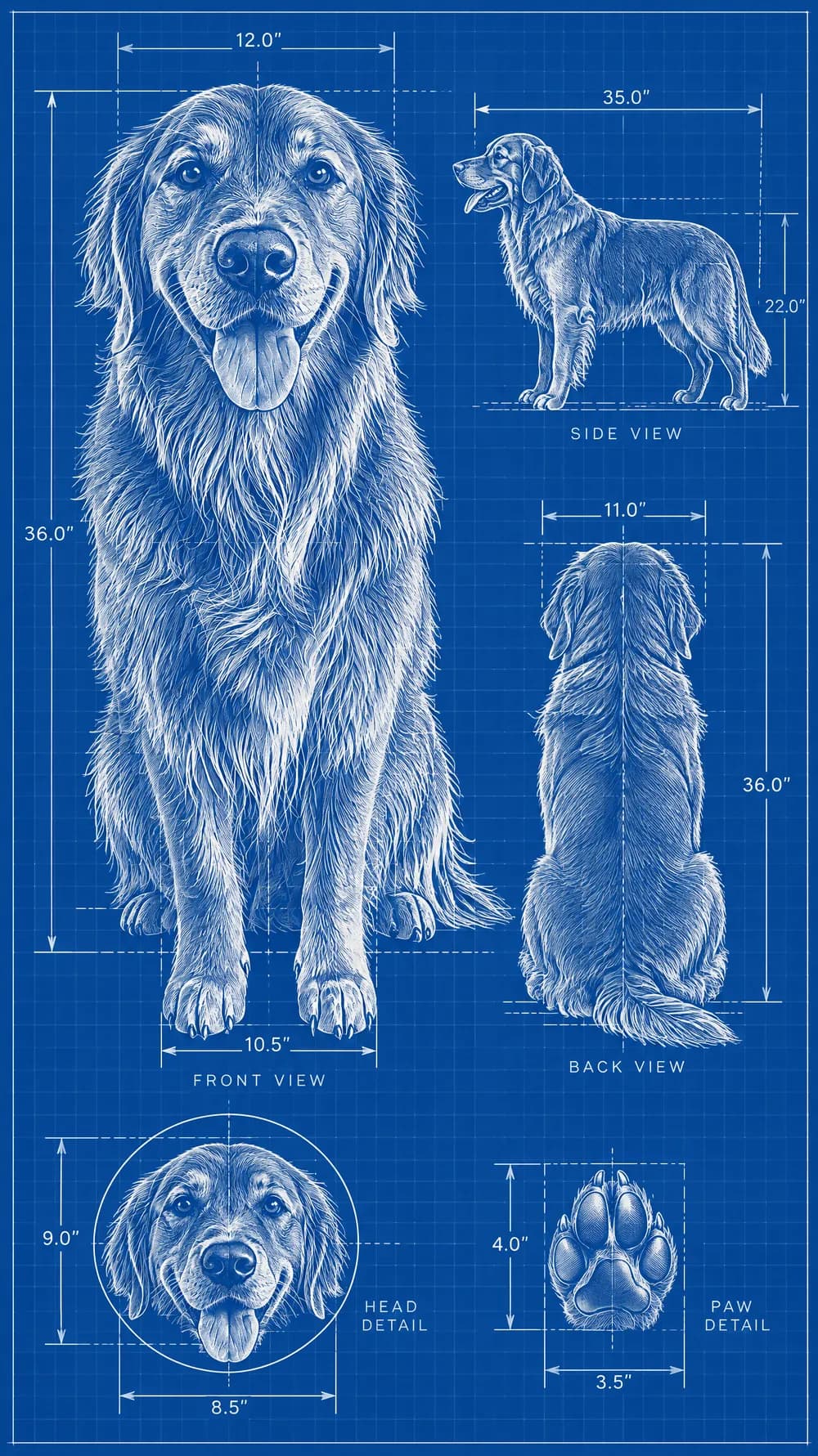
Blueprint Poster
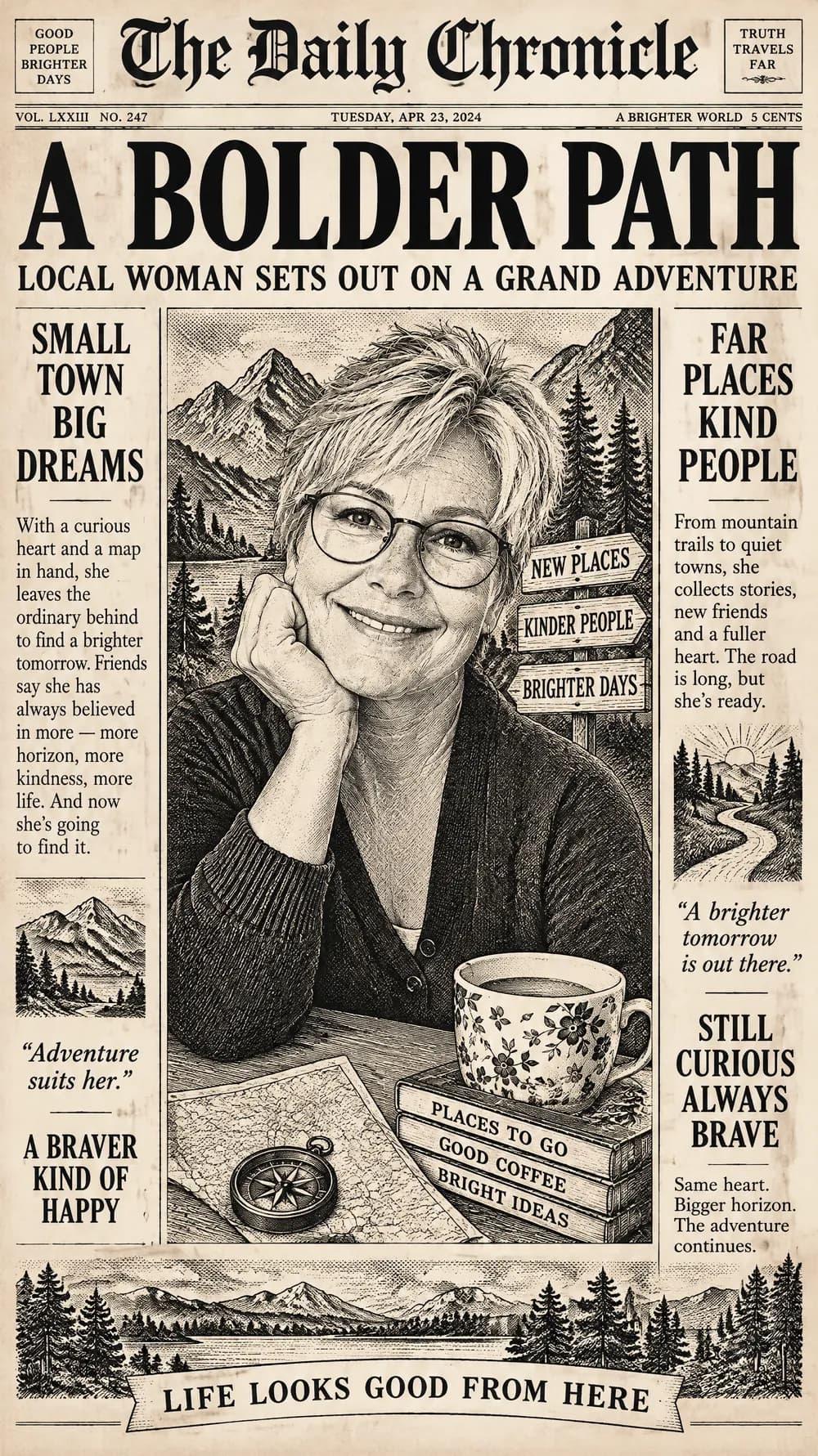
Fantasy Newspaper
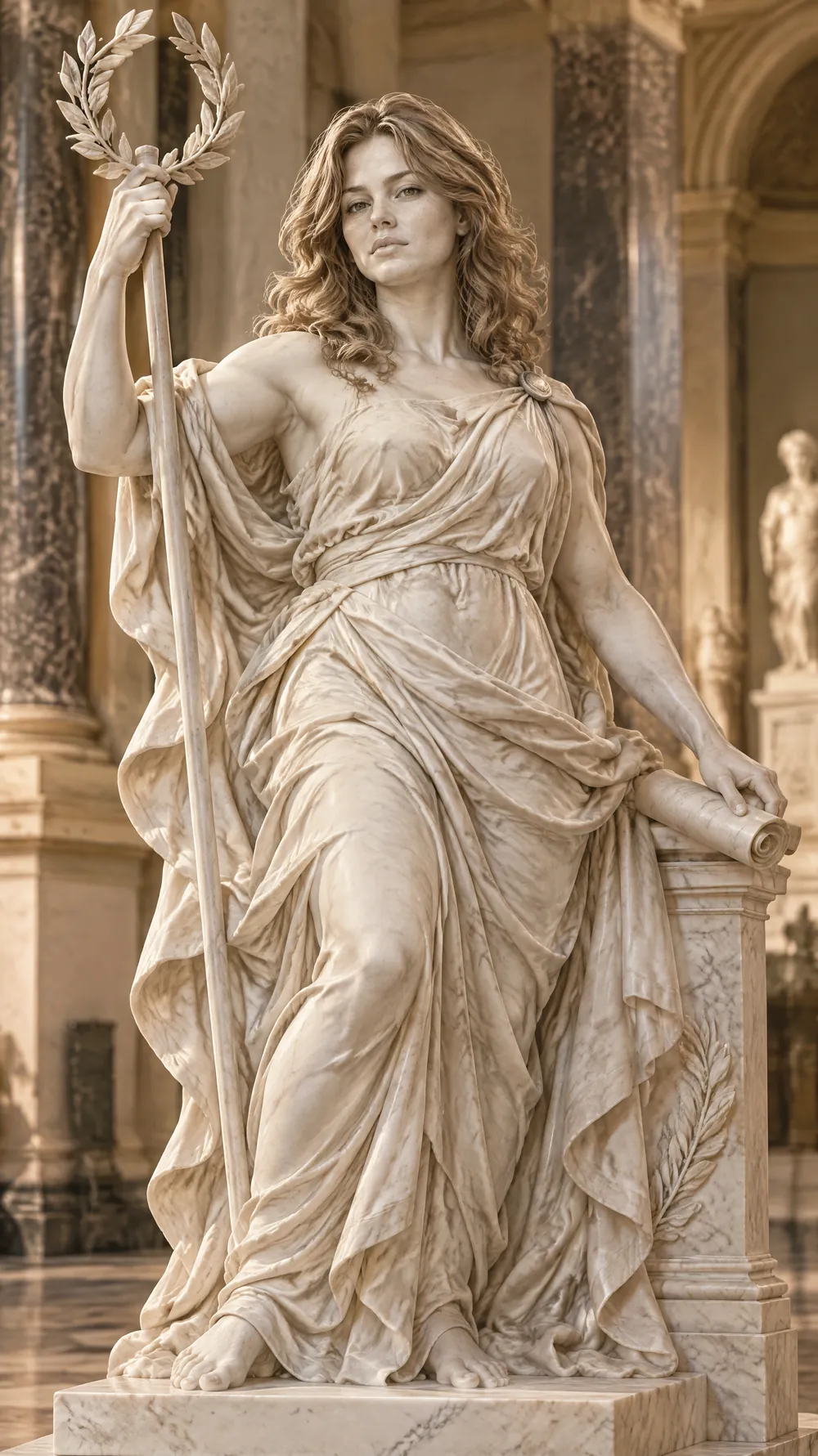
Marble Statue

Halloween Costume Portrait
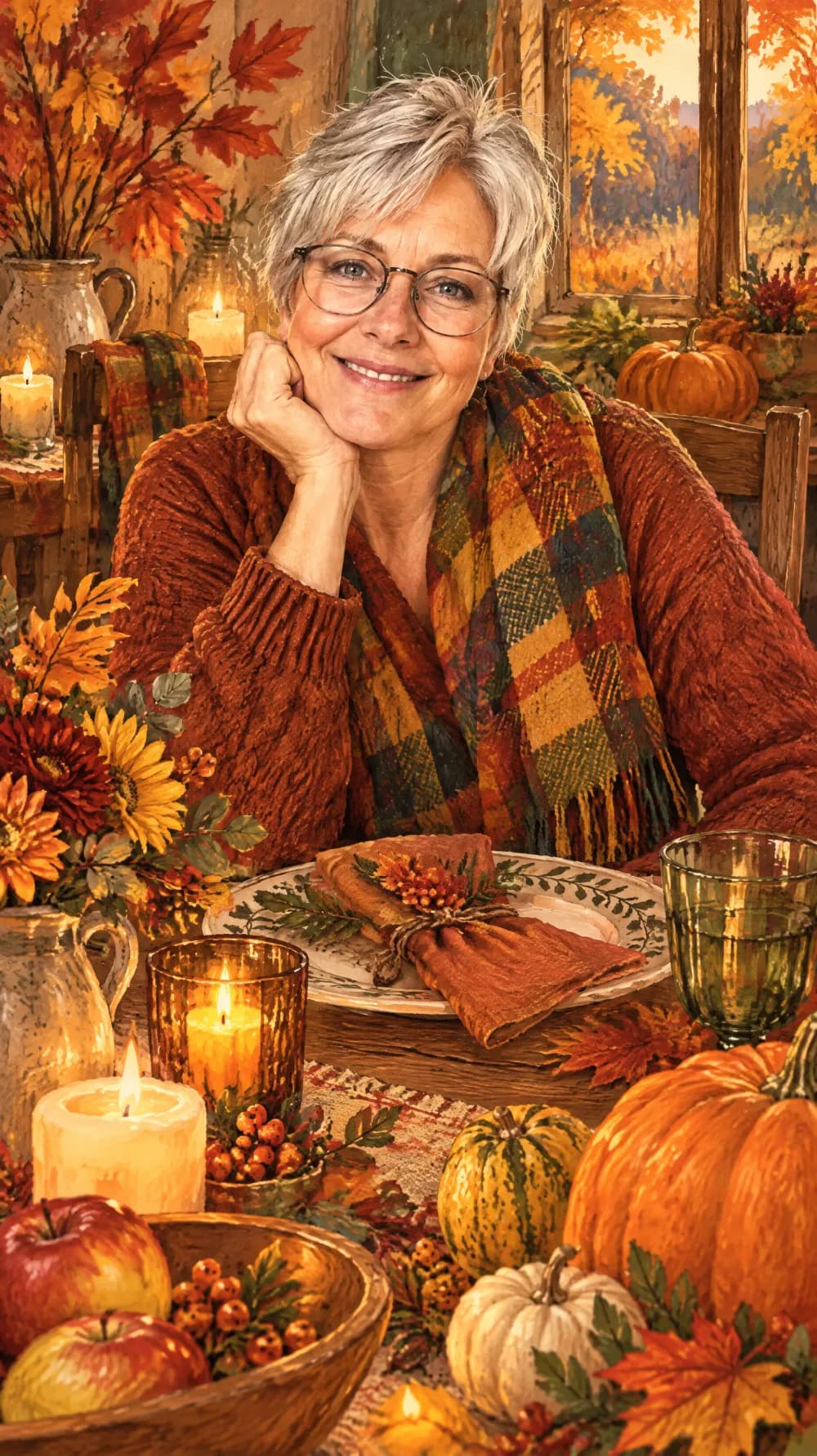
Thanksgiving Harvest Portrait
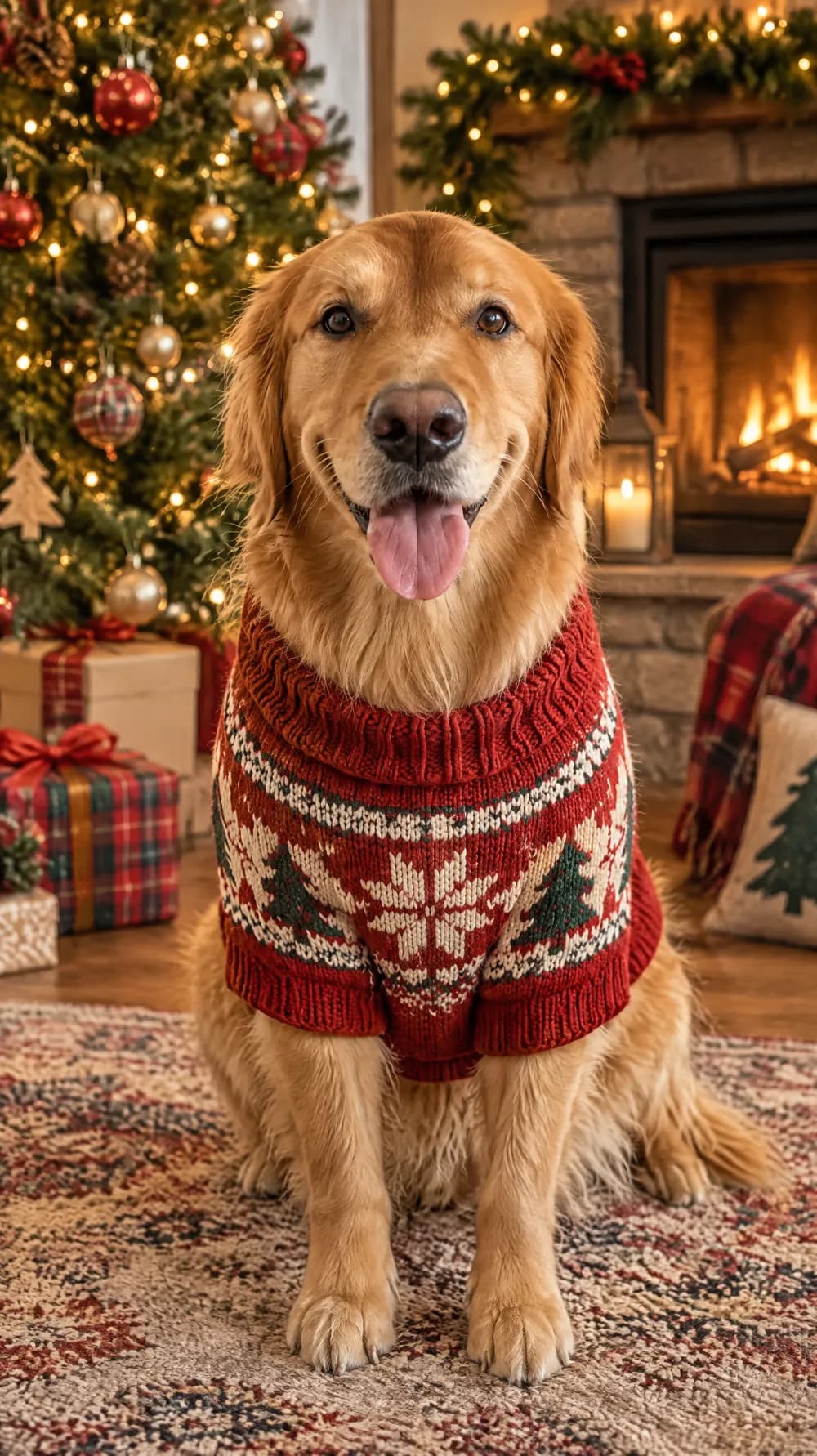
Christmas Card Portrait
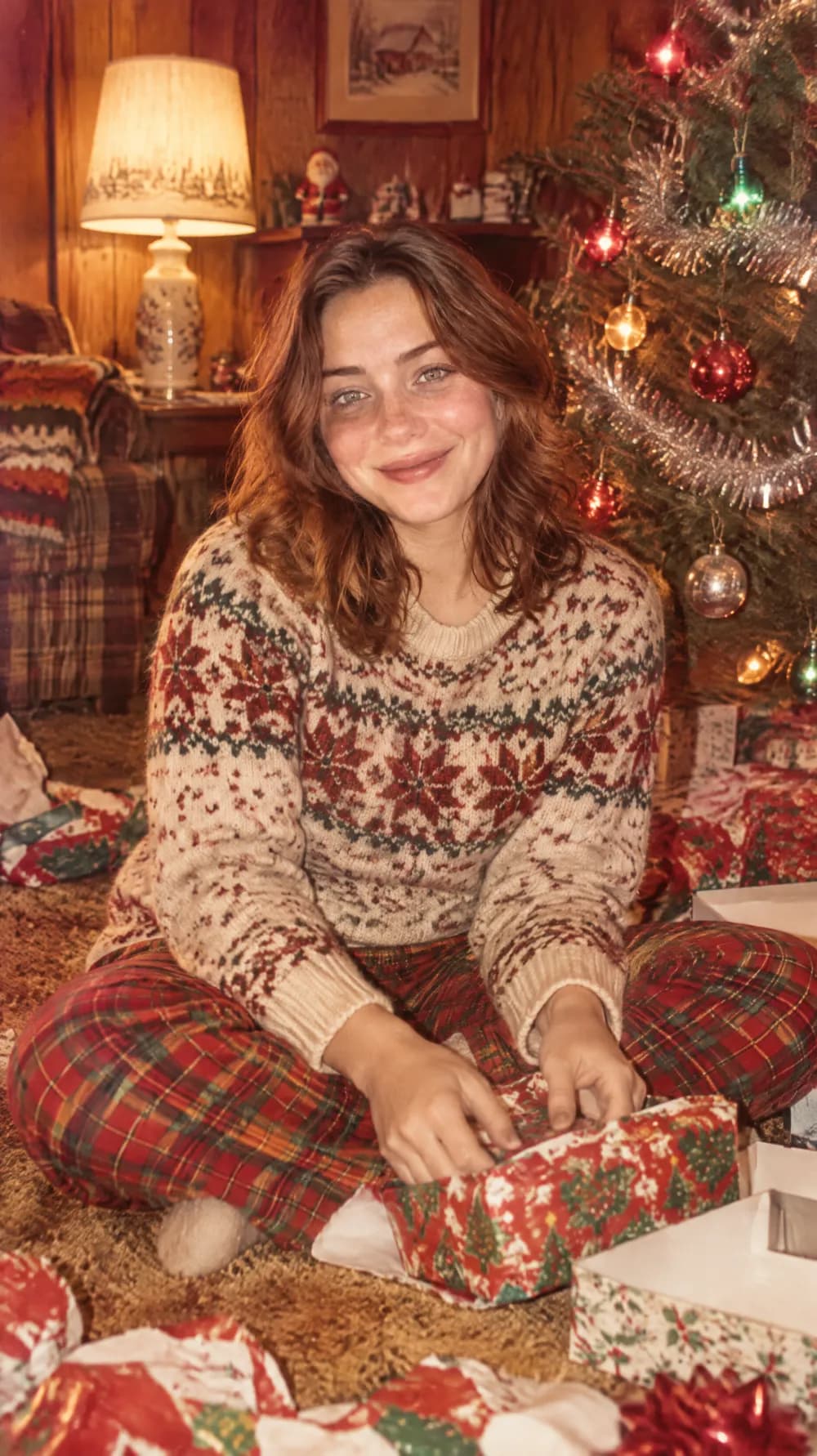
Vintage Christmas Snapshot
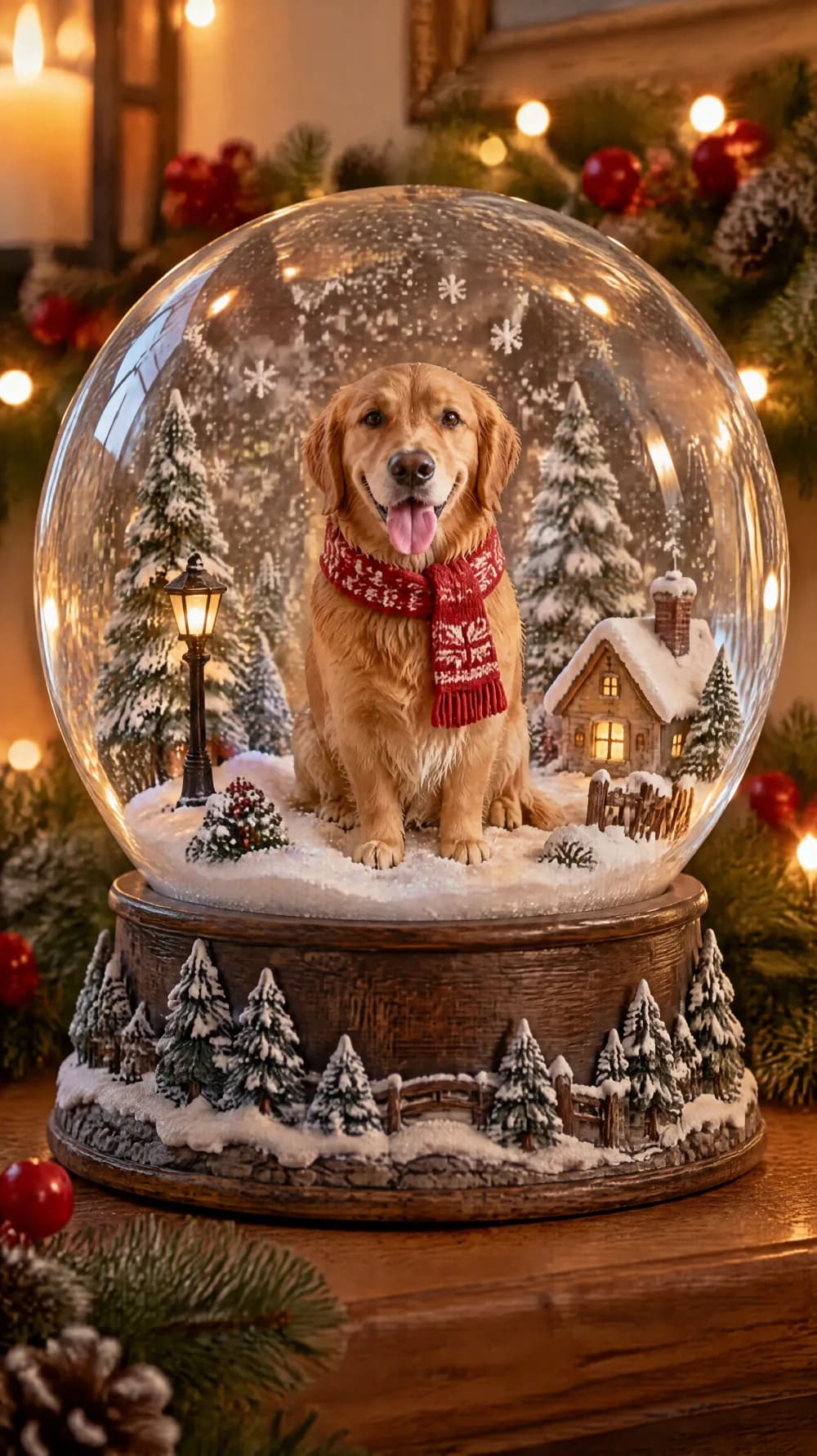
Snow Globe

New Year's Eve Party Flash
Collectible Figure Box
Pop-up Paper Card
Mini Doodle Twin
Instant Photo Pop-Out
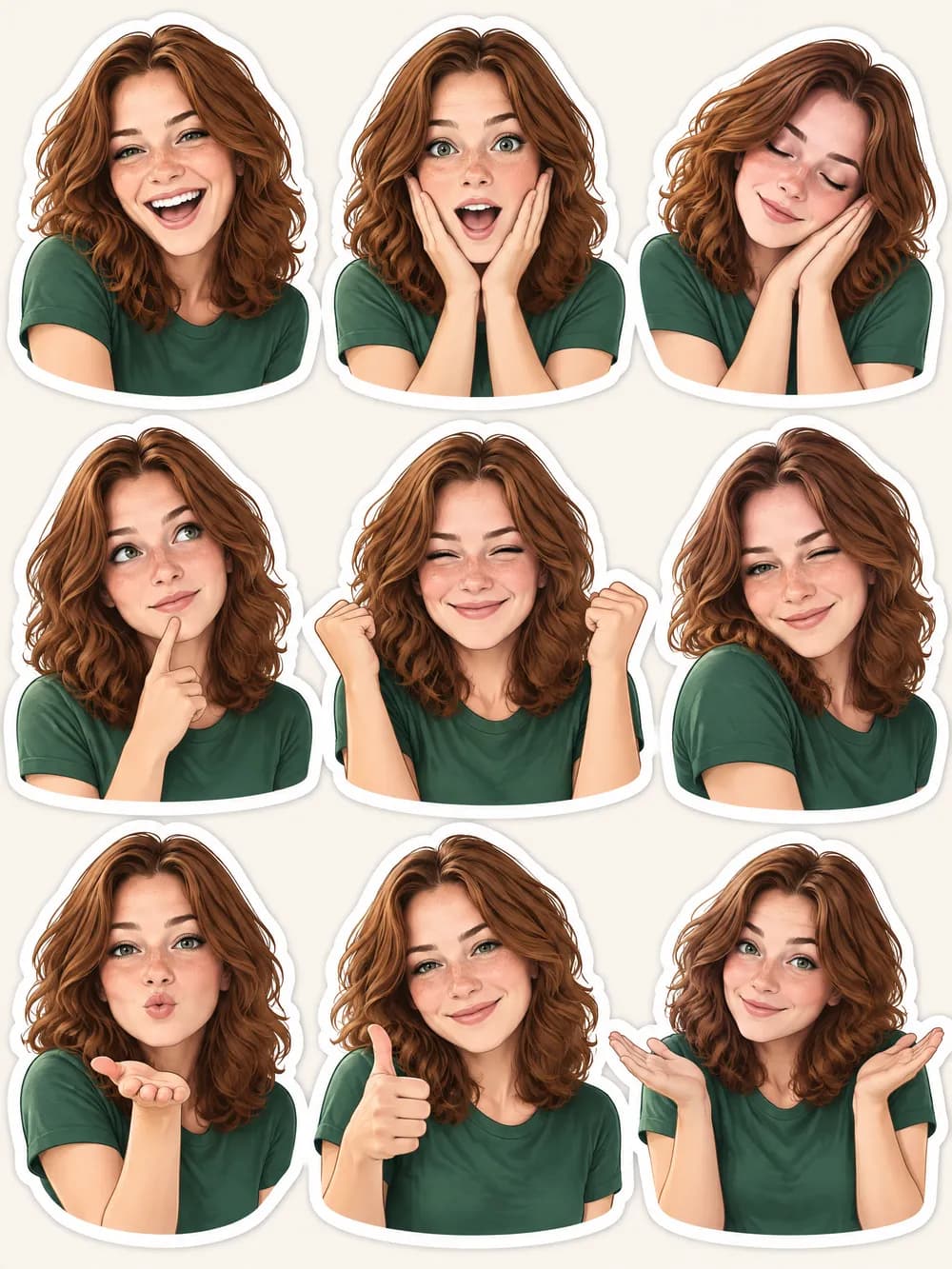
Photo Sticker Sheet