

Snow Globe Photo Maker
The snow globe look rebuilds the subject of your photo as a small figure inside a round glass globe. A person gets a cozy winter outfit and a pet gets a little scarf, and they stand in a tiny snowy village with pine trees and a cottage on a decorated base.
The result is composed like a photograph of a real object: soft white flakes drift inside the glass, the glass reflects and bends the light, and warm out-of-focus Christmas lights and a garland glow on a wooden mantel behind it. Upload one photo, pick a size and download a JPG. As with the claymation and felt looks, the picture keeps the spirit of the subject more than every detail of the face.
This is the Snow Globe style of the Photo Trend Maker. The form on this page opens with it already selected.
Snow Globe examples
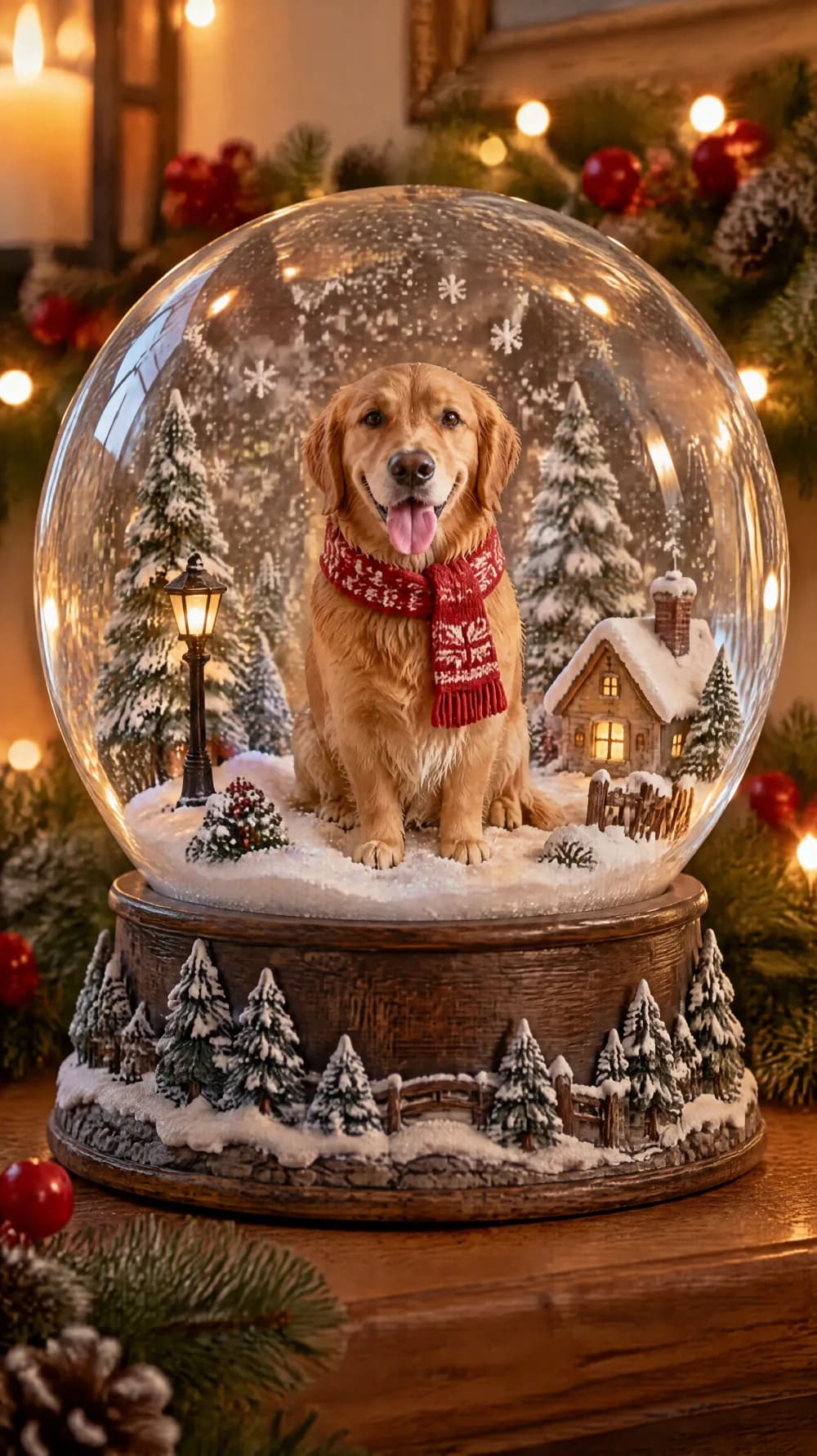
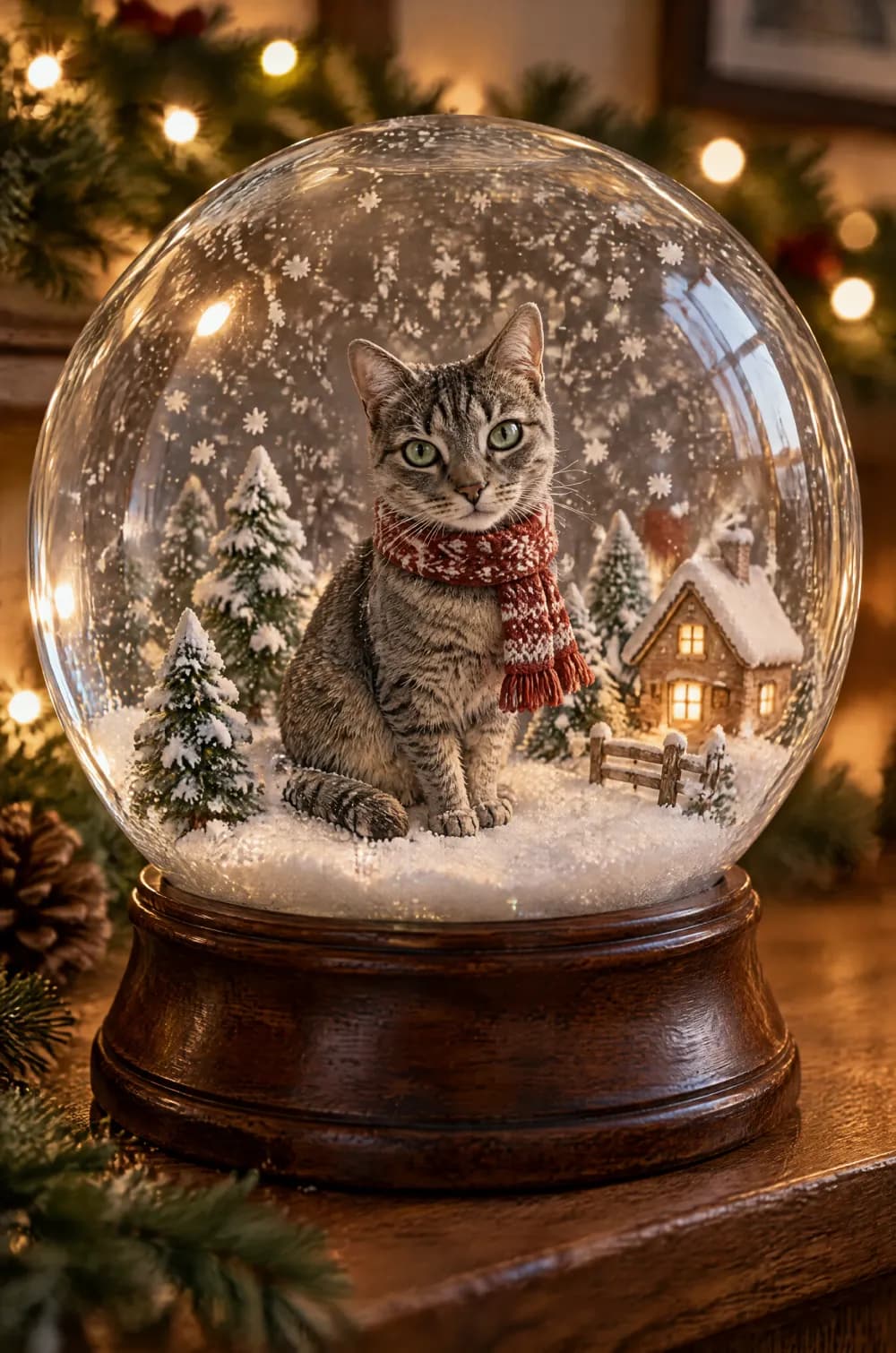
Who the Snow Globe style suits
Pets and portraits with a clear outline
A dog, a cat or a person photographed against a simple background turns into a clean figure inside the globe, and the pet keeps its fur color and markings.
Holiday cards and small gifts
A snow globe picture works as the image on a digital card, a message to a friend or a small gift for someone who loves their pet.
Pinterest boards of winter and Christmas ideas
The 2:3 size matches the shape Pinterest recommends for standard Pins, and the globe fills a tall frame well.
Getting the best Snow Globe result
- 1
Pick a photo with one clear subject
The globe holds a single figure. A sharp photo with the subject large in the frame gives the AI a recognizable figure to place inside the glass.
- 2
Expect a miniature, not a portrait
Like the claymation world and felt miniature looks, the figure is simplified for the small scene, so it keeps the spirit of the face more than the exact details.
- 3
Only one globe
The instructions ask for a single snow globe, so a group photo is better cropped to one or two people before you upload it.
- 4
Use a tall size for the whole globe
The 9:16 and 2:3 sizes leave room for the glass, the base and the glowing lights. The 1:1 size frames the globe more tightly.
Ideas to try
- Photo: a grey tabby cat sitting on a windowsill, size 2:3
- Photo: a golden retriever looking at the camera, size 9:16
- Photo: a smiling person in a scarf, size 3:4
- Photo: a small dog on a sofa, size 1:1
What you download
Every design from the Photo Trend Maker comes with the files for the job, whichever style you choose:
- Vertical 1080×1920 JPG (9:16)
- Pinterest Pin 1000×1500 JPG (2:3)
- Portrait post 1080×1440 JPG (3:4)
- Square 1080×1080 JPG (1:1)
Questions about the Snow Globe style
Will it look like me or my pet?+
The instructions keep the subject's identity, colors and expression recognizable, but the figure is small and simplified. Fur color and markings usually survive well. Generate again if a result drifts.
Can I make a snow globe of my pet?+
Yes, and pets are one of the best uses. A pet gets a little scarf and sits in the snowy village. The look is told not to add a person or an animal that is not in your photo.
Does the picture contain any text?+
The instructions ask for no text. AI can still draw stray lettering on a small sign, so look closely before you post it.
How is it different from the claymation look?+
The claymation world rebuilds the whole scene from modelling clay. The snow globe puts a small figure inside glass, with drifting snow, reflections and Christmas lights around it. If you would rather have a frame trick than a miniature, try the instant photo pop-out.
Photo trend looks
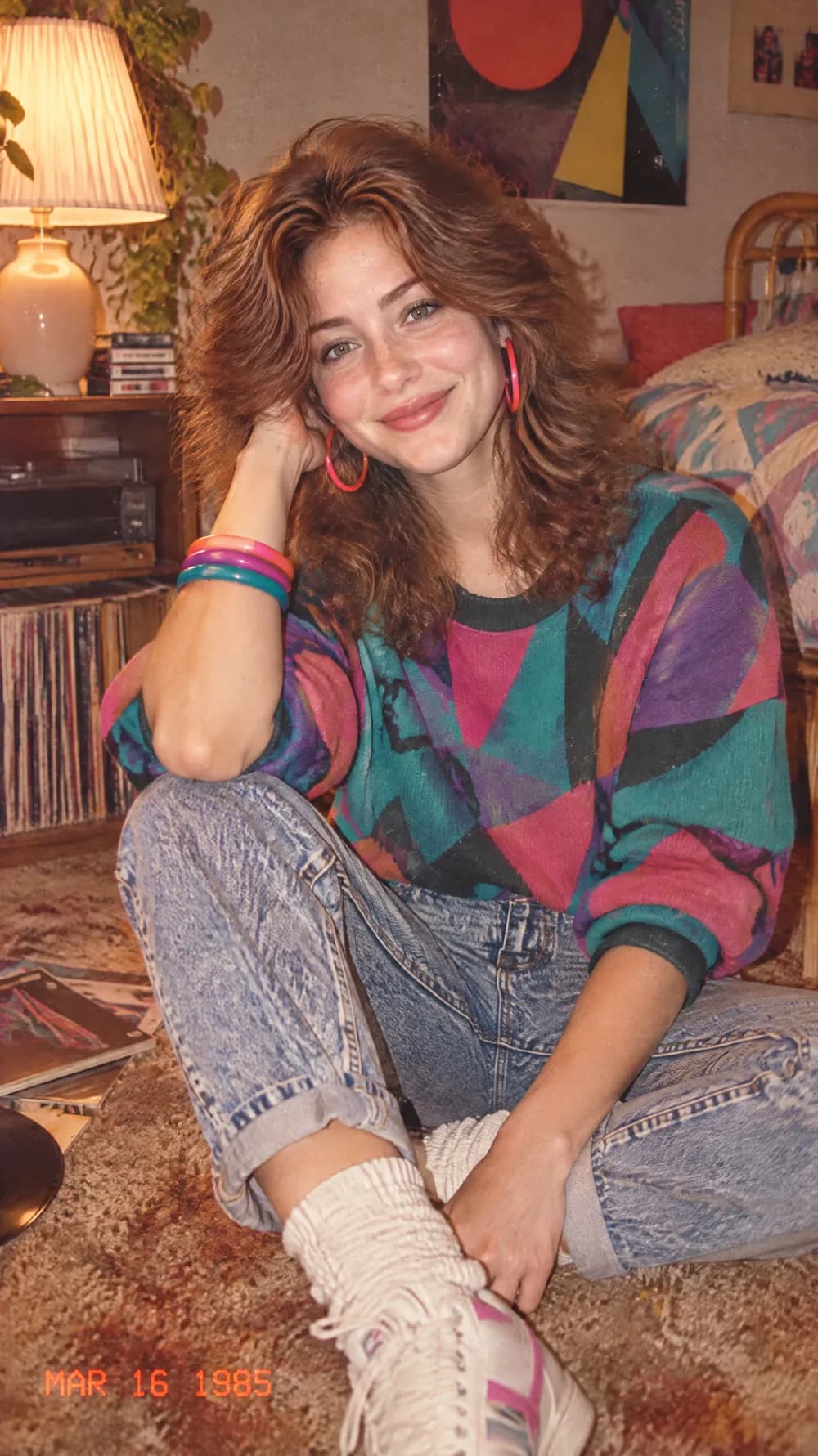
80s Flashback
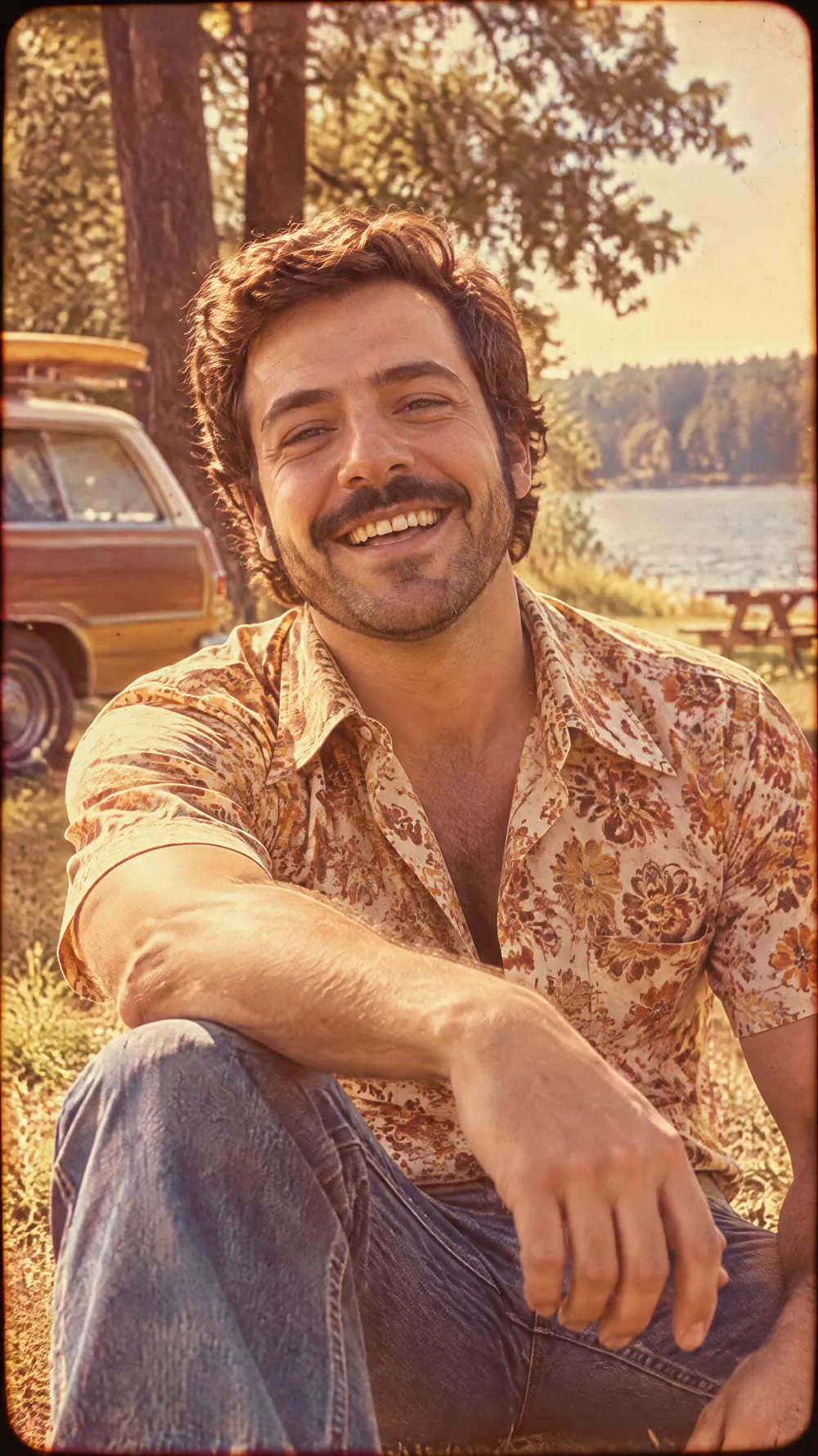
70s Slide Portrait
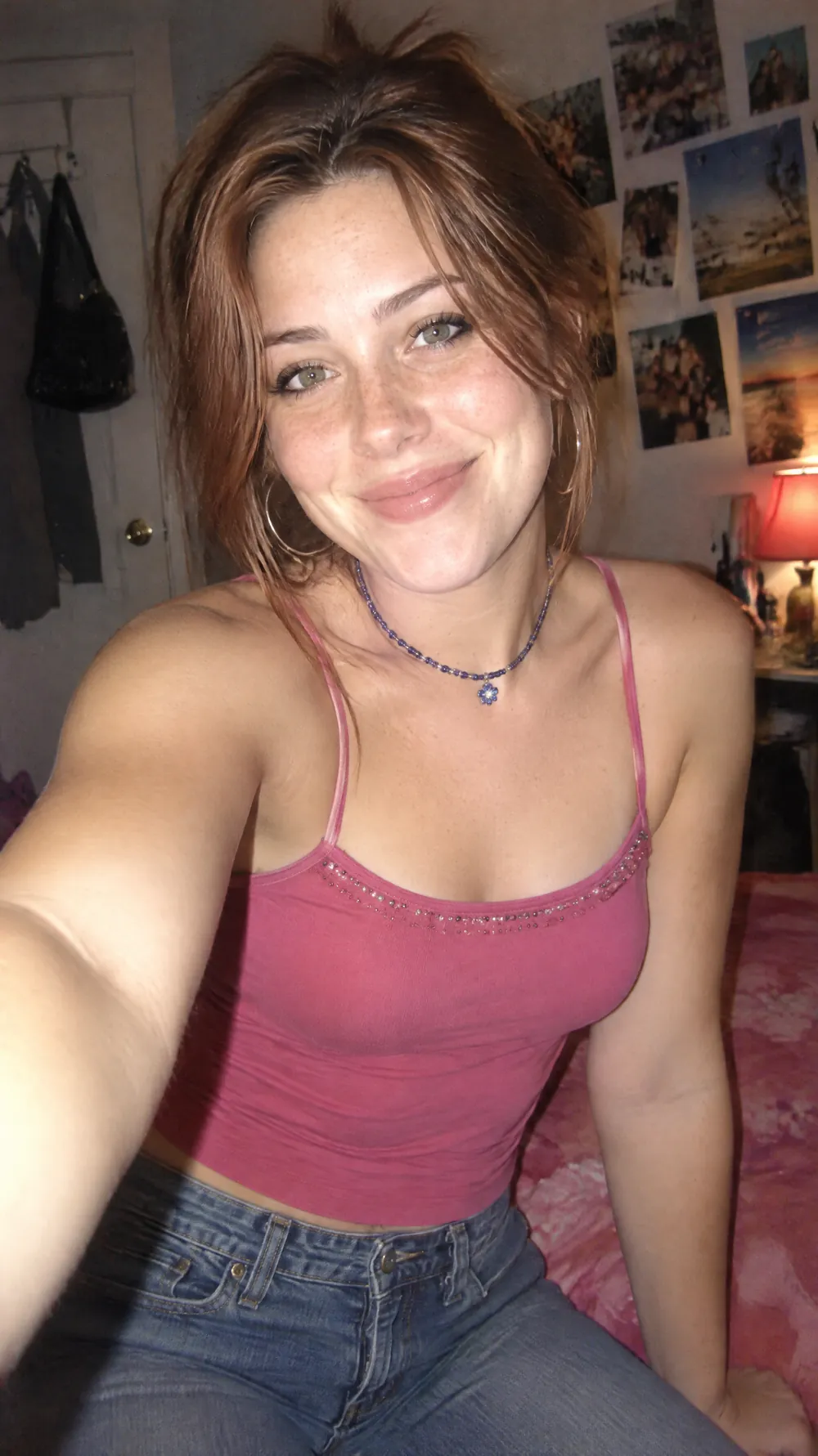
Y2K Digital Camera
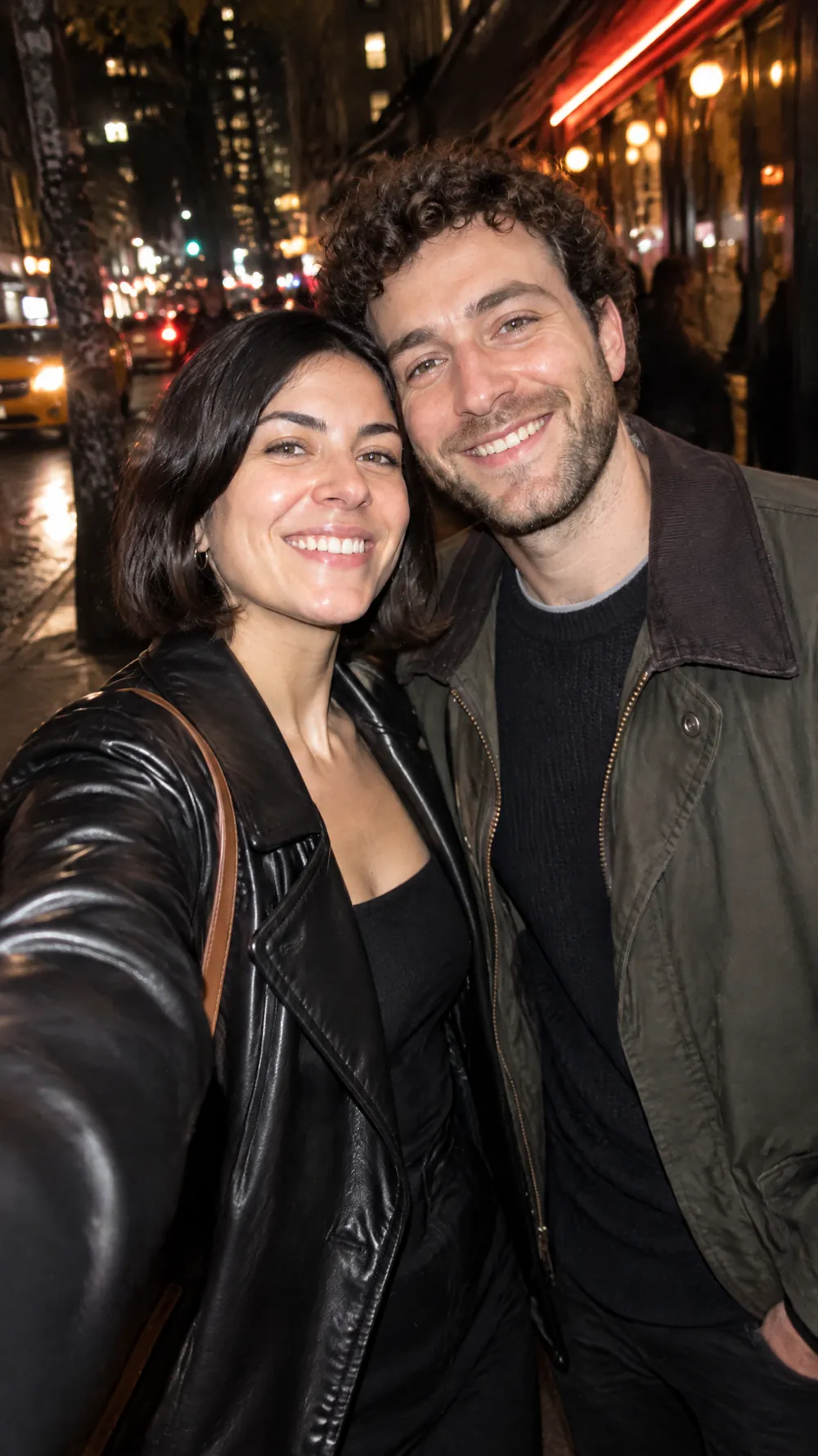
Night Out Flash
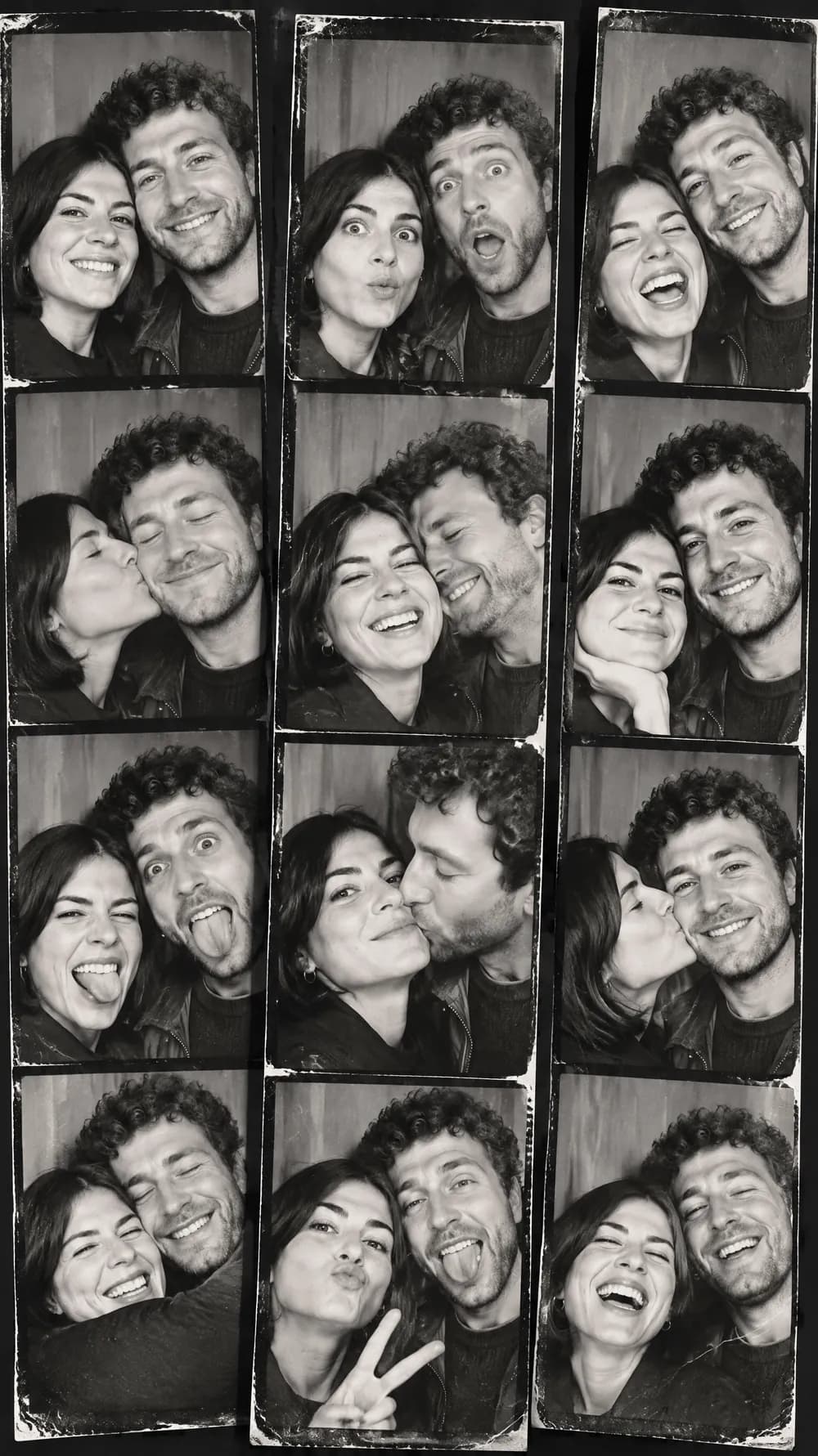
Photo Booth Strip
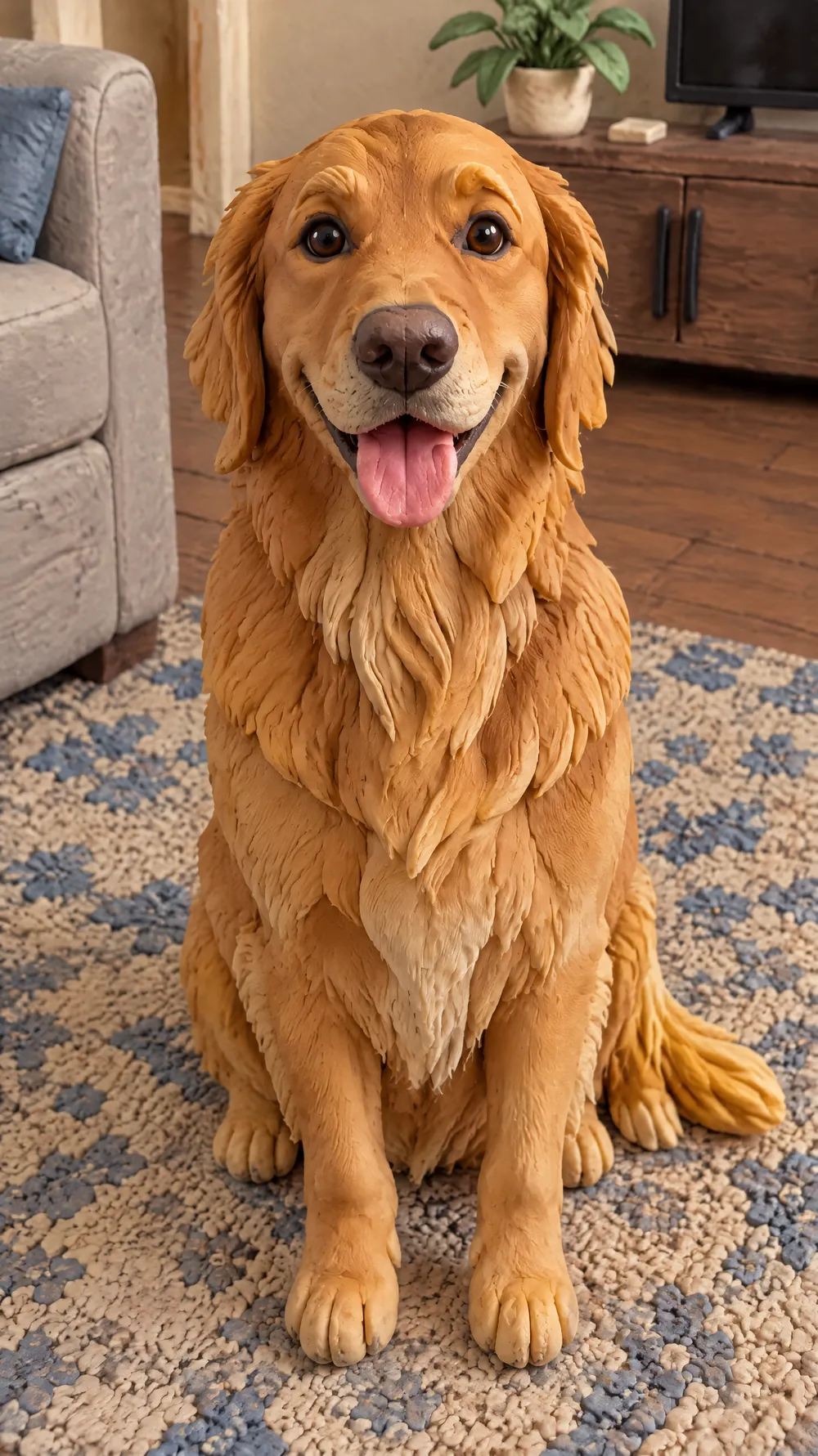
Claymation World
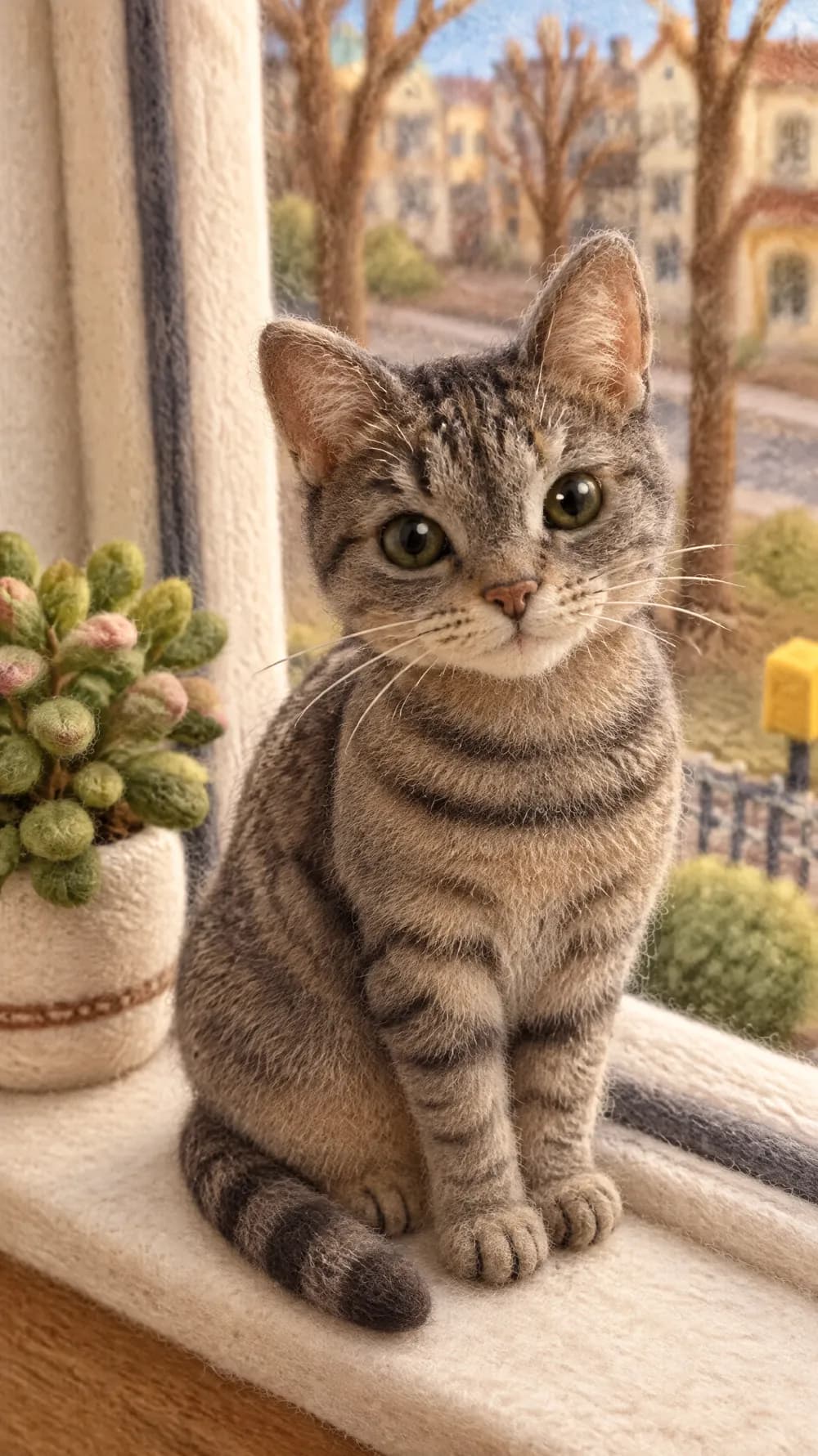
Felt Miniature
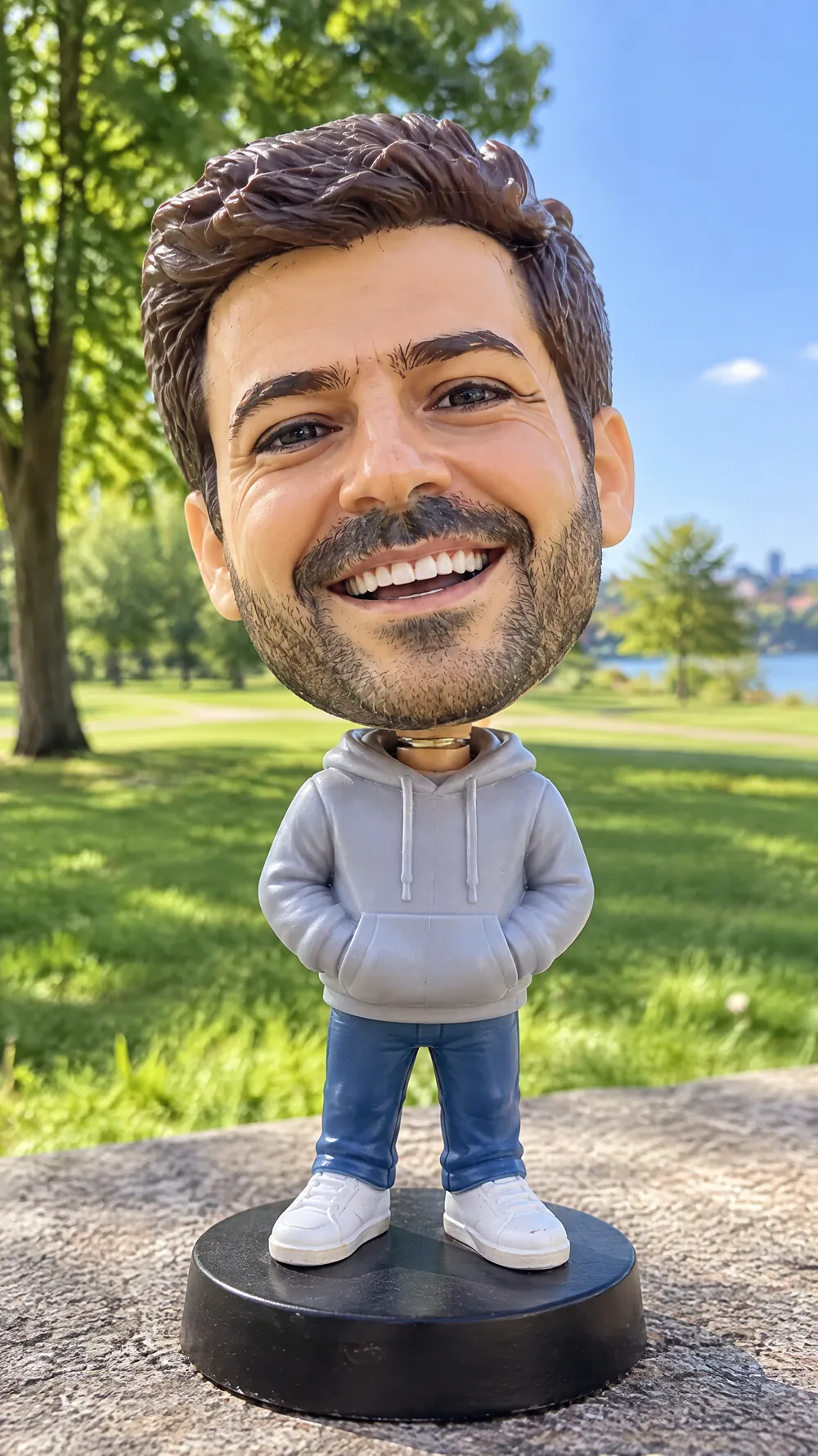
Bobblehead
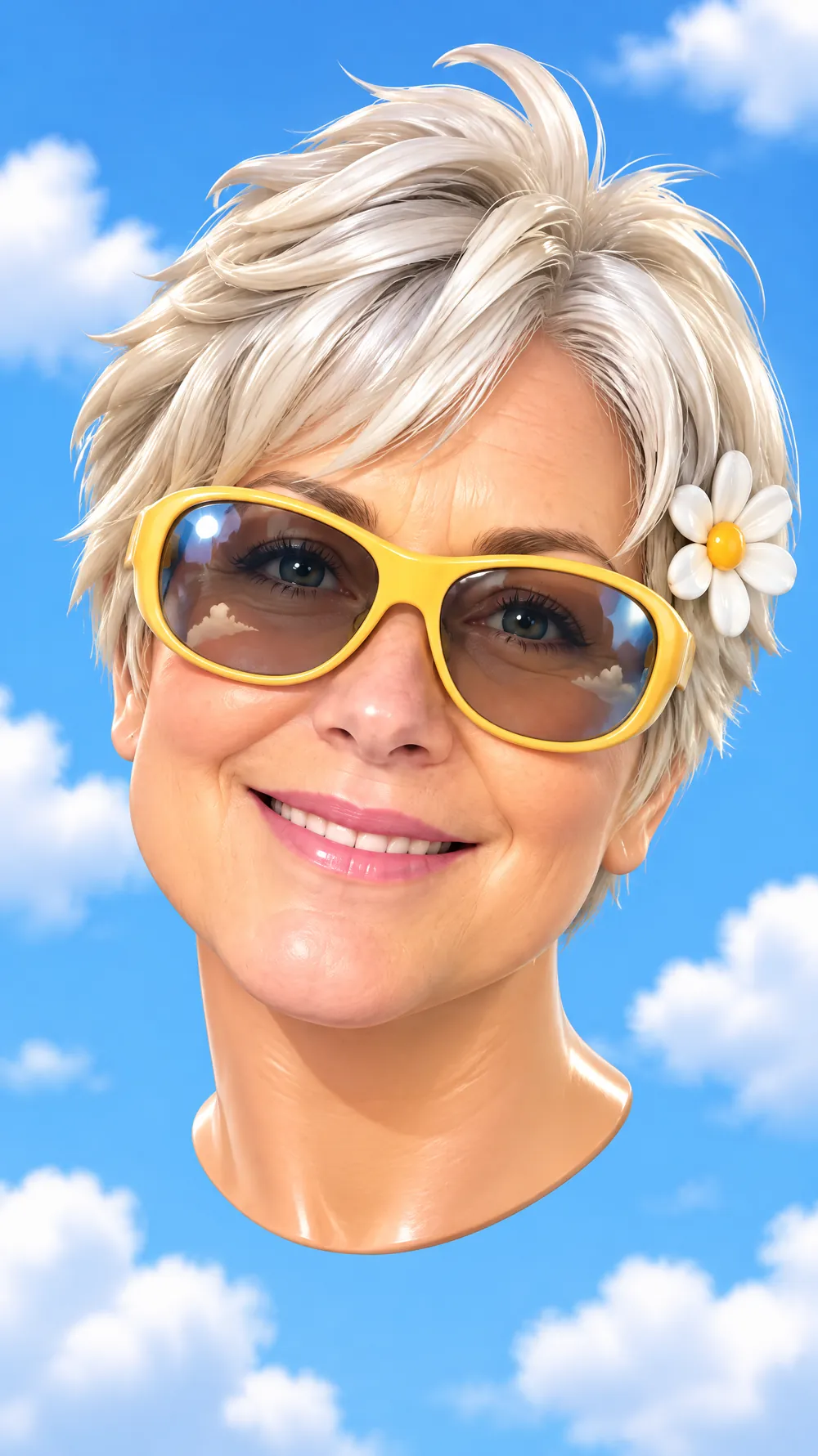
3D Toy Avatar

16-bit Arcade Fighter
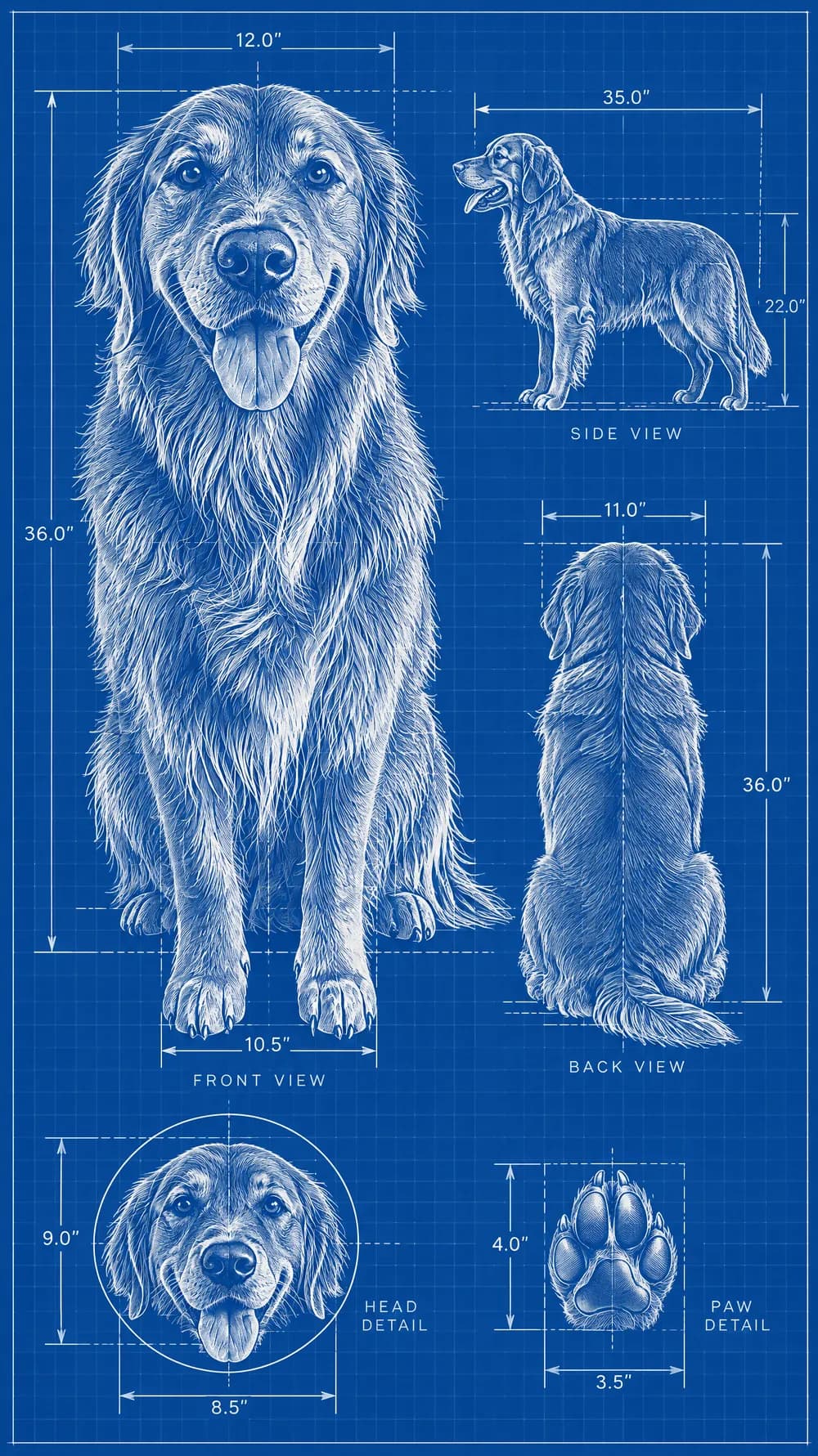
Blueprint Poster
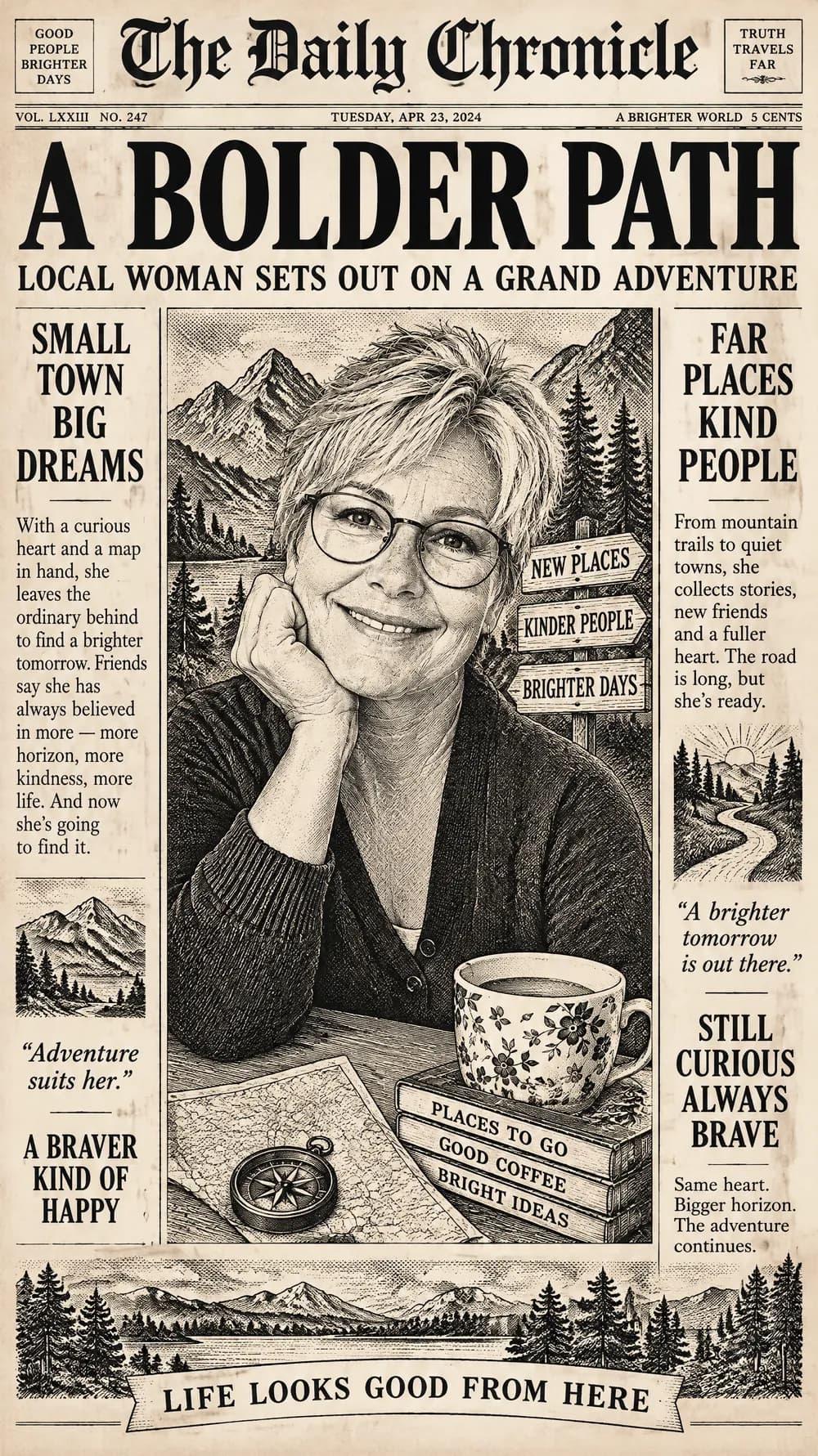
Fantasy Newspaper
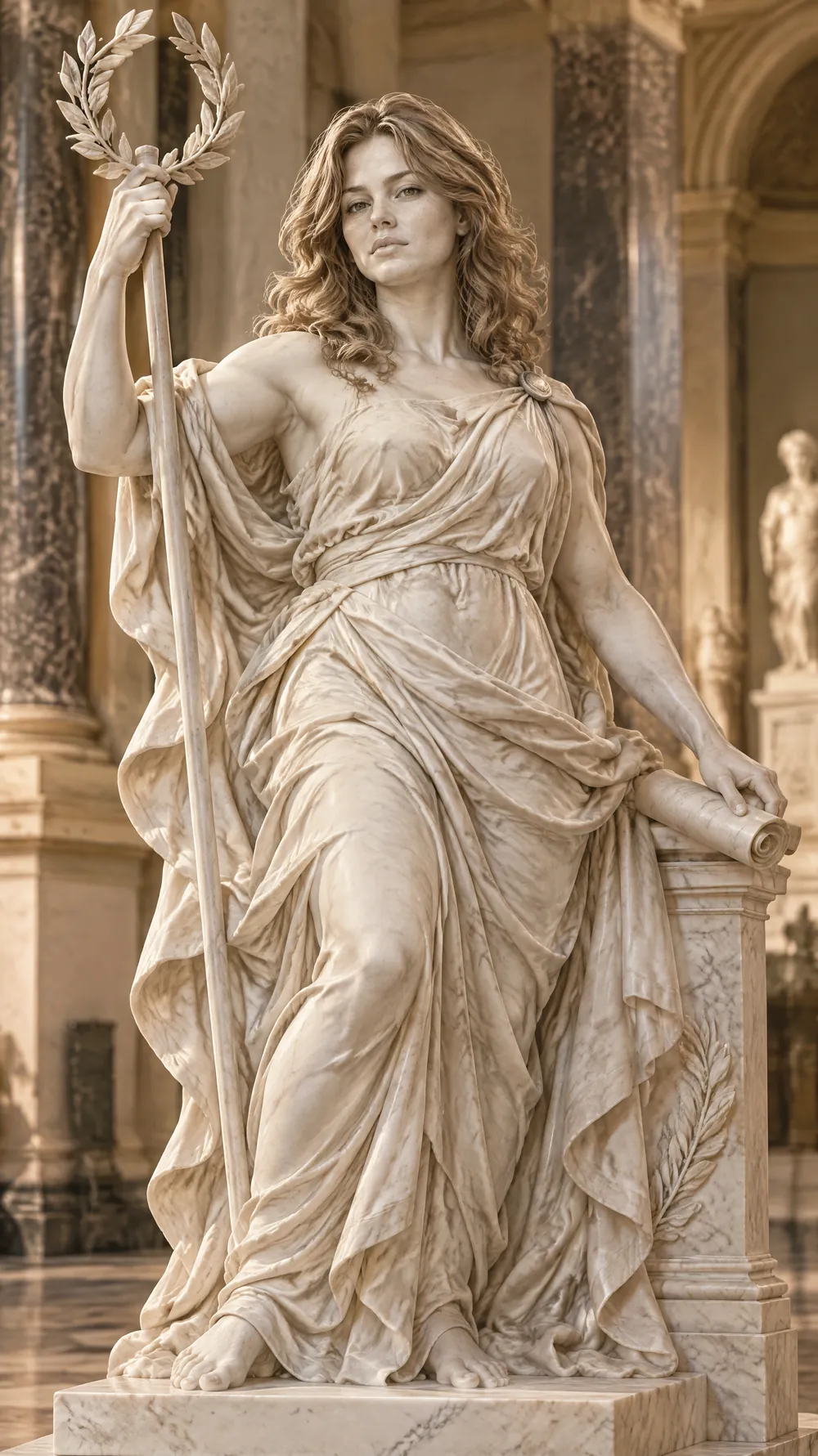
Marble Statue
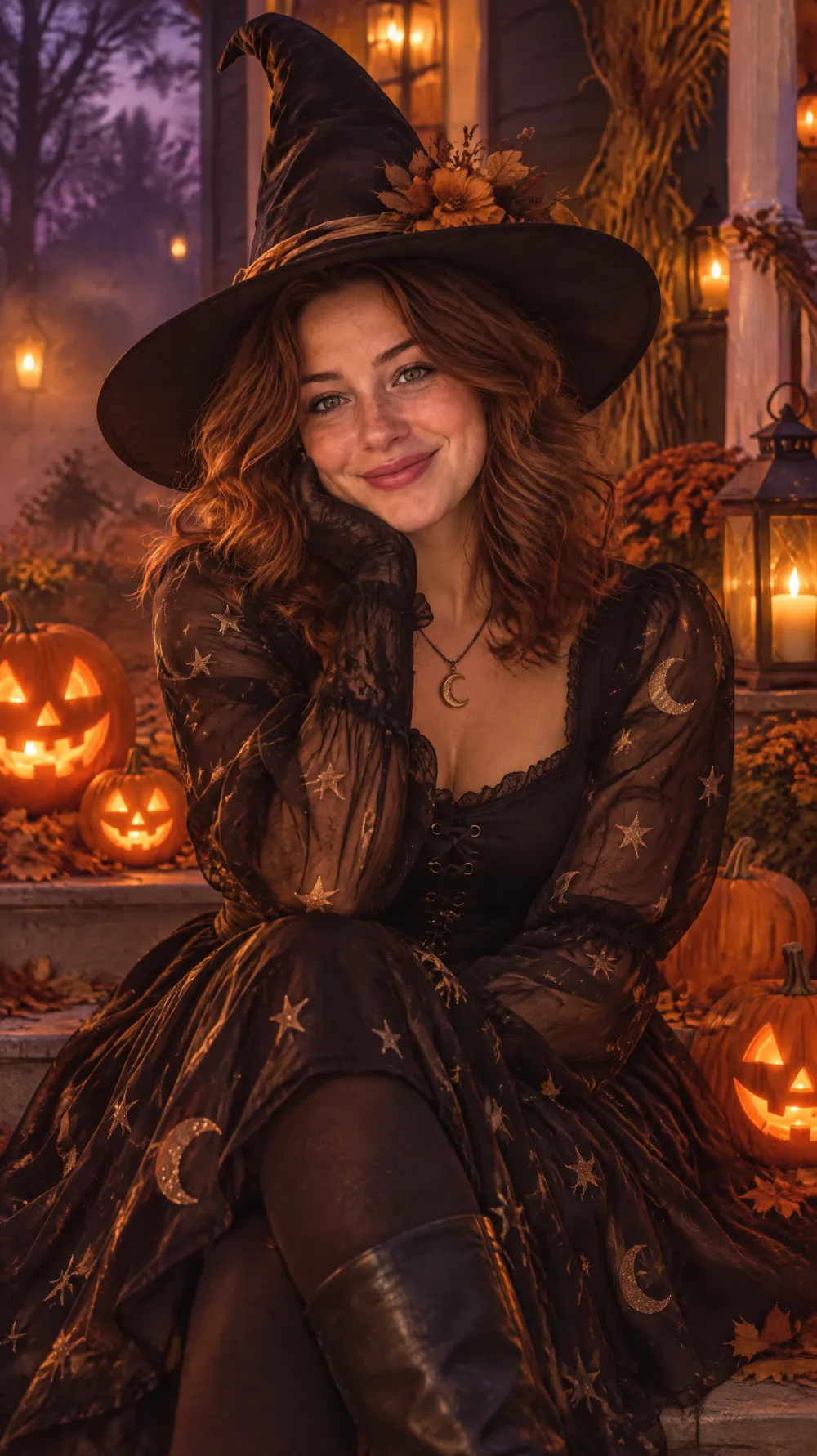
Halloween Costume Portrait
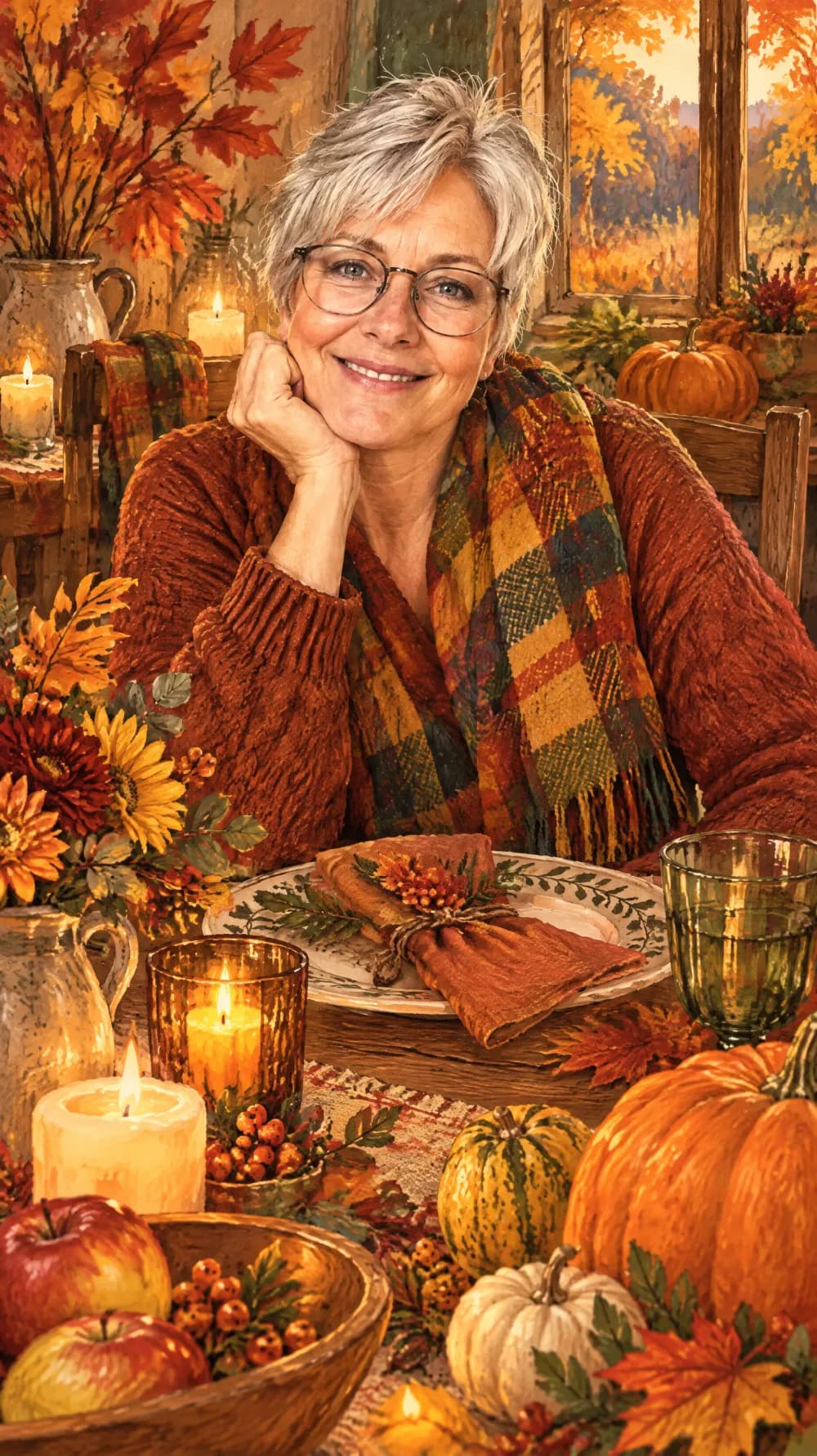
Thanksgiving Harvest Portrait
Christmas Card Portrait
Vintage Christmas Snapshot

New Year's Eve Party Flash
Collectible Figure Box
Pop-up Paper Card
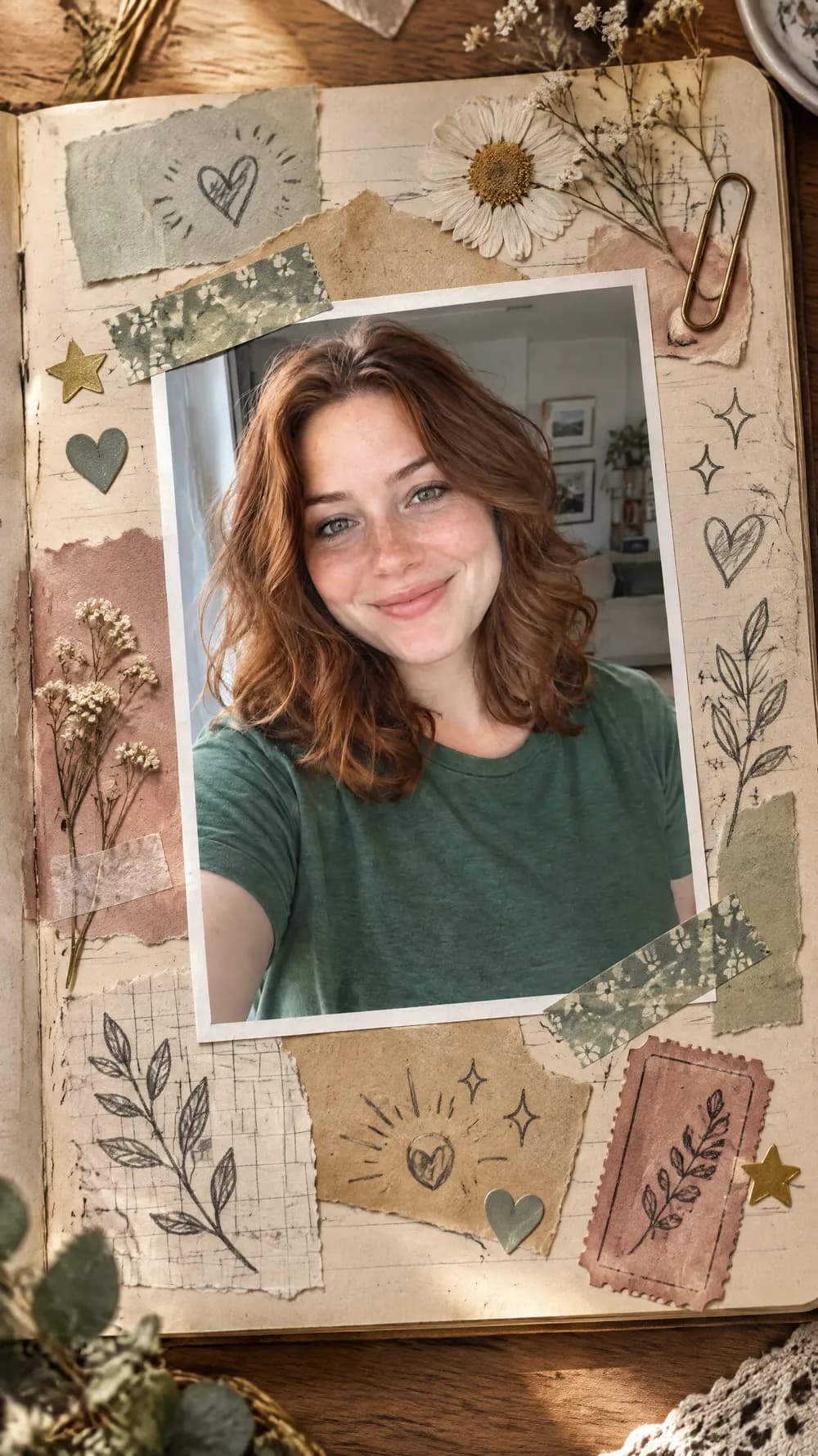
Scrapbook Journal Page
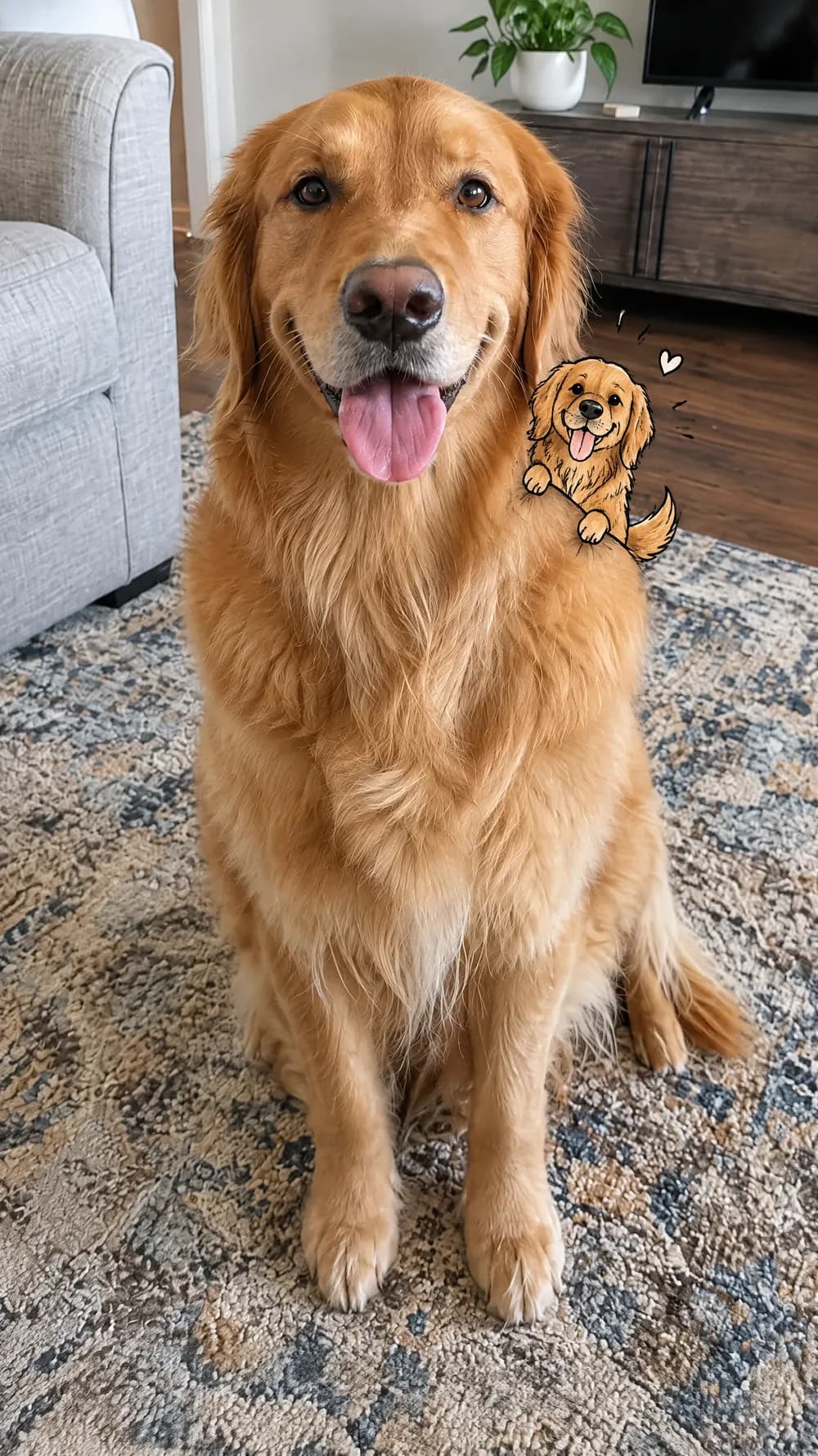
Mini Doodle Twin
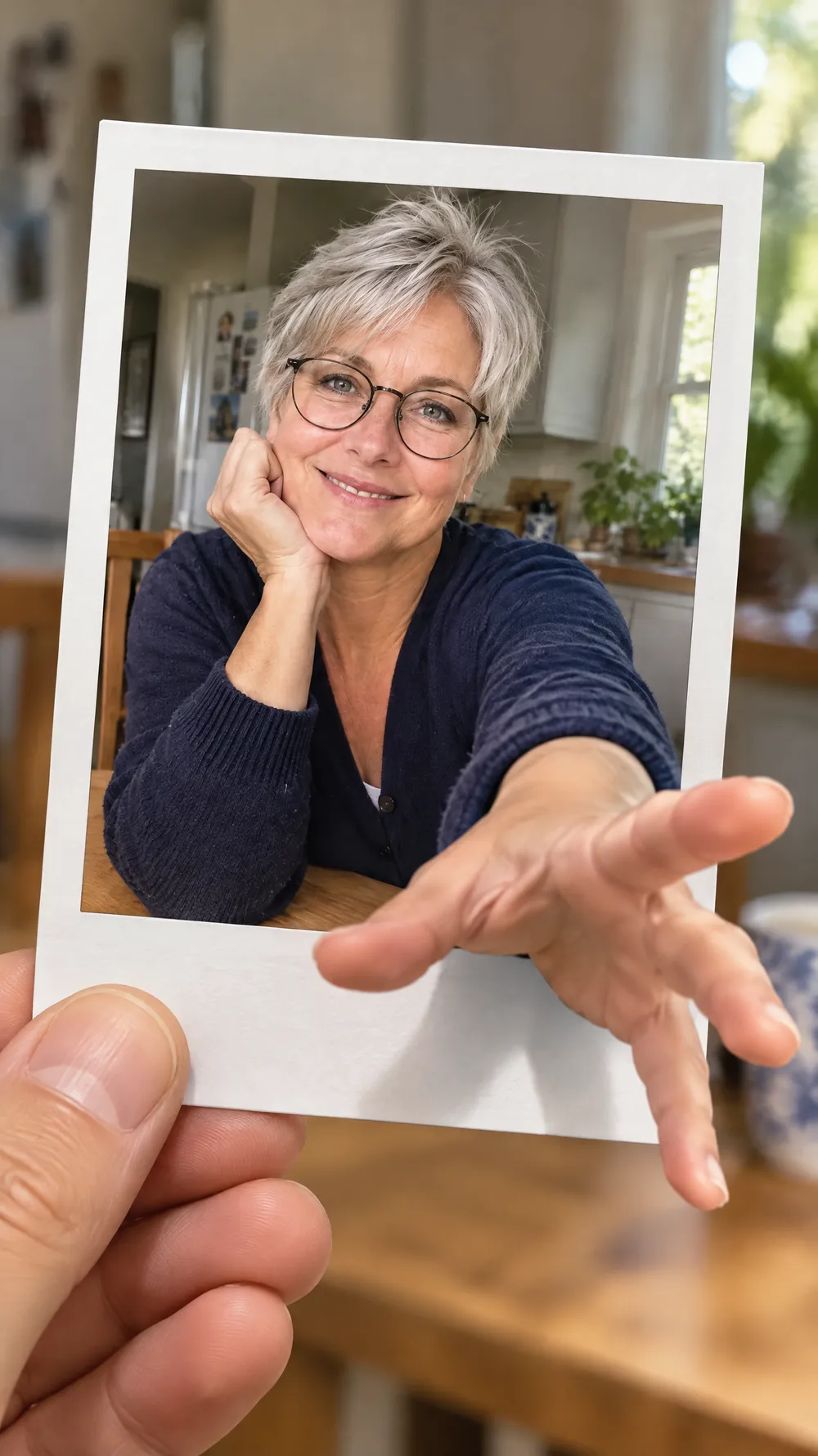
Instant Photo Pop-Out
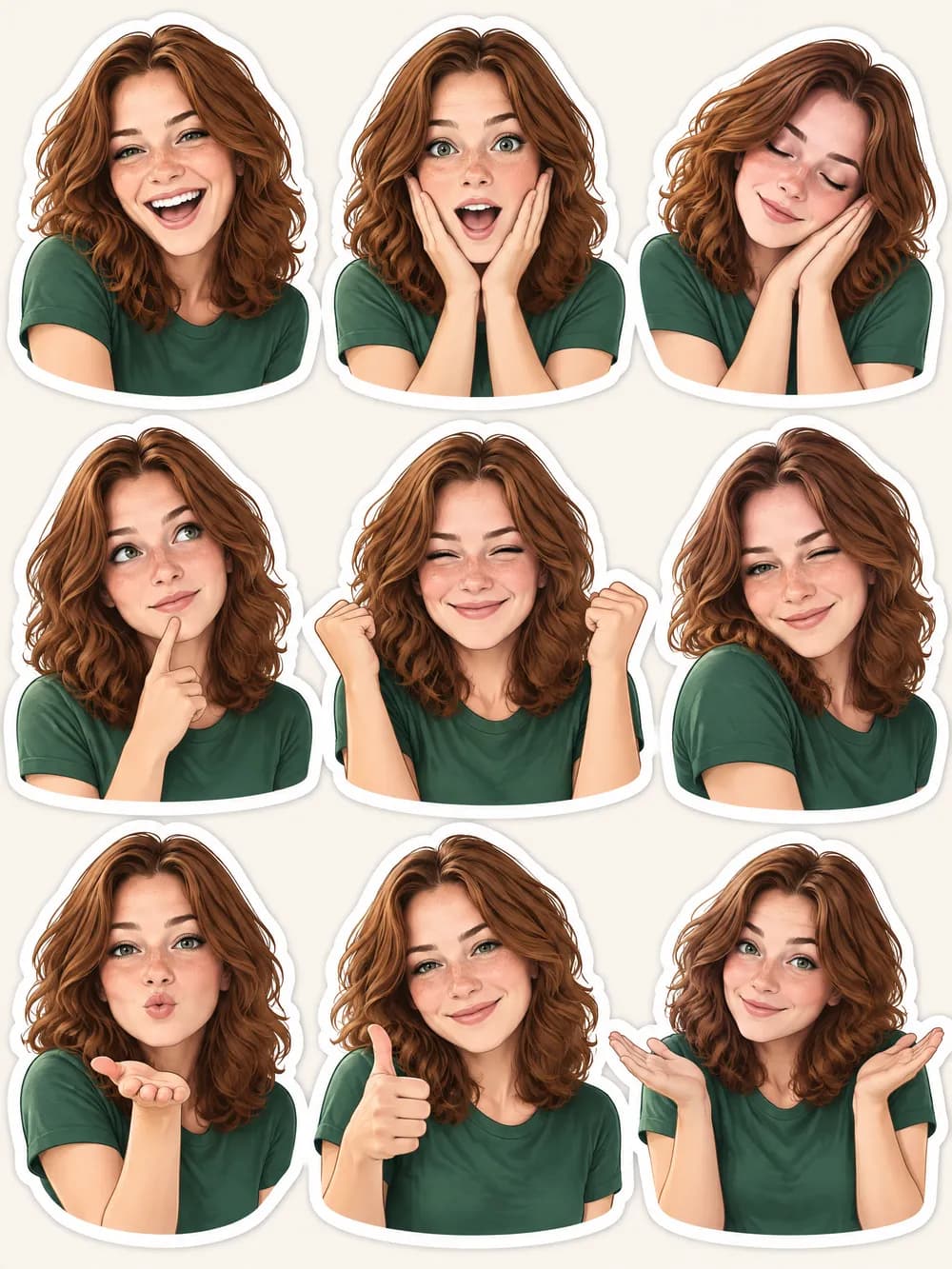
Photo Sticker Sheet