

Instant Photo Pop-Out Maker
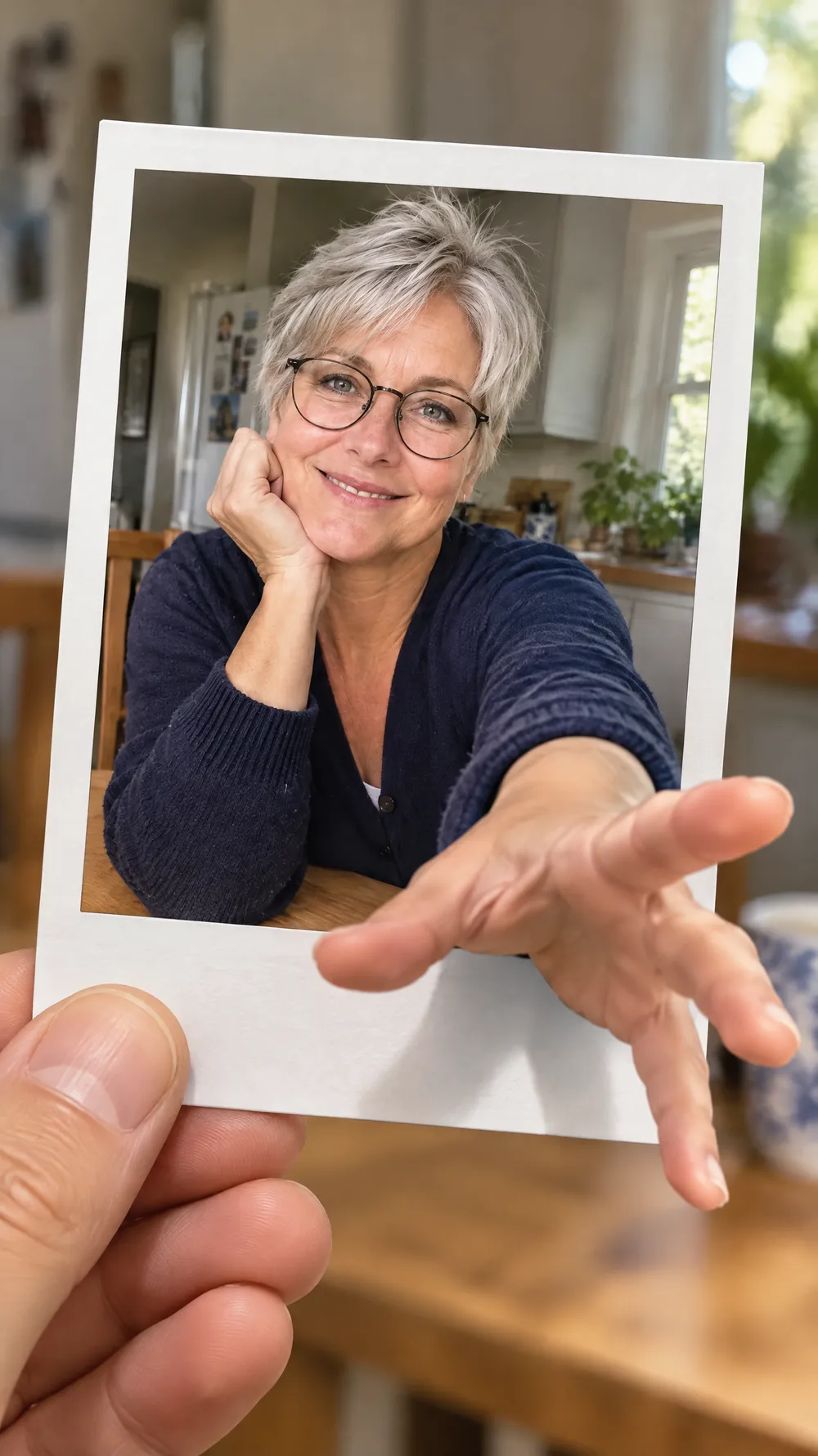
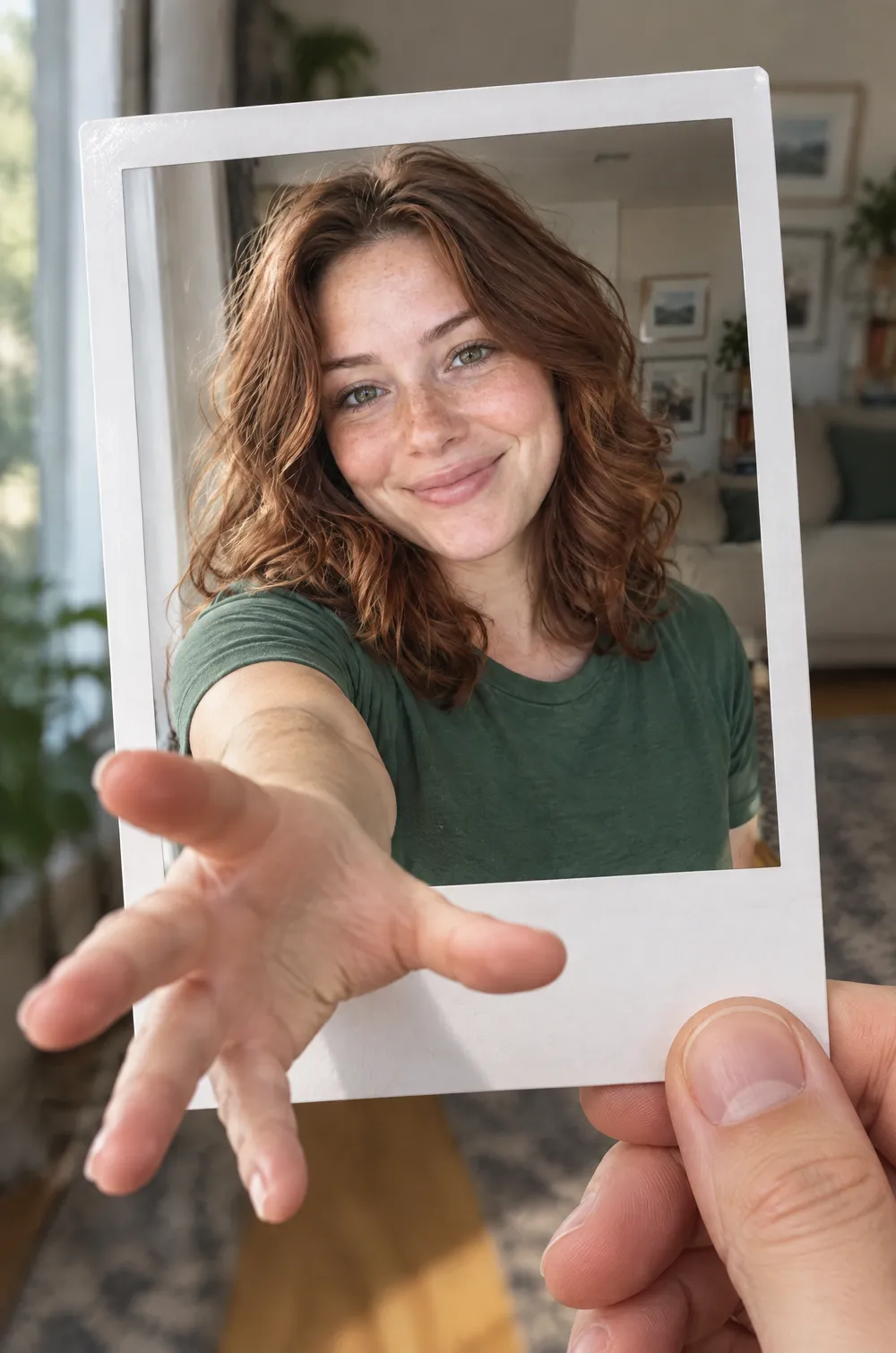
The instant photo pop-out look turns your photo into a small visual trick. A real hand holds a single instant-film print with a white border and a wide bottom margin, and inside the print you reach one arm and hand out past the border into the room, with strong 3D perspective, so it seems that you are stepping through the frame.
The reaching hand is the closest and sharpest part of the picture, and it casts a small shadow on the border and on the hand that holds the print. Your face, hair and outfit stay consistent between the print and the arm. Upload a photo, choose a size and download a JPG with no prompt to write.
This is the Instant Photo Pop-Out style of the Photo Trend Maker. The form on this page opens with it already selected.
Instant Photo Pop-Out examples
Who the Instant Photo Pop-Out style suits
Selfies and portraits
A waist-up photo where an arm is visible gives the AI a natural arm to extend. The picture suits a profile post, a story or a message that says come over here.
Pets
For a pet, a front paw reaches out of the frame instead of a hand. A cat or a dog that looks straight at the camera works best.
Posts that need a thumbnail people stop on
The illusion is easy to understand at a glance, which helps on a feed or a board where each picture gets a second of attention.
Getting the best Instant Photo Pop-Out result
- 1
Choose a photo with a visible arm or shoulder
The look extends your arm out of the picture. A photo that shows your shoulders and one arm gives it a believable start, while a tight face crop forces it to invent the arm.
- 2
Check both hands
The look asks for five natural fingers on each hand, but hands are where AI makes mistakes most often. Zoom in on both and generate again if a finger is extra or missing.
- 3
Expect a blank border
The look asks for no text, logos or handwriting on the border, so the print is blank. Add a caption in another app if you want the classic handwritten line.
- 4
Compare it with other frame looks
The photo booth strip shows several black-and-white frames and the snow globe puts a tiny figure inside glass. This look breaks out of a single frame, so choose it when you want a 3D illusion.
Ideas to try
- Photo: a woman with wavy auburn hair smiling by a window, size 2:3
- Photo: a silver-haired woman in round glasses at a kitchen table, size 9:16
- Photo: a bearded man in a grey hoodie outdoors, size 3:4
- Photo: a golden retriever looking at the camera on a rug, size 1:1
What you download
Every design from the Photo Trend Maker comes with the files for the job, whichever style you choose:
- Vertical 1080×1920 JPG (9:16)
- Pinterest Pin 1000×1500 JPG (2:3)
- Portrait post 1080×1440 JPG (3:4)
- Square 1080×1080 JPG (1:1)
Questions about the Instant Photo Pop-Out style
Is it a video or a real 3D image?+
Neither. It is a flat JPG made to look three-dimensional with perspective and shadows. It does not move.
Whose hand holds the print?+
The look draws a hand that holds the print. It is not a person from your photo, so you end up with two hands in the image: yours reaching out and the one holding the print.
Can I use a group photo?+
The look is written for one subject reaching out. A group photo gives less predictable results, so use a photo of one person or one pet.
Can I add a caption on the white border?+
The look draws a blank border with no handwriting. Add your own words in another app after you download the JPG.
Which size should I choose?+
The print is a tall shape, so 2:3 (1000×1500 px) or 3:4 suit it well. The image is composed for the size you choose, so try 9:16 for a longer view of the room.
Photo trend looks
80s Flashback

70s Slide Portrait

Y2K Digital Camera
Night Out Flash
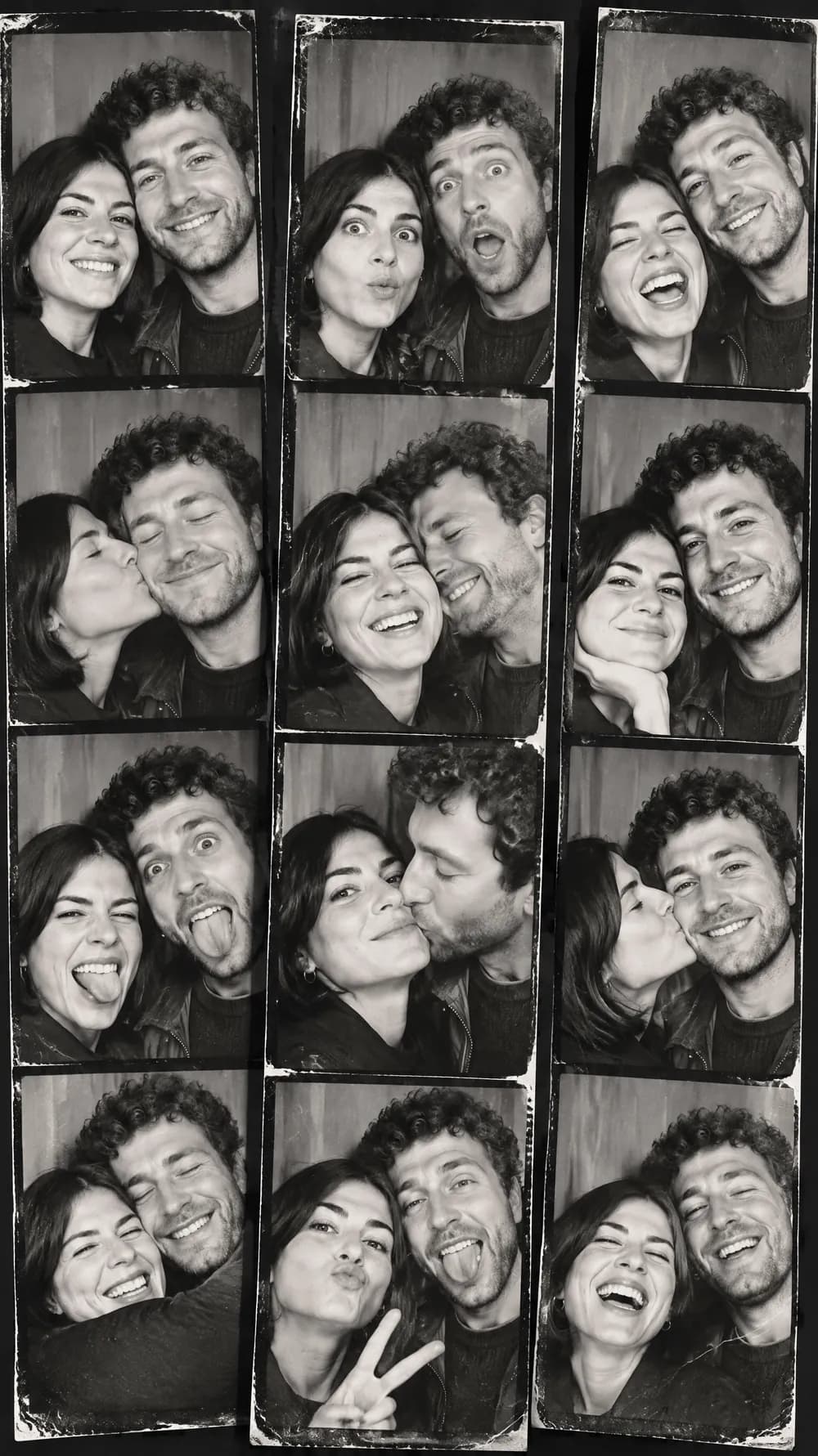
Photo Booth Strip
Claymation World
Felt Miniature

Bobblehead
3D Toy Avatar

16-bit Arcade Fighter
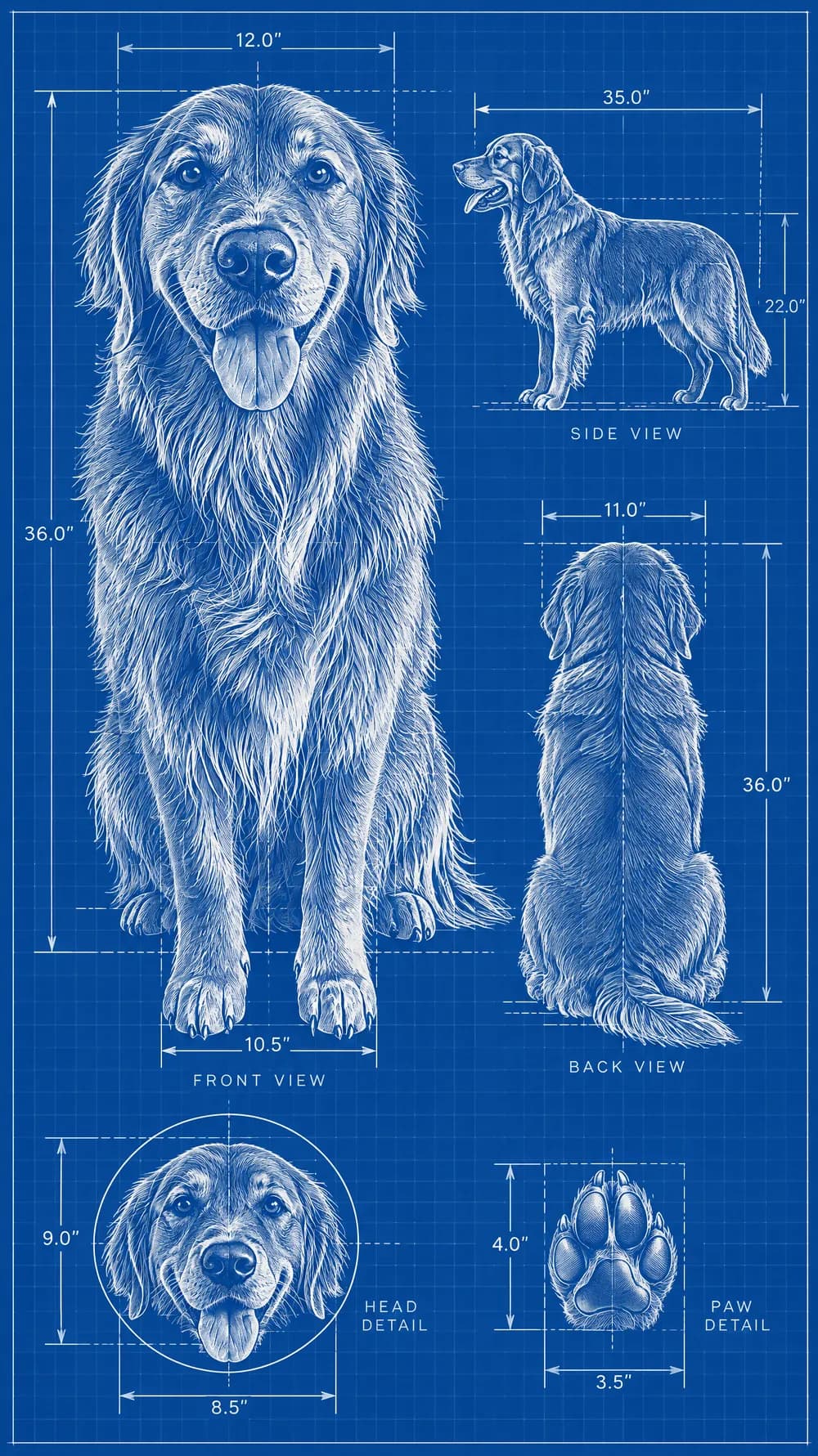
Blueprint Poster

Fantasy Newspaper
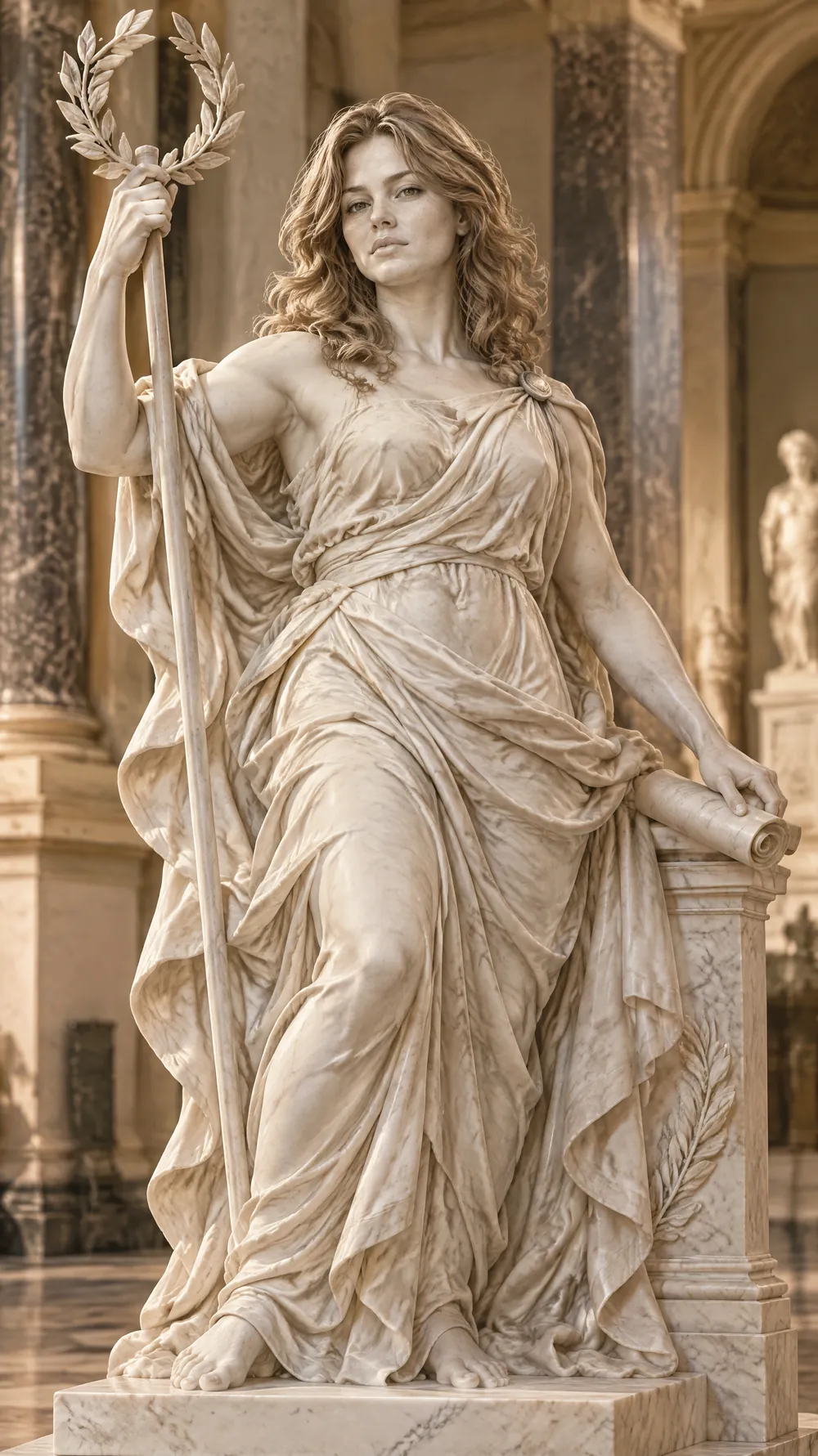
Marble Statue

Halloween Costume Portrait
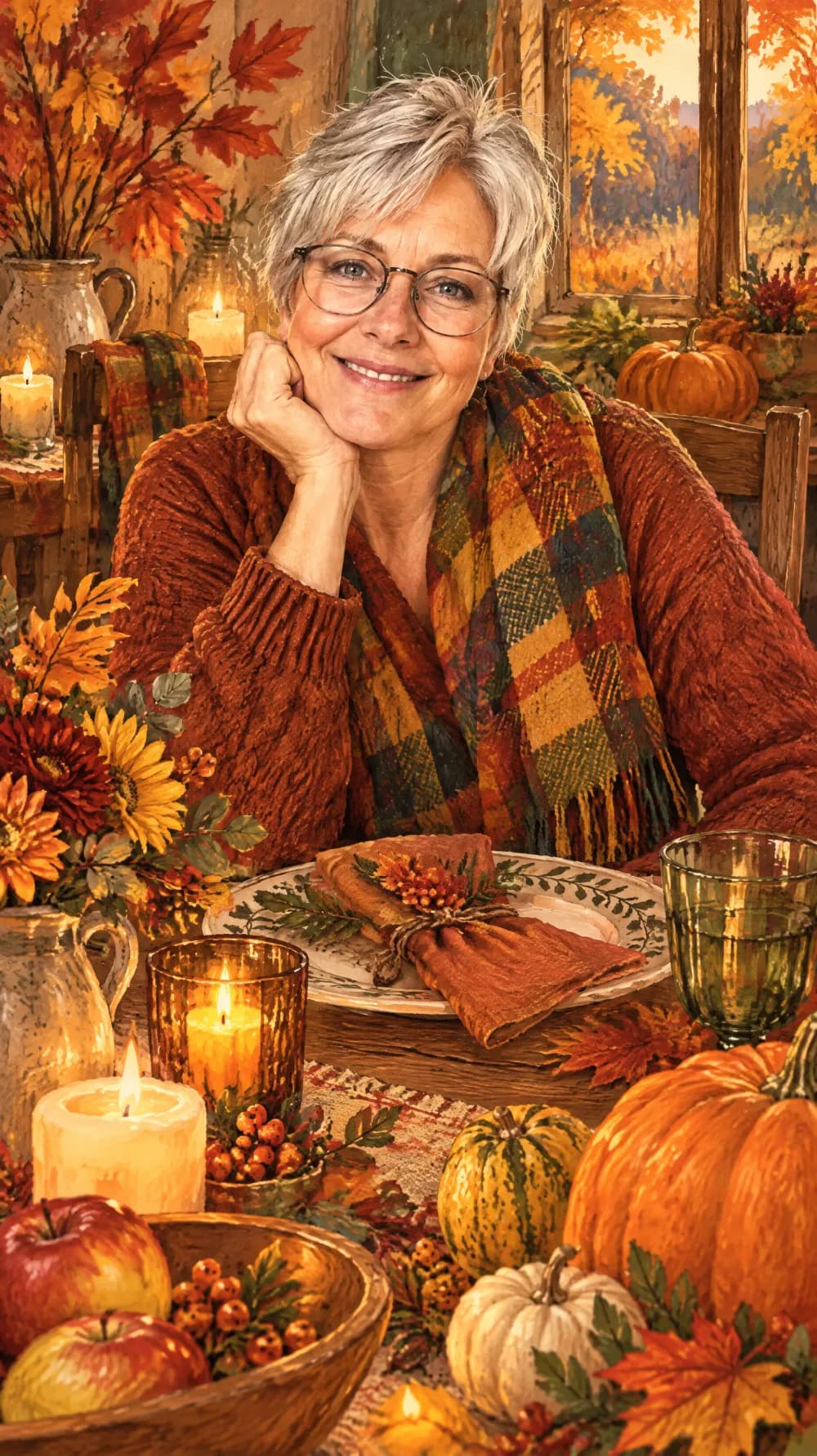
Thanksgiving Harvest Portrait
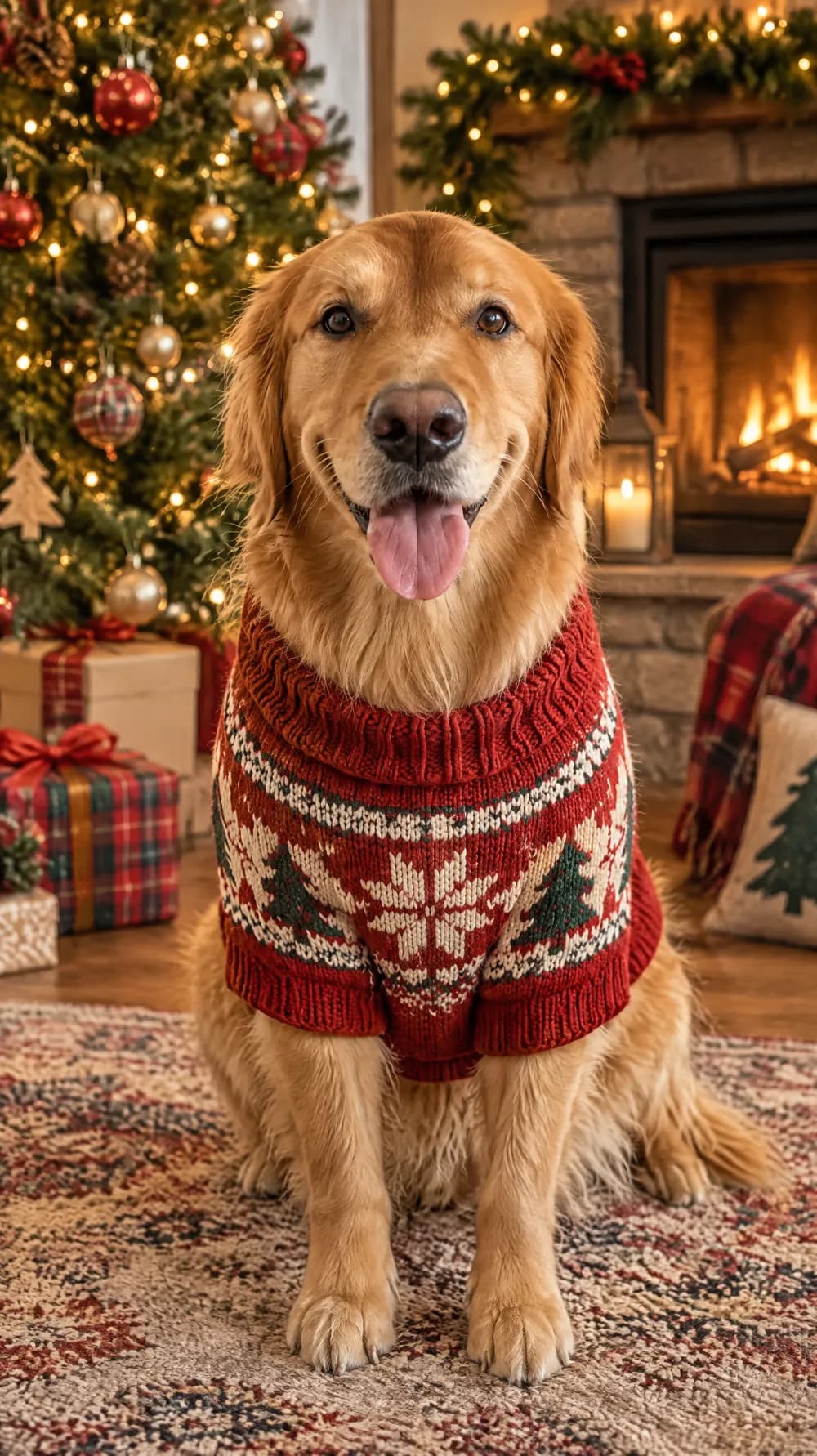
Christmas Card Portrait
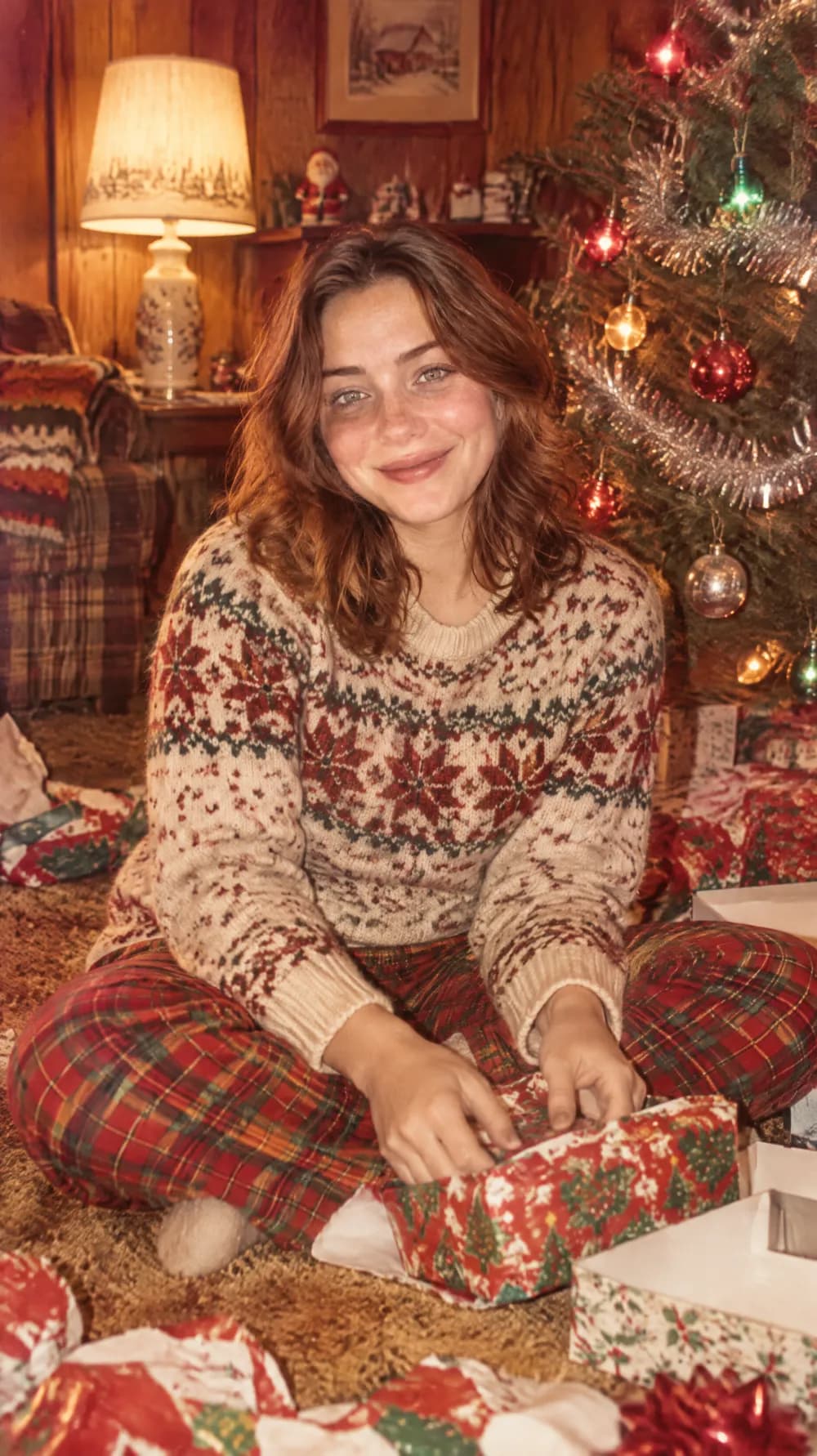
Vintage Christmas Snapshot
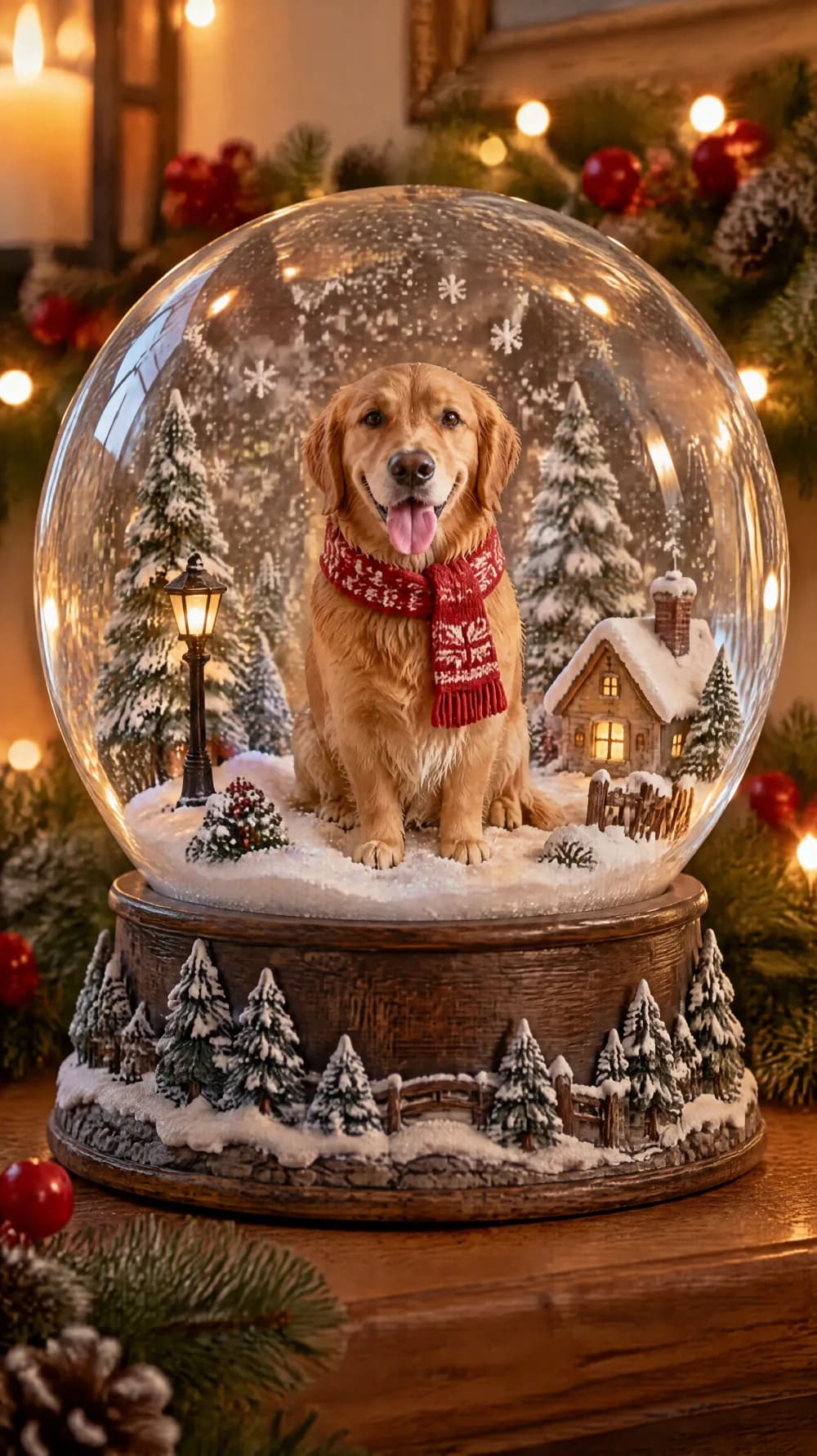
Snow Globe

New Year's Eve Party Flash
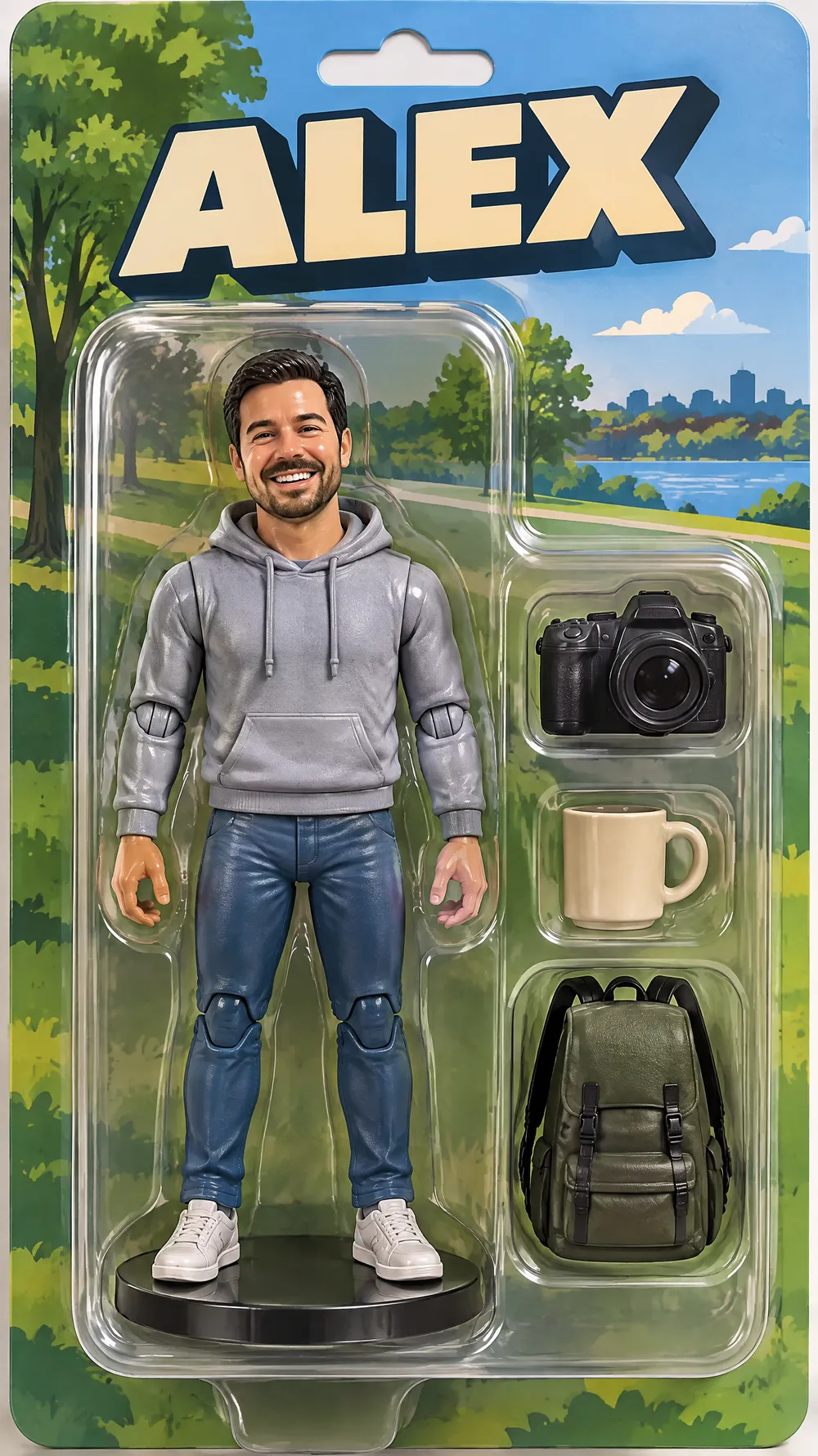
Collectible Figure Box
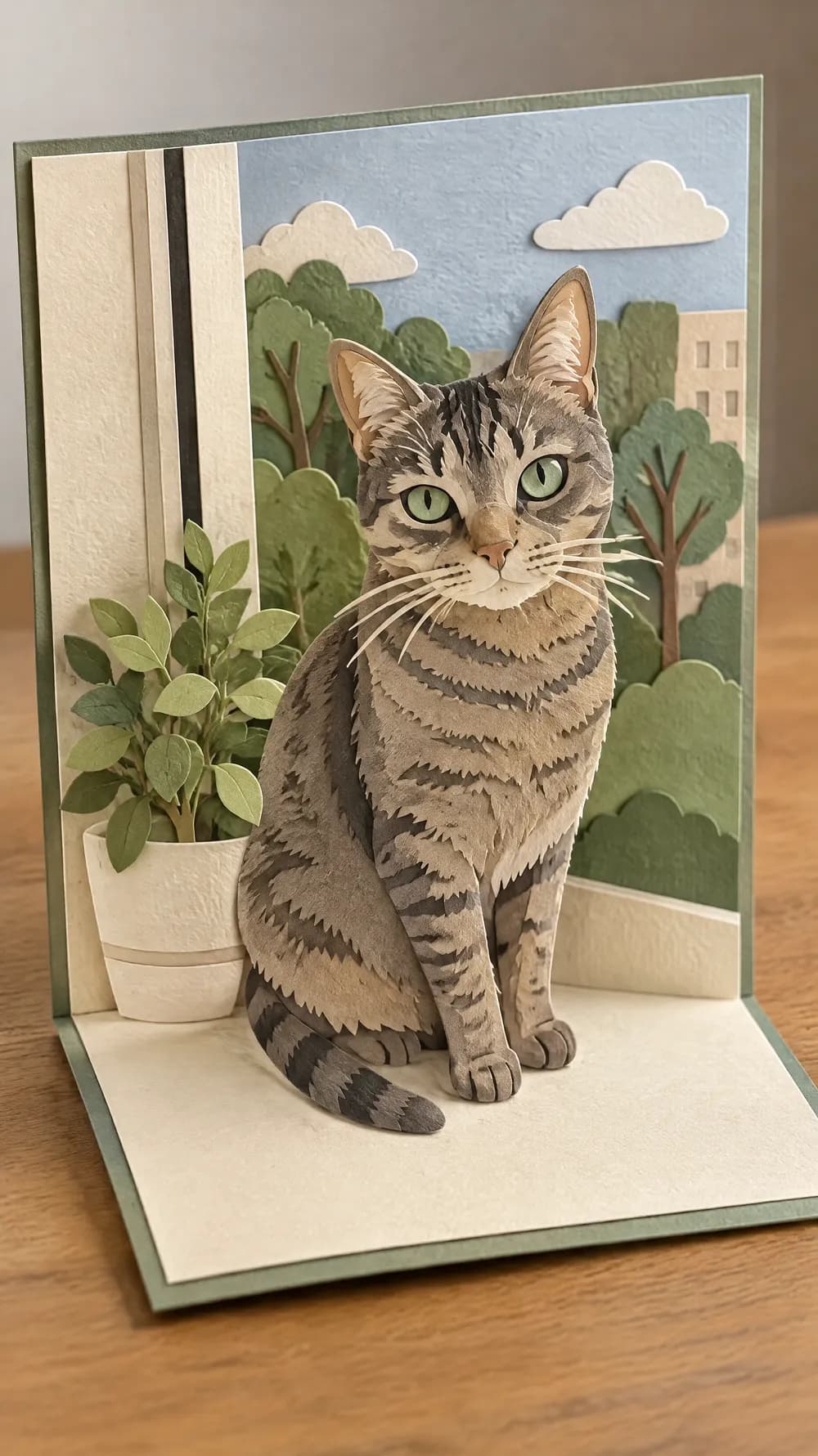
Pop-up Paper Card
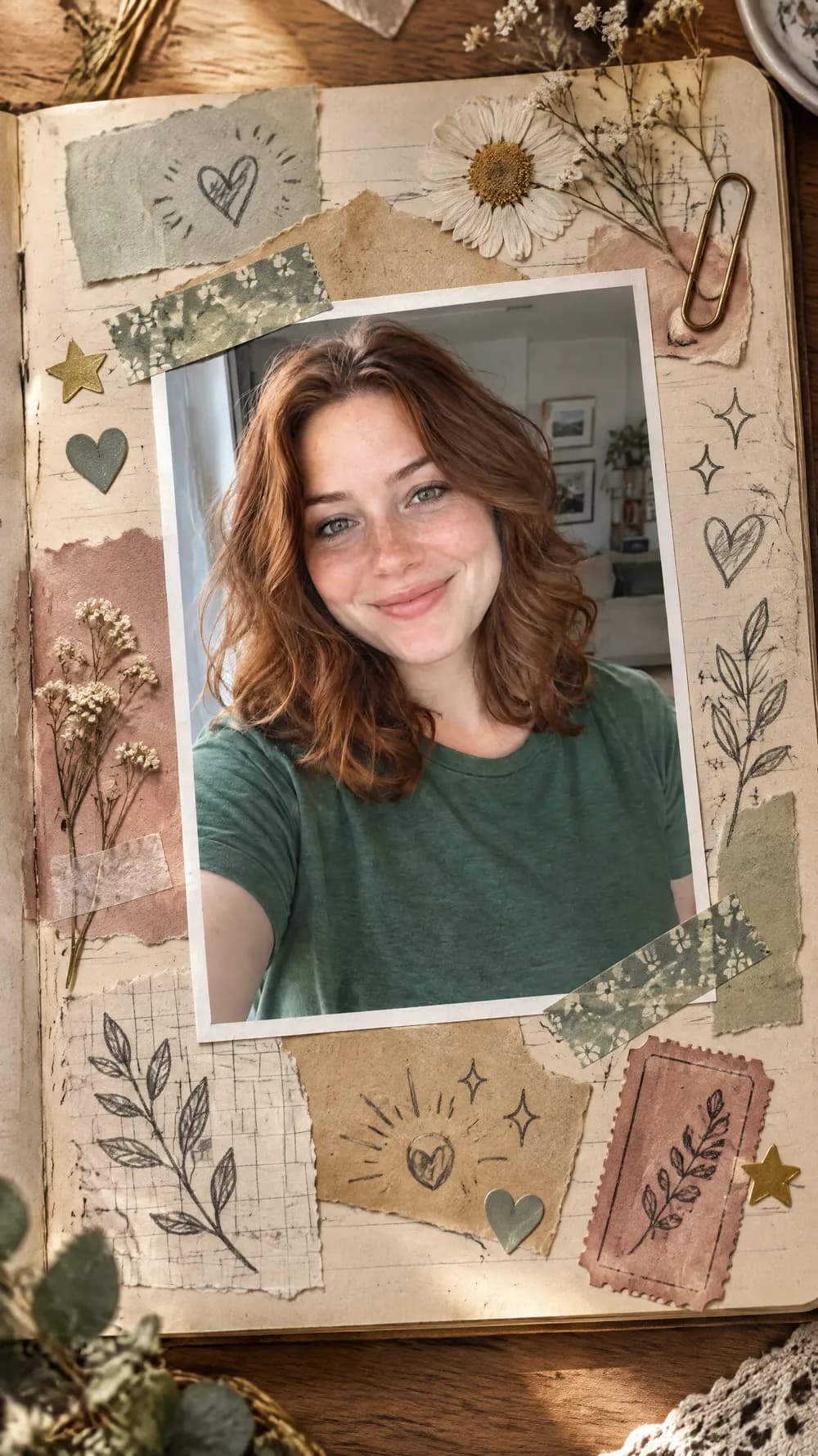
Scrapbook Journal Page
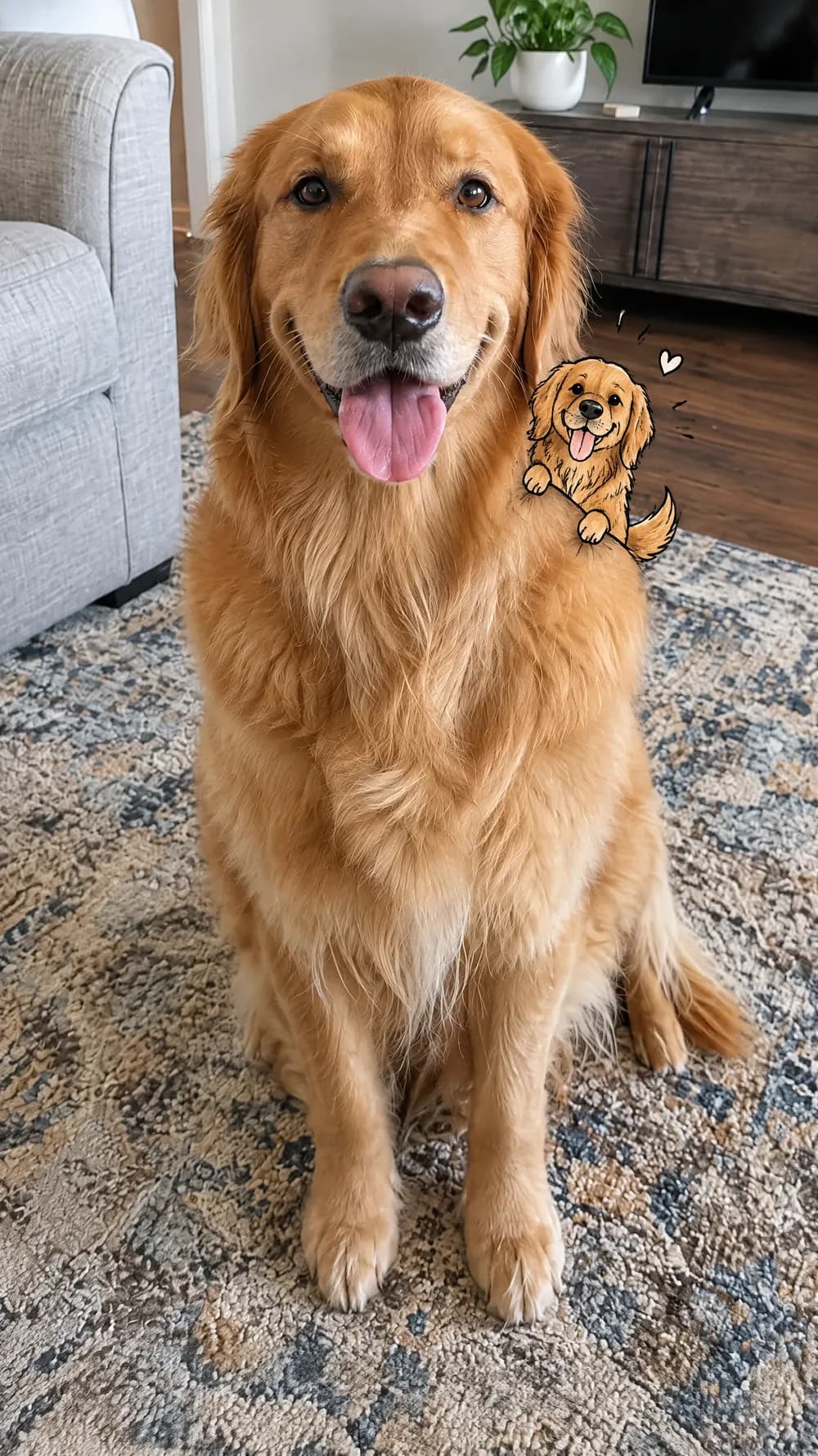
Mini Doodle Twin
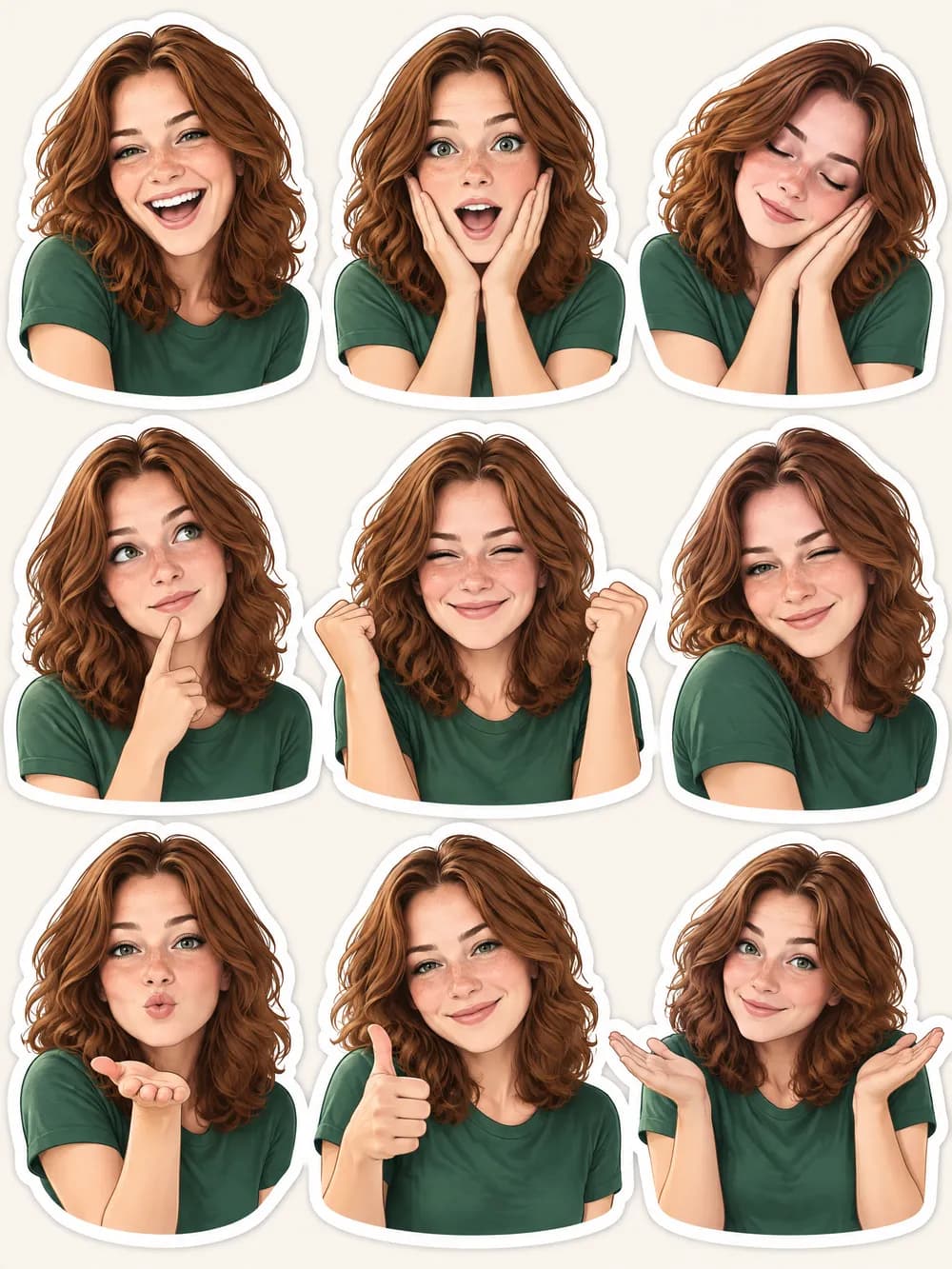
Photo Sticker Sheet