

New Year's Eve Party Photo Maker
The New Year's Eve party look turns a photo into a glamorous party snapshot shot with a bright on-camera flash. The subject wears tasteful sparkling black and gold, with a glittering headband, hat or tiara, in a dim room full of falling gold and silver confetti, streamers, sparklers and a mirror ball that scatters small points of light.
Strong flash highlights, deep shadows and fine film grain give it the candid feel of a magazine party page, and the expression is happy and mid-celebration. The look draws no text, numbers or clocks, so there is no countdown to misspell. Upload a photo, pick a size and download a JPG.
This is the New Year's Eve Party Flash style of the Photo Trend Maker. The form on this page opens with it already selected.
New Year's Eve Party Flash examples
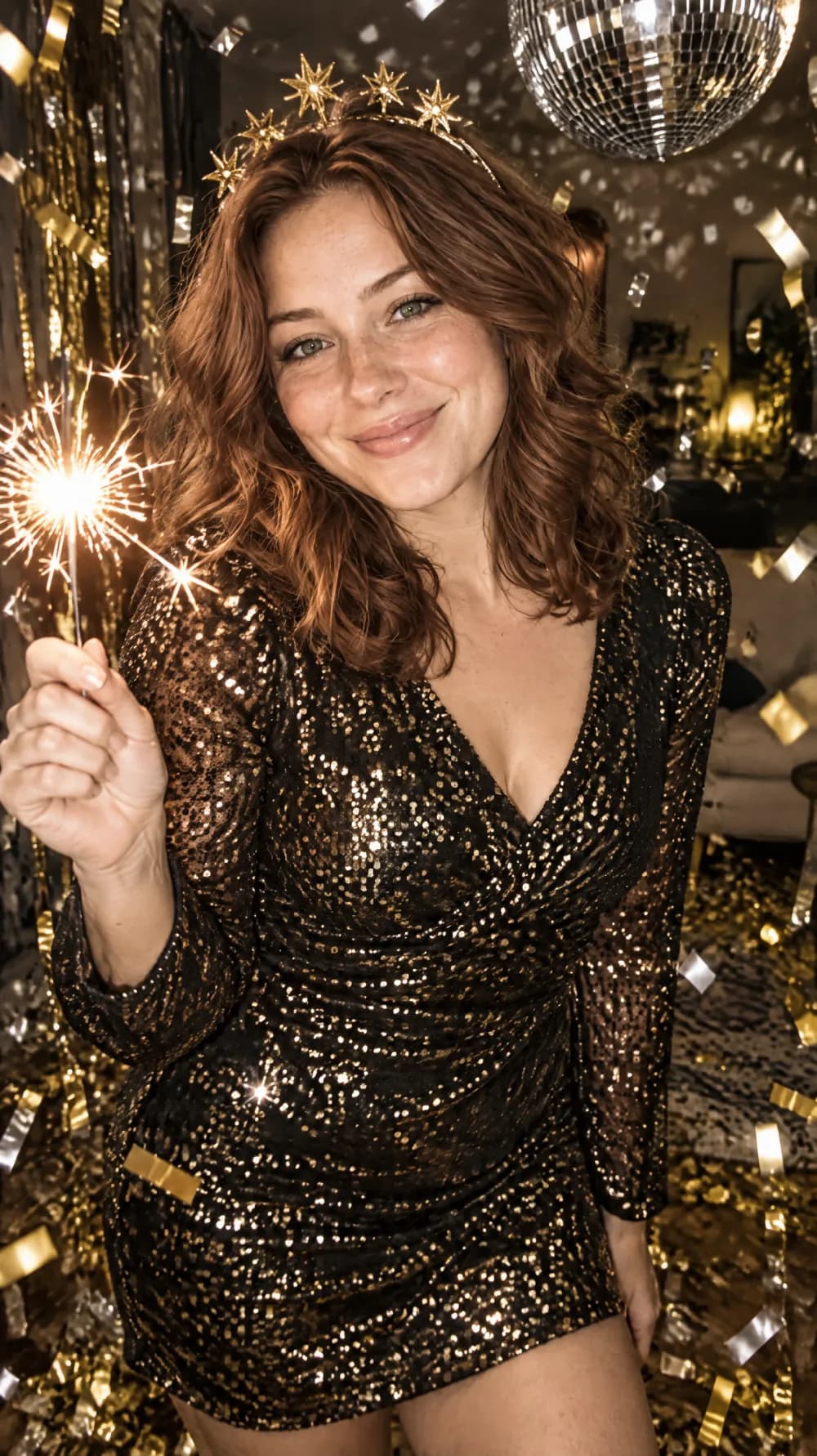
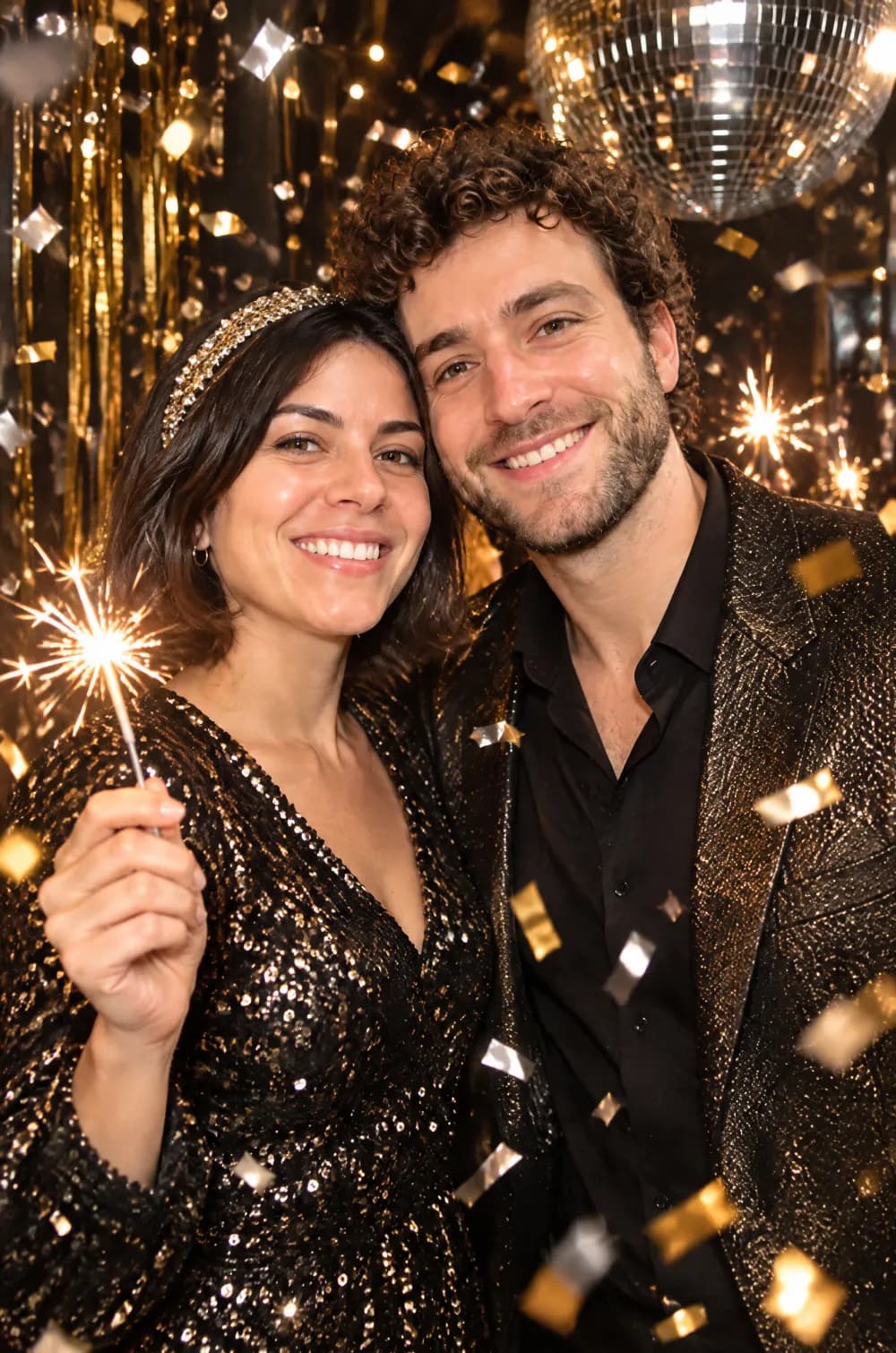
Who the New Year's Eve Party Flash style suits
Selfies and portraits of one or two people
A close, well-lit photo keeps the likeness best. The outfit, the accessory and the room change while the face stays yours.
Party posts and group chats
A flash portrait works as the picture on a party post, a story or the message you send to friends before the night. Write the date and place yourself in the post.
Pets in party accessories
A pet stays recognizable with a small party accessory. The look is told not to add a person or an animal that is not in your photo.
Getting the best New Year's Eve Party Flash result
- 1
Start with a close, bright photo
Window light and a face that fills a good part of the frame give the AI the most to hold on to. Dark or distant photos drift further from the original.
- 2
Expect a new outfit
The look dresses the subject in sparkling black and gold, so the clothes in your photo are replaced. If you want to keep your own outfit, choose a different look.
- 3
Add the year yourself
Do not expect a year or a countdown on the picture, because the look asks for no text and no numbers. Add them in another app if you want them.
- 4
Compare it with Night Out Flash
The night out flash look keeps a dim city mood. This one adds confetti, sparklers, glitter and a mirror ball, so it suits a celebration more than an ordinary night out.
Ideas to try
- Photo: a close selfie with a big smile, size 2:3
- Photo: a couple standing close together, size 9:16
- Photo: a friend laughing indoors, size 3:4
- Photo: a dog looking at the camera, size 1:1
What you download
Every design from the Photo Trend Maker comes with the files for the job, whichever style you choose:
- Vertical 1080×1920 JPG (9:16)
- Pinterest Pin 1000×1500 JPG (2:3)
- Portrait post 1080×1440 JPG (3:4)
- Square 1080×1080 JPG (1:1)
Questions about the New Year's Eve Party Flash style
Can it write the new year on the picture?+
No. The instructions ask for no text, numbers or clocks, which also avoids misspelled words. Add the year in a card or messaging app after you download the JPG.
How is it different from Night Out Flash?+
Both use a bright on-camera flash. The night out flash look keeps the real colors against a moody city background, while this look adds a black and gold party outfit, confetti, sparklers and a mirror ball.
Does it work for couples?+
Yes. One or two people close together keep the likeness best, and the sparkling outfits and accessories are added to both. Large groups tend to drift, so crop the photo to the people who matter.
Will it add other people to the party?+
It is told not to. The scene is filled with confetti, streamers, sparklers and lights, and the people are the ones in your photo. If an extra person or hand appears, generate again.
Photo trend looks
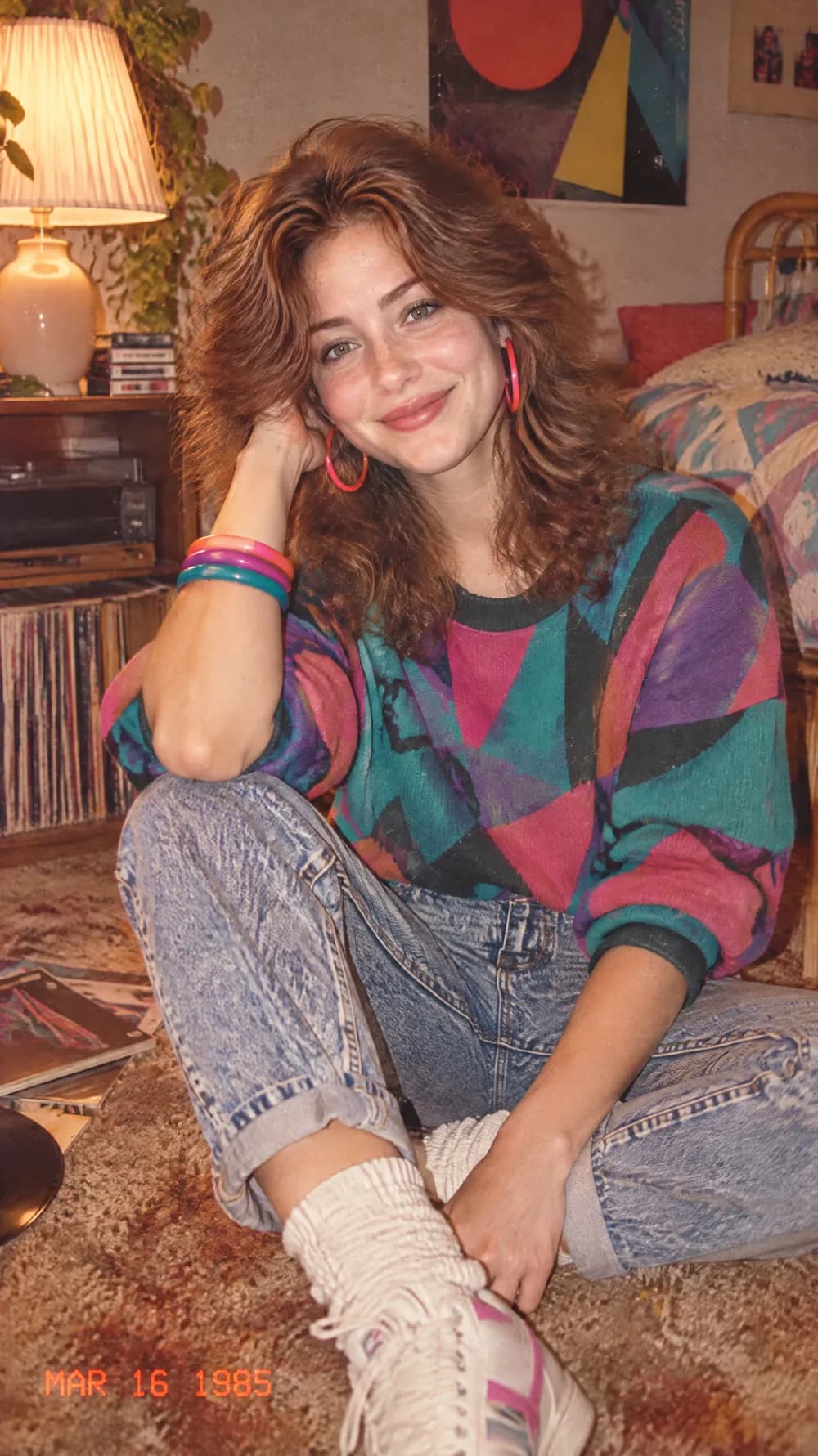
80s Flashback
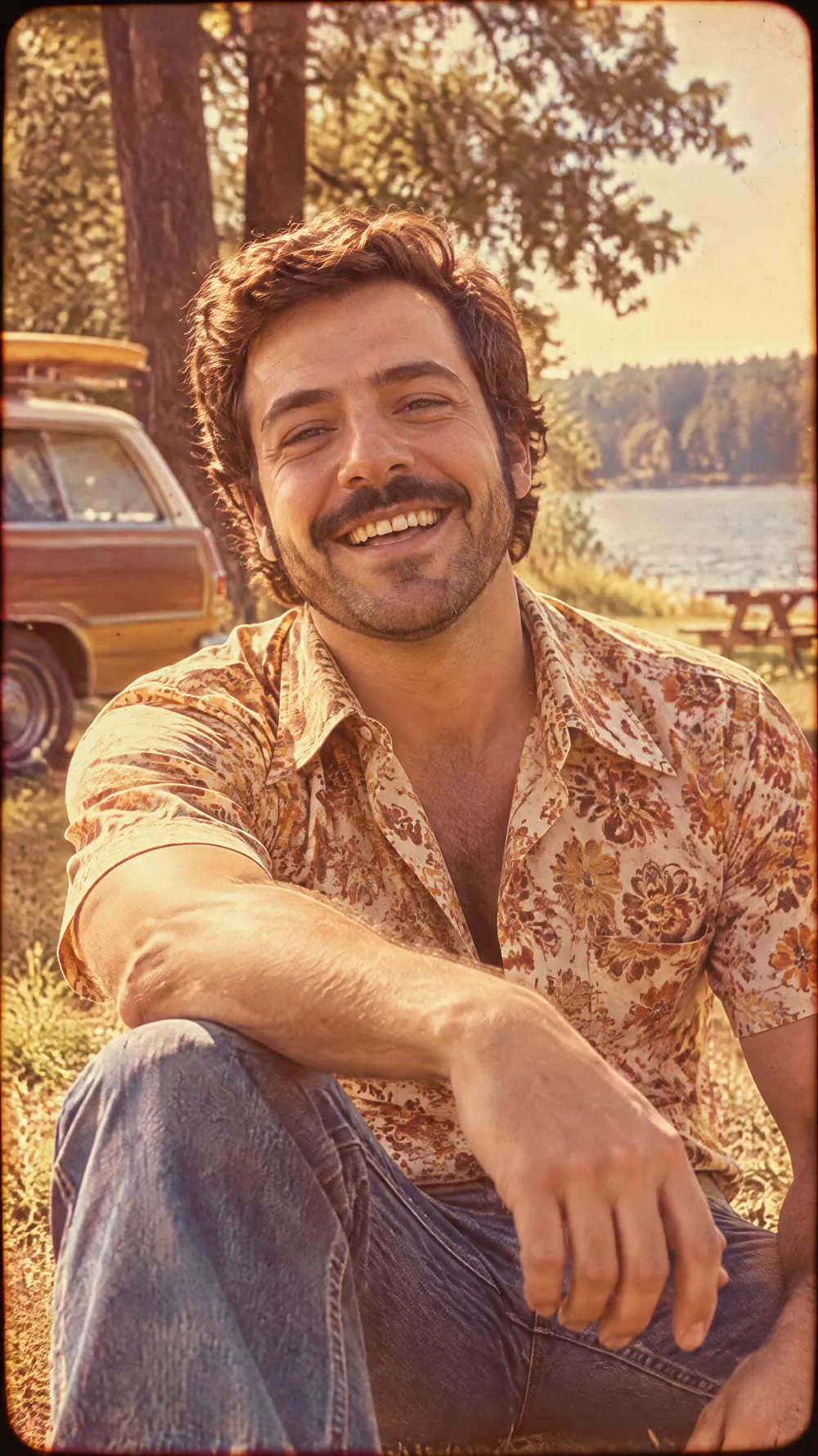
70s Slide Portrait
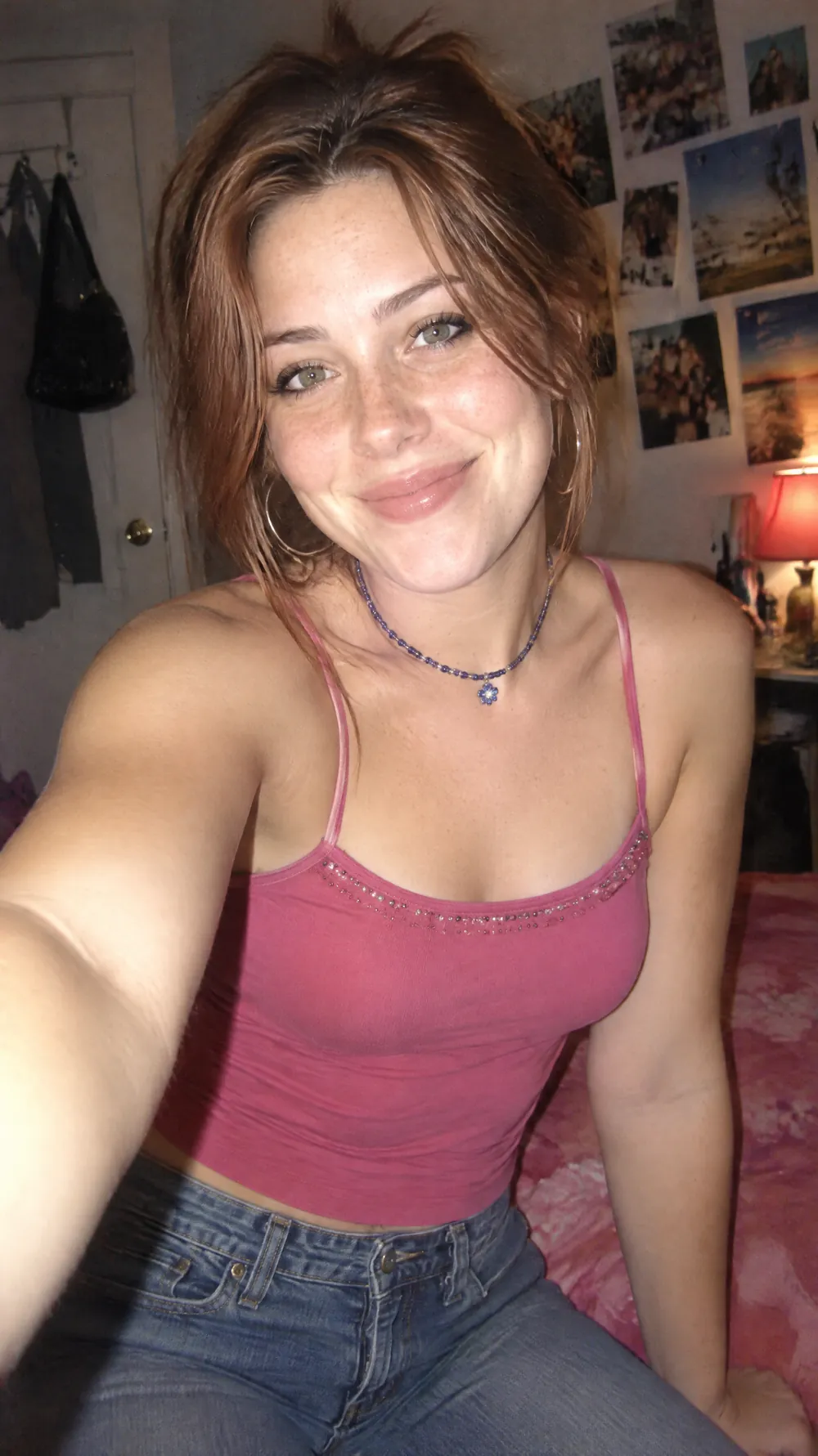
Y2K Digital Camera
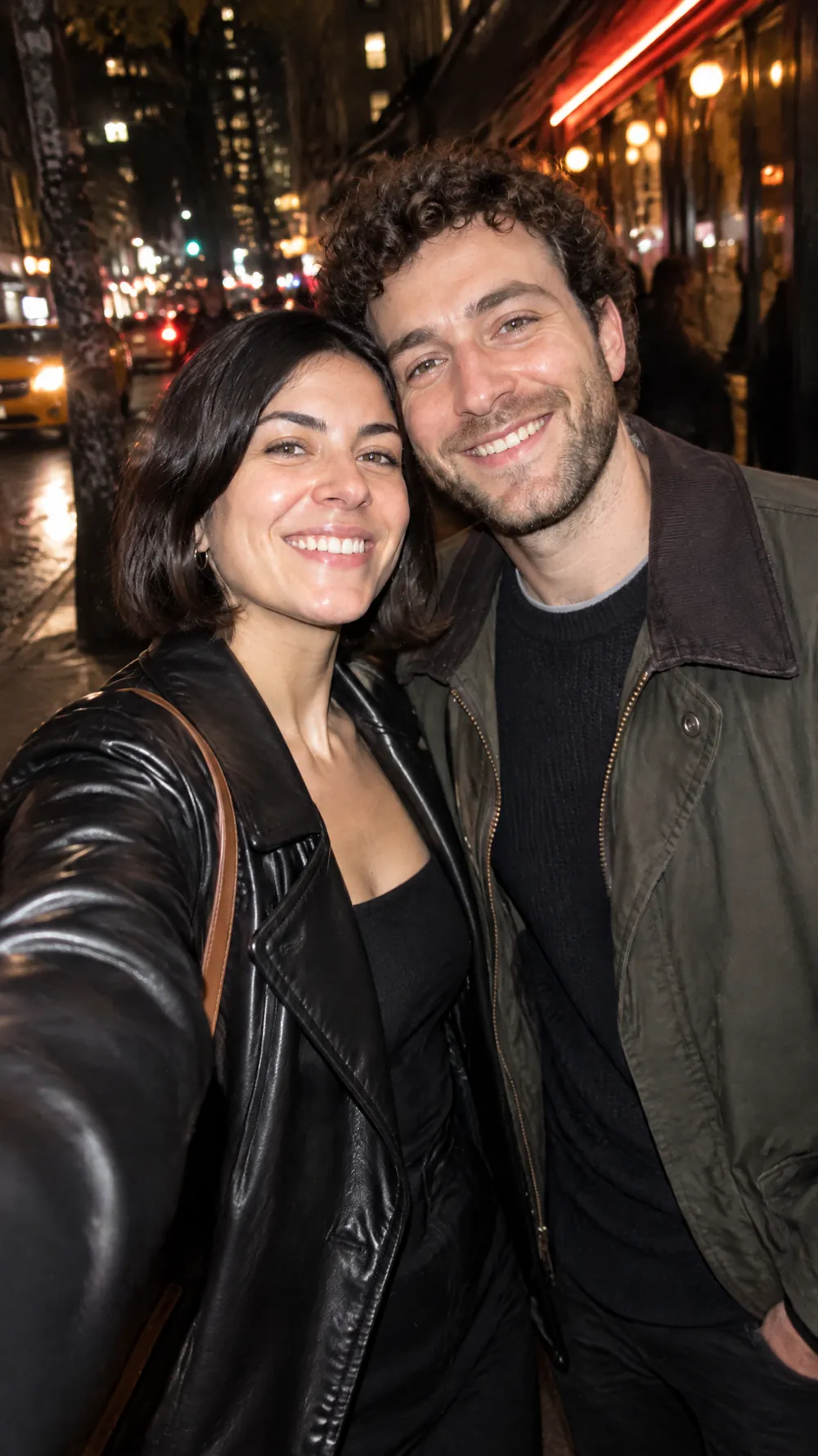
Night Out Flash
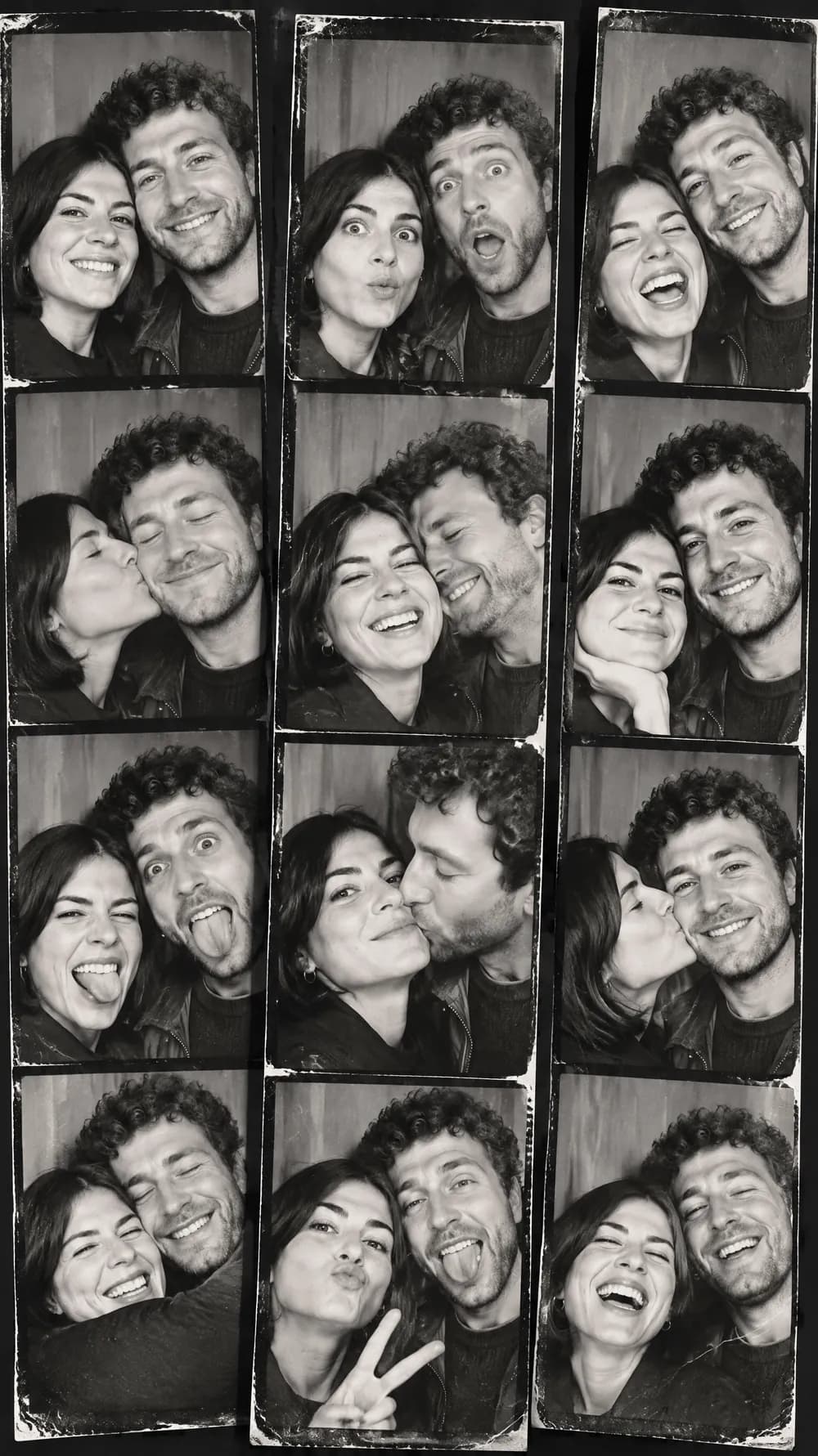
Photo Booth Strip
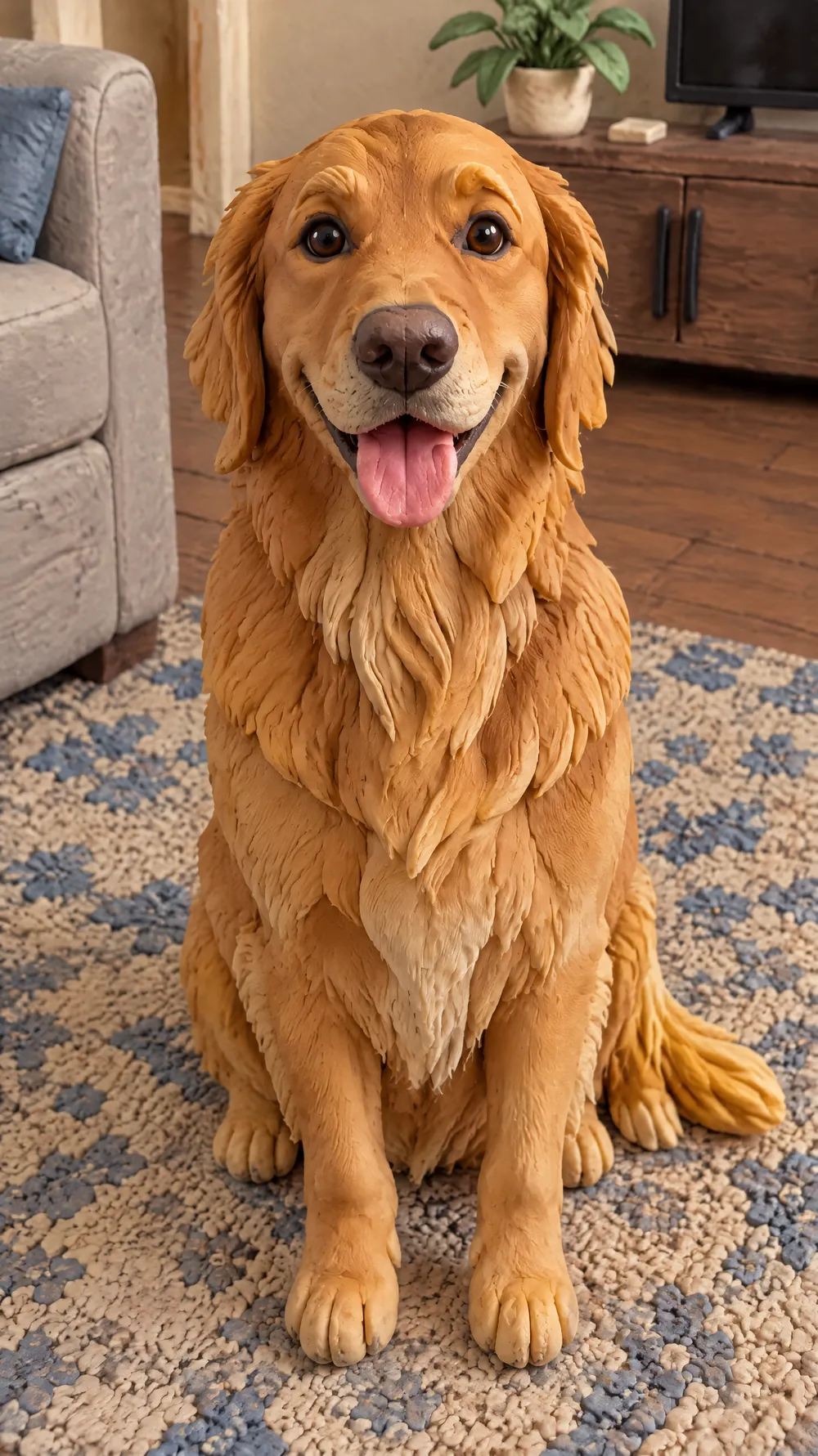
Claymation World
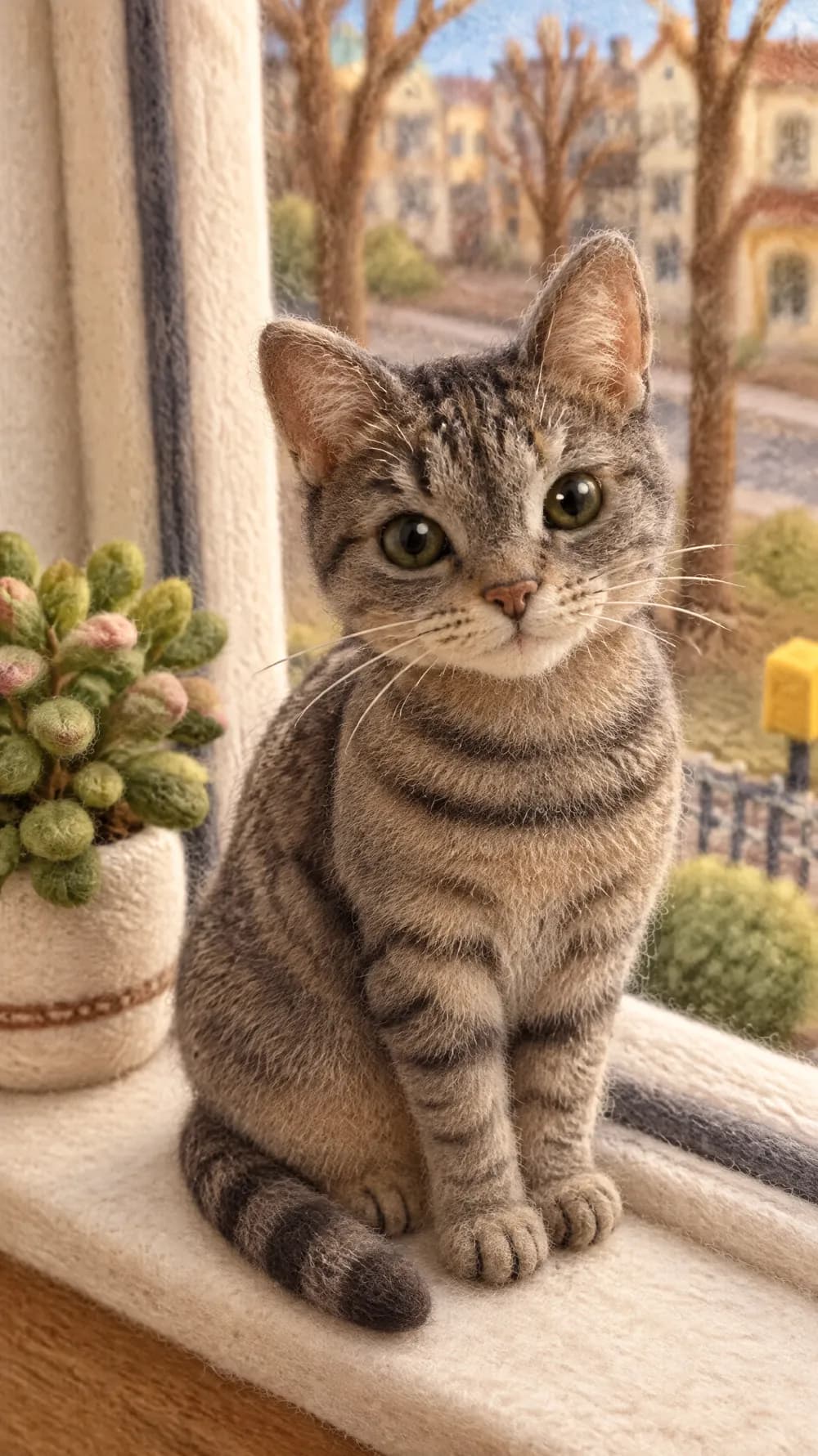
Felt Miniature
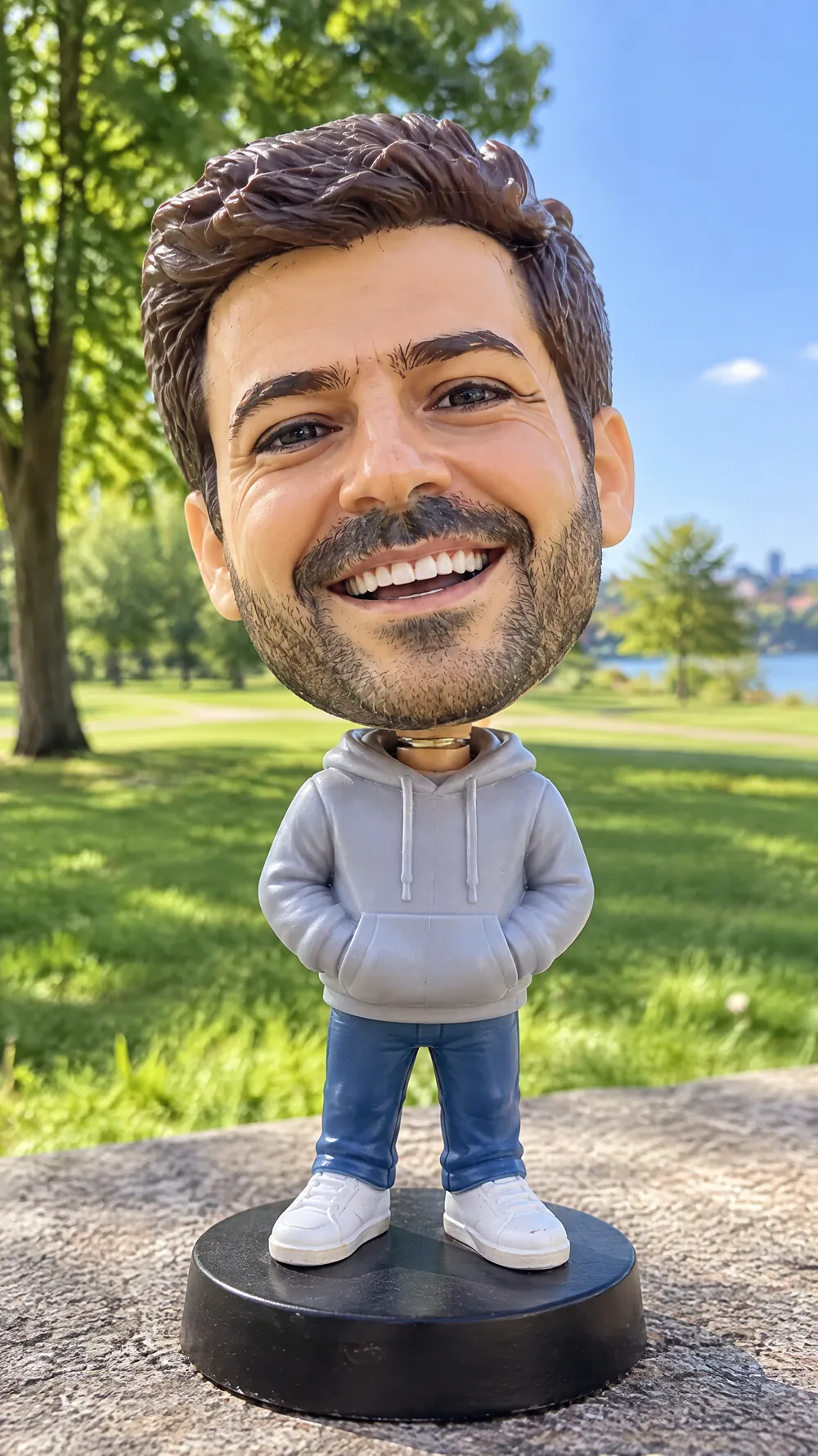
Bobblehead
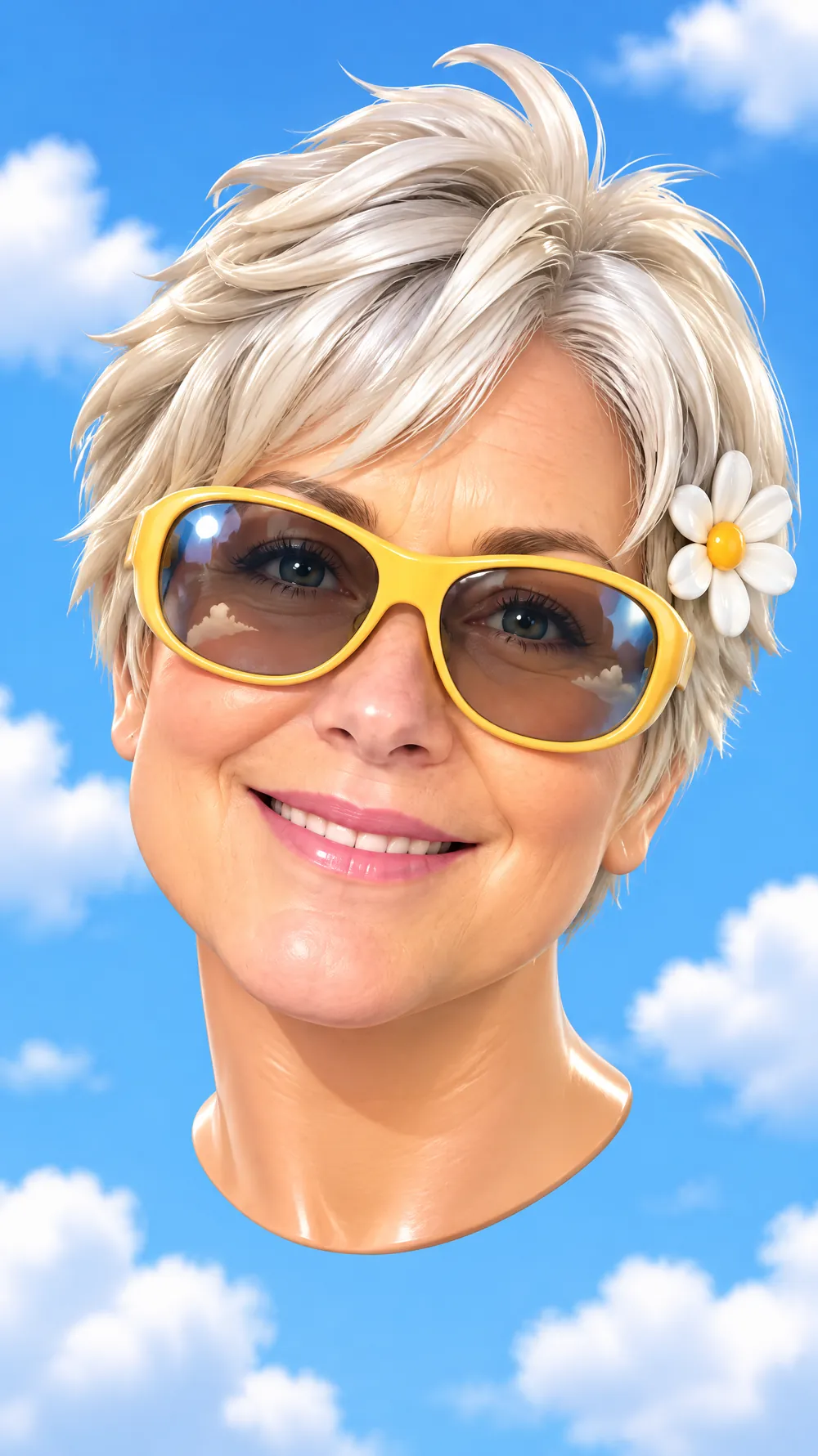
3D Toy Avatar
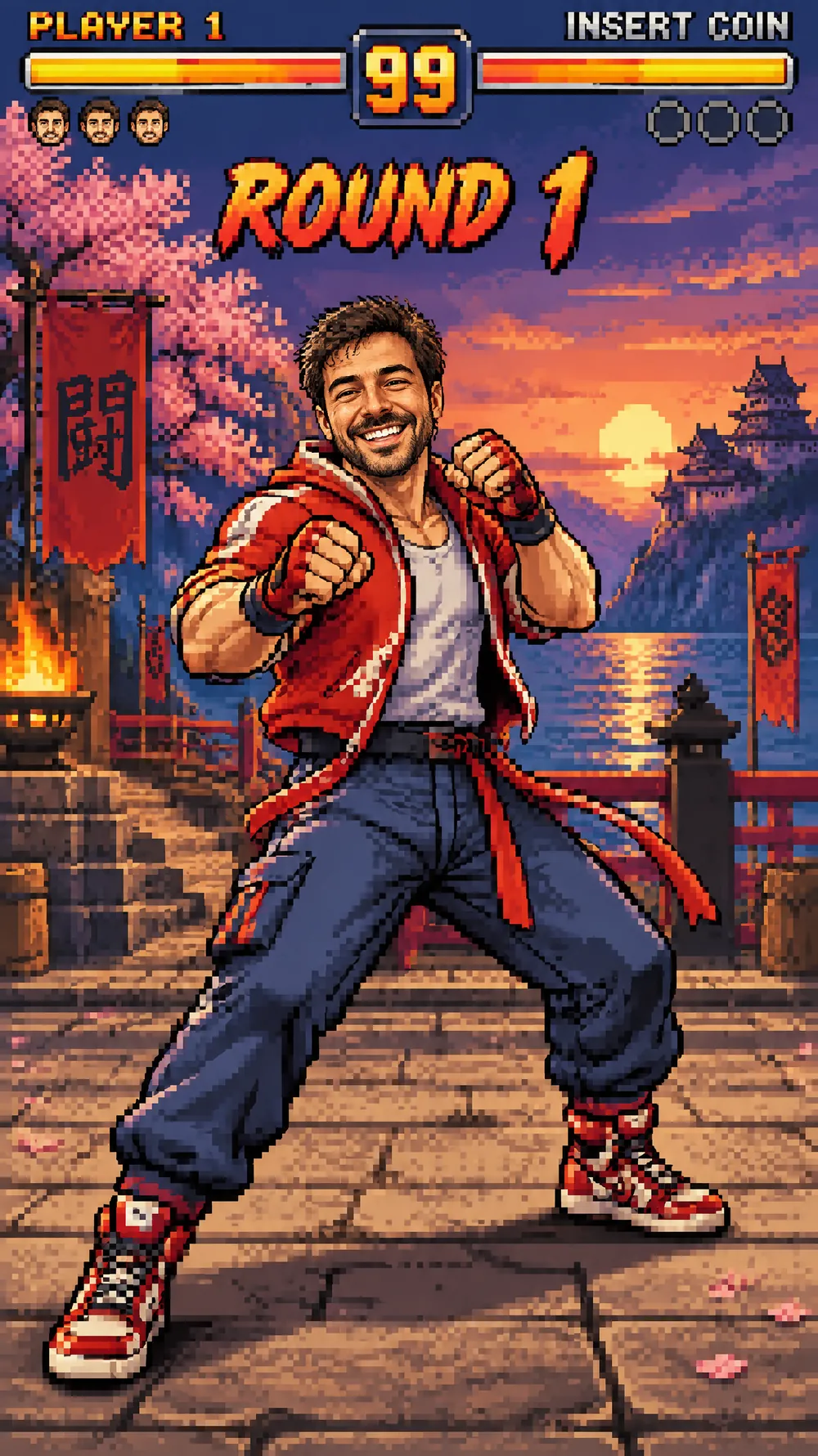
16-bit Arcade Fighter
Blueprint Poster
Fantasy Newspaper
Marble Statue
Halloween Costume Portrait
Thanksgiving Harvest Portrait
Christmas Card Portrait
Vintage Christmas Snapshot
Snow Globe
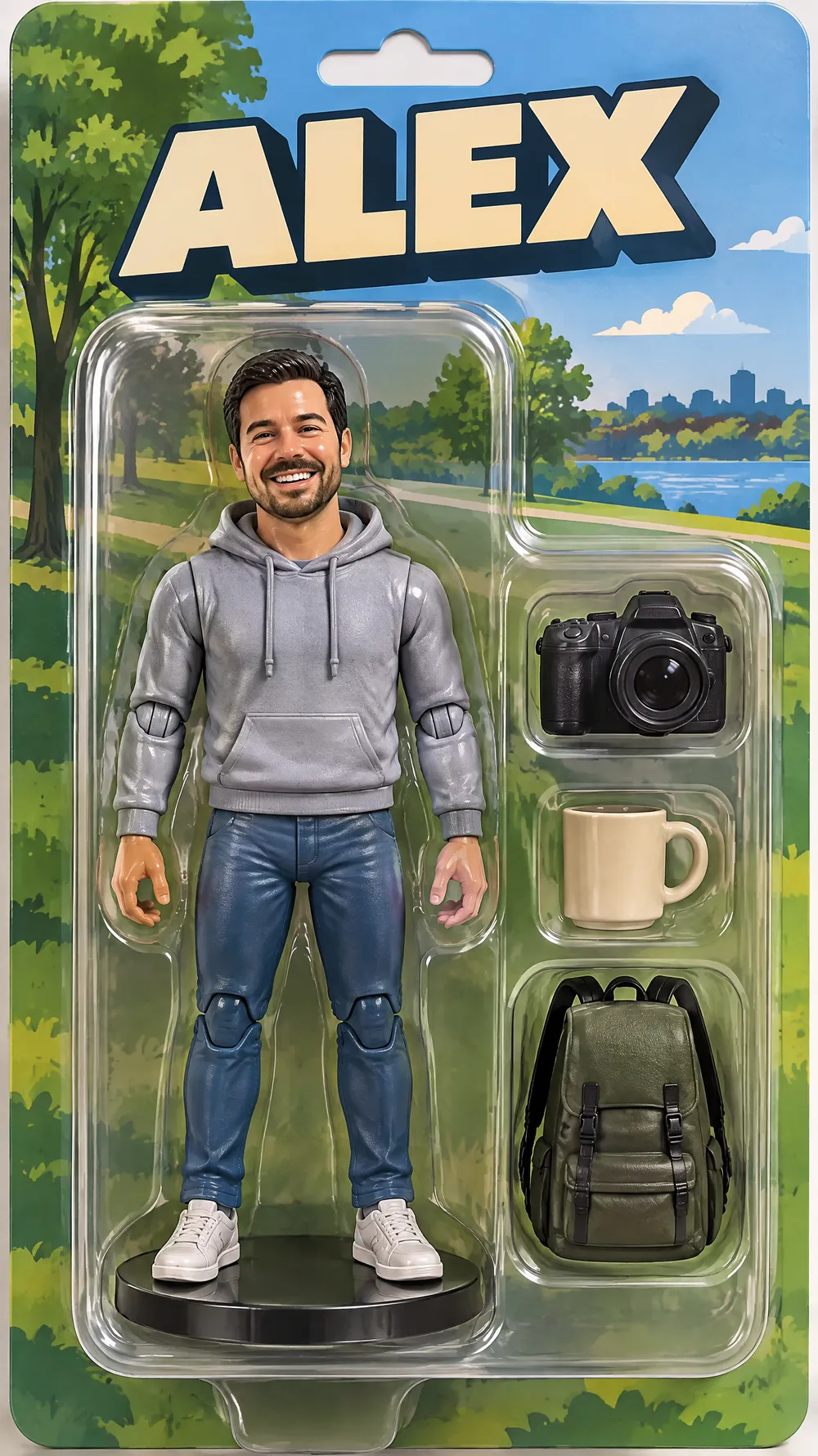
Collectible Figure Box
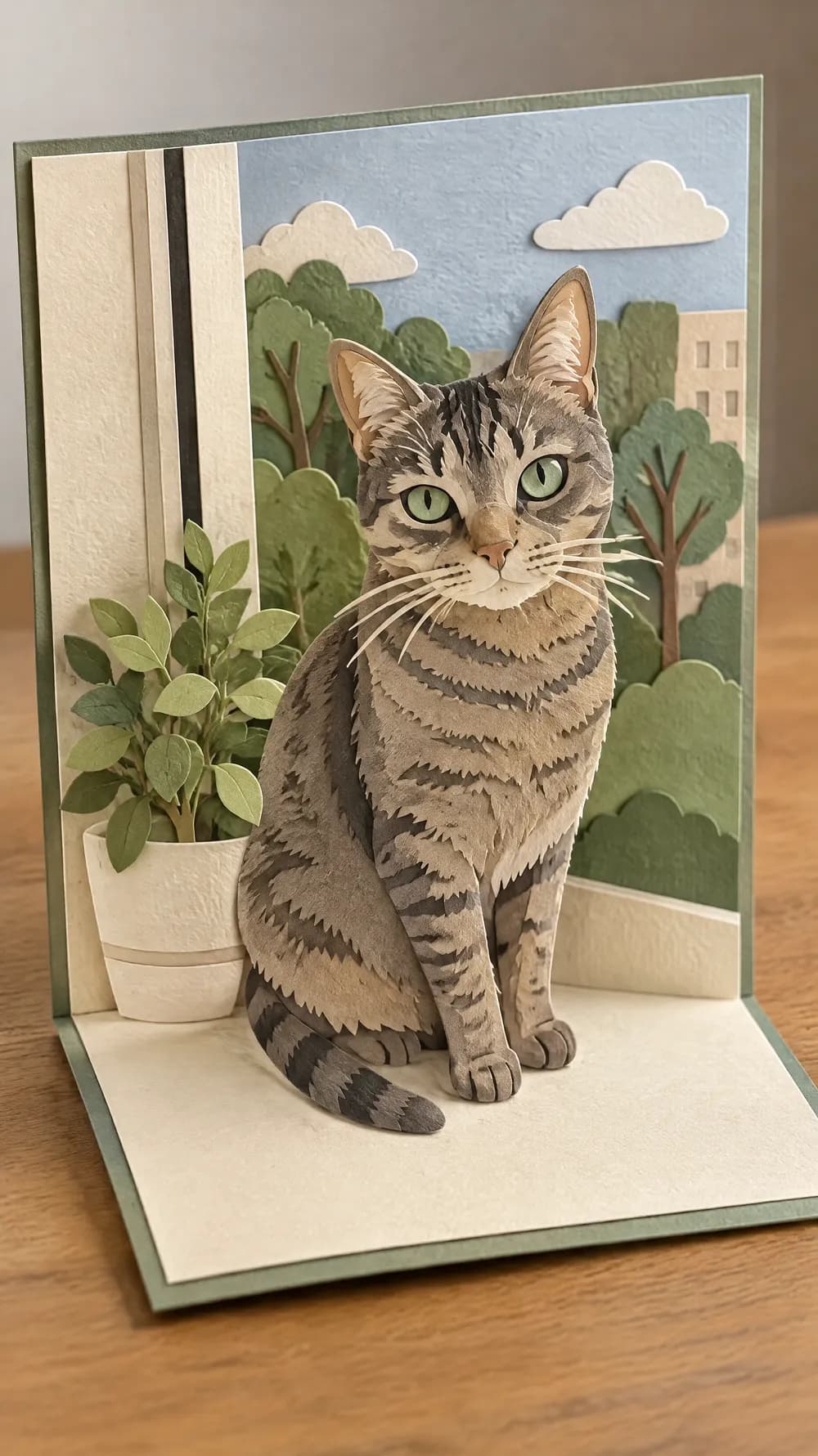
Pop-up Paper Card
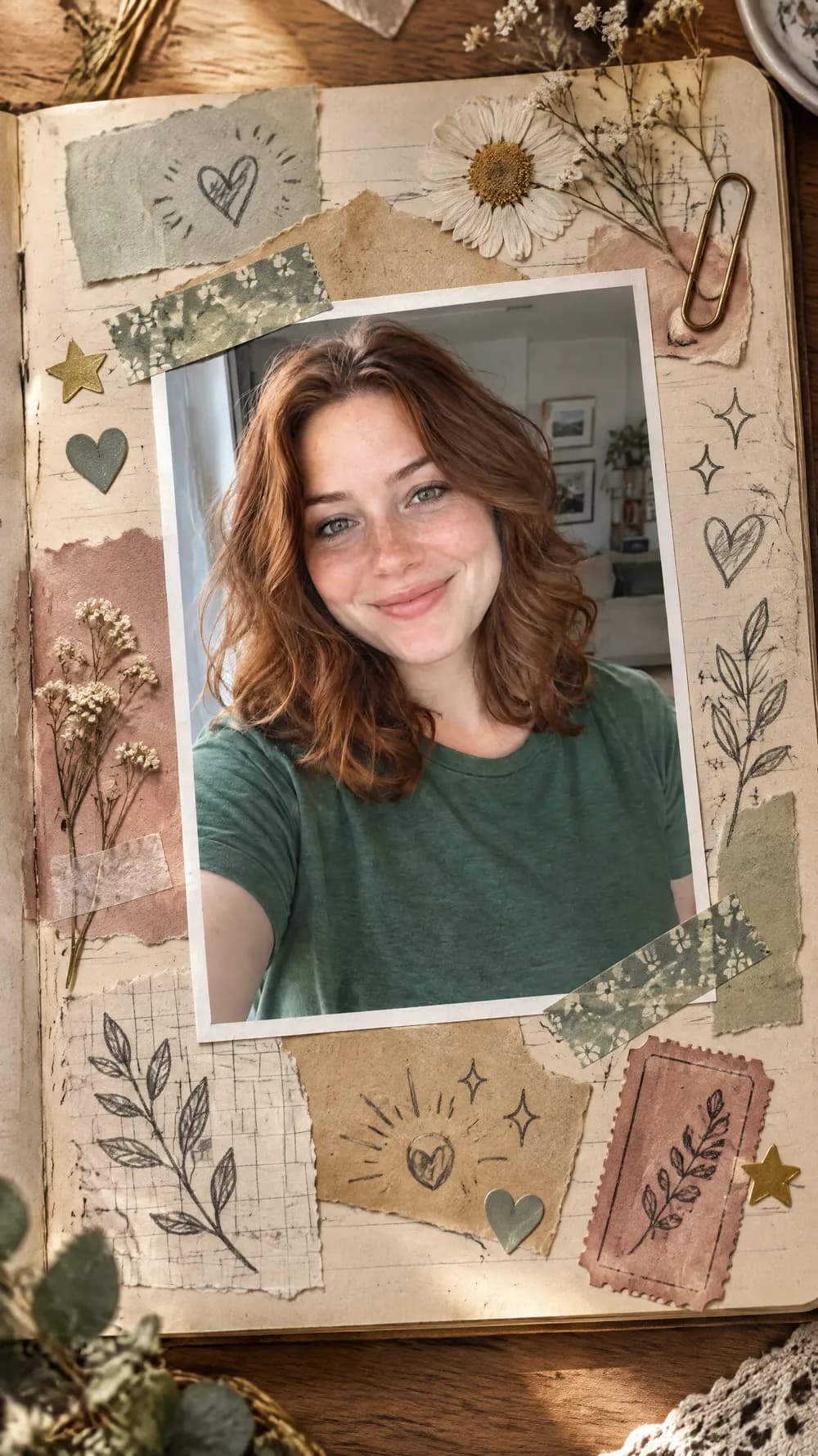
Scrapbook Journal Page
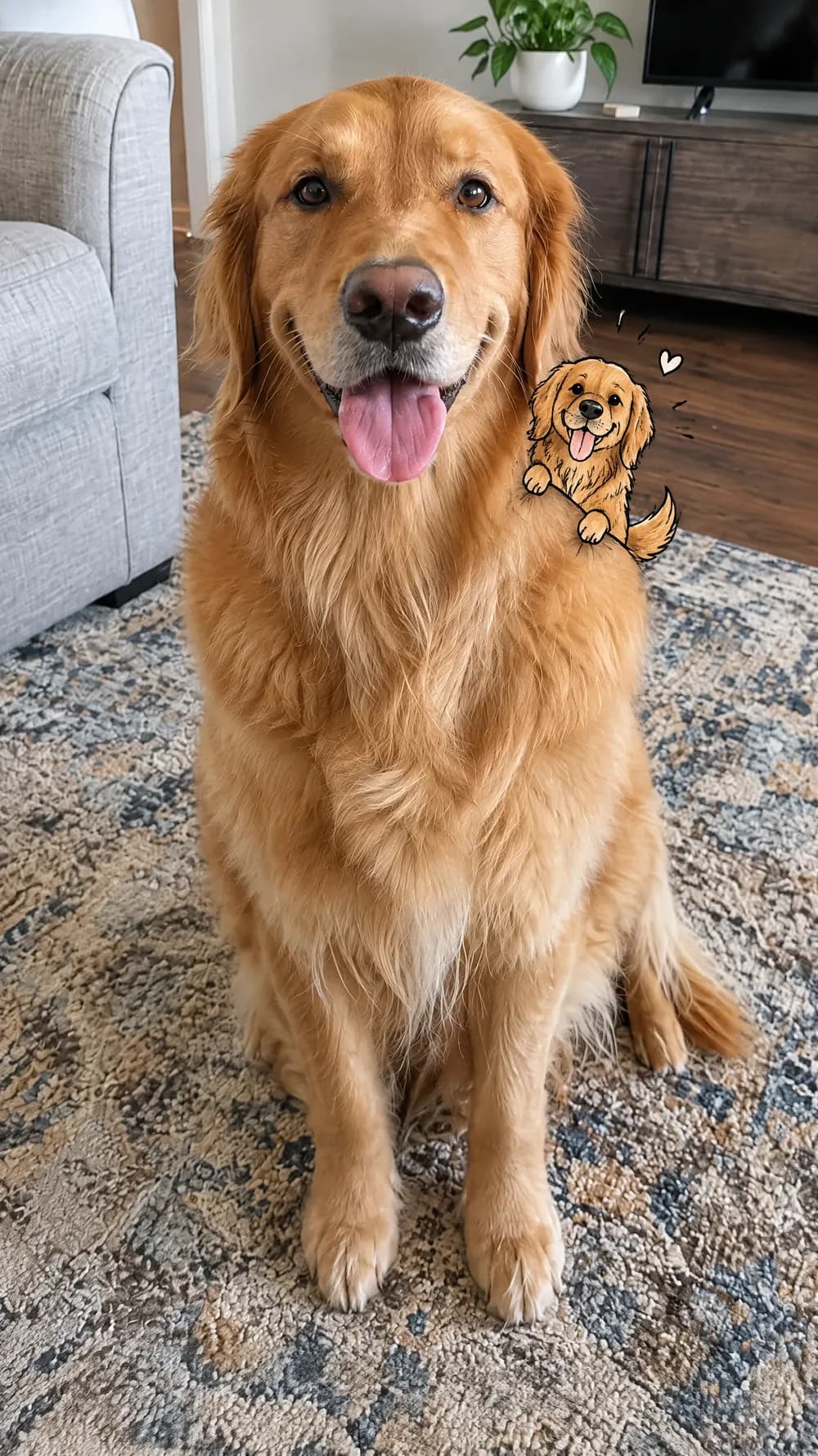
Mini Doodle Twin
Instant Photo Pop-Out
Photo Sticker Sheet