

Halloween Costume Photo Maker
The Halloween costume portrait dresses the person or the pet in your photo as a witch, a vampire, a skeleton or a scarecrow and puts them on a candlelit porch or in a misty autumn yard. Carved pumpkins glow beside them, fallen leaves cover the ground and a deep purple dusk sky fades into warm orange light.
Upload one photo, pick a size and create. PiCraft keeps the face or the pet recognizable and chooses a generic costume that suits the subject, so there is nothing to describe. The mood is playful and atmospheric rather than gory, which makes it easy to share on a family account, in a group chat or on a Pinterest board of Halloween ideas.
This is the Halloween Costume Portrait style of the Photo Trend Maker. The form on this page opens with it already selected.
Halloween Costume Portrait examples
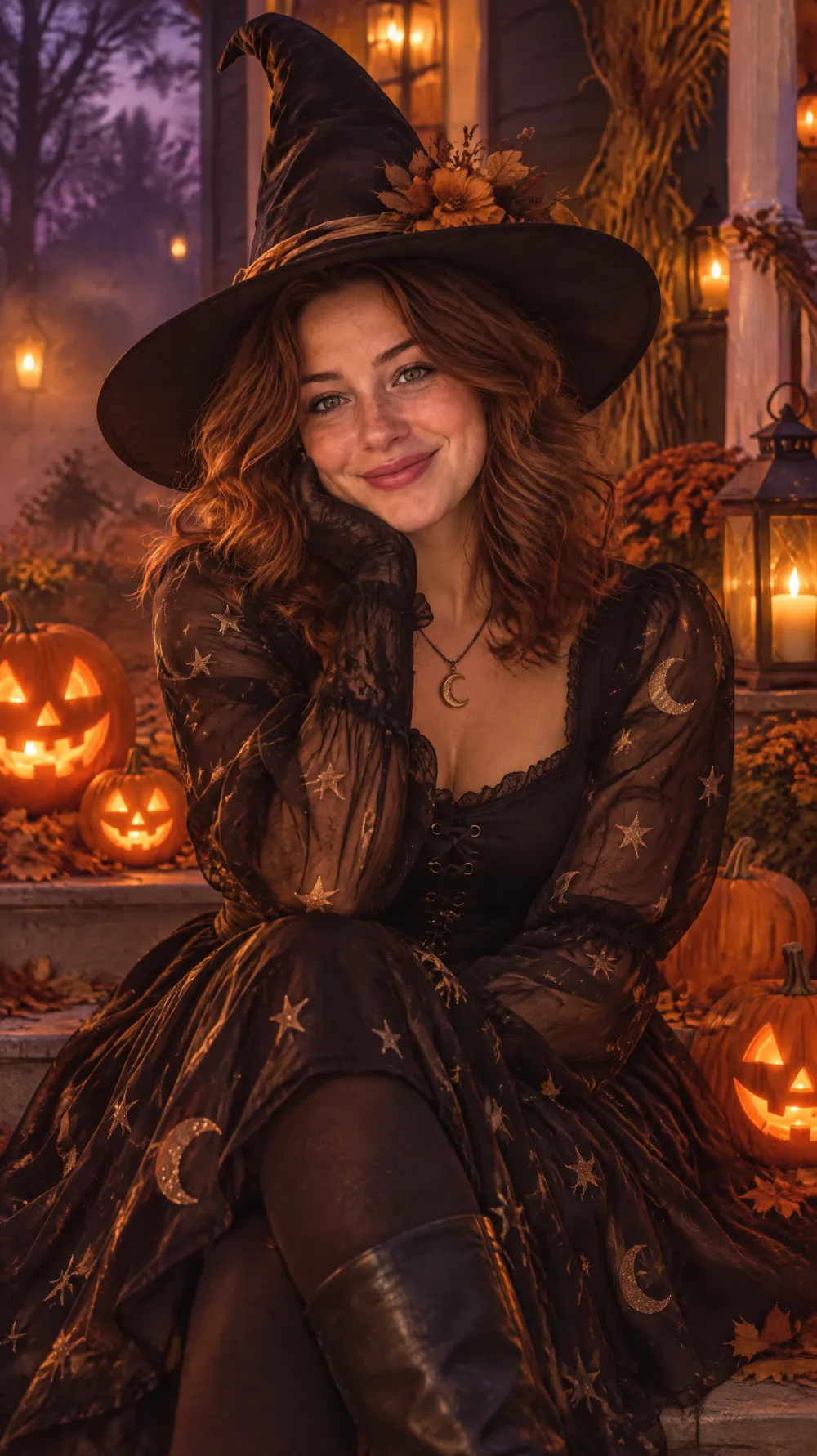
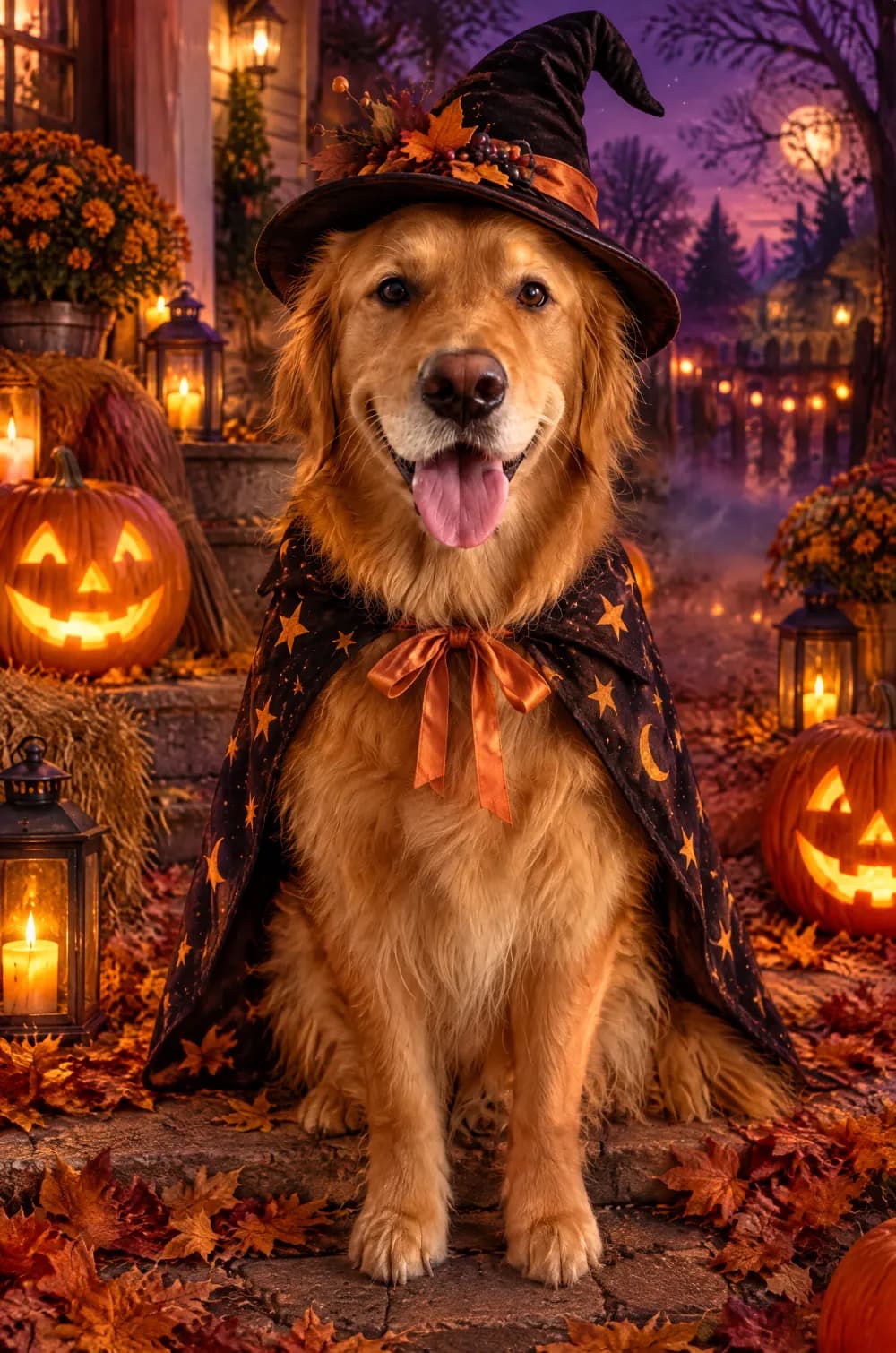
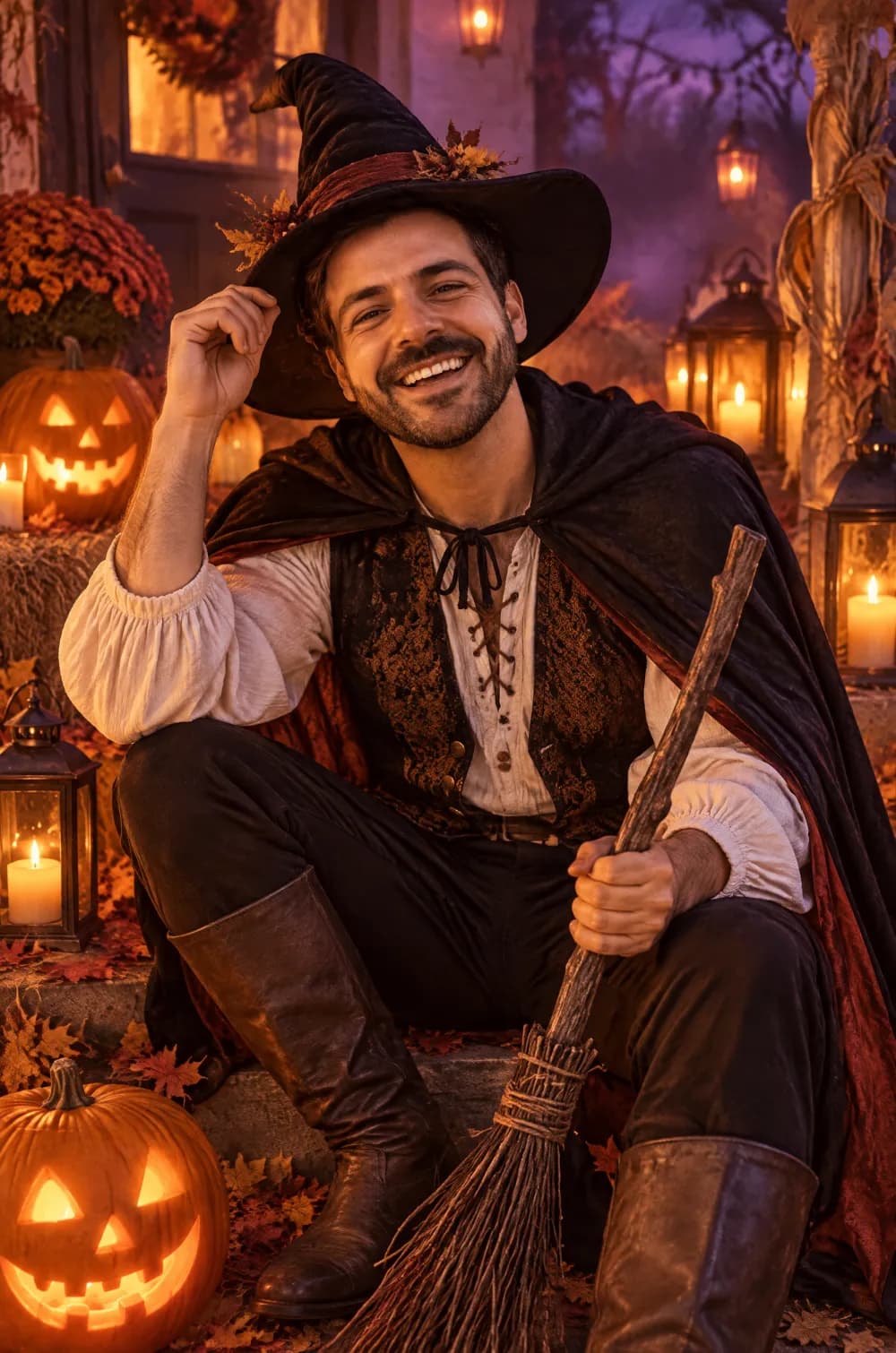
Who the Halloween Costume Portrait style suits
Pets in costume
A dog or a cat in a tiny witch hat or cape is the most popular use. The pet stays recognizable, and you do not need a real costume or a patient animal.
Single portraits and couples
A clear portrait of one or two people works best. The costume, makeup and props change while the faces stay yours.
Posts, stories and Pins
The 9:16 size fills a phone screen for stories, and the 2:3 size matches the shape Pinterest recommends for standard Pins. The square size works as a profile picture for the season.
Getting the best Halloween Costume Portrait result
- 1
Start with a clear, front-facing photo
The costume is built around the face or the head, so a sharp, evenly lit photo with the face large in the frame gives the AI the most to work with. Daylight photos are easier than dim night photos.
- 2
Let the costume be chosen for you
The look picks a generic costume, such as a witch, a vampire, a skeleton or a scarecrow, that suits the subject. You cannot name a character, and it never uses a movie, game or cartoon character. Generate again for a different costume.
- 3
Keep it playful
The instructions ask for a fun, atmospheric mood with no blood and no wounds. If you want something gruesome, this is not the look for it.
- 4
Choose a tall size
The 9:16 and 2:3 sizes leave room for the pumpkins, the lanterns and the moonlit sky. The 1:1 size frames the subject more tightly.
Ideas to try
- Photo: a golden retriever sitting and looking at the camera, size 2:3
- Photo: a smiling selfie in daylight, size 9:16
- Photo: a grey tabby cat on a windowsill, size 3:4
- Photo: two friends standing close together, size 2:3
What you download
Every design from the Photo Trend Maker comes with the files for the job, whichever style you choose:
- Vertical 1080×1920 JPG (9:16)
- Pinterest Pin 1000×1500 JPG (2:3)
- Portrait post 1080×1440 JPG (3:4)
- Square 1080×1080 JPG (1:1)
Questions about the Halloween Costume Portrait style
Can I use a photo of my pet?+
Yes, and it is one of the best uses. The look gives a pet a small, simple costume, such as a cape or a pumpkin outfit, and keeps its fur color, face and expression. It is told not to add a person or an animal that is not in your photo.
Will it use costumes from movies or games?+
No. The instructions ask for generic costumes only, such as a witch, a vampire, a skeleton or a scarecrow, with no recognizable movie, game or cartoon characters. That also keeps the picture safer to post.
Is the image scary or gory?+
No. The look aims for a playful, atmospheric mood with candlelight, fog and carved pumpkins, and it asks for no blood and no wounds. If a result looks too dark, generate again.
Will the result still look like me?+
The face shape, skin tone, age and hair color are kept as far as the AI can, but costume makeup and a hat change how a face reads. Generate again if a result drifts, or try the claymation world look if you would rather have a stylized figure.
Does it write anything on the image?+
It asks for no text, but AI can still add stray lettering on a sign or a pumpkin. Check the picture before you post it, and generate again if something odd appears.
Photo trend looks
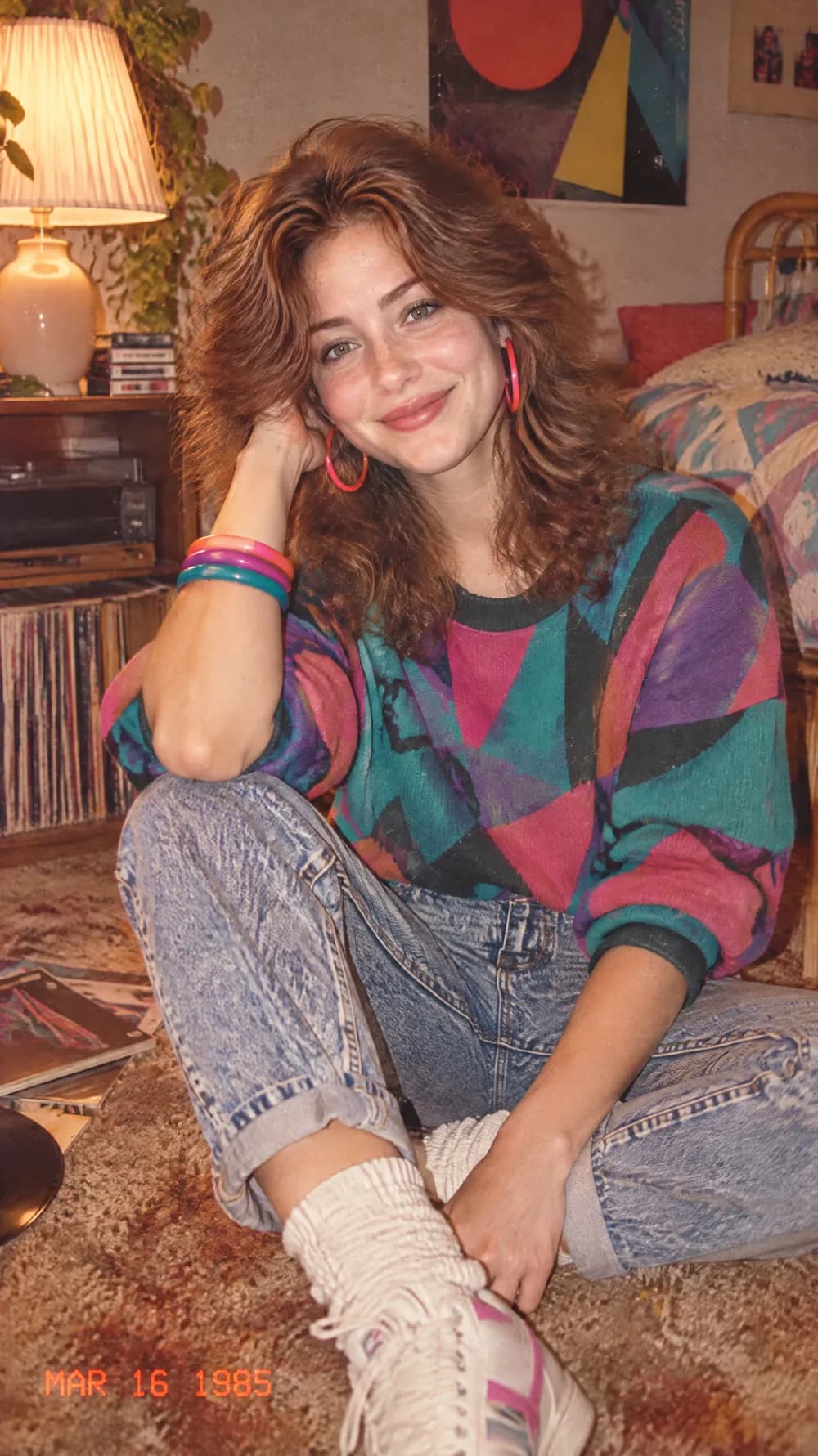
80s Flashback
70s Slide Portrait
Y2K Digital Camera
Night Out Flash
Photo Booth Strip
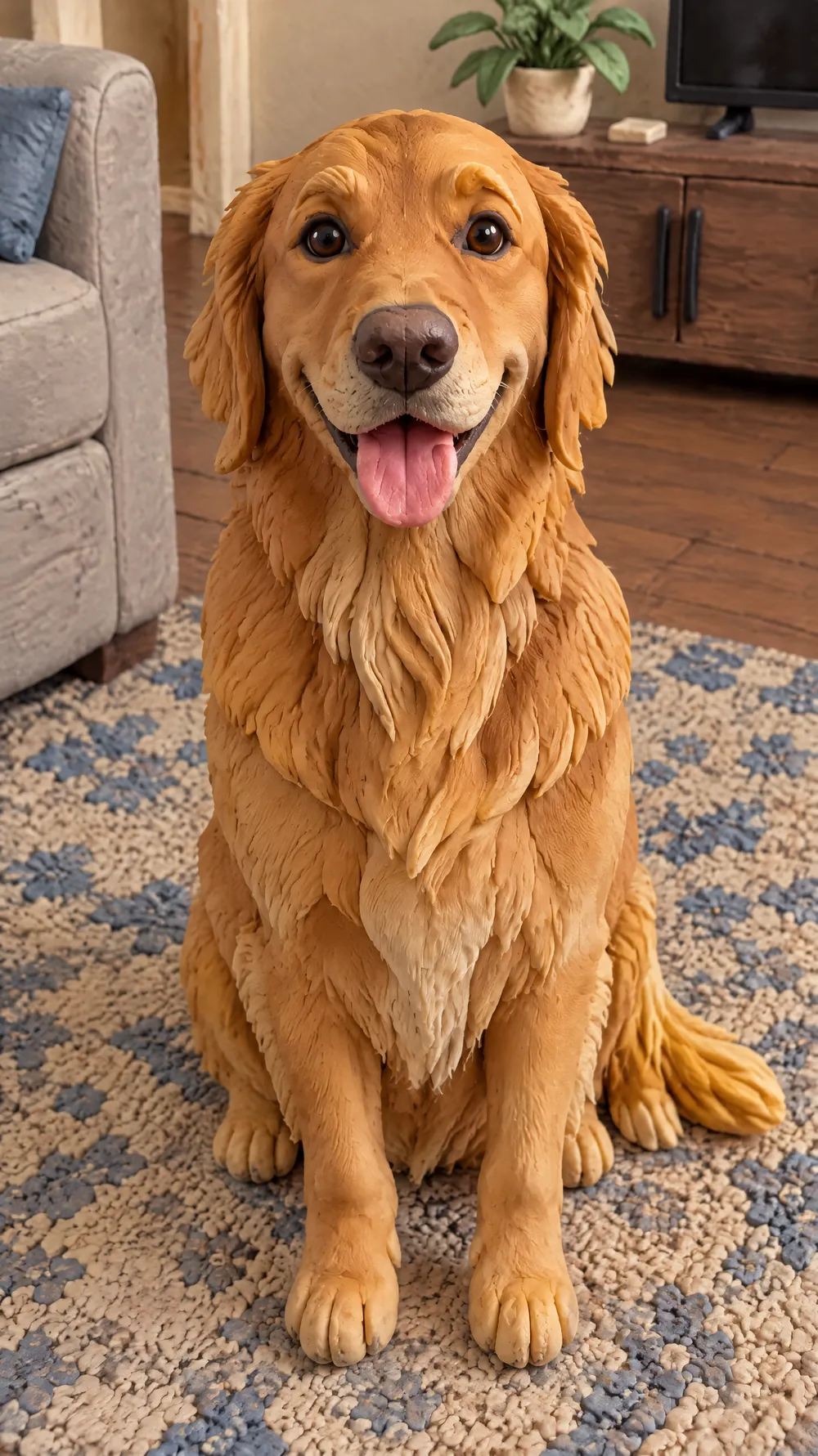
Claymation World
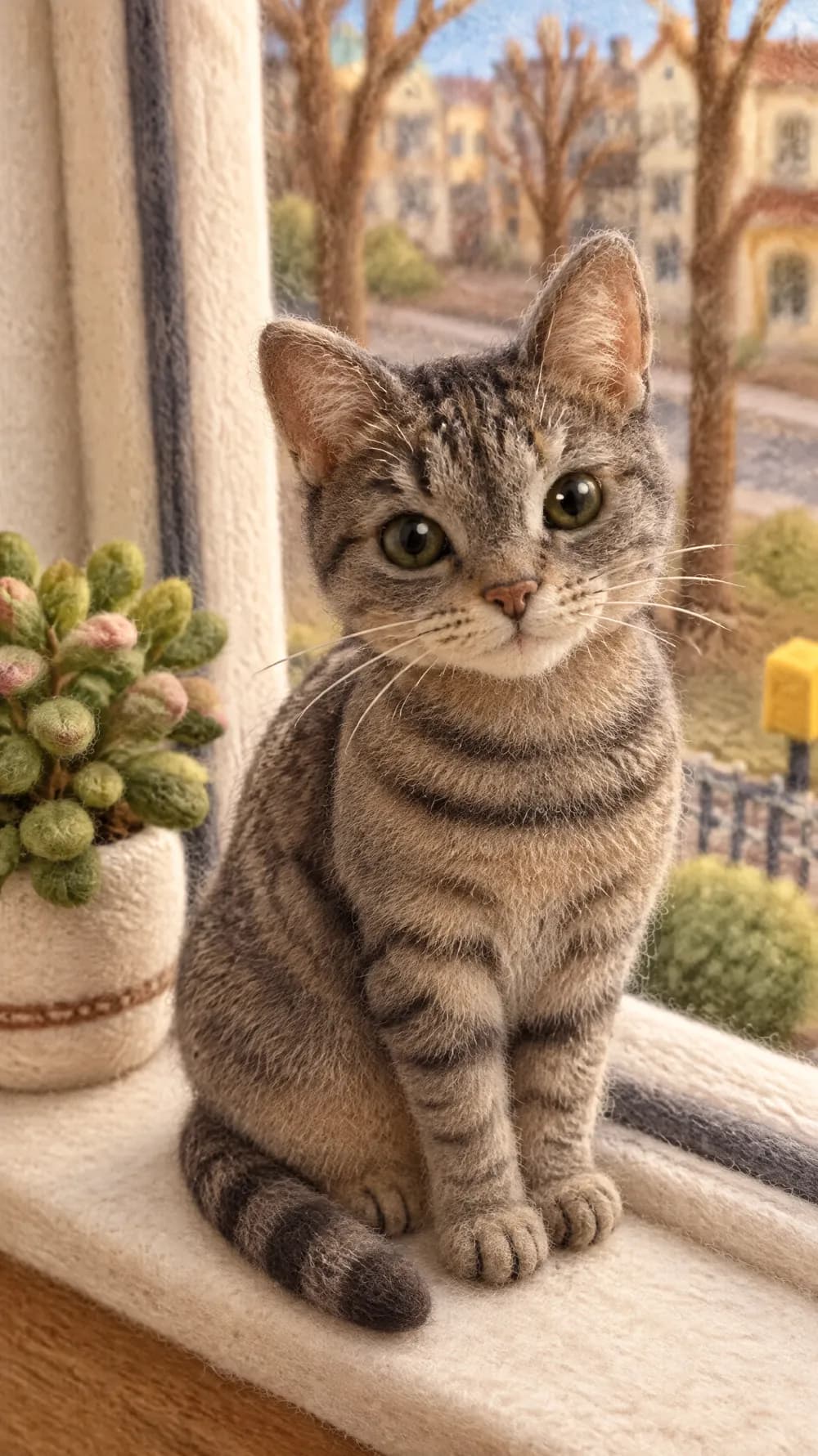
Felt Miniature
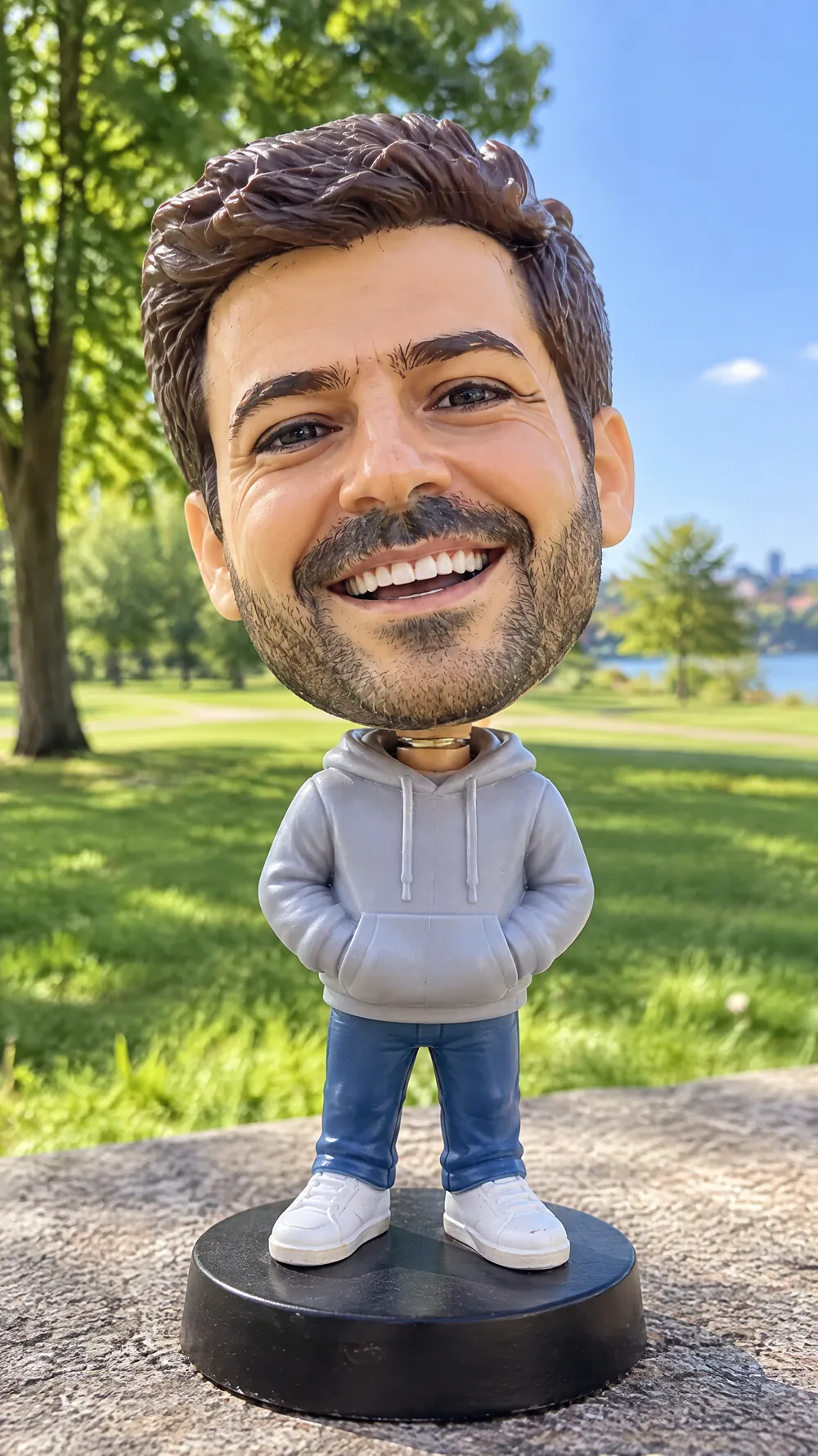
Bobblehead
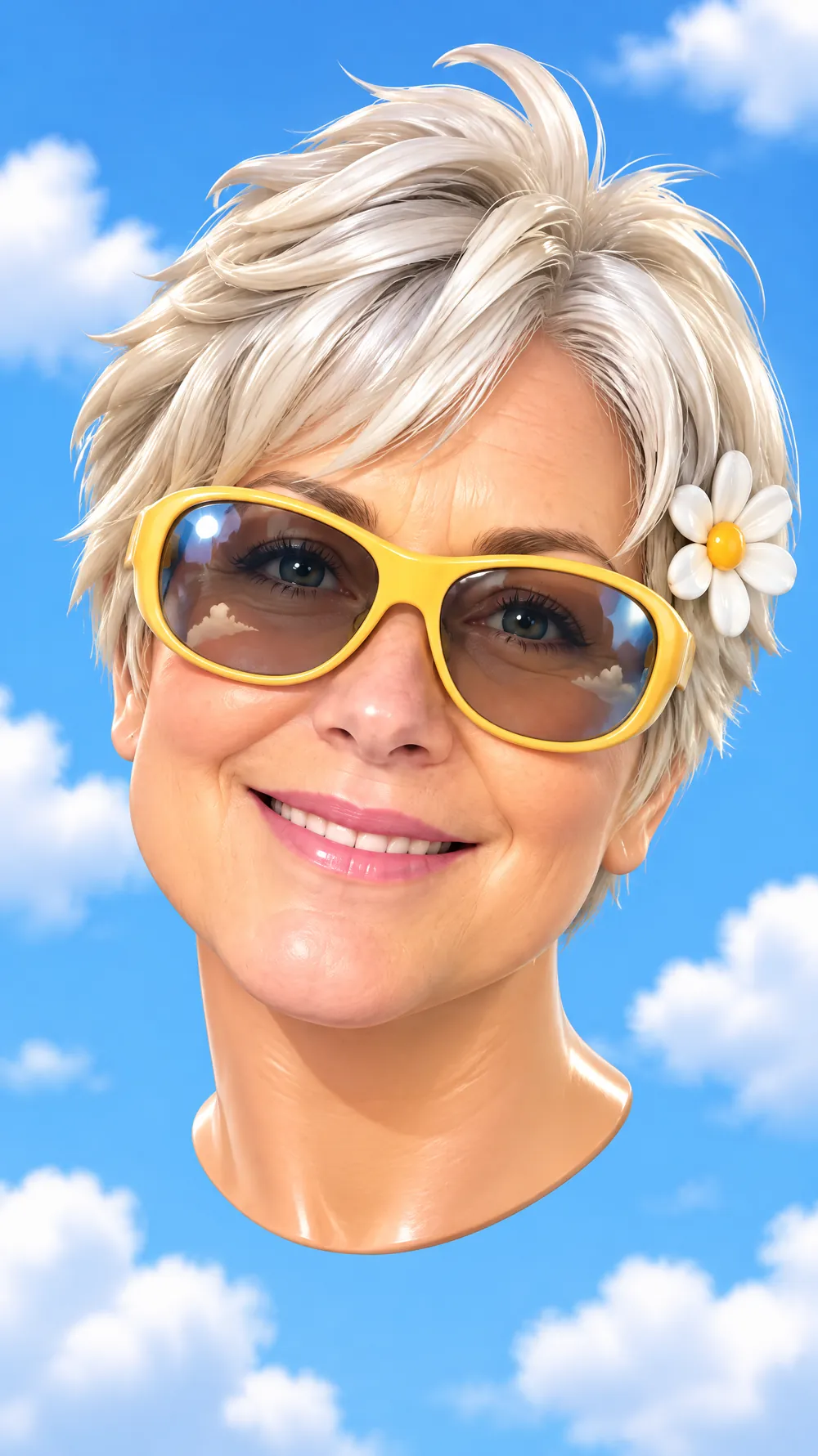
3D Toy Avatar
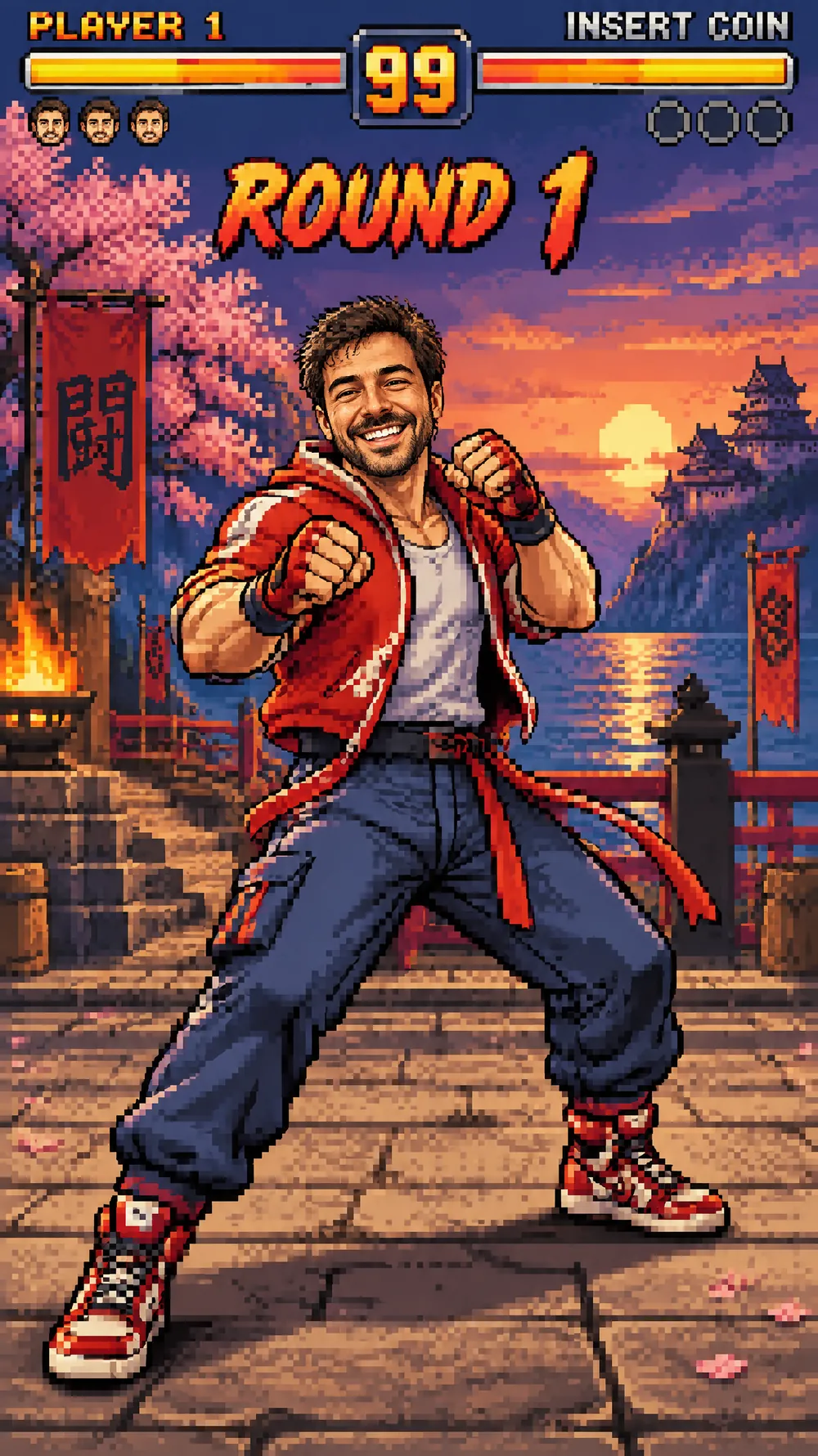
16-bit Arcade Fighter
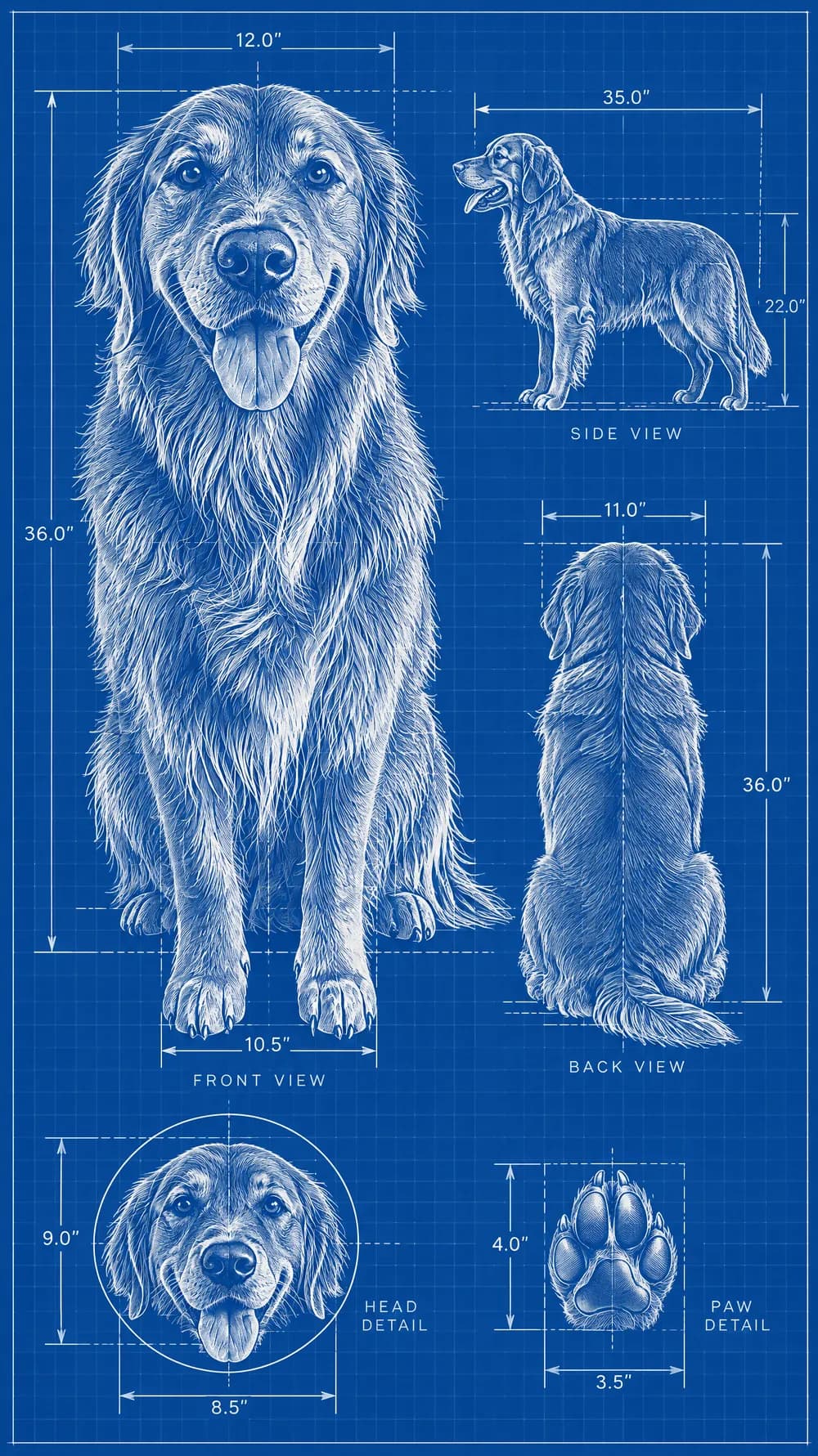
Blueprint Poster
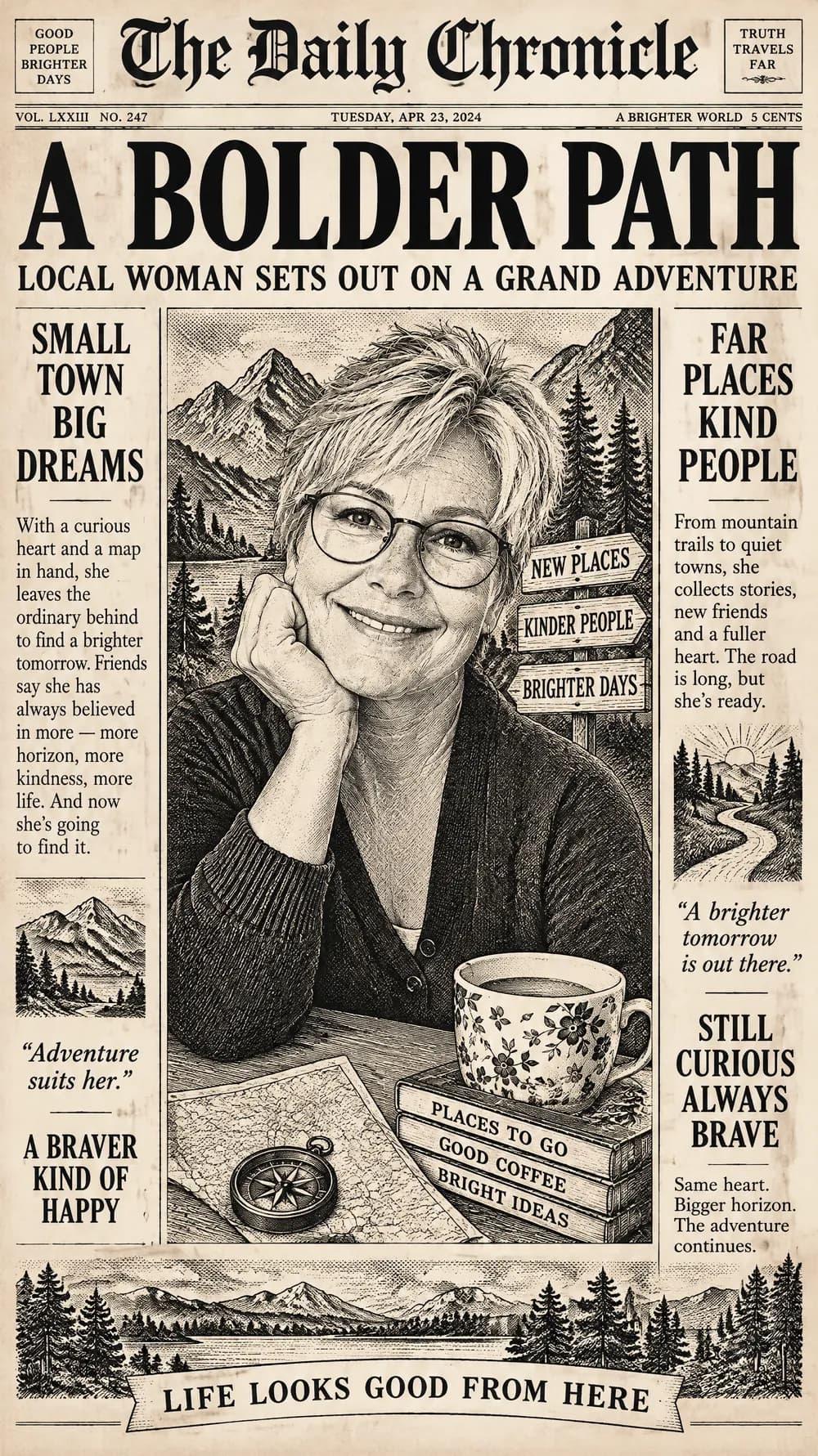
Fantasy Newspaper
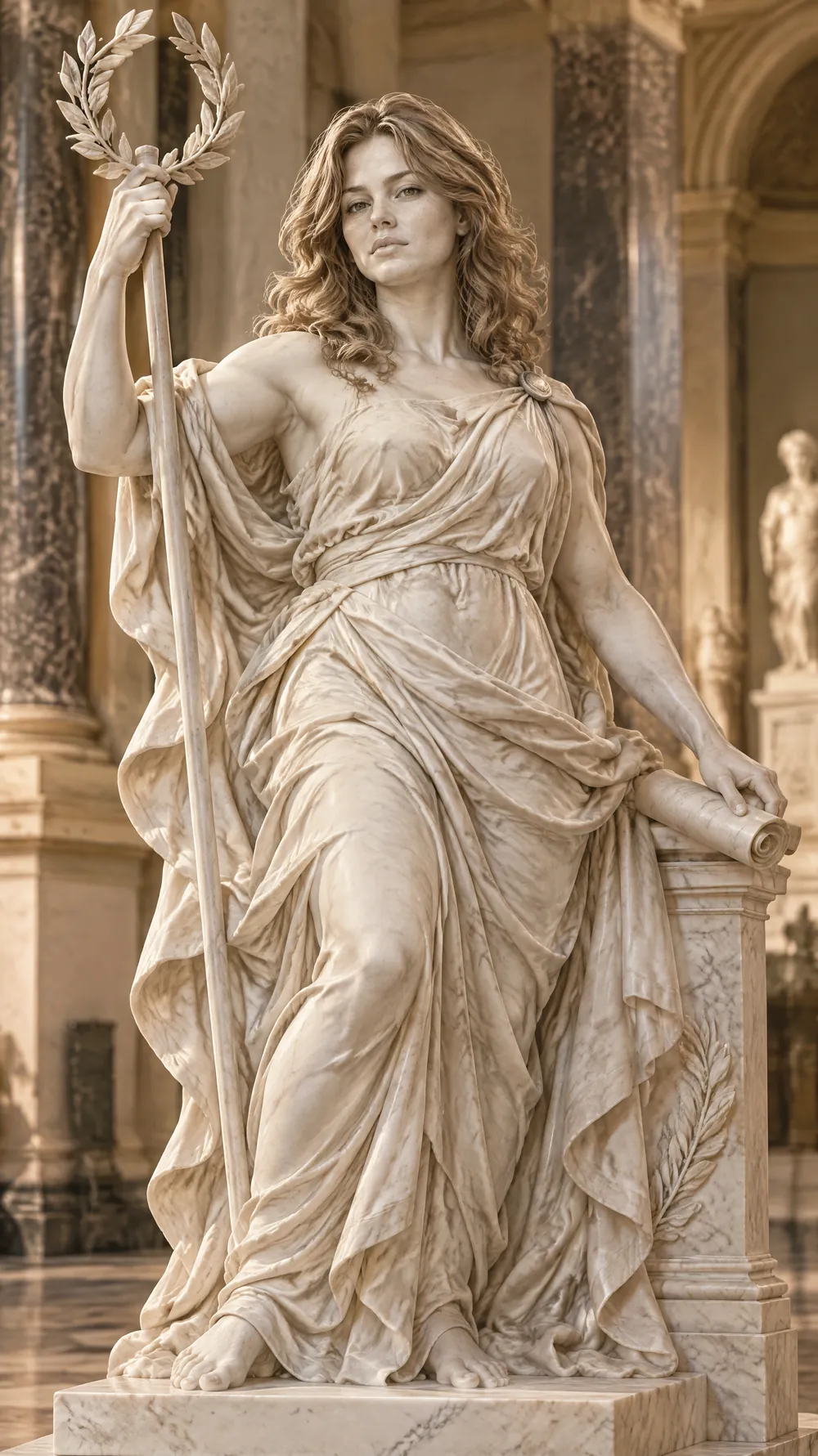
Marble Statue
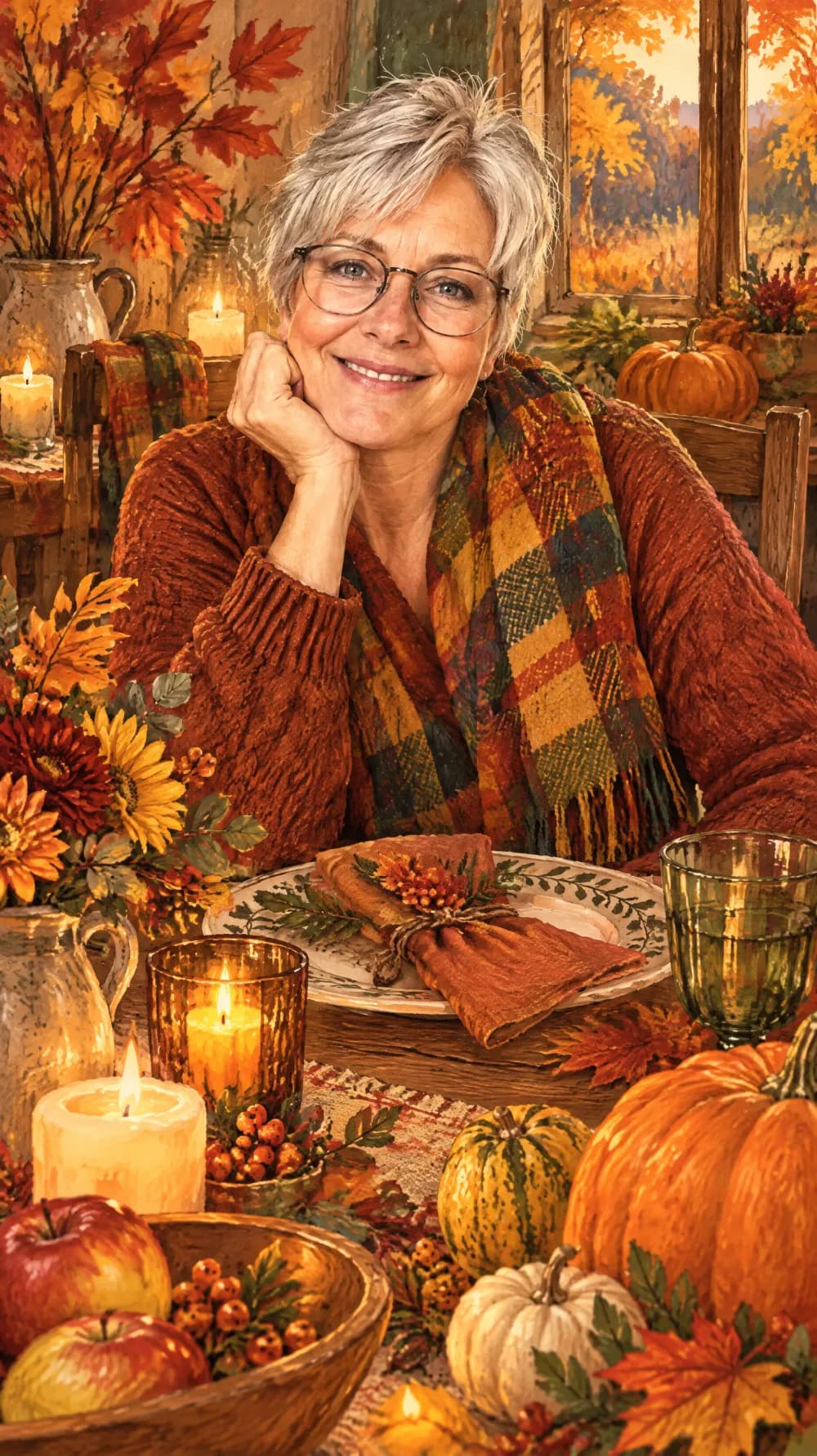
Thanksgiving Harvest Portrait
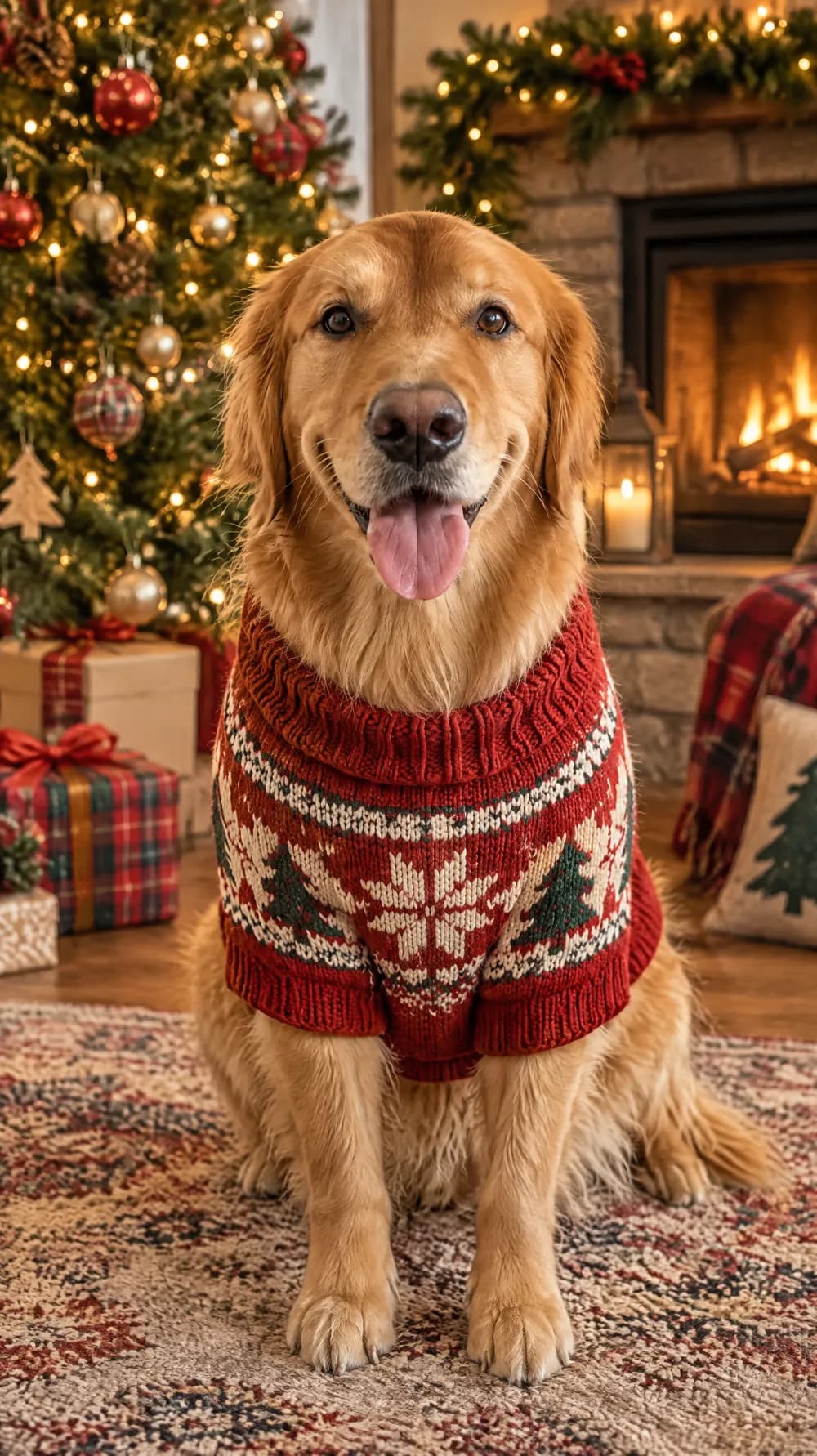
Christmas Card Portrait
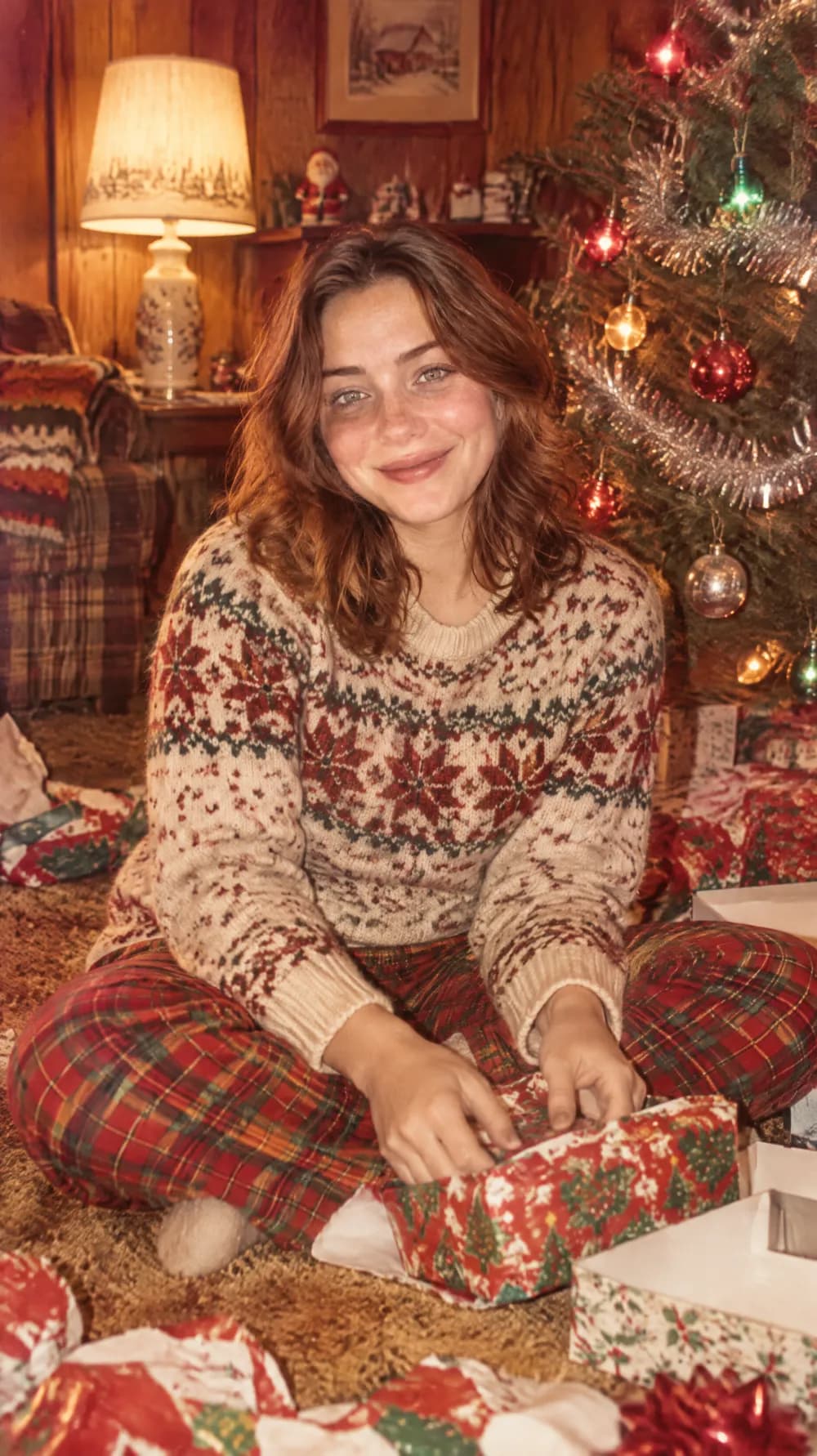
Vintage Christmas Snapshot
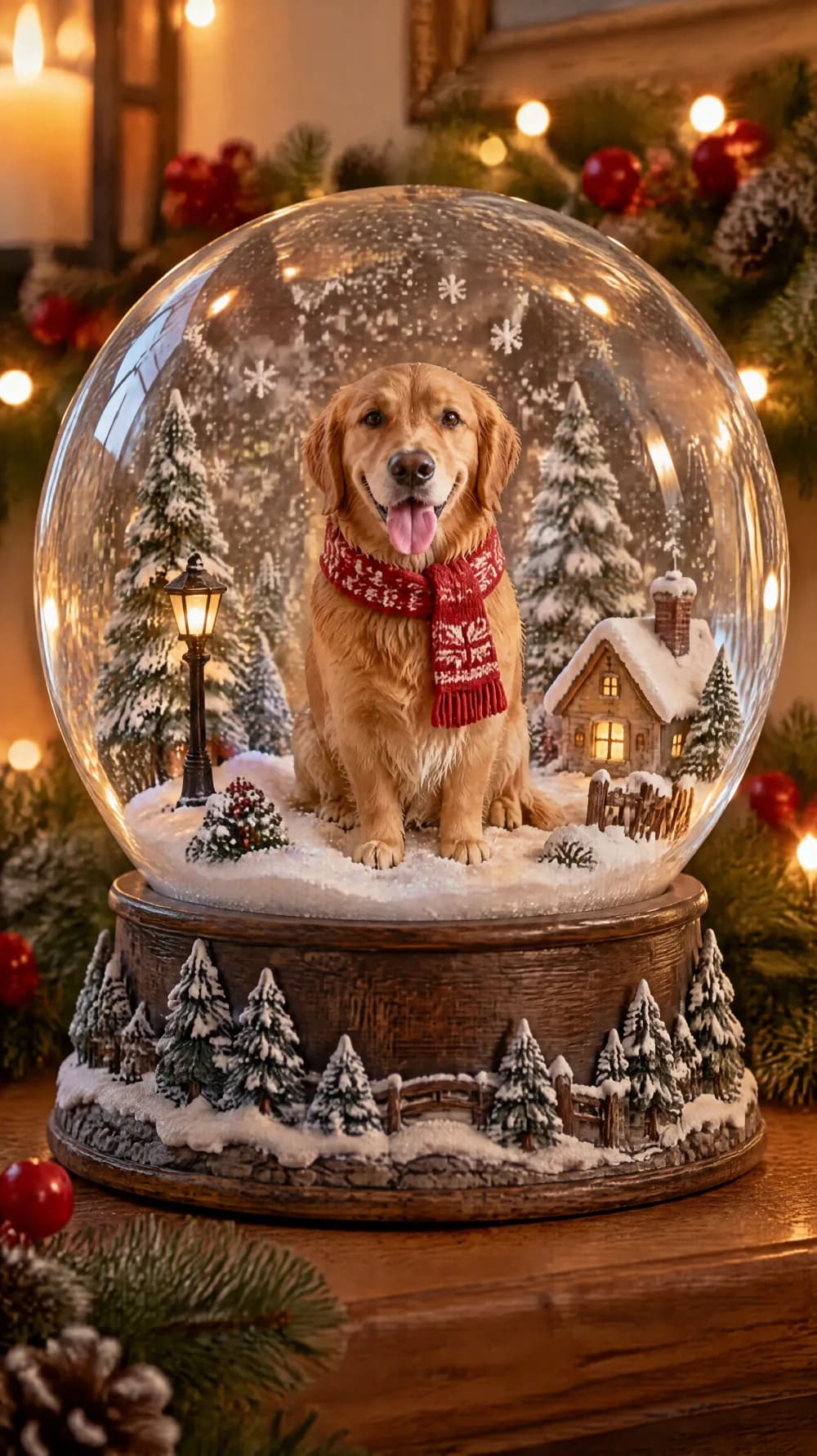
Snow Globe
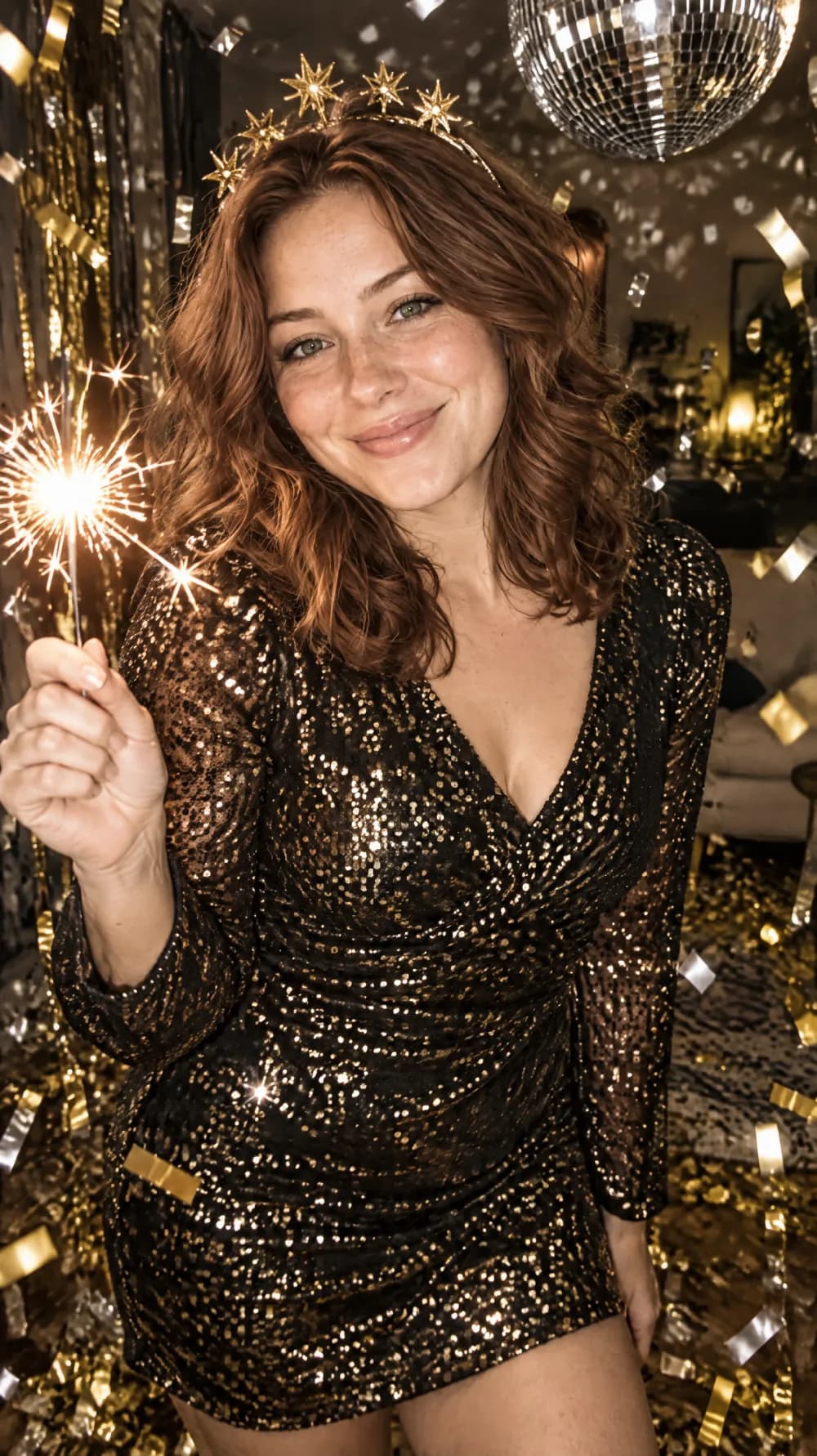
New Year's Eve Party Flash
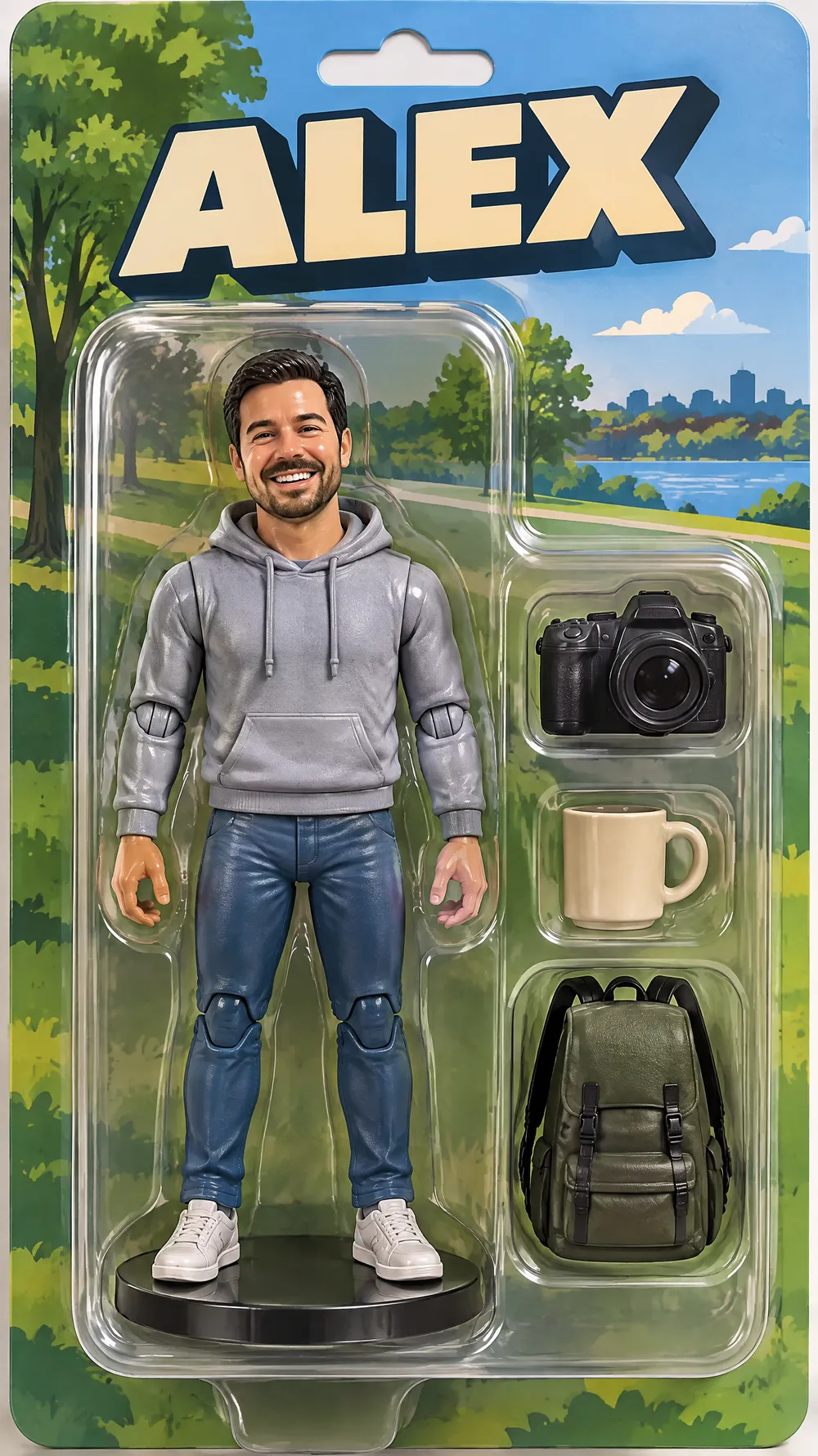
Collectible Figure Box
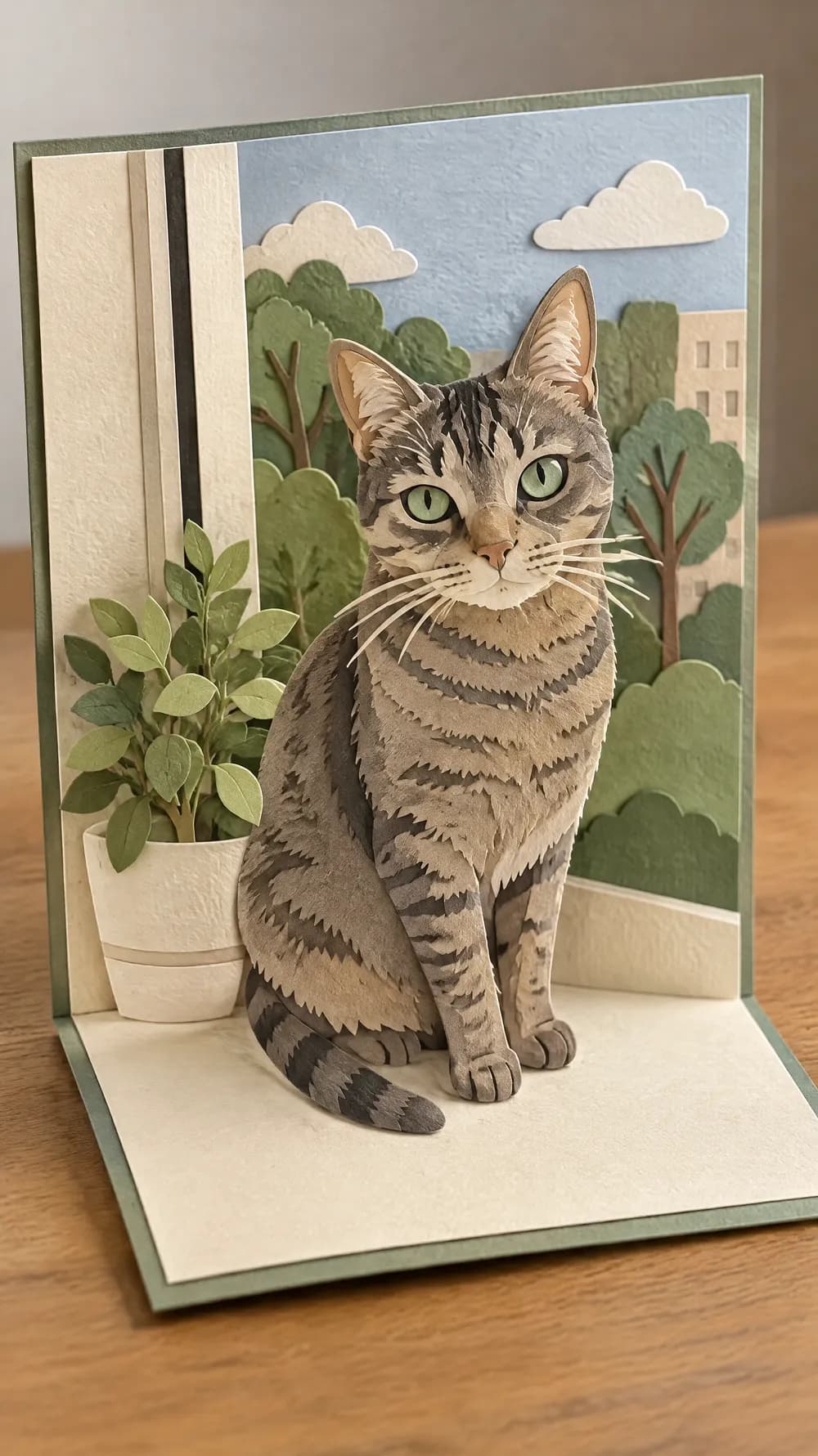
Pop-up Paper Card
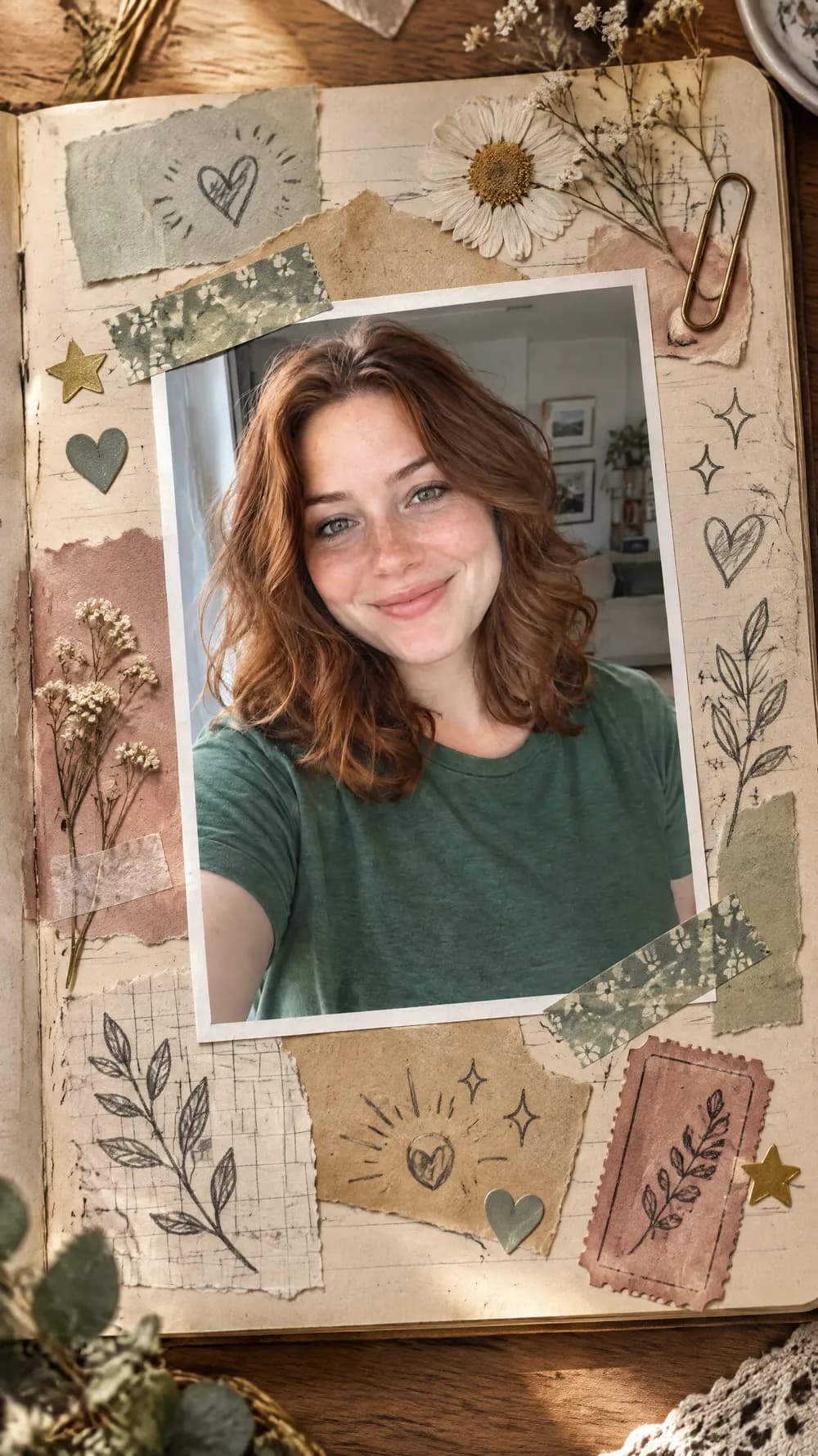
Scrapbook Journal Page
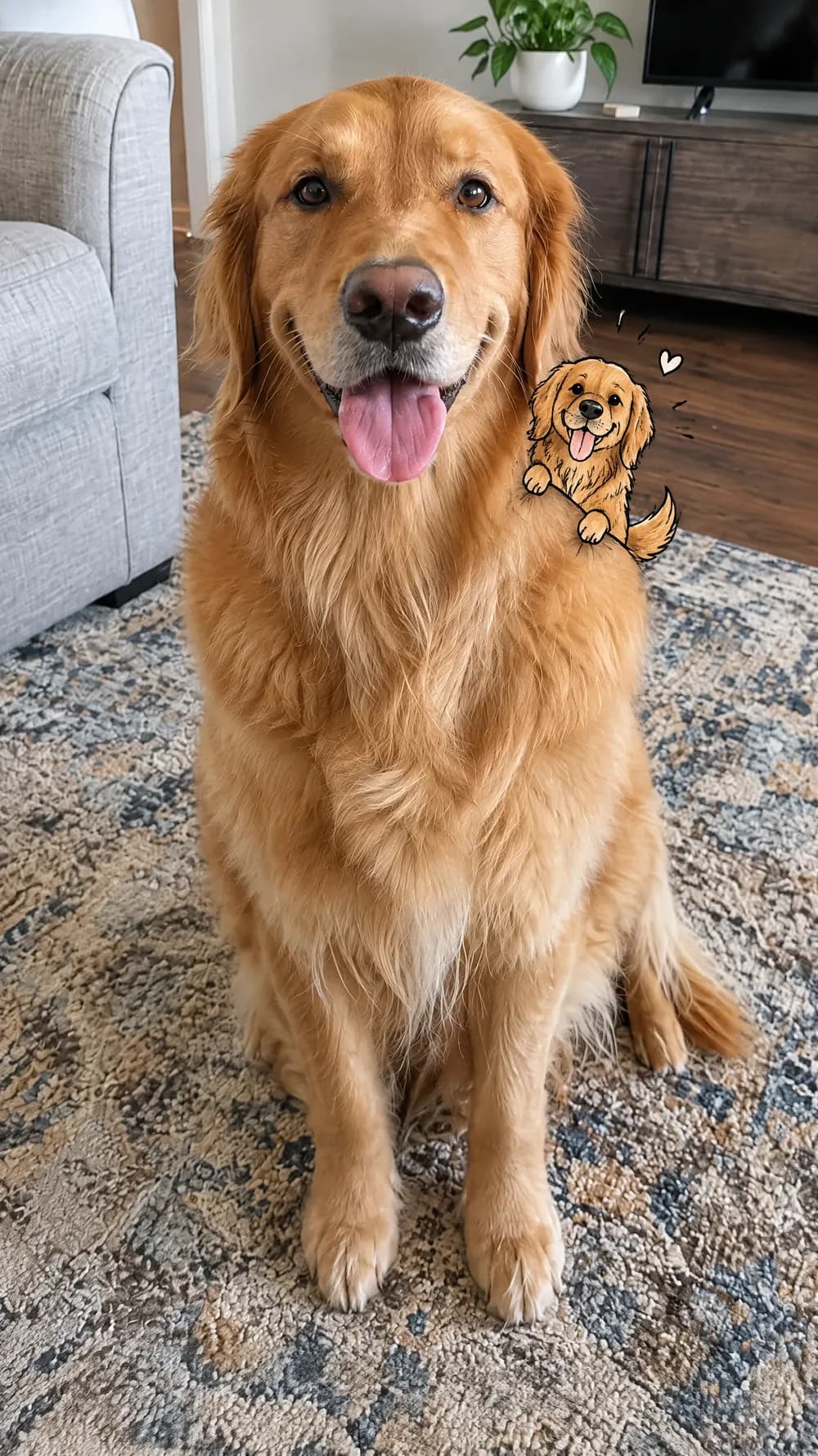
Mini Doodle Twin
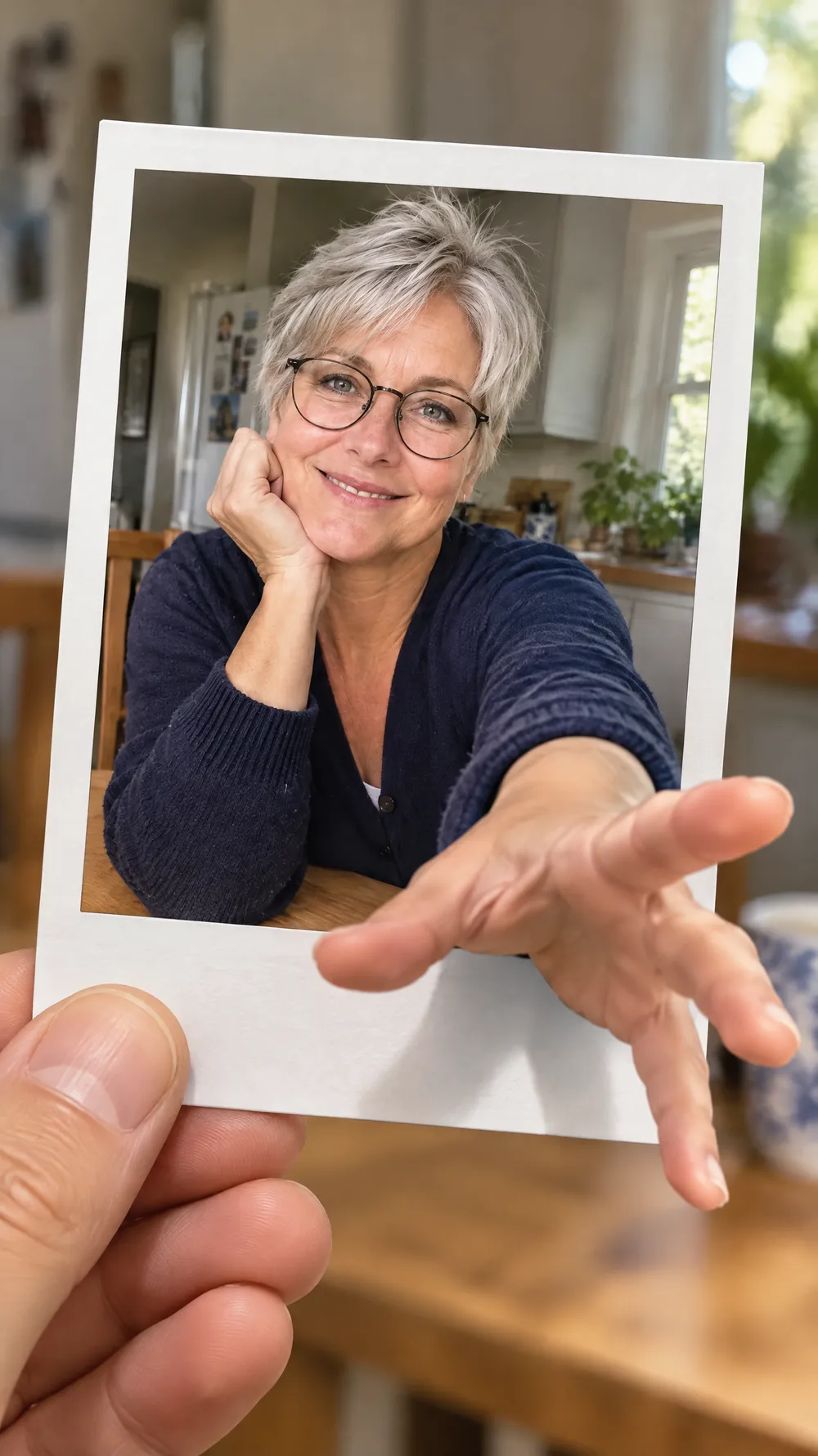
Instant Photo Pop-Out
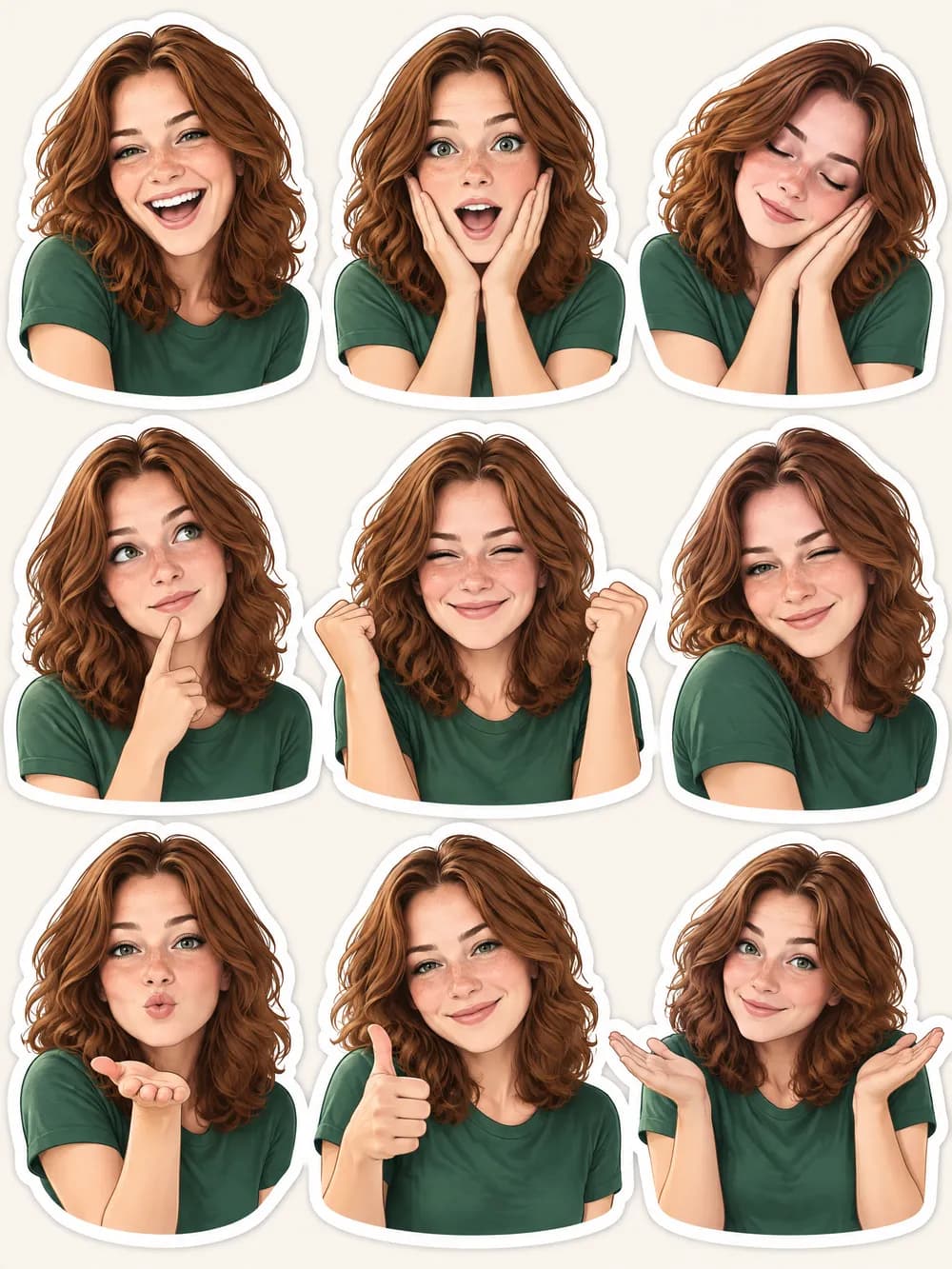
Photo Sticker Sheet