

Photo Sticker Sheet Maker
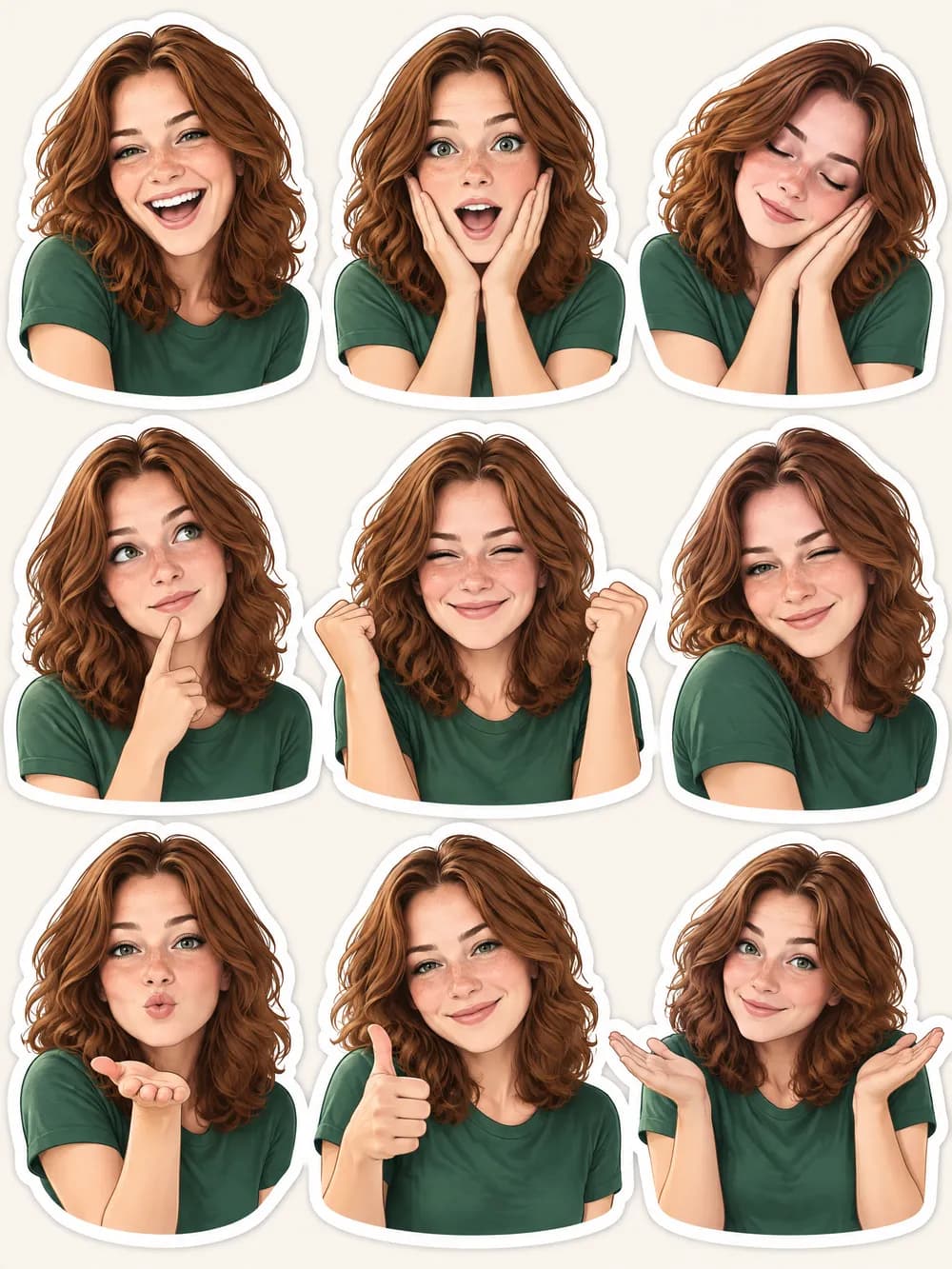
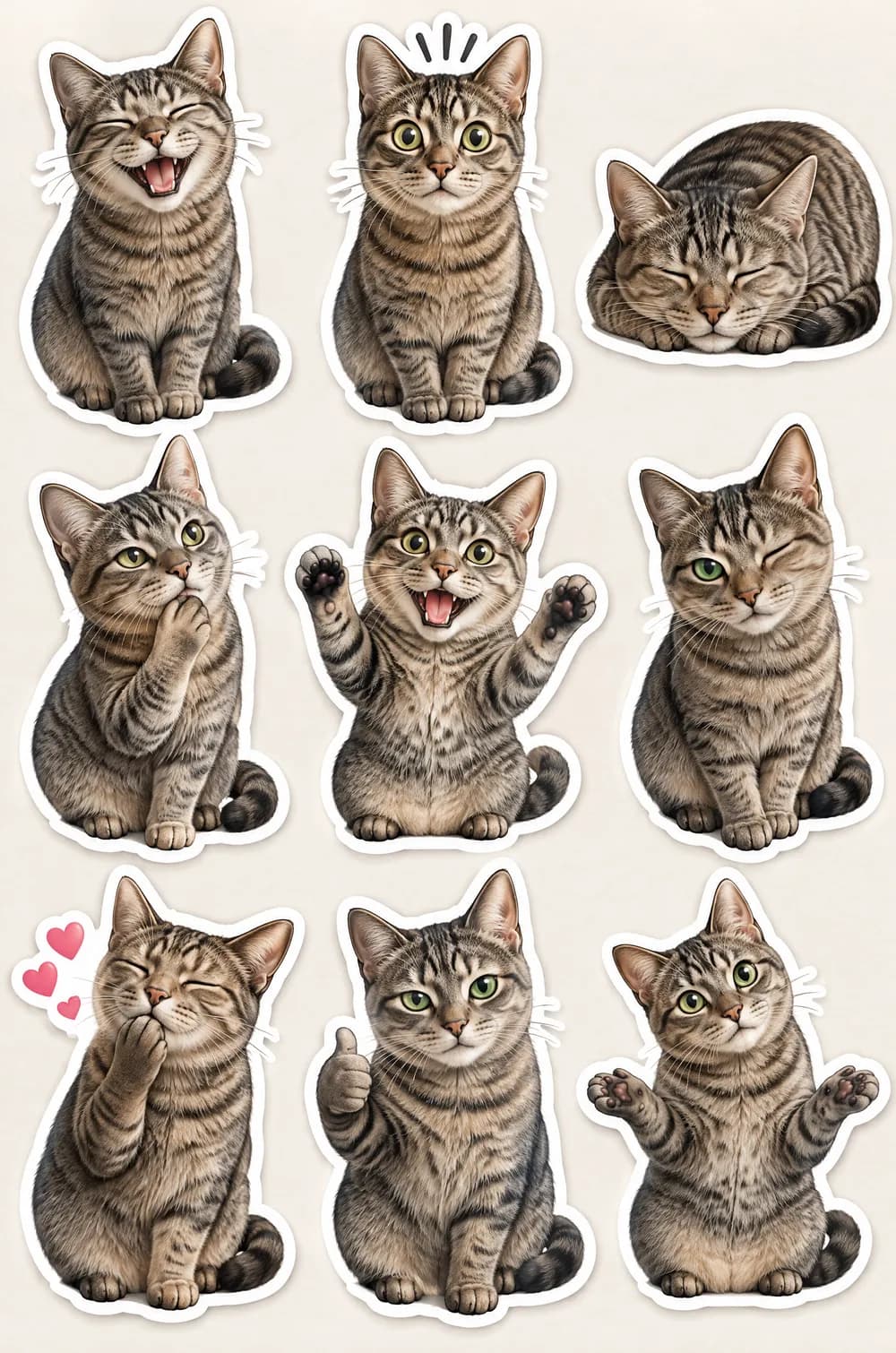
The photo sticker sheet look turns one photo into a sheet of nine stickers. The same subject appears nine times in a neat three-by-three grid on plain pale paper, each time in a different pose and expression: laughing, surprised, sleepy, thinking, cheering, winking, blowing a kiss, giving a thumbs up and shrugging.
Every sticker has a thick white die-cut border and a faint drop shadow, drawn in a clean, polished, semi-realistic style with bold simple shapes. Face shape, hairstyle, skin tone and clothing colors stay consistent so the nine stickers are clearly the same person or pet. Upload a photo, choose a size and download a JPG with no prompt to write.
This is the Photo Sticker Sheet style of the Photo Trend Maker. The form on this page opens with it already selected.
Photo Sticker Sheet examples
Who the Photo Sticker Sheet style suits
Pets
A pet sheet shows the same animal in nine cute poses, which suits chat reactions, a gift or a pet's own page. Clear markings make each sticker recognizable.
Selfies and chat reactions
One selfie becomes nine moods you can crop into single pictures for a chat. Check that the face stays the same in every sticker before you use them.
Journals, planners and boards
A sheet of faces is a natural picture for a journaling page, a planner idea or a mood board, because it shows nine ideas at once.
Getting the best Photo Sticker Sheet result
- 1
It is a picture of a sheet, not cut files
The JPG shows stickers on pale paper. It has no transparent background and no cut lines, so for a real die-cut file with a transparent PNG use the Sticker Maker instead.
- 2
Pick a clear, front-facing photo
Nine copies of a face are only as good as the first one. A sharp photo with the eyes, ears or hair clearly visible keeps the likeness consistent across the grid.
- 3
Check each sticker
Faces drift more when they are repeated. Zoom in on all nine and generate again if one looks like a different person or has a strange hand.
- 4
Expect no words
The look asks for no text, captions or speech bubbles, so the stickers carry no words. Add your own in another app, or pair the sheet with a mini doodle twin picture for a full set of personal art.
Ideas to try
- Photo: a grey tabby cat on a windowsill, size 2:3
- Photo: a woman with wavy auburn hair smiling at the camera, size 3:4
- Photo: a golden retriever sitting on a living room rug, size 1:1
- Photo: a bearded man laughing in a sunny park, size 2:3
What you download
Every design from the Photo Trend Maker comes with the files for the job, whichever style you choose:
- Vertical 1080×1920 JPG (9:16)
- Pinterest Pin 1000×1500 JPG (2:3)
- Portrait post 1080×1440 JPG (3:4)
- Square 1080×1080 JPG (1:1)
Questions about the Photo Sticker Sheet style
Can I use the stickers in a chat app?+
Not directly. The result is one JPG with nine stickers on paper and no transparent background. You would need to crop and cut each one out in another app first, and every chat app has its own rules for sticker files.
How is it different from the Sticker Maker?+
The Sticker Maker draws one die-cut sticker from a text idea and gives a transparent PNG. This look starts from your own photo and gives a sheet of nine stickers as a flat picture.
Will all nine stickers look like me?+
The look asks for the same face shape, hair and clothing colors in every sticker, but repeated faces can drift. Compare each sticker with your photo and generate again if one is off.
Can I choose the poses?+
No. The nine poses come from the look, not from the form: laughing, surprised, sleepy, thinking, cheering, winking, blowing a kiss, thumbs up and shrugging. For a pet the AI adapts them into nine cute poses.
Which size suits a sticker sheet?+
A sheet is a tall rectangle, so 2:3 (1000×1500 px) and 3:4 give the nine stickers room. The image is composed for the size you choose, and the square size gives a squarer layout.
Photo trend looks
80s Flashback

70s Slide Portrait

Y2K Digital Camera
Night Out Flash
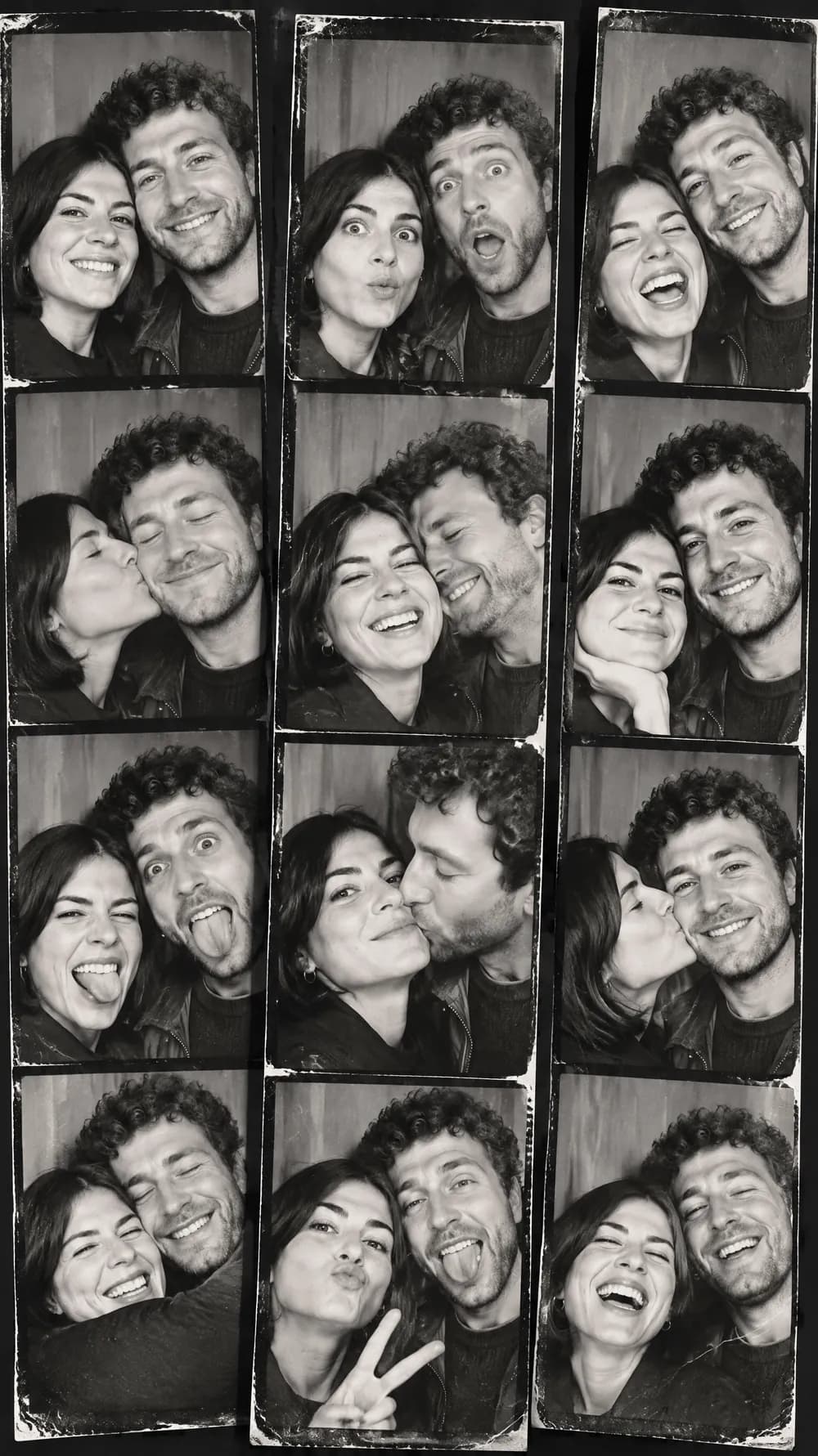
Photo Booth Strip
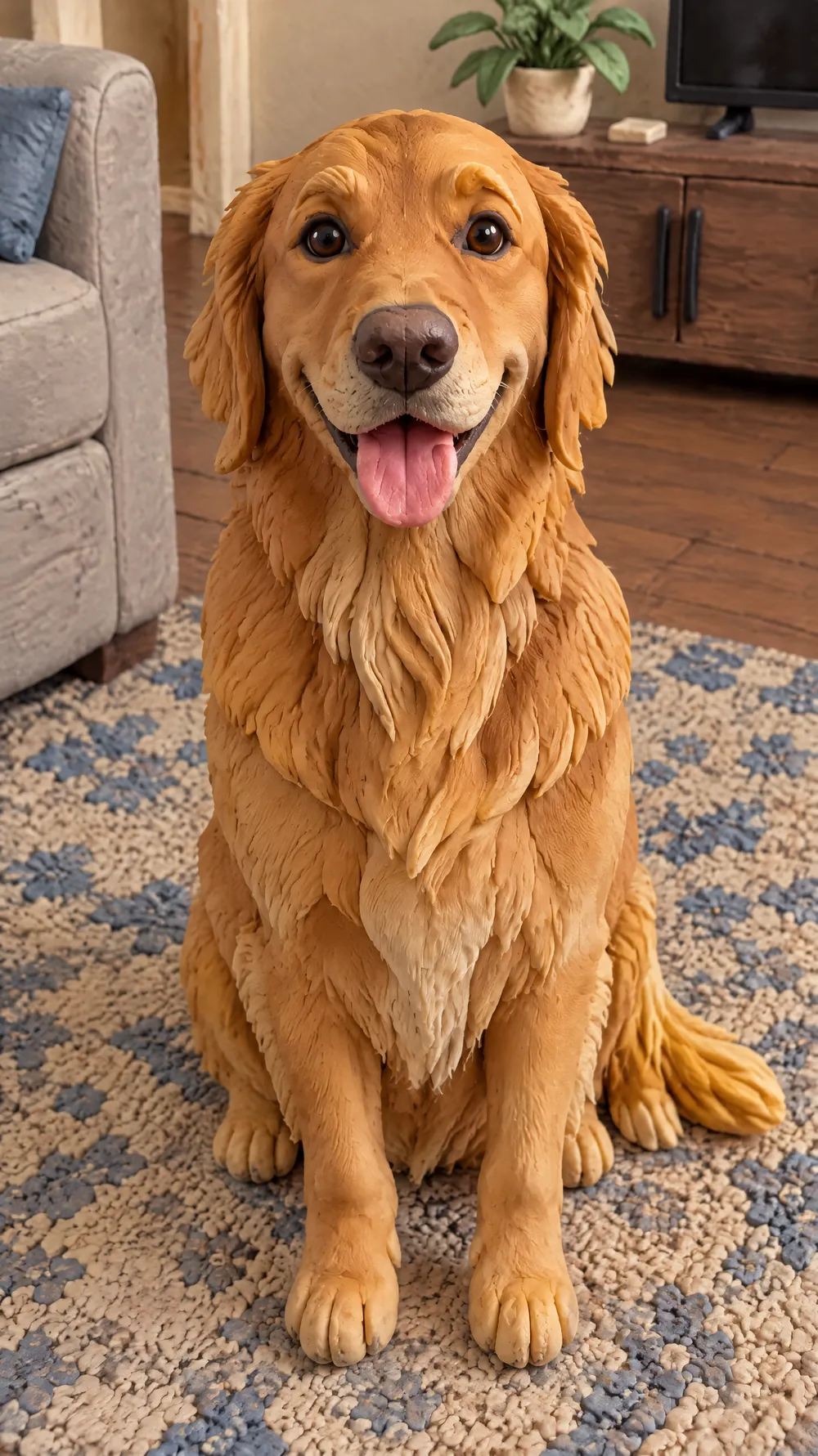
Claymation World
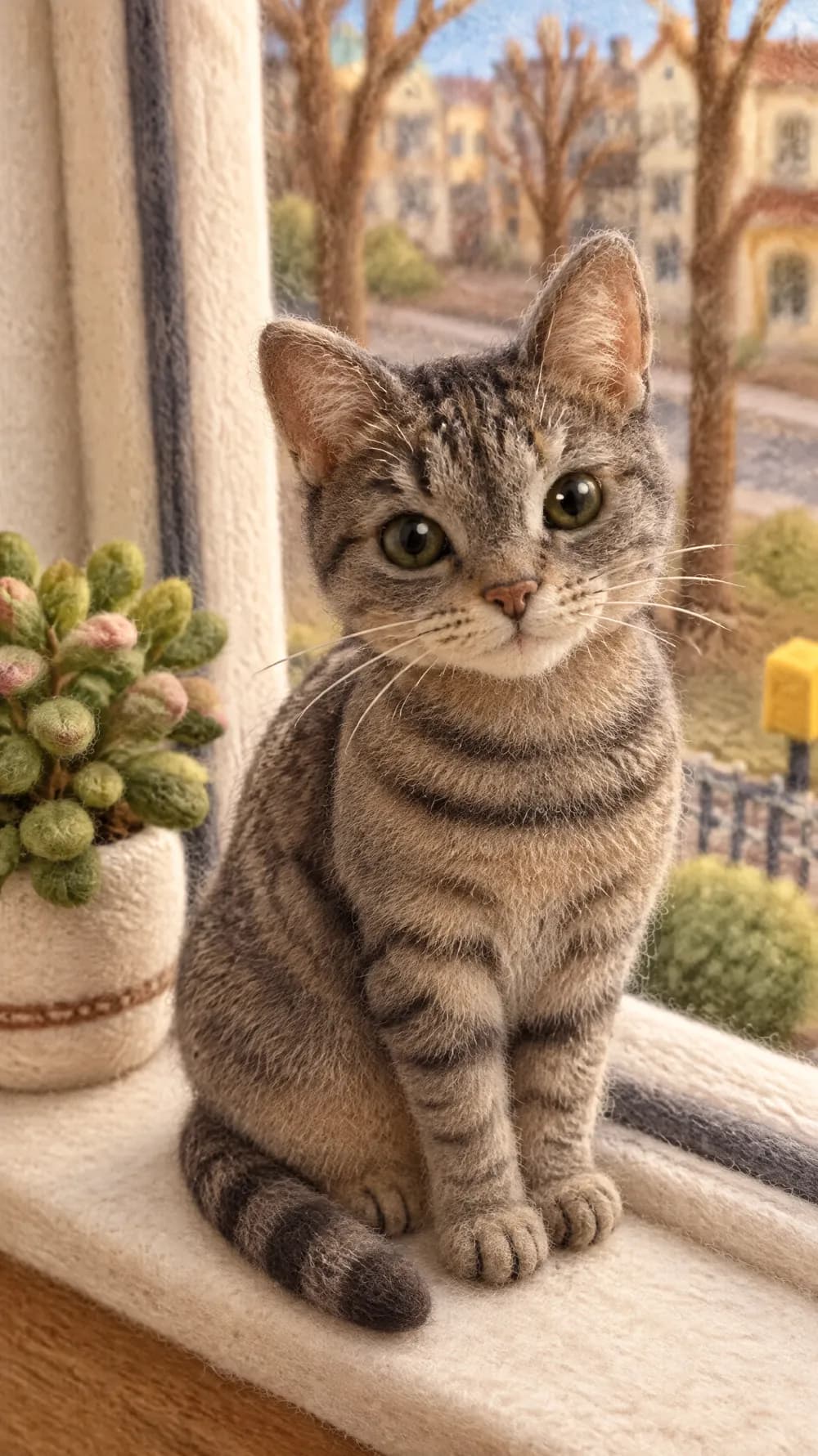
Felt Miniature
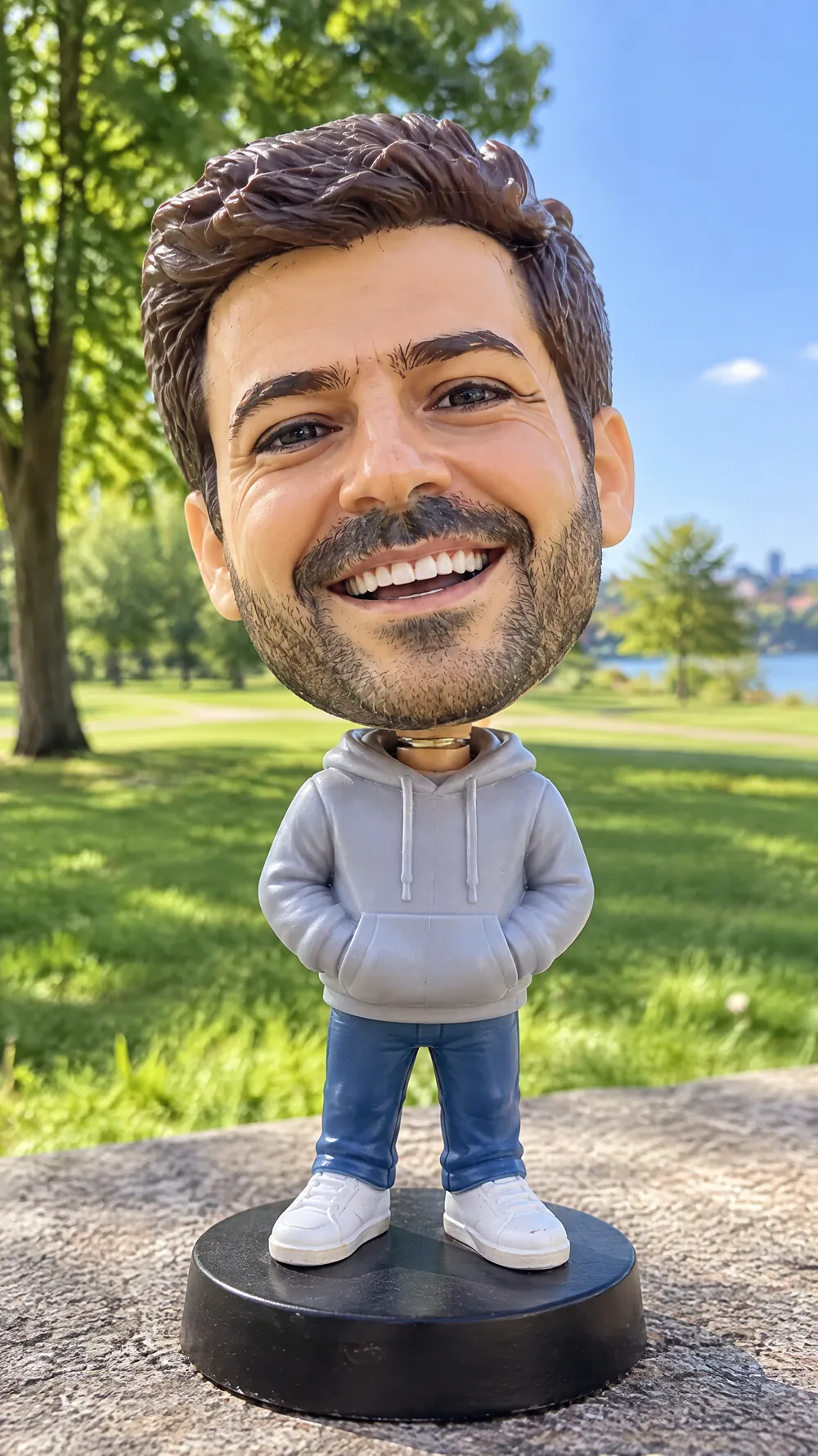
Bobblehead
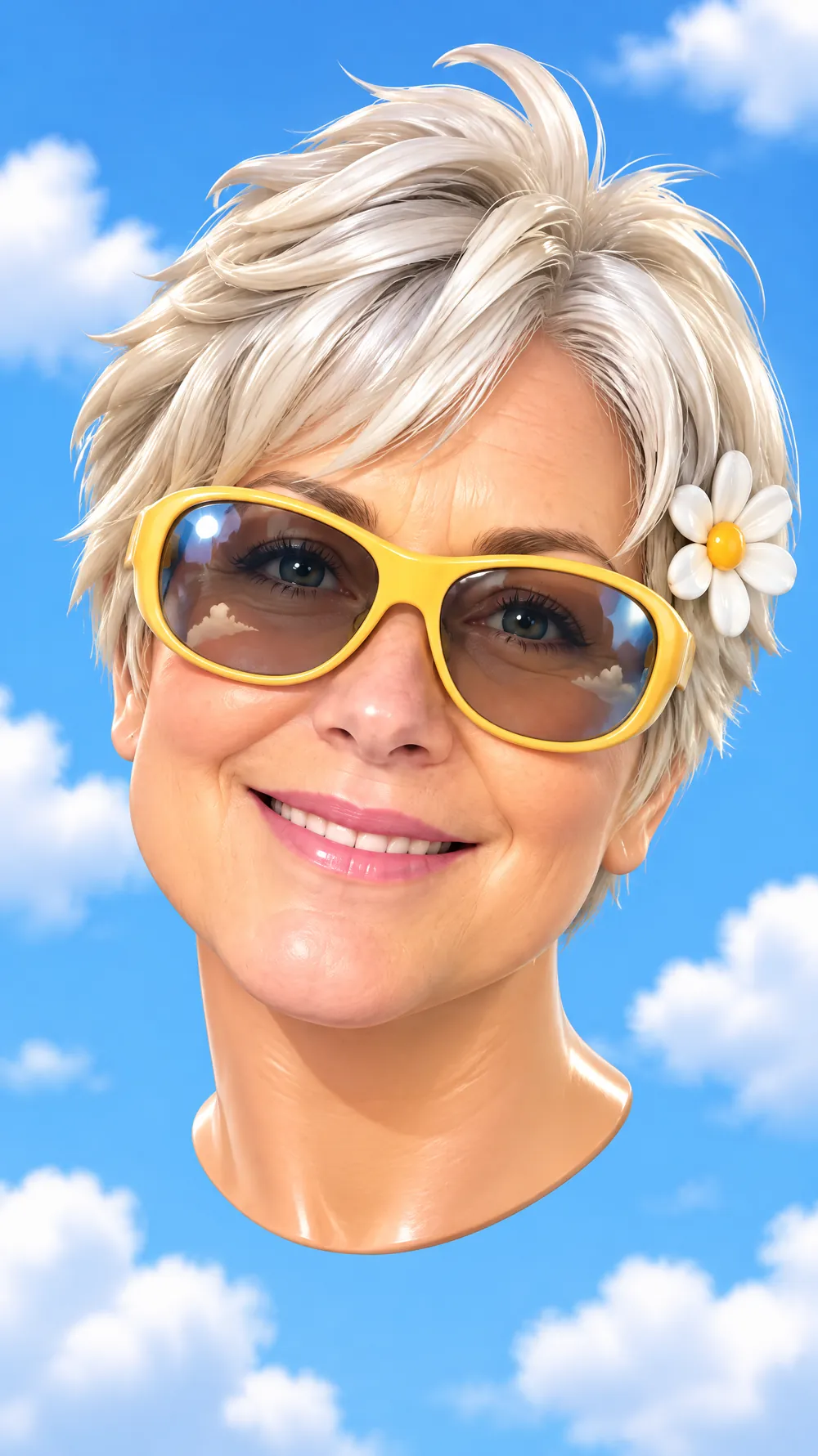
3D Toy Avatar
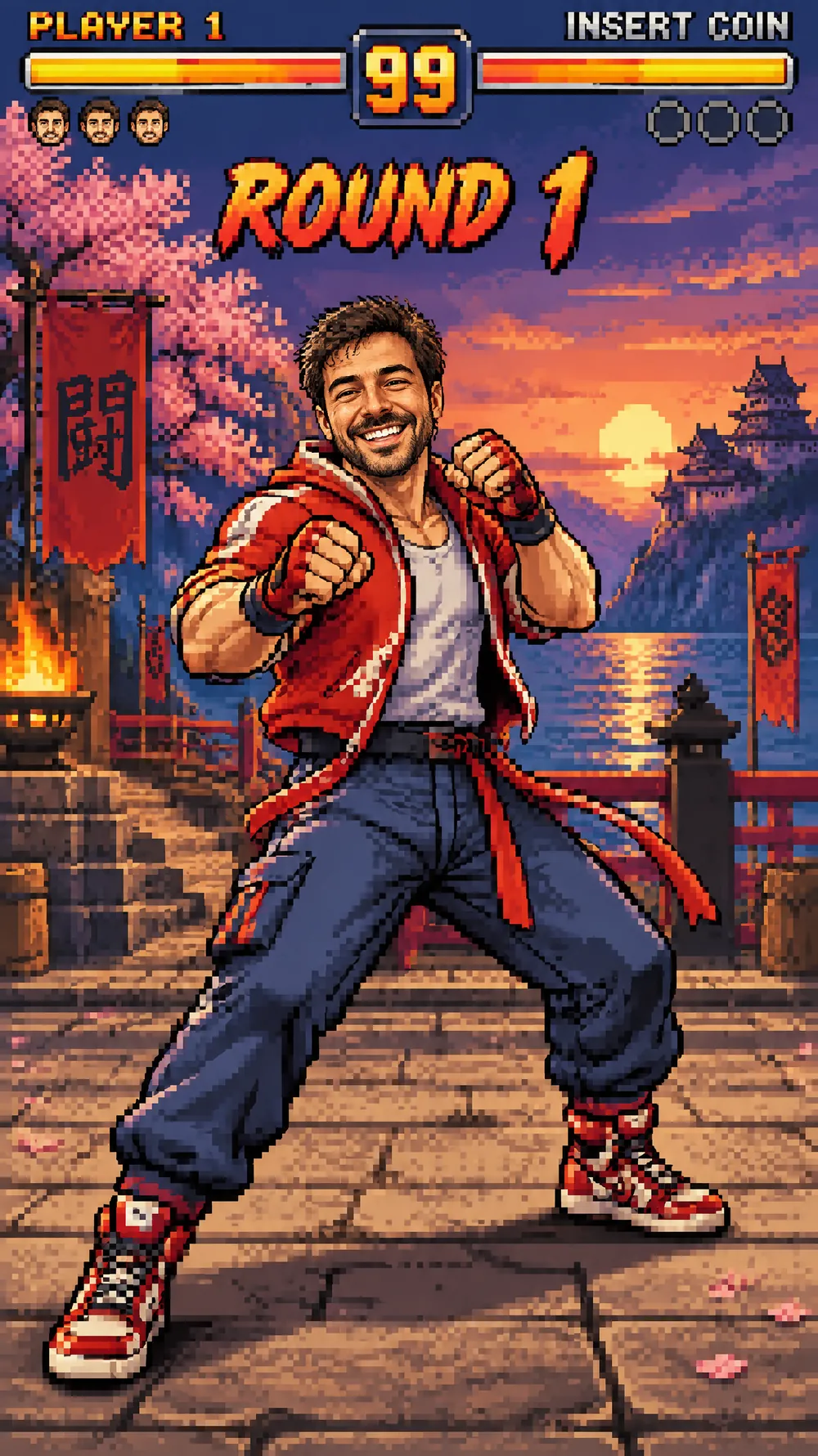
16-bit Arcade Fighter
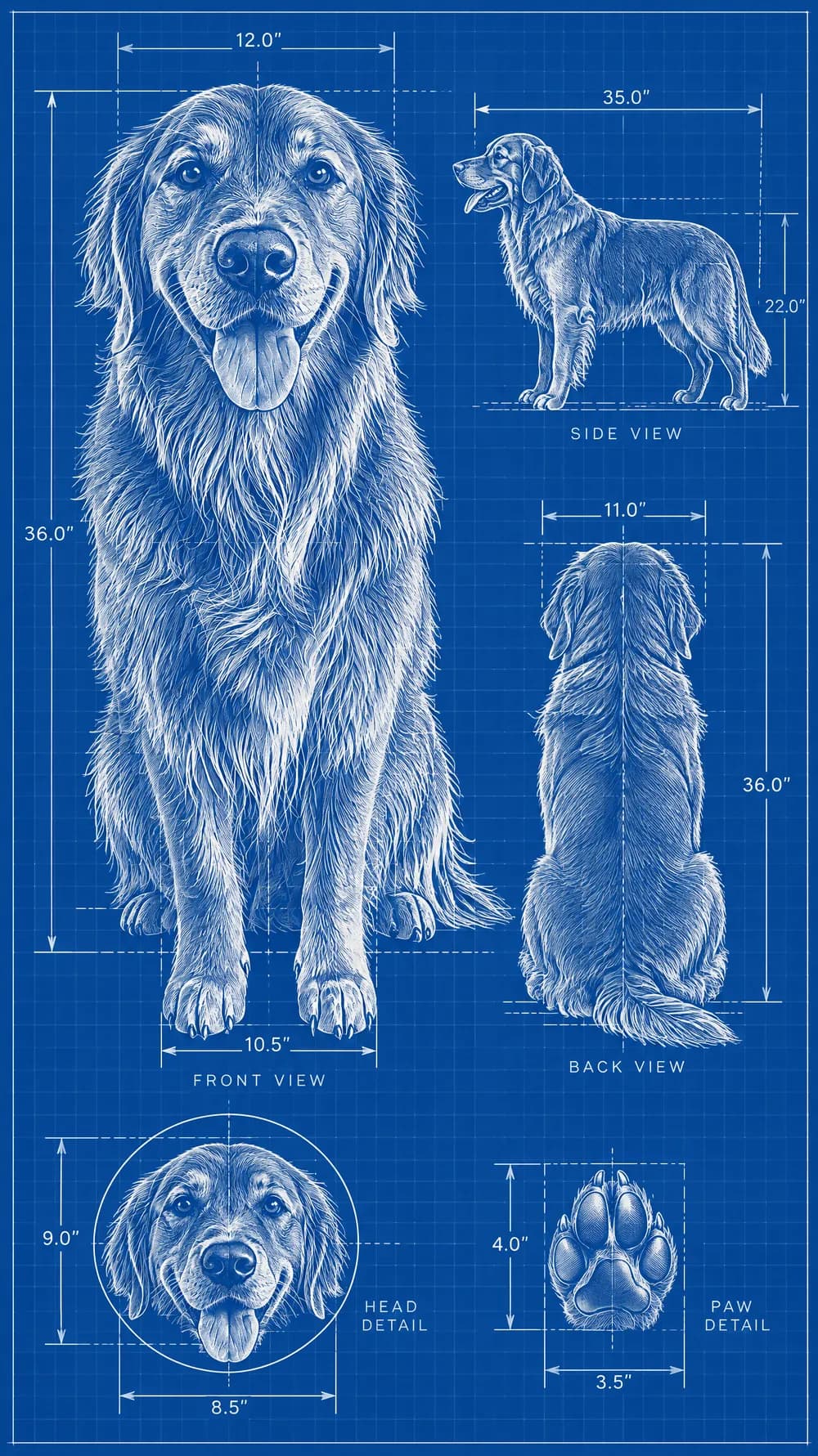
Blueprint Poster
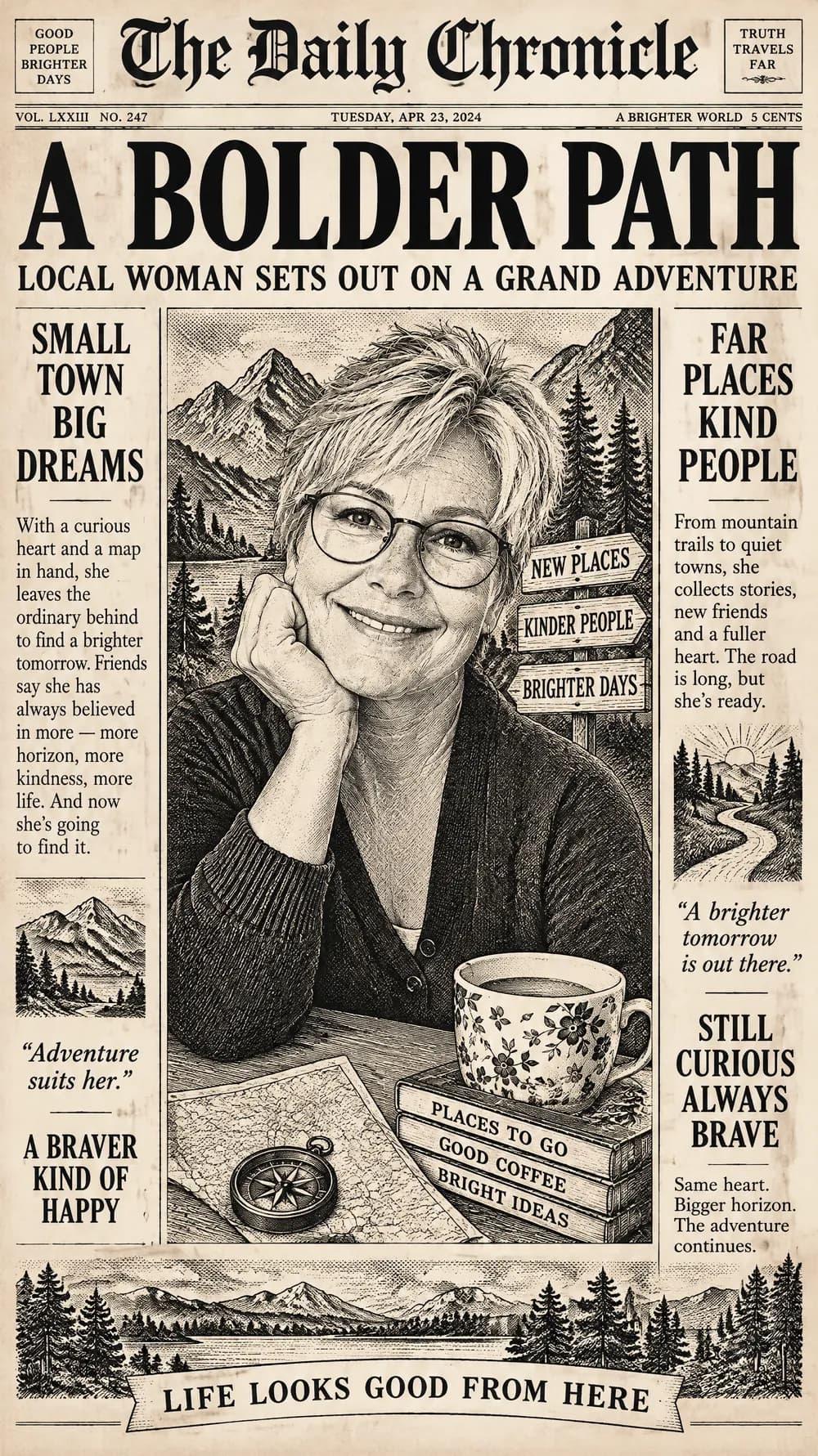
Fantasy Newspaper
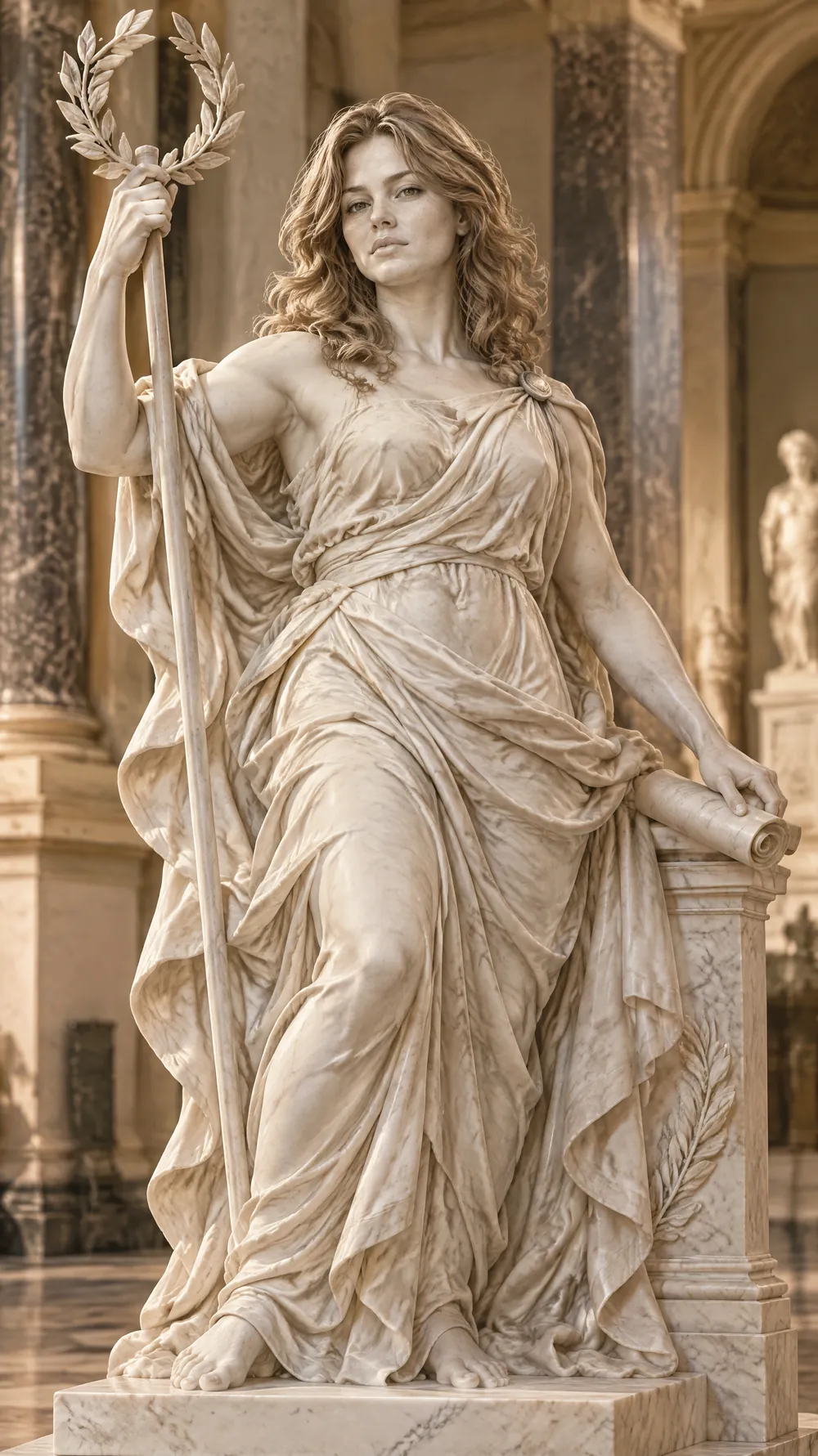
Marble Statue
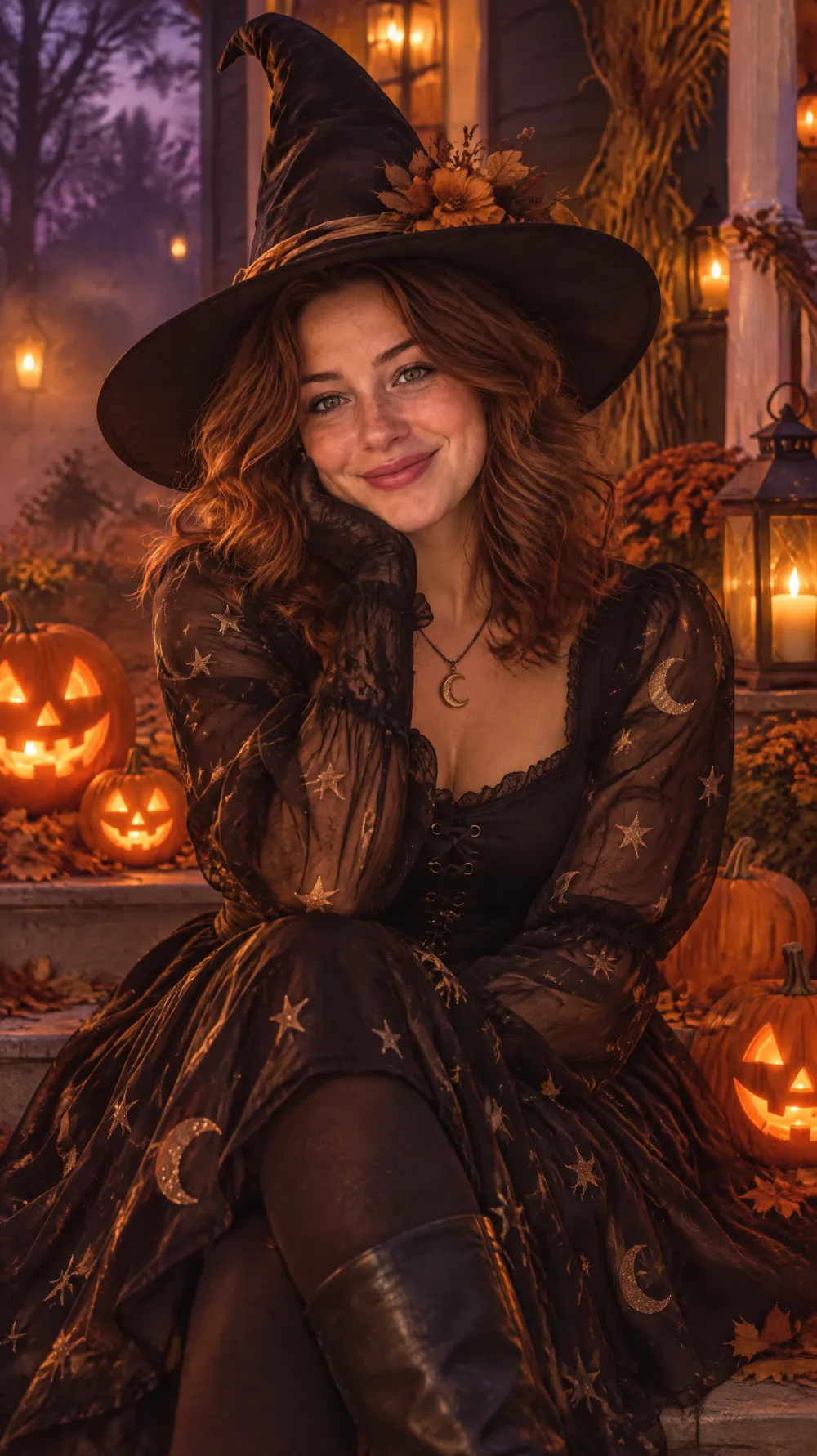
Halloween Costume Portrait
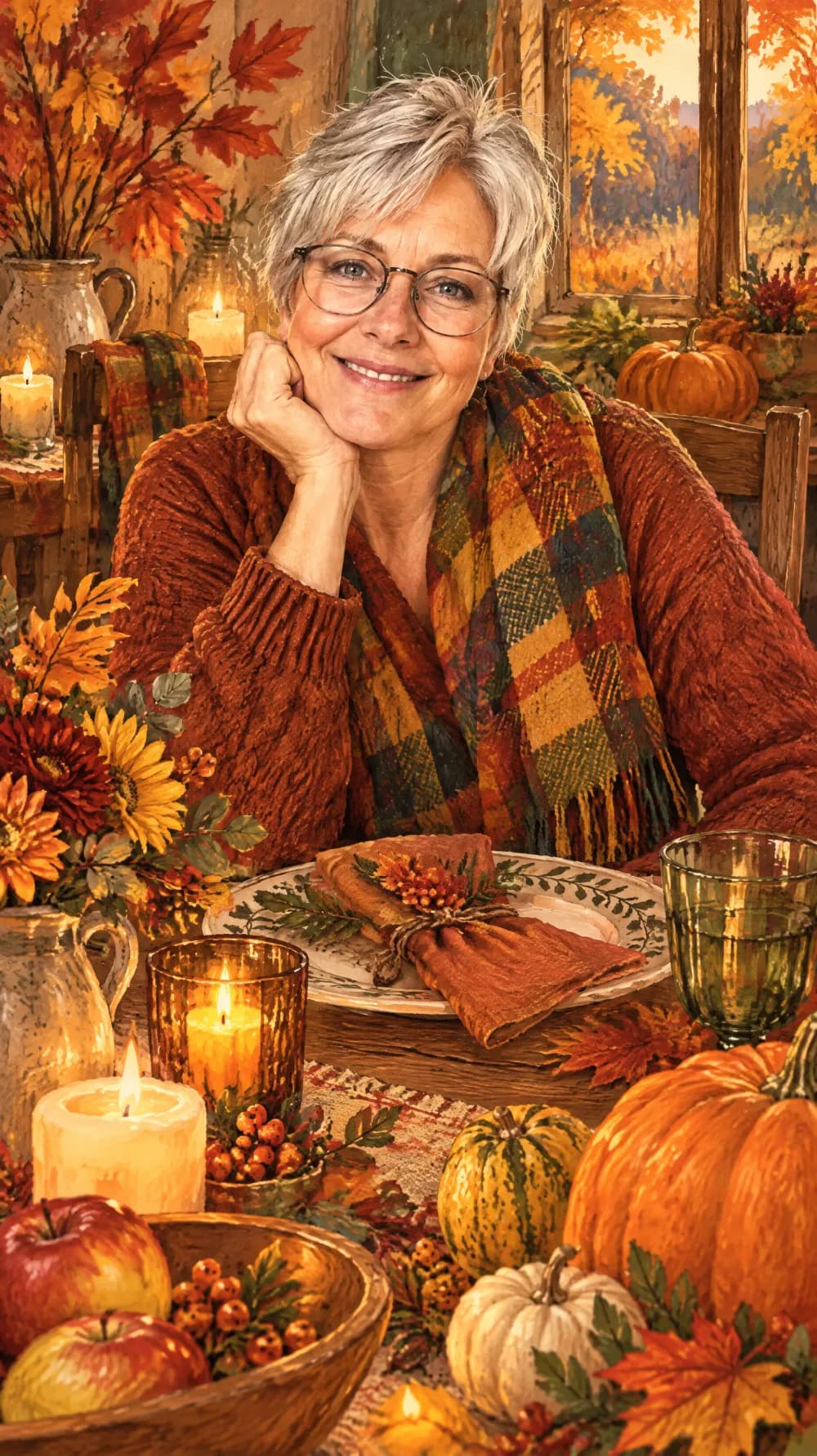
Thanksgiving Harvest Portrait
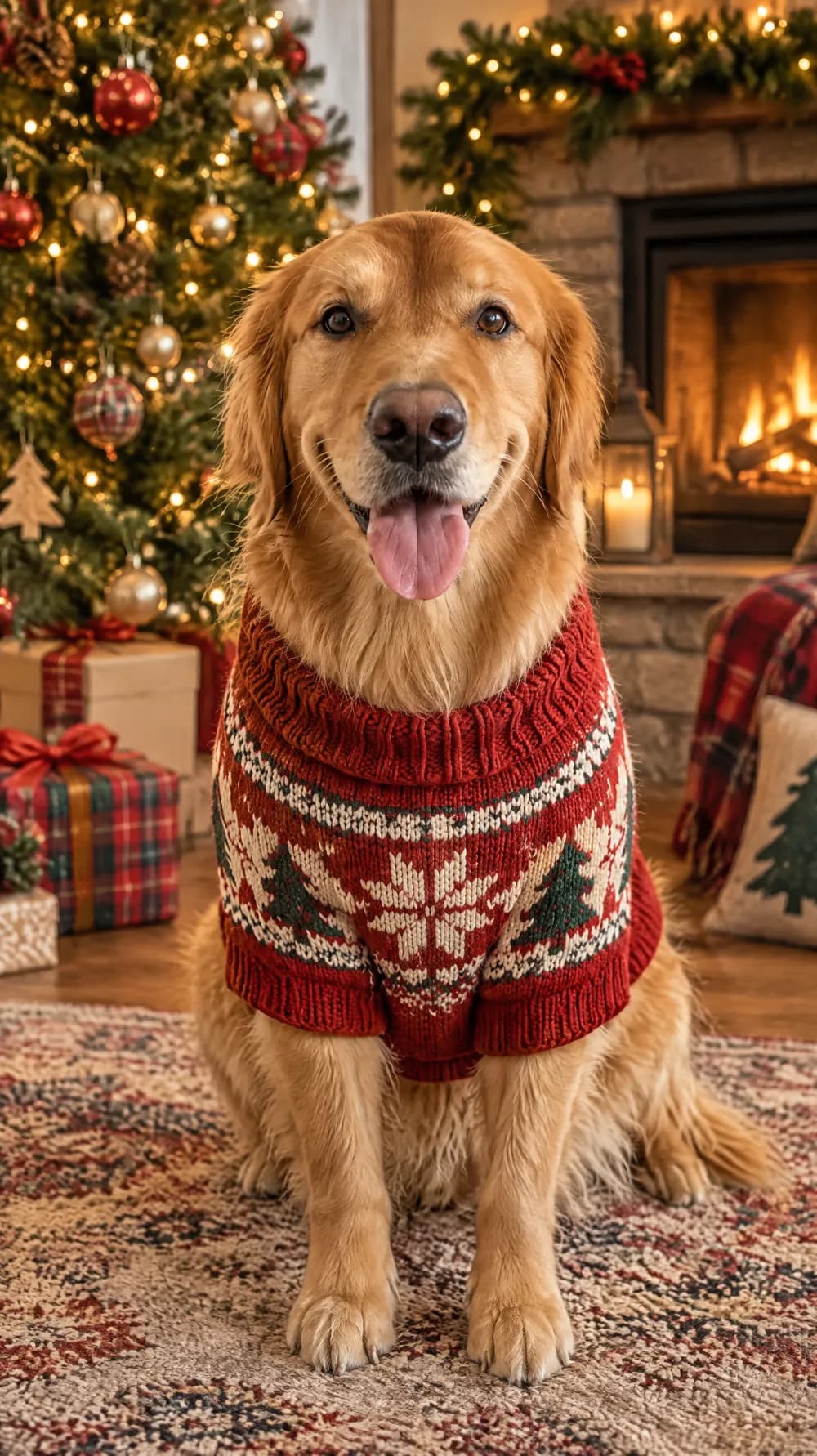
Christmas Card Portrait
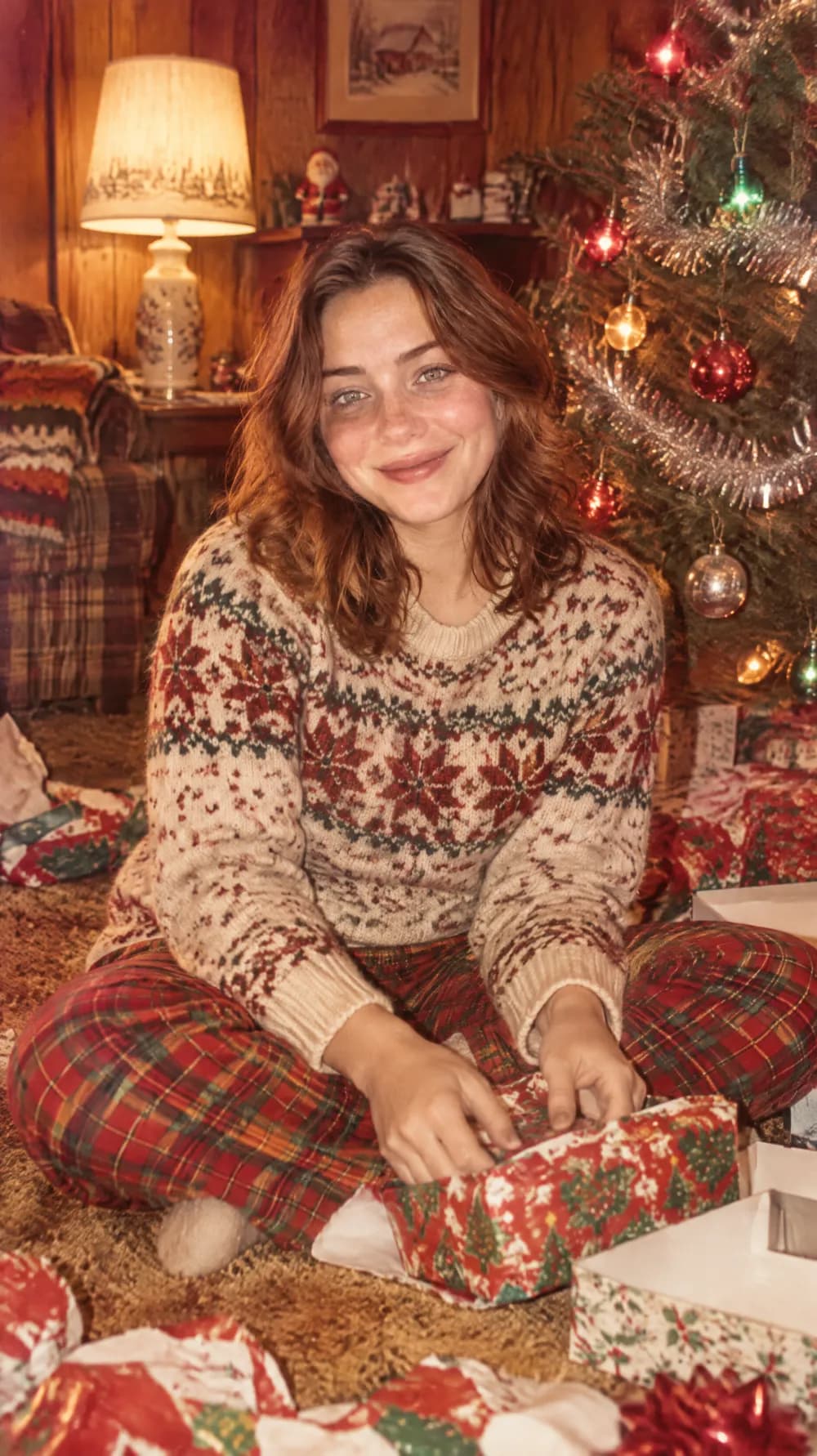
Vintage Christmas Snapshot
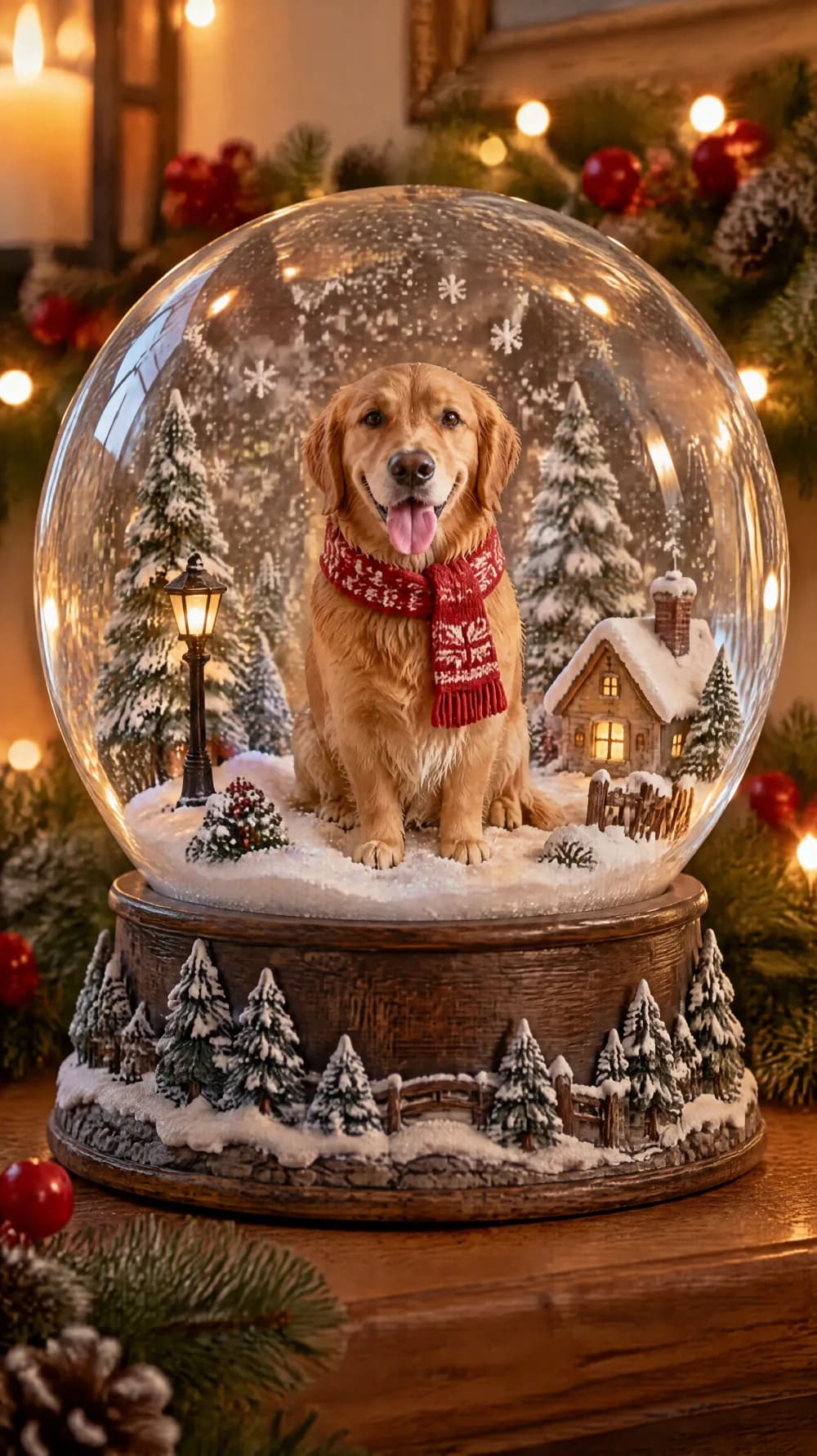
Snow Globe
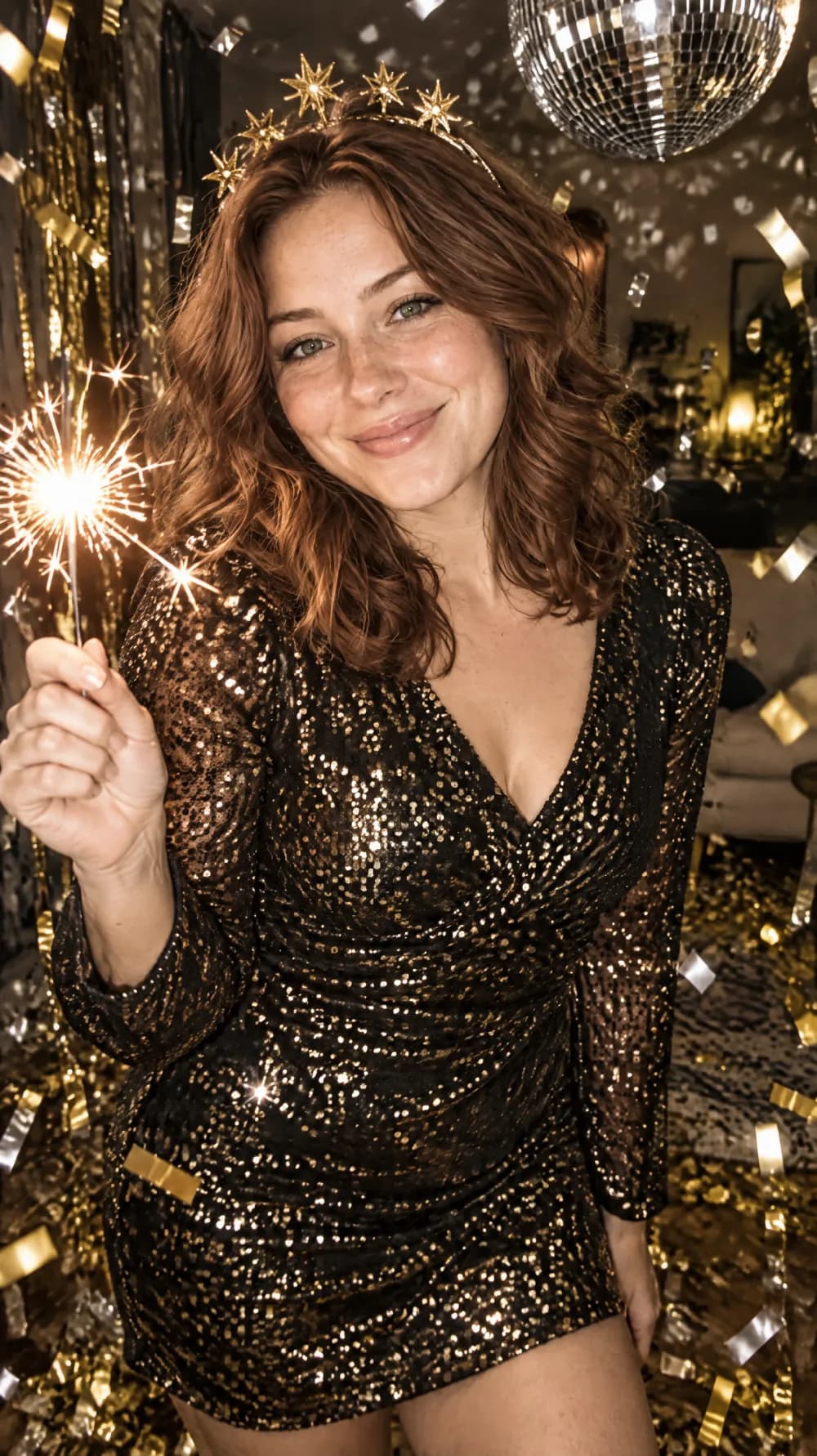
New Year's Eve Party Flash
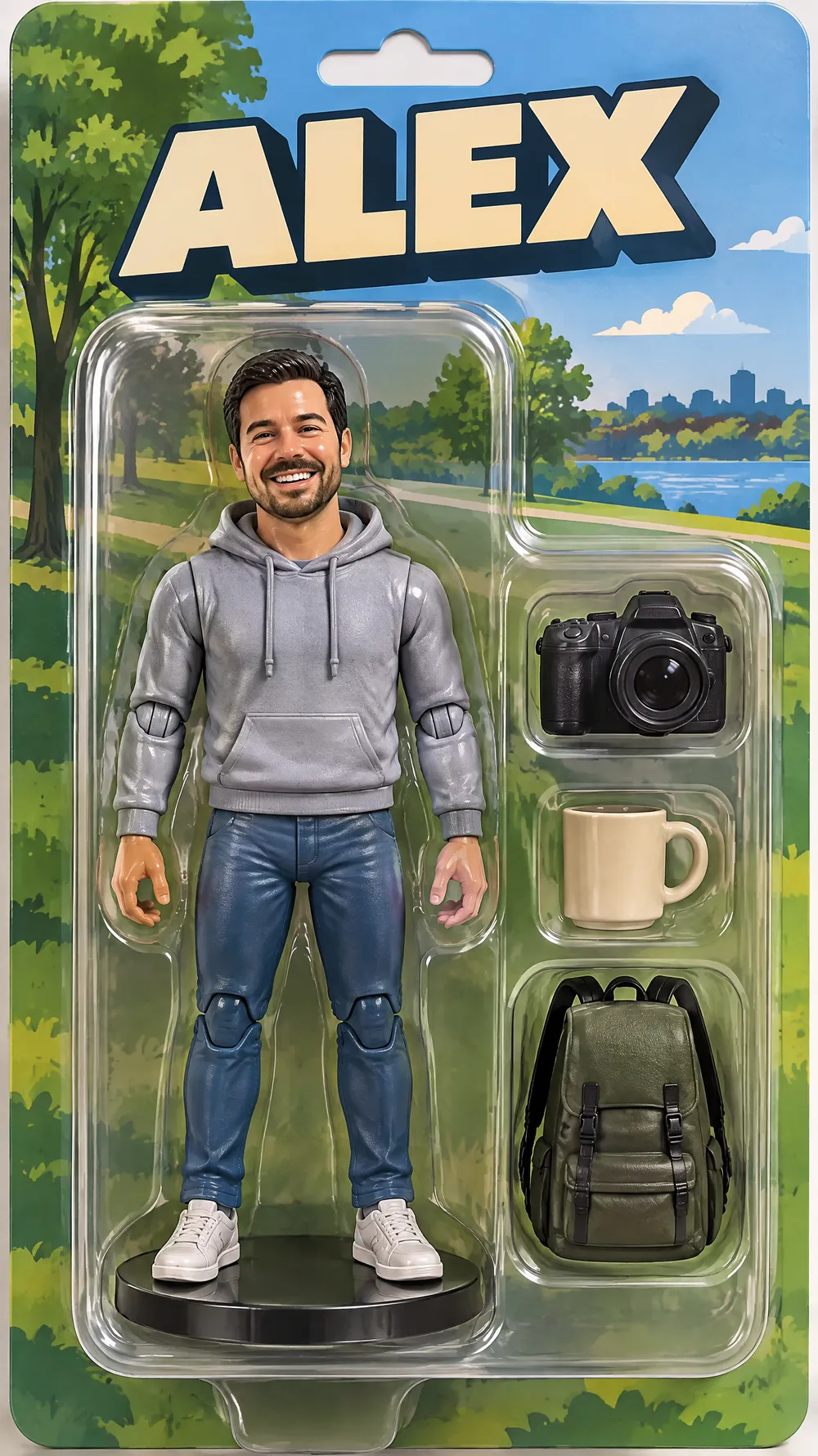
Collectible Figure Box
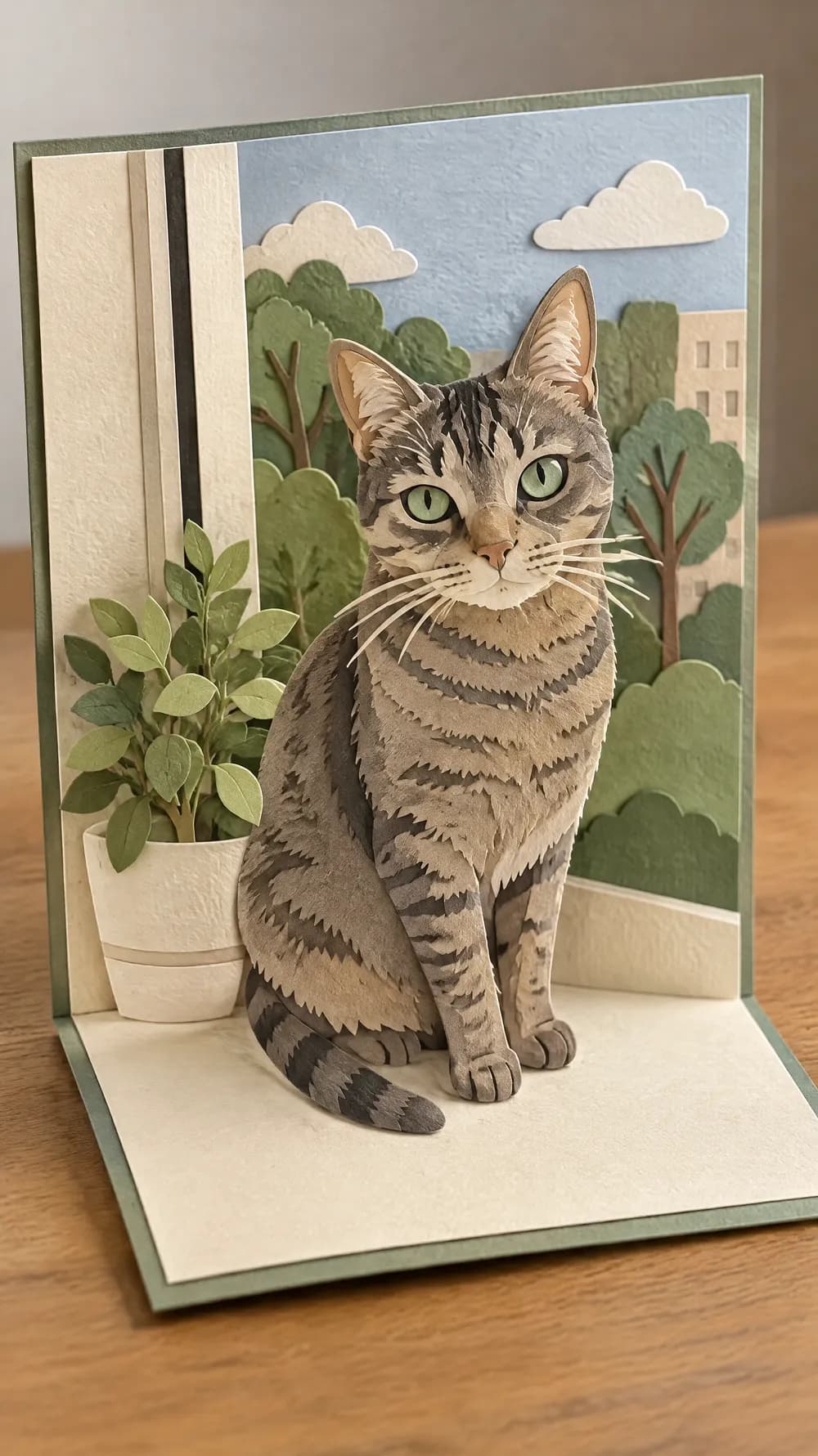
Pop-up Paper Card
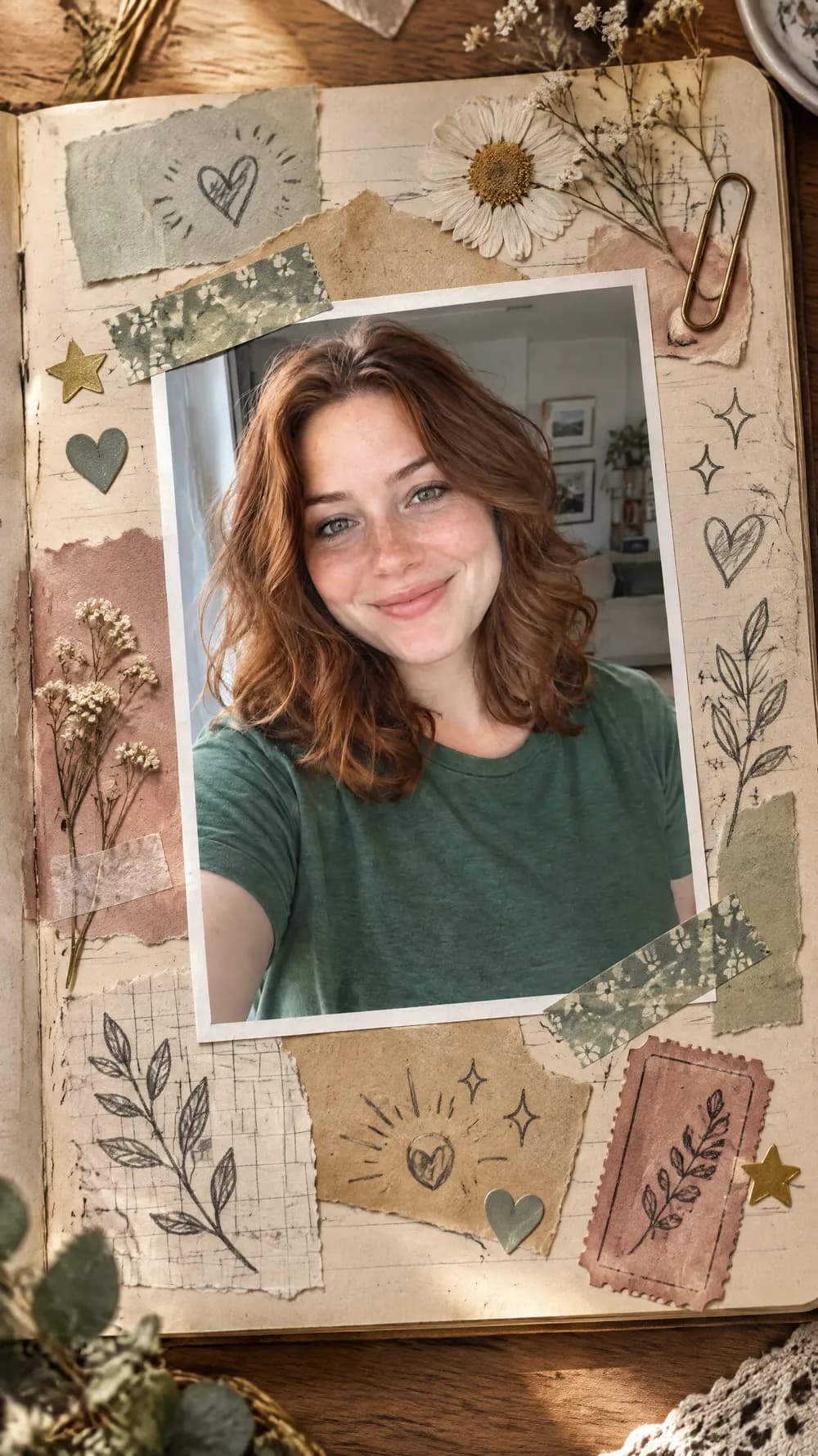
Scrapbook Journal Page
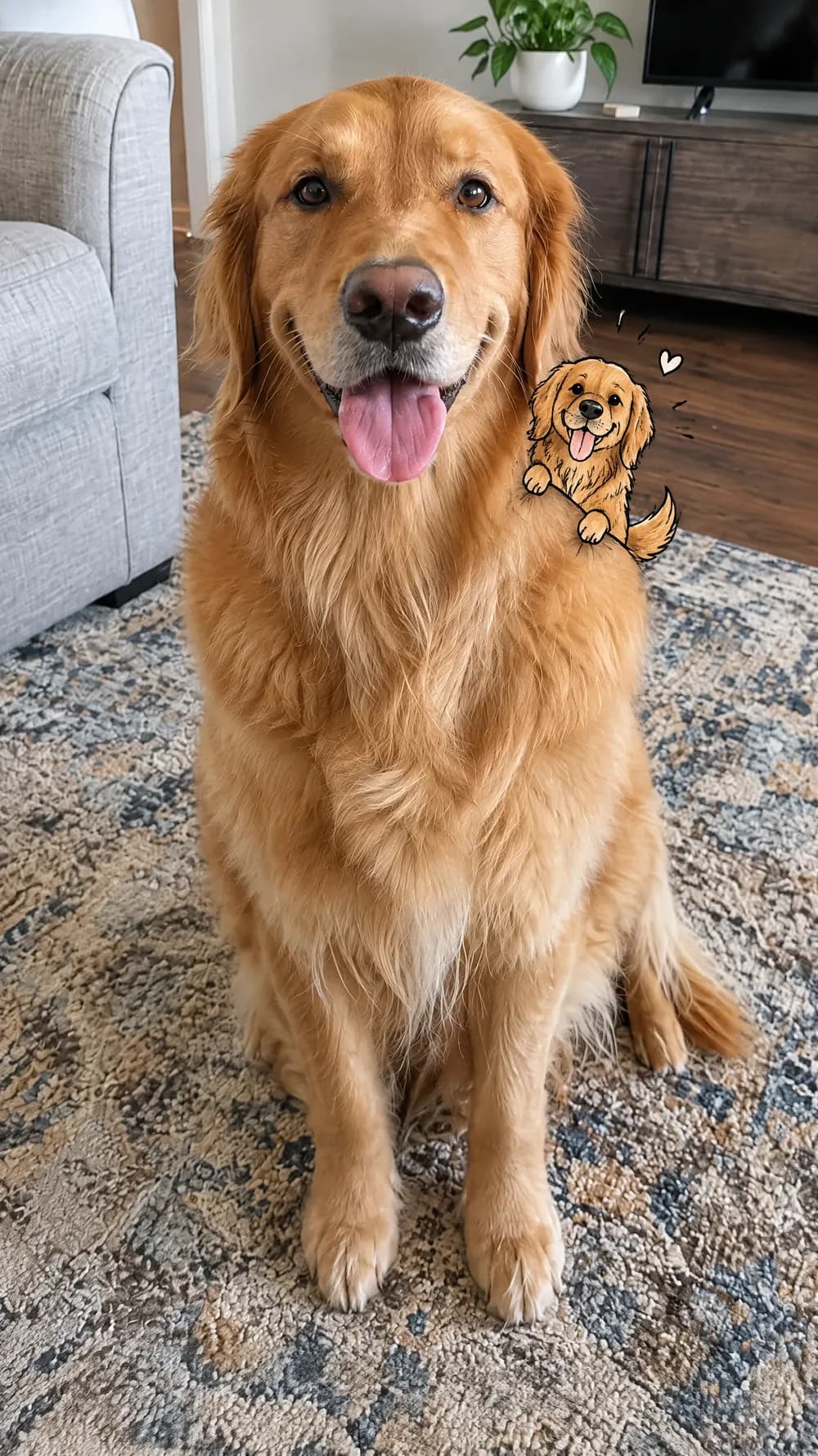
Mini Doodle Twin
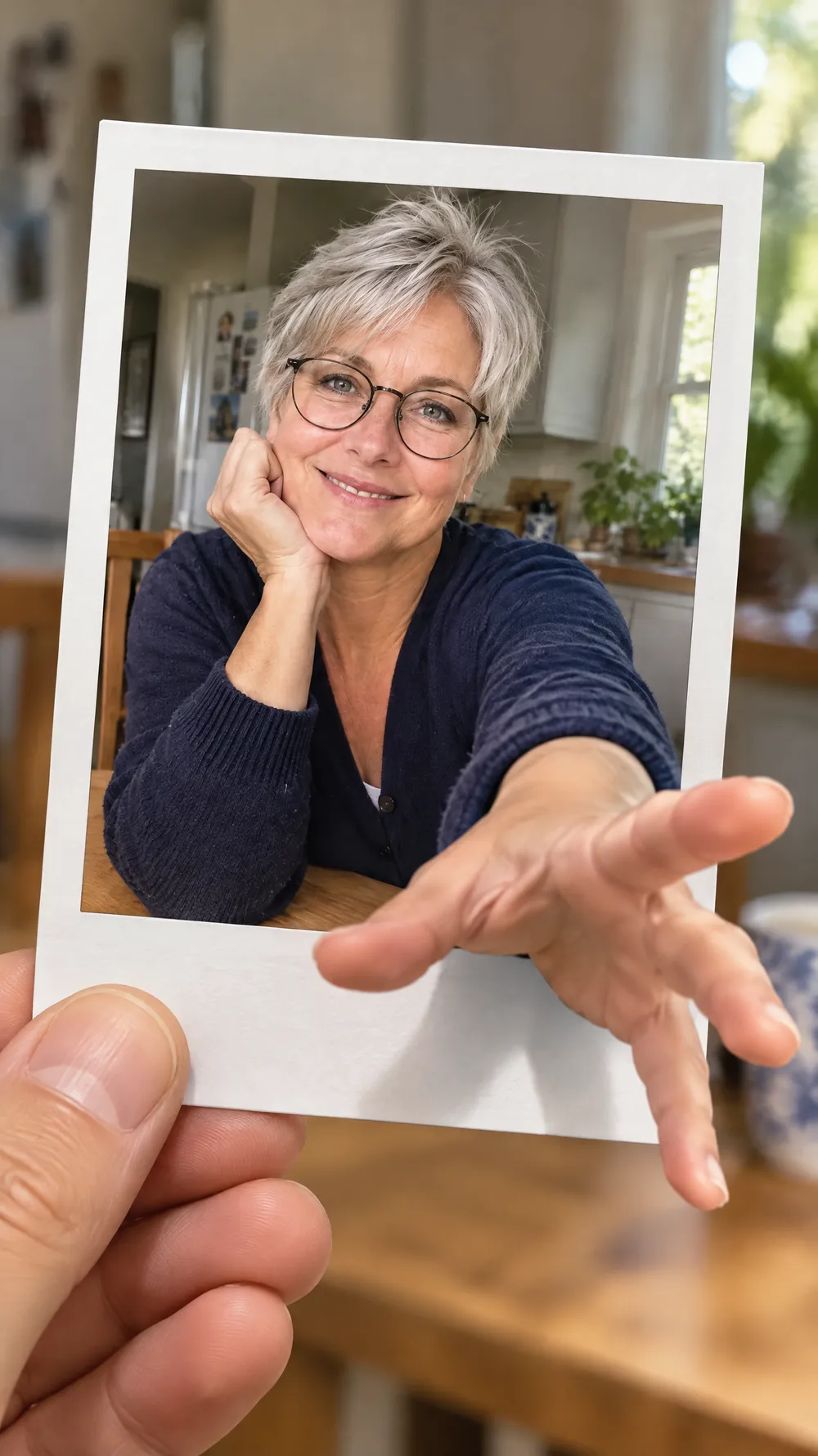
Instant Photo Pop-Out