

AI Caricature Maker
Turn one photo into an 80s snapshot, a claymation world, a photo booth strip and 32 more trending looks.
The caricature look draws you the way a street artist would: a realistic, characterful face in confident ink lines and watercolor-marker shading, with the features that define you pushed further, such as the smile, the eyes, the eyebrows, the hair or the chin. The head is bigger than the small, energetic body, and one or two props match what the photo shows.
Upload one photo of yourself, a couple or a pet, pick a size and create. The caricature trend of February 2026 asked ChatGPT to draw you and your job from everything it remembered about you. PiCraft needs no chat history and asks for no personal details: it works from the photo alone. For a cute rounded cartoon use the chibi character instead, and for a joke drawing that is deliberately bad try the mouse-drawn scribble.
This is the Caricature Portrait style of the Photo Trend Maker. The form on this page opens with it already selected.
Caricature Portrait examples
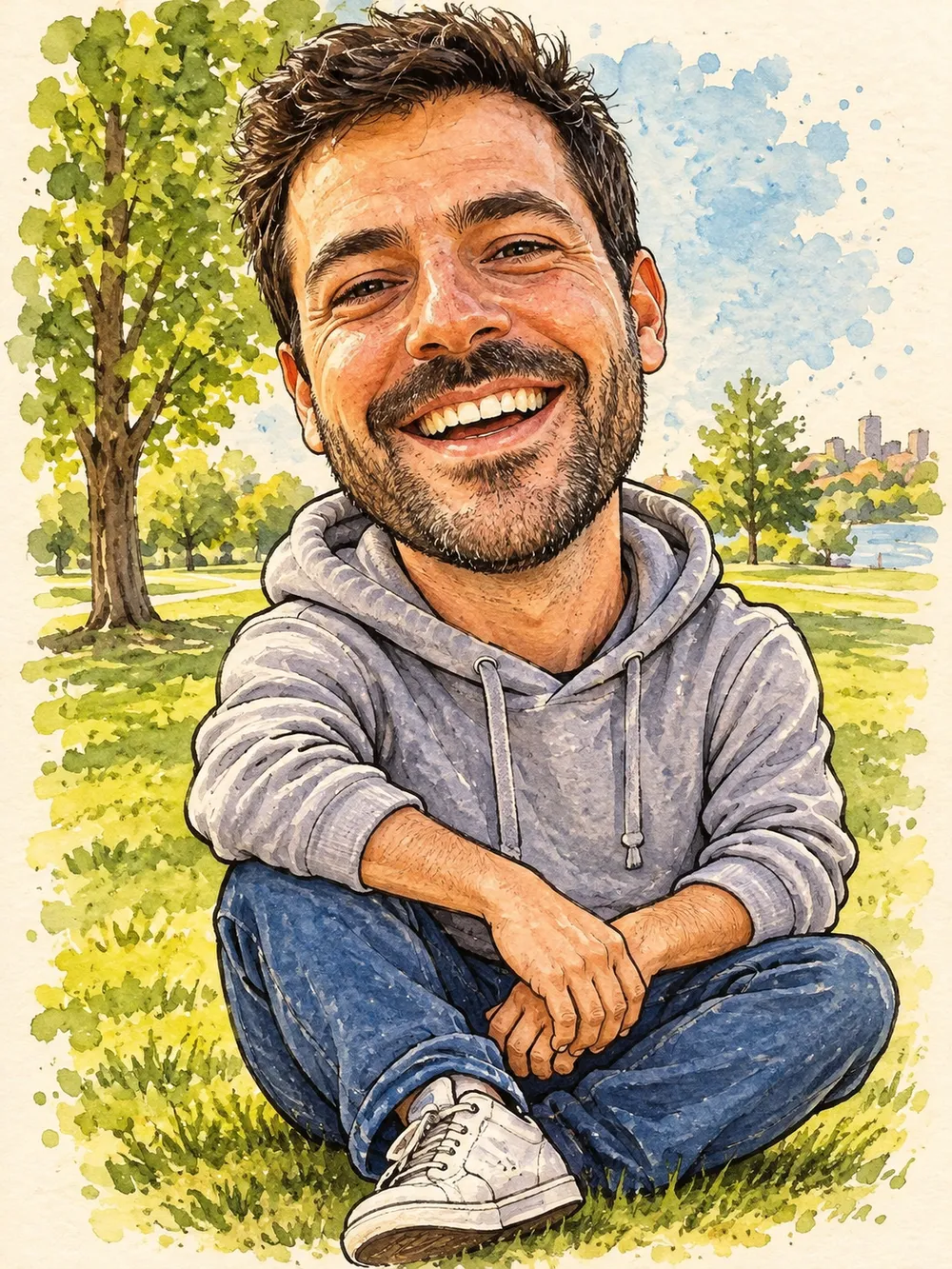
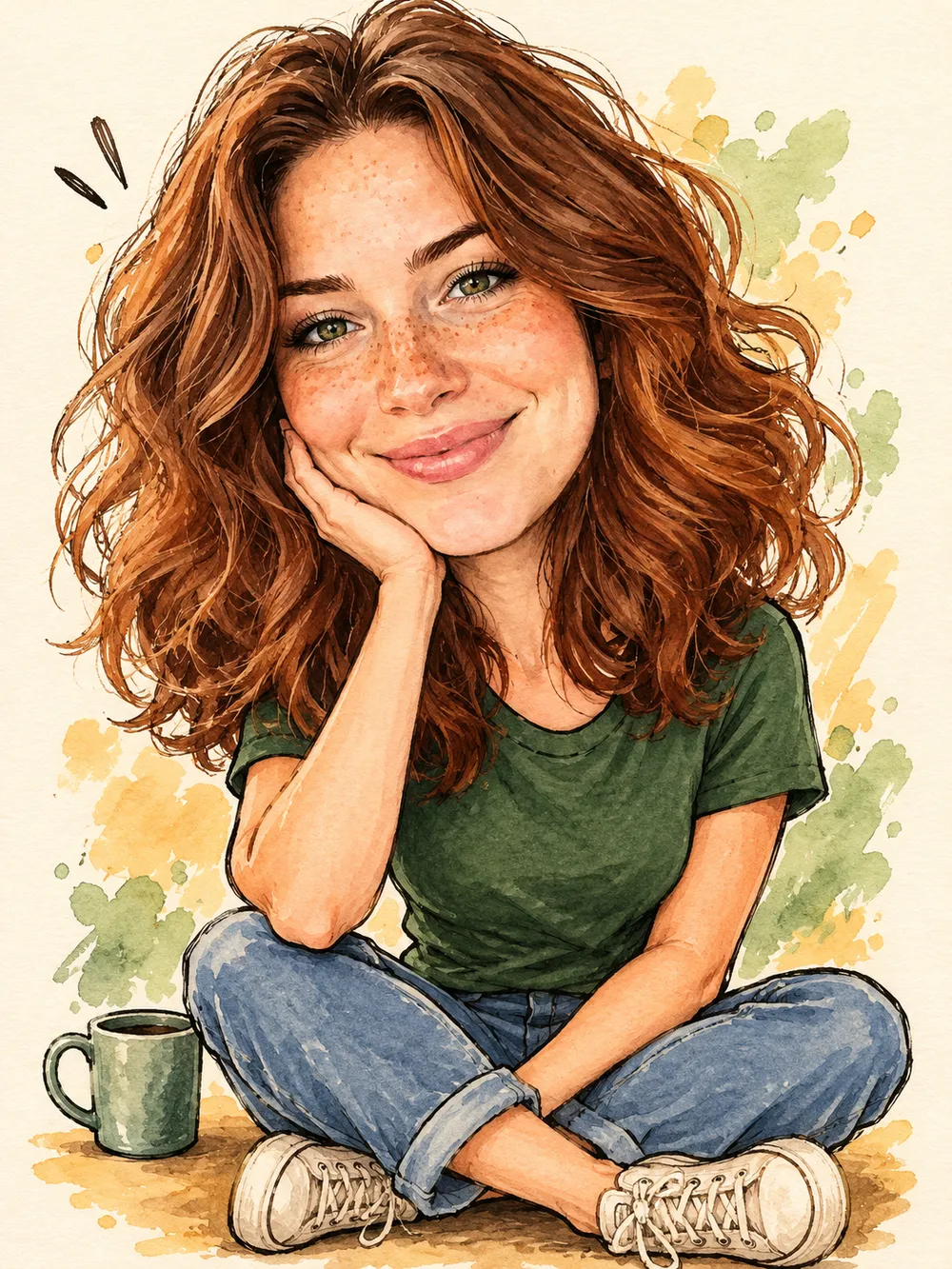
Who the Caricature Portrait style suits
Gifts and birthday cards
A caricature of the person you are celebrating is a personal gift, and the 3:4 size prints well on a card or a mug template.
Farewell and team posts
A friendly exaggeration of a smile or a hairstyle suits a leaving card or a team post. Only make caricatures of people who agree to it.
Pets
A dog or a cat gets an exaggerated face and the same coat colors and markings, which makes a funny picture for a pet account.
Getting the best Caricature Portrait result
- 1
Pick a photo with a strong expression
A caricature pushes what is already there. A broad smile, raised eyebrows or a distinctive hairstyle gives the AI something to exaggerate, while a neutral face gives a mild result.
- 2
The props come from the photo
A mug, a bag or a park bench in your photo can return as a prop. Nothing is invented about your job or hobbies, so for a specific prop describe it in Image to Image.
- 3
It is exaggerated on purpose
The look aims to be funny and flattering, never mocking. If a feature looks like too much, a second credit gives a gentler version.
- 4
Choose 3:4 or 2:3
The portrait sizes show the big head and the small body together. The 1:1 square crops tighter and suits a profile picture.
- 5
Couples work best close together
Two people standing close are drawn as a pair. Photos with three or more people give smaller faces and a weaker likeness, so crop to the two you want.
Ideas to try
- Photo: a laughing selfie with the hair clearly visible, size 3:4
- Photo: a couple standing close together on a sidewalk, size 2:3
- Photo: a dog with its tongue out, looking at the camera, size 1:1
- Photo: a person with glasses and a mug, seated and smiling, size 9:16
Caricature Portrait prompt for ChatGPT and Gemini
You can try this look in a chat image tool too: upload your photo, then paste the text below. It is adapted from the description PiCraft sends to the image model for this look, so a chat tool may give a different result. Every run is different, so try it twice, and add the shape you want at the end, such as “vertical 2:3”.
Use the photo I upload as the reference.
Draw a street-artist caricature of me: a realistic, characterful face in confident ink lines with watercolor-marker shading. Exaggerate what is most distinctive about me, such as my smile, eyes, eyebrows, hair or chin, and make the head about one and a half times the size of my small, energetic body. Keep my skin tone, hairstyle and outfit colors from the photo and add one or two small props that match what the photo shows. Make it warm, funny and flattering, never mocking, and not cute or kawaii. Pale cream paper background with a few loose color splashes. It must look hand-drawn, not like a photo. No text and no logos.
- Name the features to exaggerate. Without them, tools give everyone the same oversized smile.
- Say "flattering, never mocking". It keeps the exaggeration friendly.
- Add "not cute or kawaii". Otherwise some tools return a chibi instead of a caricature.
To change the wording or add reference photos, use Image to Image. To skip the prompt, use the form at the top of this page and download a finished JPG at the size you pick.
What you download
Every design from the Photo Trend Maker comes with the files for the job, whichever style you choose:
- Vertical 1080×1920 JPG (9:16)
- Pinterest Pin 1000×1500 JPG (2:3)
- Portrait post 1080×1440 JPG (3:4)
- Square 1080×1080 JPG (1:1)
Questions about the Caricature Portrait style
Does it need to know my job?+
No. The look works from the photo alone. If your photo shows a laptop, a camera or a guitar, a prop like that can appear, but PiCraft does not ask for or guess your job. To add a specific prop, write the scene in Image to Image.
What is the AI caricature trend?+
In early February 2026 people uploaded a photo to ChatGPT and asked for a caricature of themselves and their job. USA Today explained how on February 5, Forbes wrote about it on February 6 and Creative Bloq published a how-to on February 9. See AI photo trends right now for how it compares with the looks going around now.
Is it safe to share personal details for a caricature?+
The February trend relied on chat history, and Forbes published a privacy warning about it on February 9, 2026. The PiCraft look asks for no job, name or other details, only the photo. See the Privacy Policy for how photos are handled, and upload only photos you own or may use.
Can I make a caricature of a couple or a pet?+
Yes. Two people standing close together are drawn as a pair, and a dog or a cat gets an exaggerated face with the same coat colors and markings. A sharp photo where everyone looks at the camera works best.
How is it different from the chibi character and the 3D toy avatar?+
The chibi character is a cute rounded cartoon with big glossy eyes, and the 3D toy avatar is a glossy vinyl head. The caricature keeps a realistic, characterful face and exaggerates it with ink and watercolor.
Is the caricature maker free to try?+
Yes, to try. No account is needed, and new visitors start with free credits. Every picture costs one credit, the same for all 35 looks and all four sizes, and a failed run is refunded. Each run exaggerates different features, so a second credit is the quickest way to find a version you like.
Can I make a caricature in ChatGPT or Gemini?+
Yes. Upload your photo and paste the prompt above. The parts to spell out are the features to exaggerate, the drawing style and the tone, because a short request such as "make a caricature of me" leaves them to the model. The form on this page has that wording built in and returns a JPG at exactly 1080×1920, 1000×1500, 1080×1440 or 1080×1080.
Last updated:
Photo trend looks
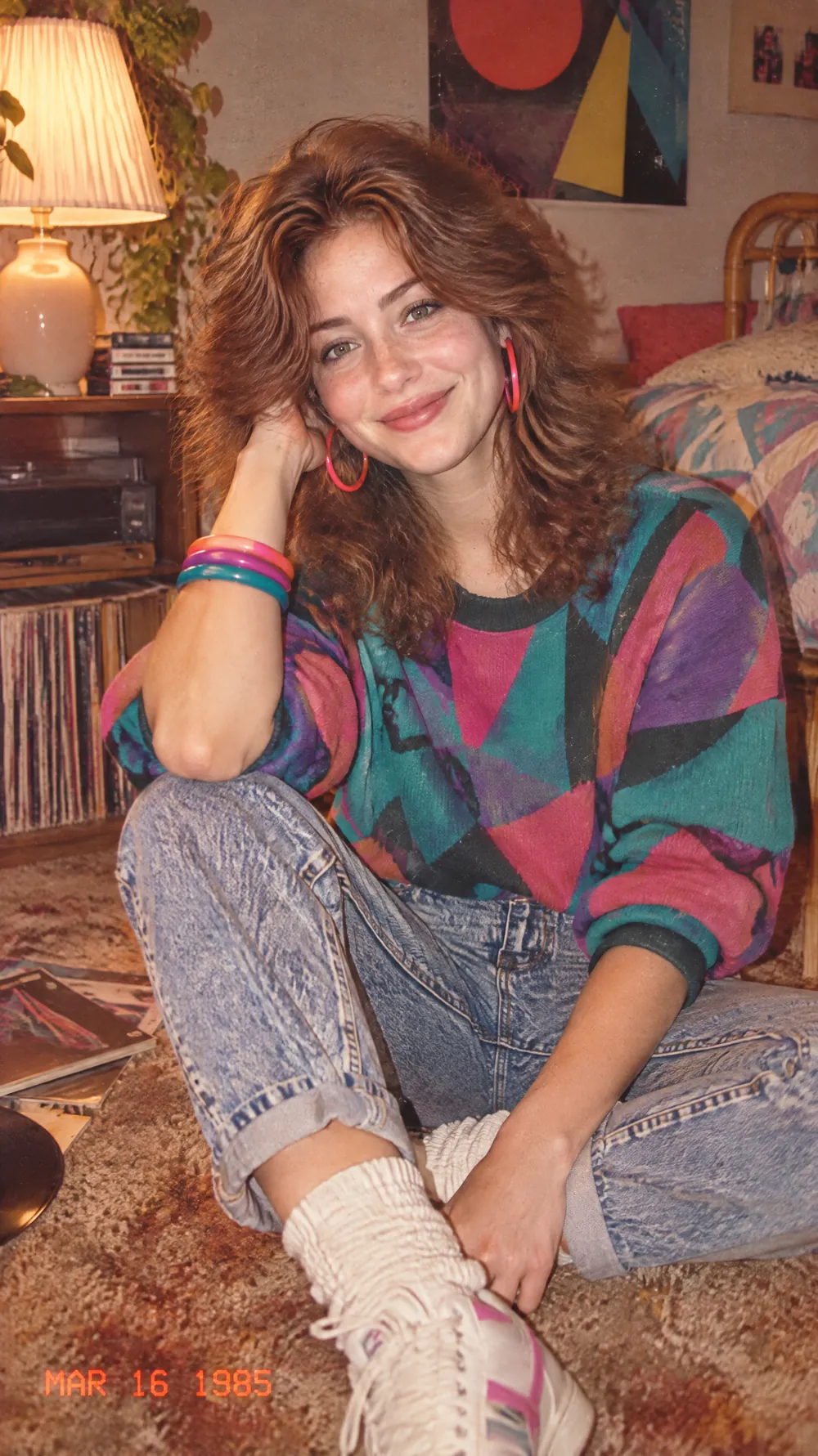
80s Flashback
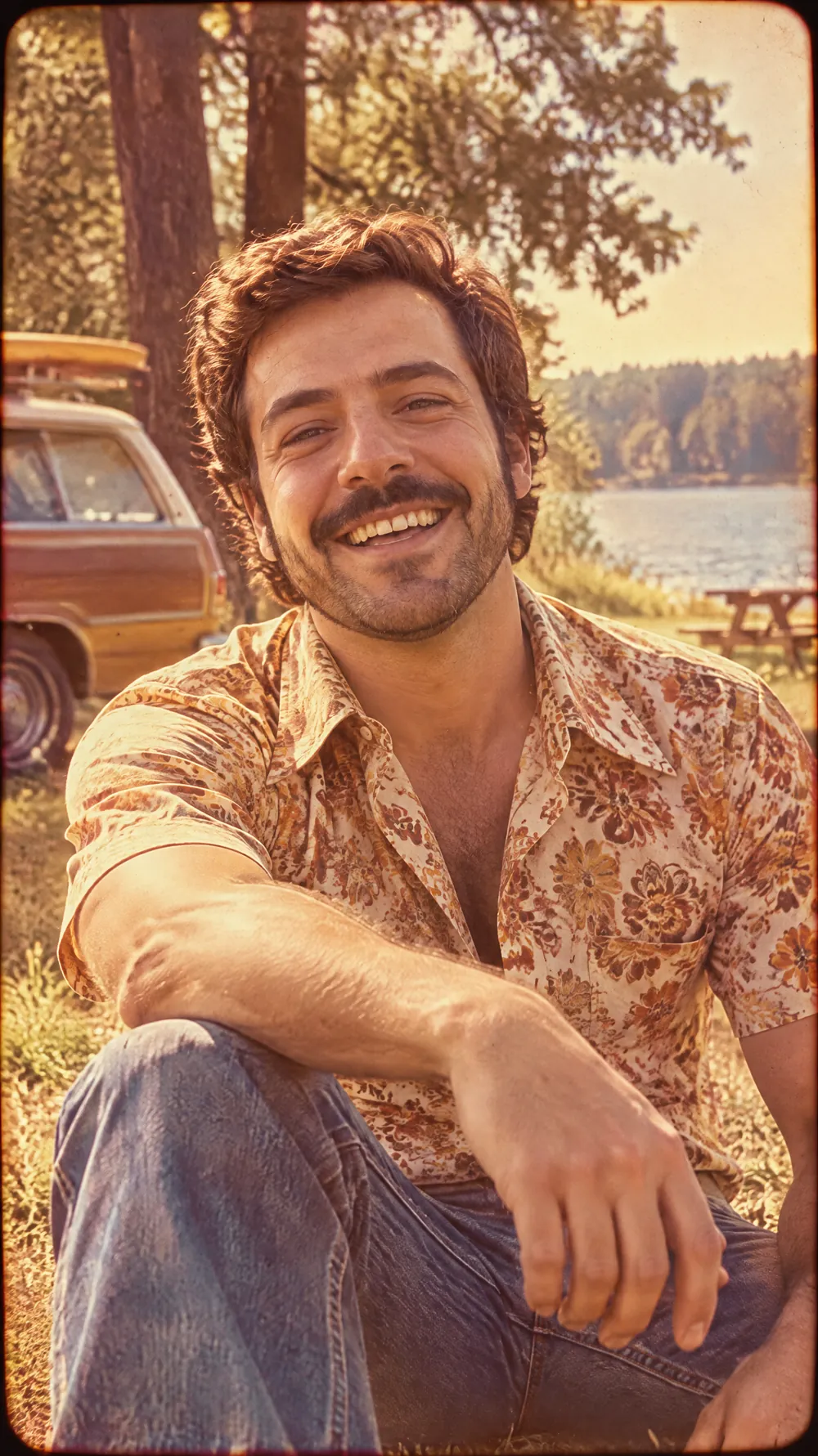
70s Slide Portrait
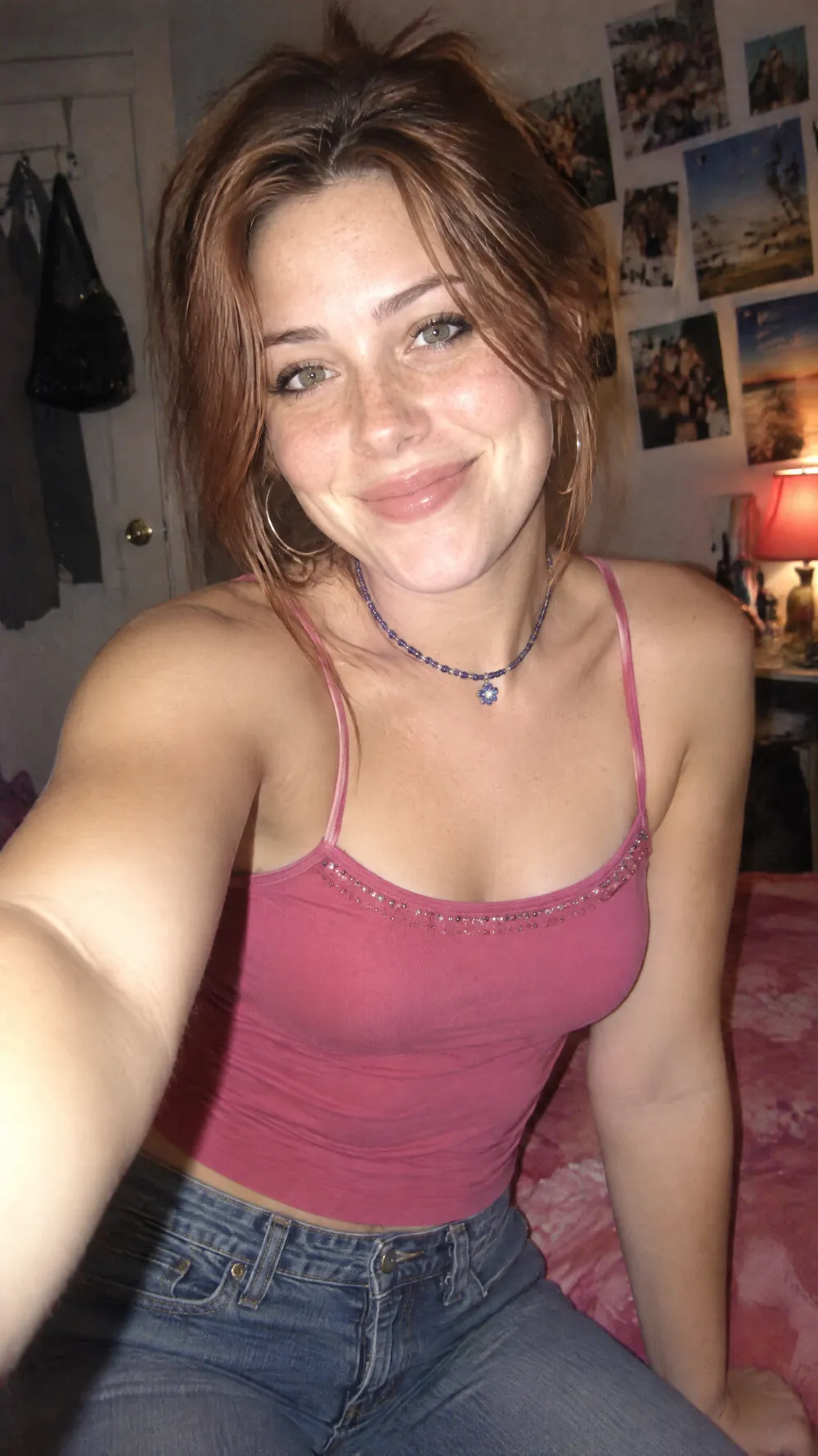
Y2K Digital Camera
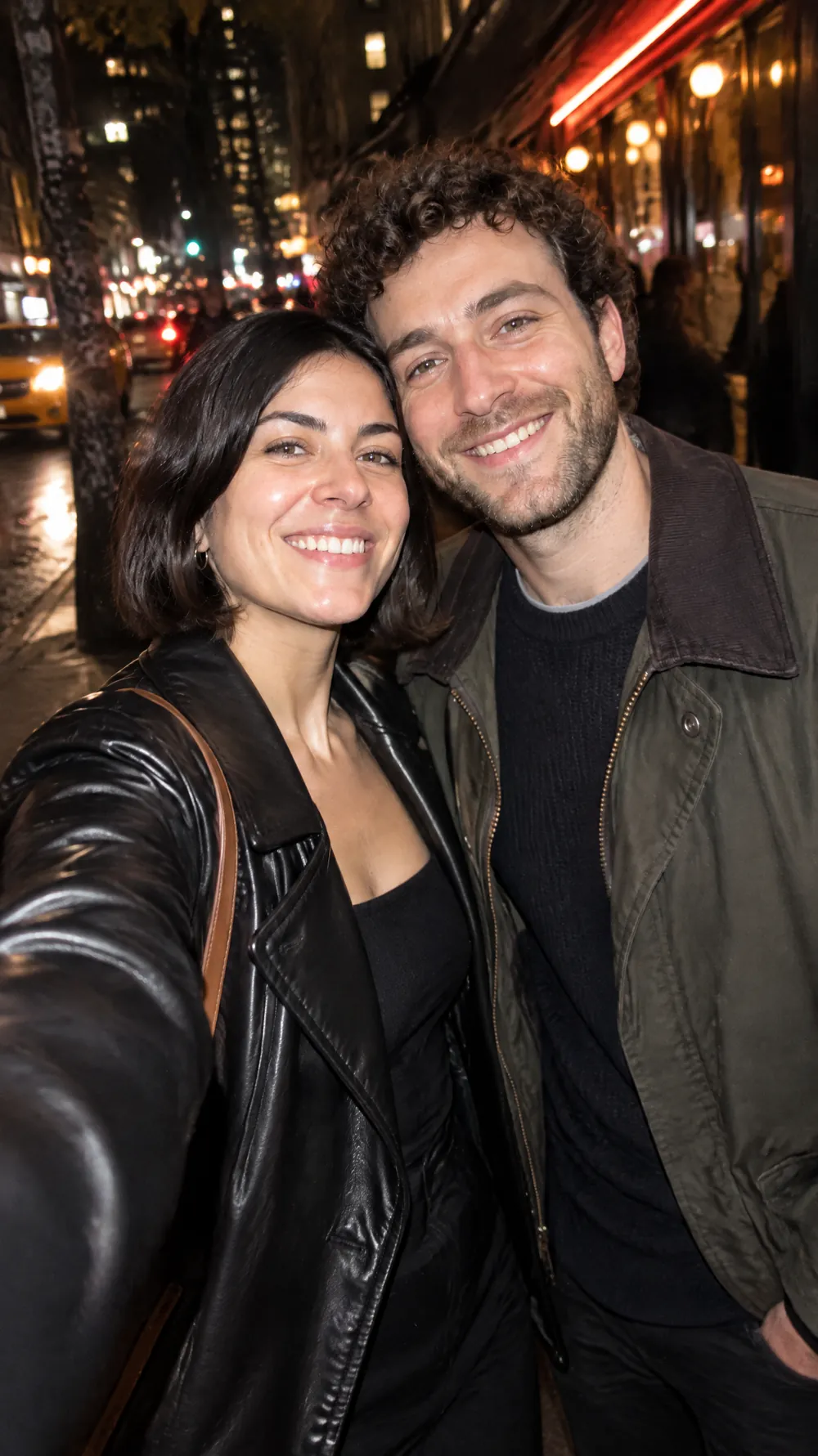
Night Out Flash
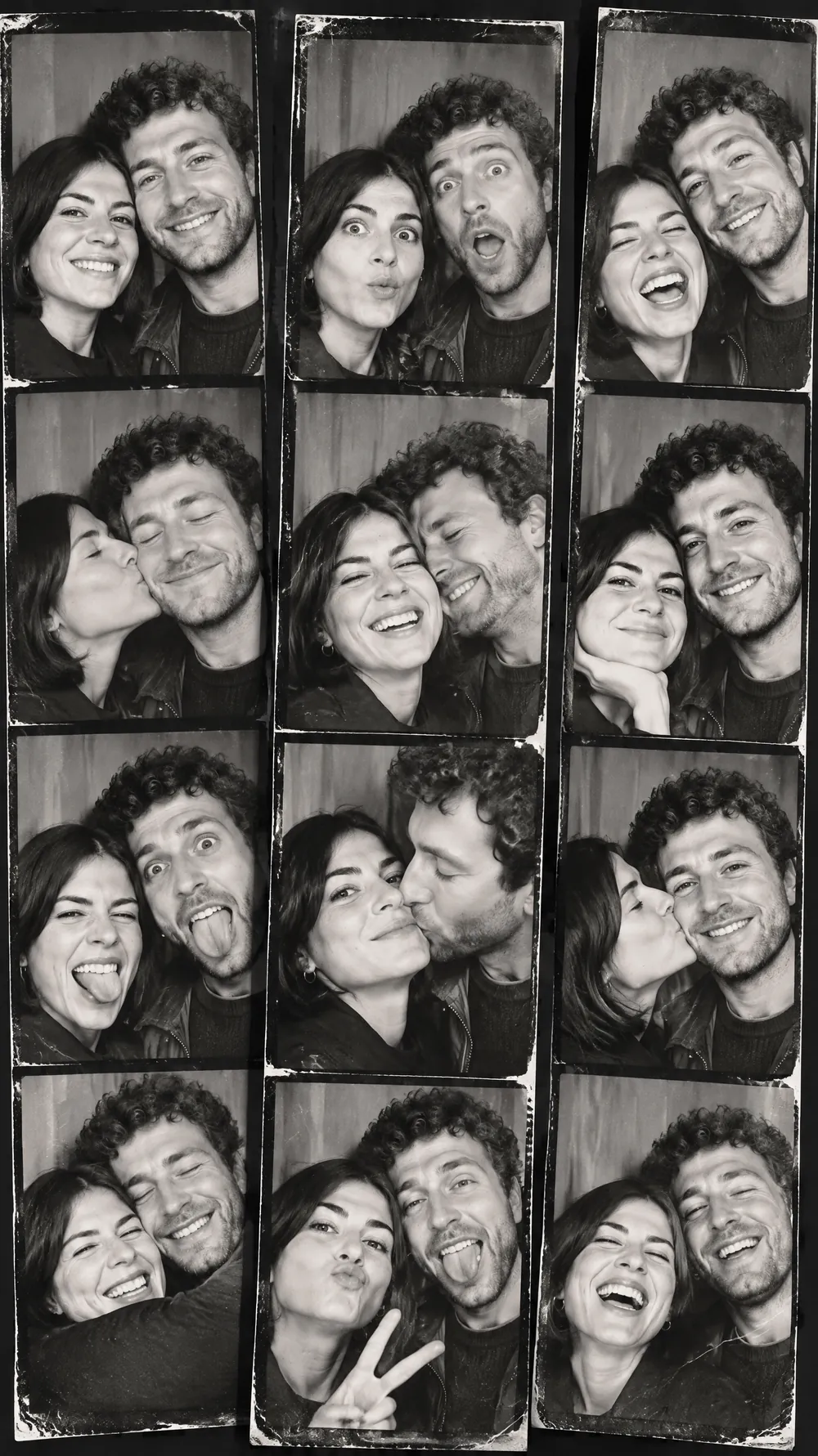
Photo Booth Strip
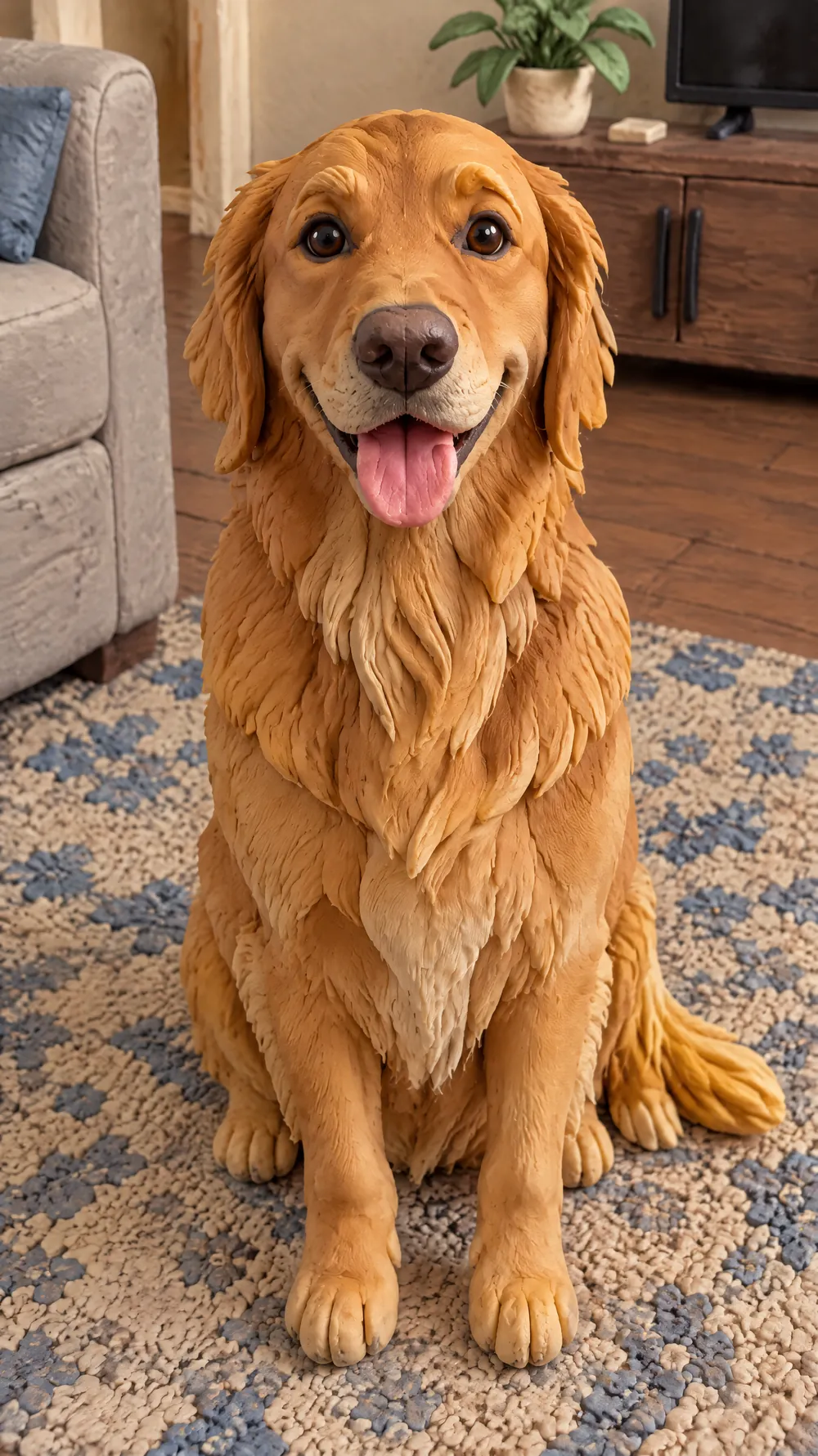
Claymation World
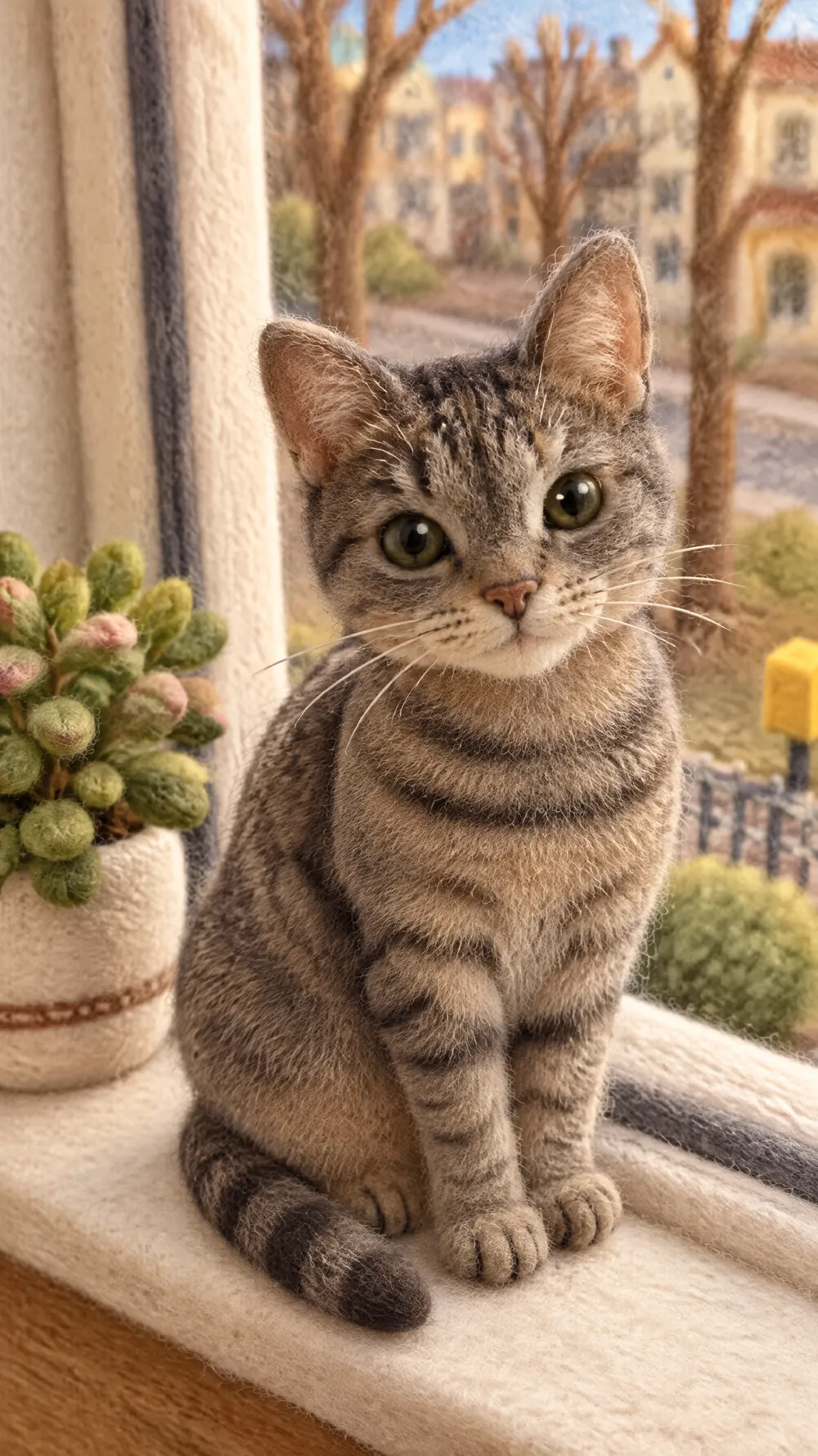
Felt Miniature
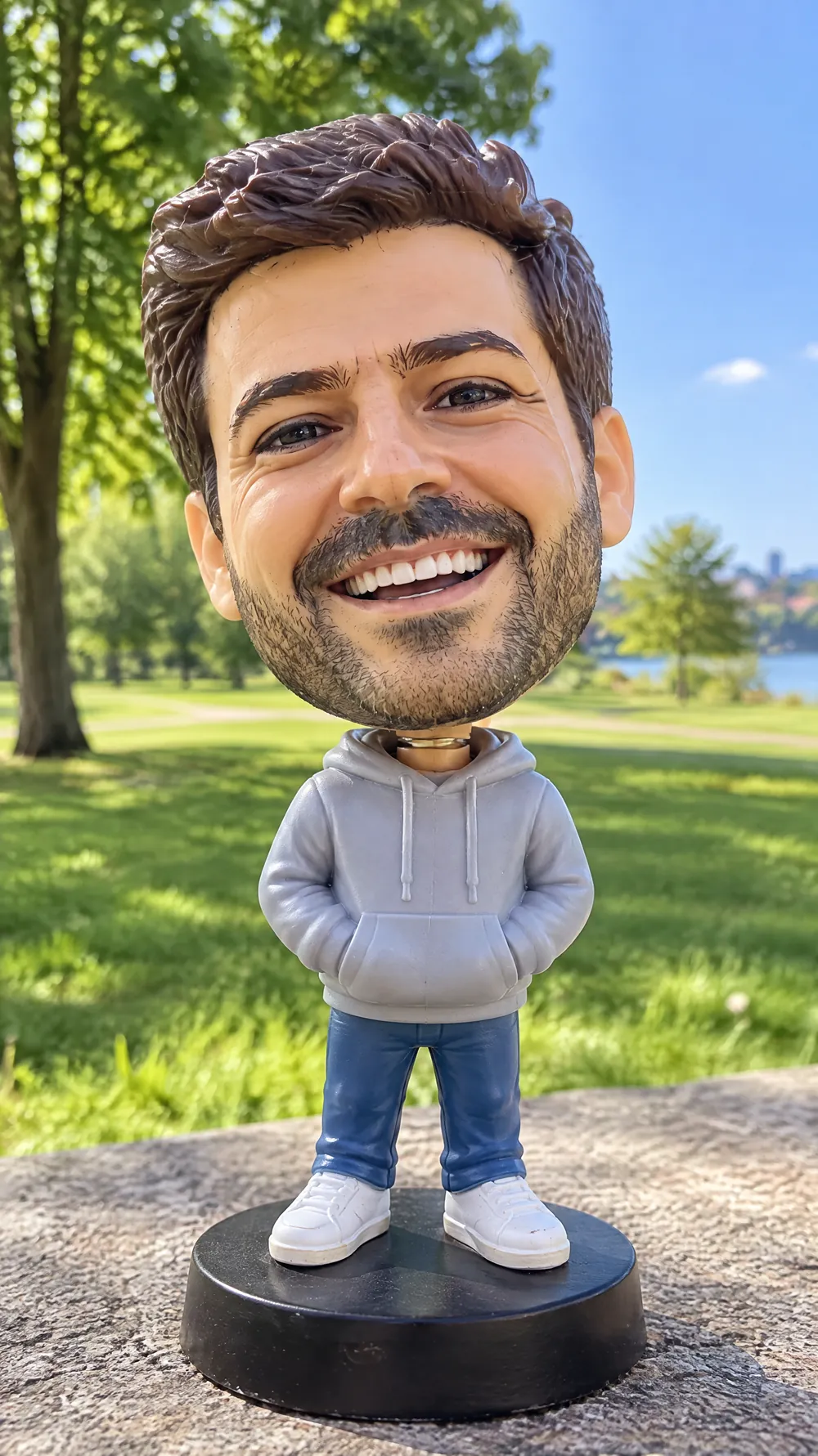
Bobblehead
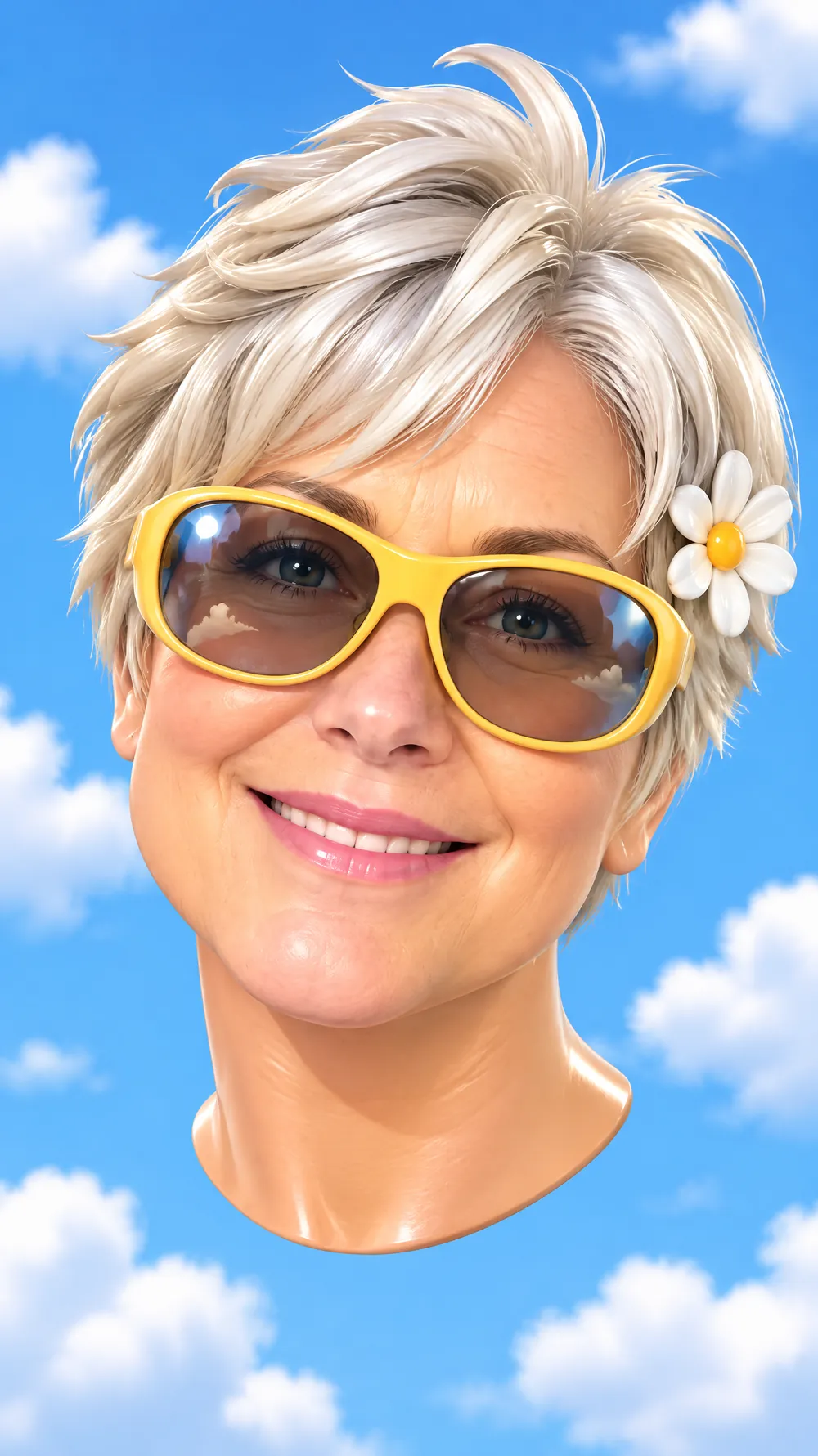
3D Toy Avatar
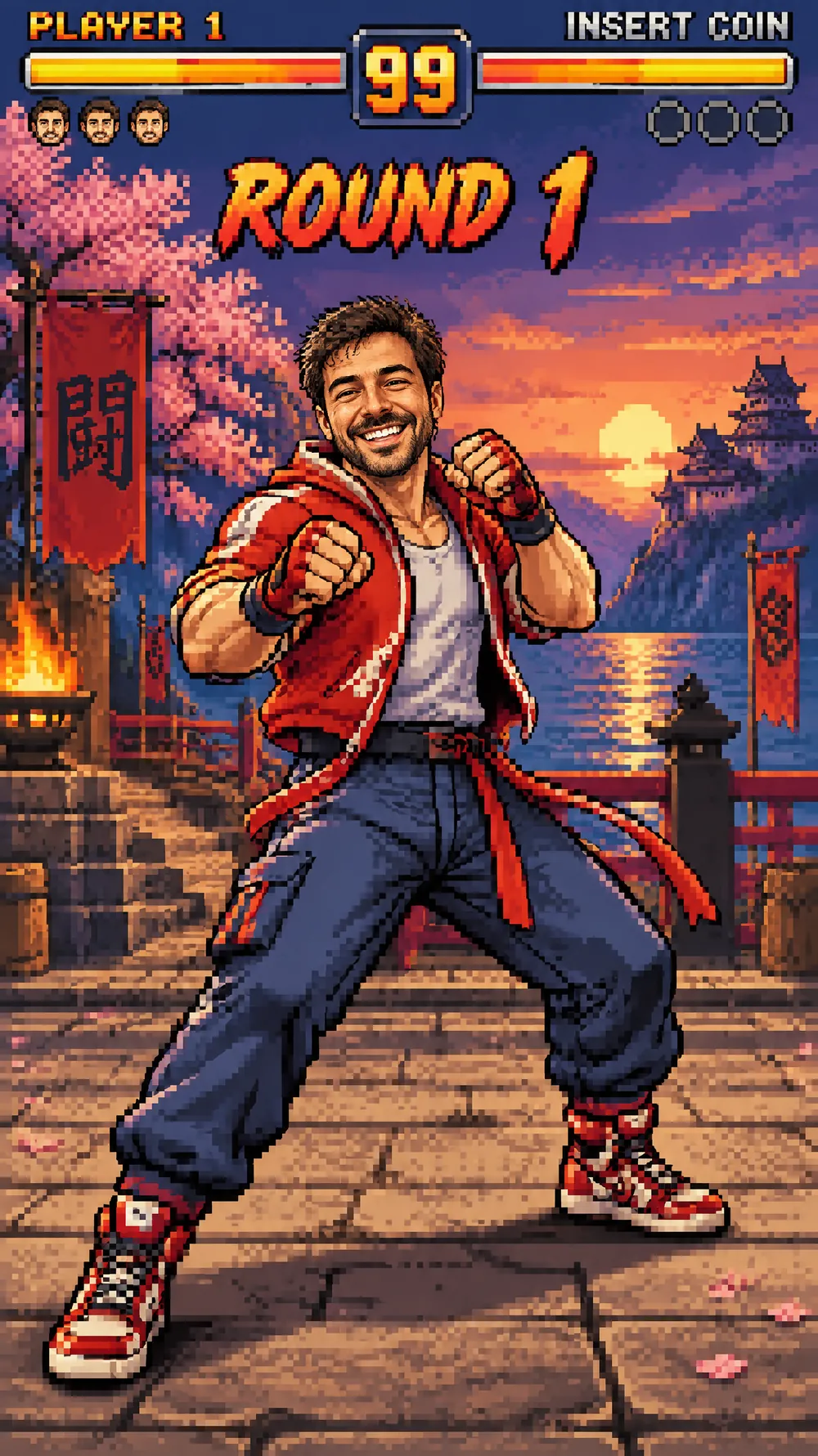
16-bit Arcade Fighter
Blueprint Poster
Fantasy Newspaper
Marble Statue
Halloween Costume Portrait
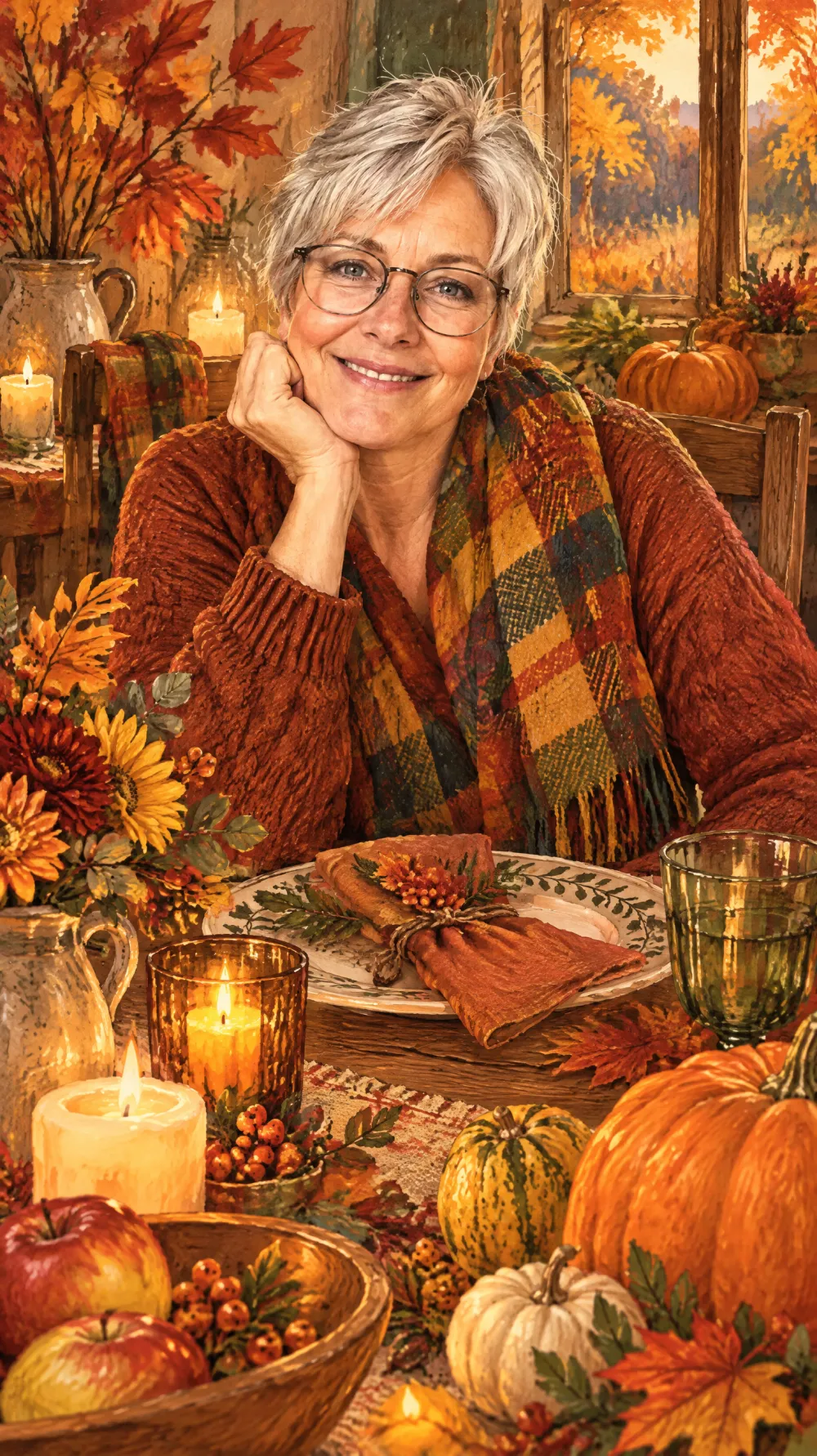
Thanksgiving Harvest Portrait
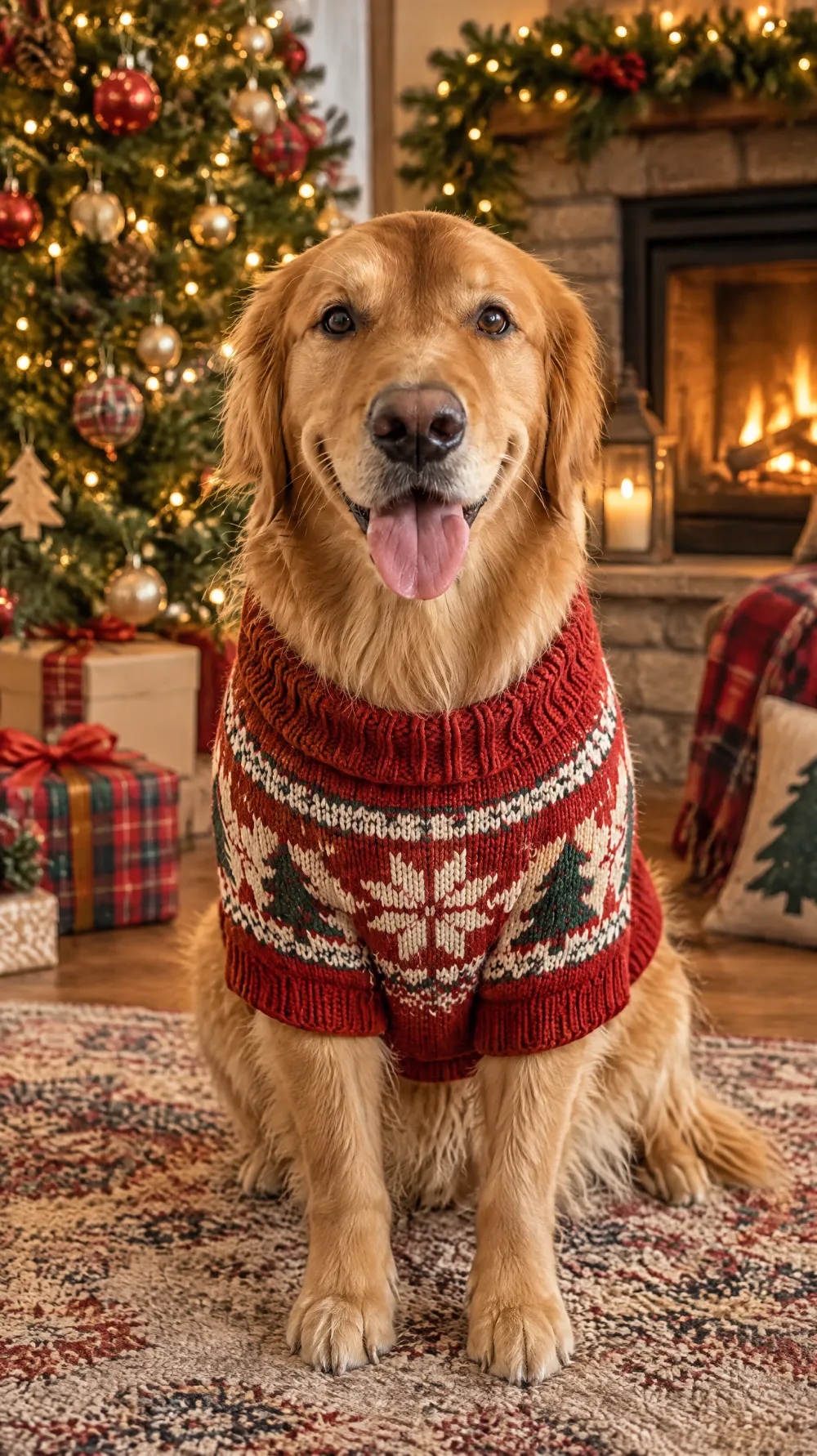
Christmas Card Portrait
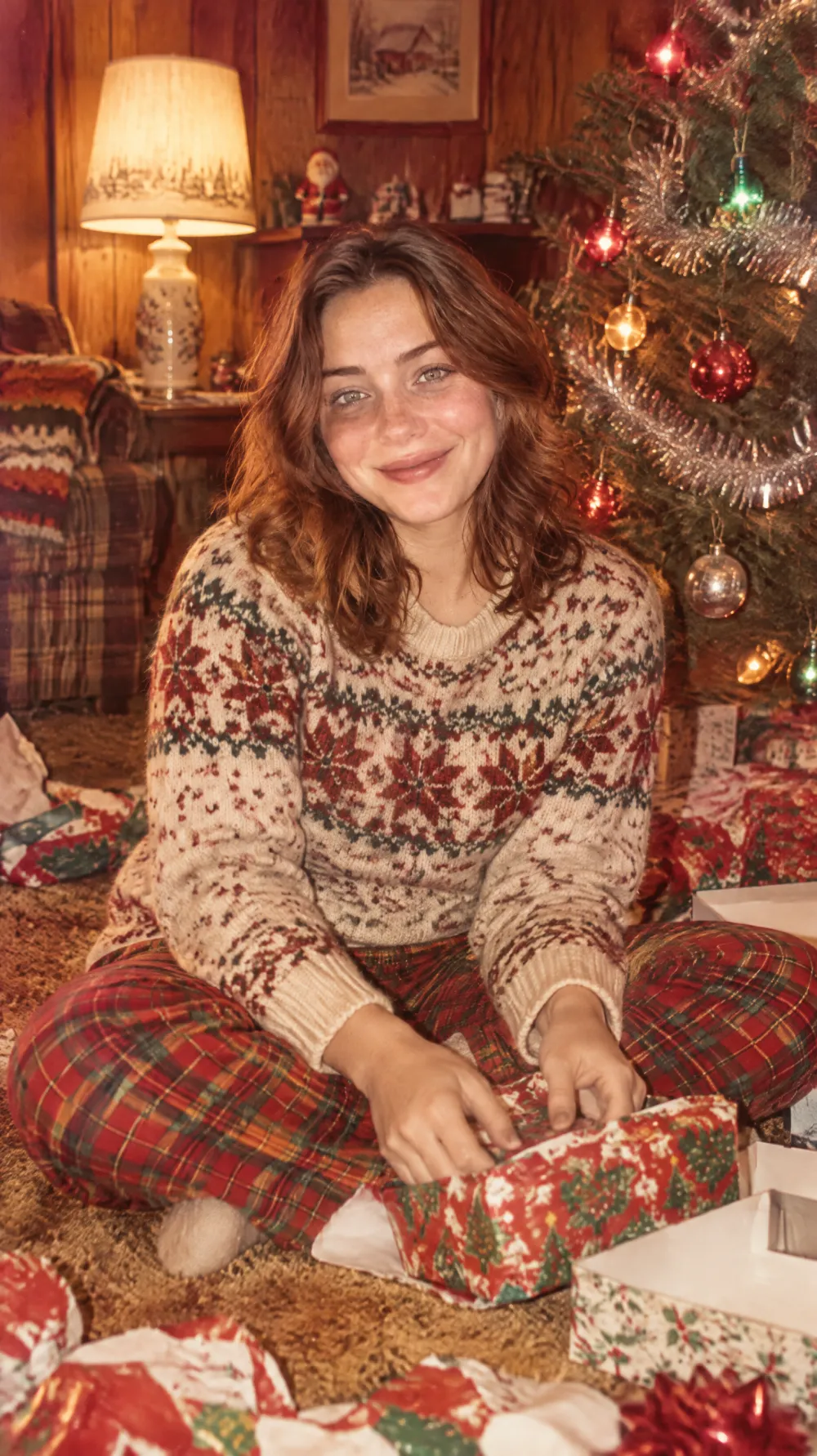
Vintage Christmas Snapshot
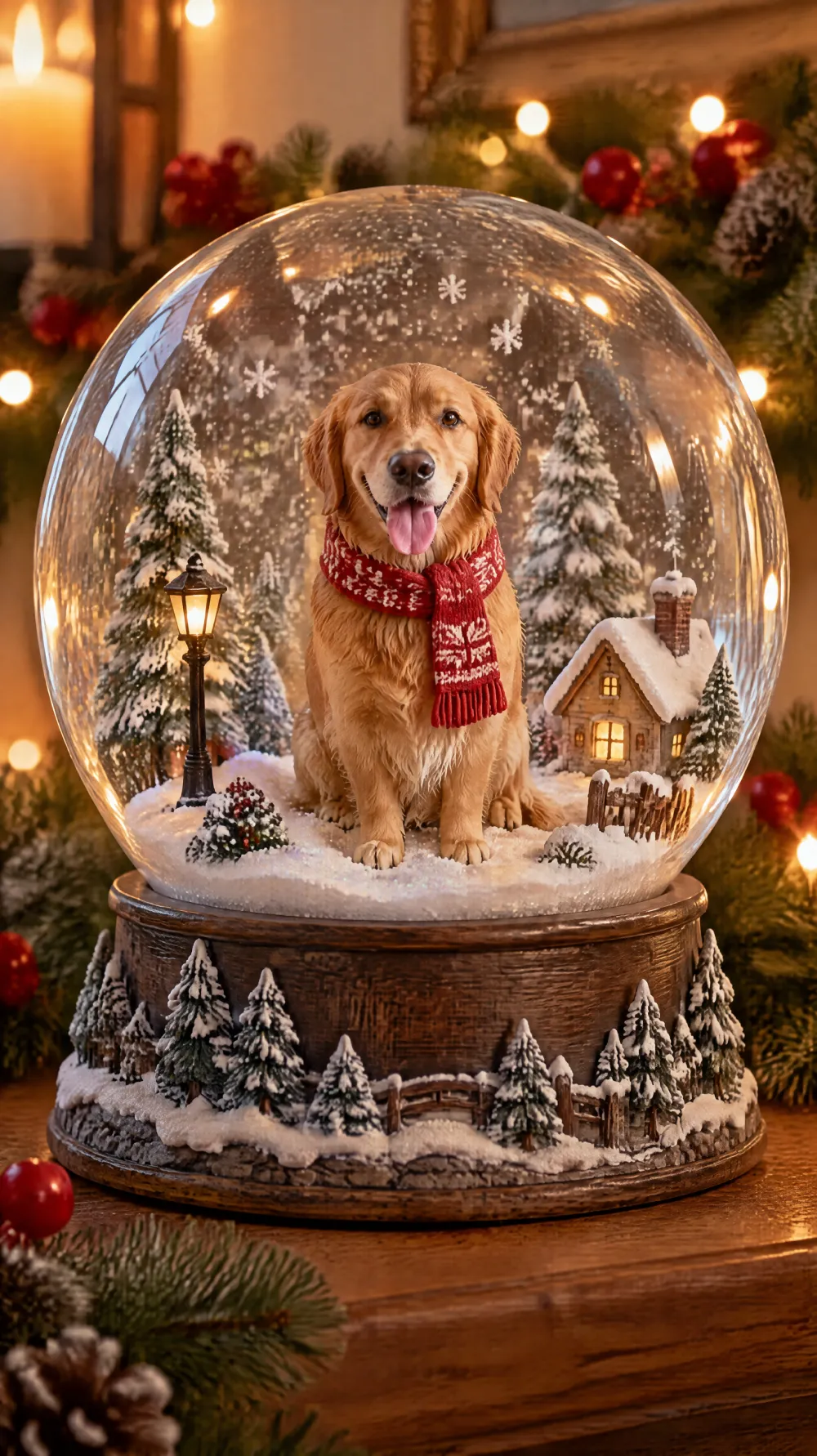
Snow Globe
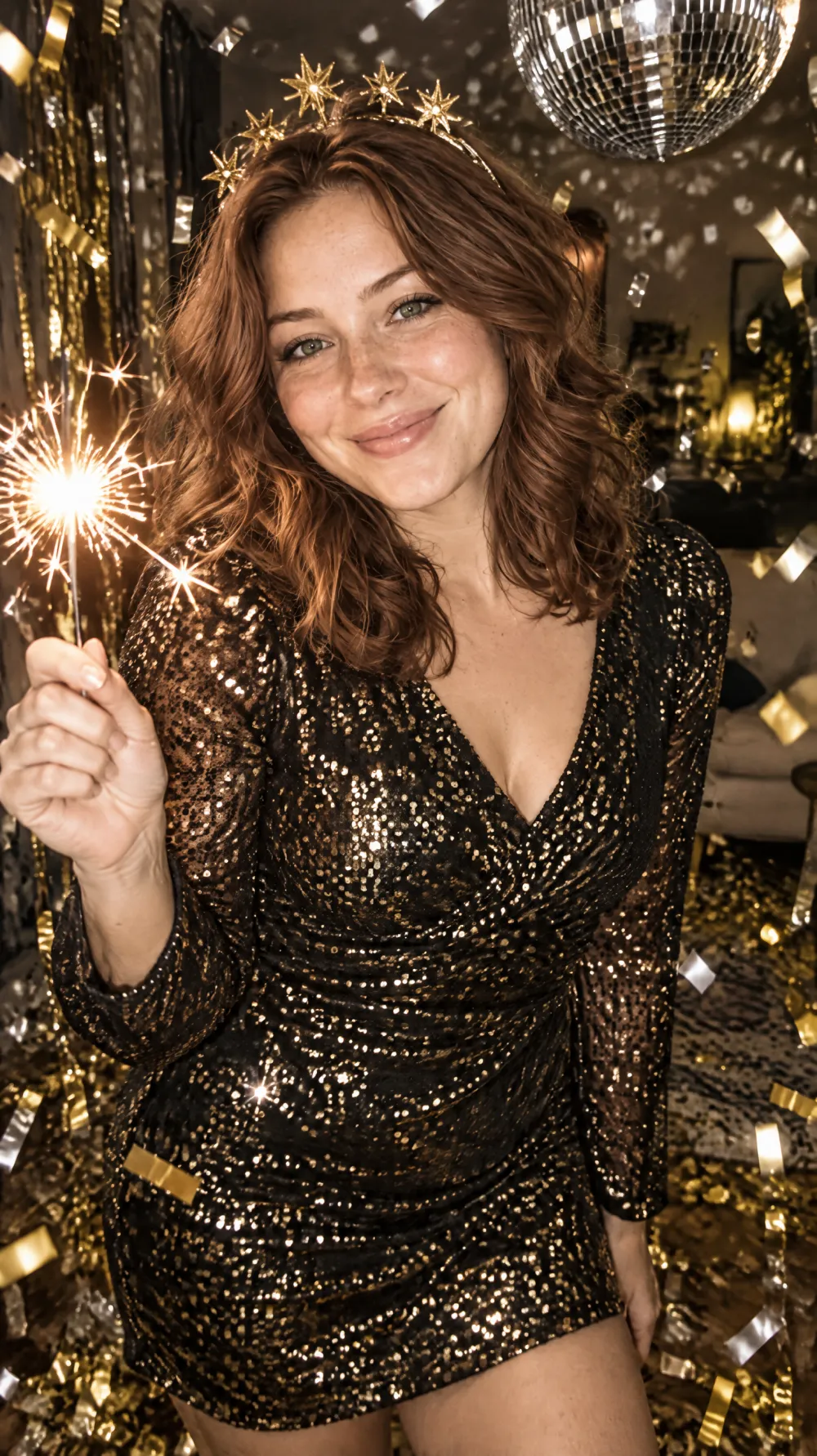
New Year's Eve Party Flash
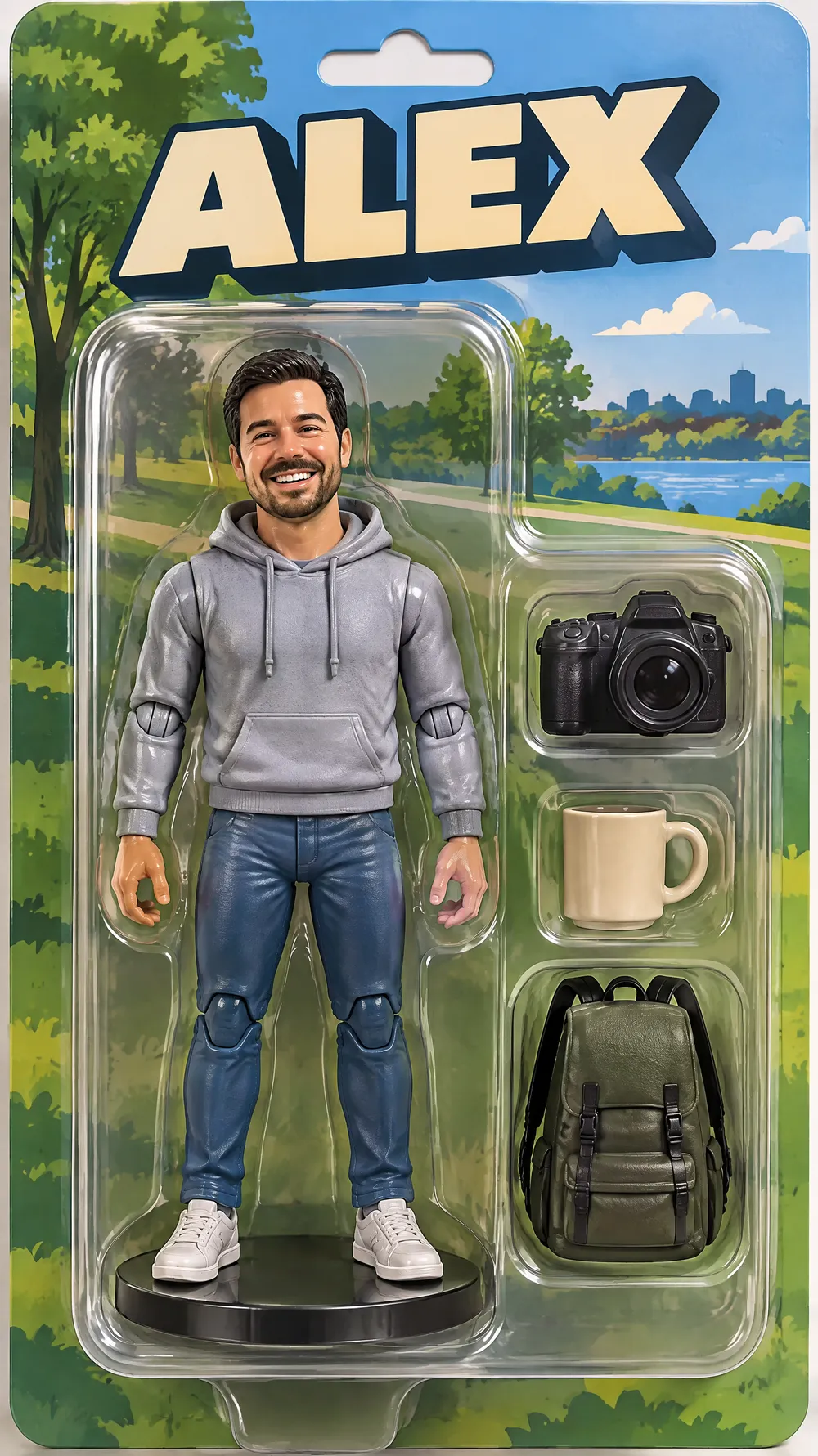
Collectible Figure Box
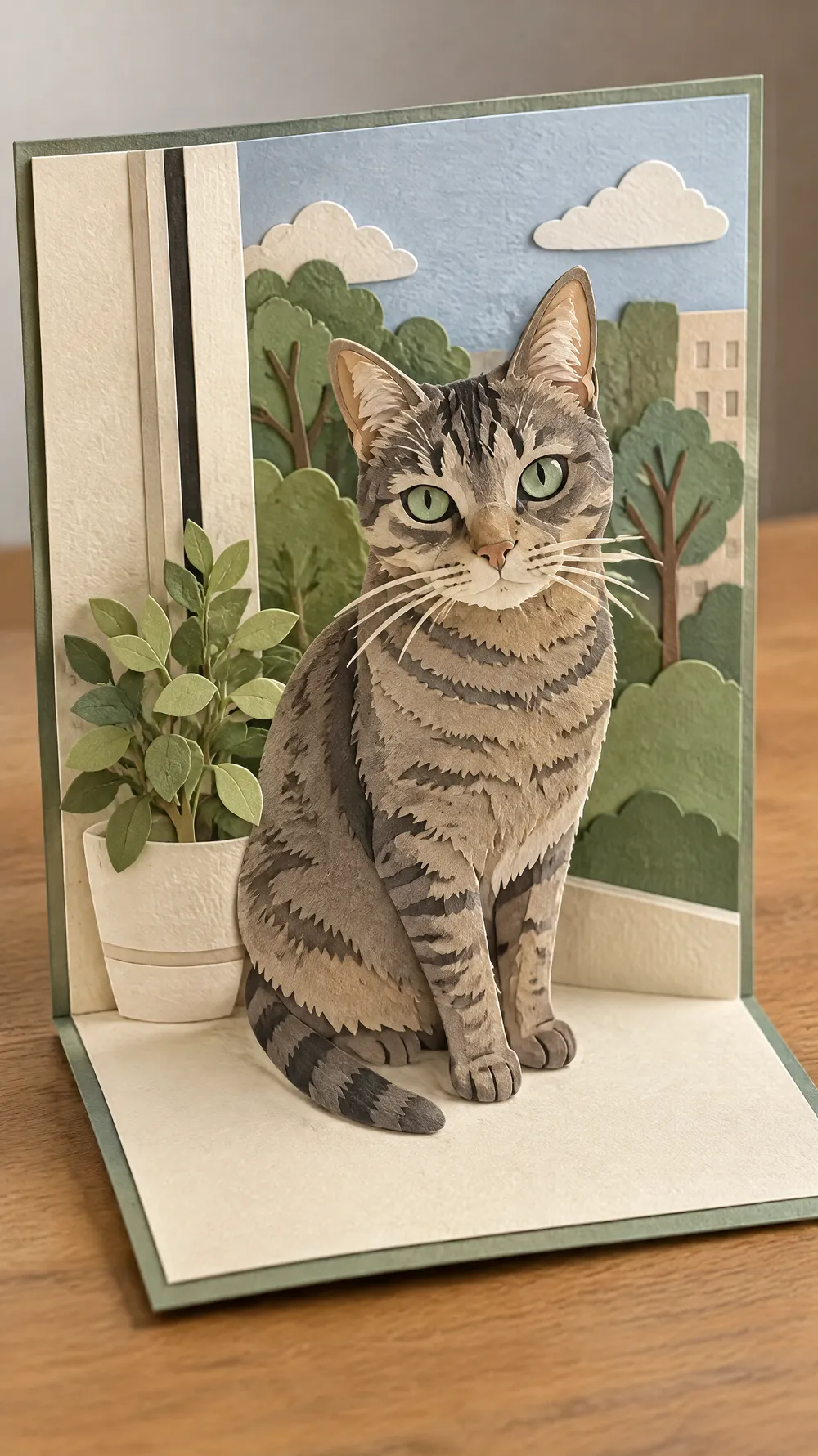
Pop-up Paper Card
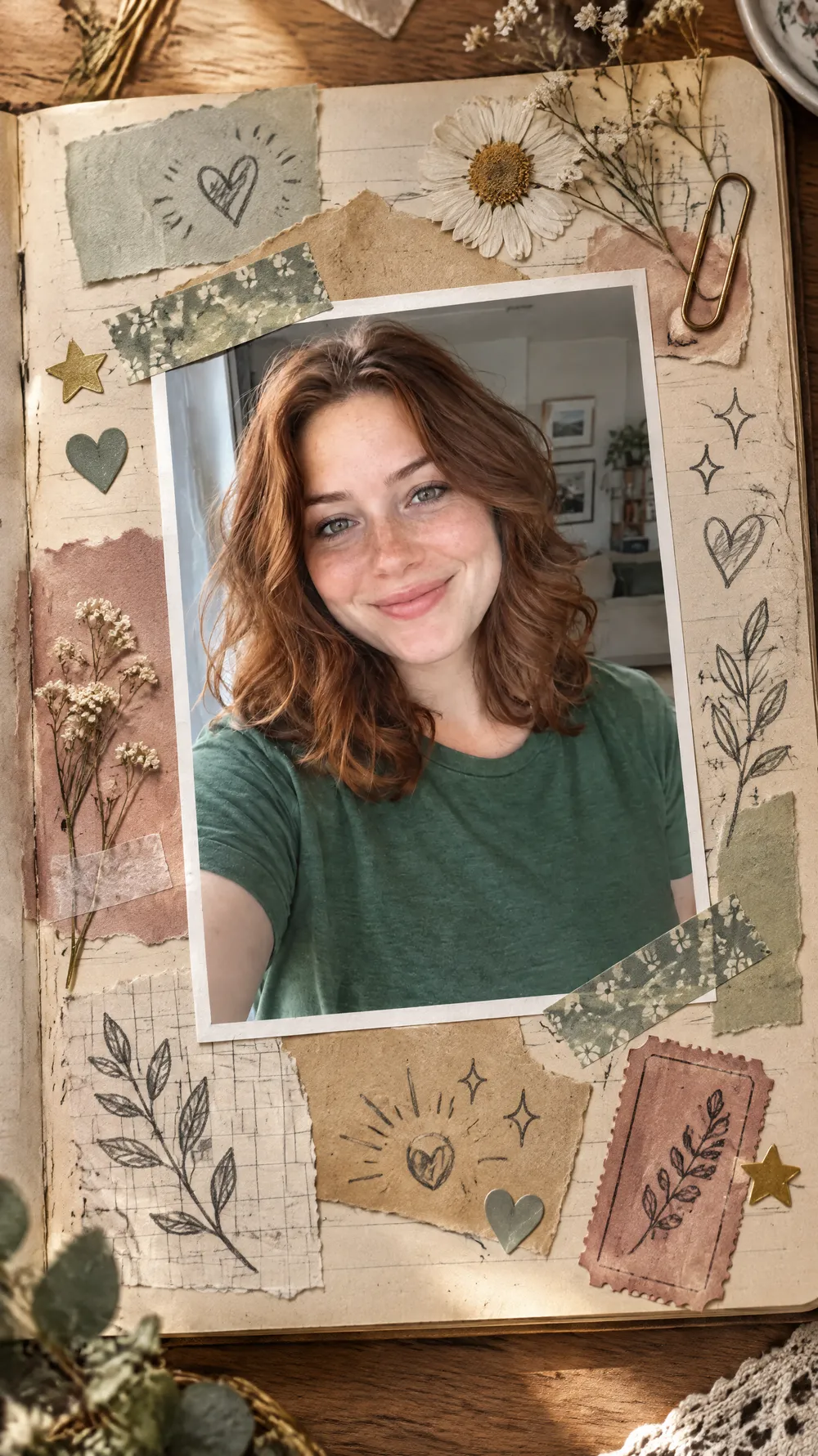
Scrapbook Journal Page
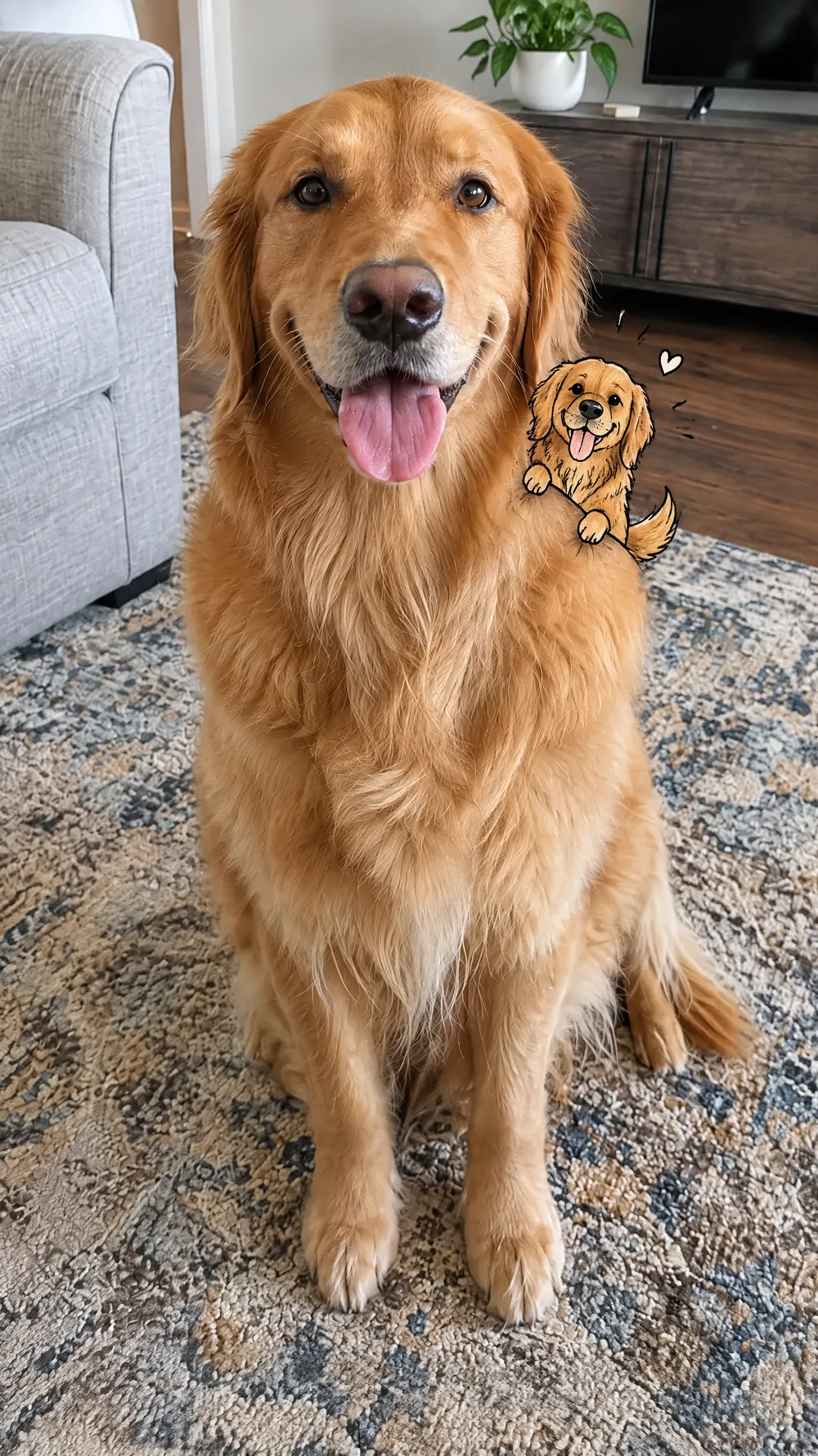
Mini Doodle Twin
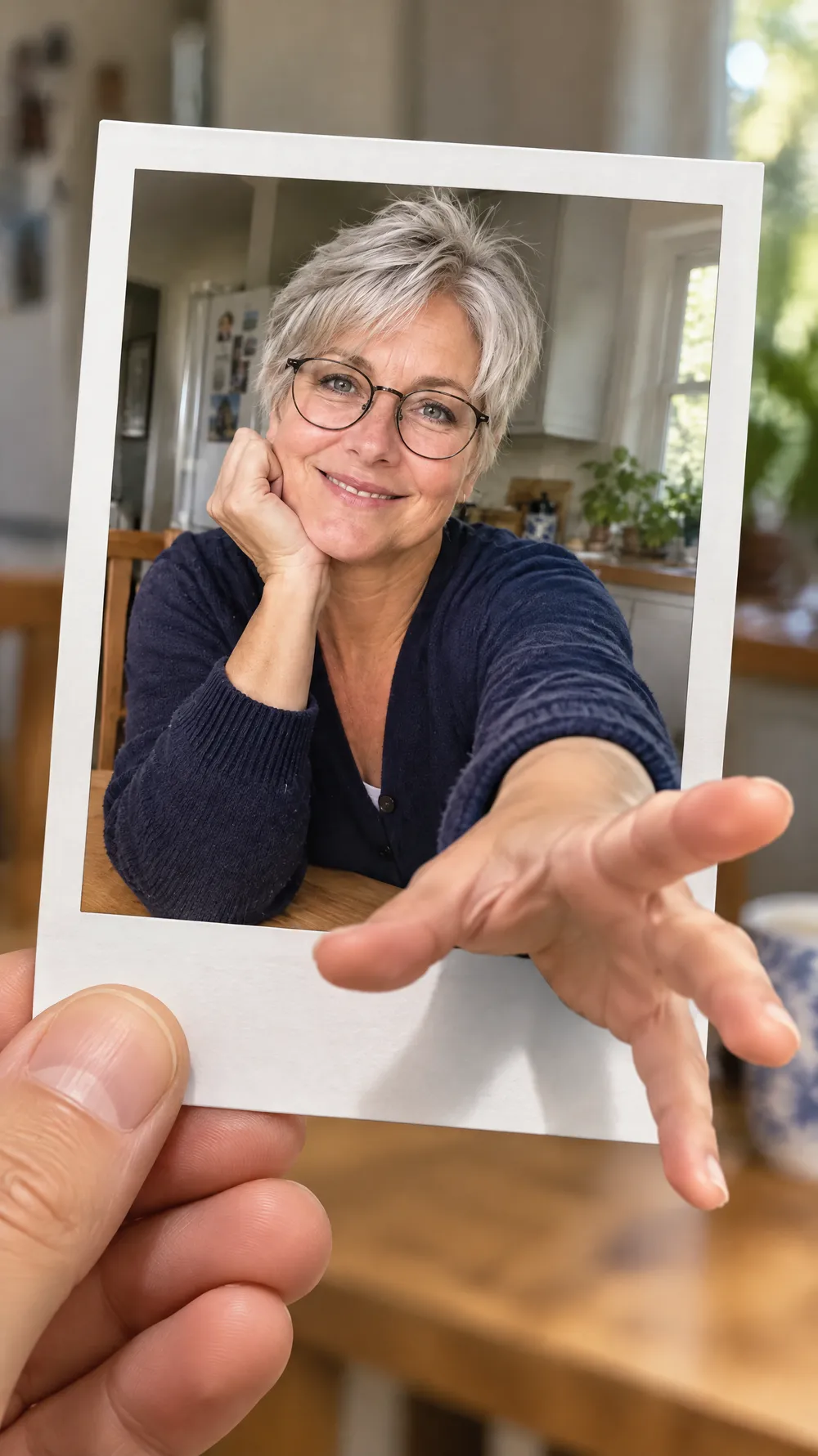
Instant Photo Pop-Out
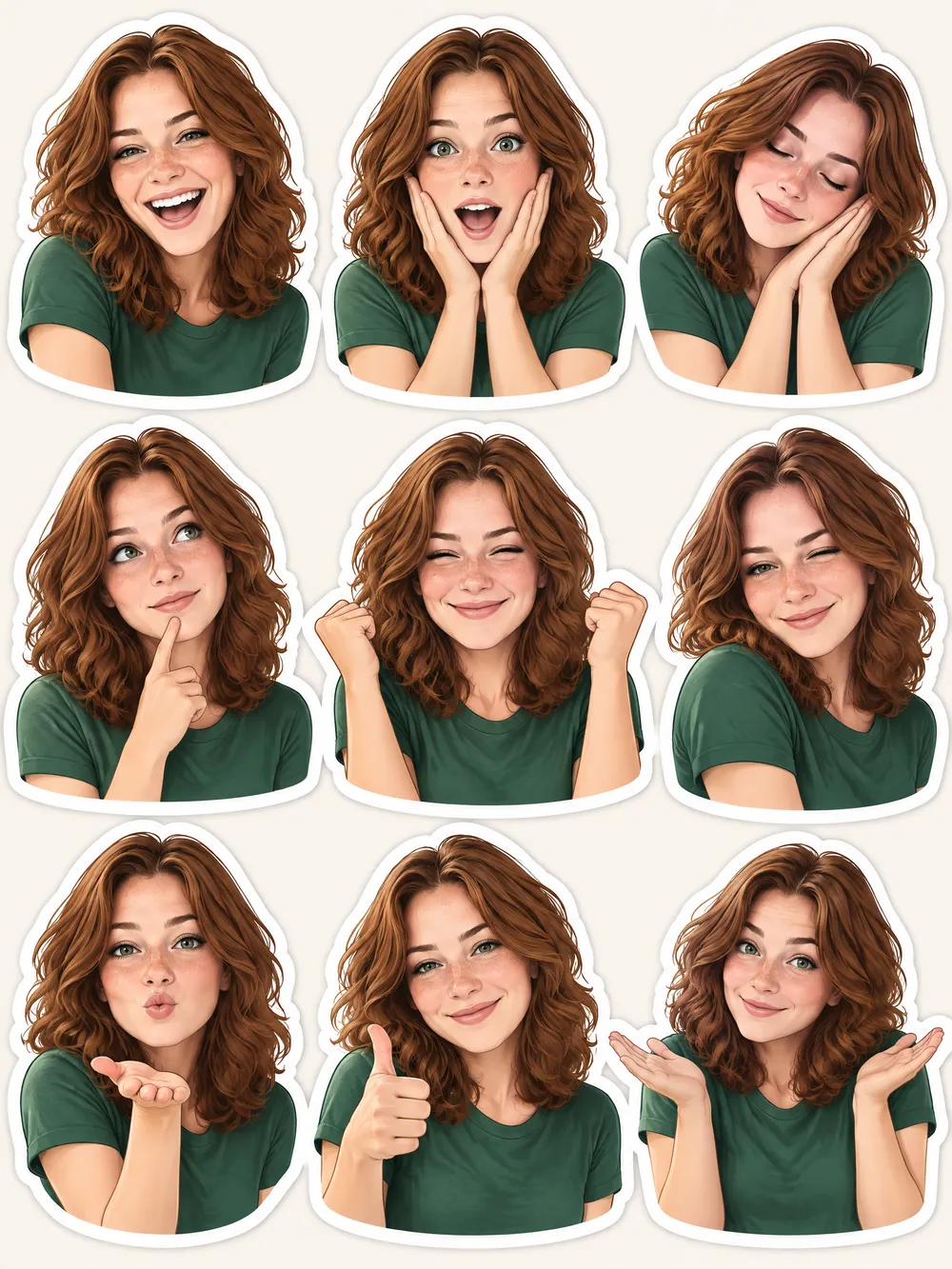
Photo Sticker Sheet
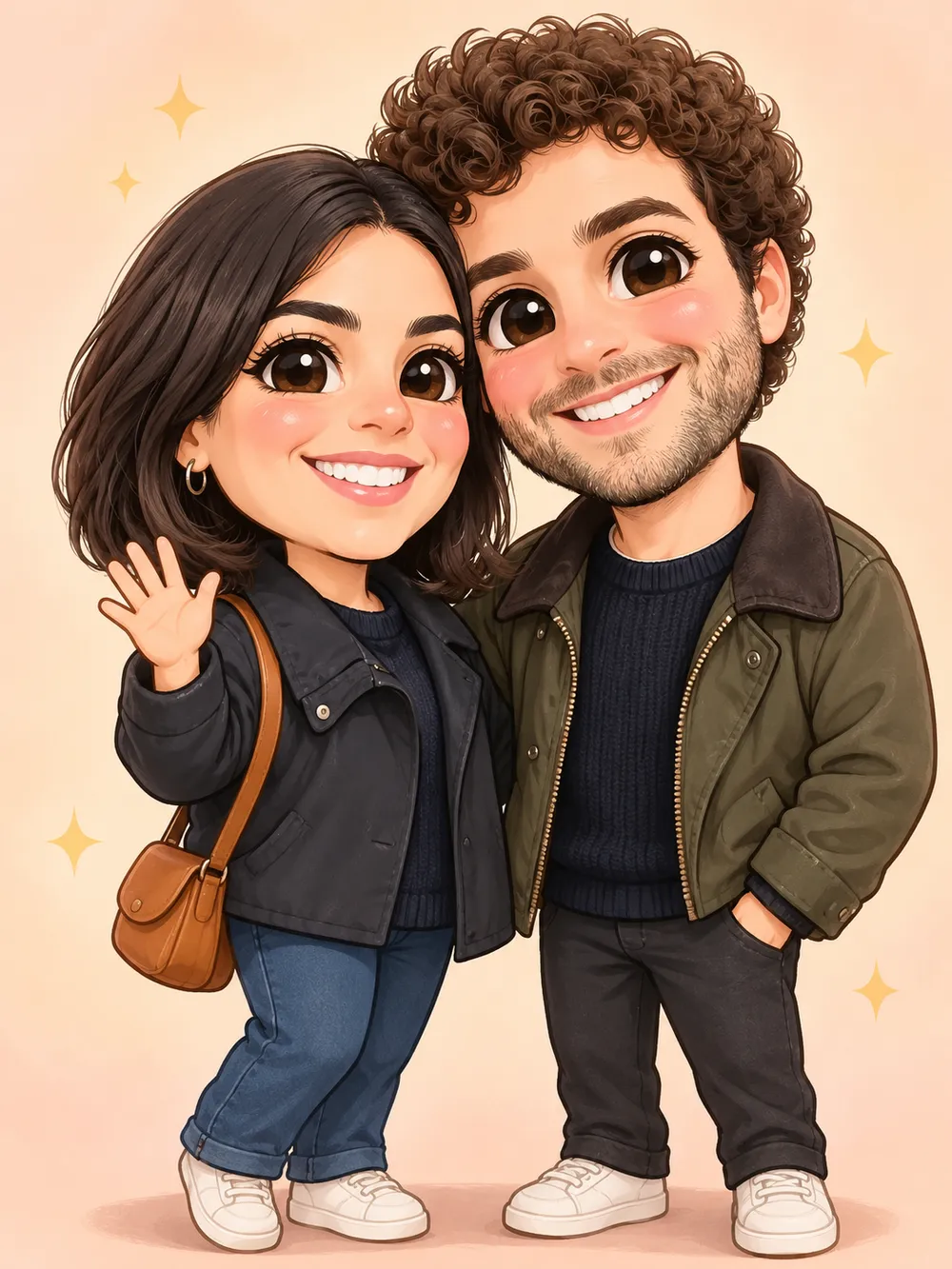
Chibi Character
Color-Pop Sweater Portrait
Snow Triptych
Neon City Game Poster
Wanderlust Postcard Collage
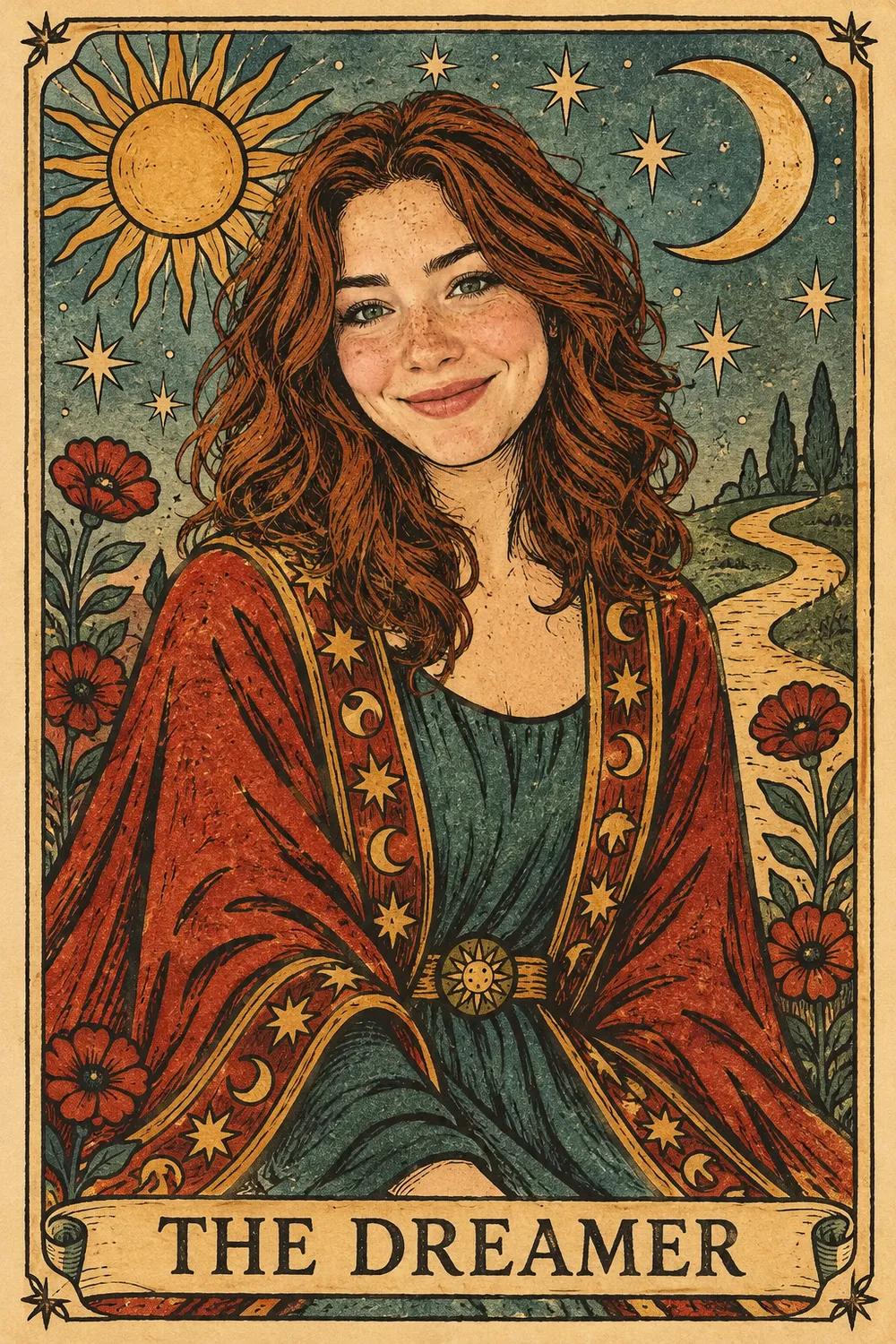
Tarot Card Portrait
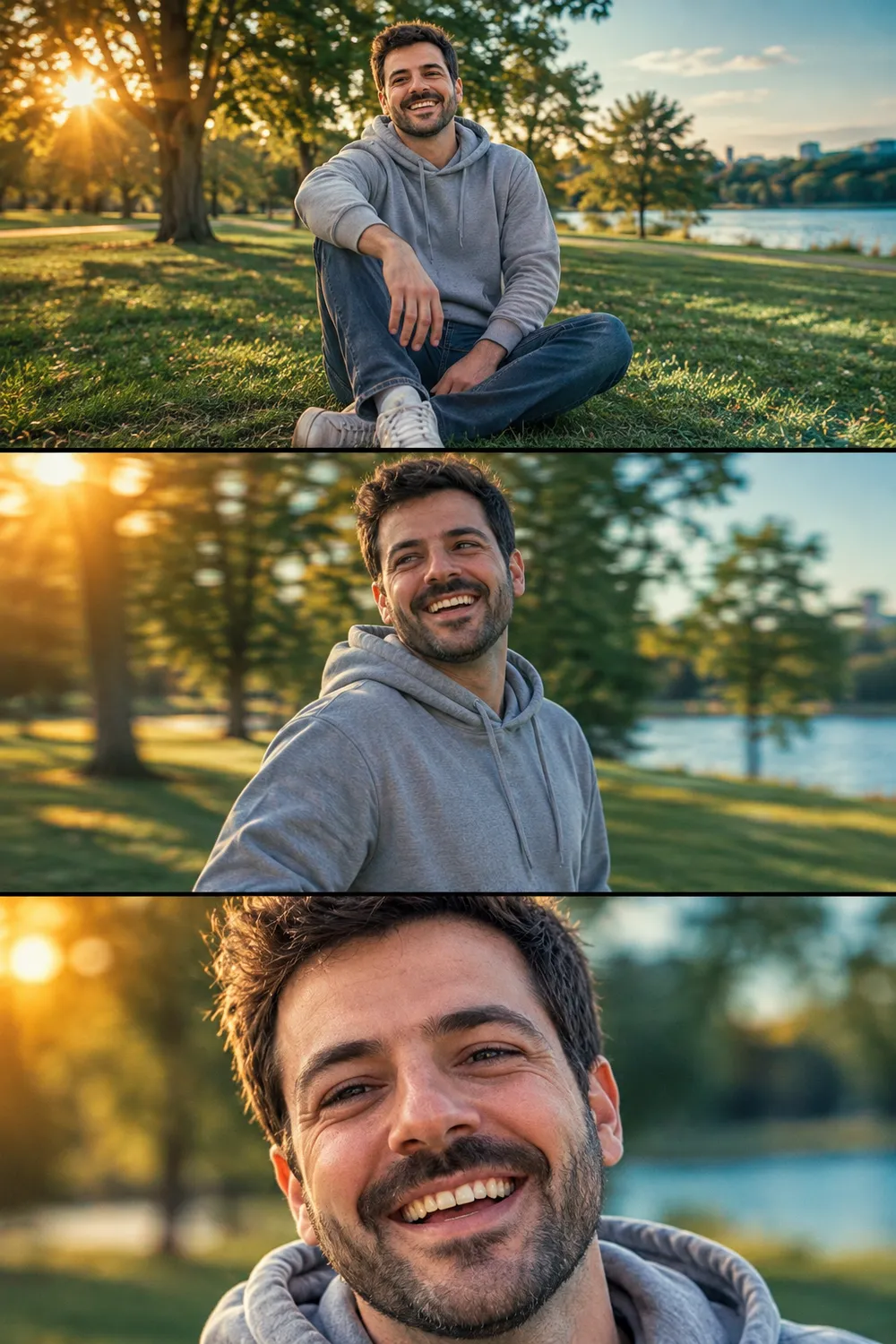
Cinematic Film Stills
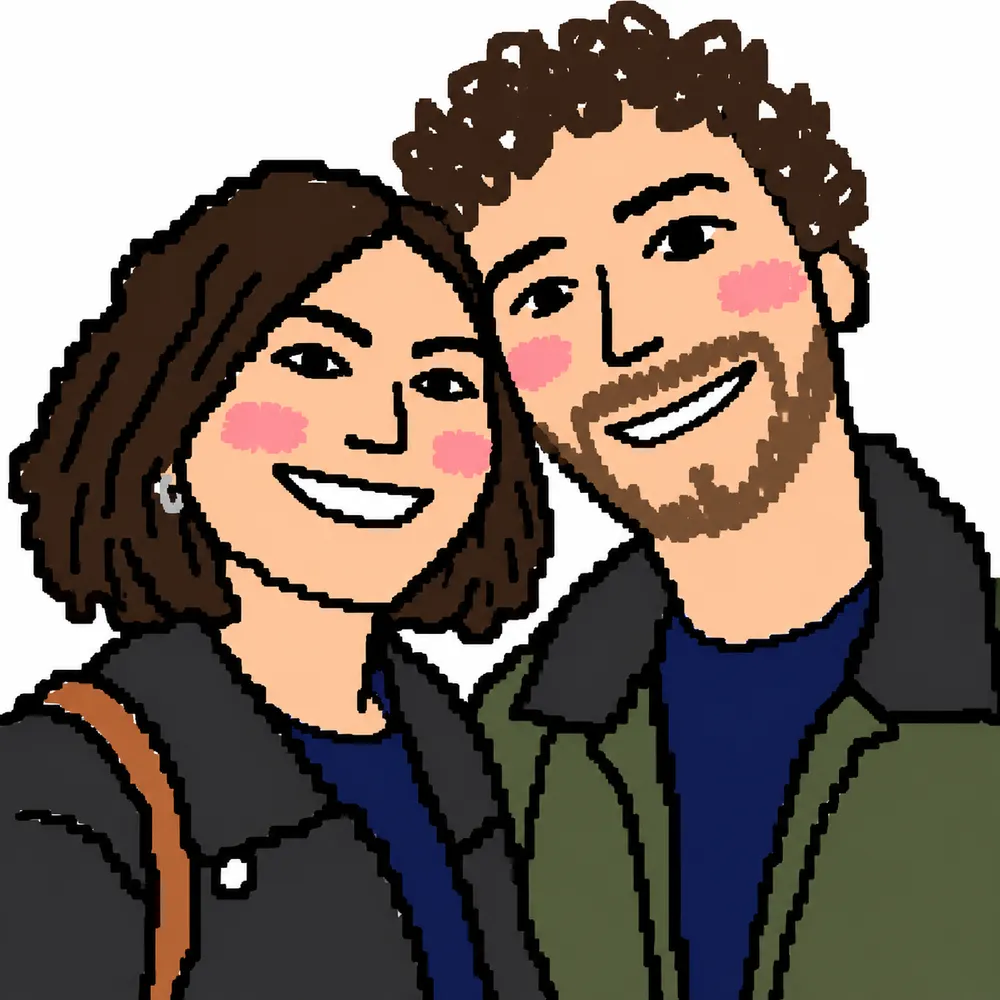
Mouse-Drawn Scribble
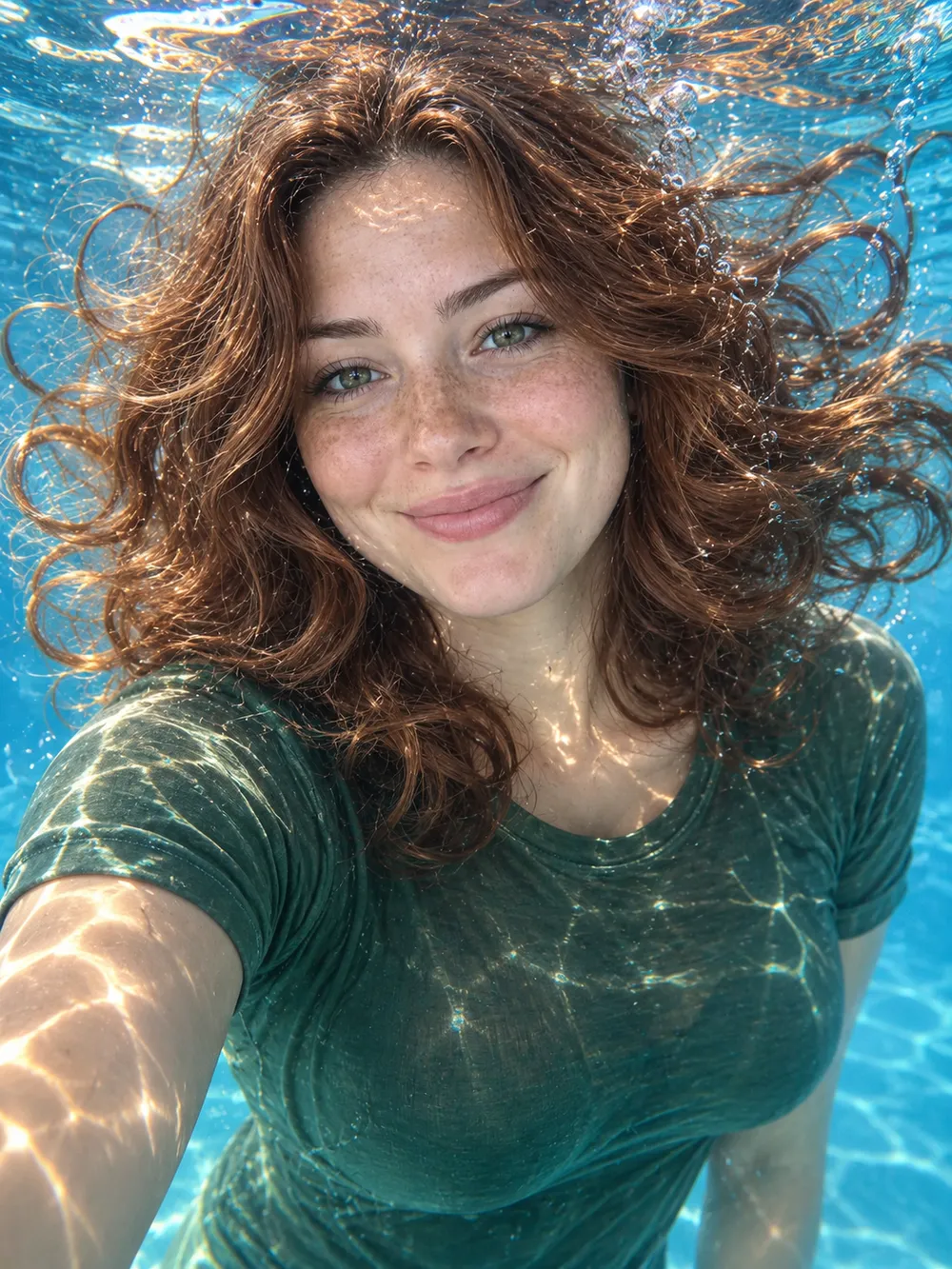
Underwater Portrait