

AI Underwater Portrait Maker
Turn one photo into an 80s snapshot, a claymation world, a photo booth strip and 32 more trending looks.
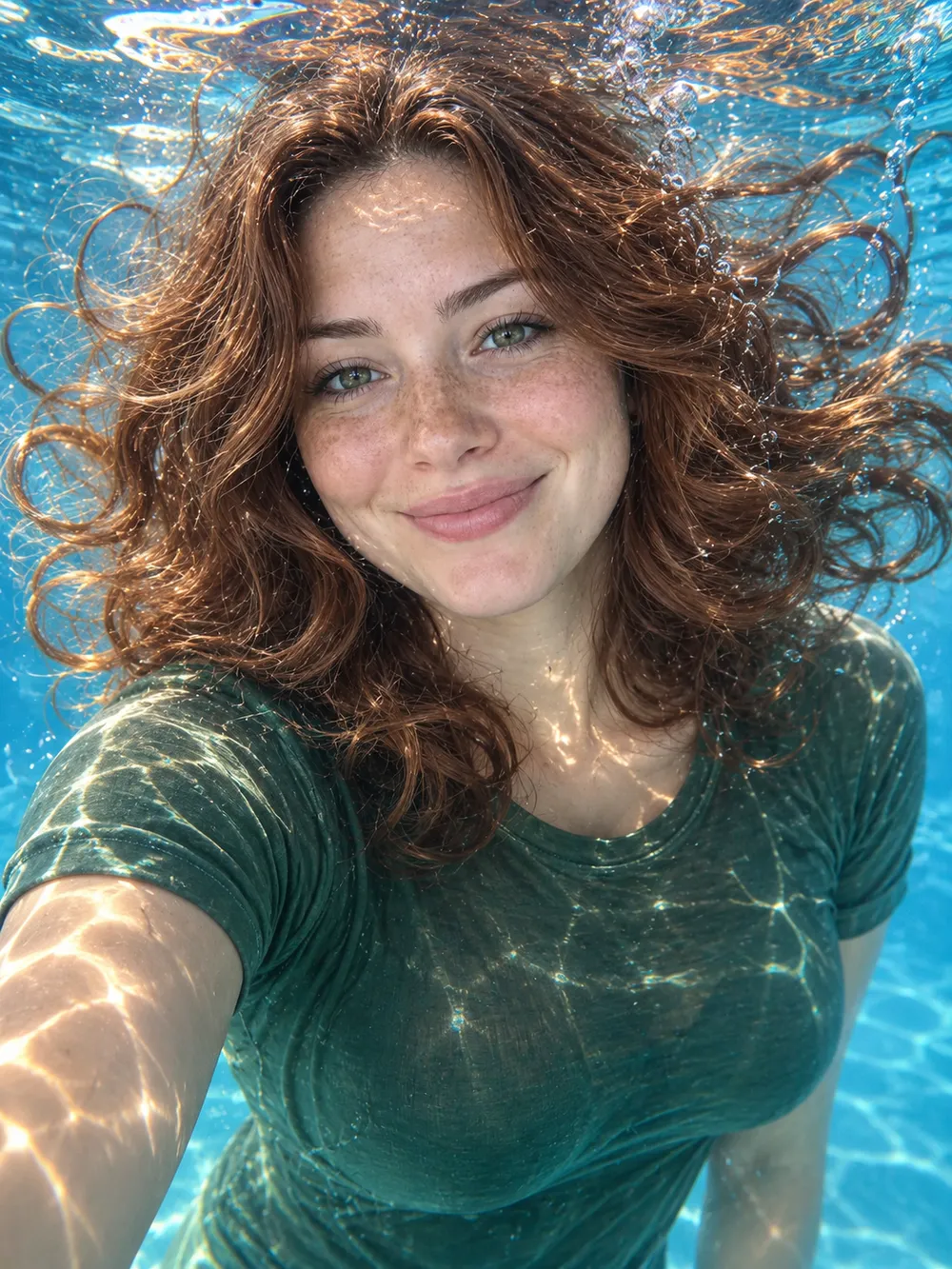
The underwater portrait look shows you just after diving into a clear blue pool. Your hair and clothes float slowly, a thin stream of tiny bubbles rises, shafts of sunlight ripple across your face and shoulders in bright caustic patterns, and the glowing surface sits above. The mood is calm and weightless, with natural skin texture, cool aqua tones and a crisp photographic finish.
Upload one photo of yourself, a friend or a dog, pick a size and create. Hindustan Times listed the underwater portrait among five trending ChatGPT styles on September 10, 2026, and Mint reported on May 18, 2026 that it was among the prompts OpenAI shared as popular over the previous 14 days. The look dresses everyone in everyday clothes and keeps the expression peaceful. For a dark, grainy portrait try Night Out Flash instead.
This is the Underwater Portrait style of the Photo Trend Maker. The form on this page opens with it already selected.
Underwater Portrait examples
Who the Underwater Portrait style suits
Profile pictures and Stories
A close portrait with blue light and bubbles stands out in a small circle, and the 9:16 size fills a Story.
Summer posts in any season
A pool picture works in December as well as July, which makes it a good choice for a winter feed that wants some summer.
Dogs that love water
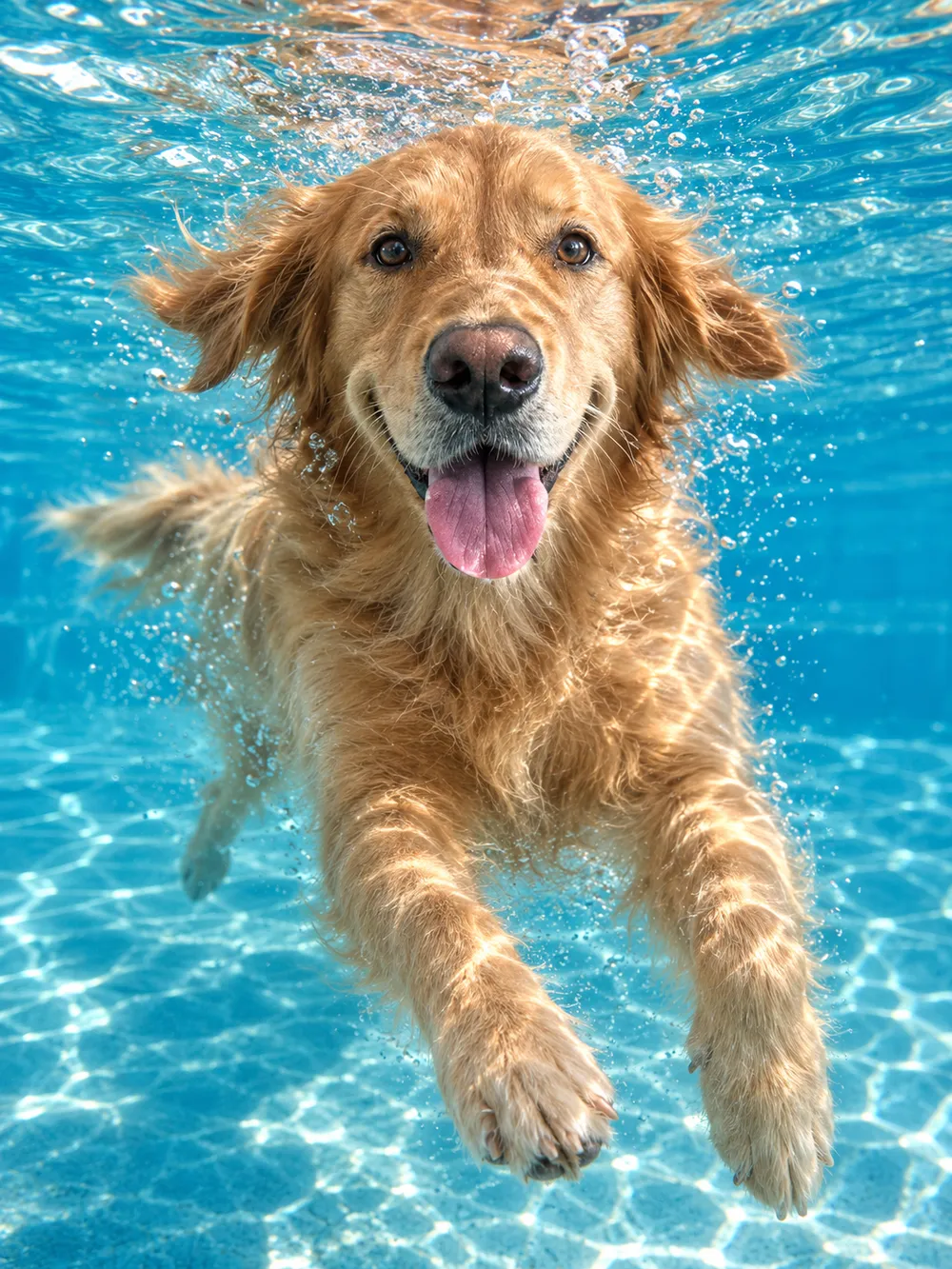
A dog swims toward the camera with its fur floating and bubbles around its nose, a popular picture for pet accounts.
Getting the best Underwater Portrait result
- 1
Use a clear, front-facing face
The water adds ripples and reflections, so a sharp face from the chest up in even light gives the AI the most to keep. Hair color and glasses carry over.
- 2
Everyday clothes only
The look dresses people in everyday clothes, such as a tee or a shirt, and keeps the picture calm. It does not produce swimwear pictures.
- 3
Dogs fit best
Dogs swim happily and look natural in water. A cat is possible, but cats rarely look at home underwater, so expect to try more than once.
- 4
Choose 3:4 or 2:3
The portrait sizes show the face, the floating hair and the glowing surface. The 1:1 square crops tighter and suits a profile picture.
- 5
Check the hands near the camera
If a hand reaches toward the lens, fingers are where AI most often slips. A second credit gives a new pose.
Ideas to try
- Photo: a smiling selfie from the chest up in daylight, size 3:4
- Photo: a person with long or curly hair, size 2:3
- Photo: a golden retriever looking at the camera, size 1:1
- Photo: a friend in a plain tee, size 9:16
Underwater Portrait prompt for ChatGPT and Gemini
You can try this look in a chat image tool too: upload your photo, then paste the text below. It is adapted from the description PiCraft sends to the image model for this look, so a chat tool may give a different result. Every run is different, so try it twice, and add the shape you want at the end, such as “vertical 2:3”.
Use the photo I upload as the reference.
Make a close underwater portrait of me just after diving into a clear blue pool. Keep it calm and weightless: my hair and clothes float slowly, a thin stream of tiny bubbles rises, and shafts of sunlight ripple across my face and shoulders in bright caustic patterns, with the glowing surface above. My eyes are open or gently closed, with a peaceful expression, natural skin texture, cool aqua tones and a crisp, realistic photographic finish. Keep my face and hairstyle exactly as in the photo and dress me in everyday clothes. No text and no logos.
- Say "calm and weightless". Without it, some tools show splashing or struggle, which spoils the mood.
- Name the light: sunlight rippling in caustic patterns is what makes a pool picture read as underwater.
- Ask for the face to stay as in the photo. Water effects can pull the face toward a generic look.
To change the wording or add reference photos, use Image to Image. To skip the prompt, use the form at the top of this page and download a finished JPG at the size you pick.
What you download
Every design from the Photo Trend Maker comes with the files for the job, whichever style you choose:
- Vertical 1080×1920 JPG (9:16)
- Pinterest Pin 1000×1500 JPG (2:3)
- Portrait post 1080×1440 JPG (3:4)
- Square 1080×1080 JPG (1:1)
Questions about the Underwater Portrait style
Will my face stay recognizable underwater?+
The face shape, hairstyle, hair color and skin tone carry over, and the ripples and reflections soften the details. A sharp, front-facing photo from the chest up gives the closest match. If it looks like someone else, generate again.
Does it work for pets?+
Yes, especially for dogs. A dog swims happily toward the camera with bubbles around its nose. The look keeps the animal relaxed and never in distress, and a cat can work too, but expect to try more than once.
Is the pool or the water real?+
No. The water, the bubbles and the light are generated, and nothing is photographed underwater. You do not need to be near a pool: any clear photo of a face works.
What is the underwater portrait trend?+
It is a calm, close portrait of someone just after diving into a pool. Hindustan Times listed it among five trending ChatGPT styles on September 10, 2026, Mint listed it among popular prompts on May 18, and The Indian Express included it in a list of 10 prompts on May 19. See AI photo trends right now for the looks going around now.
Which size is best for an underwater portrait?+
Use 3:4 (1080×1440) for a feed post, 2:3 (1000×1500) for Pinterest or 9:16 (1080×1920) for Stories. The 1:1 square suits a profile picture.
Is the underwater portrait free to make?+
Yes, to try. No account is needed, and new visitors start with free credits. Every picture costs one credit, the same for all 35 looks and all four sizes, and a failed run is refunded. Each run gives a different pose, bubble pattern and light, so a second credit is the quickest way to find a portrait you like.
Can I make an underwater portrait in ChatGPT or Gemini?+
Yes. Upload your photo and paste the prompt above. The parts to spell out are the calm mood, the light, the face to keep and the clothes, because a short request such as "put me underwater" leaves them to the model. The form on this page has that wording built in and returns a JPG at exactly 1080×1920, 1000×1500, 1080×1440 or 1080×1080.
Last updated:
Photo trend looks
80s Flashback
70s Slide Portrait
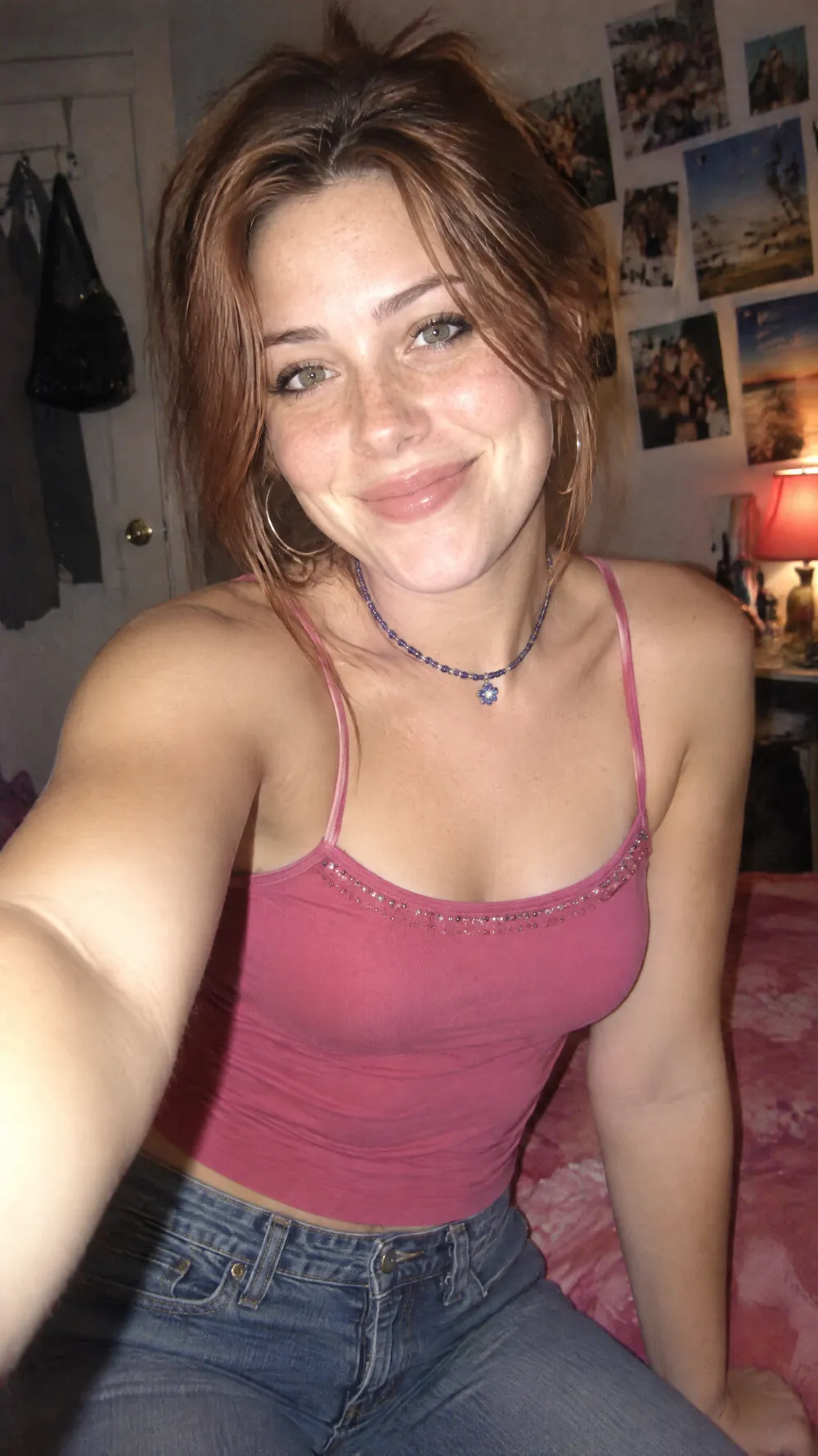
Y2K Digital Camera
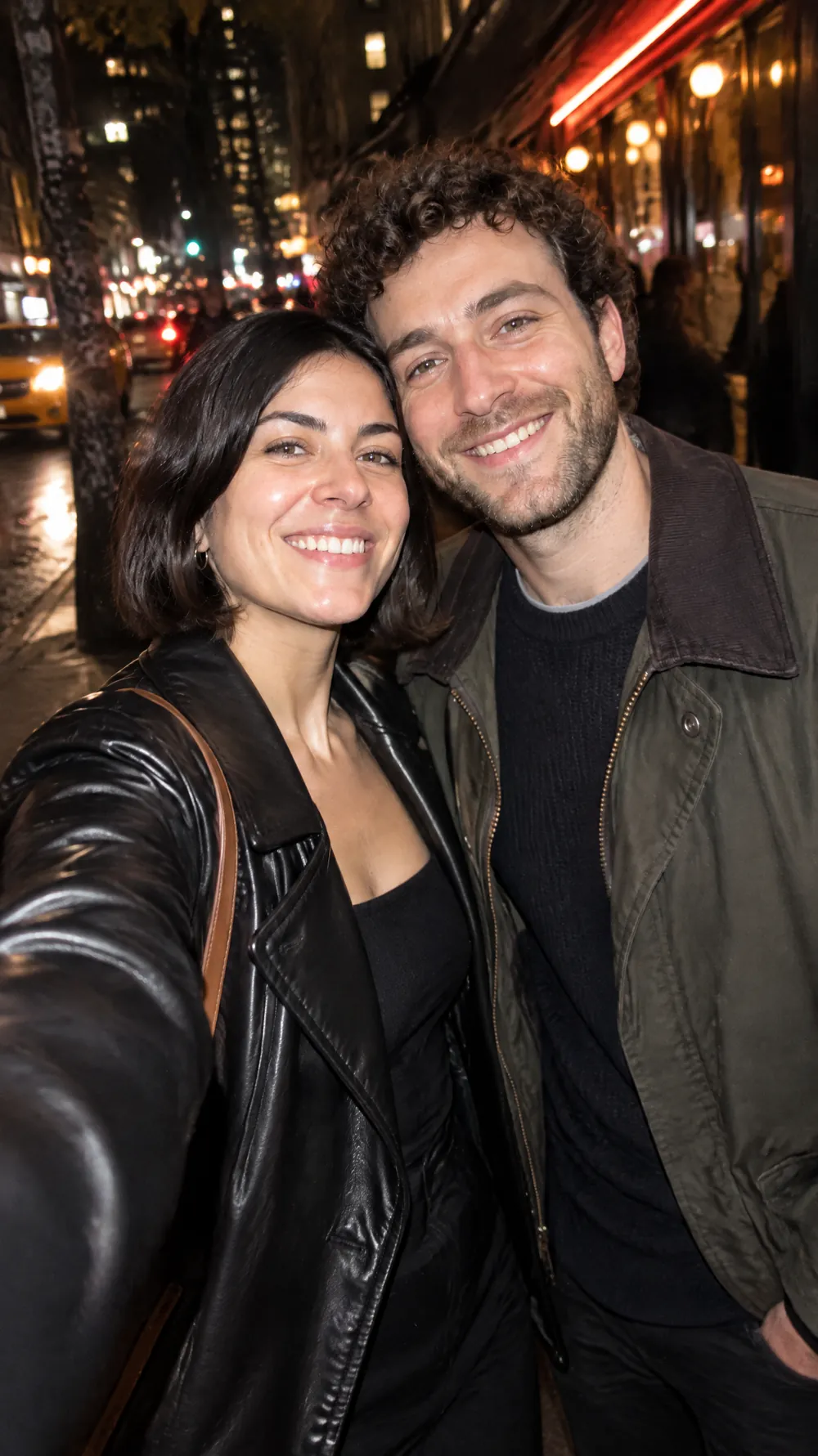
Night Out Flash
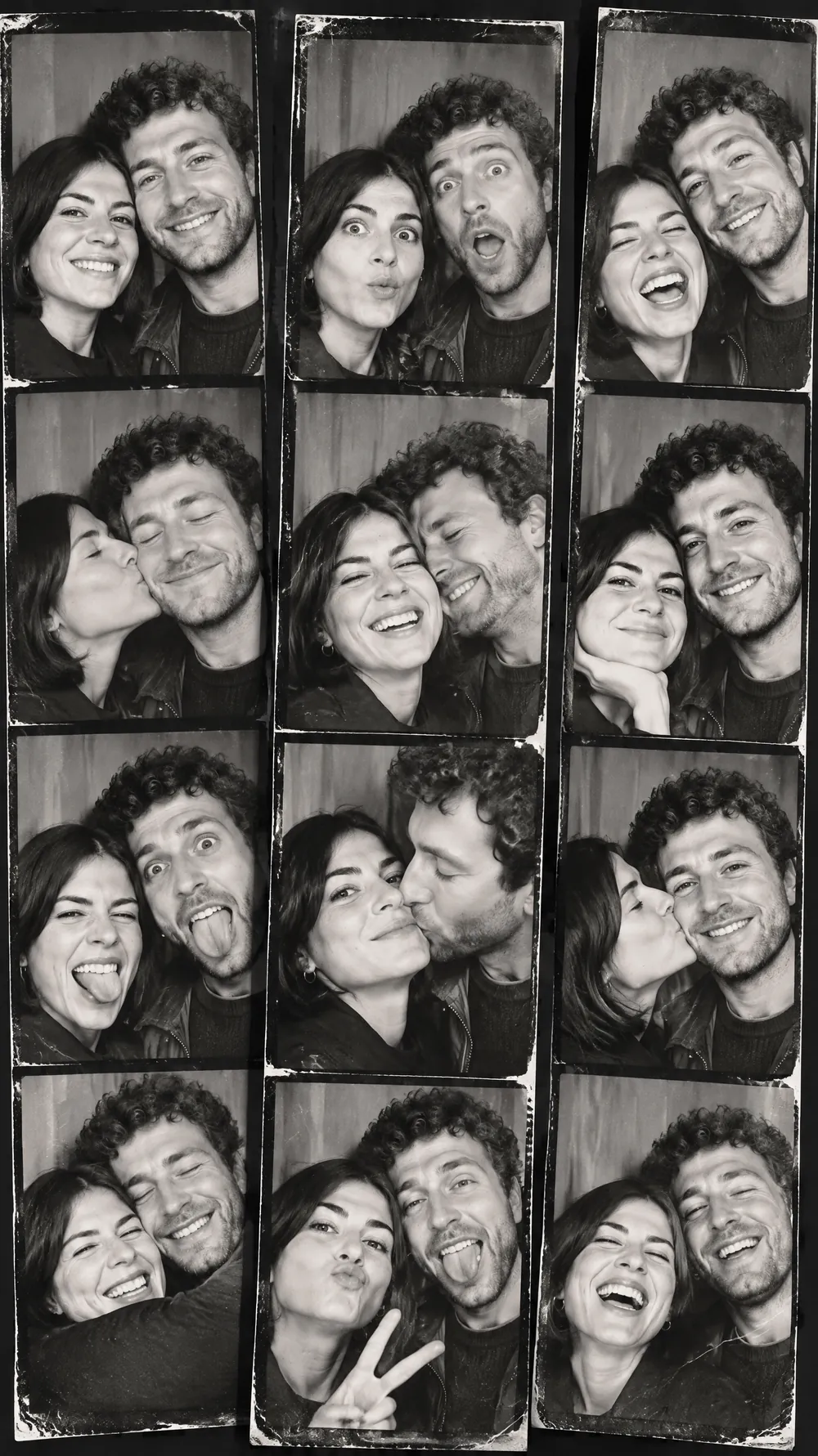
Photo Booth Strip
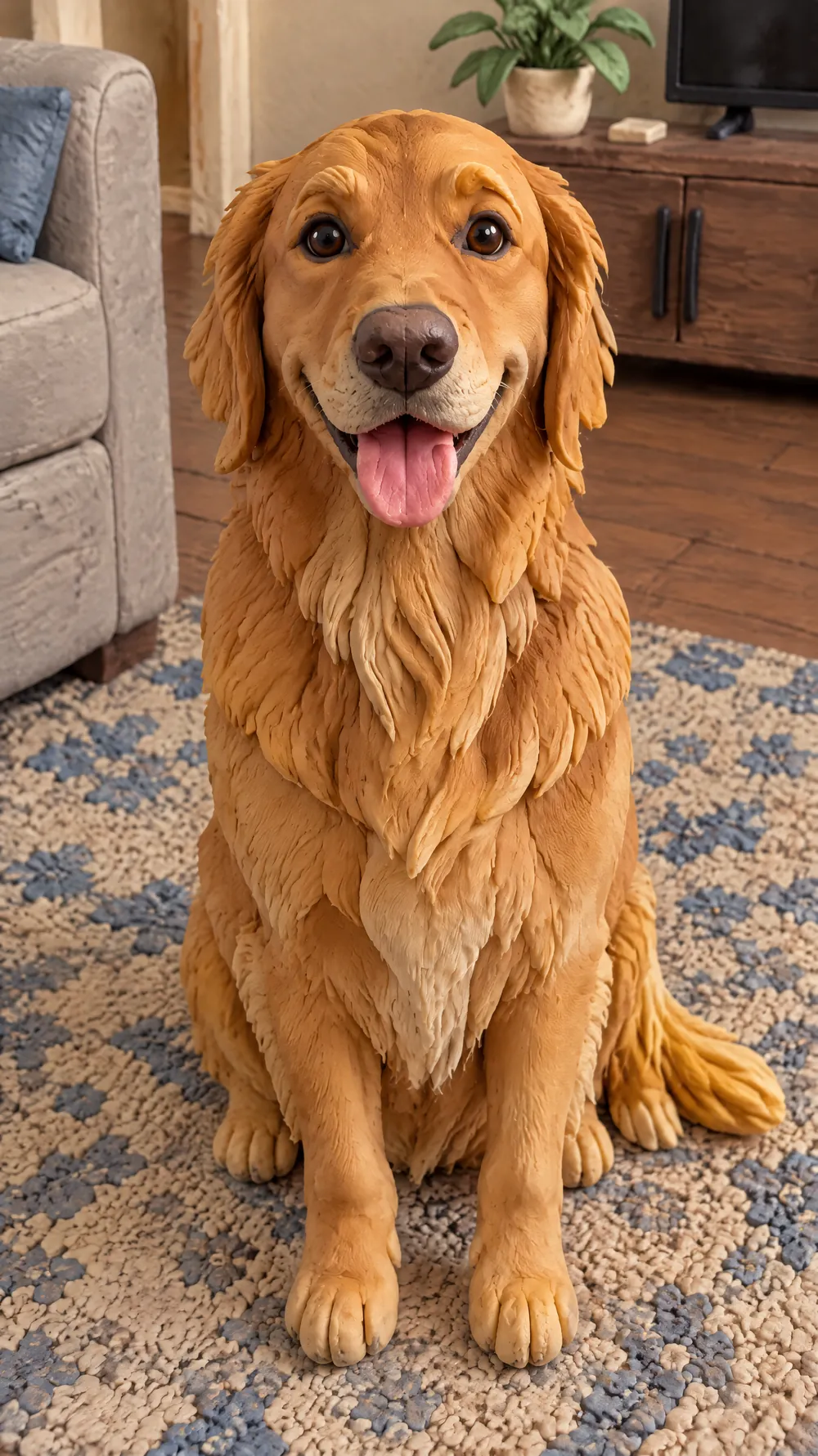
Claymation World
Felt Miniature
Bobblehead
3D Toy Avatar
16-bit Arcade Fighter
Blueprint Poster
Fantasy Newspaper
Marble Statue
Halloween Costume Portrait
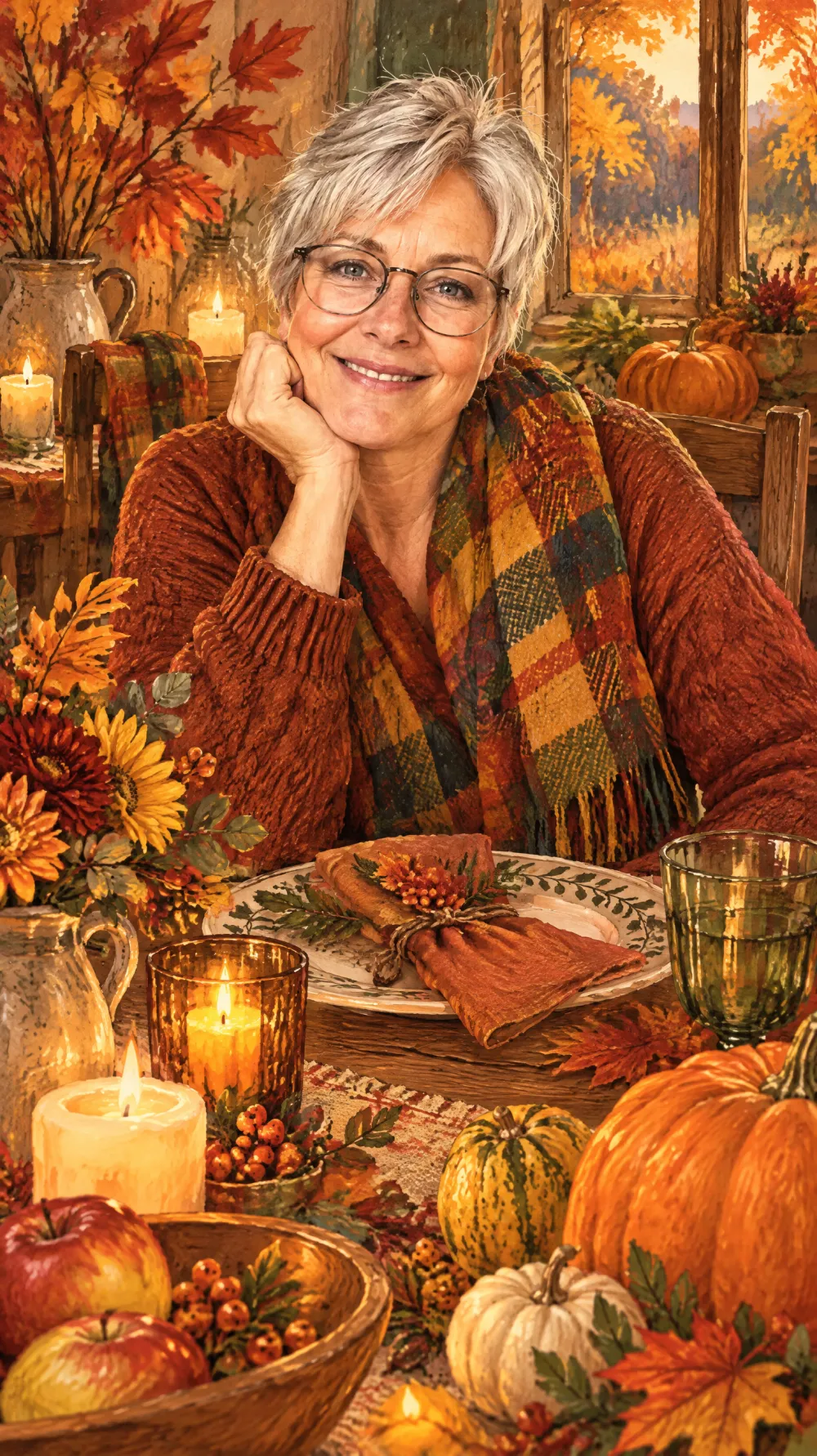
Thanksgiving Harvest Portrait
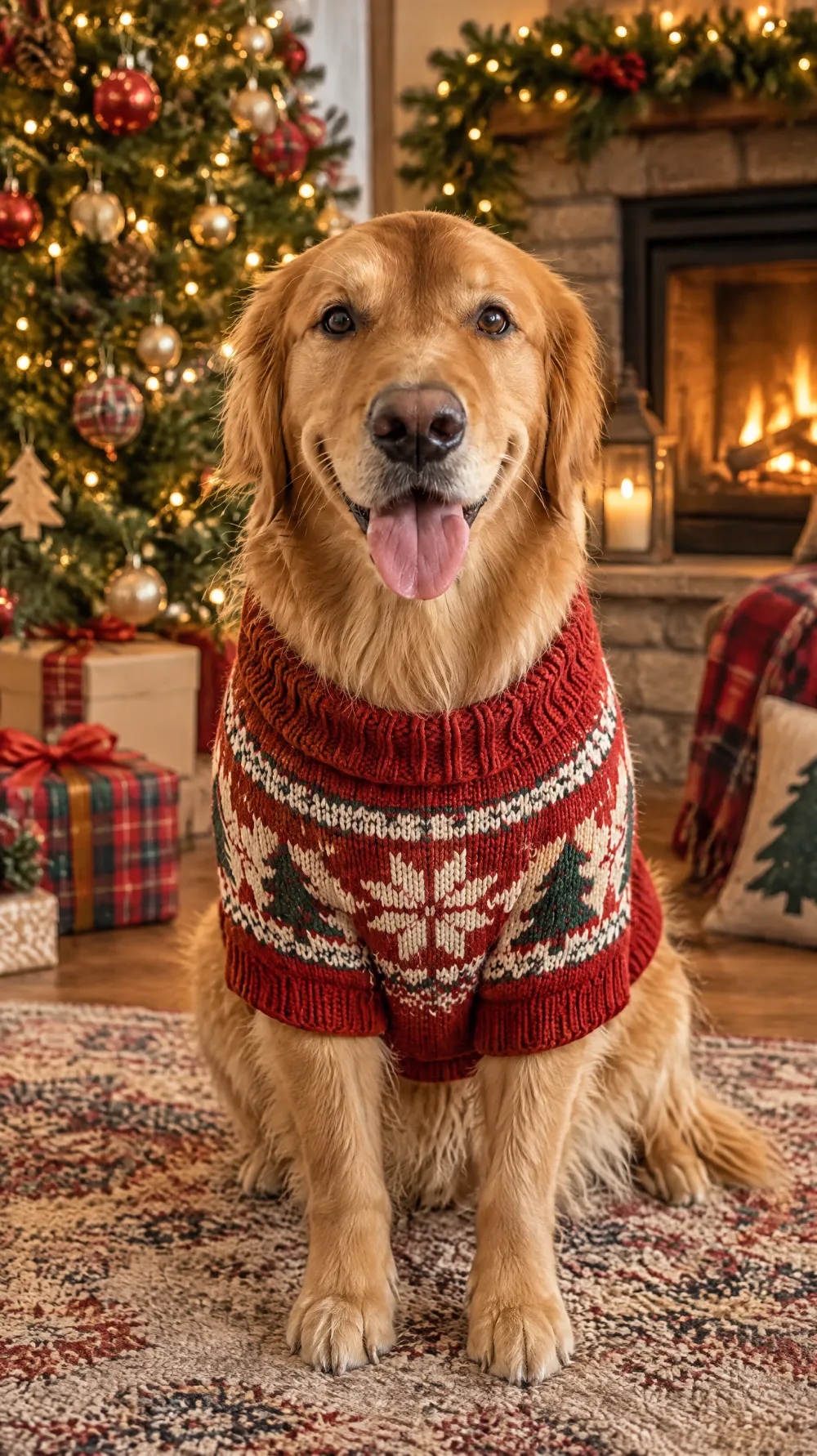
Christmas Card Portrait
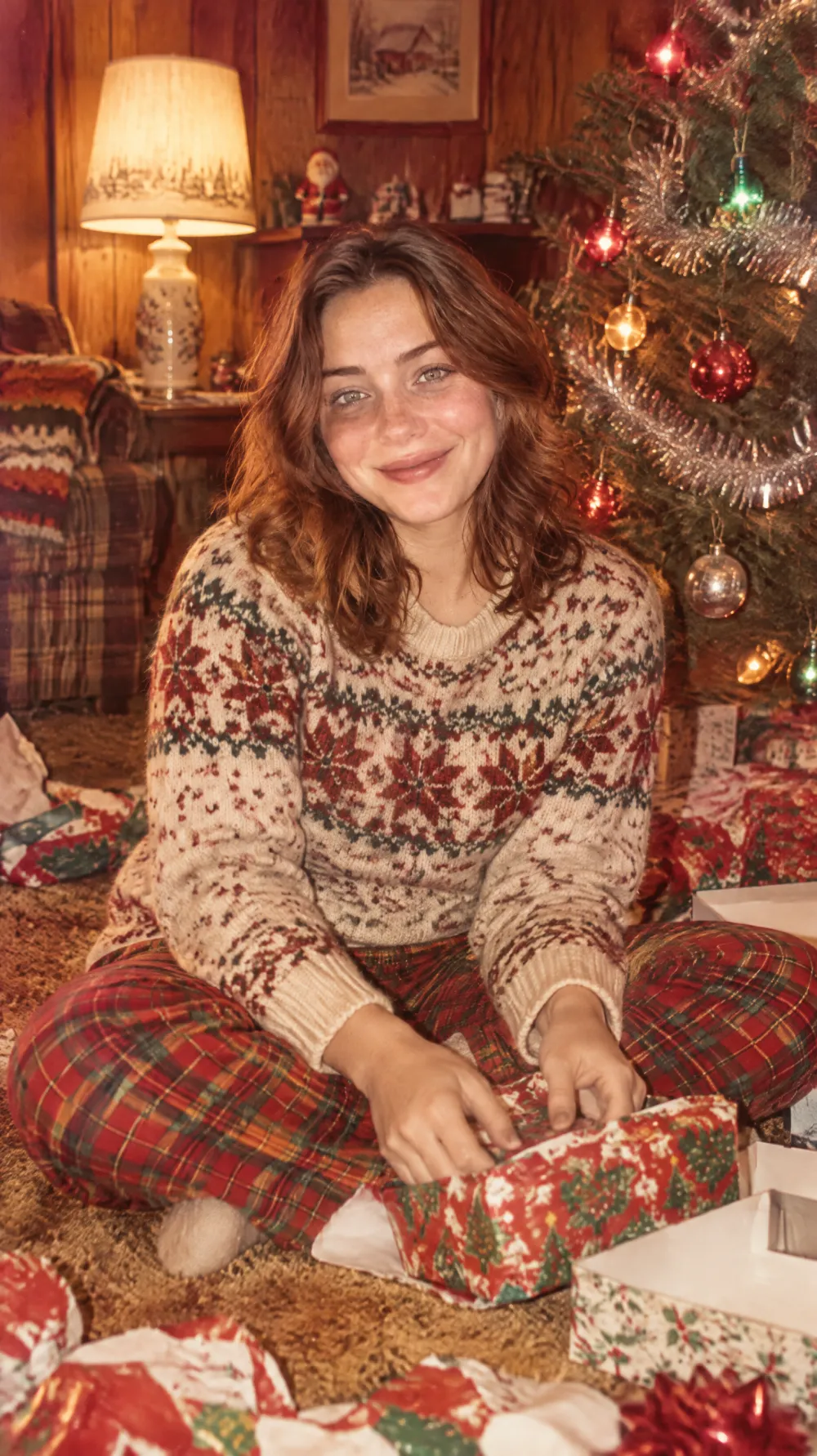
Vintage Christmas Snapshot
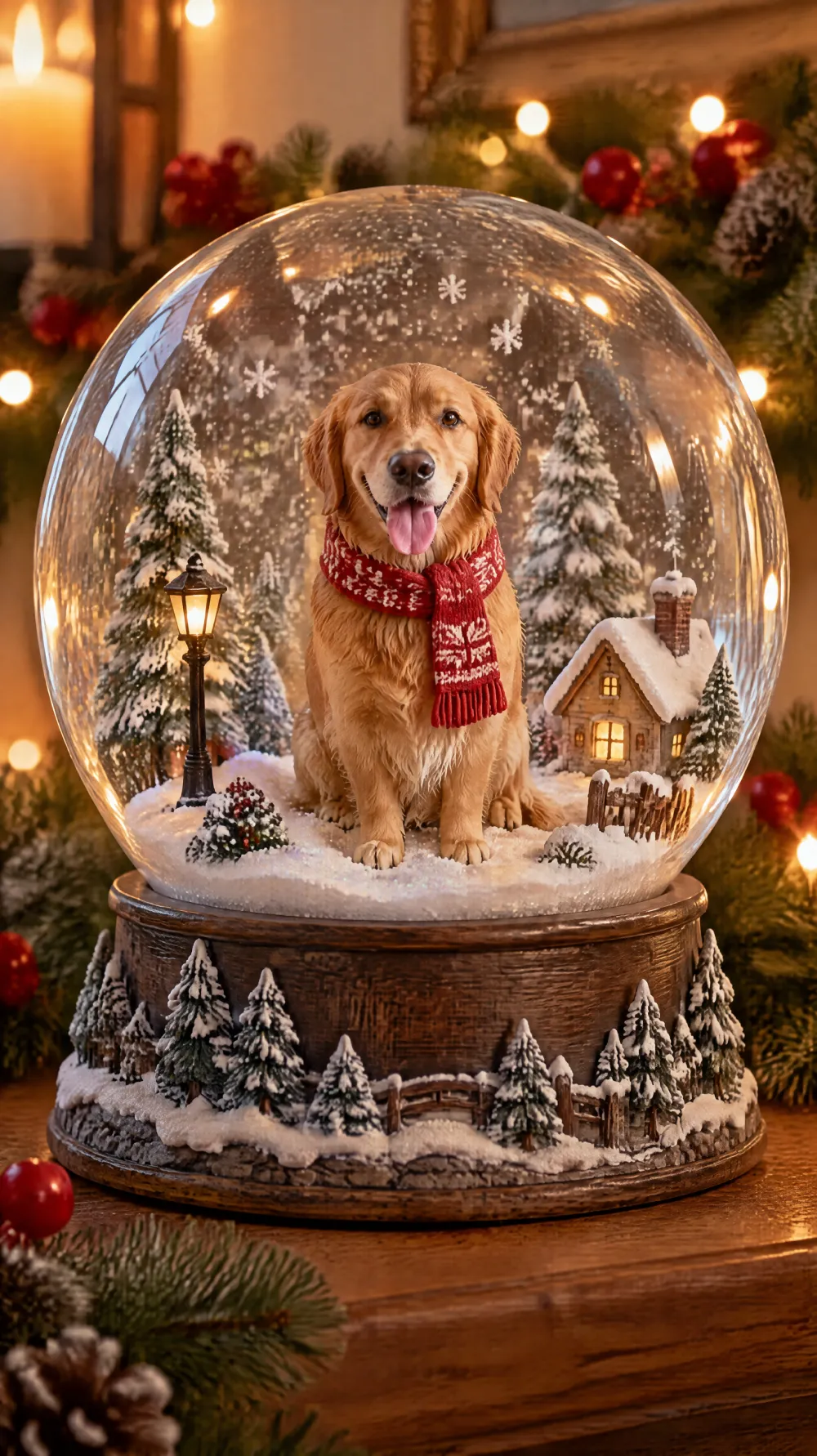
Snow Globe
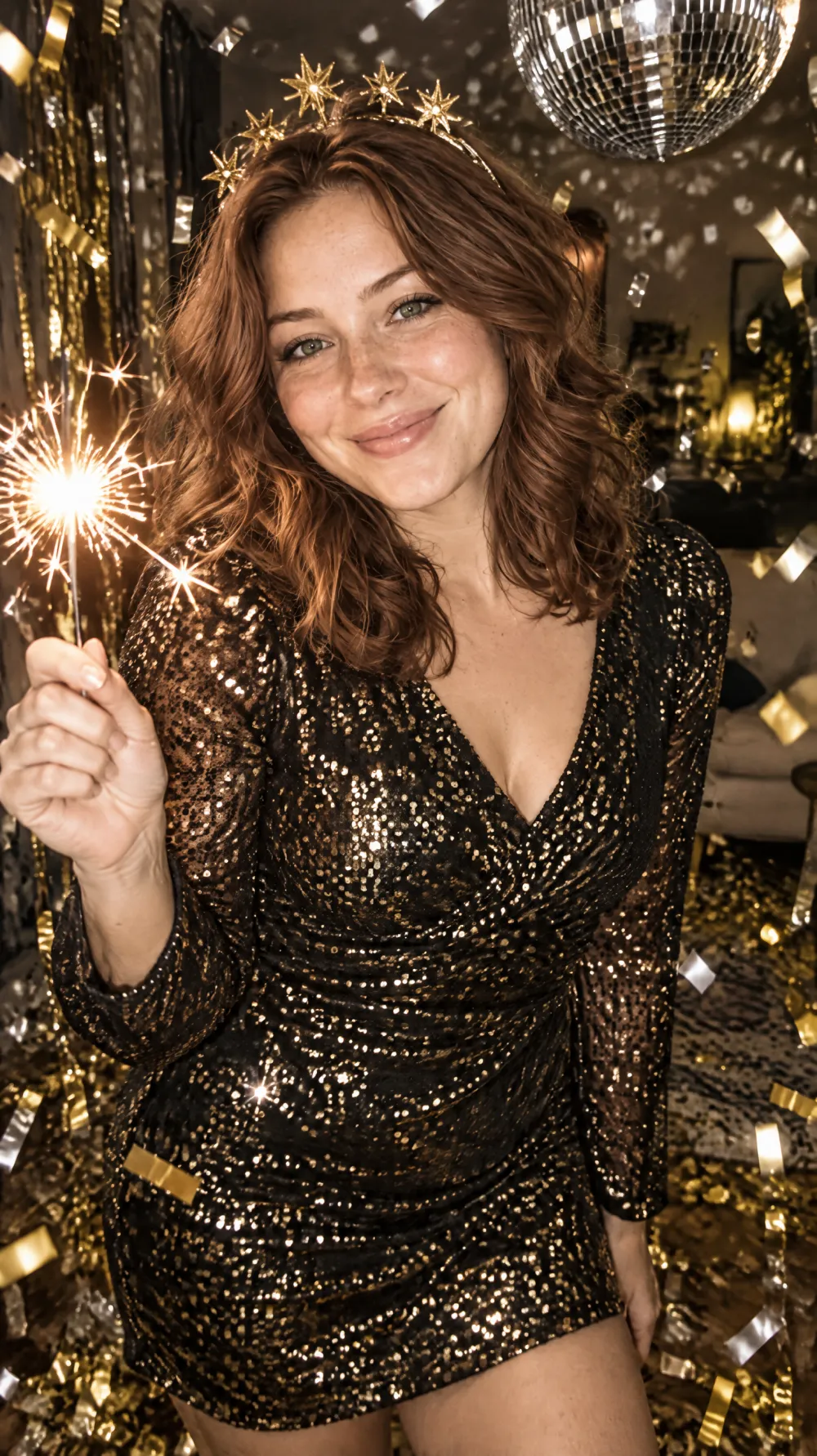
New Year's Eve Party Flash
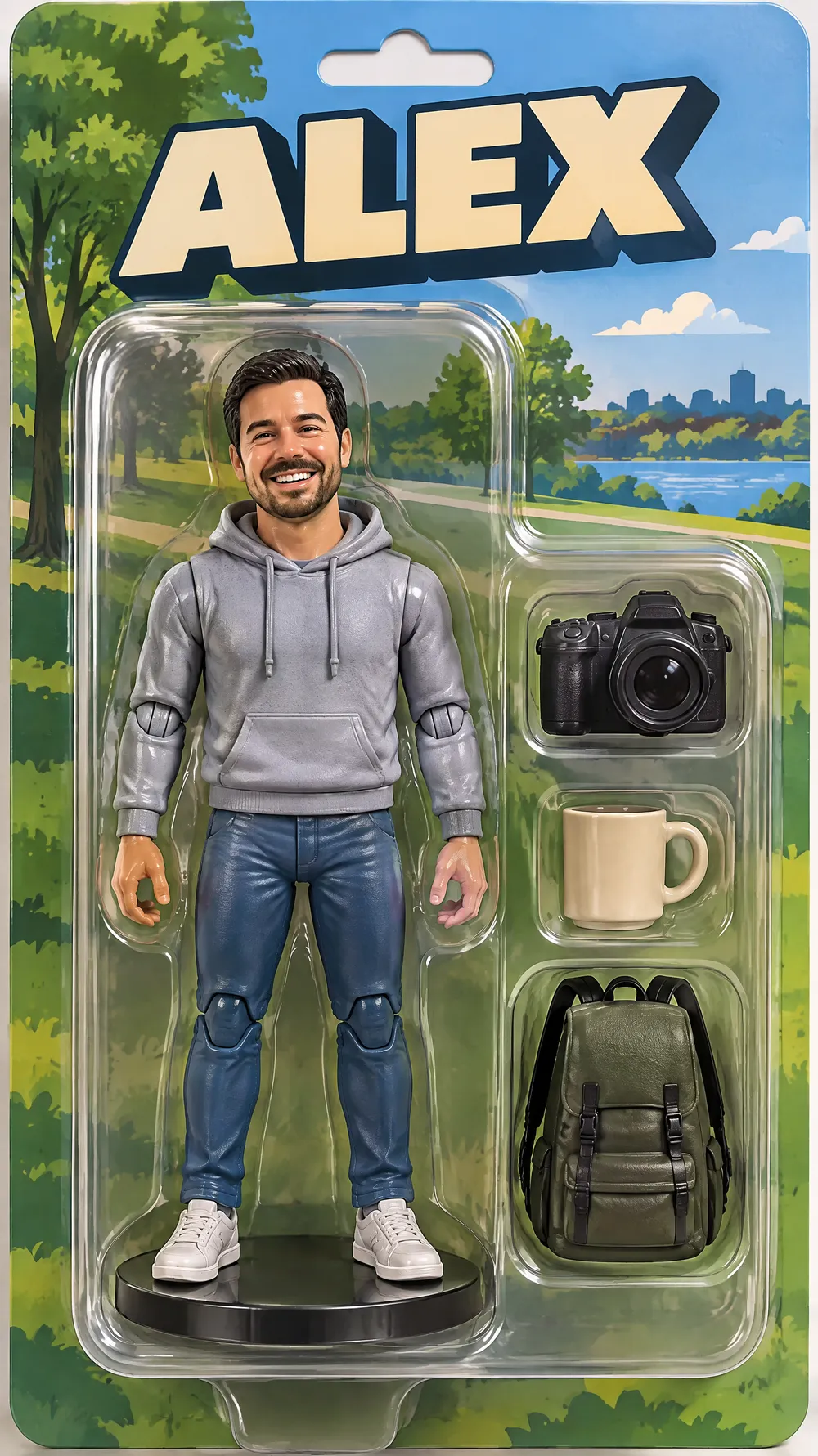
Collectible Figure Box
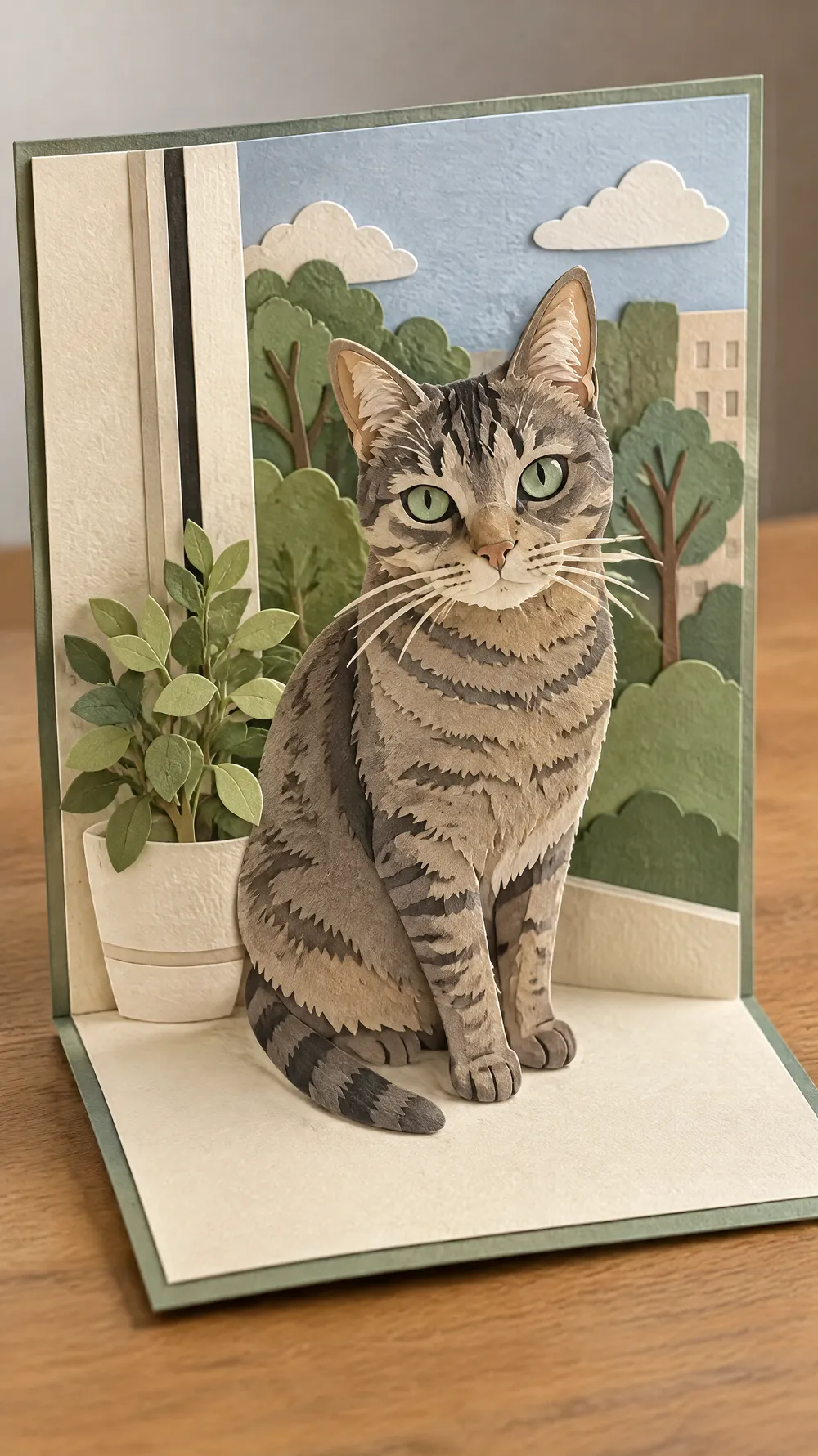
Pop-up Paper Card
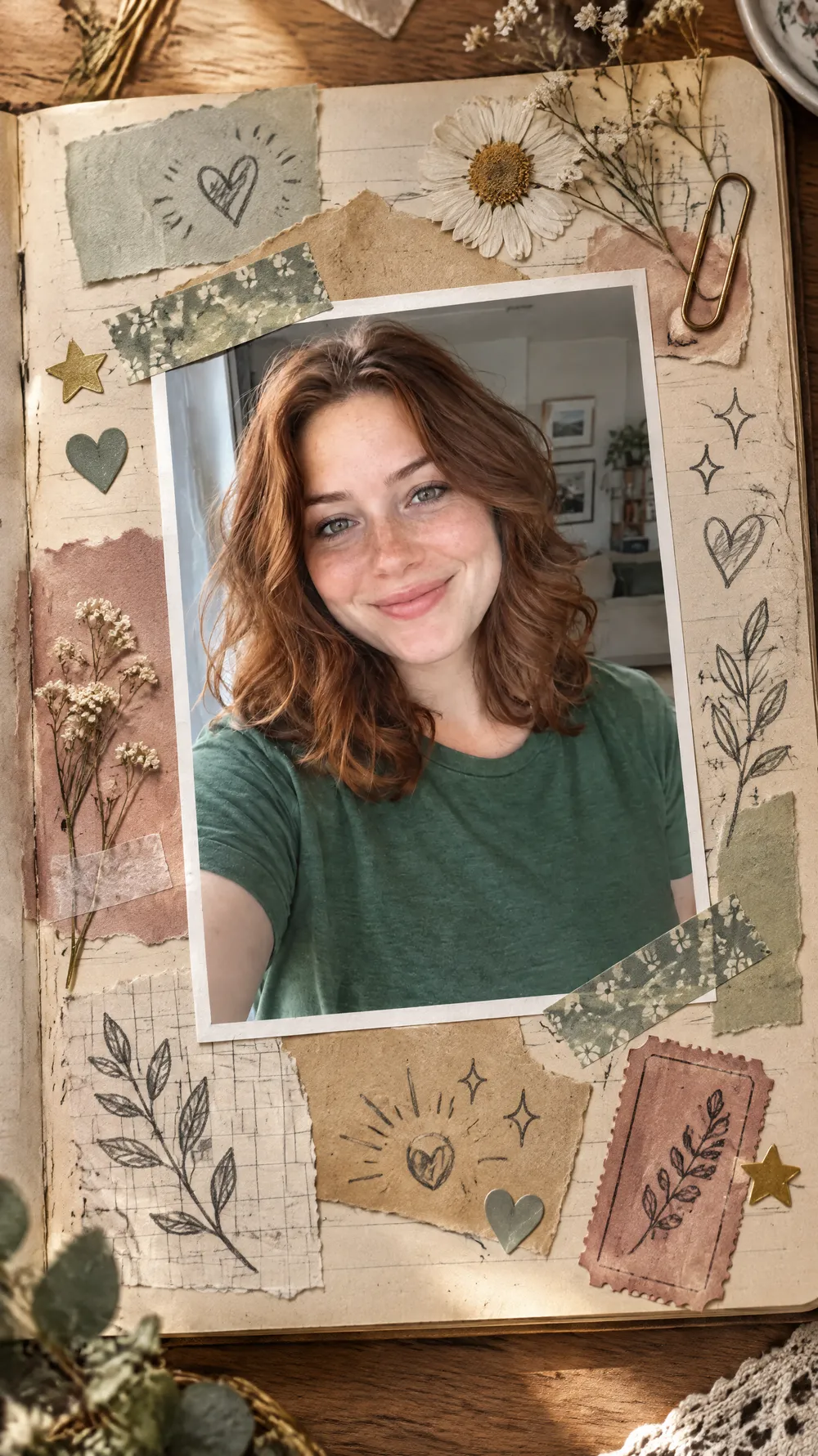
Scrapbook Journal Page
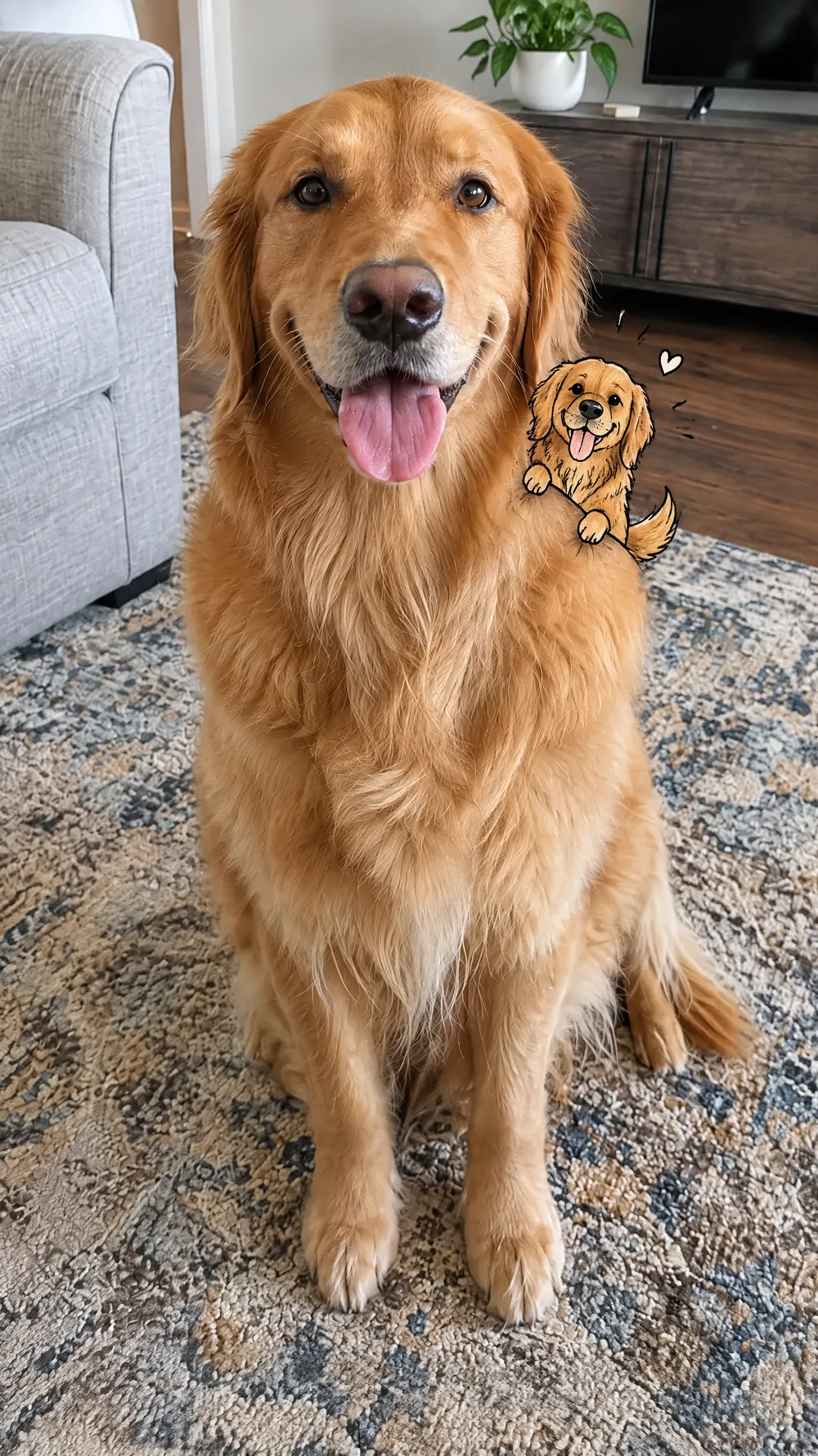
Mini Doodle Twin
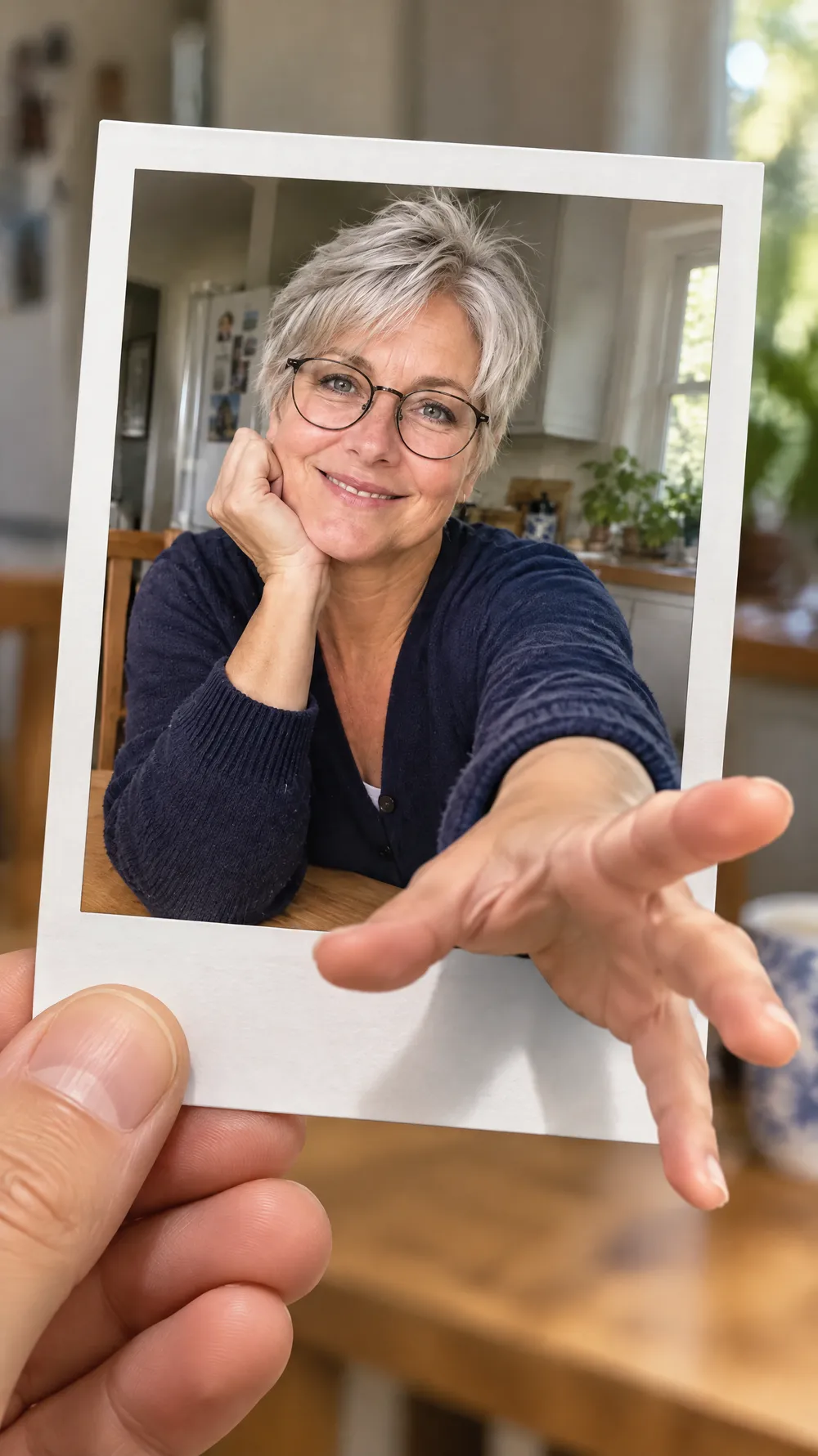
Instant Photo Pop-Out
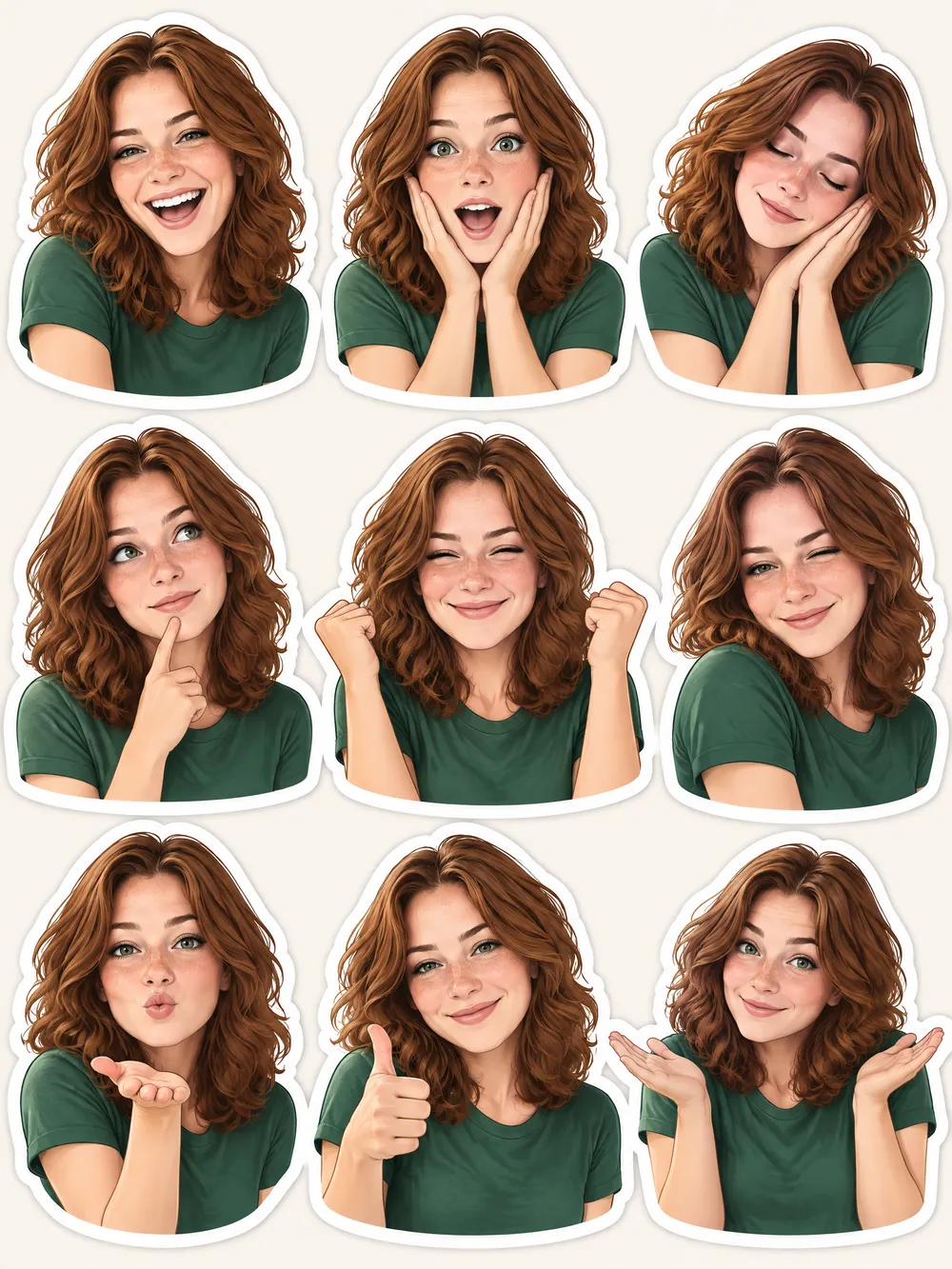
Photo Sticker Sheet
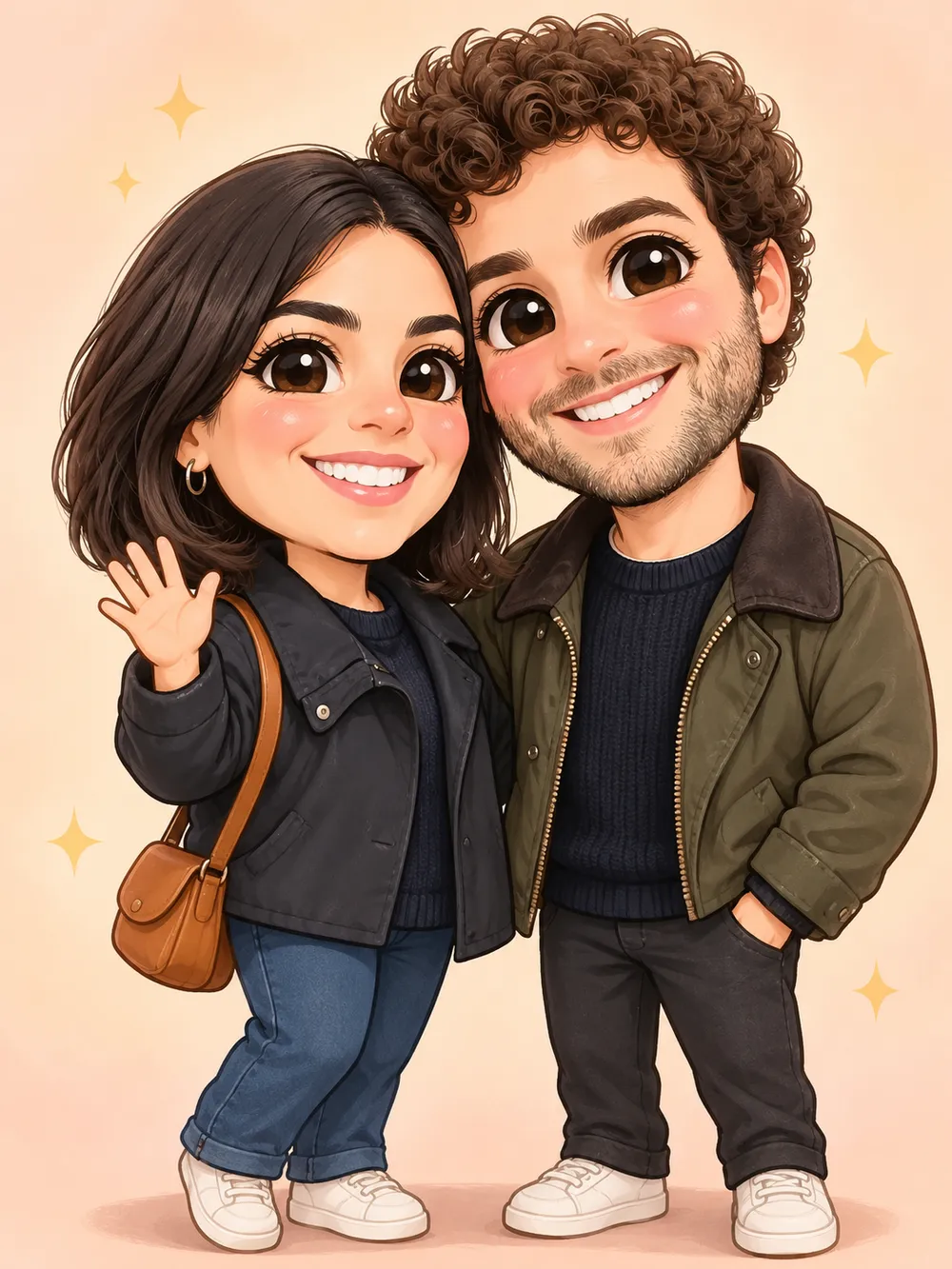
Chibi Character
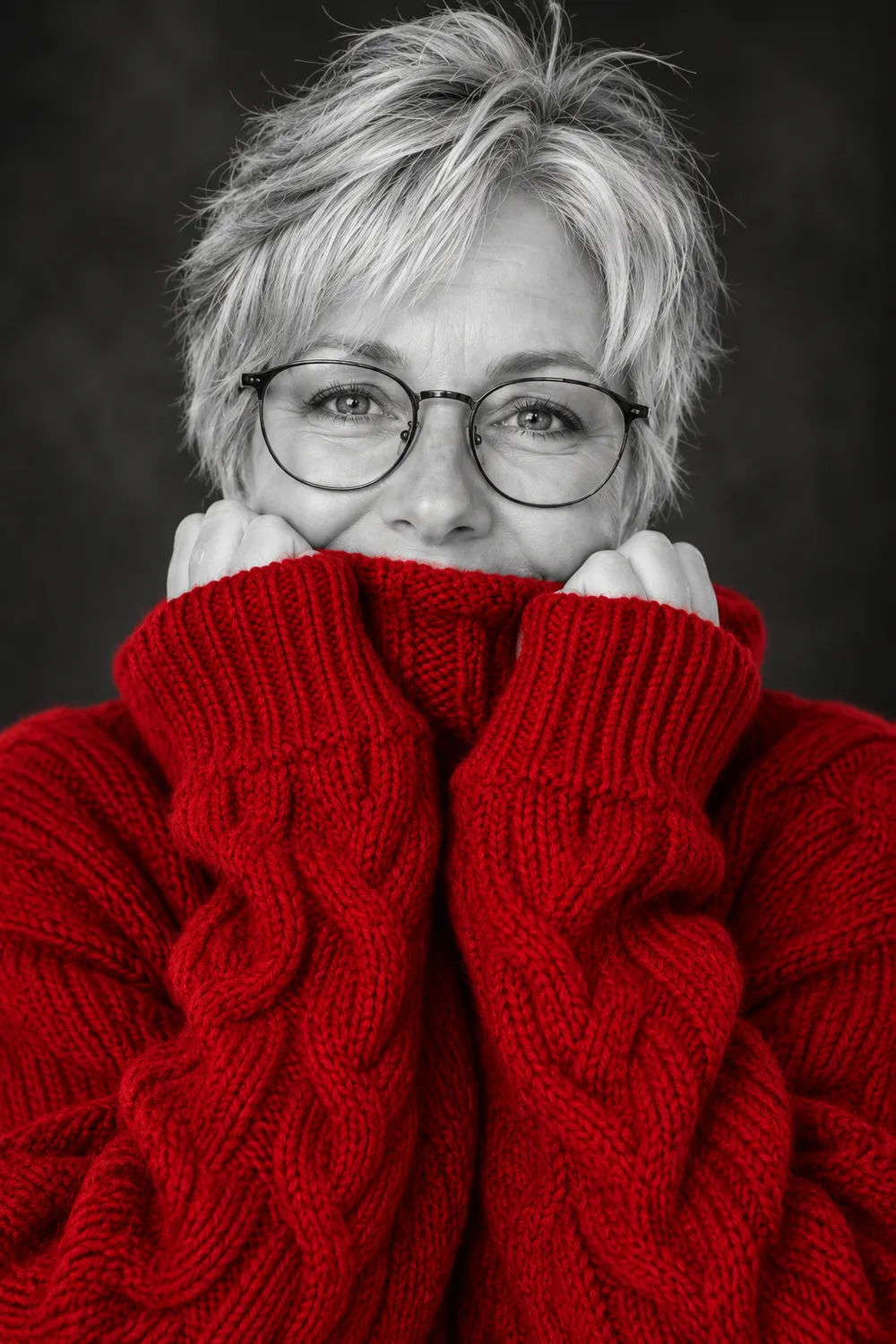
Color-Pop Sweater Portrait
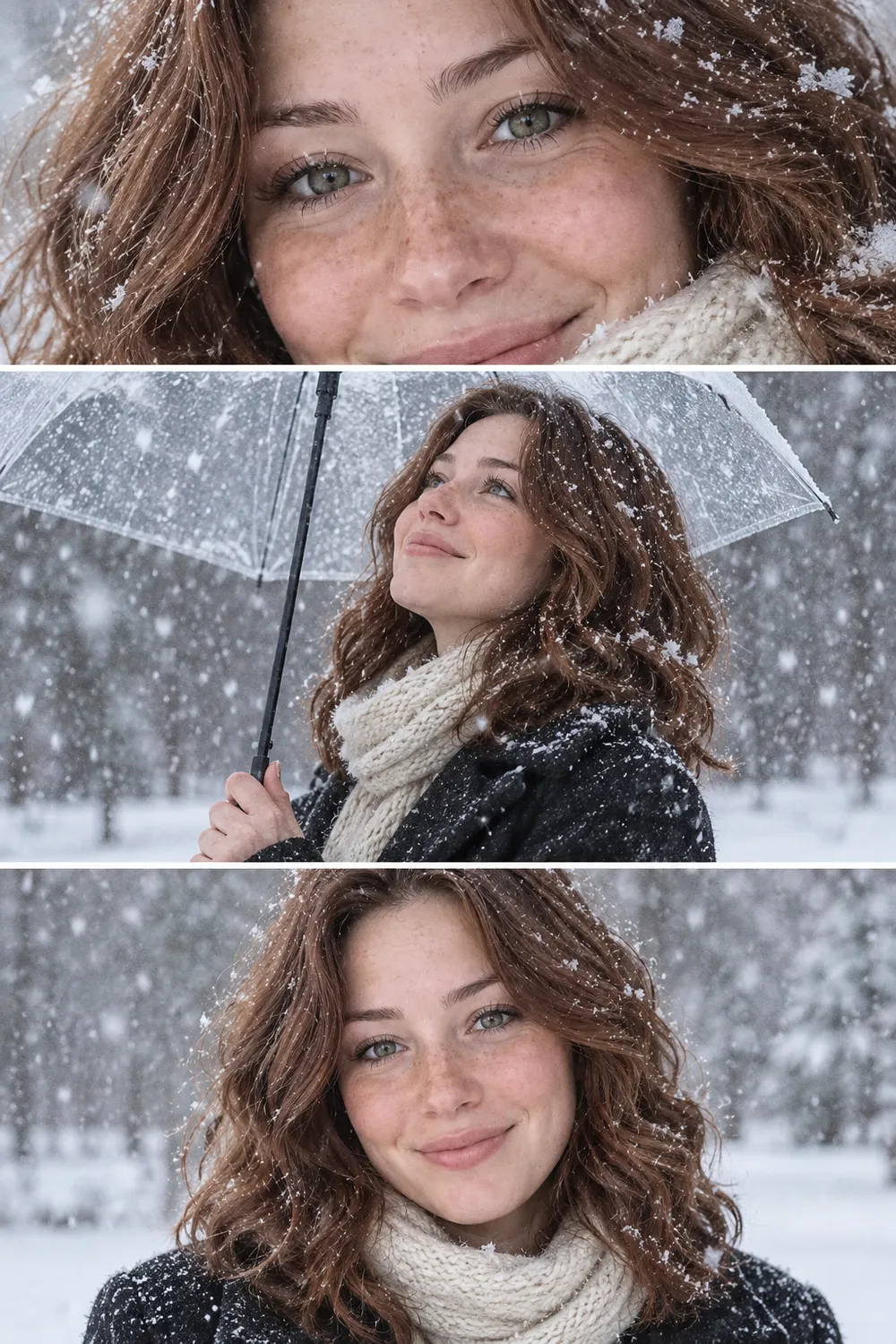
Snow Triptych
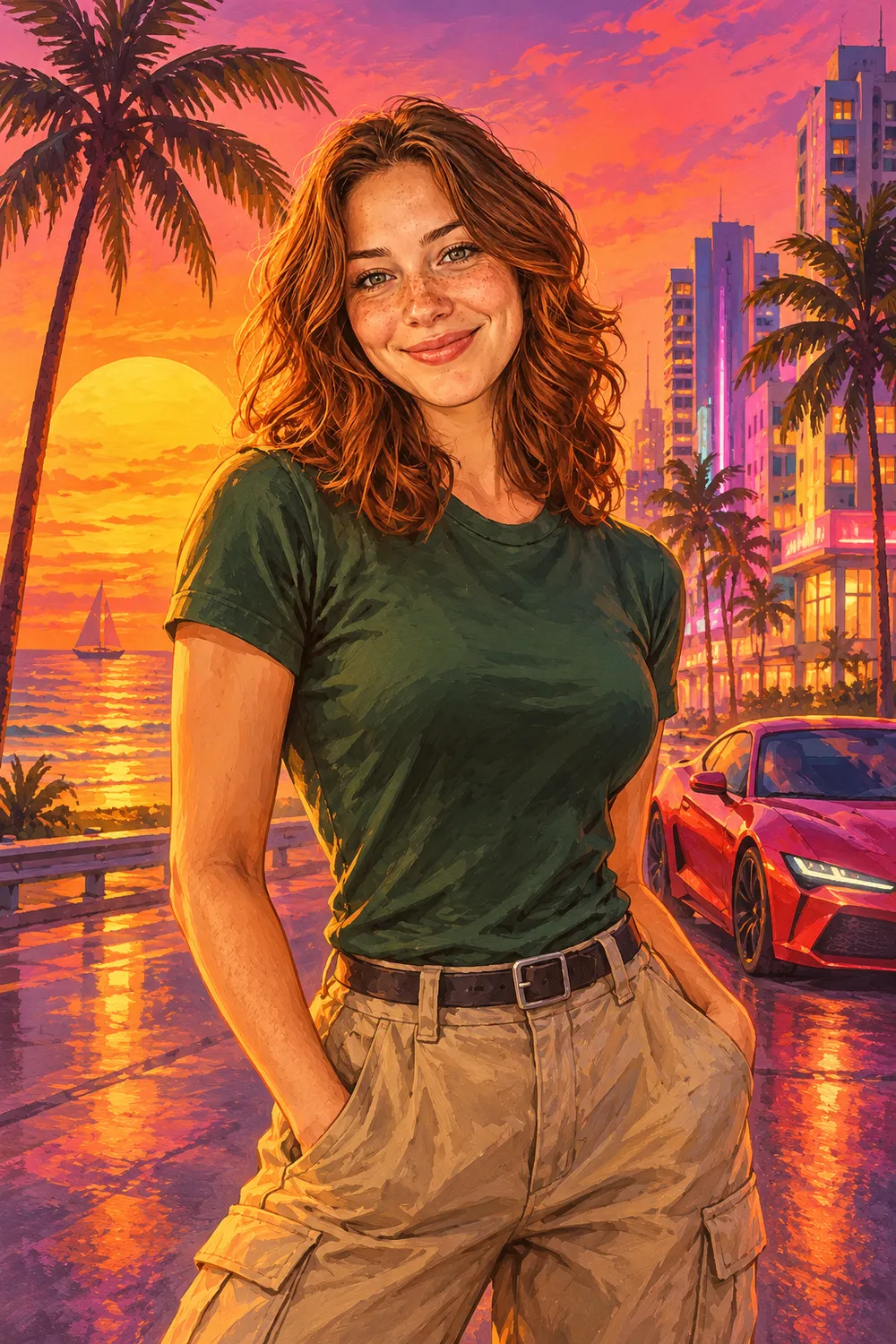
Neon City Game Poster
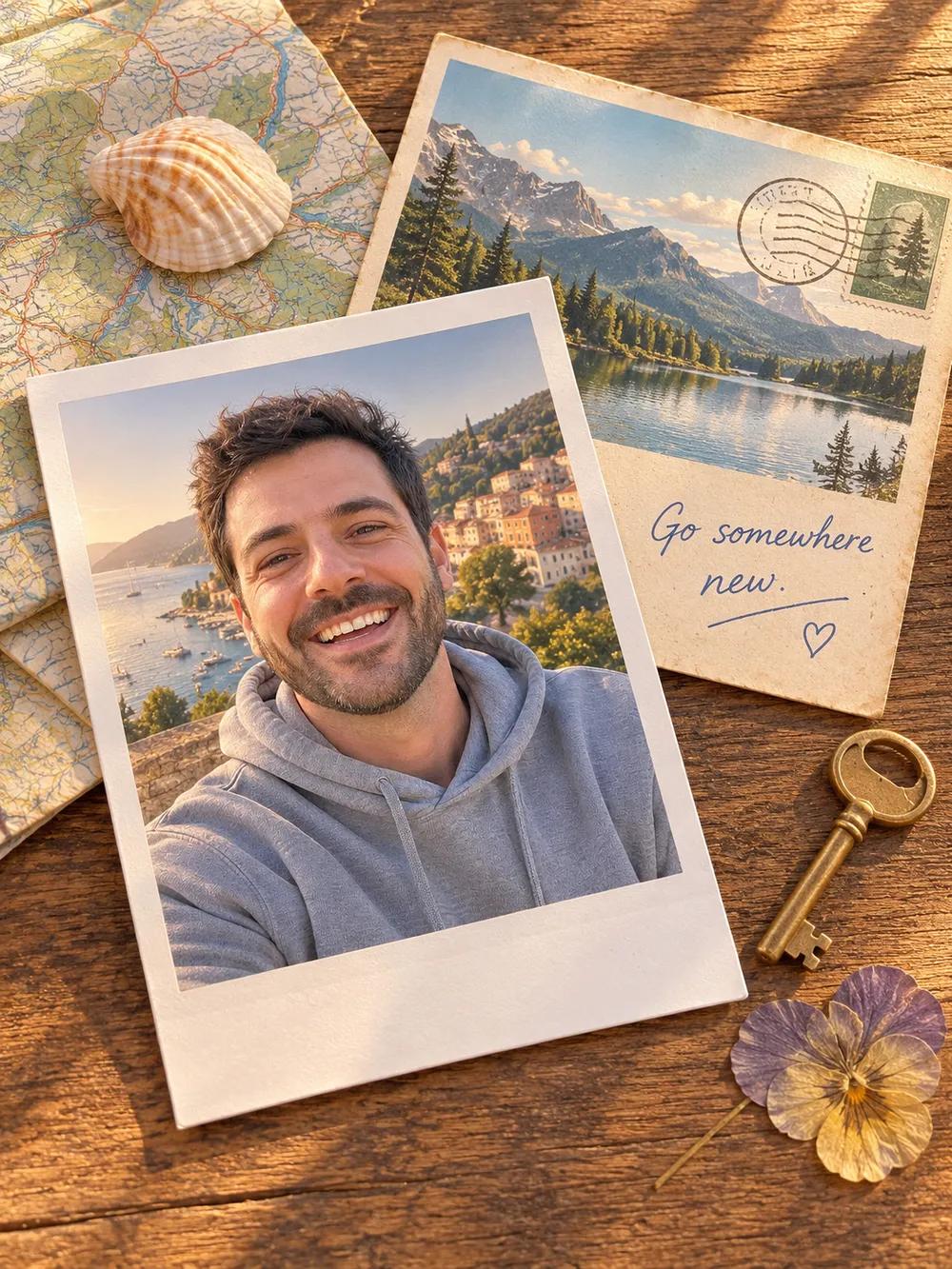
Wanderlust Postcard Collage
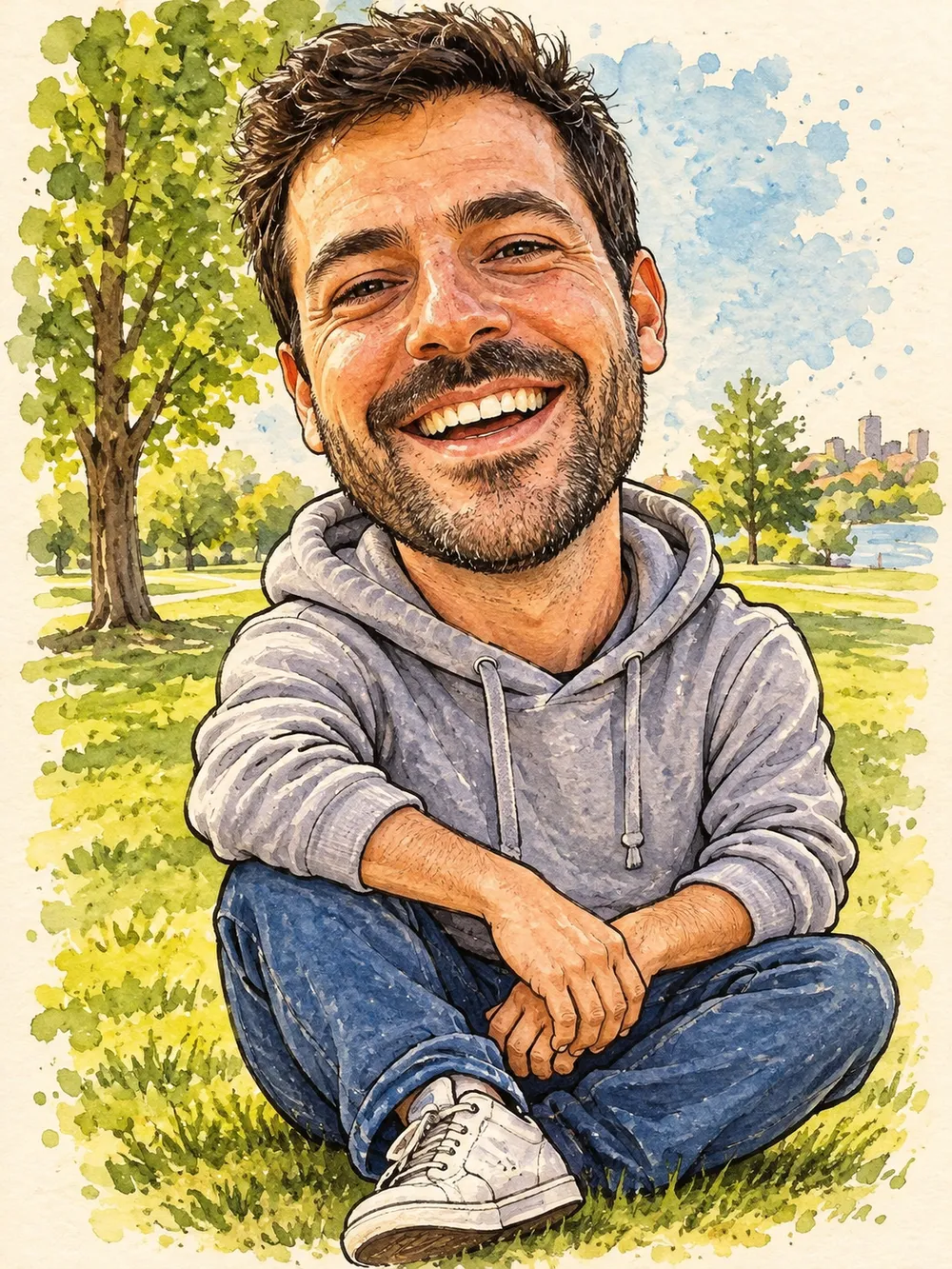
Caricature Portrait
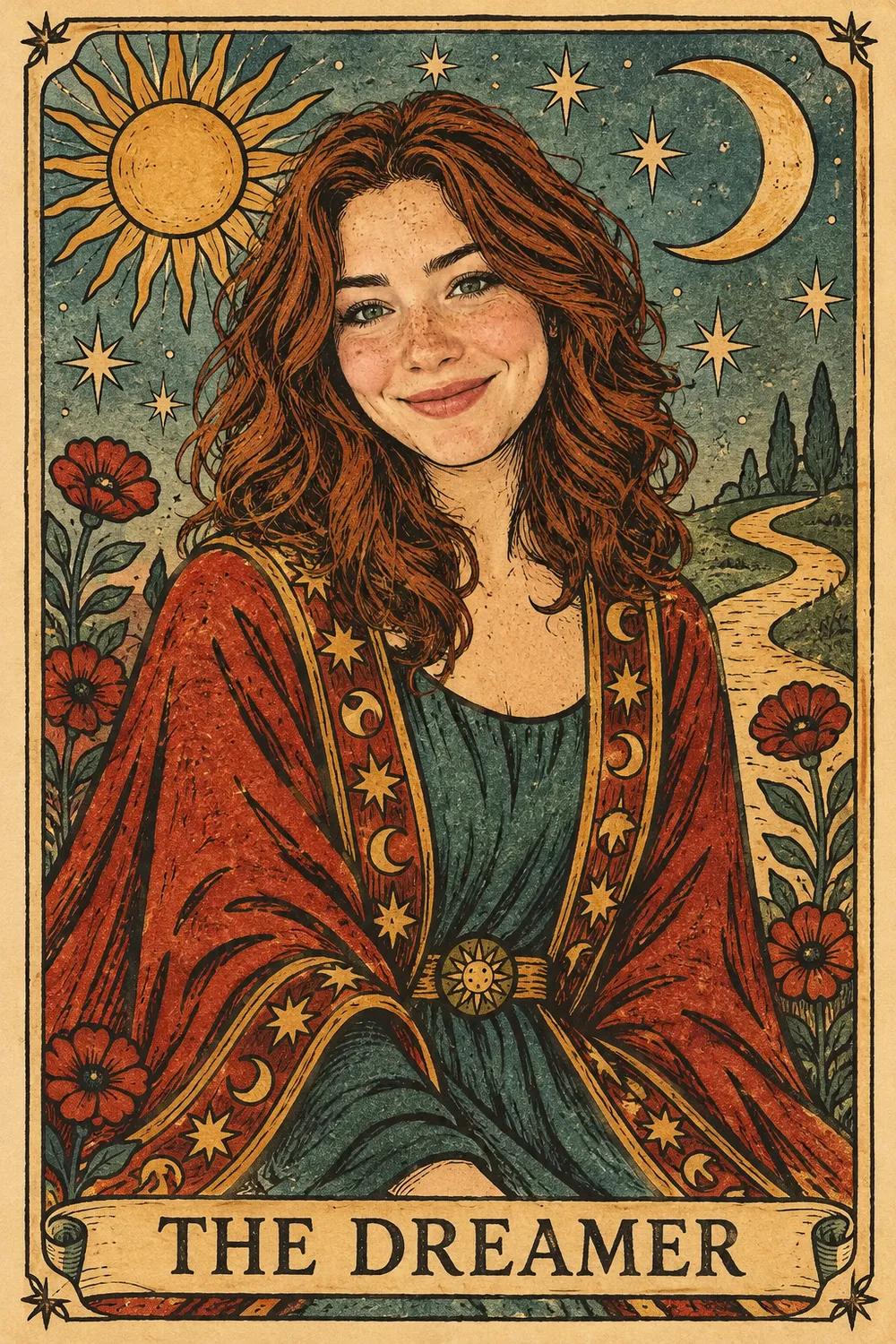
Tarot Card Portrait
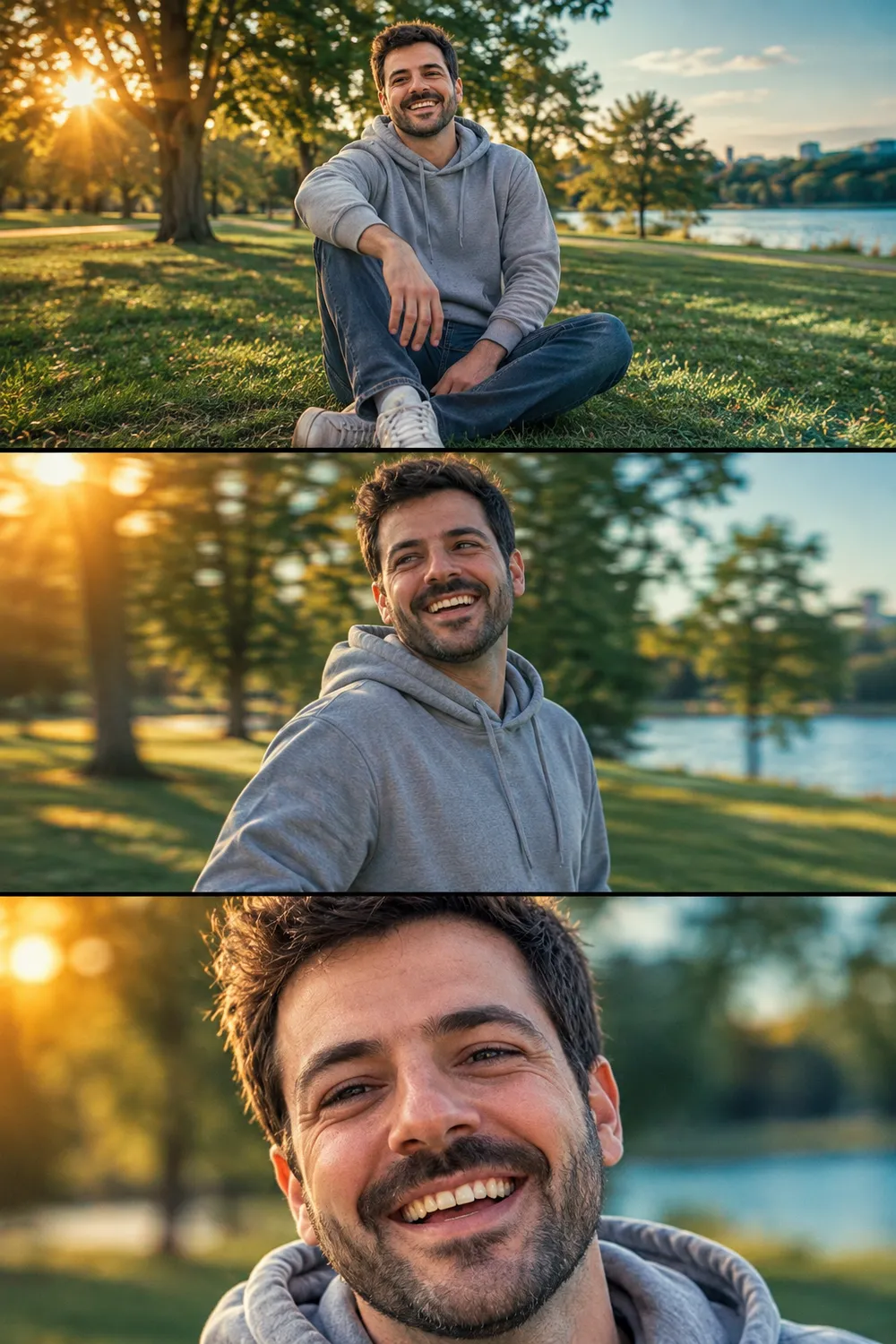
Cinematic Film Stills
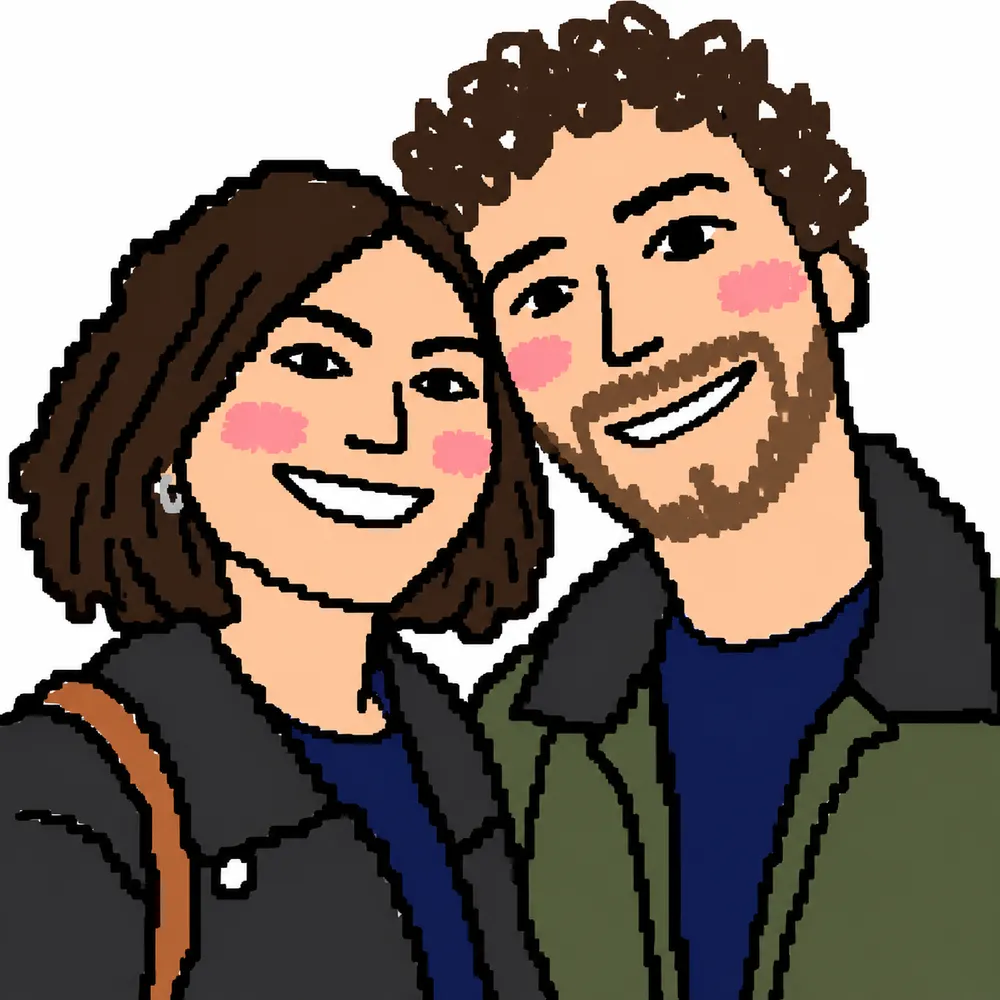
Mouse-Drawn Scribble