

Cinematic Film Stills Maker
Turn one photo into an 80s snapshot, a claymation world, a photo booth strip and 32 more trending looks.
The cinematic film stills look turns one photo into a short story told in three stacked movie frames. The top frame is a wide establishing shot with you small in the scene, the middle frame is a medium shot from another angle with a hint of motion, and the bottom frame is a tight close-up with a quiet emotion, all in a cool teal-and-amber grade with deep blacks, shallow depth of field and fine film grain.
Upload one photo of yourself or a pet in a place you like, pick a size and create. The frames use your own surroundings, such as a park, a kitchen or a street, so it differs from the snow triptych, which puts you in falling snow, and from the photo booth strip, which is a black-and-white strip of poses.
This is the Cinematic Film Stills style of the Photo Trend Maker. The form on this page opens with it already selected.
Cinematic Film Stills examples
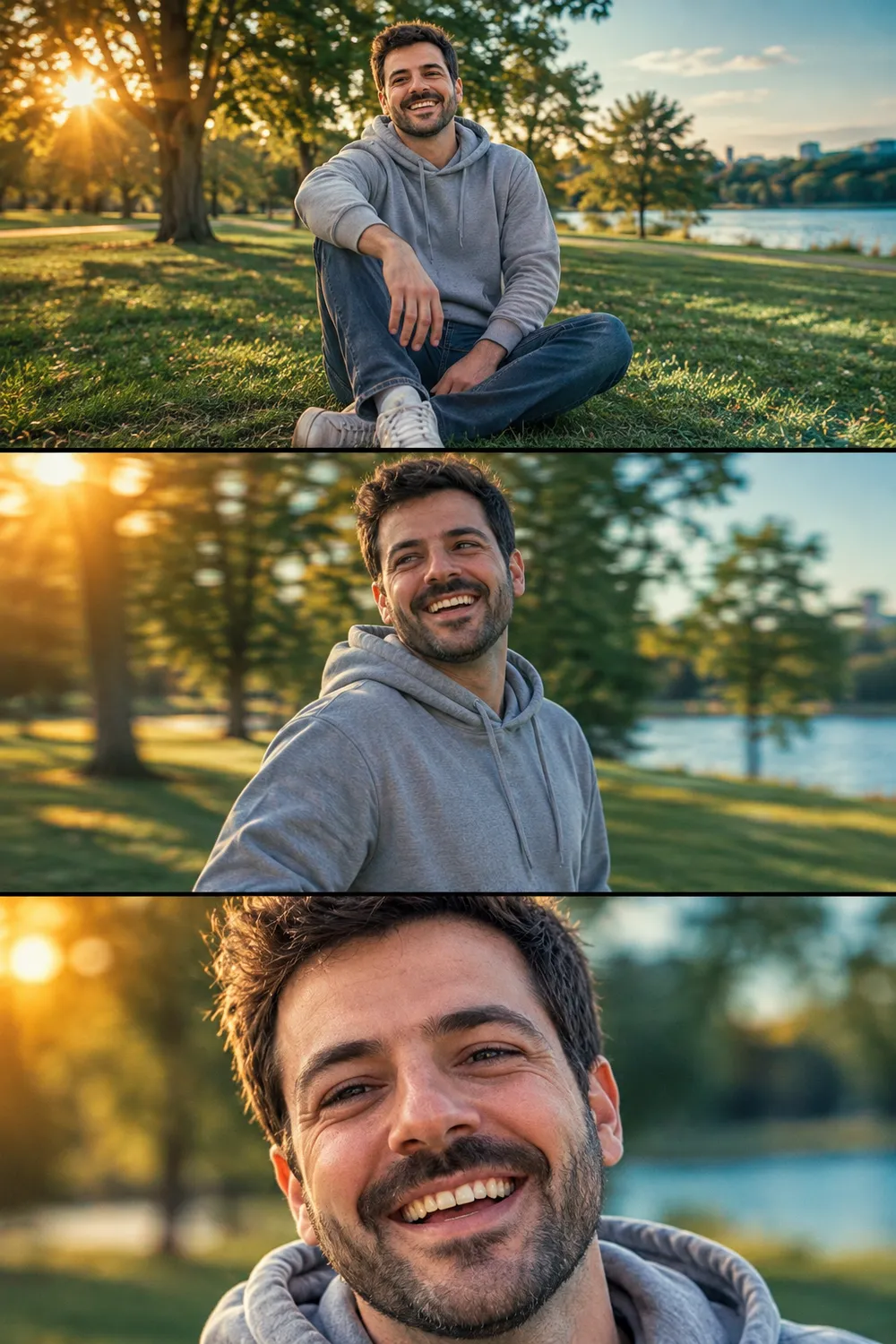
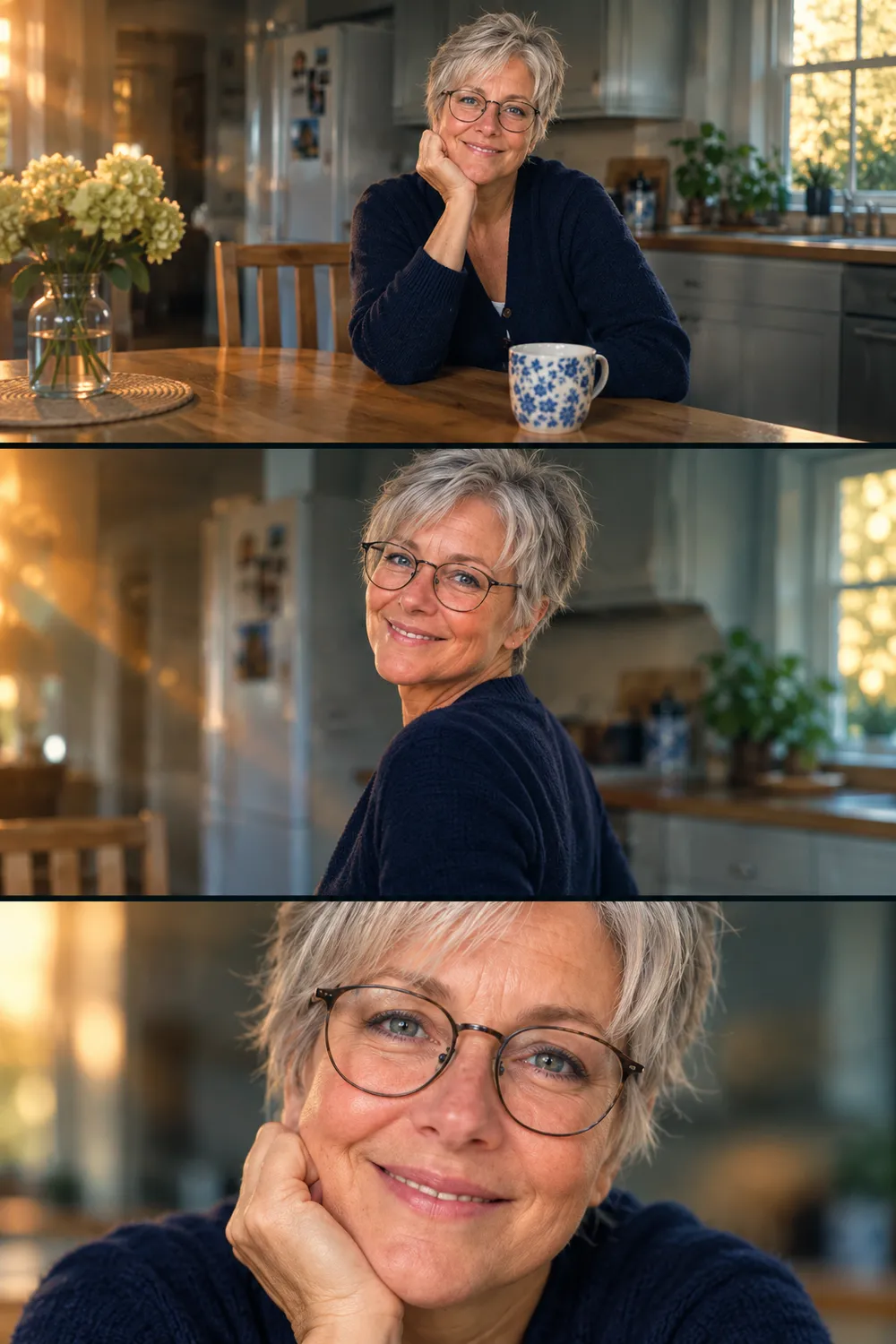
Who the Cinematic Film Stills style suits
Story and reel covers
A tall three-frame picture reads like a movie poster for your day and fits a 9:16 Story cover.
Portfolio and profile banners
A set of wide, medium and close frames shows a face from three distances, which suits an actor, a creator or a photographer's profile.
Pets
A dog or a cat appears in all three frames, from a wide shot to a close-up of the eyes, with the same coat colors and markings.
Getting the best Cinematic Film Stills result
- 1
Pick a photo with a setting
The wide frame needs something to show: trees, a window or a street. A plain wall gives a thin first frame.
- 2
One person works best
The look asks the AI to show only the subject in every frame. With two people, the close-up tends to mix faces, so crop to one person first.
- 3
Choose 9:16 or 2:3
The tall sizes give each frame enough height. The 1:1 square makes each frame a thin strip, so save it for a different look.
- 4
Check the three faces
The close-up is the frame most likely to drift. Compare it with the wide shot and generate again if they look like two people.
- 5
Want a different mood?
The grade is cool teal and warm amber. For a different story, such as a snowy walk or a night street, describe it in Image to Image.
Ideas to try
- Photo: a selfie outdoors with trees or buildings behind, size 9:16
- Photo: a person seated at a window or a kitchen table, size 2:3
- Photo: a dog standing in a park, size 2:3
- Photo: a person walking on a street, size 3:4
Cinematic Film Stills prompt for ChatGPT and Gemini
You can try this look in a chat image tool too: upload your photo, then paste the text below. It is adapted from the description PiCraft sends to the image model for this look, so a chat tool may give a different result. Every run is different, so try it twice, and add the shape you want at the end, such as “vertical 2:3”.
Use the photo I upload as the reference.
Turn it into three stacked movie stills of me in my real surroundings, full-bleed and divided by thin dark gaps. Top frame: a wide establishing shot with me small in the scene. Middle frame: a medium shot from a different angle with a hint of motion blur as I turn or walk. Bottom frame: a tight close-up of my face and eyes with a quiet, honest emotion. Keep the same person, outfit and place in all three frames and show only me, with no other people or animals. Use a cool teal-and-amber color grade, deep blacks, shallow depth of field and fine film grain. No text, no subtitles and no logos.
- Describe each frame by distance: wide, medium, close-up. "Three movie stills" alone gives three similar crops.
- Say "show only me". Without it, tools often add a companion or an animal to make the story feel full.
- Name the grade and the grain. A cool teal-and-amber grade with fine grain is what makes the frames feel filmed rather than shot on a phone.
To change the wording or add reference photos, use Image to Image. To skip the prompt, use the form at the top of this page and download a finished JPG at the size you pick.
What you download
Every design from the Photo Trend Maker comes with the files for the job, whichever style you choose:
- Vertical 1080×1920 JPG (9:16)
- Pinterest Pin 1000×1500 JPG (2:3)
- Portrait post 1080×1440 JPG (3:4)
- Square 1080×1080 JPG (1:1)
Questions about the Cinematic Film Stills style
Will all three frames show the same person?+
The look asks the AI to keep the same person, outfit and place in every frame, and it usually does. The close-up is the frame most likely to drift, so compare it with the wide shot and generate again if they look like two people.
How is it different from the snow triptych?+
The snow triptych is a winter picture: an eye close-up, an umbrella shot and a portrait in falling snow, in a long coat. The cinematic stills use your own setting and tell a small story from a wide shot to a close-up.
Which size is best for film stills?+
Use 9:16 (1080×1920) for Stories and full-screen posts or 2:3 (1000×1500) for Pinterest. The 3:4 size works too. The 1:1 square makes each frame a thin strip.
Does it work for pets?+
Yes. A dog or a cat appears in all three frames, from a wide shot to a close-up of the eyes. A sharp photo where the pet looks at the camera works best.
What is the film strip look?+
It is a vertical picture of three cinematic frames of one subject. ChatGPT's own image styles include a film-strip style with three cinematic stills in one tall frame, and three-frame layouts also appeared in November 2026 roundups, such as the snow version listed by Nano Potato on November 24 and tested by PNZ Medya on November 4. See AI photo trends right now for the looks going around now.
Are the film stills free to make?+
Yes, to try. No account is needed, and new visitors start with free credits. Every picture costs one credit, the same for all 35 looks and all four sizes, and a failed run is refunded. Each run tells a slightly different story, so a second credit is the quickest way to find a close-up you like.
Can I make film stills in ChatGPT or Gemini?+
Yes. Upload your photo and paste the prompt above. The parts to spell out are the three distances, the grade and the ban on other people, because a short request such as "make film stills" leaves them to the model. The form on this page has that wording built in and returns a JPG at exactly 1080×1920, 1000×1500, 1080×1440 or 1080×1080.
Last updated:
Photo trend looks
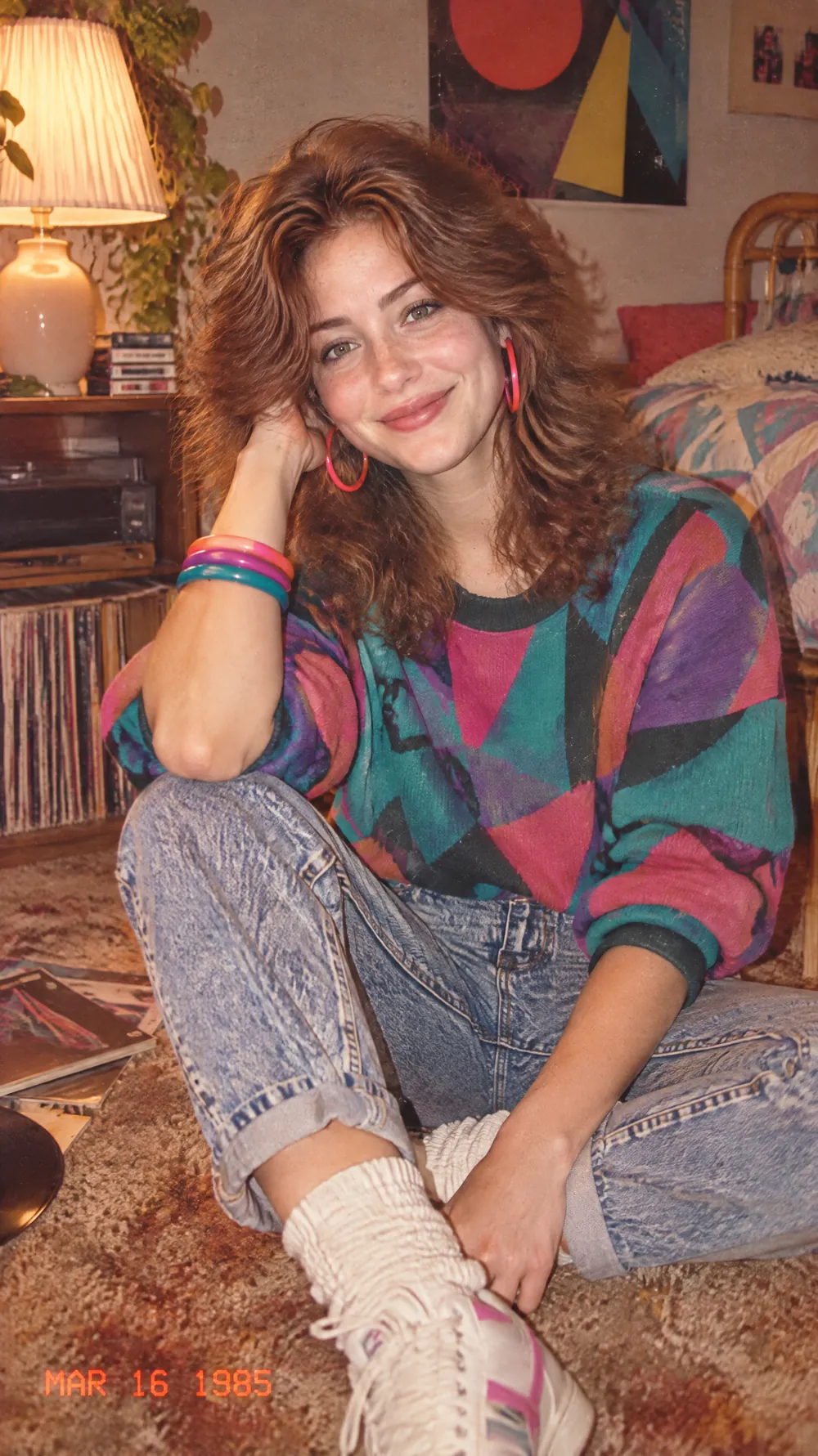
80s Flashback
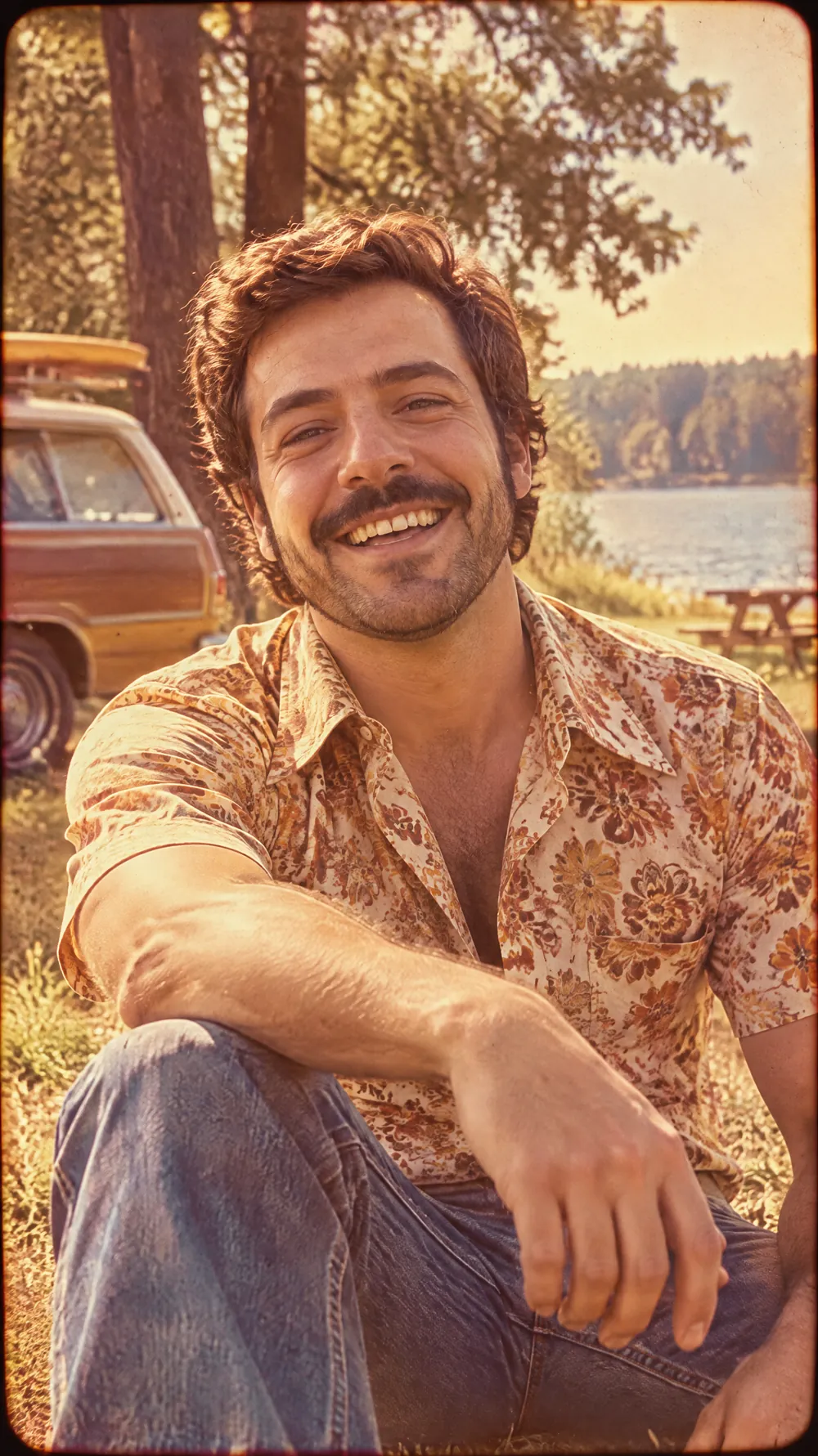
70s Slide Portrait
Y2K Digital Camera
Night Out Flash
Photo Booth Strip
Claymation World
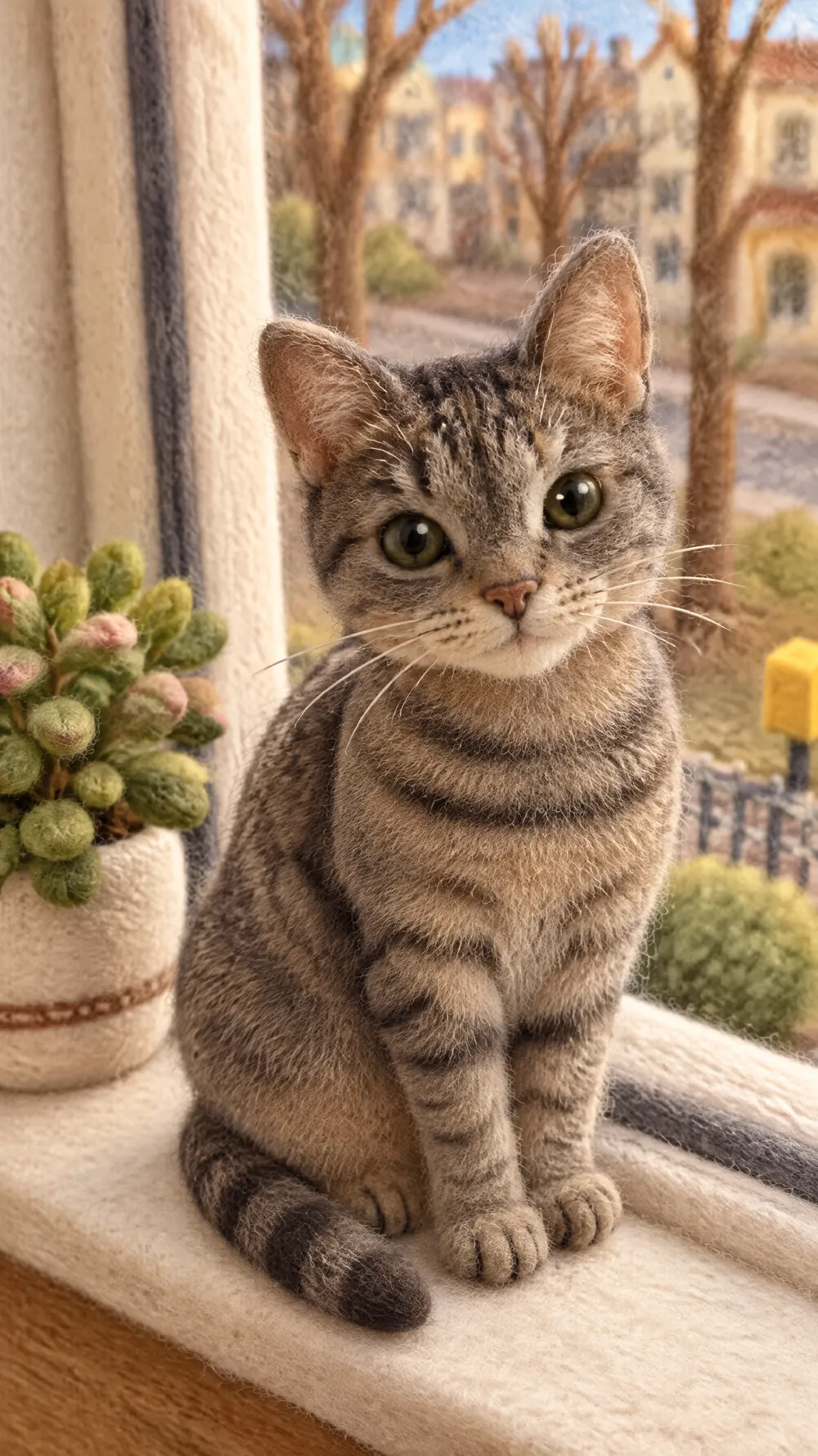
Felt Miniature
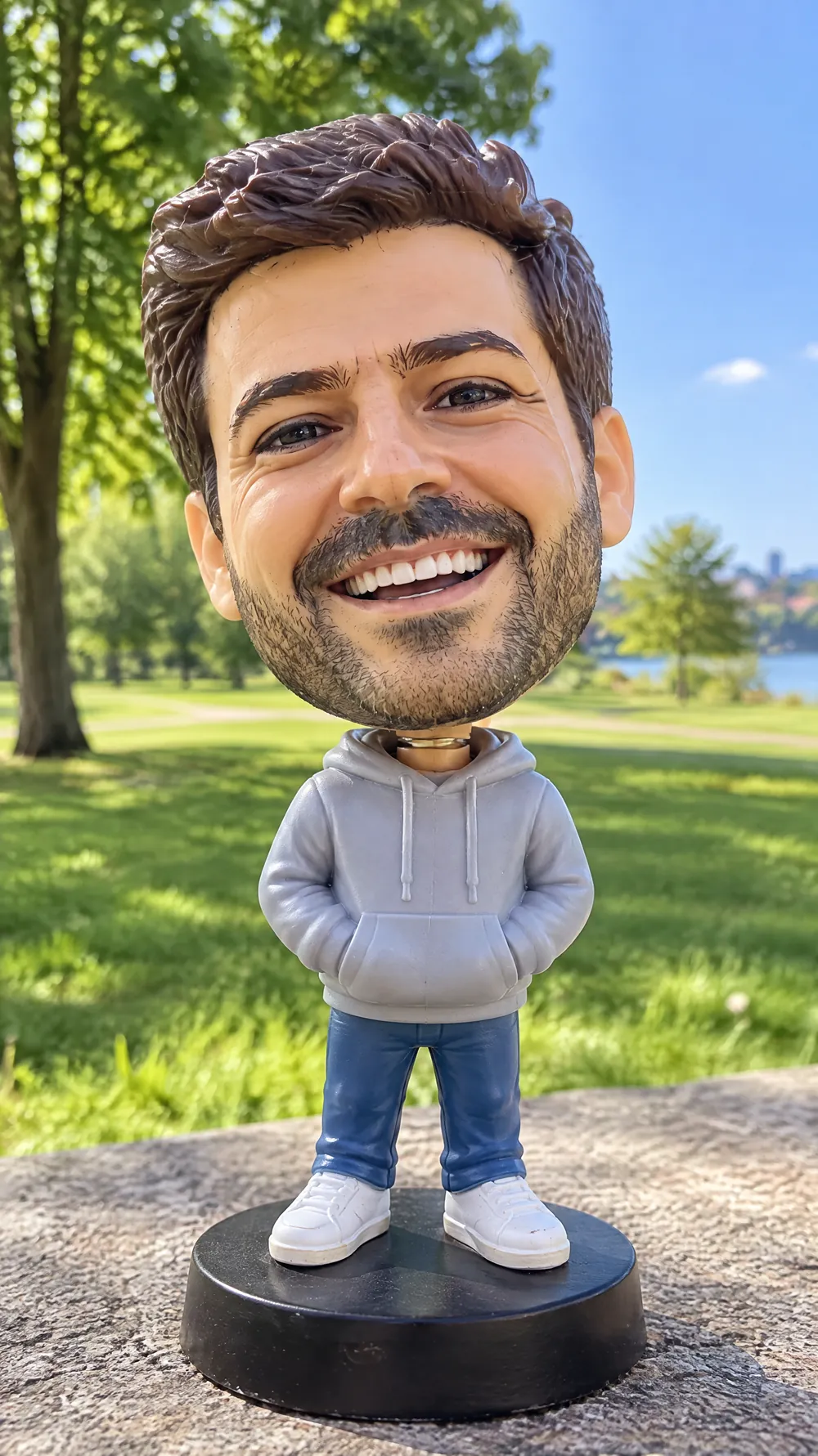
Bobblehead
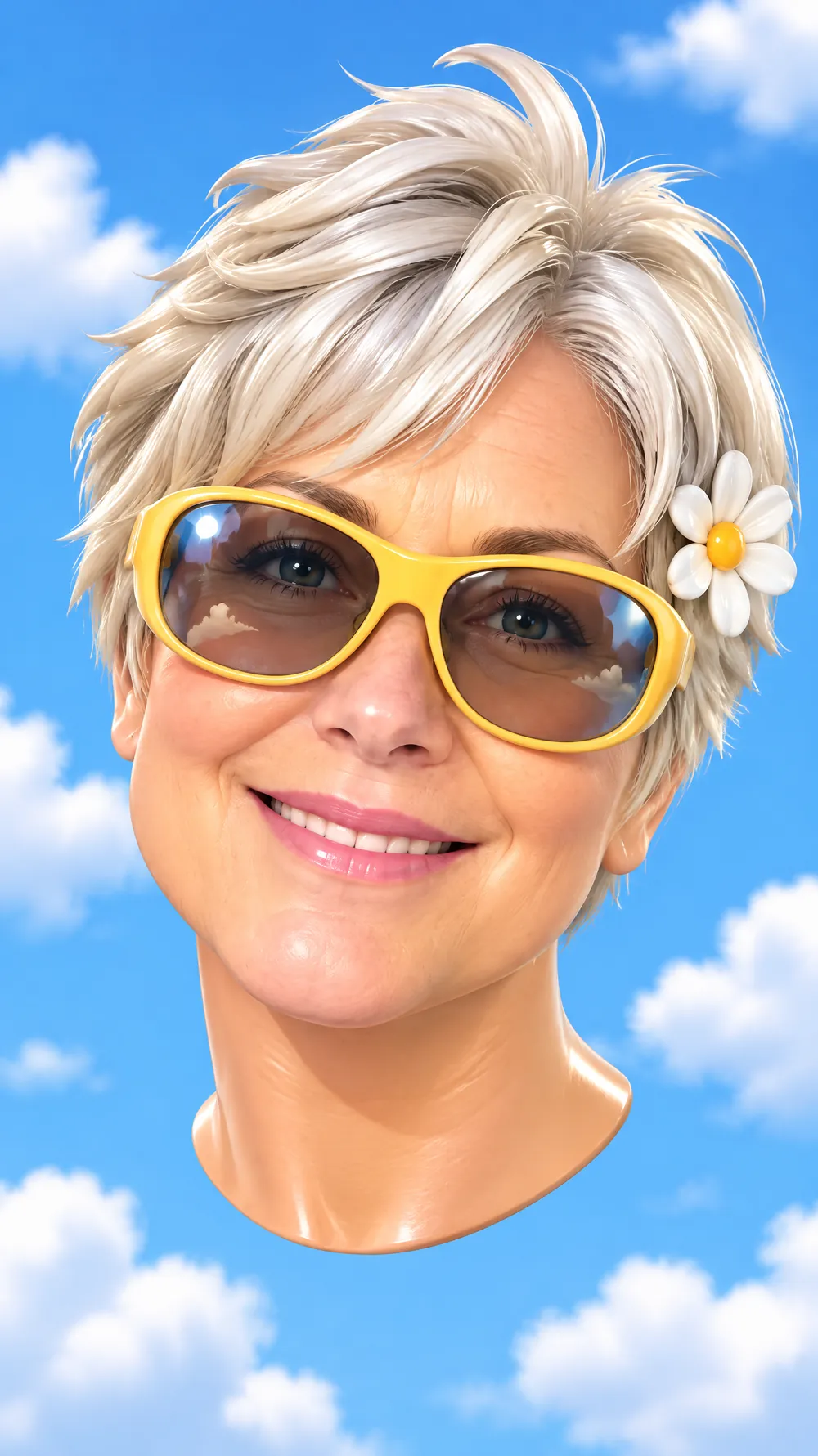
3D Toy Avatar
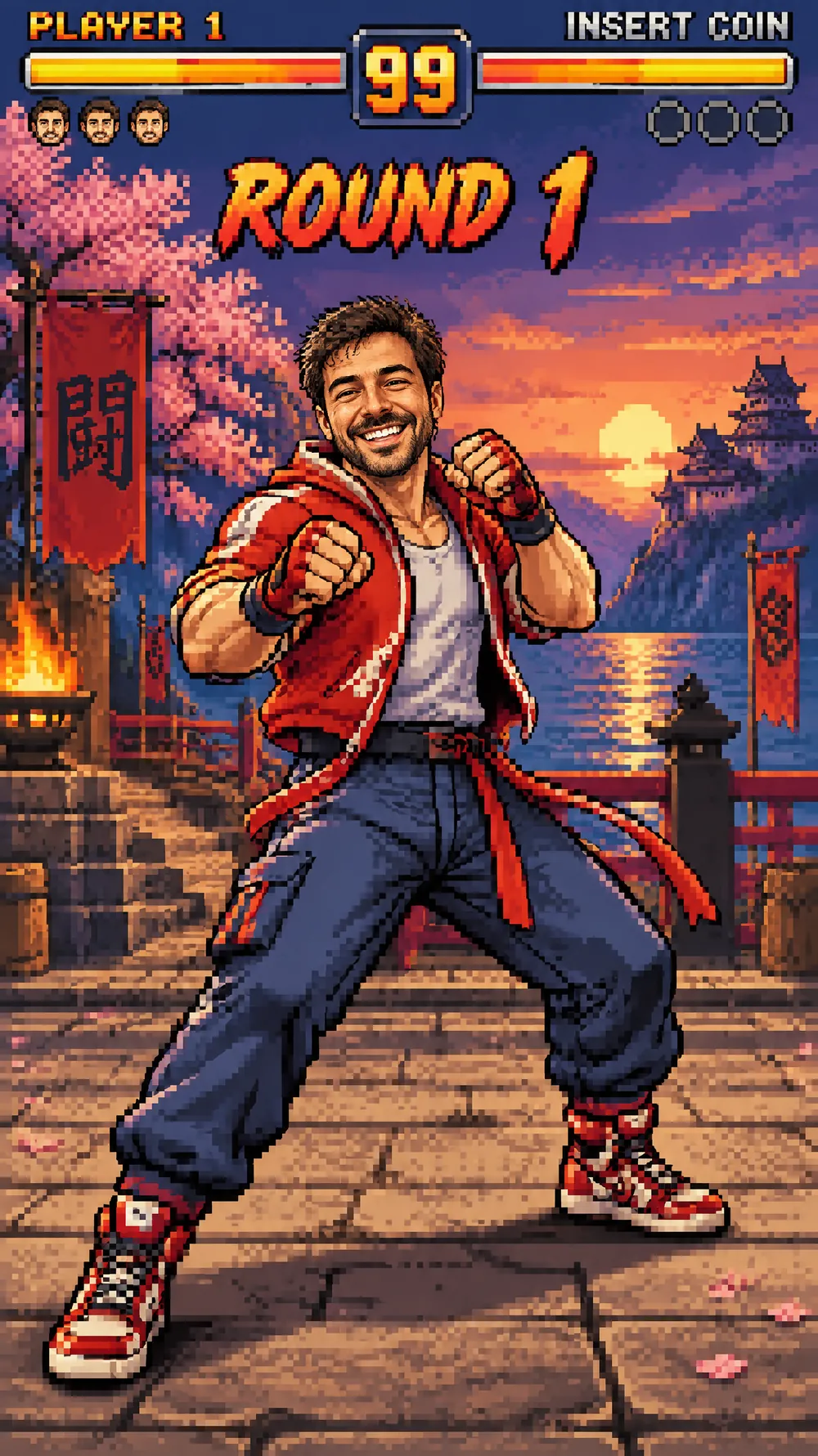
16-bit Arcade Fighter
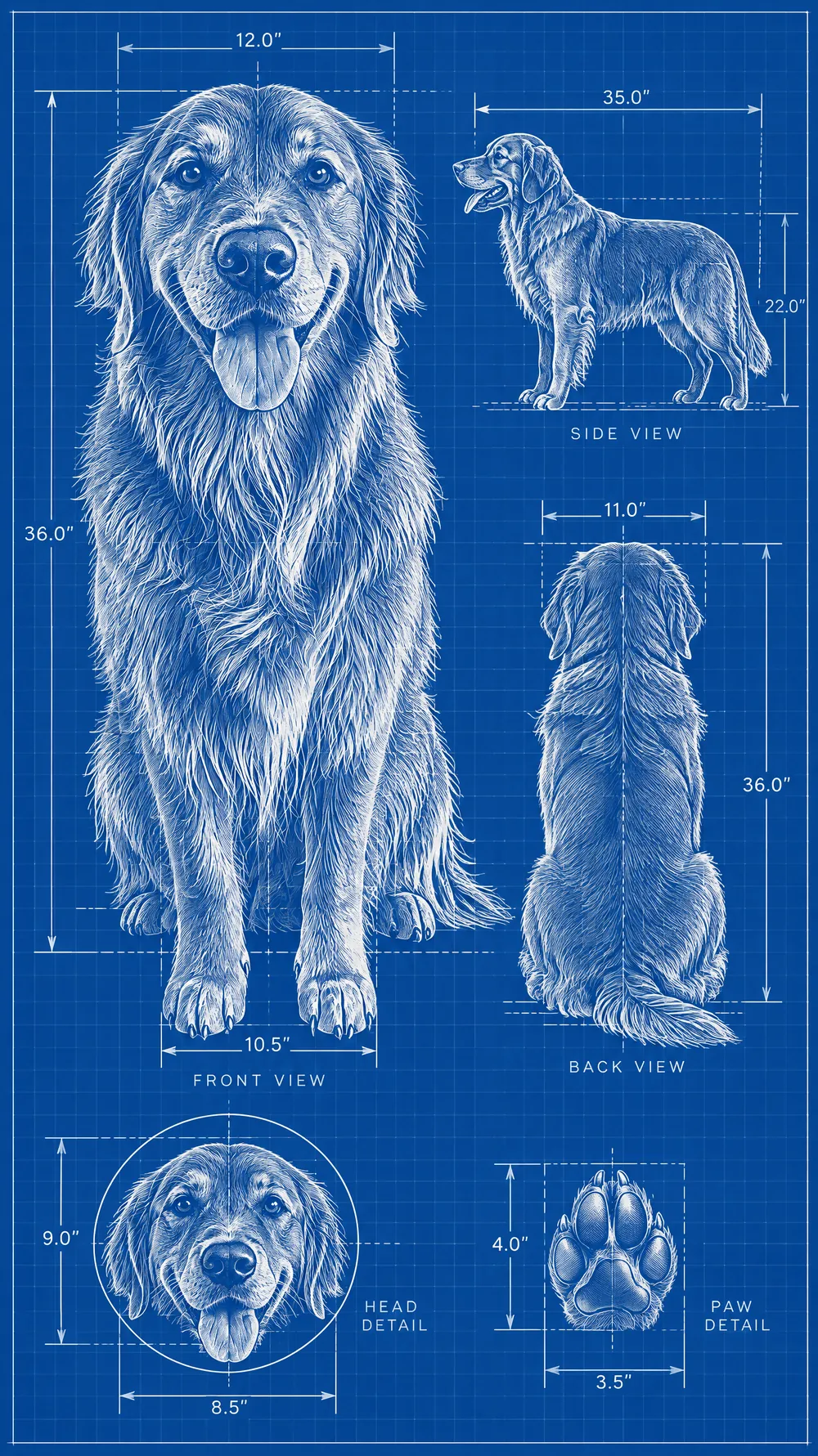
Blueprint Poster
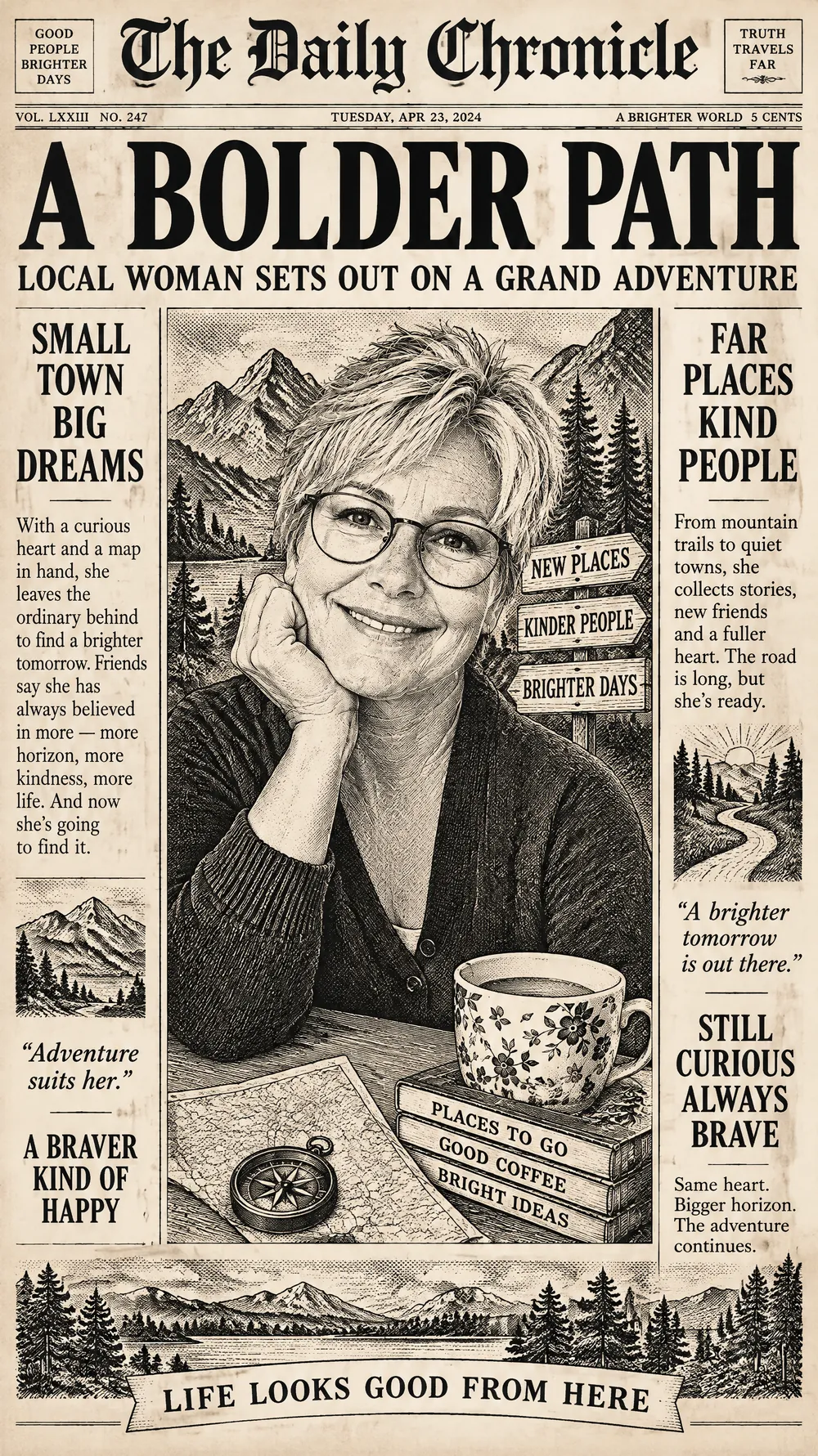
Fantasy Newspaper
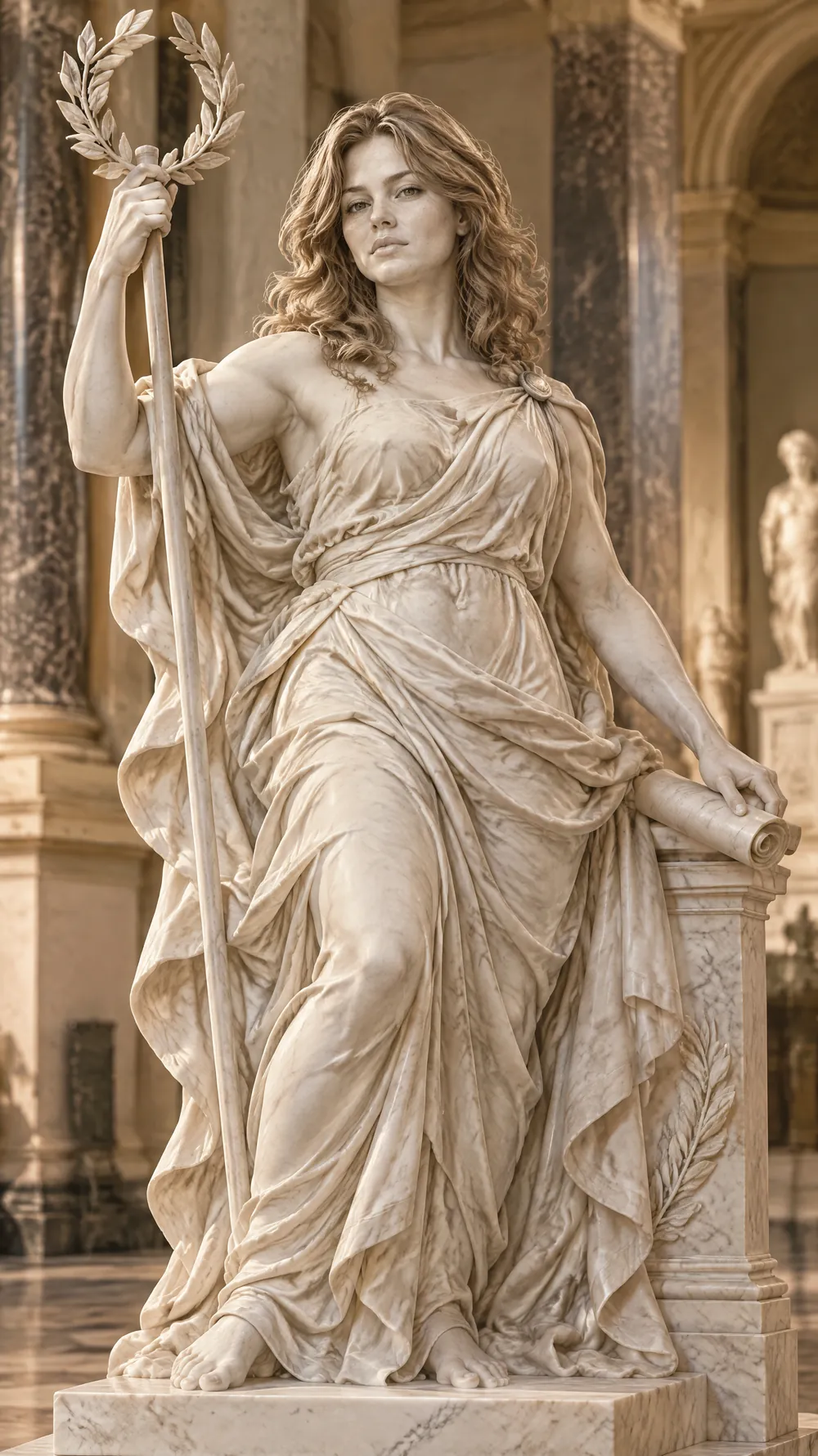
Marble Statue
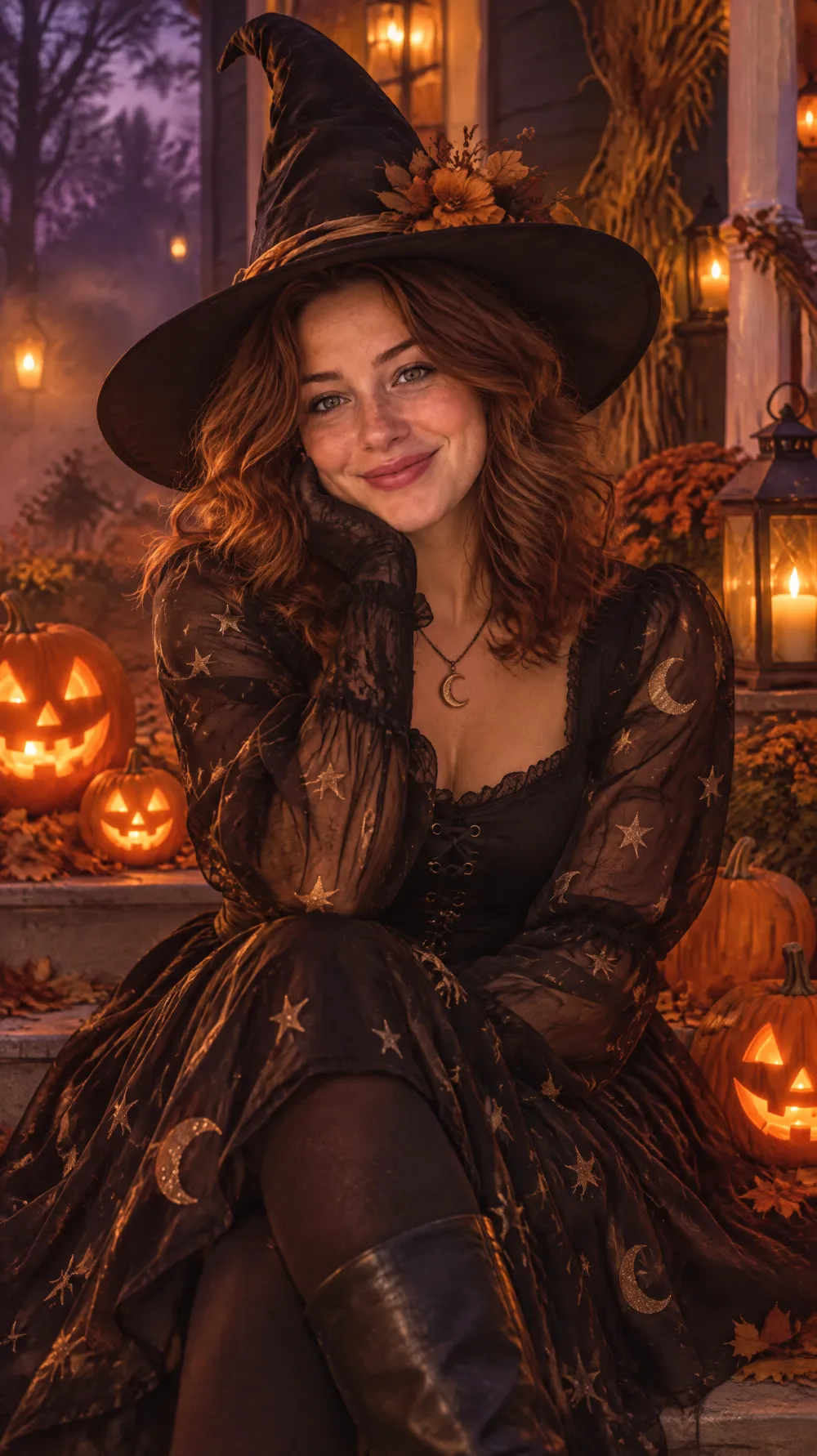
Halloween Costume Portrait
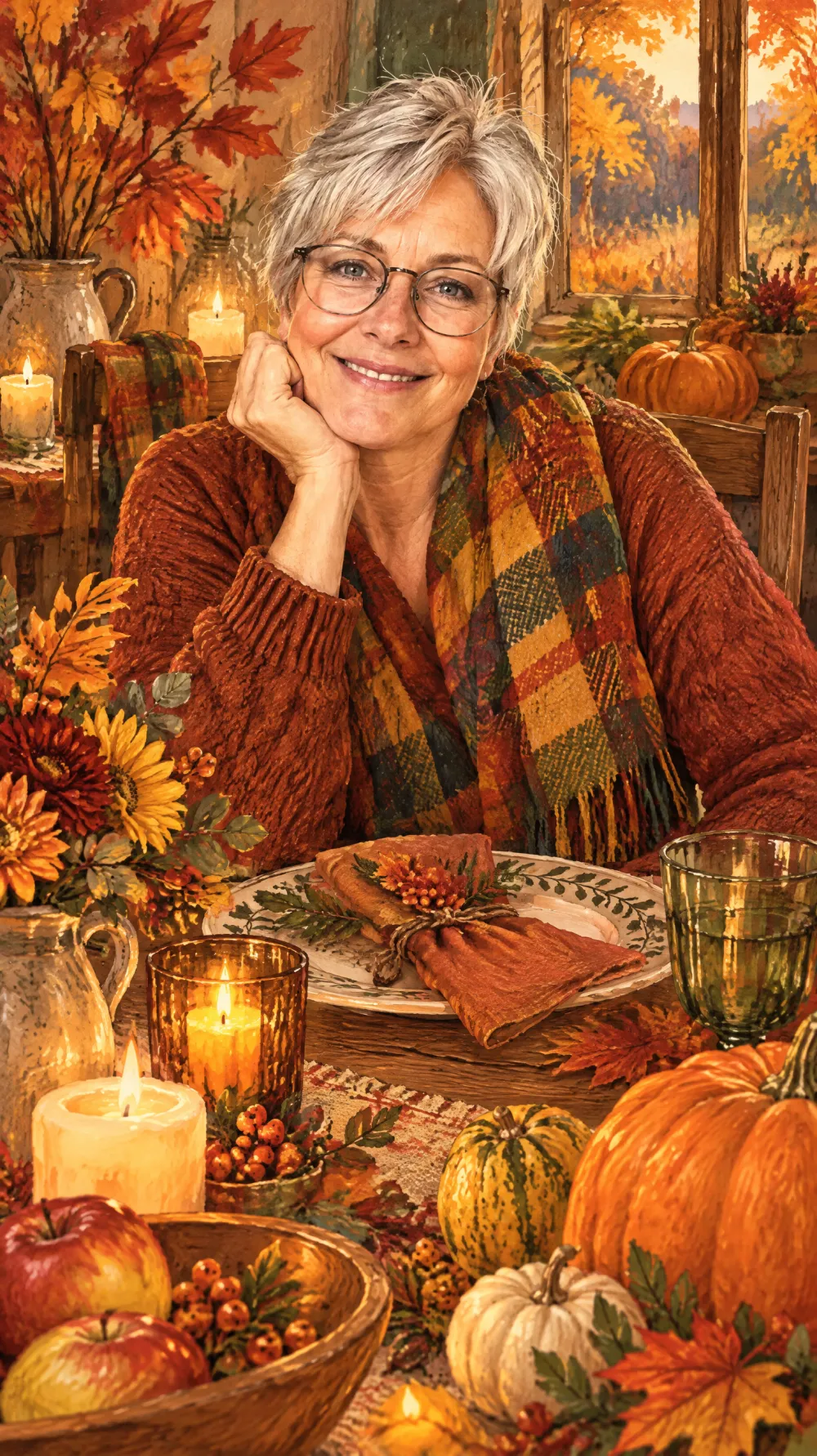
Thanksgiving Harvest Portrait
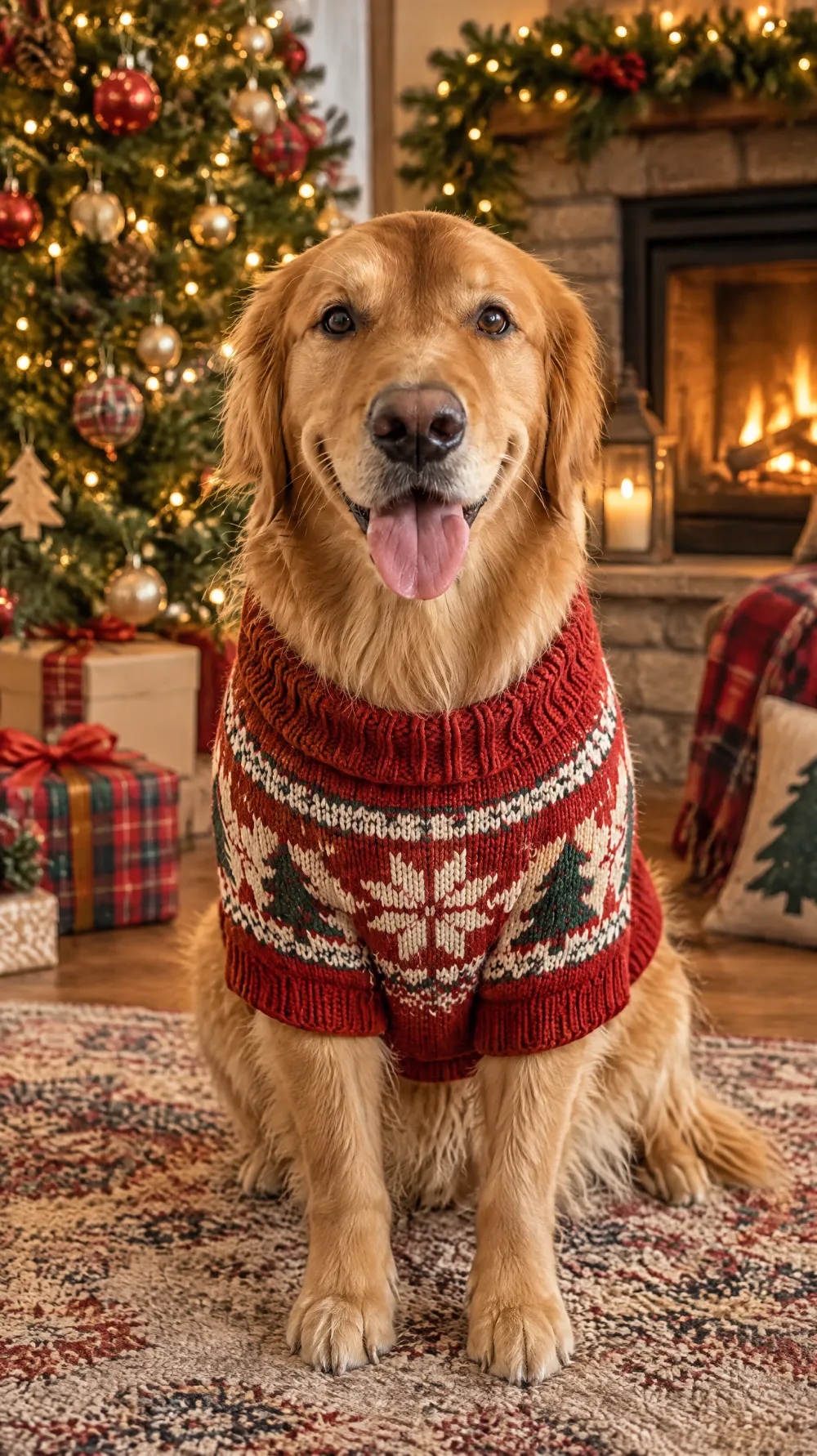
Christmas Card Portrait
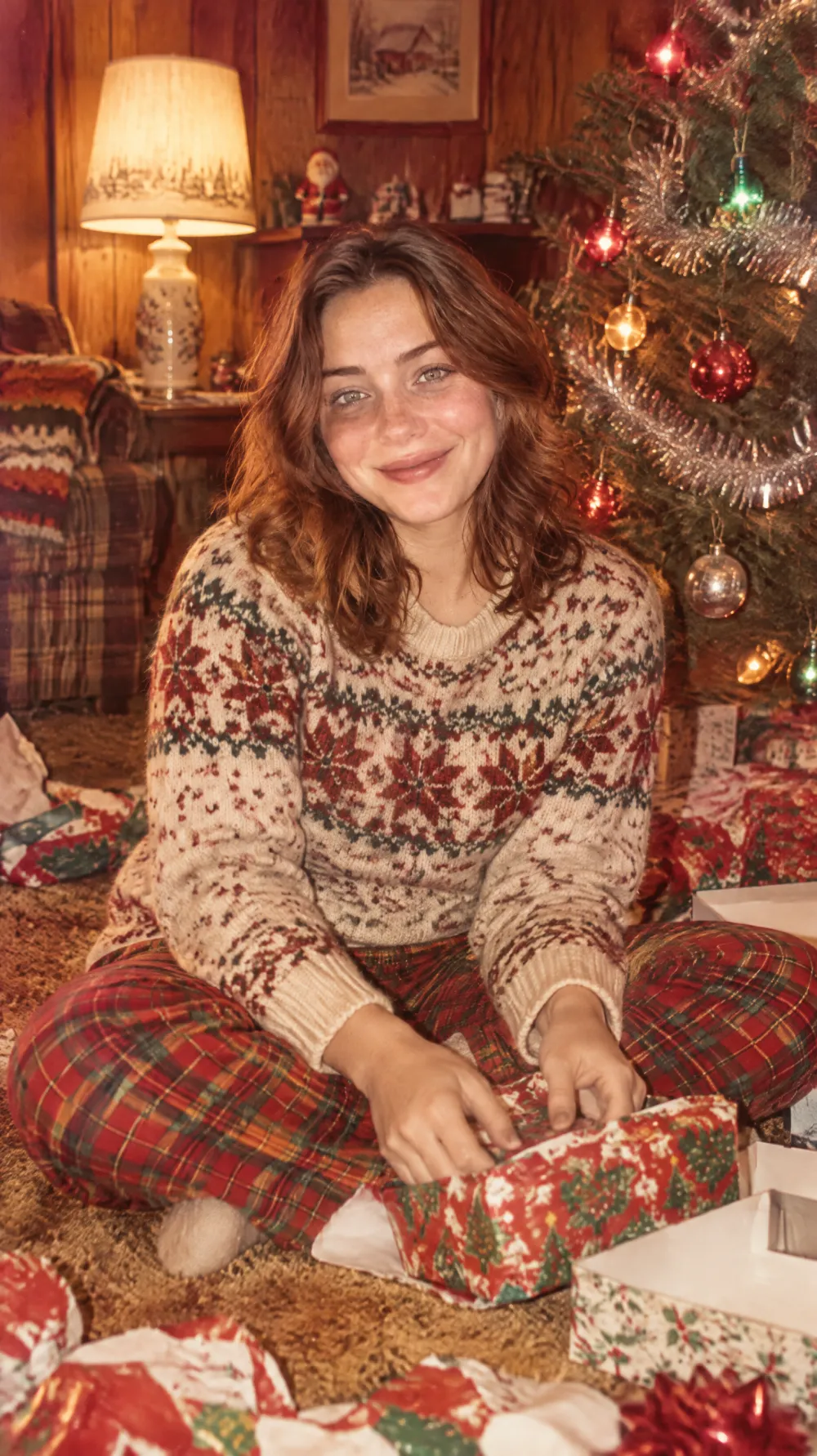
Vintage Christmas Snapshot
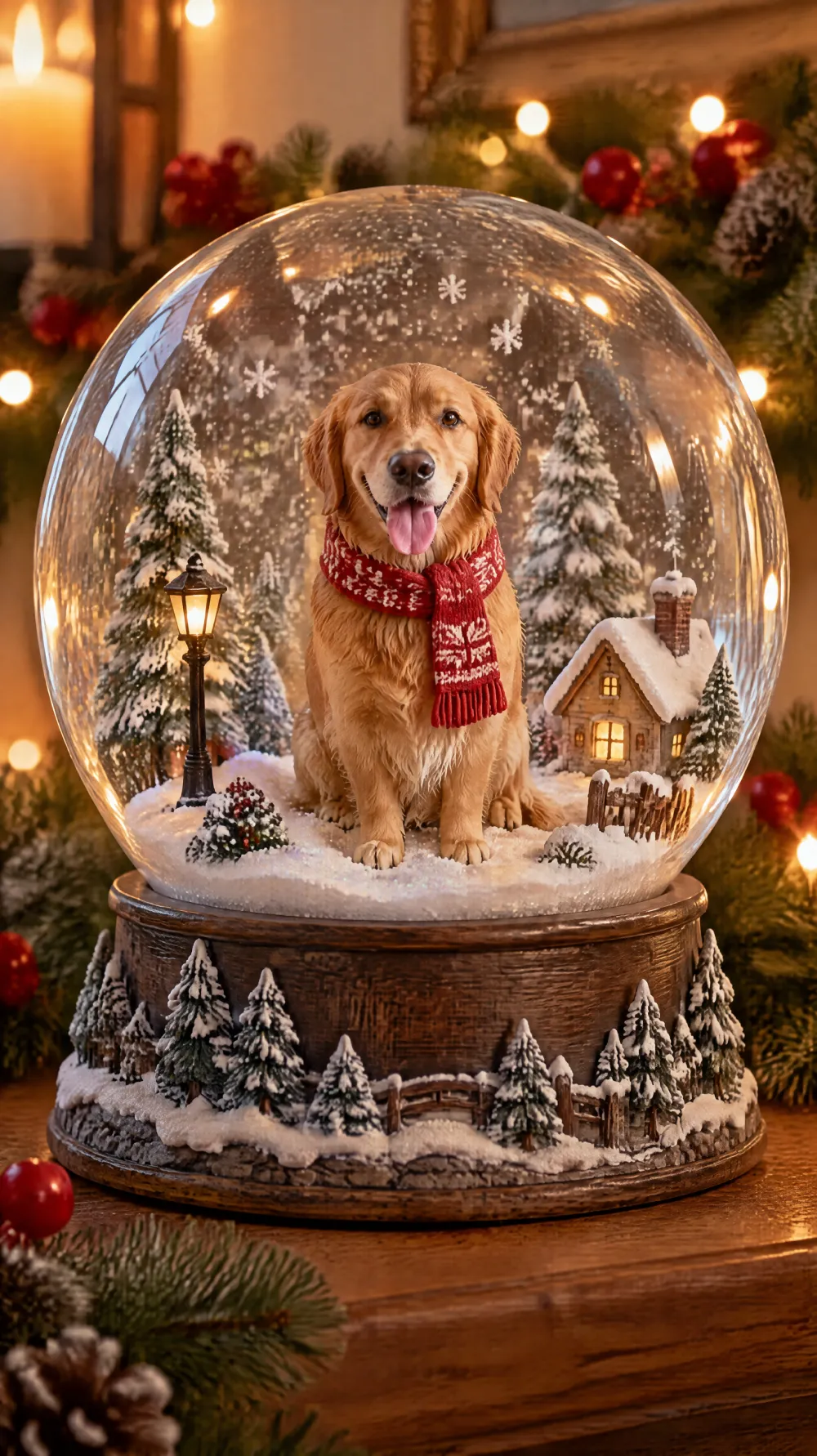
Snow Globe
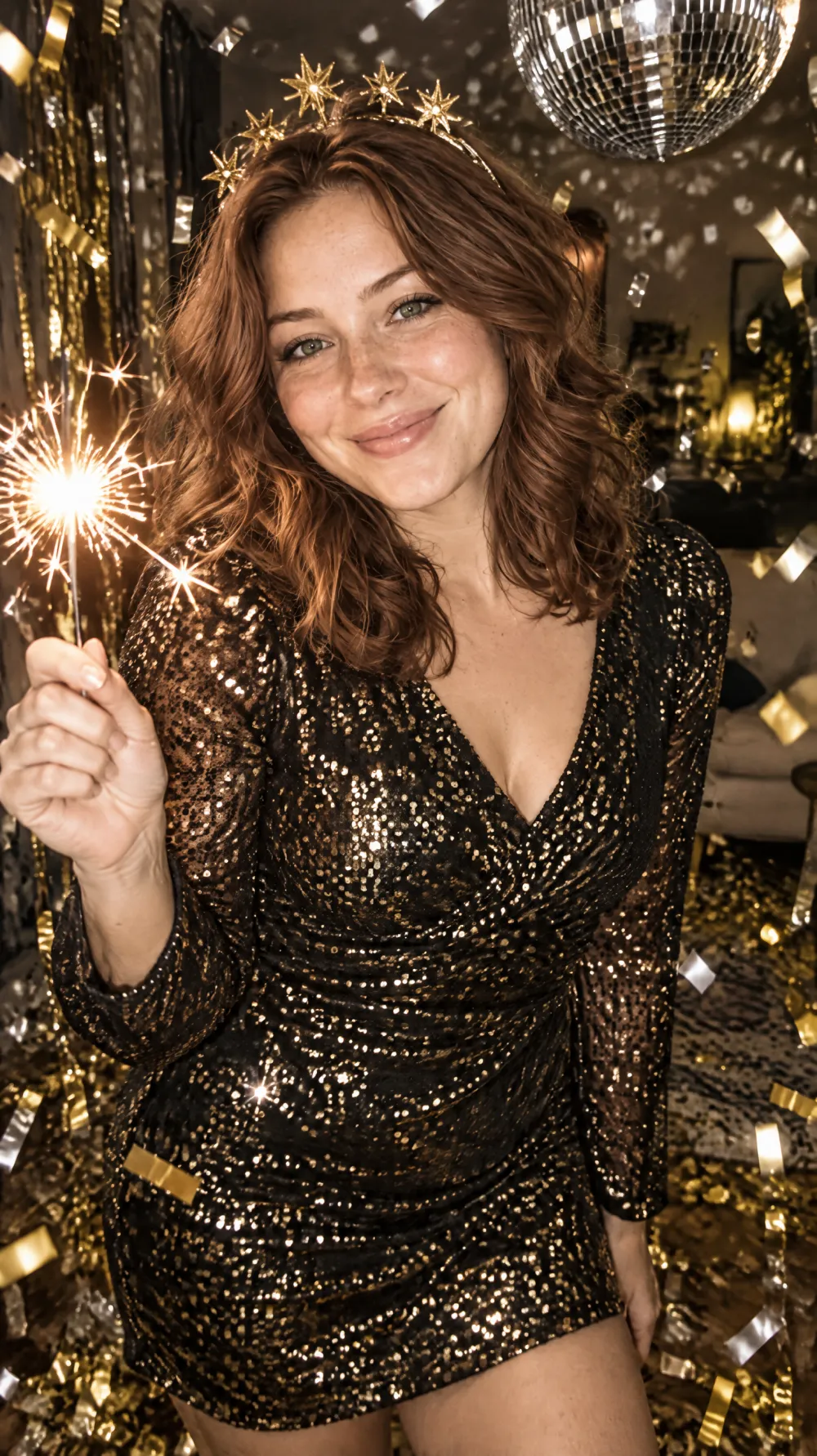
New Year's Eve Party Flash
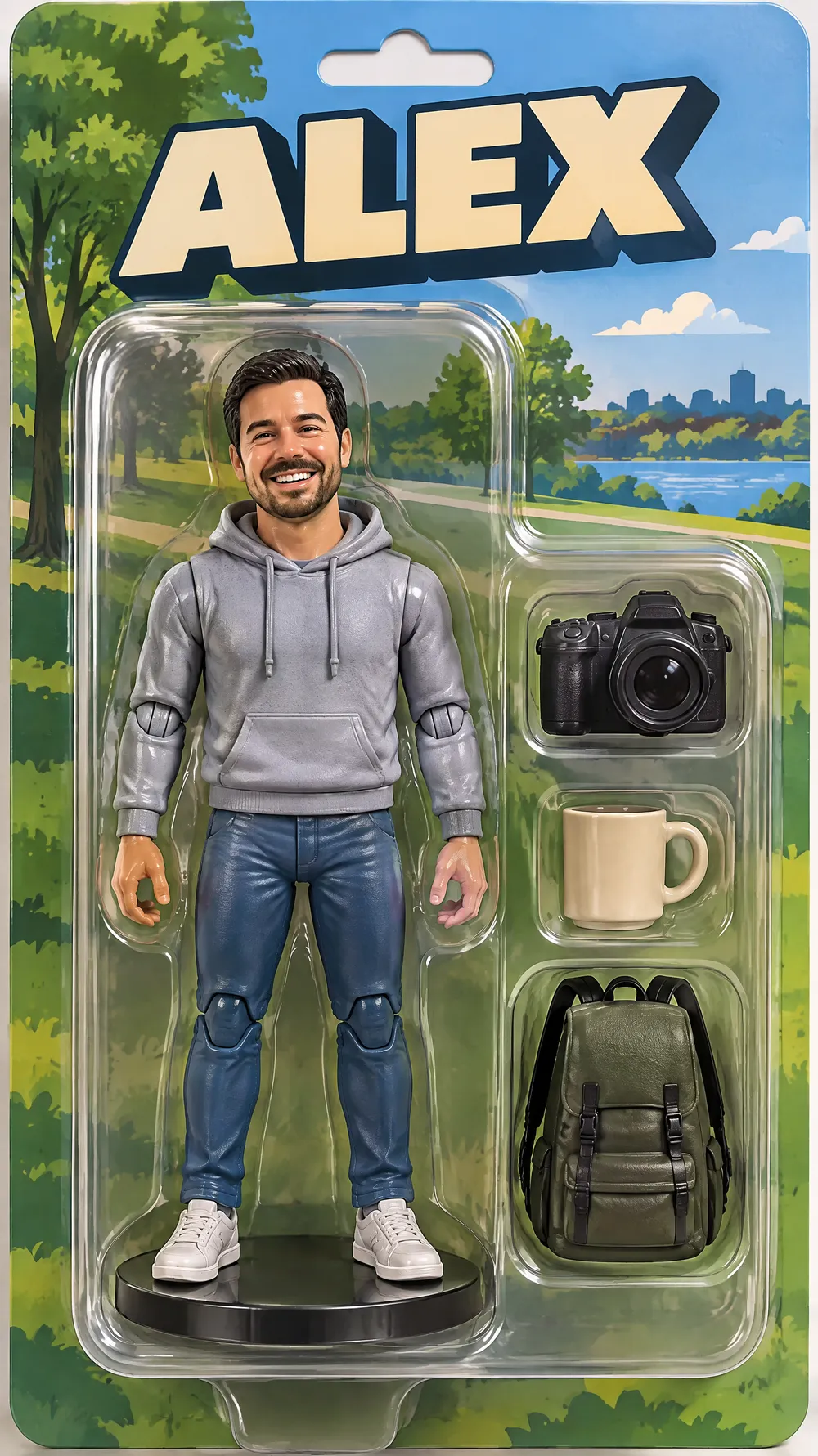
Collectible Figure Box
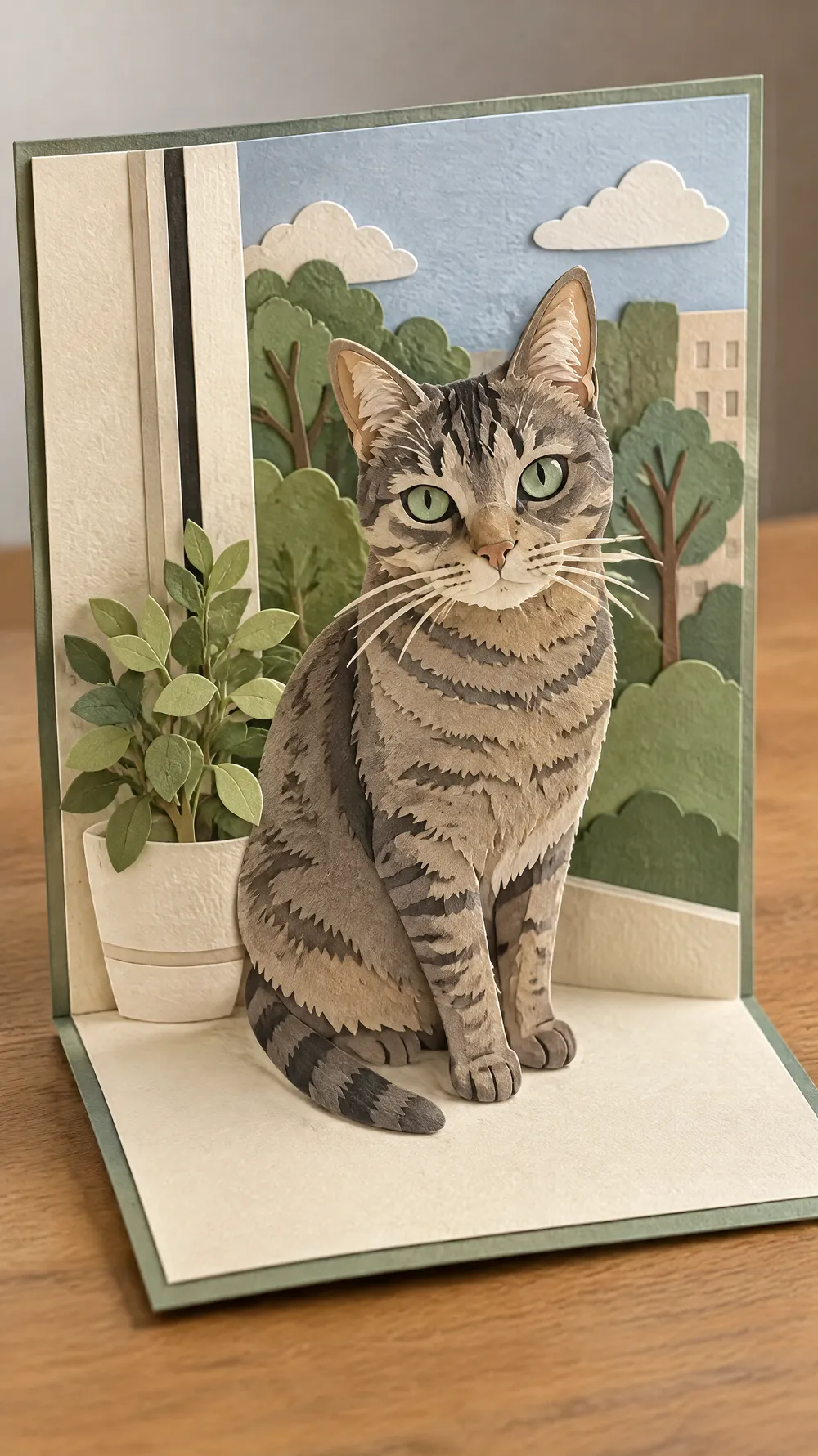
Pop-up Paper Card
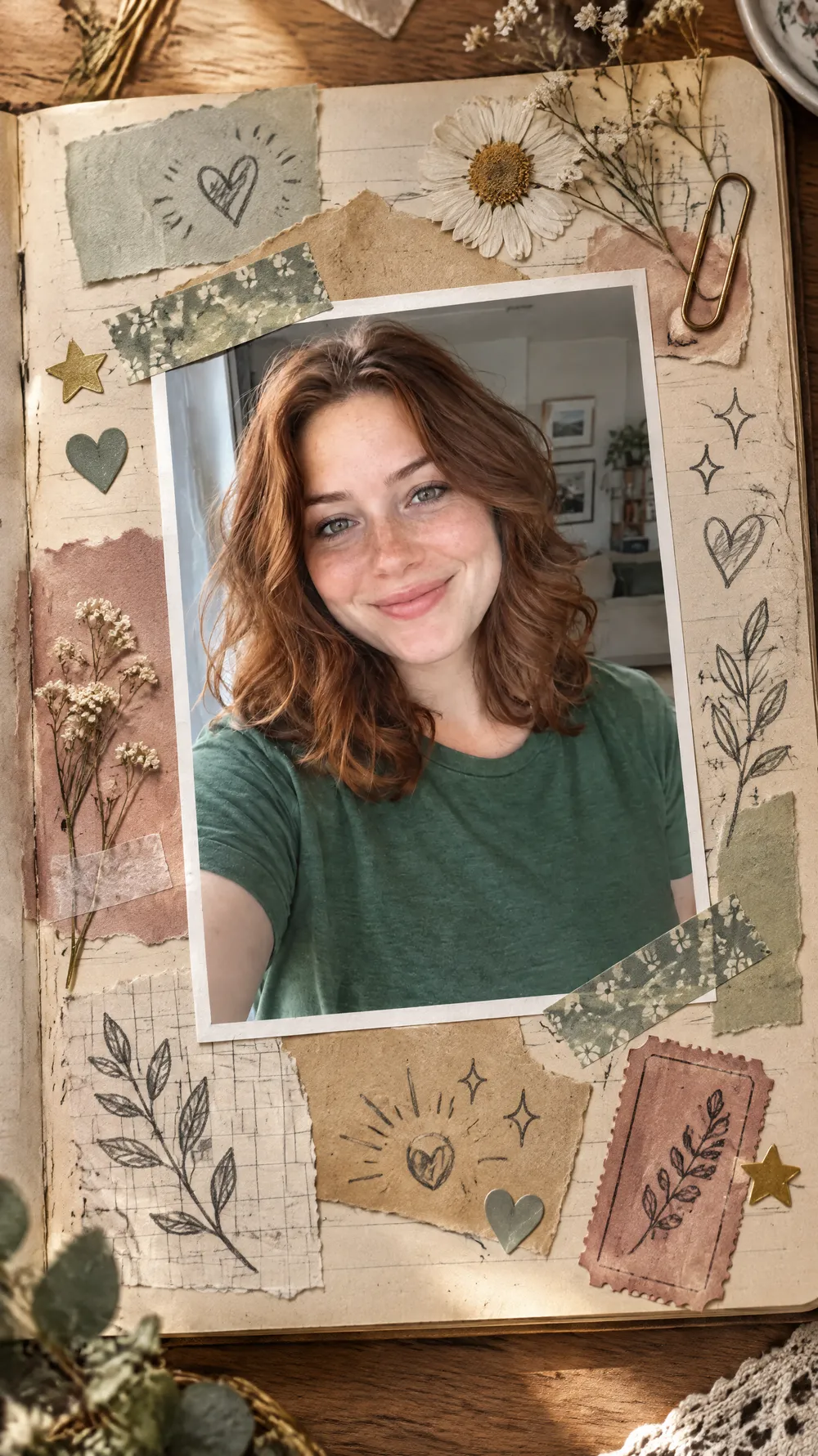
Scrapbook Journal Page
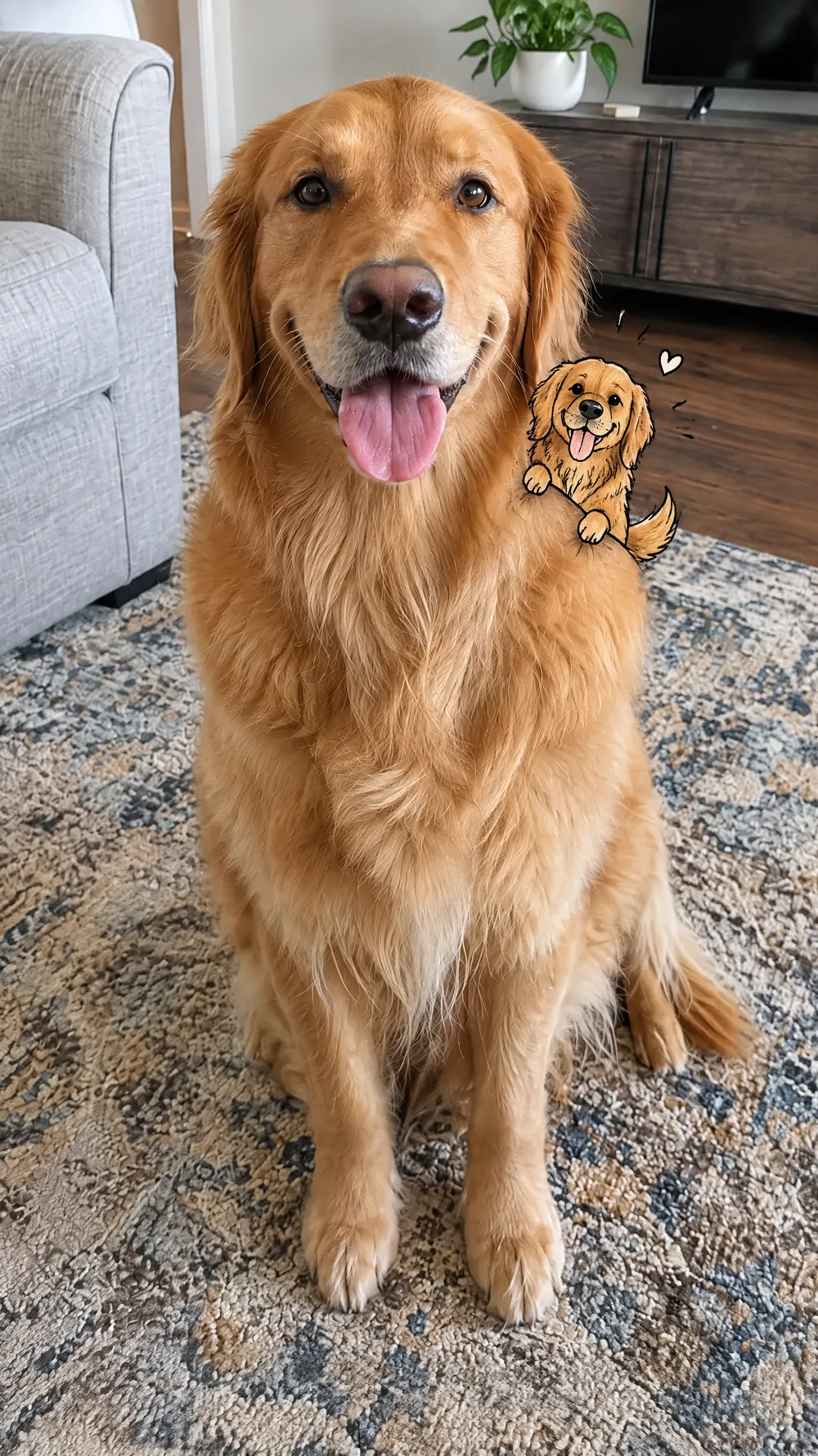
Mini Doodle Twin
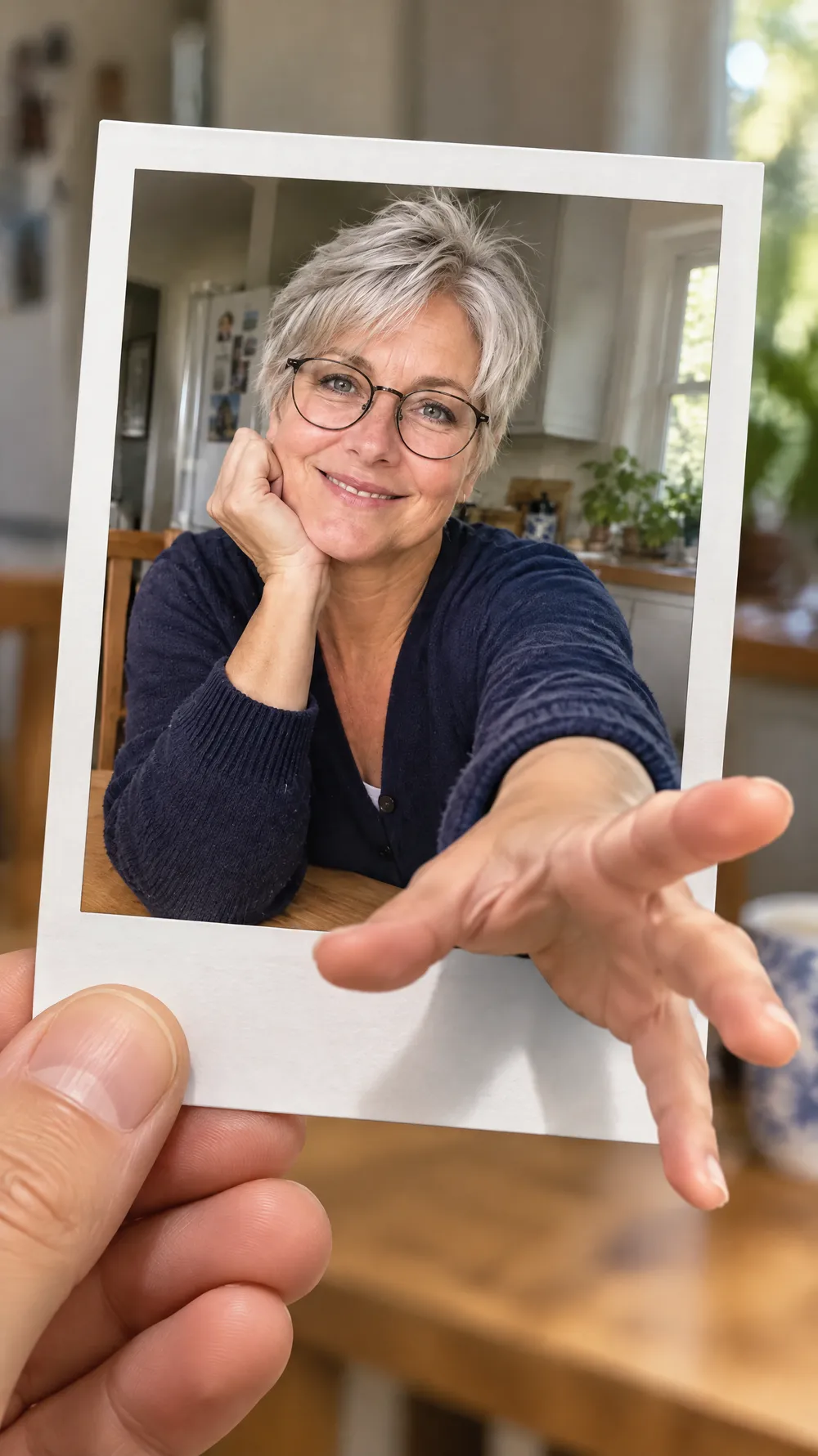
Instant Photo Pop-Out
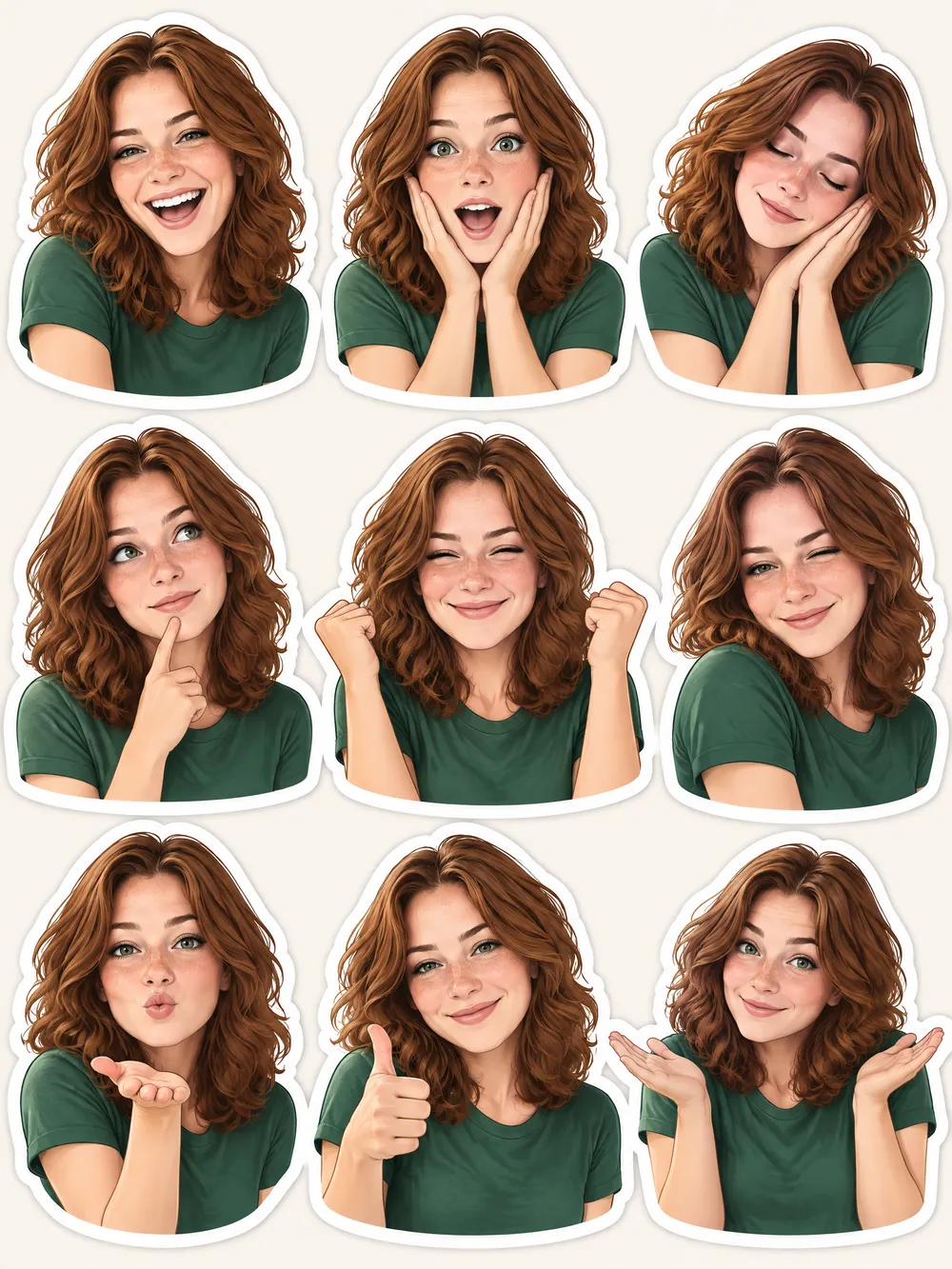
Photo Sticker Sheet
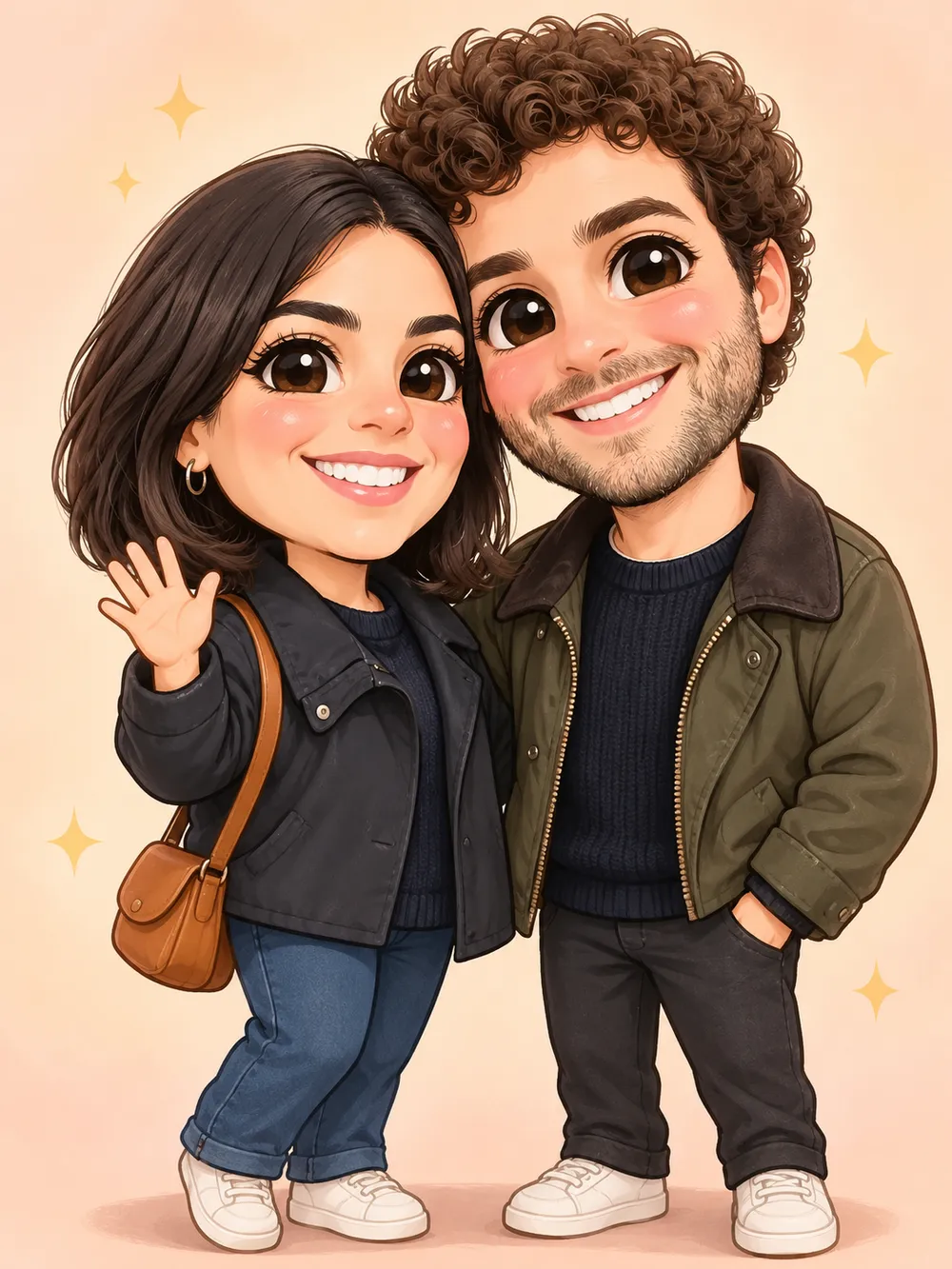
Chibi Character
Color-Pop Sweater Portrait
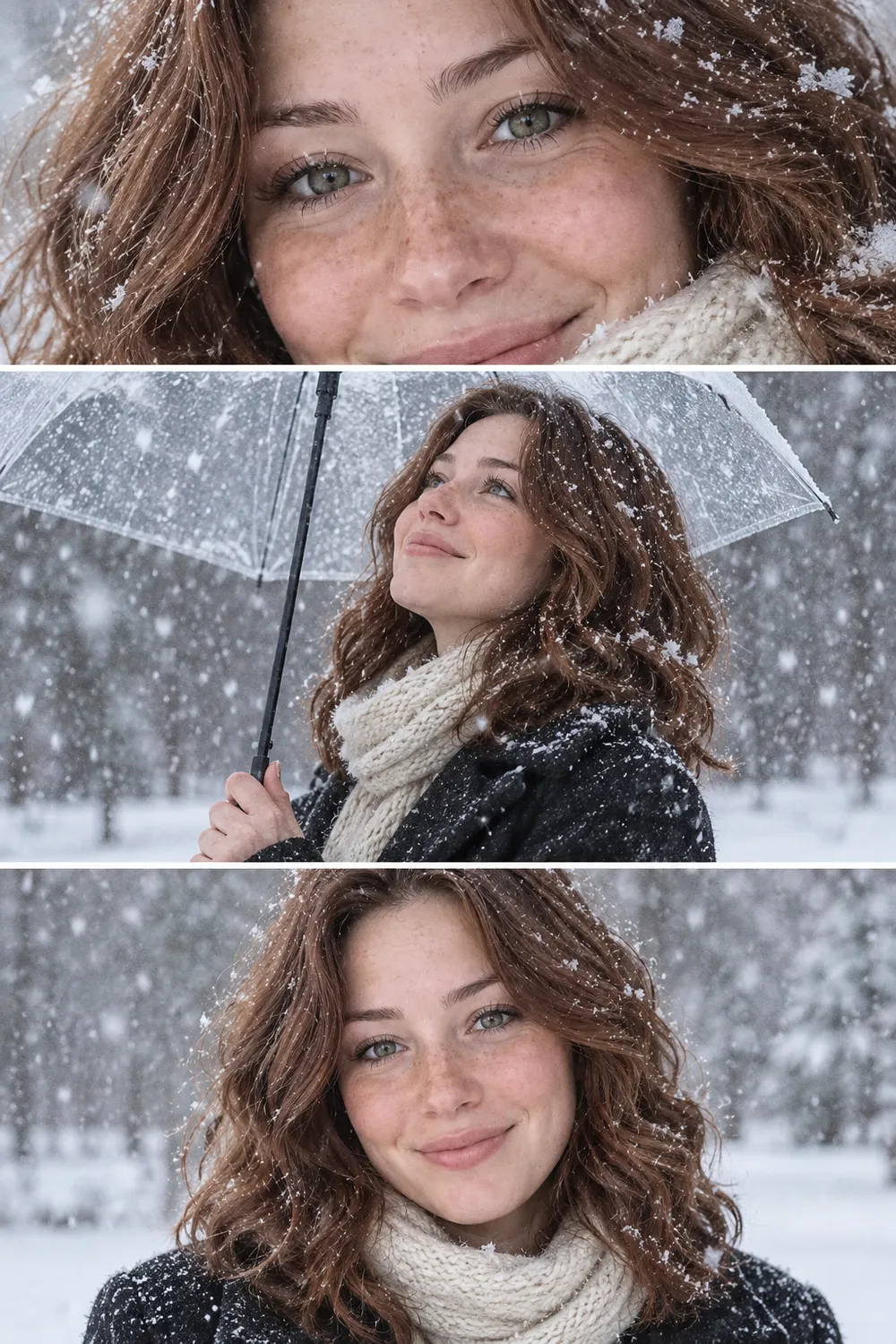
Snow Triptych
Neon City Game Poster
Wanderlust Postcard Collage
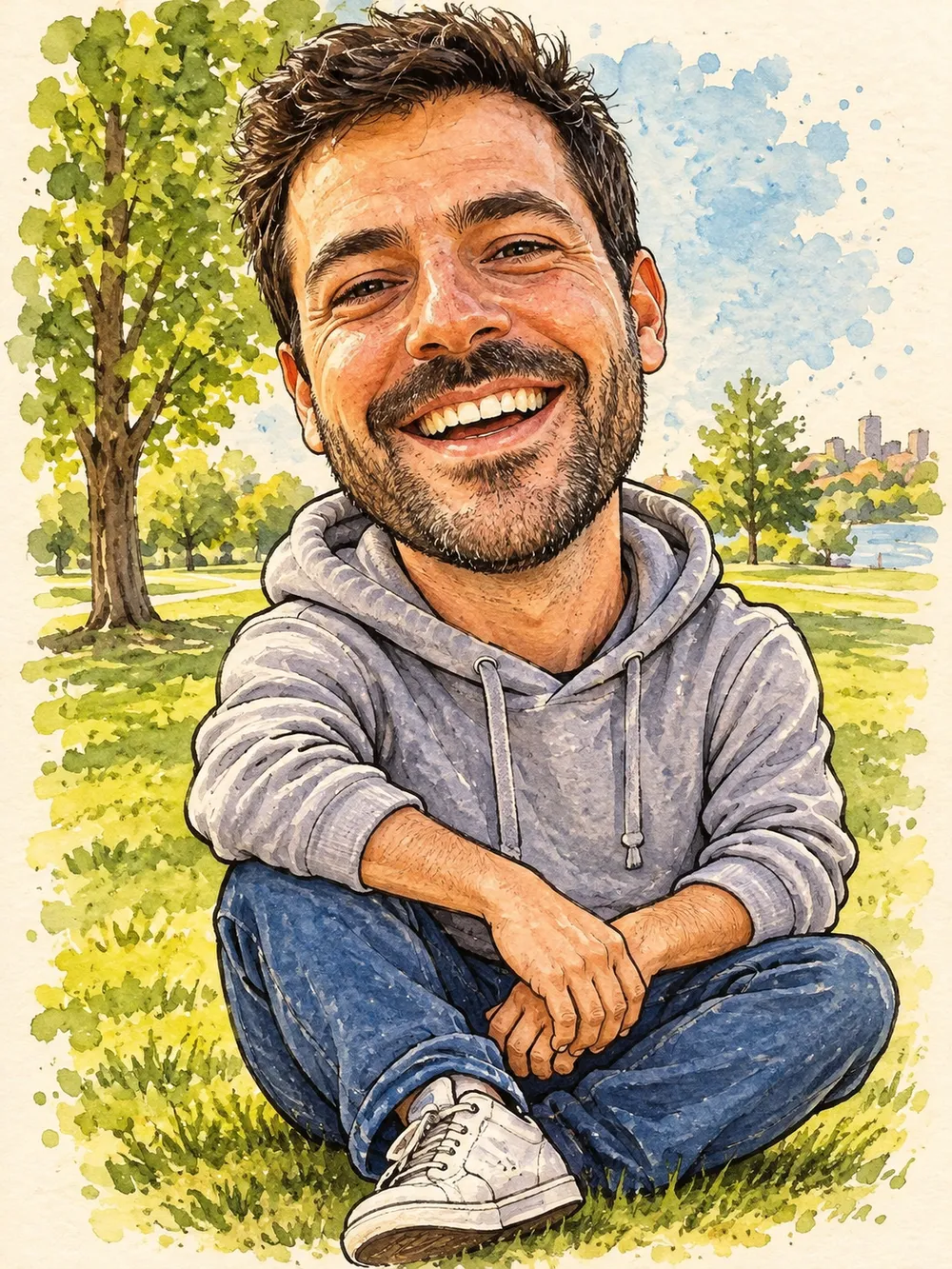
Caricature Portrait
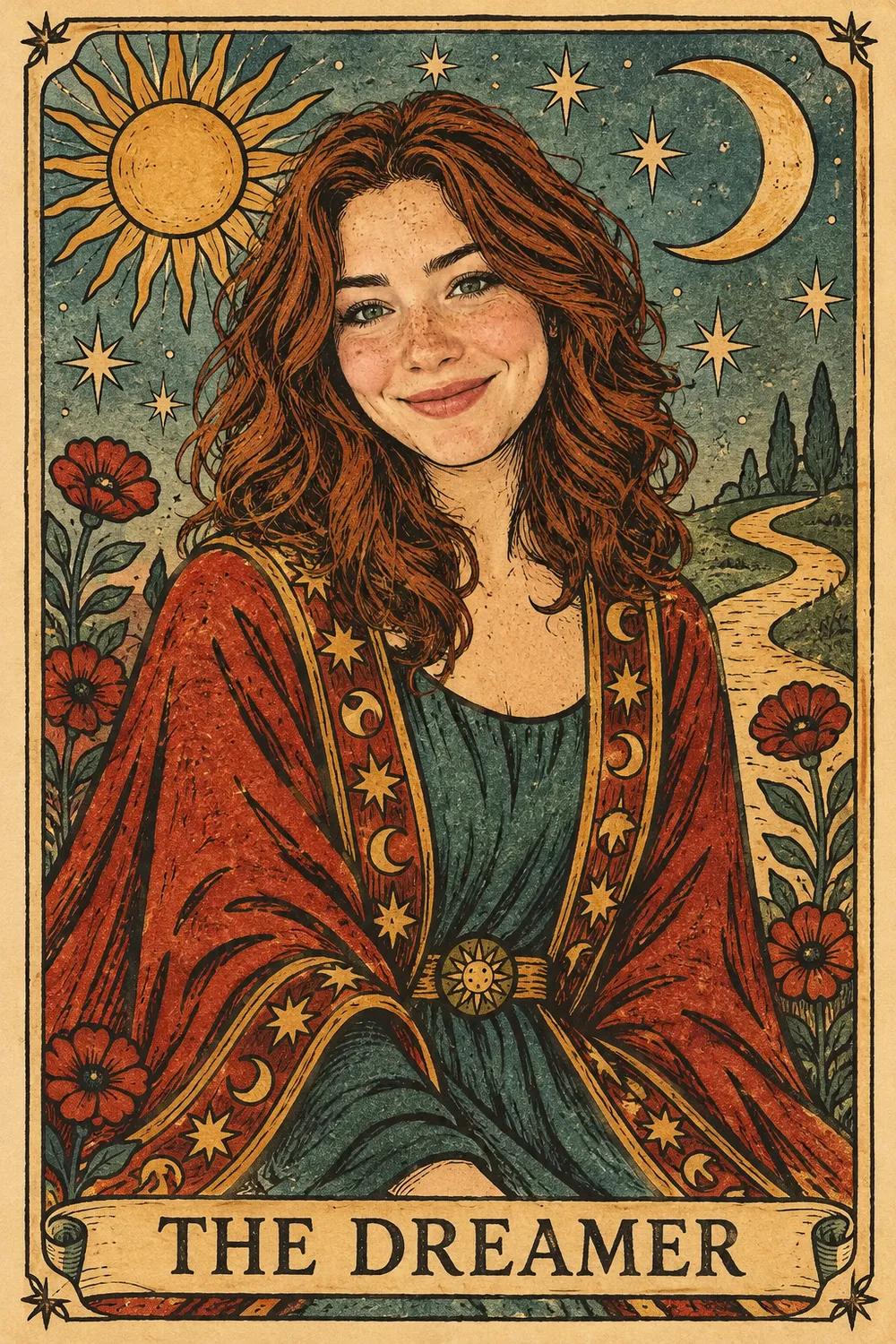
Tarot Card Portrait
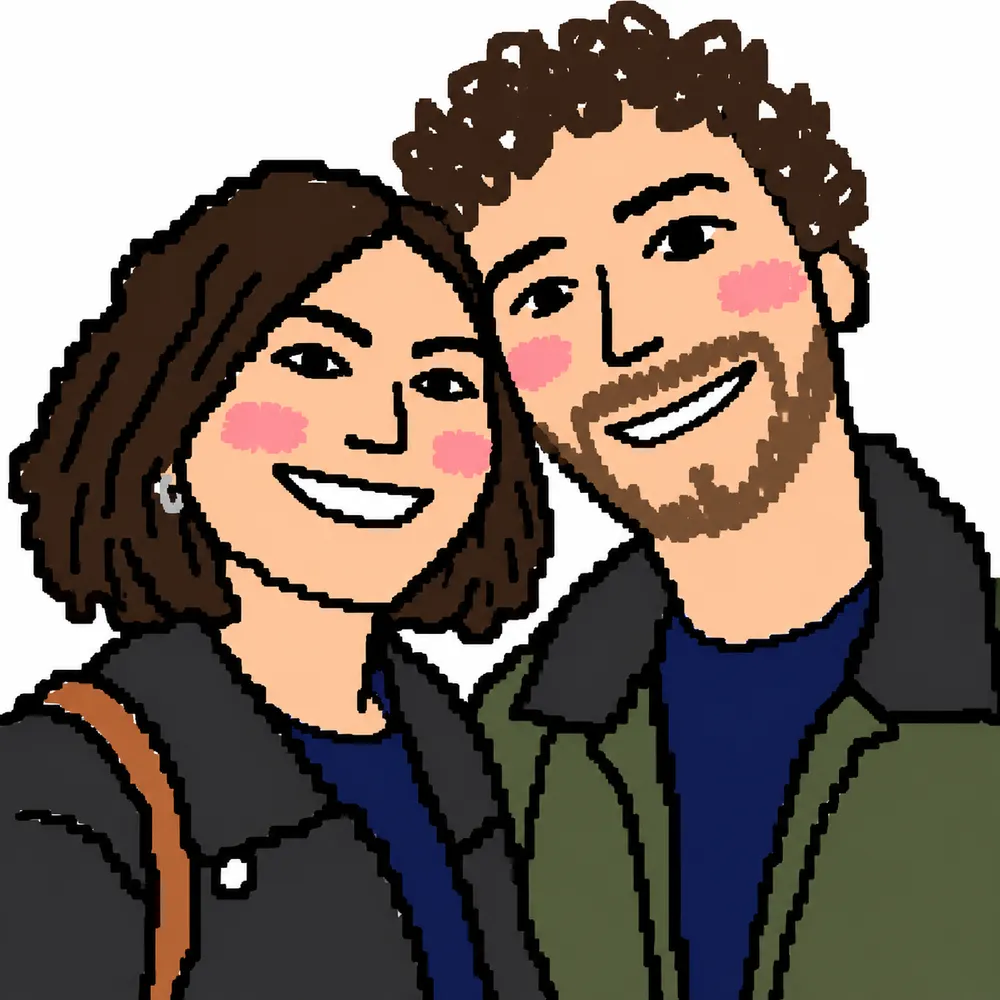
Mouse-Drawn Scribble
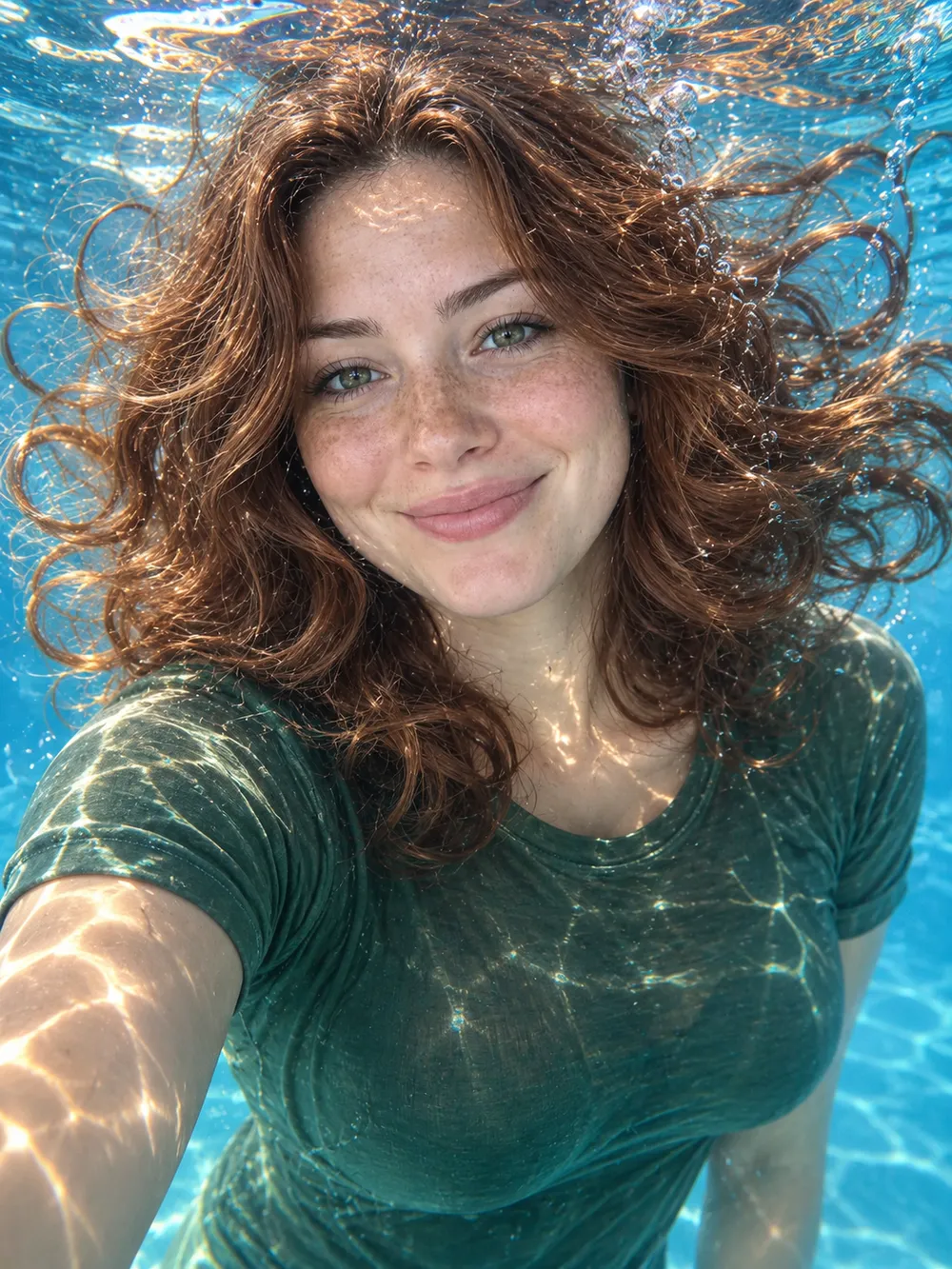
Underwater Portrait